Stop receiving Load Alert Notifications
Loadops
1. Go to Loadops by Optym
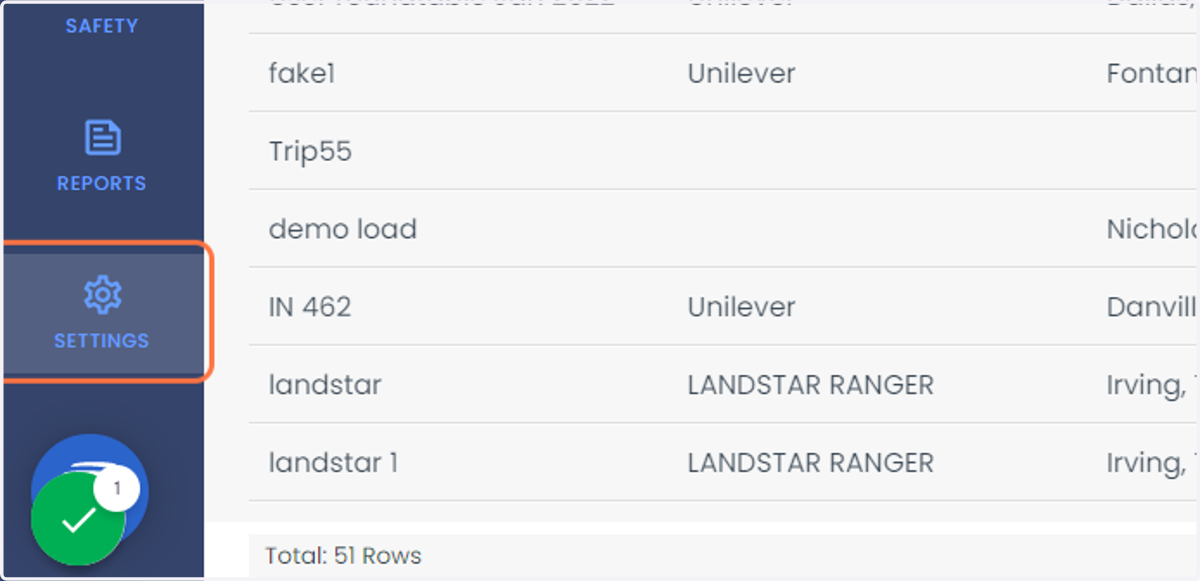
2. Click on SETTINGS
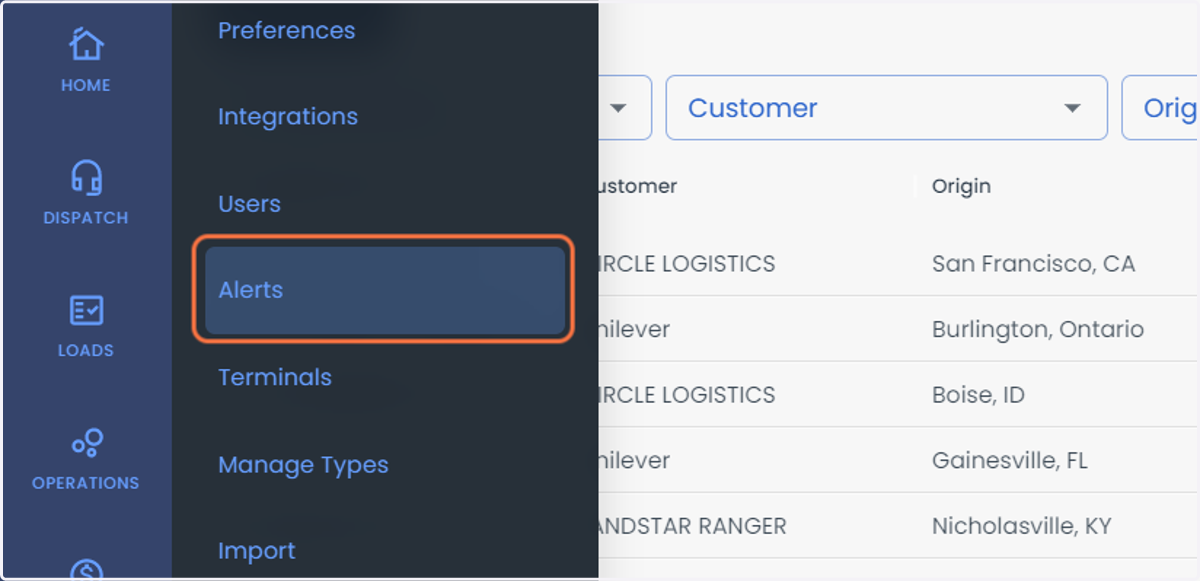
3. Click on Alerts
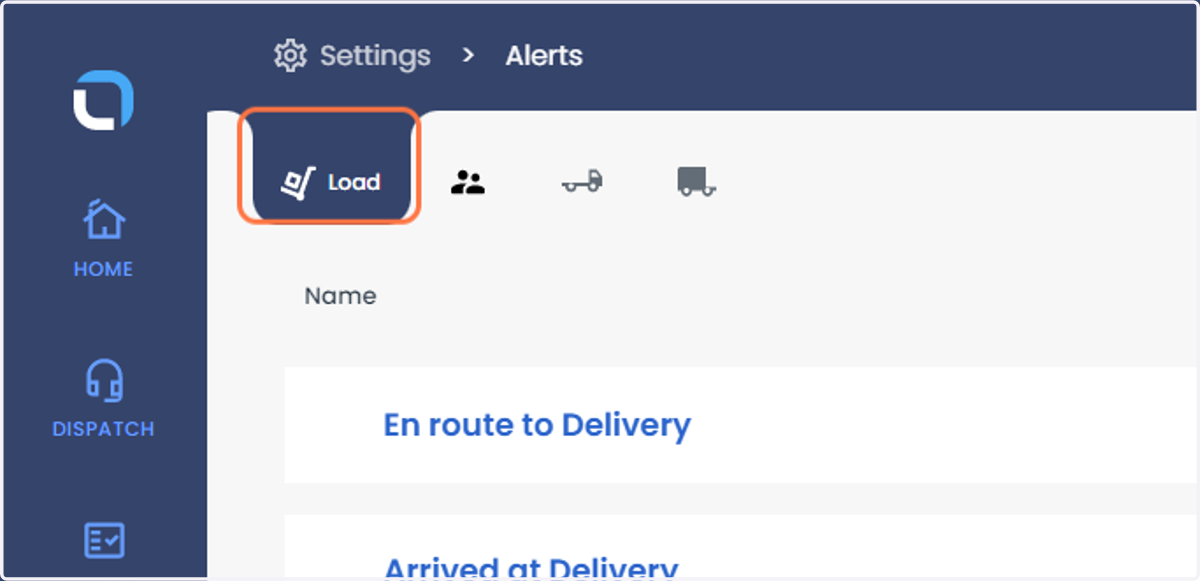
4. Click on Load
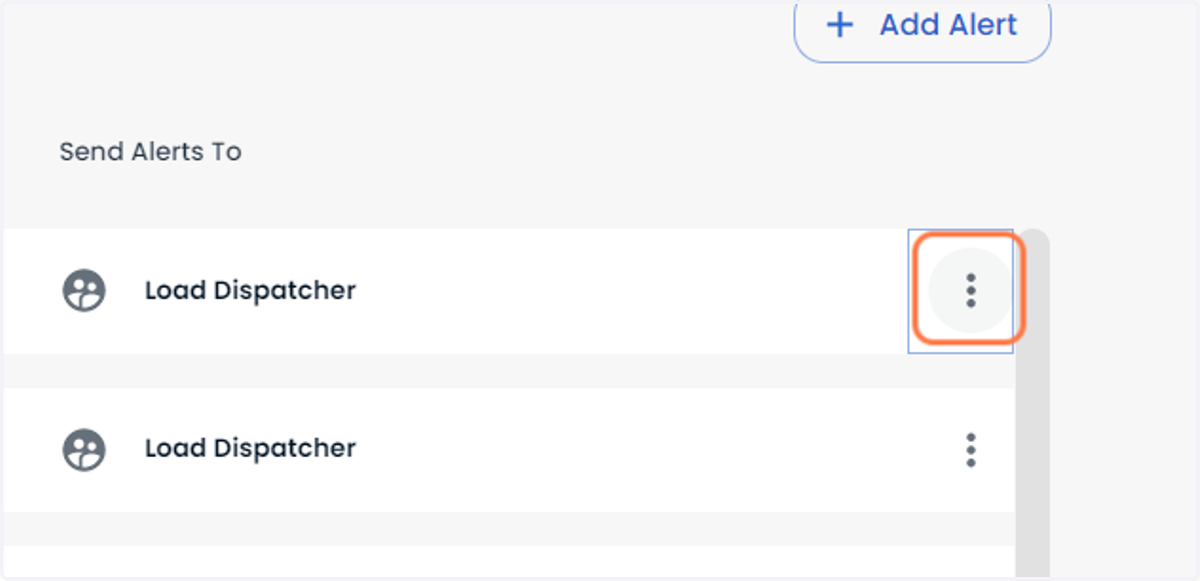
5. Click on three vertical dots symbol for any Load Alert
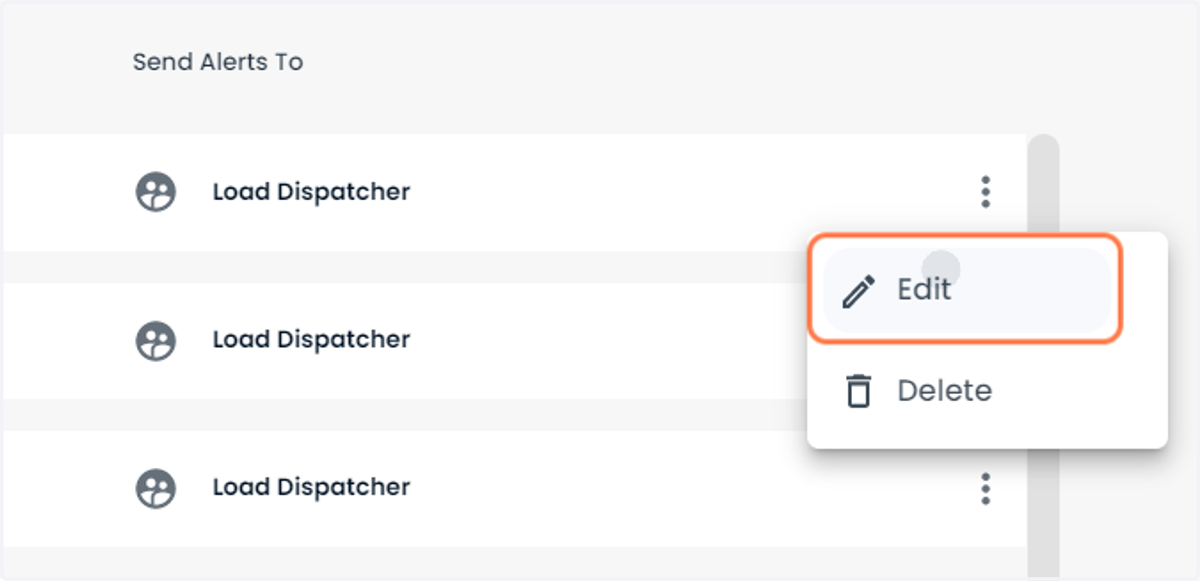
6. Click on Edit
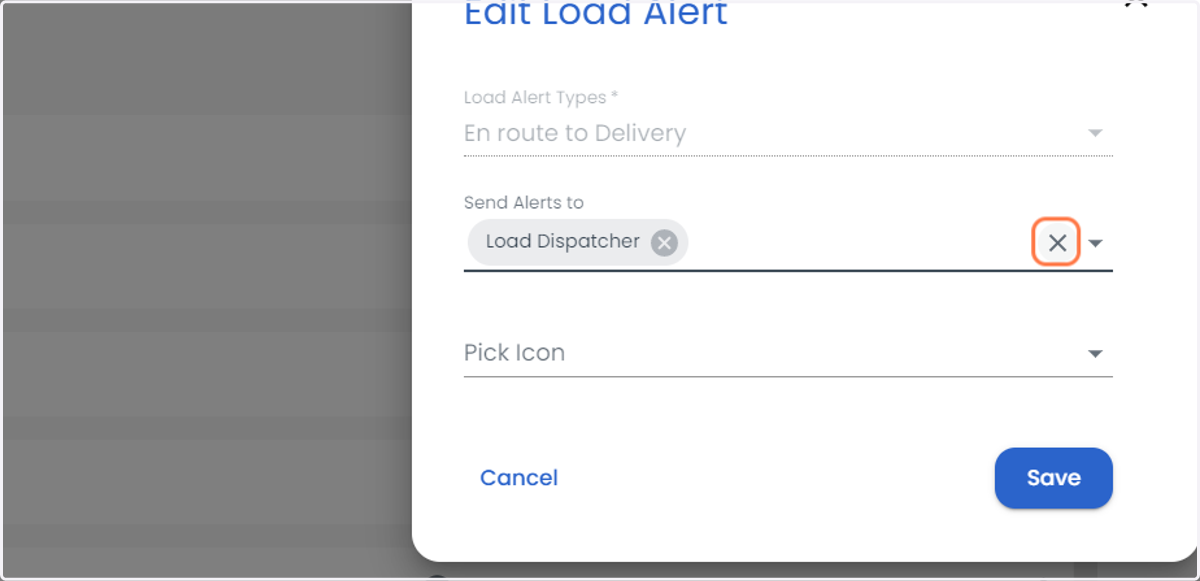
7. Click on Clear to remove the alerts associated with the Load Alert
This will not send the alerts to the selected user, you can edit the user by clicking the downward arrow button right to clear button
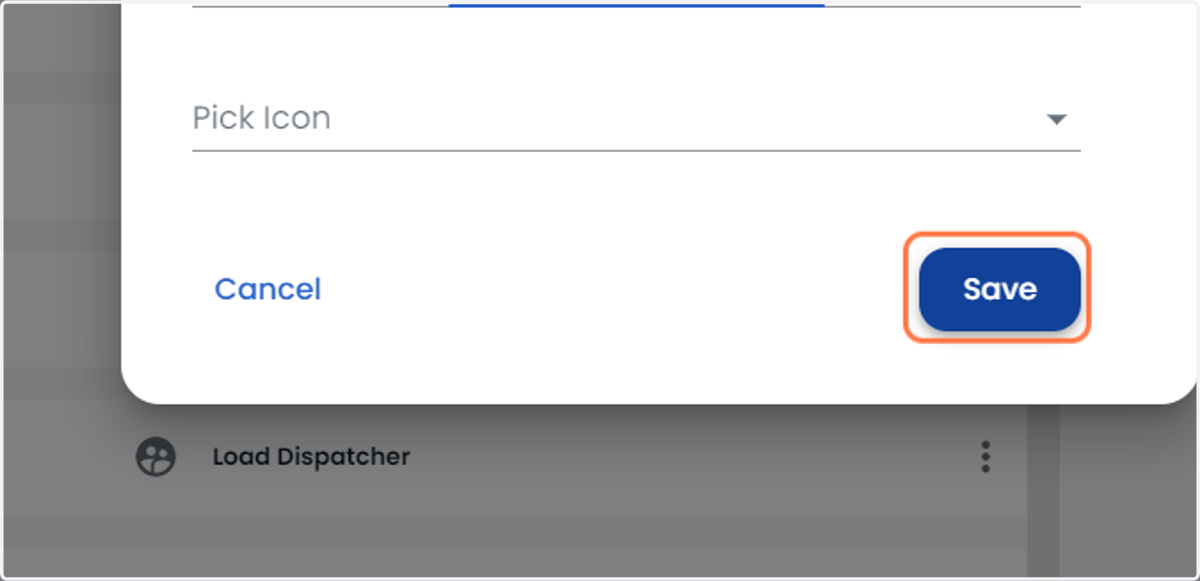
8. Click on Save