EOY Pricing Sheet Updates
Pricing Sheet Workspace
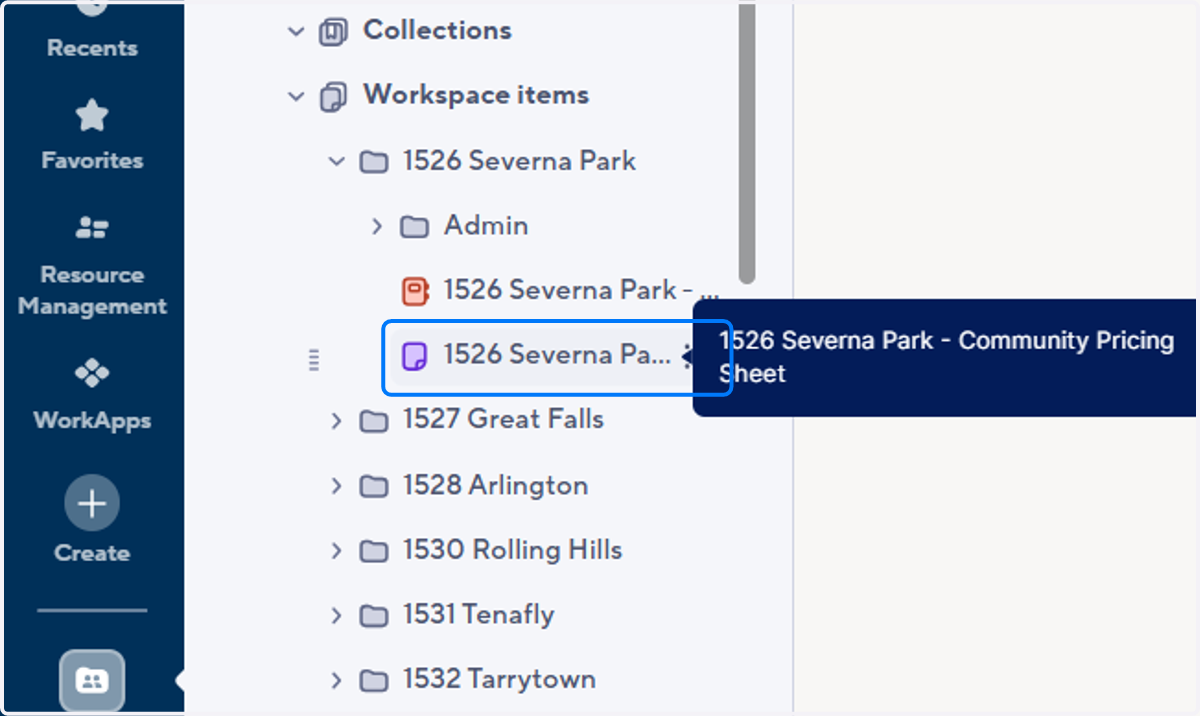
1. Open Community Folder

2. Open Community Sheet
(Click the option with the purple page icon)
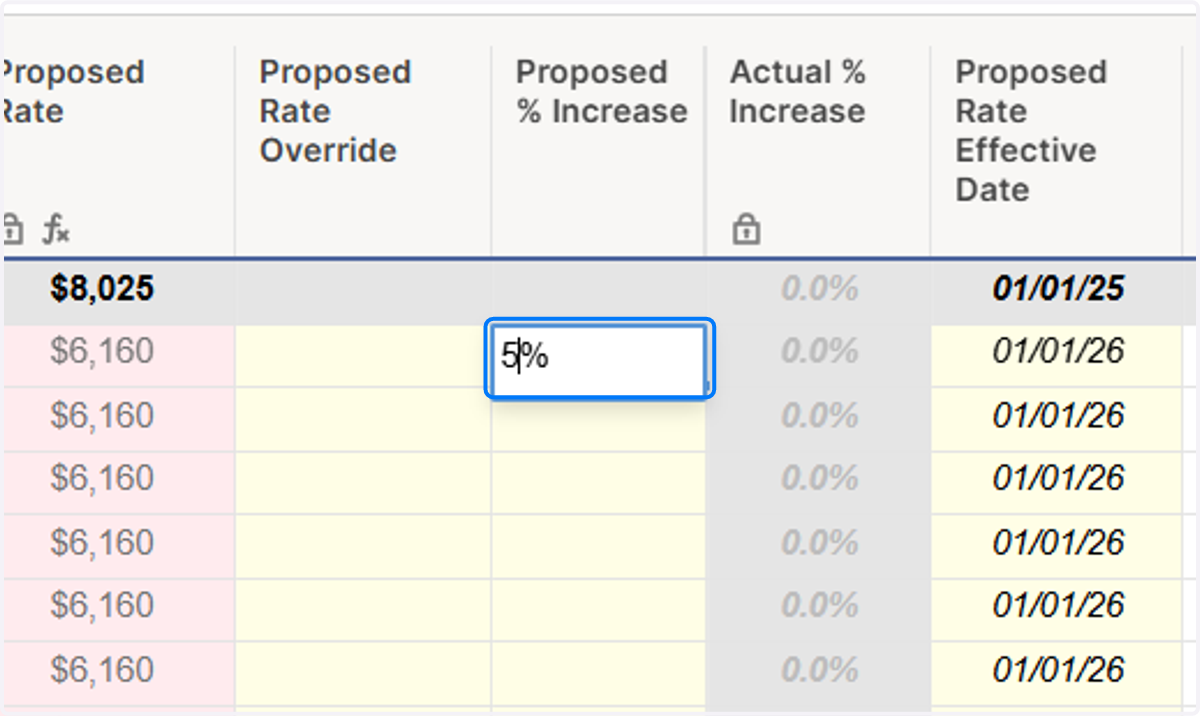
3. Scroll Right to the Propose % Increase Column

4. Enter % as a numeric value
Apply to all cells in that section with the exception of the grey header lines. This will update the new rate in the Proposed Rate column.
5. Modify individual rates as needed
Enter numeric rate in the Proposed Rate Override column if you need to adjust anything further. This will update the new rate in the Proposed Rate column.

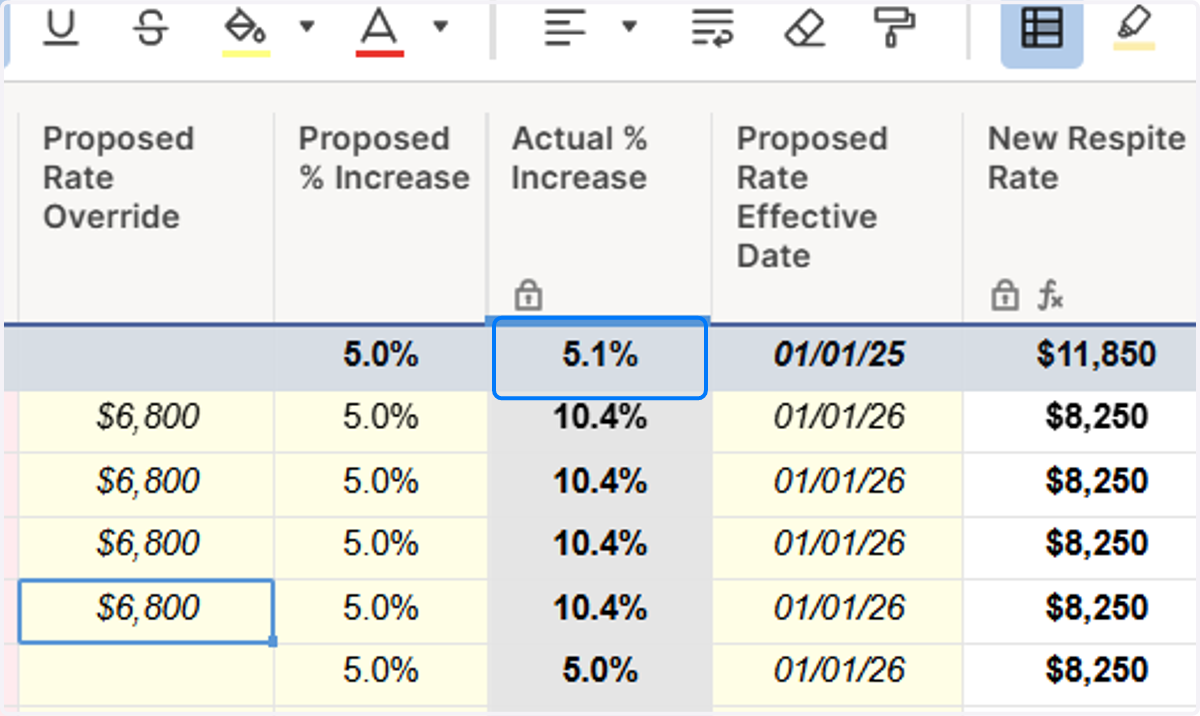
6. Monitor the % Increase Average
Use the header row to check the Actual % Increase for each neighborhood. It will fluctuate as you make changes to Proposed Rate Override column.
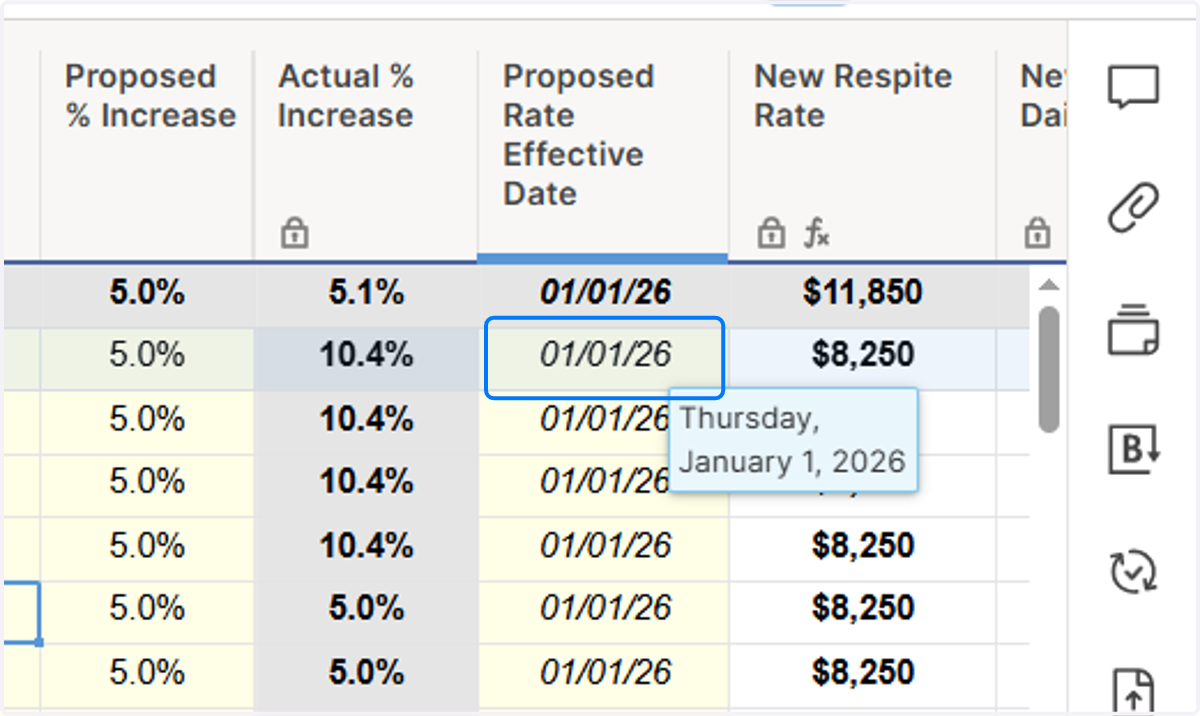
7. Enter Start Date
Add a start date for the proposed pricing to take effect.
8. Add Approved Discounted Rates as needed
This column is used for lower rates approved by Anne or Dave. These will not be loaded into Yardi but can be manually modified by the BOD if a resident rents an apartment at that discounted rate. The rate will return to the Market Rate once that resident moves out.

9. Save your work
Submit a ticket to the help desk to notify a team member to load the pricing into Yardi.
