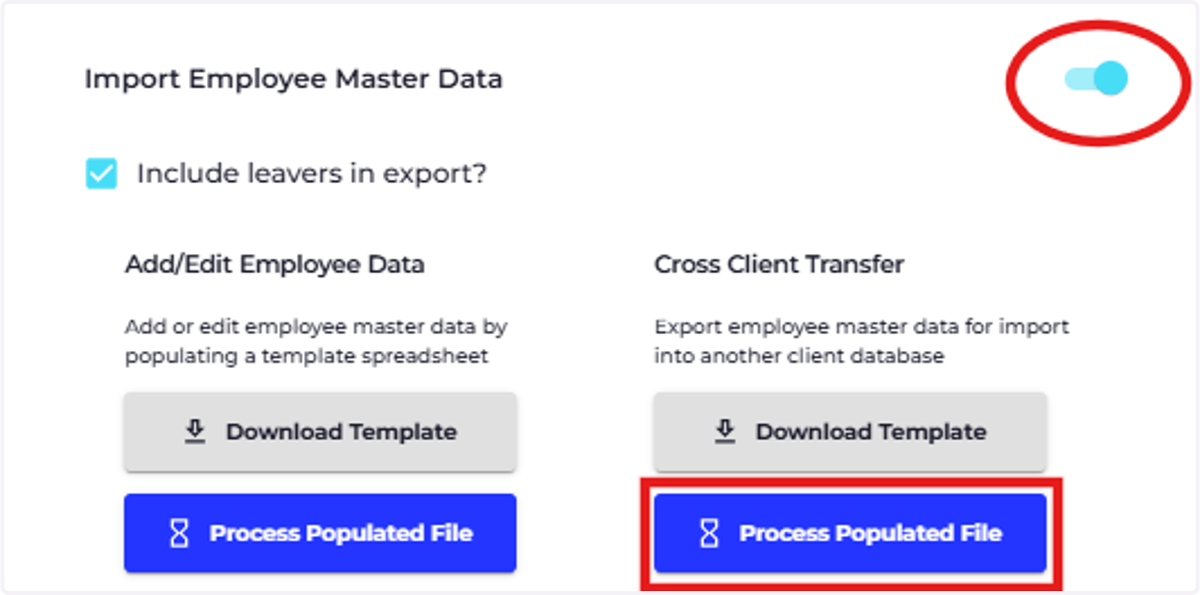
Import Cross-Client Transfer Employee
1. Import employee records using the cross-client transfer
Before you can import employee records to your database, you will first need to prepare the organisation and make sure that there are items created with a description that identically matches the spreadsheet you have been given.
The items you will need to create are listed below:
Organisation Name
Title (reference field)
Marital Status
Occupation (reference field)
Gender
Organisation Department (organisation field)
Organisation Pay Schedule
Employment Term
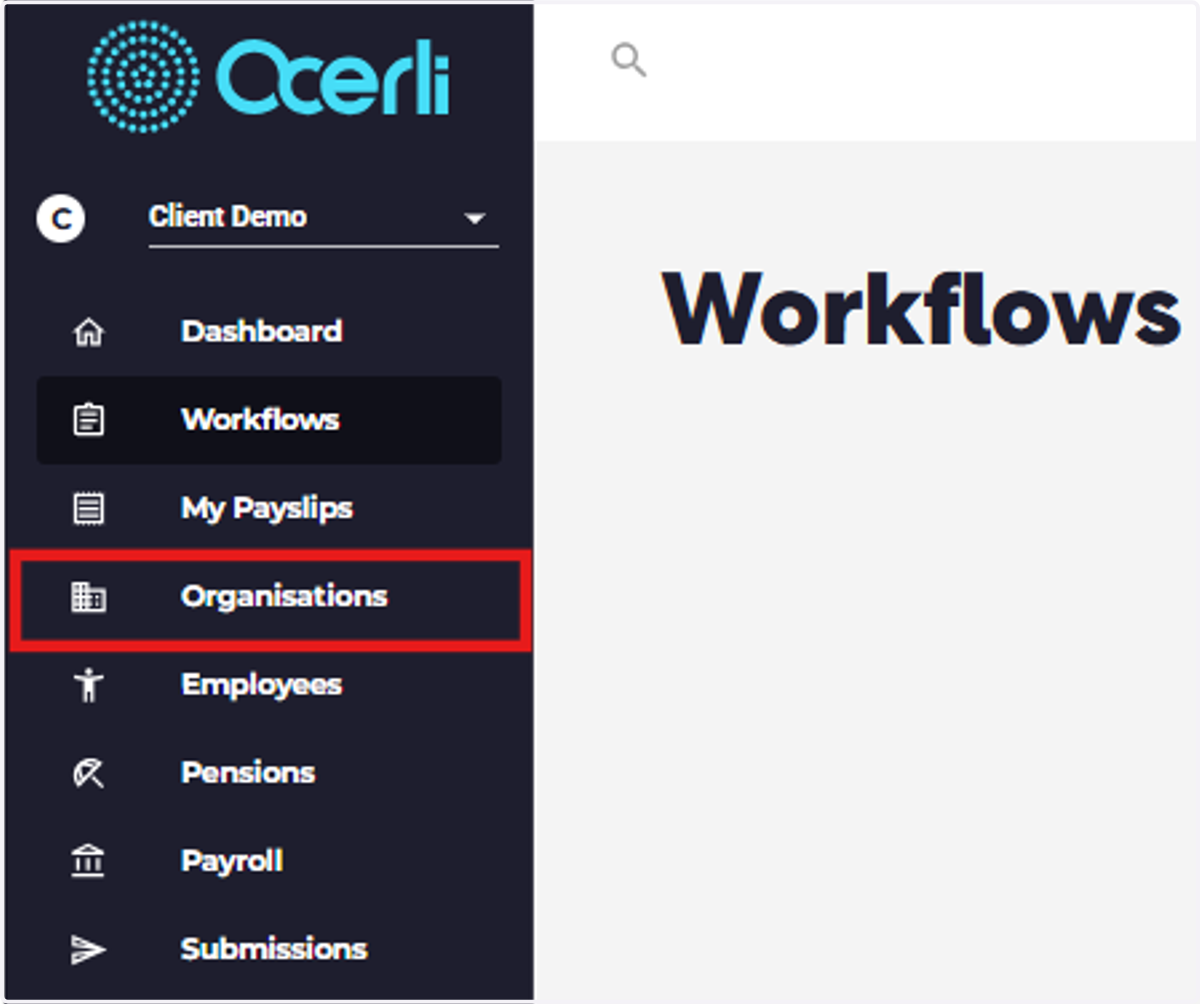
2. Click on Organisations
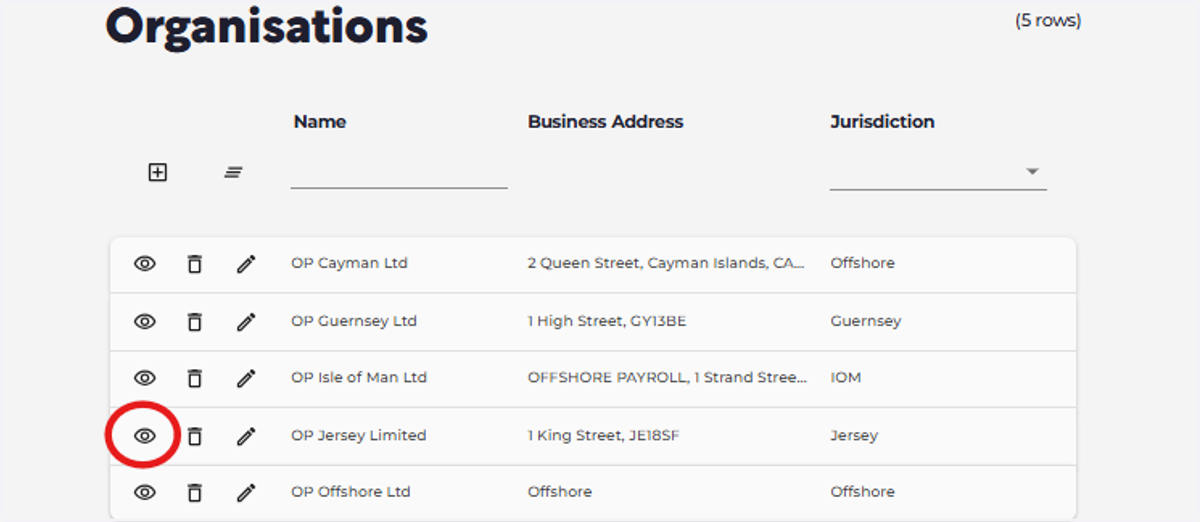
3. Click on the View icon next to your required organisation
4. Click on Organisation Imports
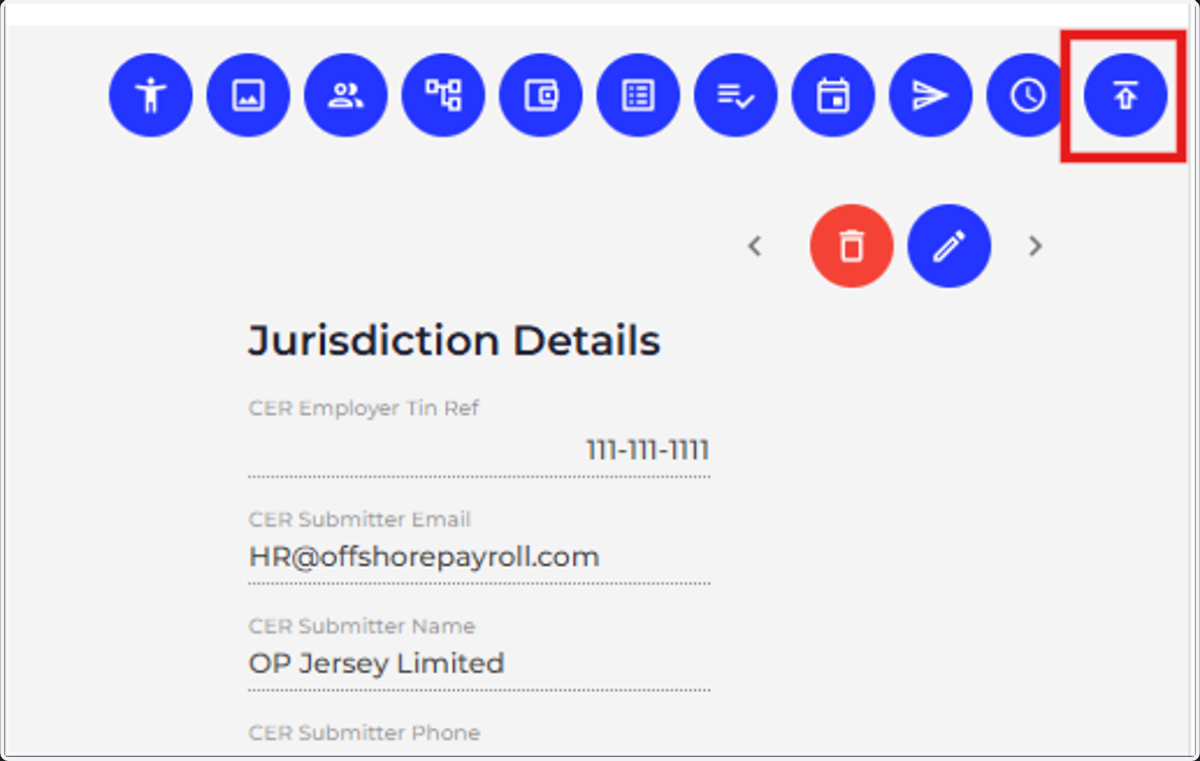
5. Click on Master Data

6. Click on Master Data
Slide the toggle to enter Advanced Mode

7. Click on 'Process Populated File' under the "Cross Client Transfer" section