Data Correction Procedure
Follow the steps below to correct data PRIOR to being fingerprinted
1. If the company or organization asking you to complete a live scan provided a link to our website, please use that link. Otherwise, use this link to go to our home page.
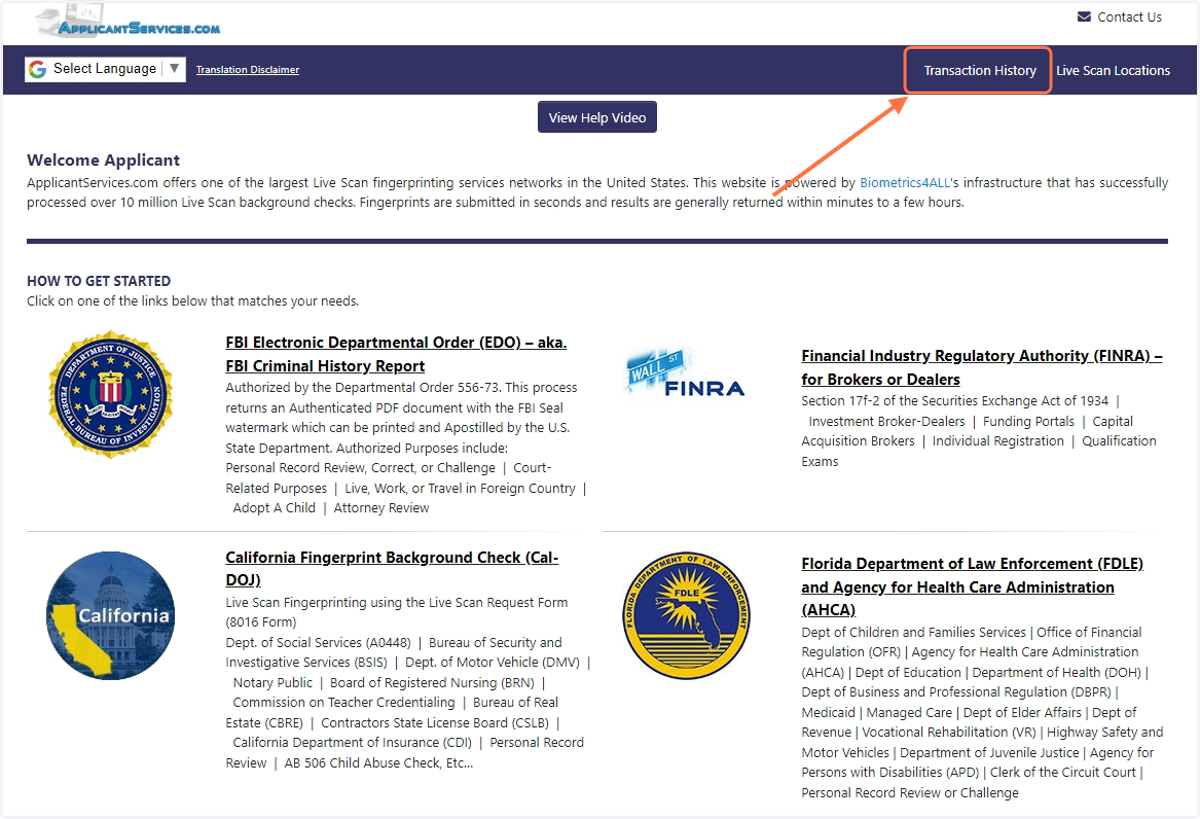
2. Click on the "Transaction History" menu option at the top of the page
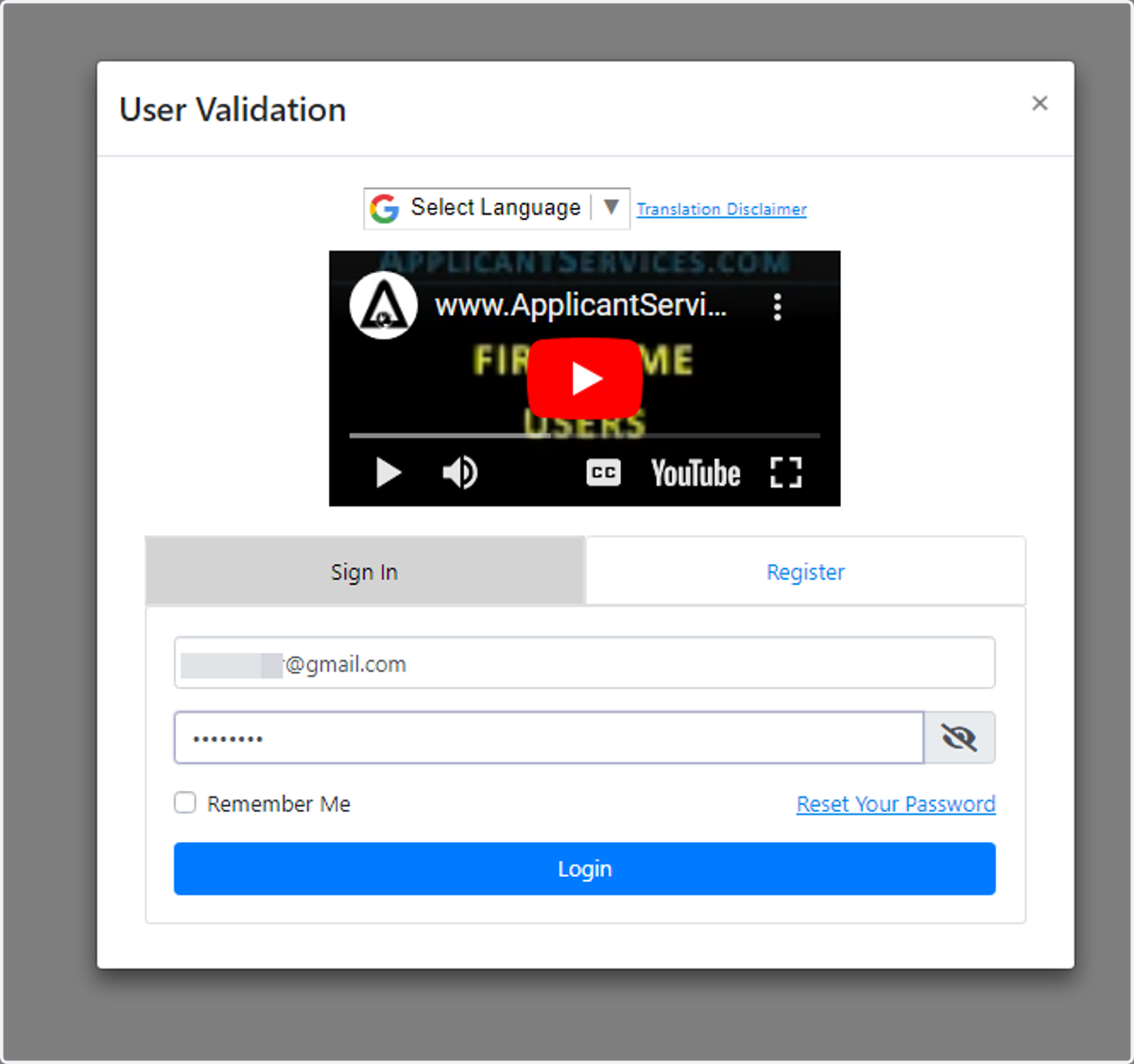
3. Enter your username and password to login
4. You will now see your transaction history. Click on the transaction you want to edit. You may have to change the date range.
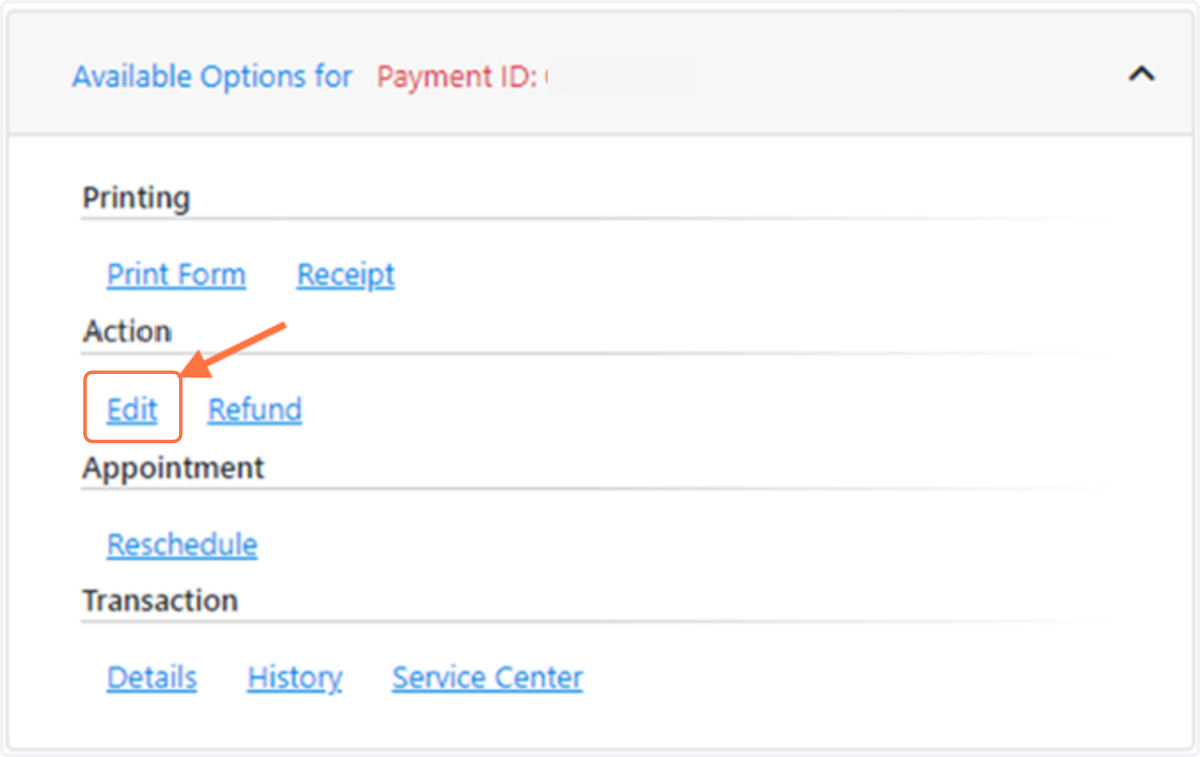
5. Scroll down a little to the “Available Options" section. Click on the "Edit" link to make any corrections.