Navigating Paw Metrics: Generating Pet Owner Details Report in CSV Format - Export Contacts
Login to your online portal through a google chrome browser.
1. Click on the Paw Metrics tab
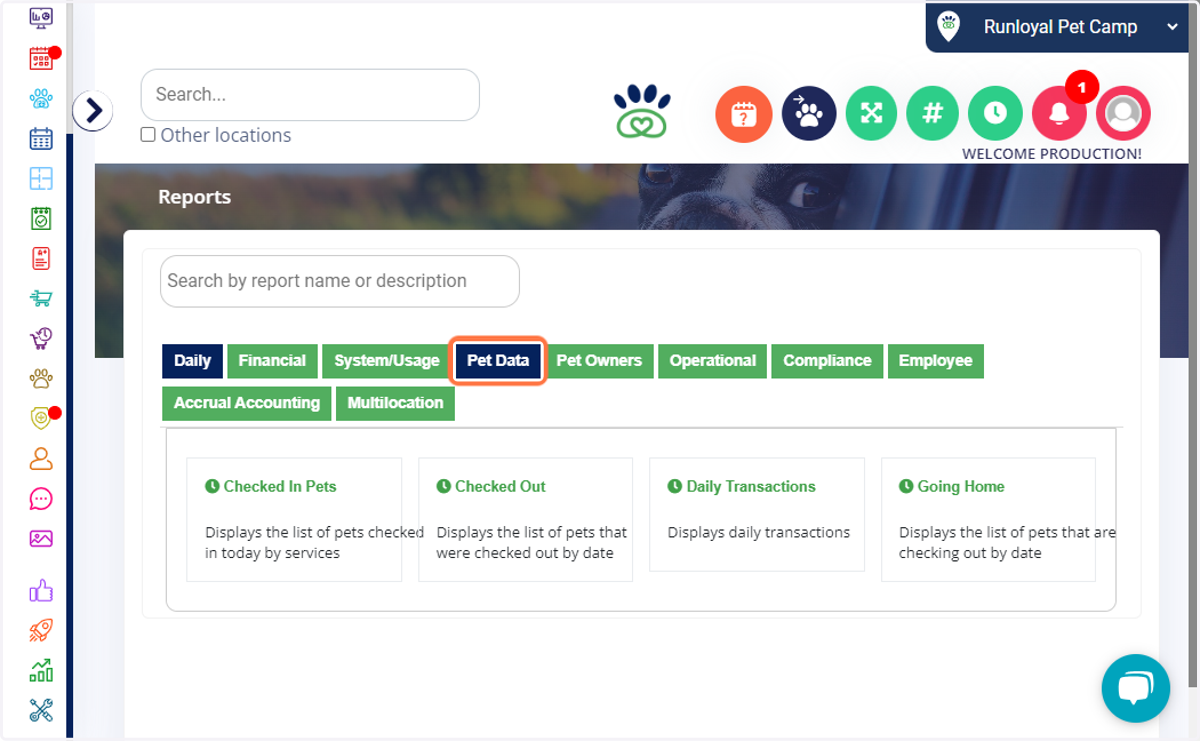
2. Click on Pet Data or search for the title " Pet Owner Details " in the above search bar.
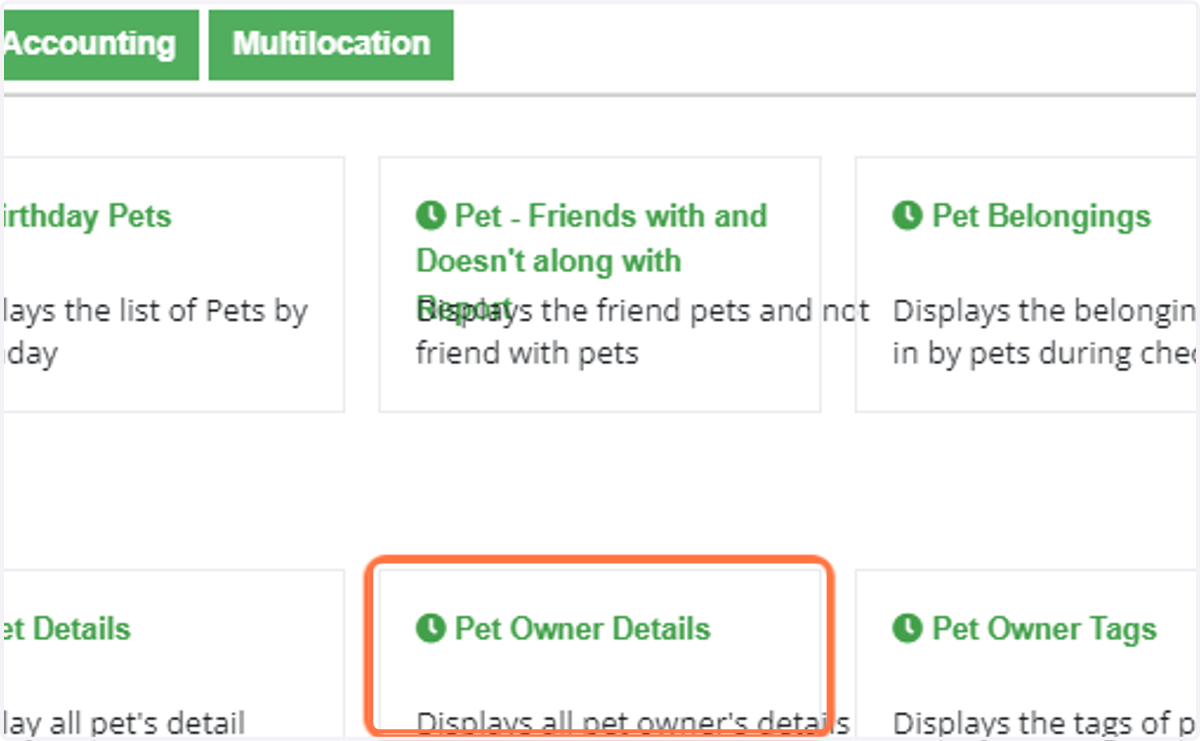
3. Click on Pet Owner Details…
4. Select a Date range and click run report.
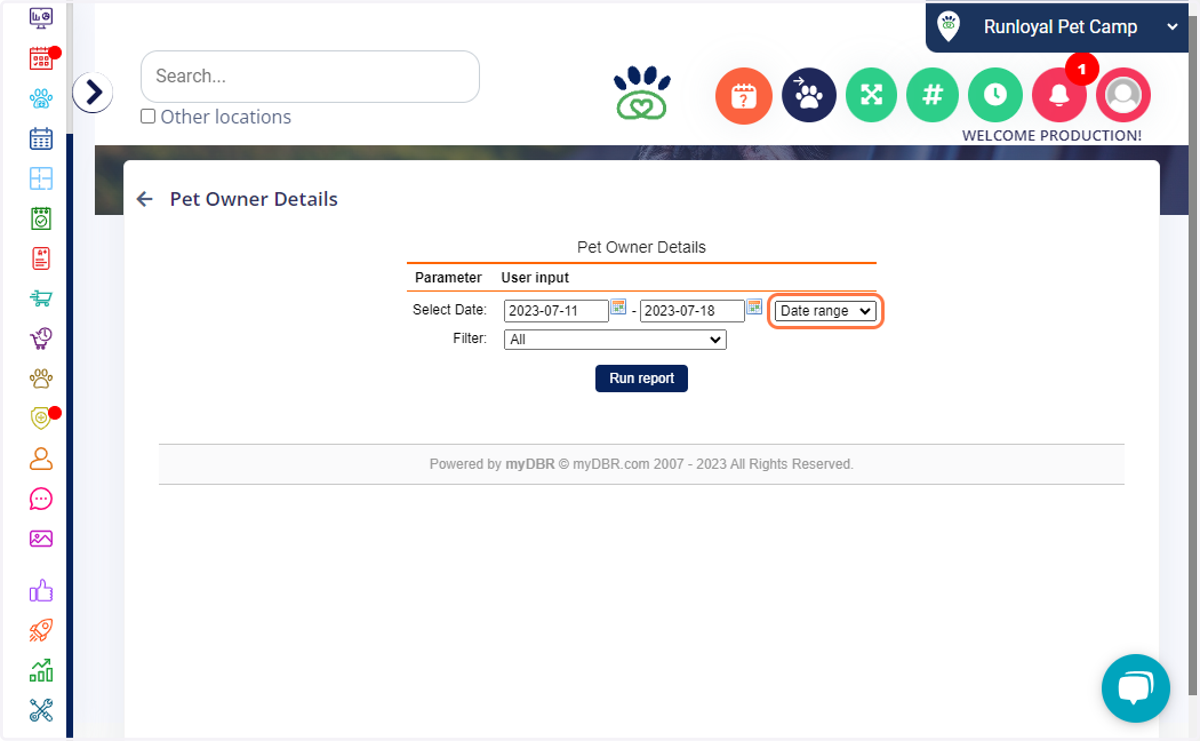
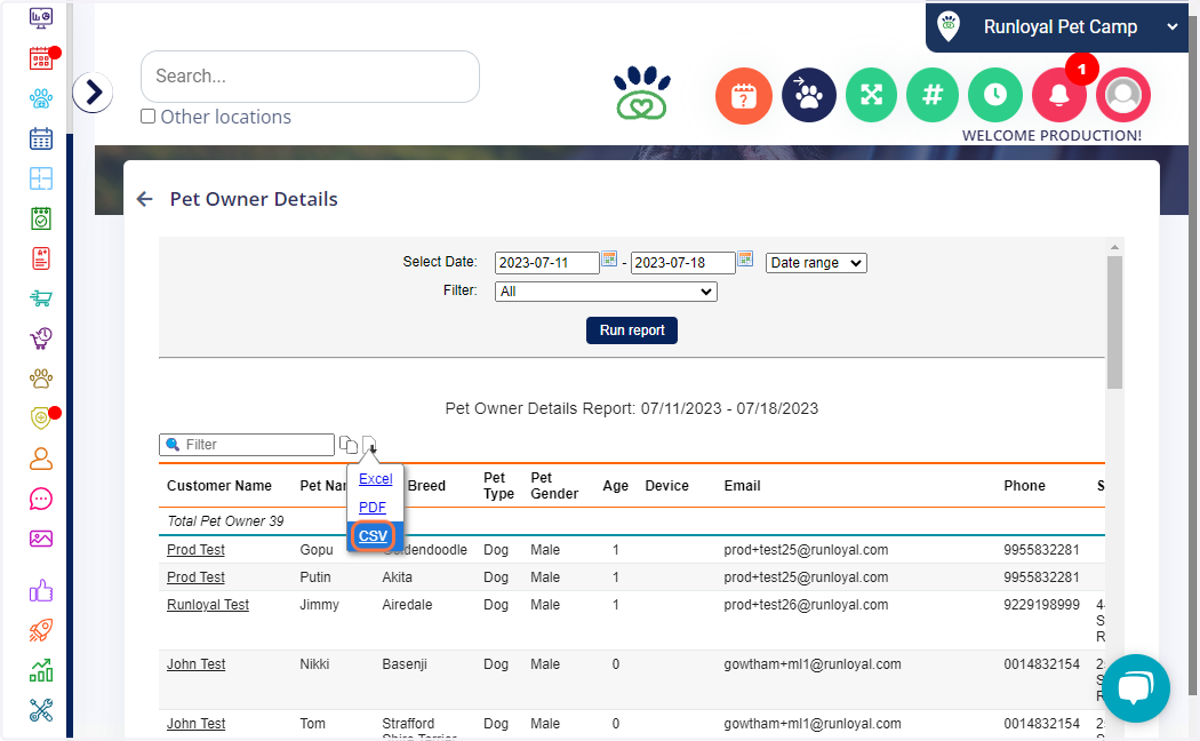
5. Click on which file format you would like to download, CSV, Excel, or PDF. We typically suggest CSV file formats.
****These same steps can be used to extract data for any items in Paw Metrics. Some items outside of paw metrics would need to be downloaded individually from the pet or pet owner profile to obtain as it is not able to be accessed in a report format such as vaccination records, account/staff notes etc.