Navigating Person Profile Record

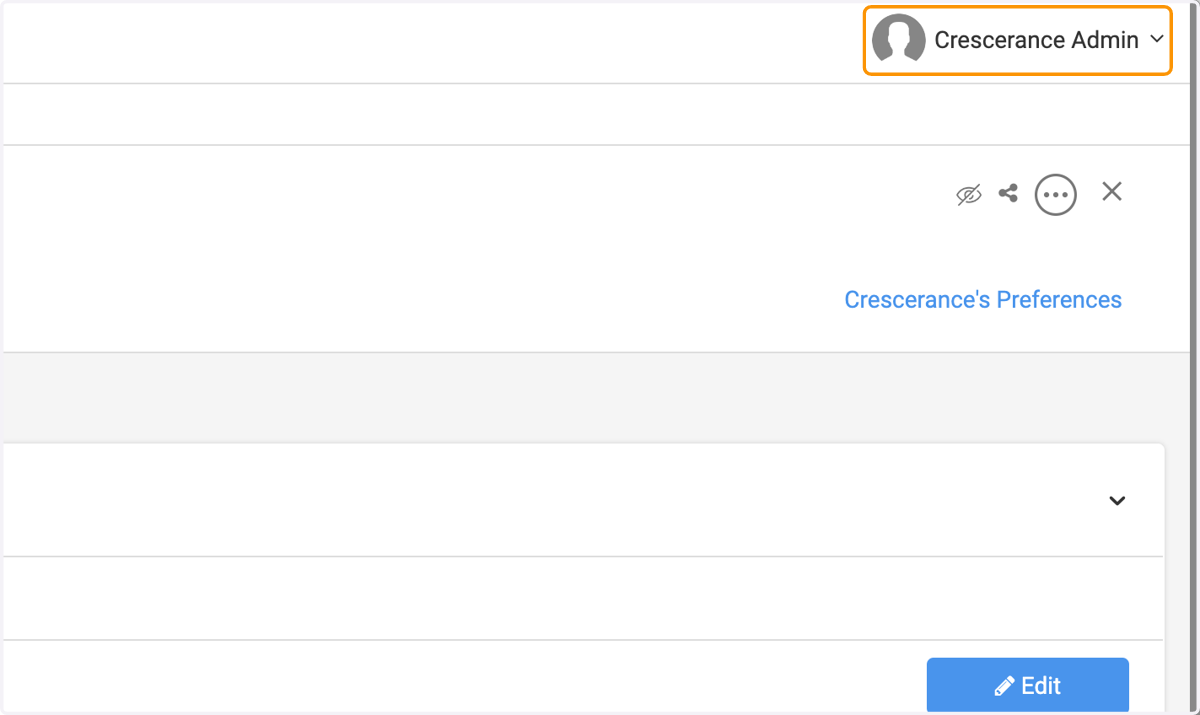
  1. 1. Click on Profile Name

    Click on Profile Name
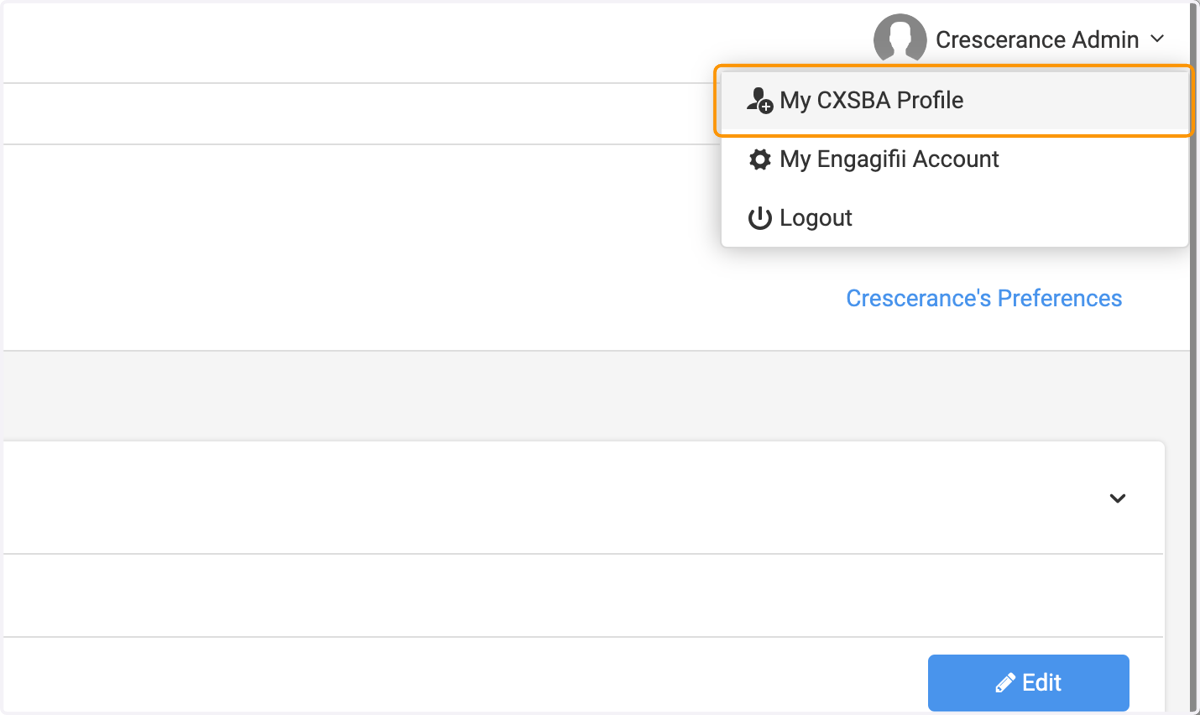
  2. 2. Click on My Profile

    Click on My Profile
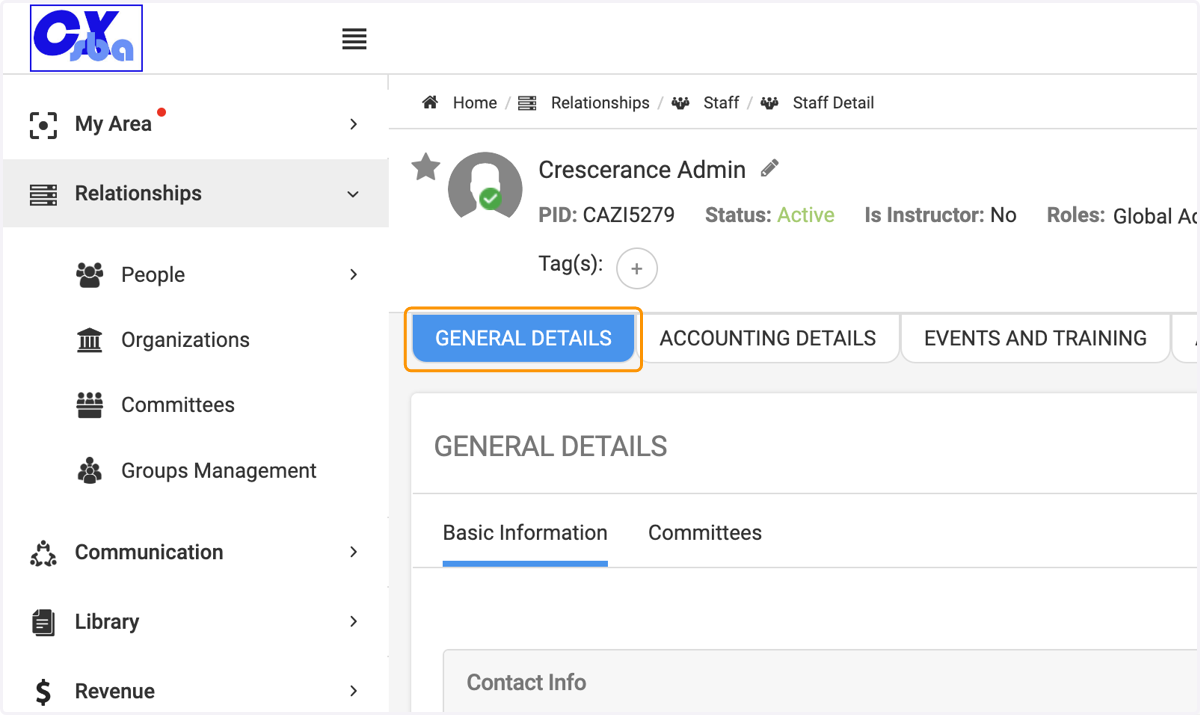
  3. 3. Click on GENERAL DETAILS

    Click on GENERAL DETAILS
  4. 4. Click on Edit, if you wish to make any changes or modifications
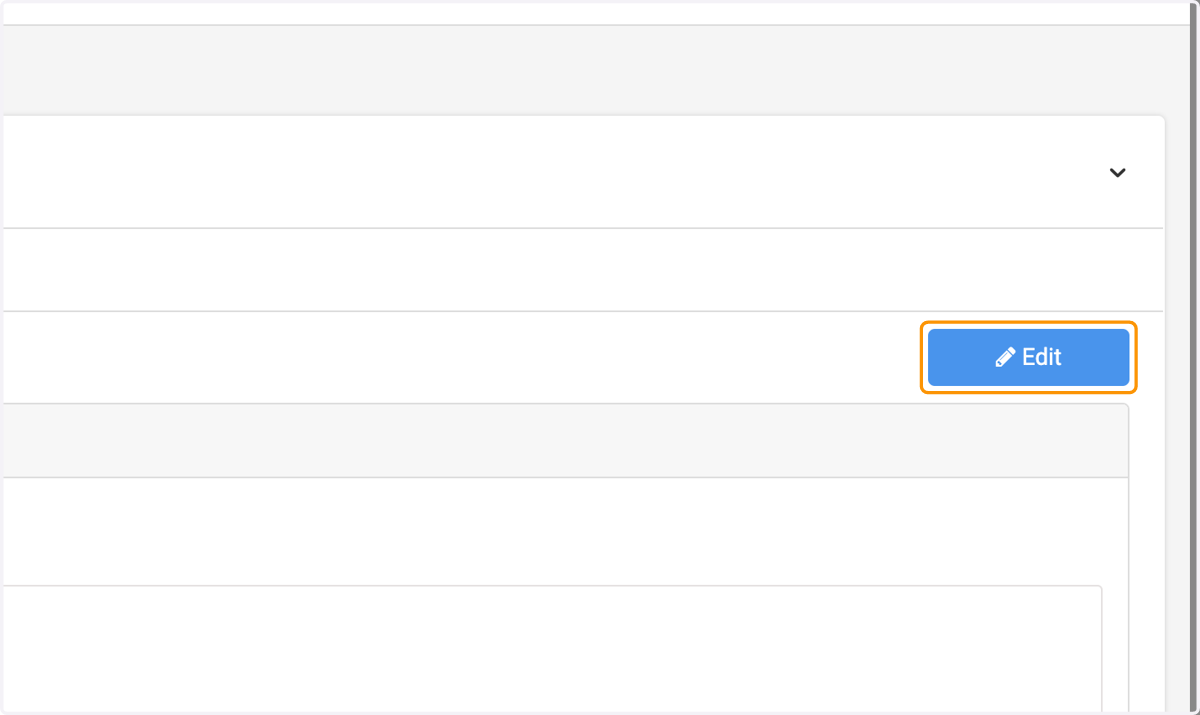
    Click on Edit, if you wish to make any changes or modifications
  5. 5. Click on Email Address for example - and there are other fields you can fulfill
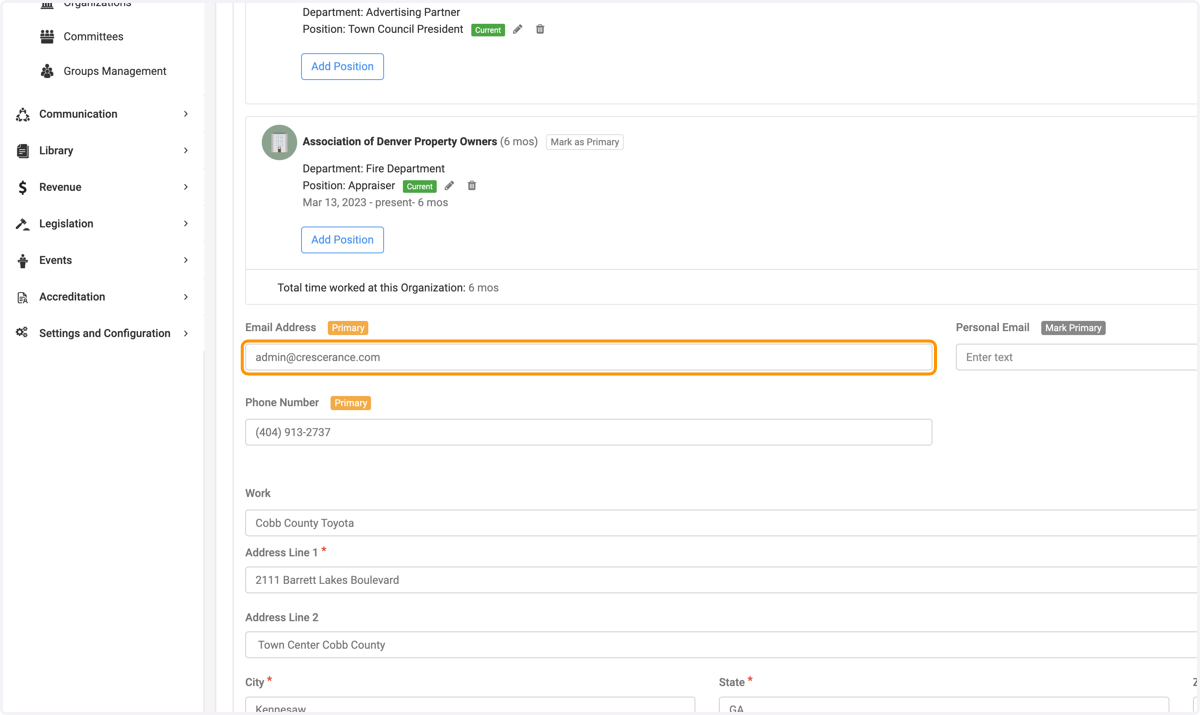
    Click on Email Address for example - and there are other fields you can fulfill
  6. 6. Click on Accounting - To see details about invoices
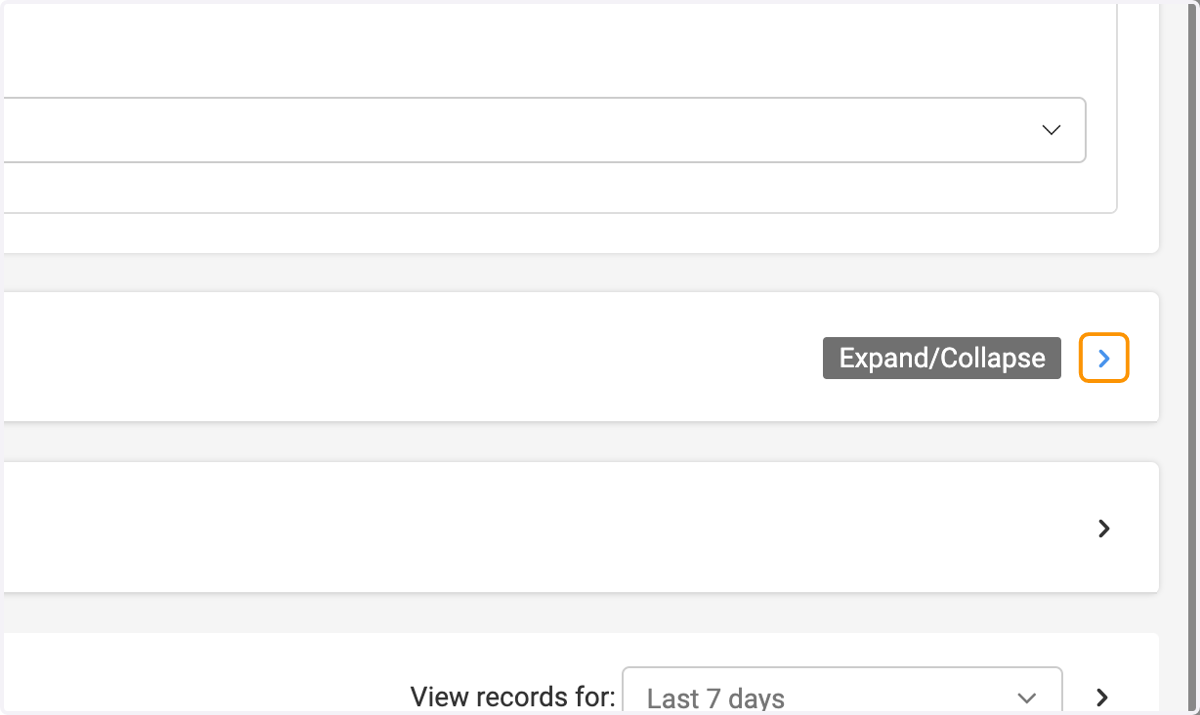
    Click on Accounting - To see details about invoices
  7. 7. Click on Events and Trainings - to see the events you have attended to
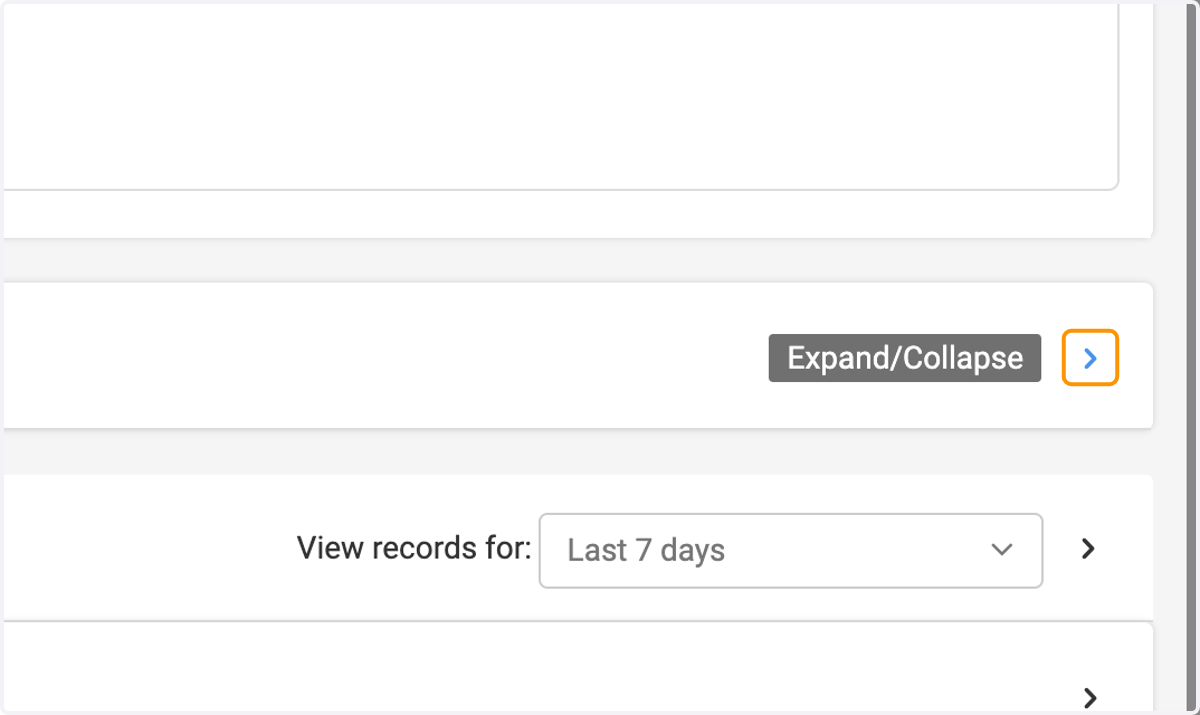
    Click on Events and Trainings - to see the events you have attended to
  8. 8. Click on Activity Log - to see recent updates within the last 7 days
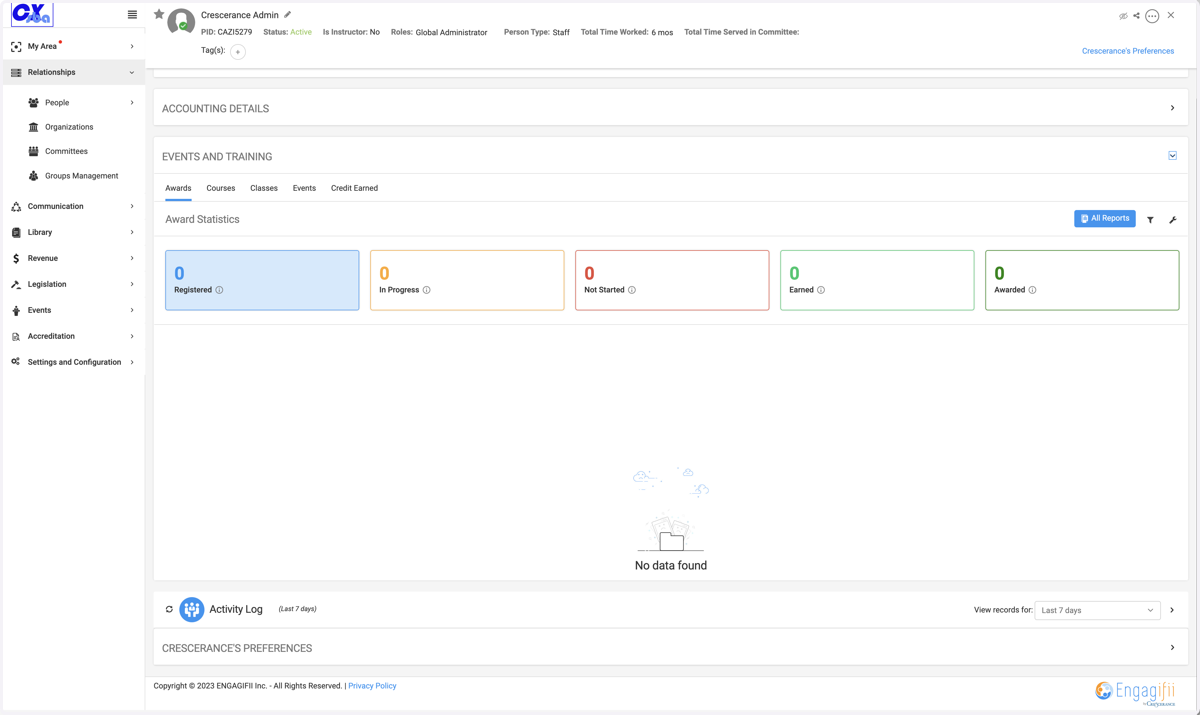
    Click on Activity Log - to see recent updates within the last 7 days