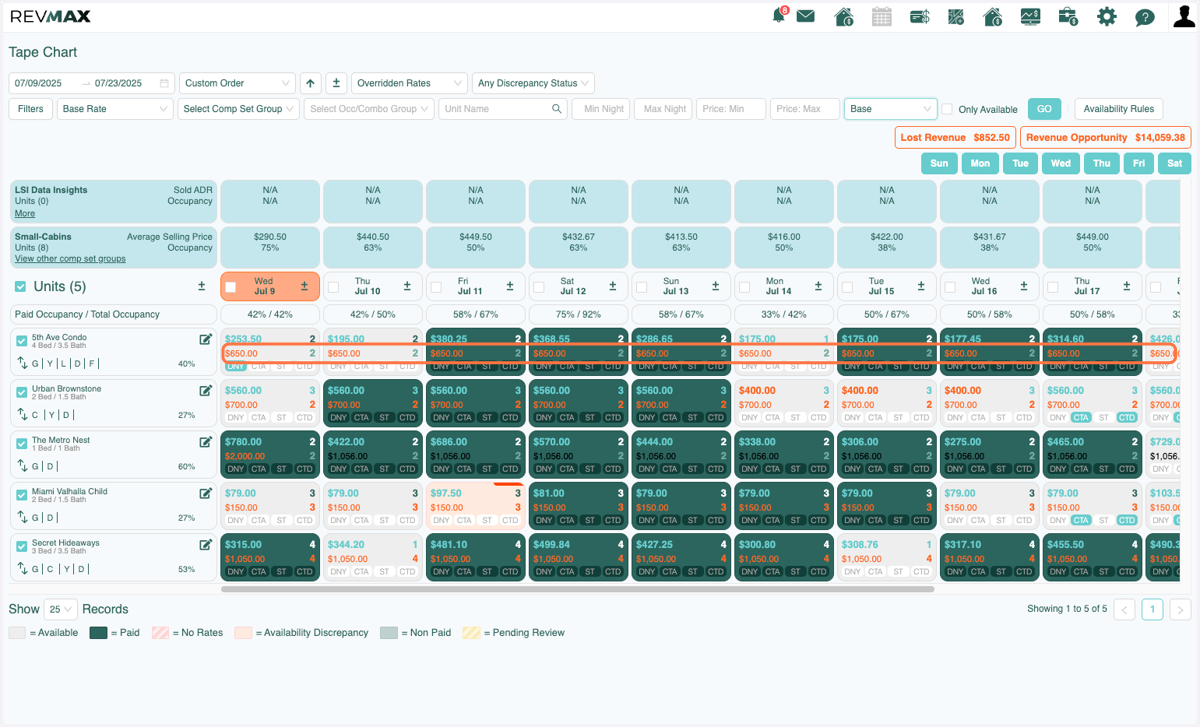
Tape Chart: New Feature
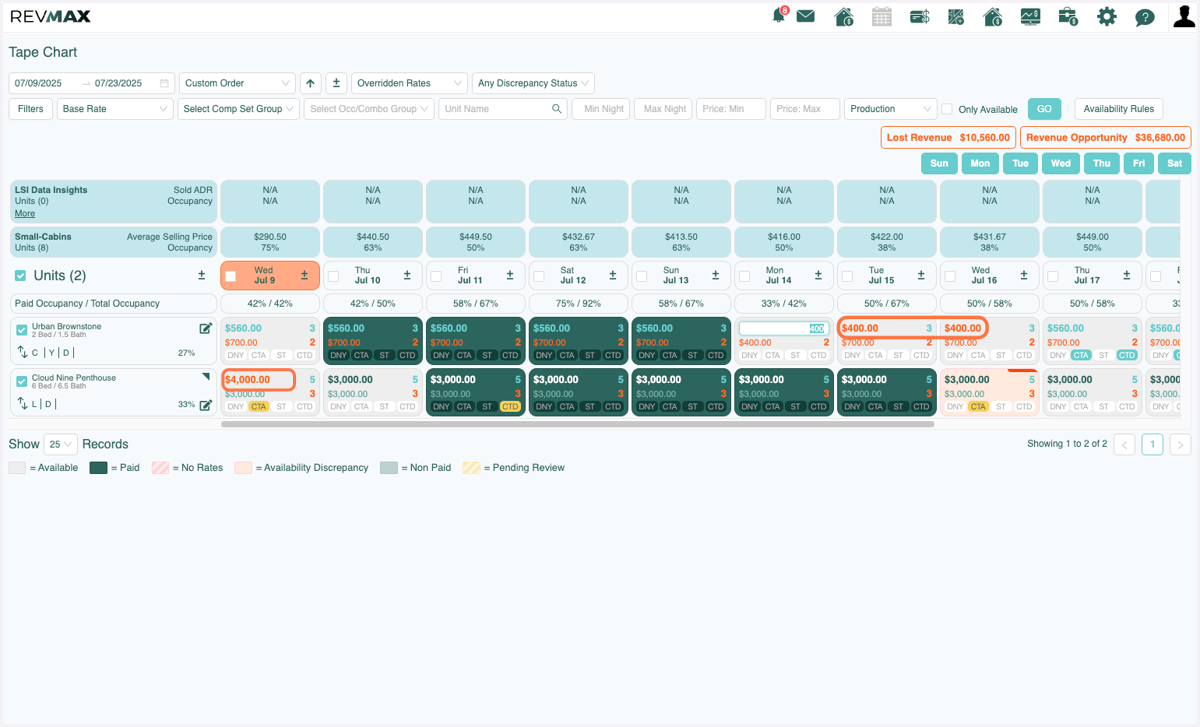
You can now filter units by Overridden Rates! This will allow you to see any overrides that you have made to either Base Rates or Final Rates.
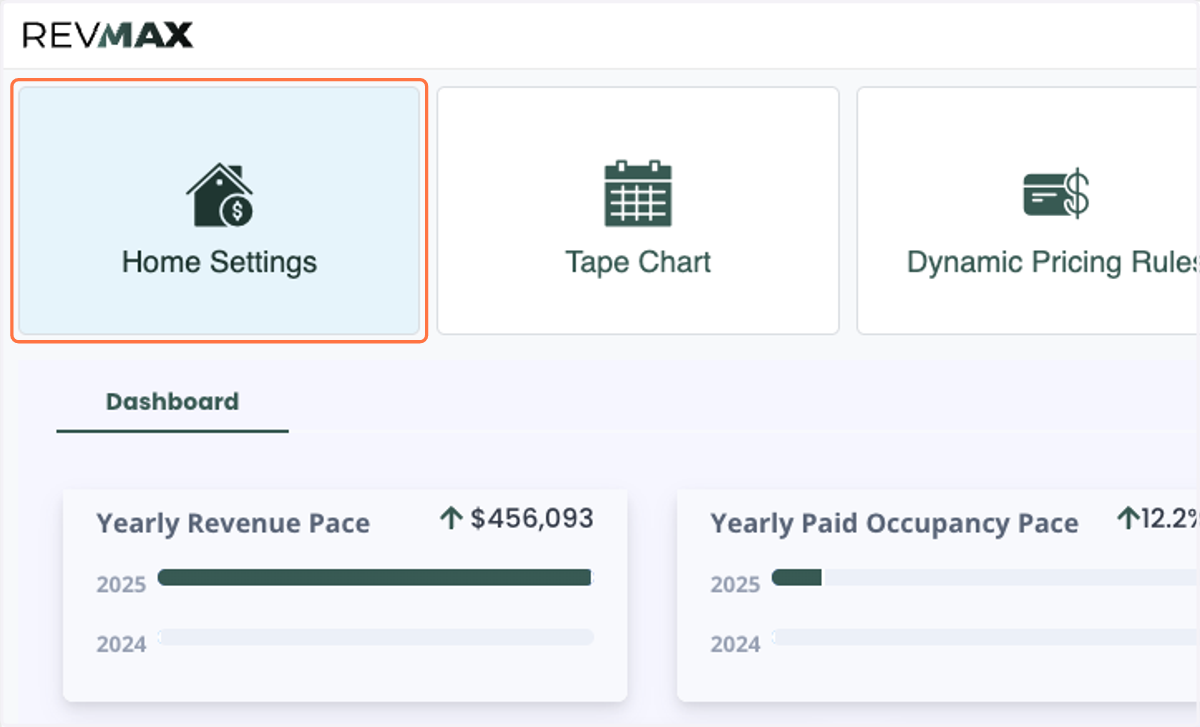
1. Click on Home Settings
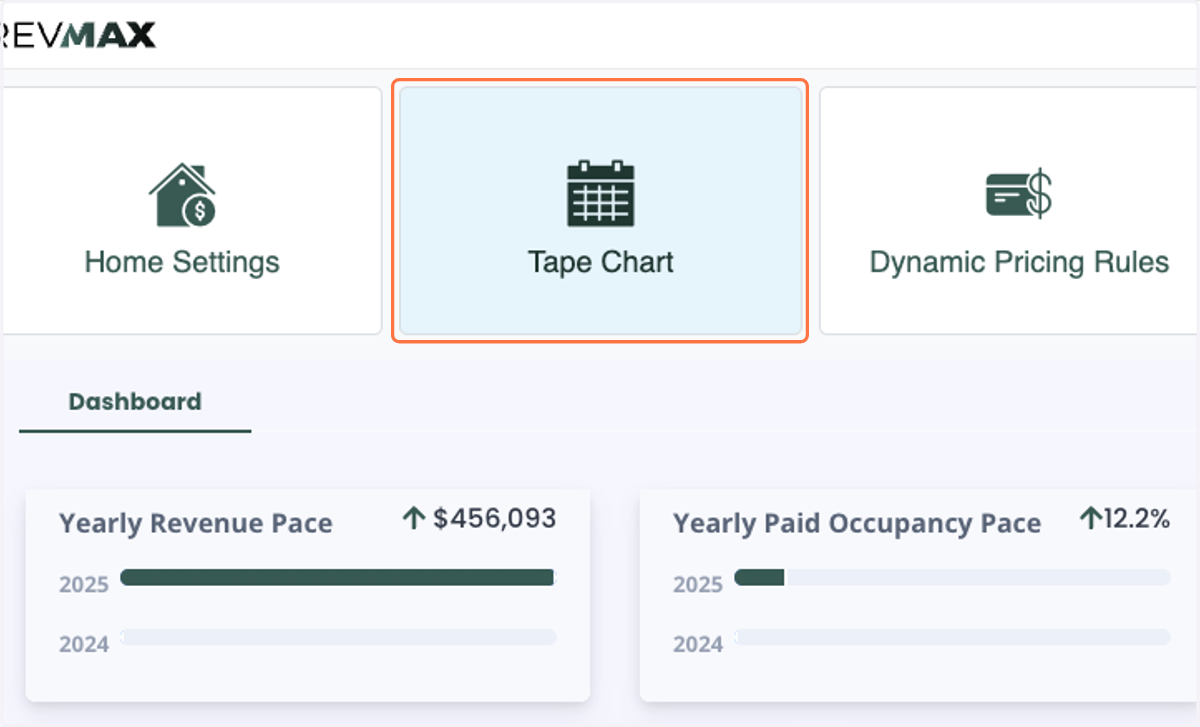
2. Click on Tape Chart
3. First you want to make sure that you select the dates you'd like to apply the filter to.
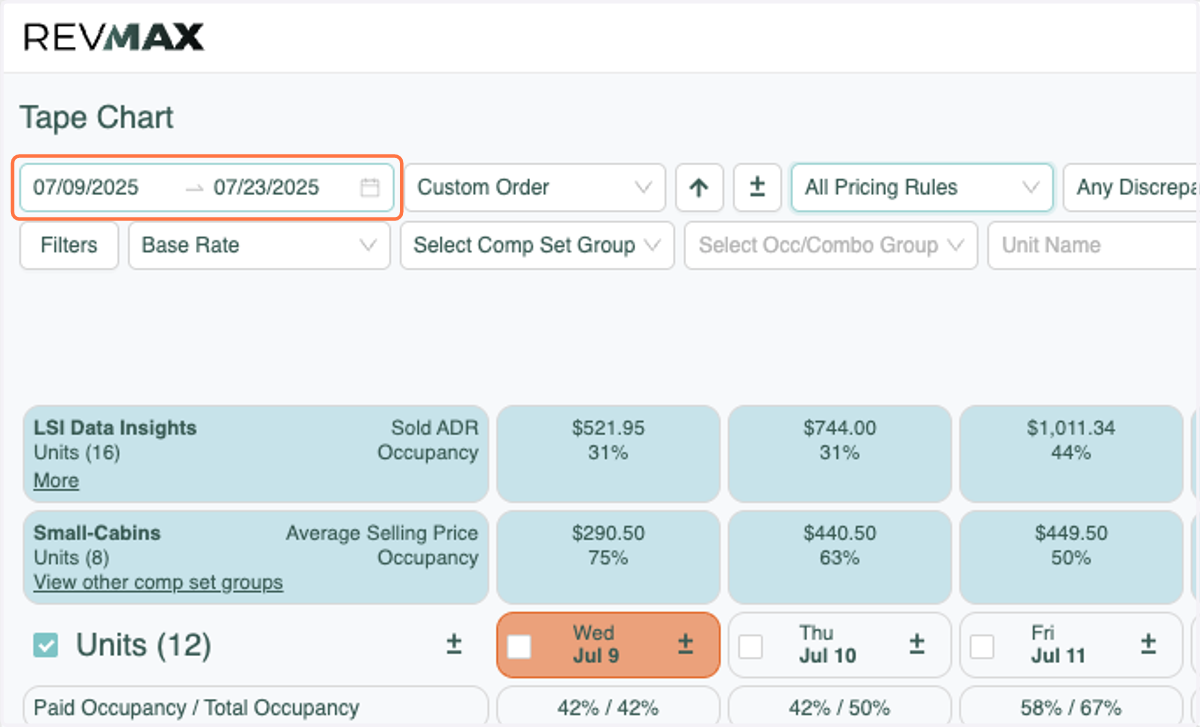
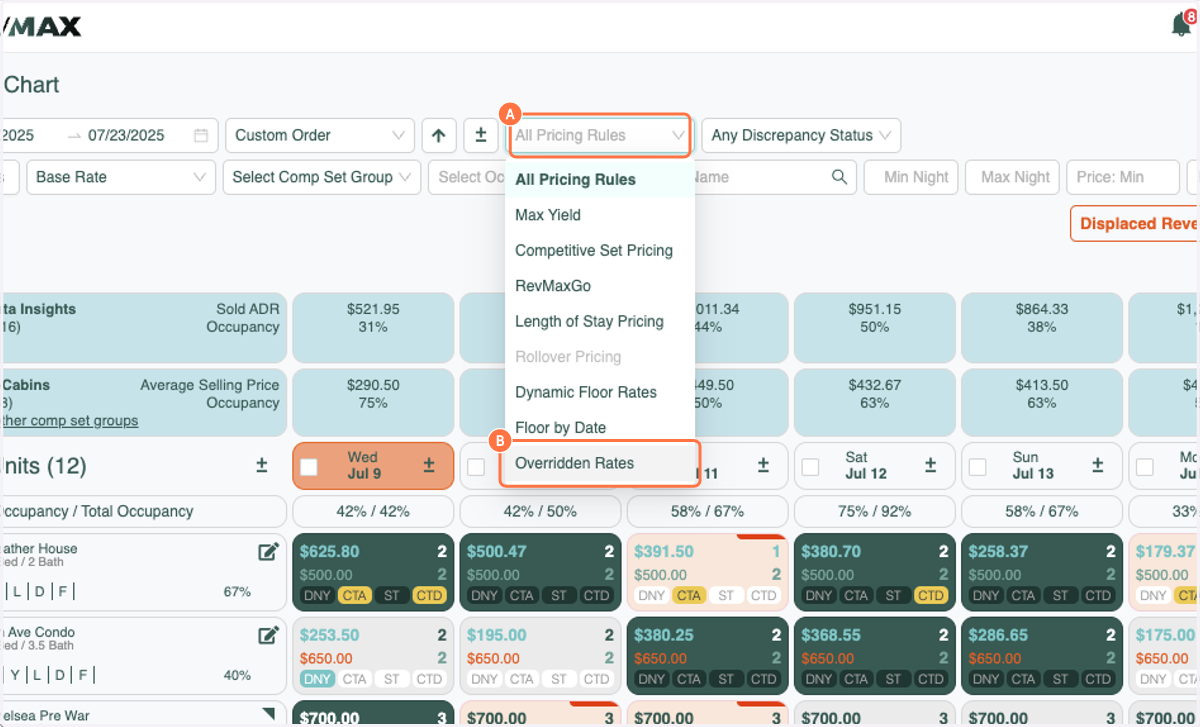
4. A. Click on All Pricing Rules
4. B. Click on Overridden Rates
5. By default, the filter is set to "Production" which will filter units that have overridden Final rates. This will filter units where any overrides to the Final/Top Rate have been done in the selected timeframe.
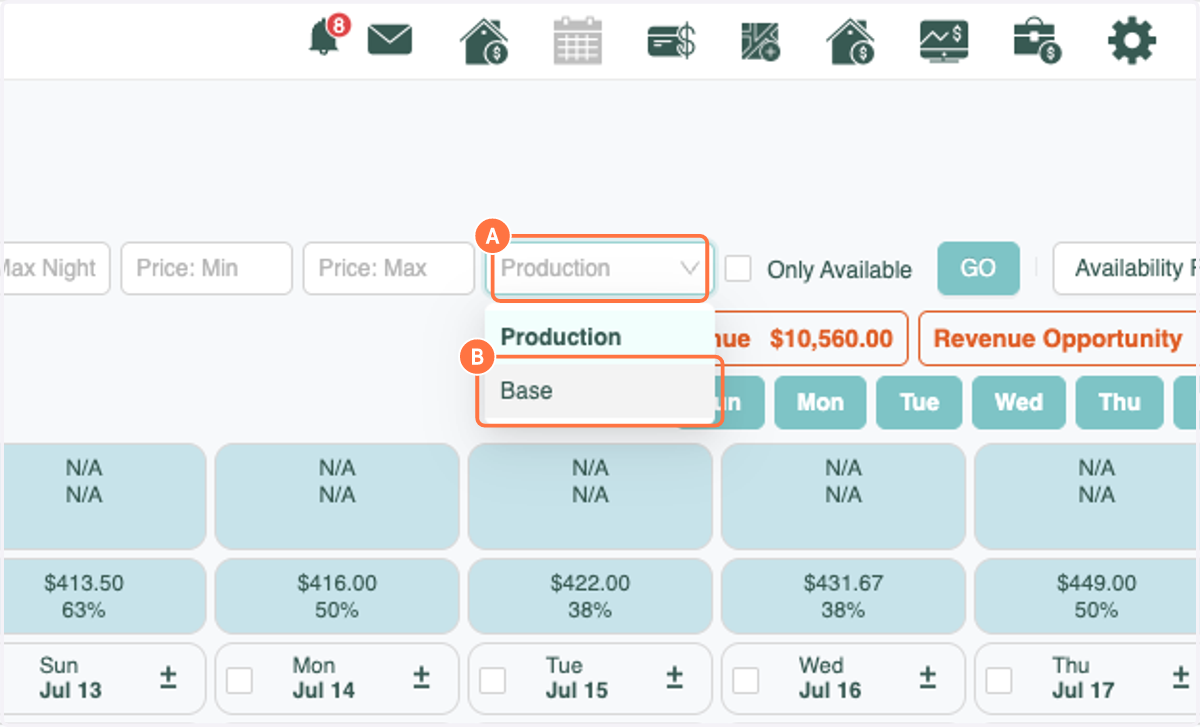
6. A. To switch to Base Pricing click on the drop down that says Production
6. B. Click on Base
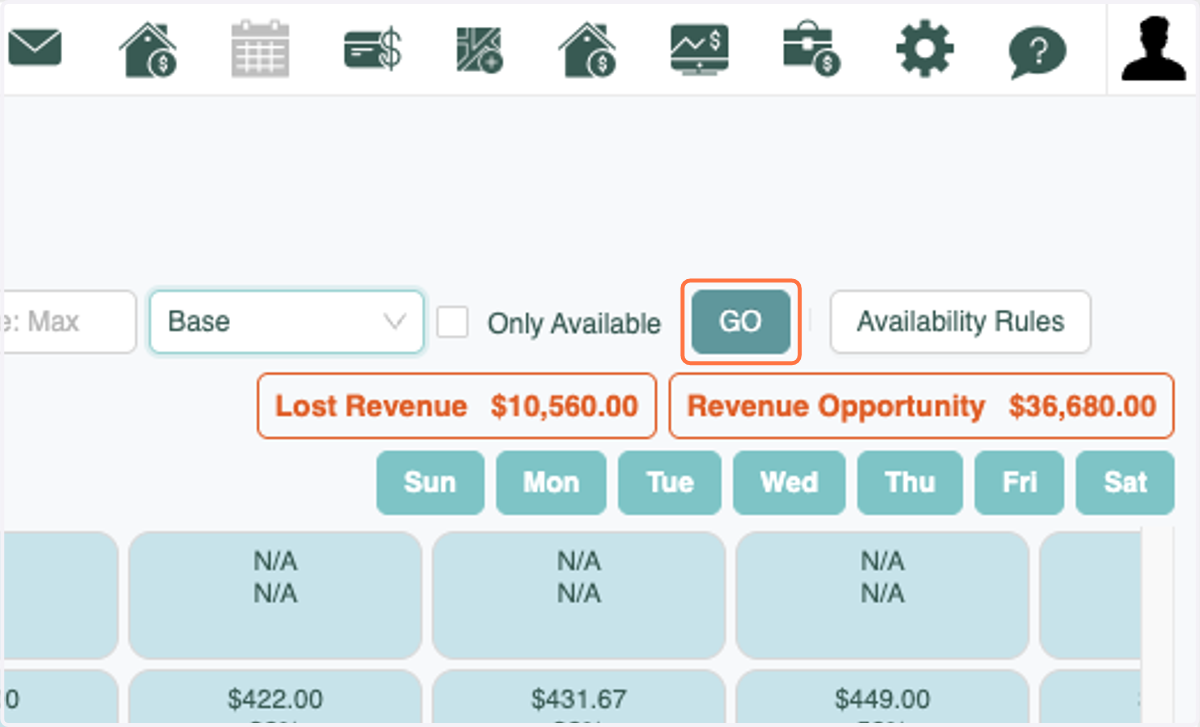
7. Click on GO
8. Click on $650.00