Fix a locked account
1. When accessing applicantservices.com, go to login menu on the website to enter account
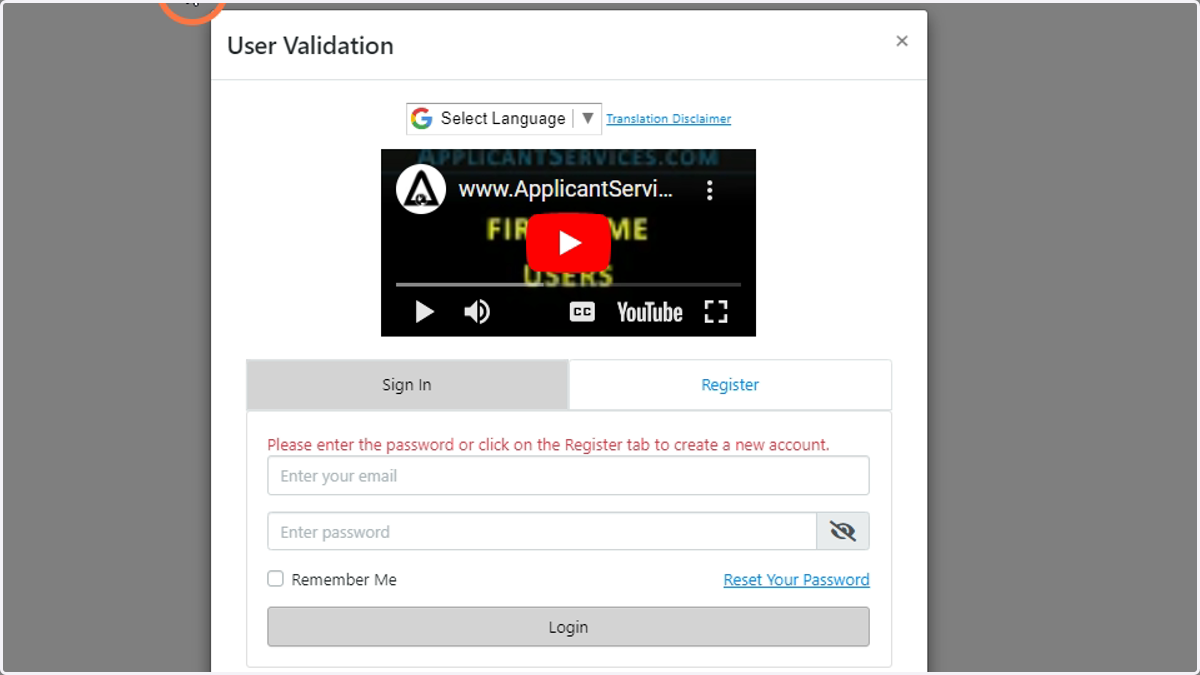
2. Once in the login menu, enter login credentials
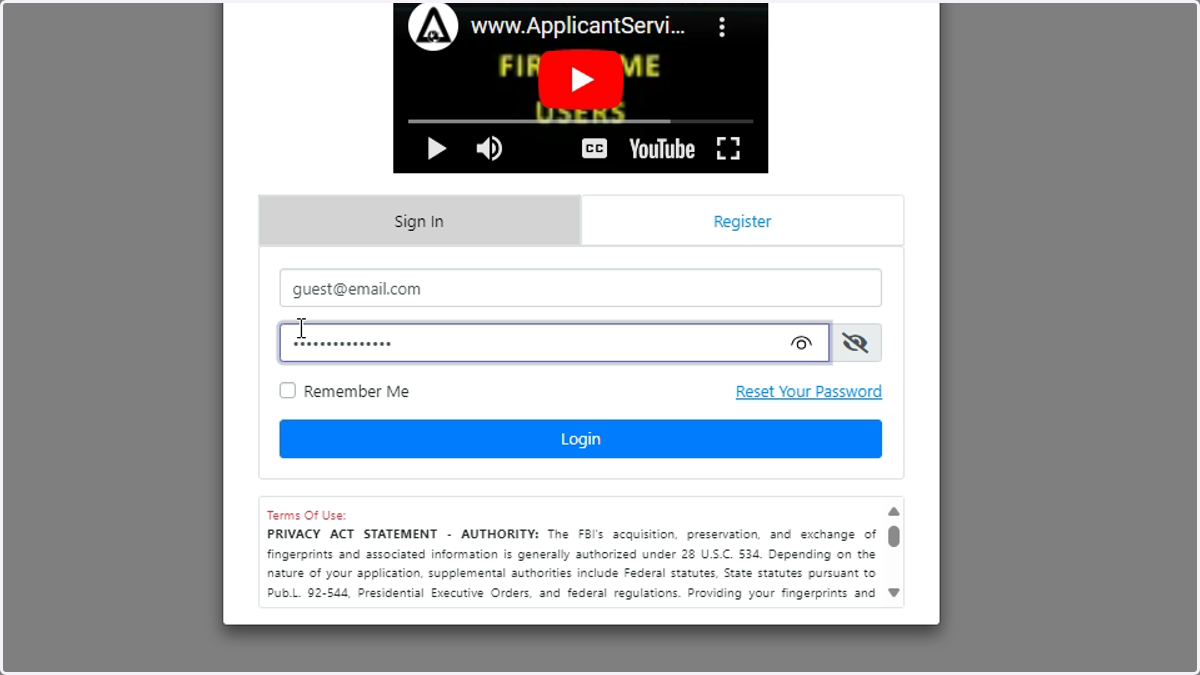
3. When wrong information has been inputted 5+ times, the account will be locked for 10 minutes. Afterwards, the account credential will be available to be reentered.
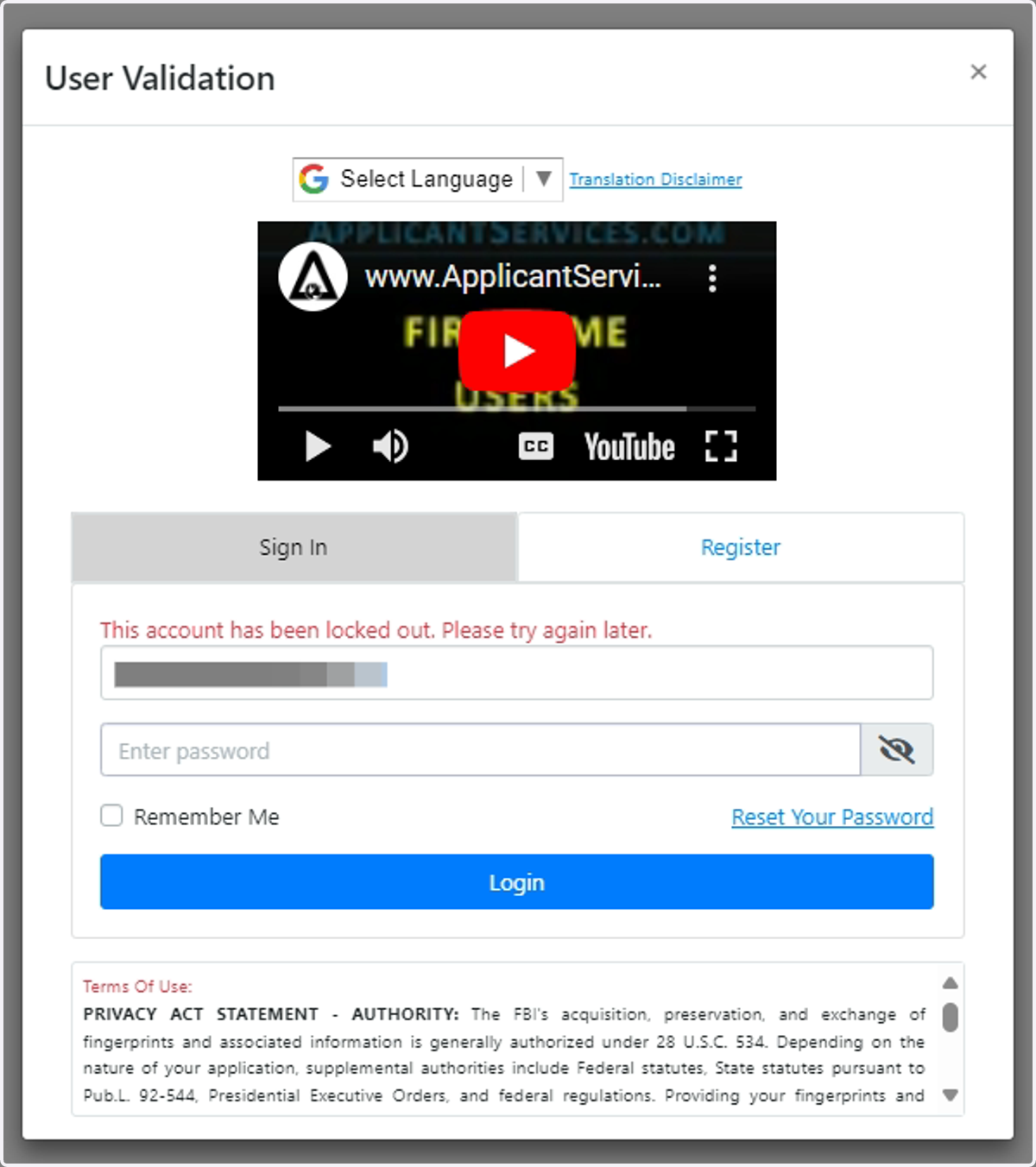
4. If account still cannot be accessed, contact Biometrics4ALL support to receive a link via email registered in order to reset password.
(714) 568-9888 Option. 2
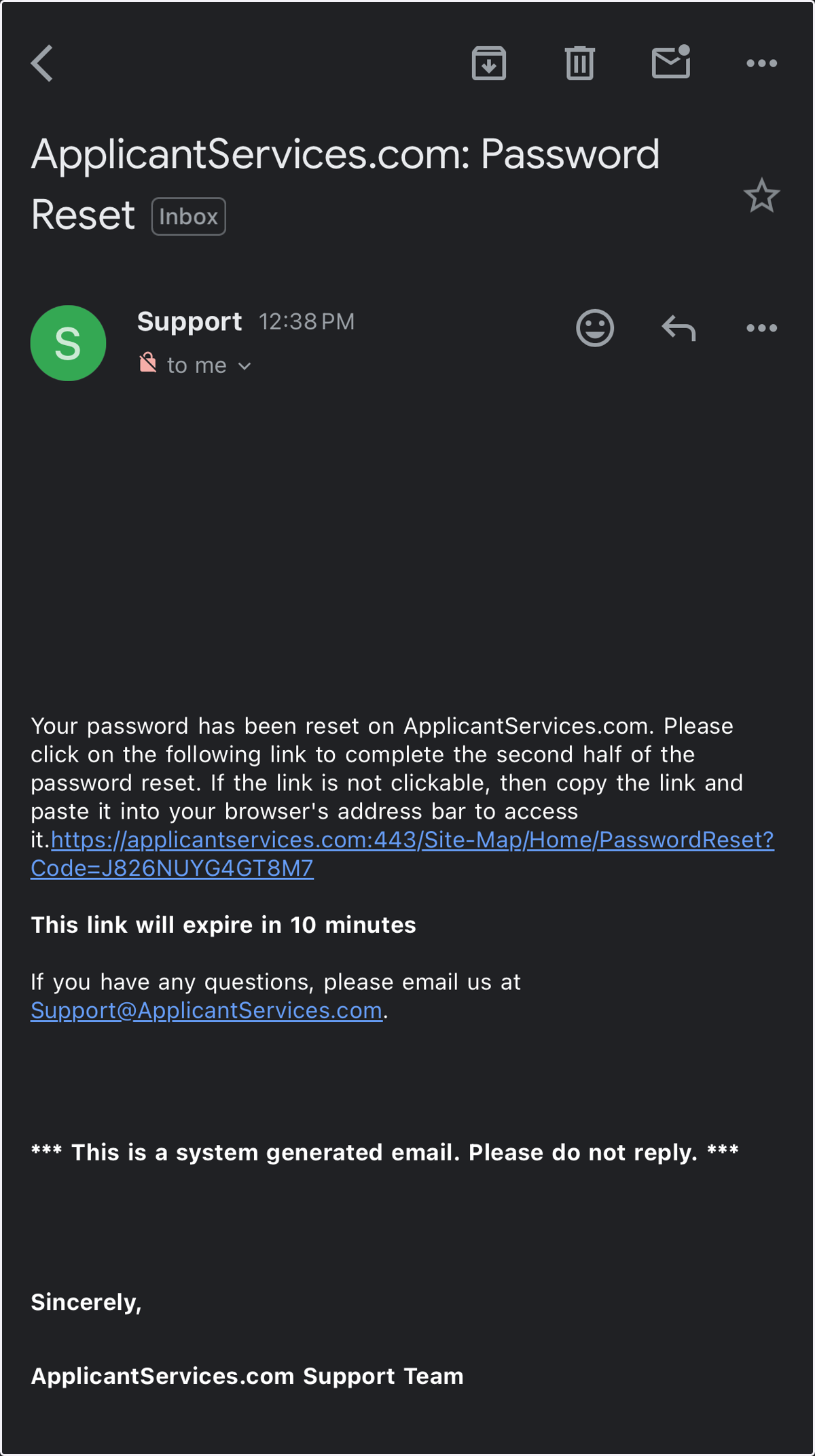
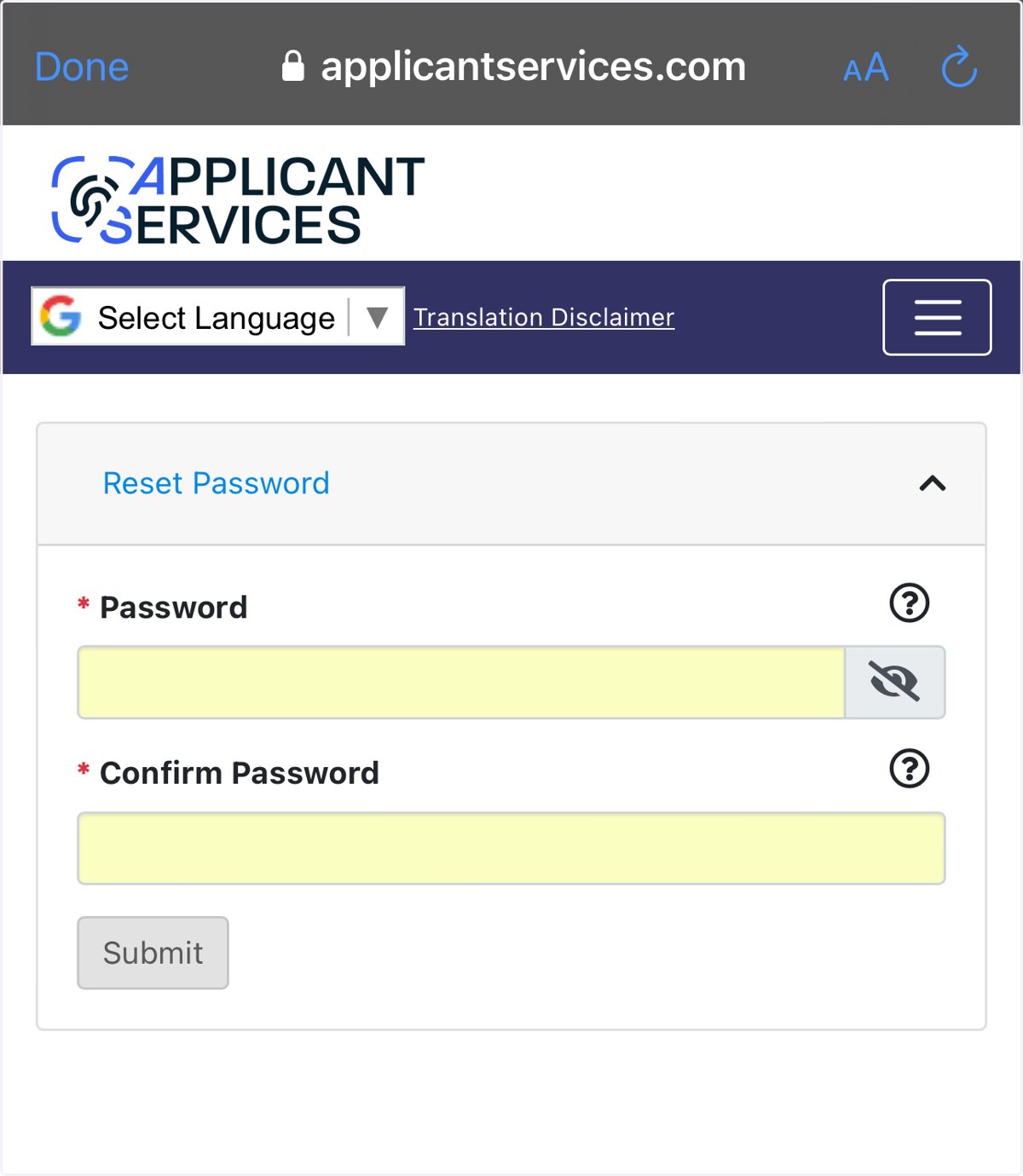
5. Follow instructions on email on how to reset link. This will allow you to create a new password; then press "Submit". A notification that your password has been updated will appear once it has successfully changed.