Managing Venues and Rooms
CXSBA Home: Powered by Engagifii
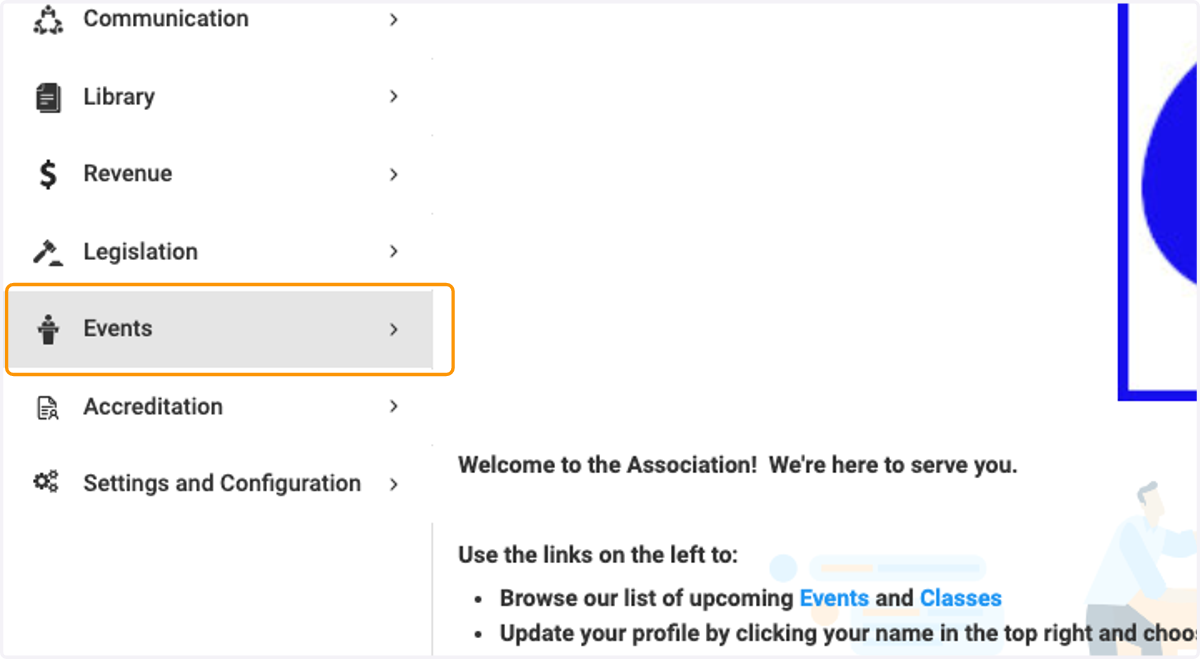
1. Click on Events
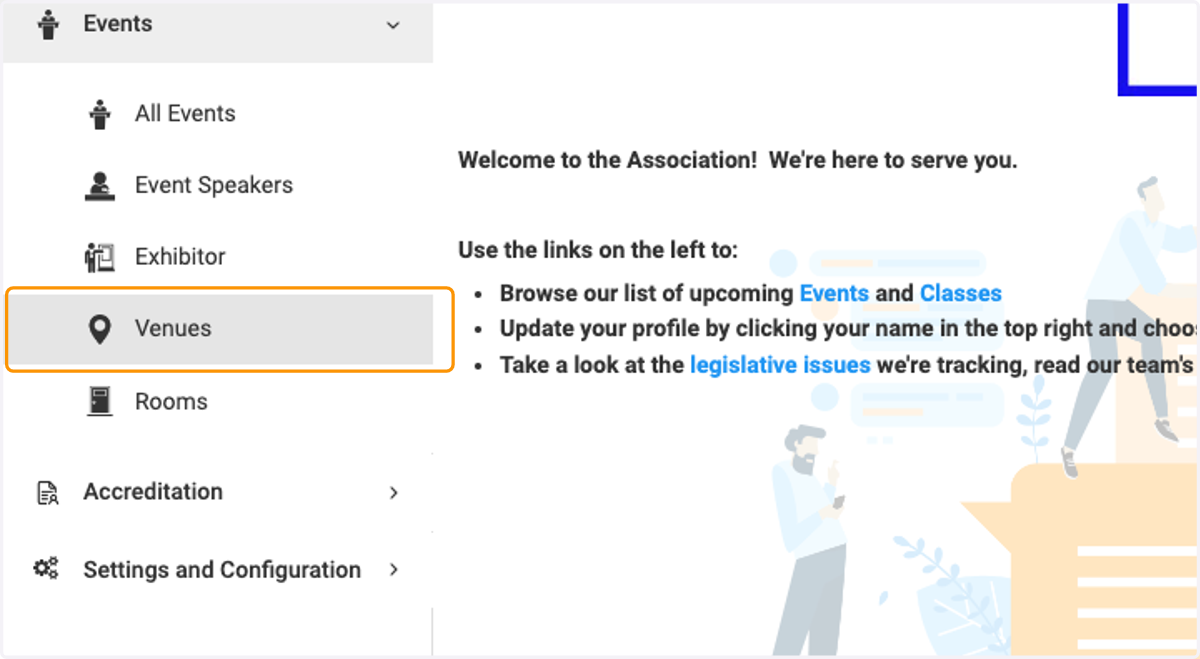
2. Click on Venues
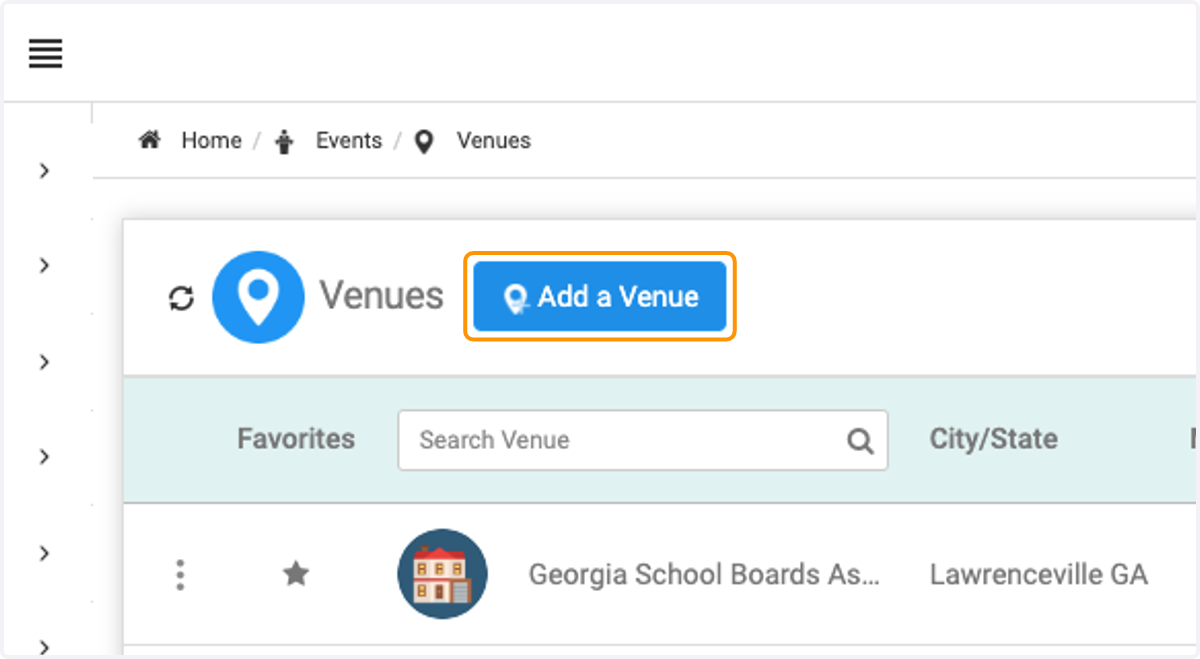
3. Click on Add a Venue
4. Type in the name of the venue.
I am searching for The Gathering Spot ATL
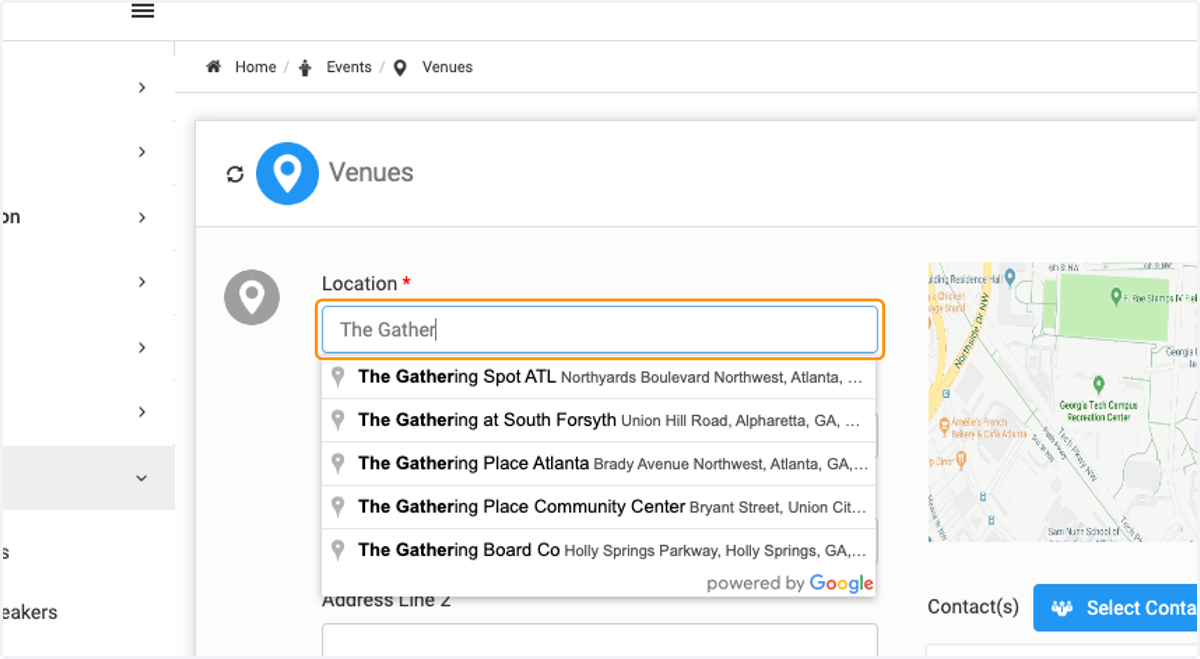
5. Select your venue.
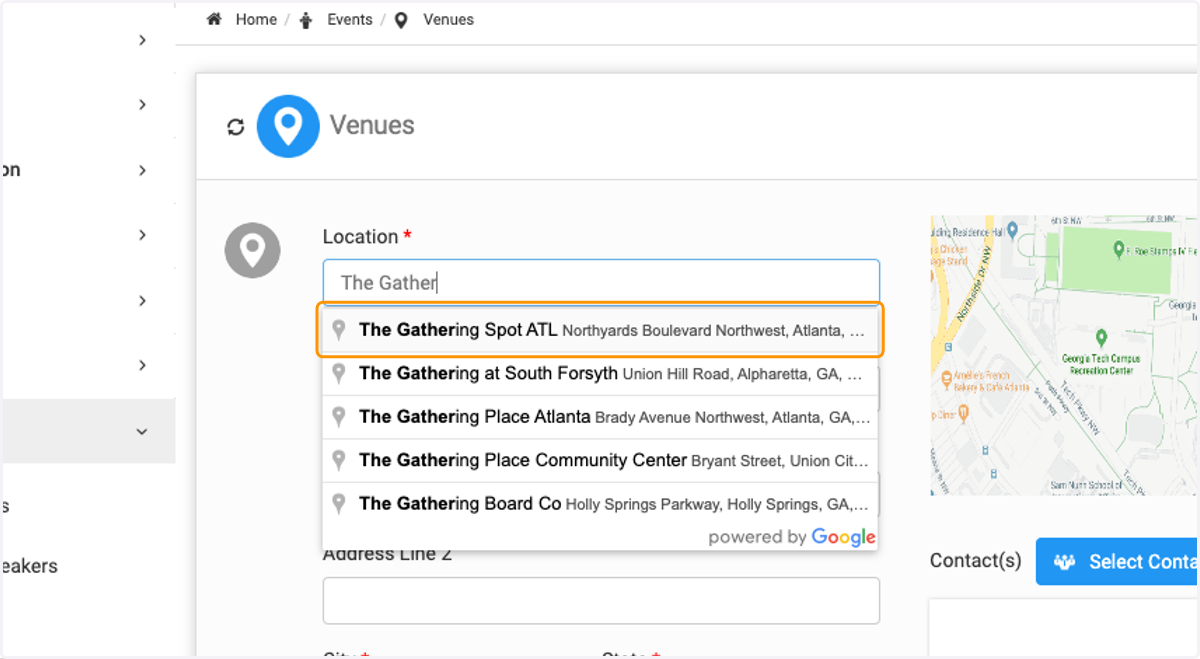
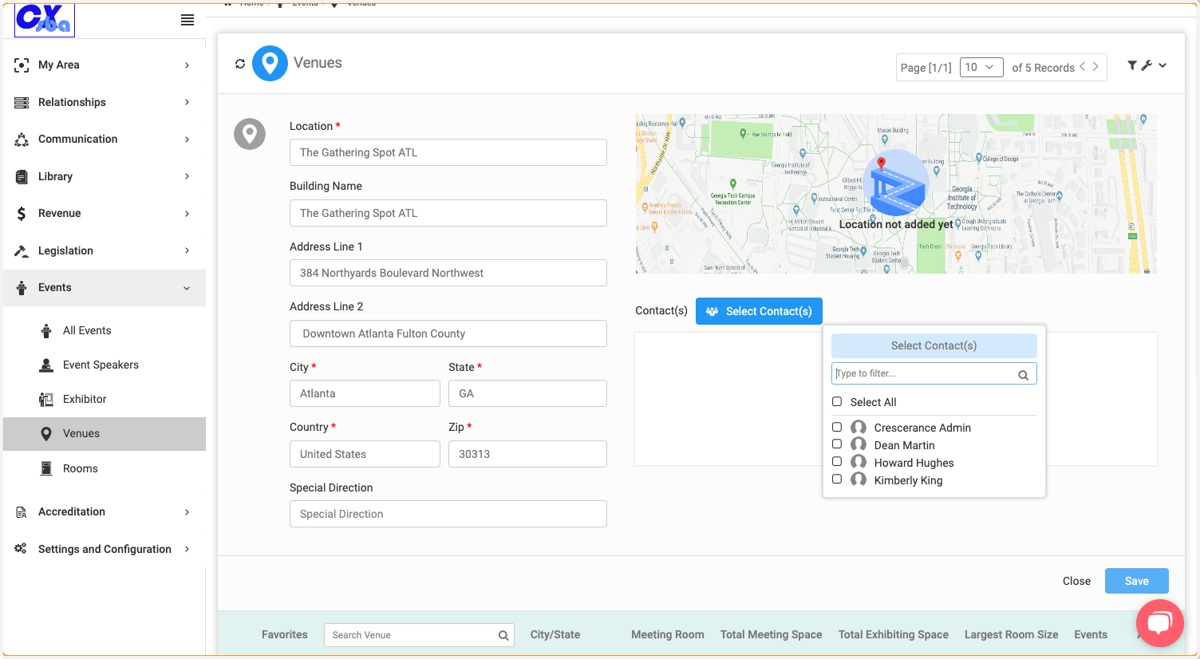
6. The Venue information will populate.
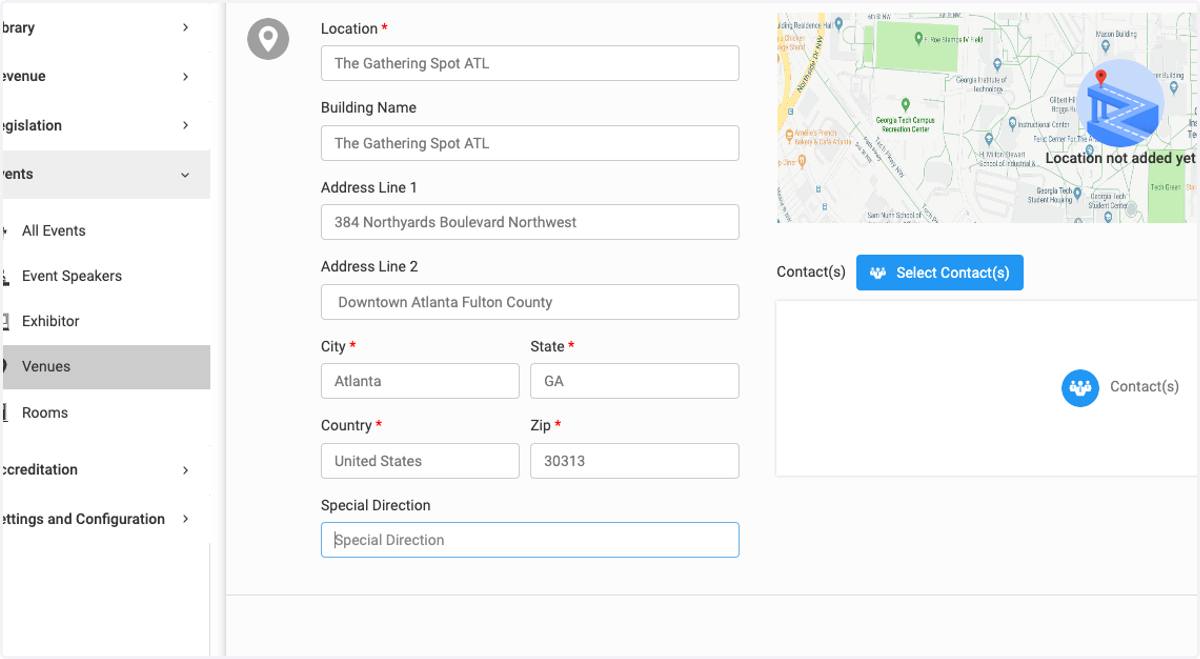
7. If you have a contact associated with this venue you can use this to add them here.
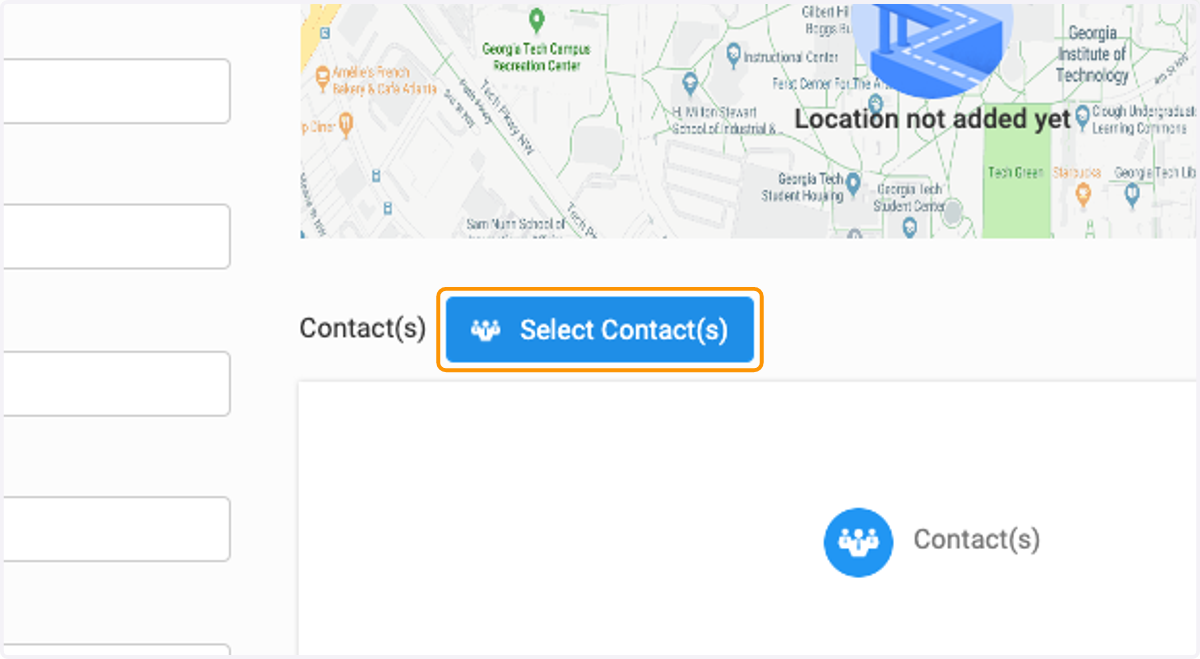
8. Click on Select Contact(s)…
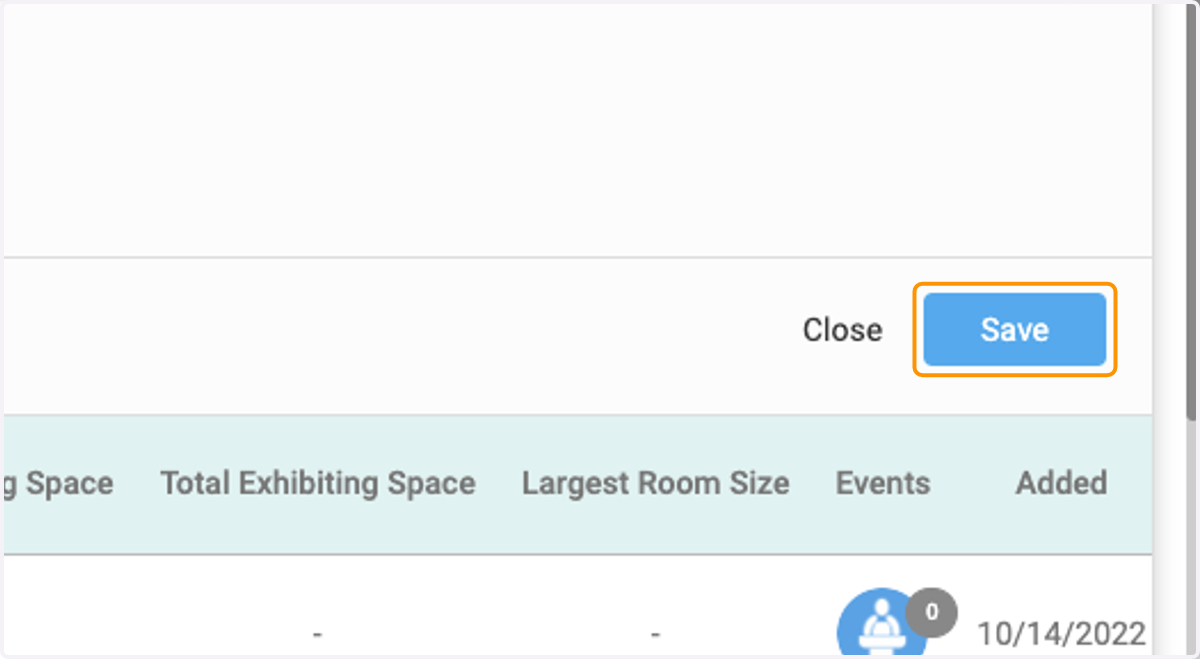
9. Click on Save
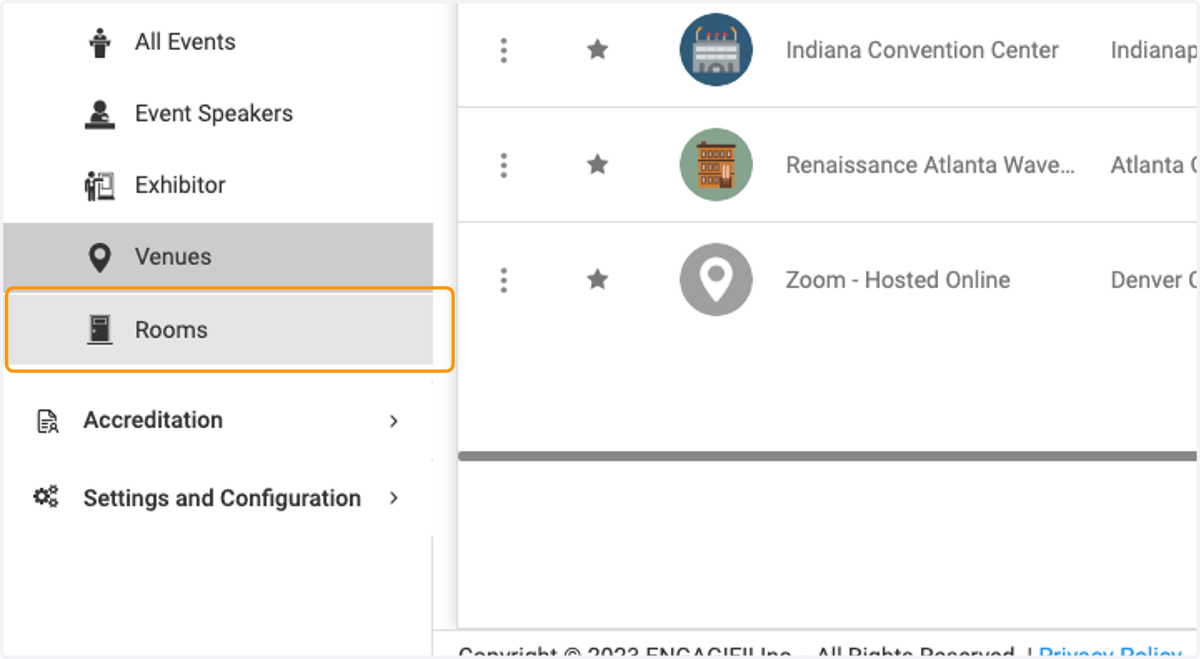
10. If you have rooms to add to your venue , click on Rooms
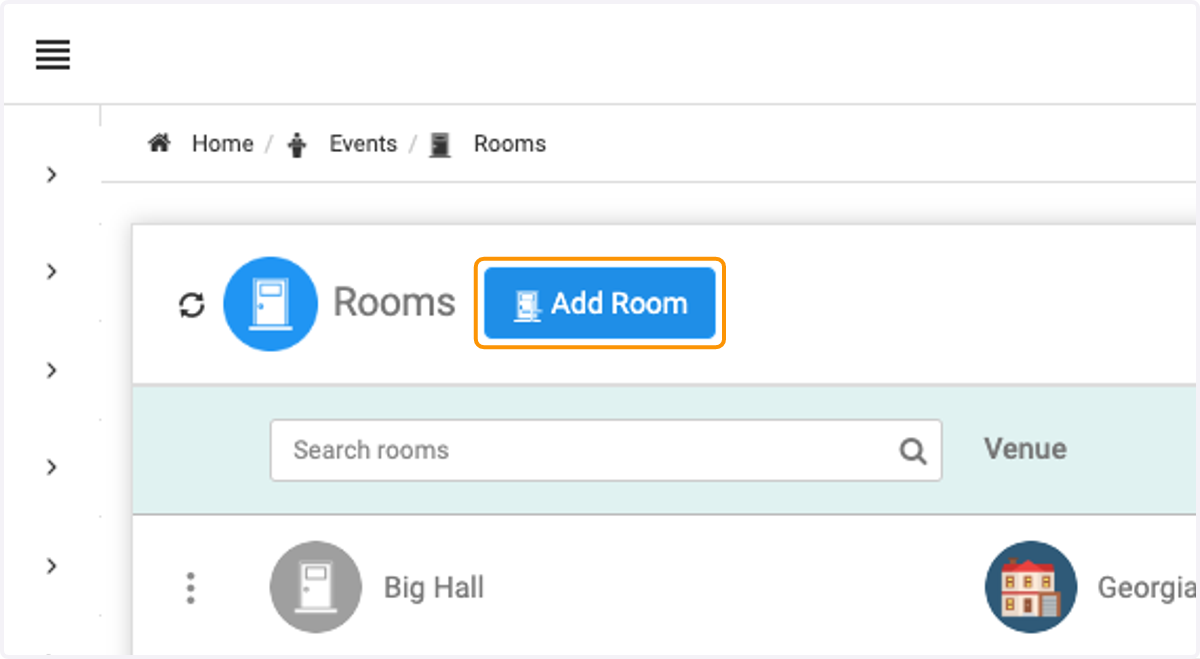
11. Click on Add Room
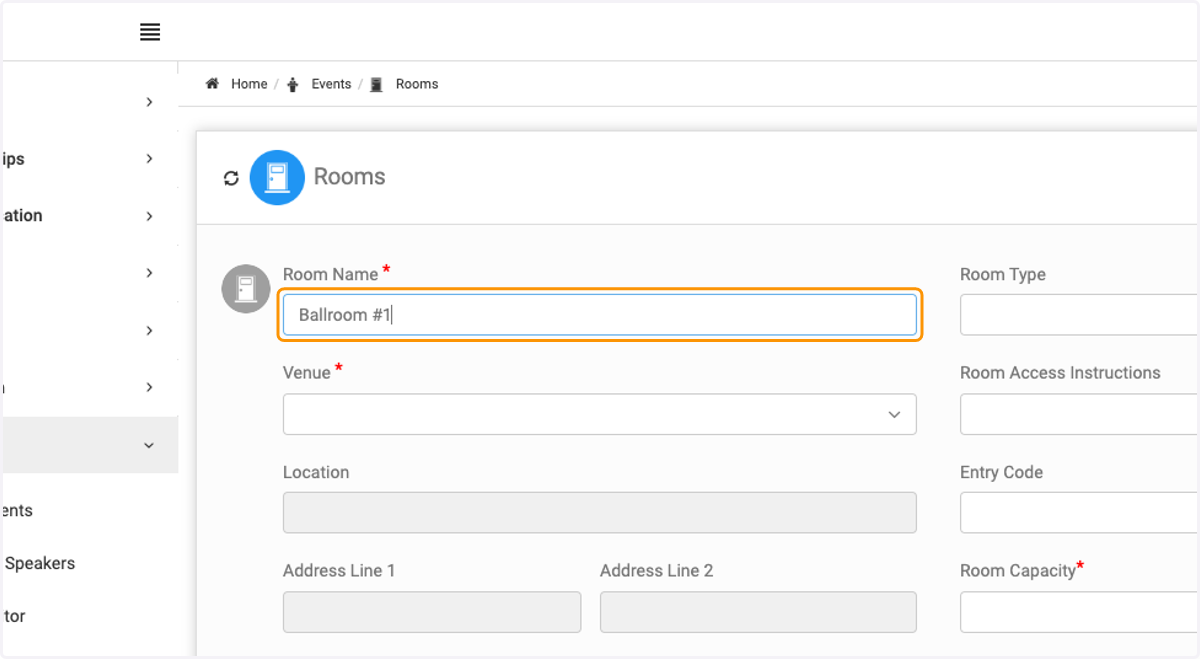
12. Type in the name of the room.
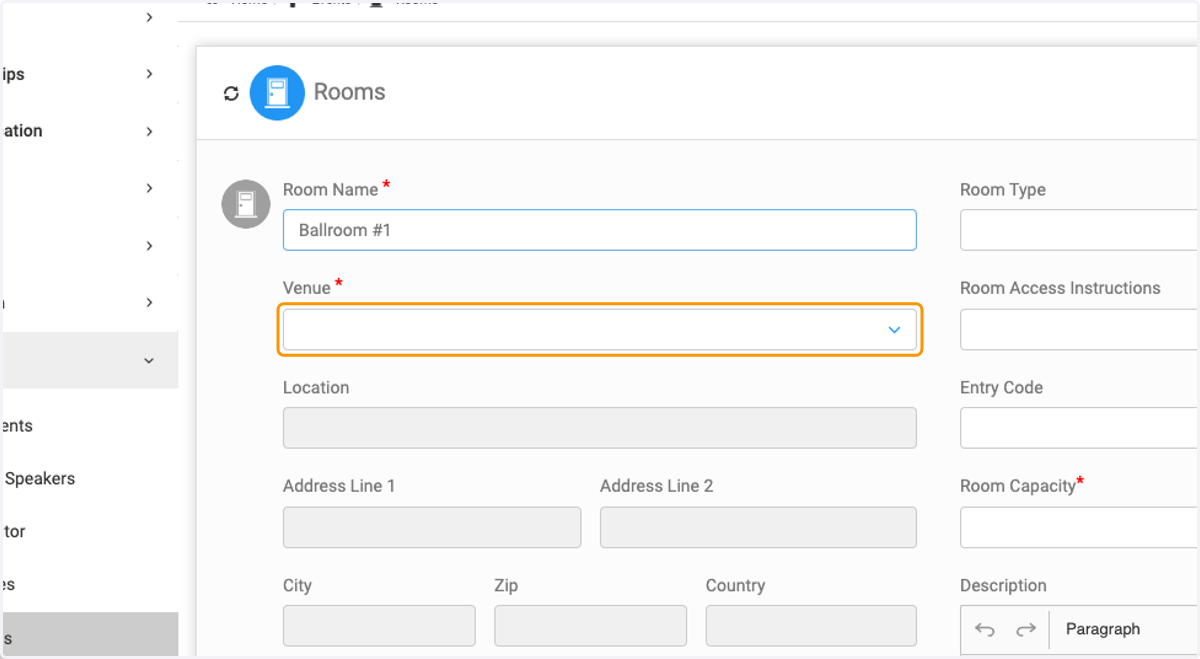
13. Select the venue that the room is attached to.
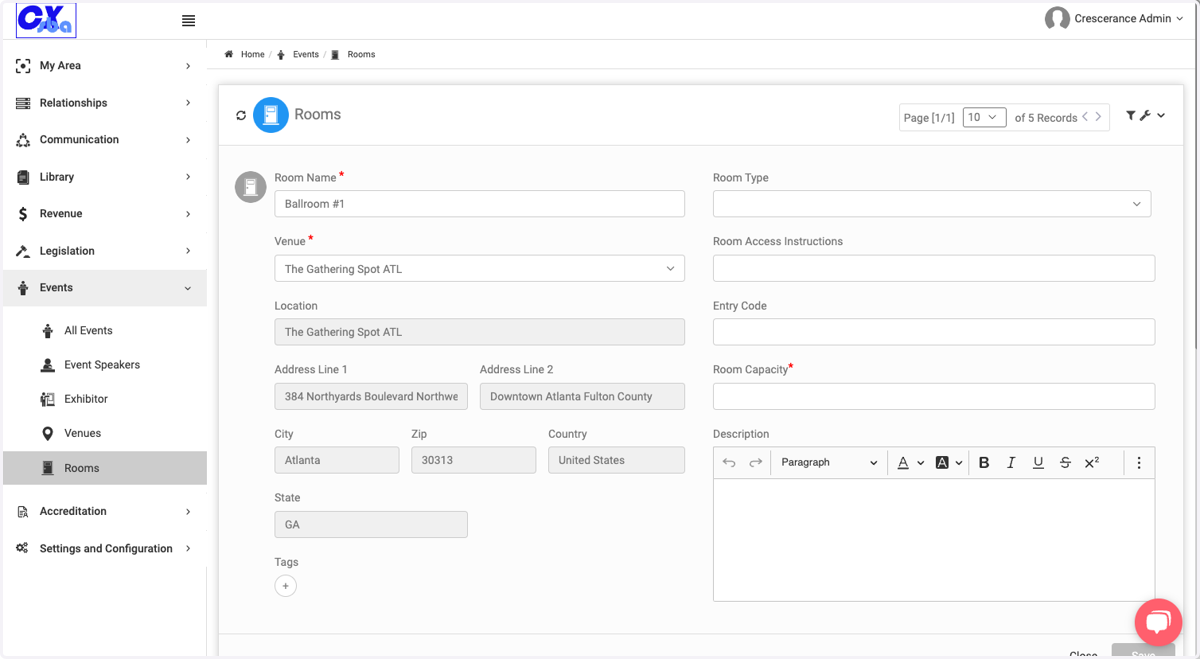
14. The venue information will populate.
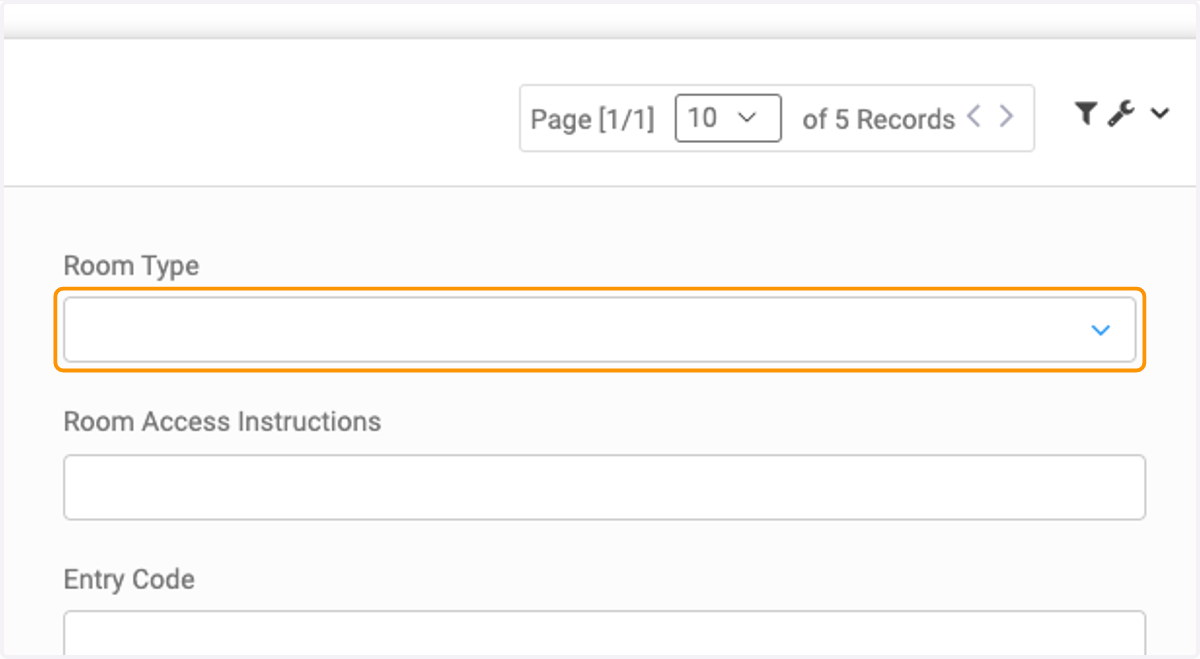
15. Choose your room type.
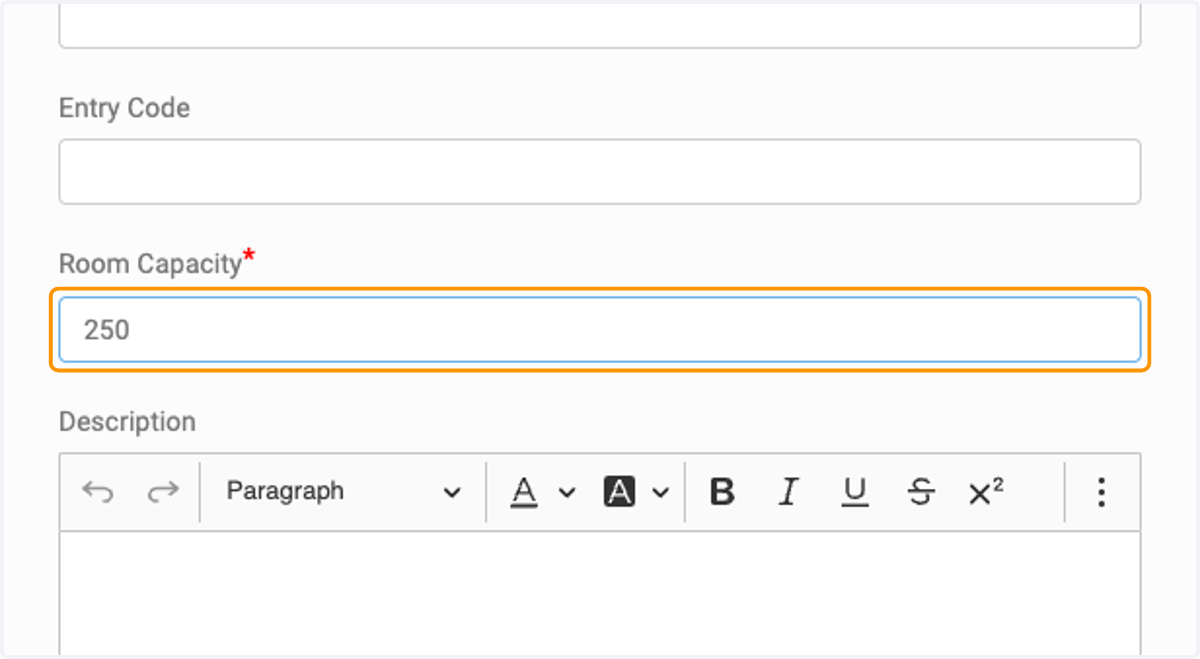
16. Enter the room capacity. Please note that future events held at this venue and room will need to be less than or equal to this capacity.
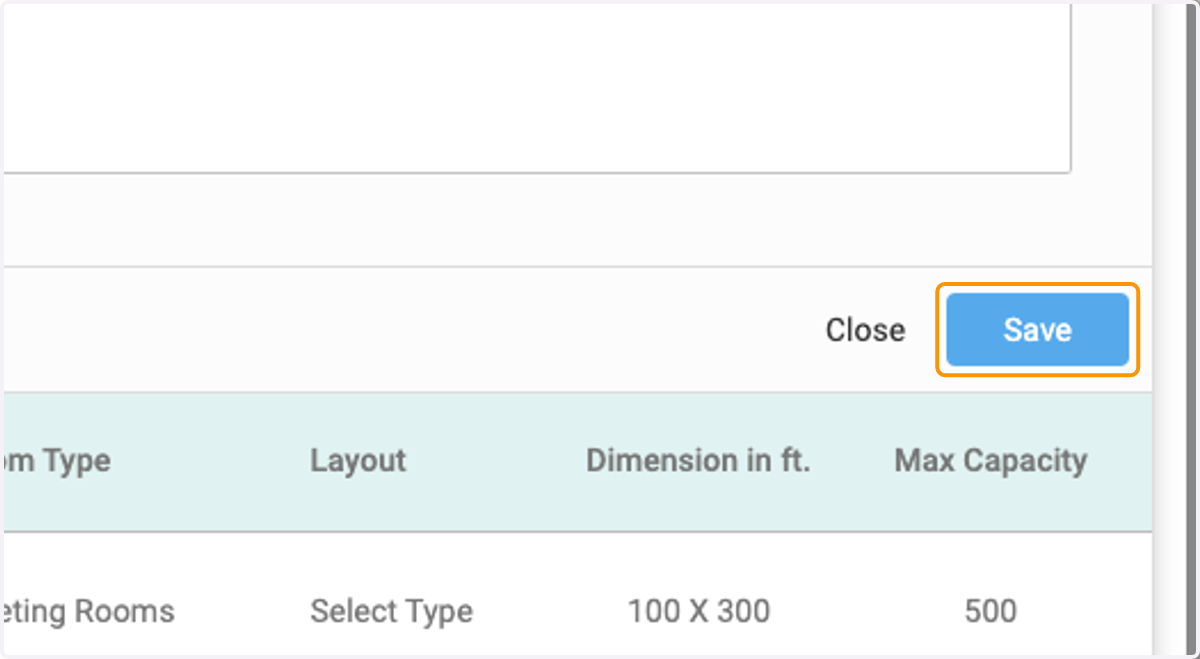
17. Click on Save