[Orum]: How to enable CRM and Linkedin Pop ups
This guide will show you how to enable pop ups when dialing in Orum. These pop ups will initially open up in a new tab on your browser and will automatically refresh for every new prospect or when connected when using the parallel dialer.
Start in Orum
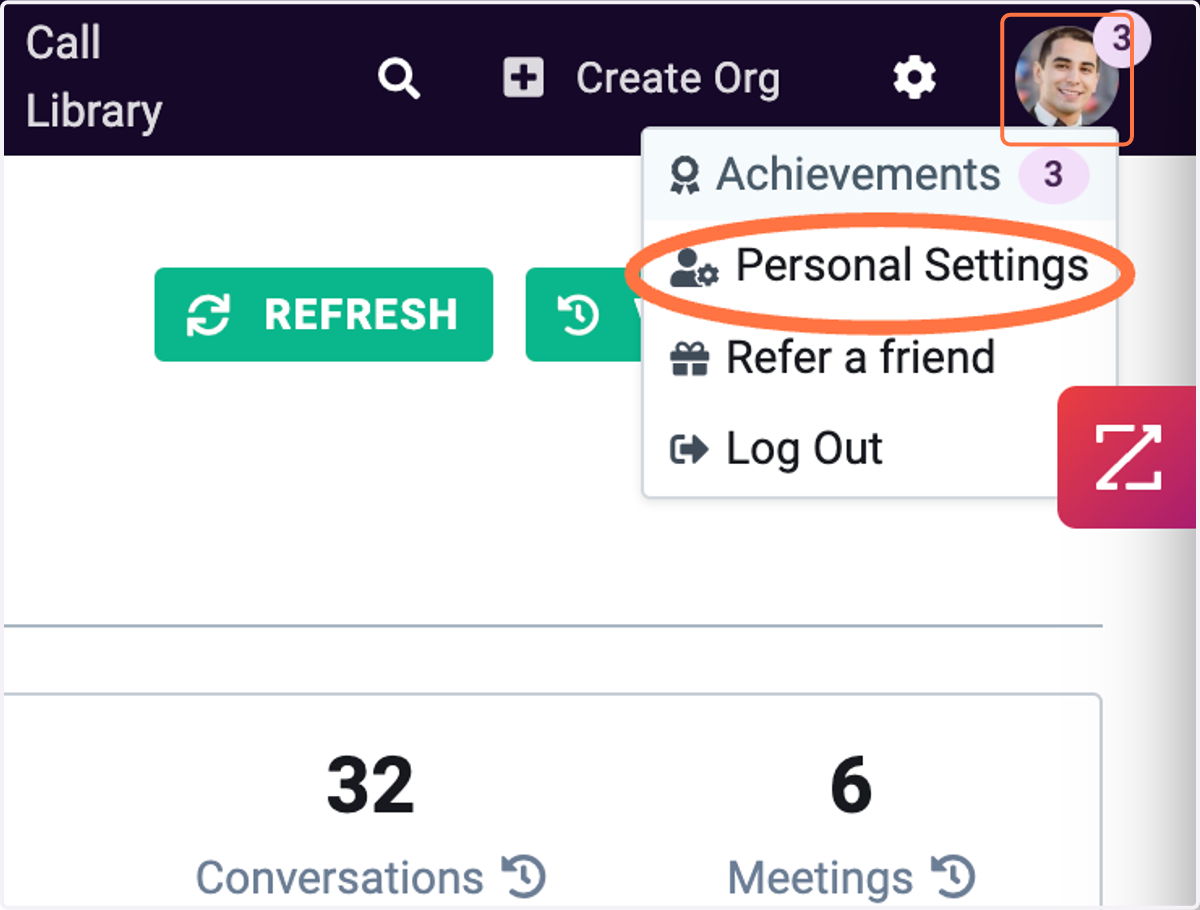
1. Click on initials or settings on the top right of your screen, then click personal settings.
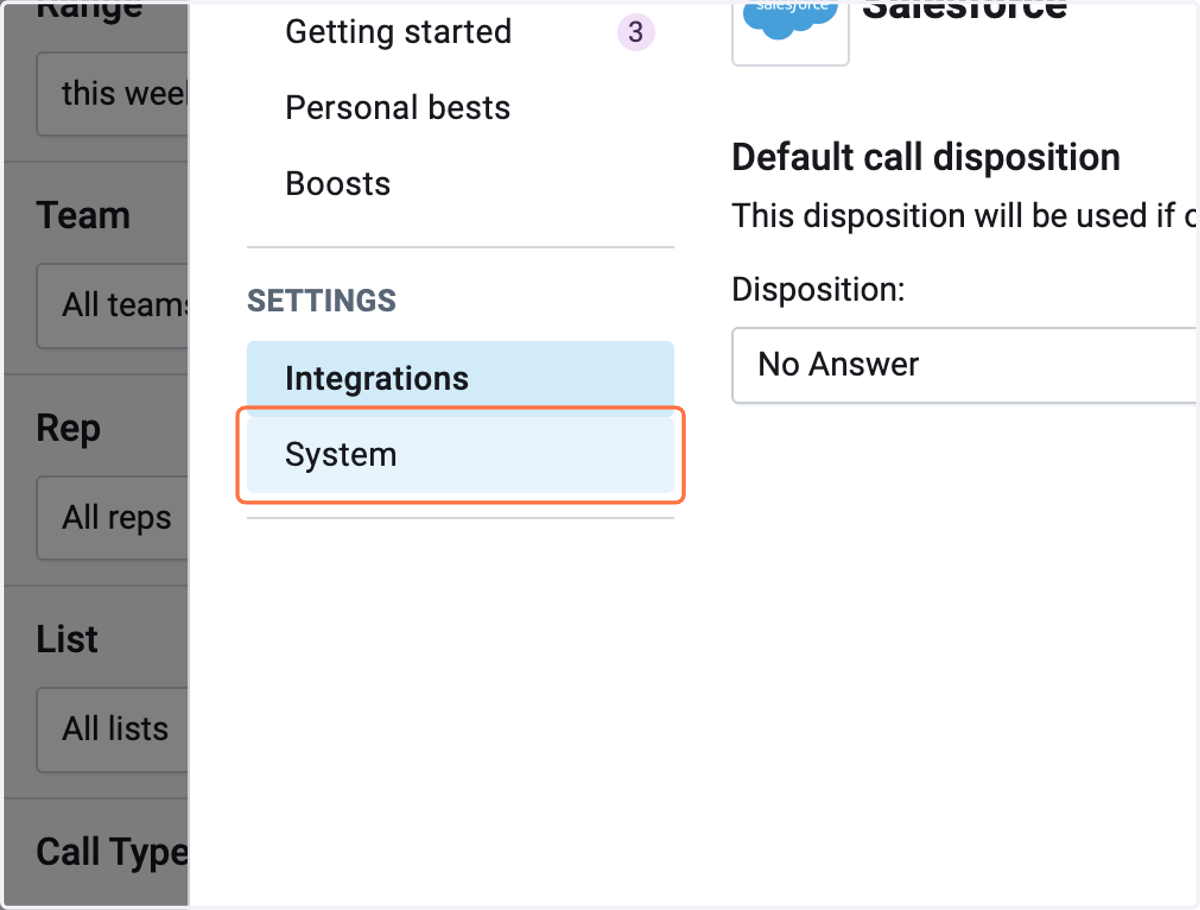
2. Click on System
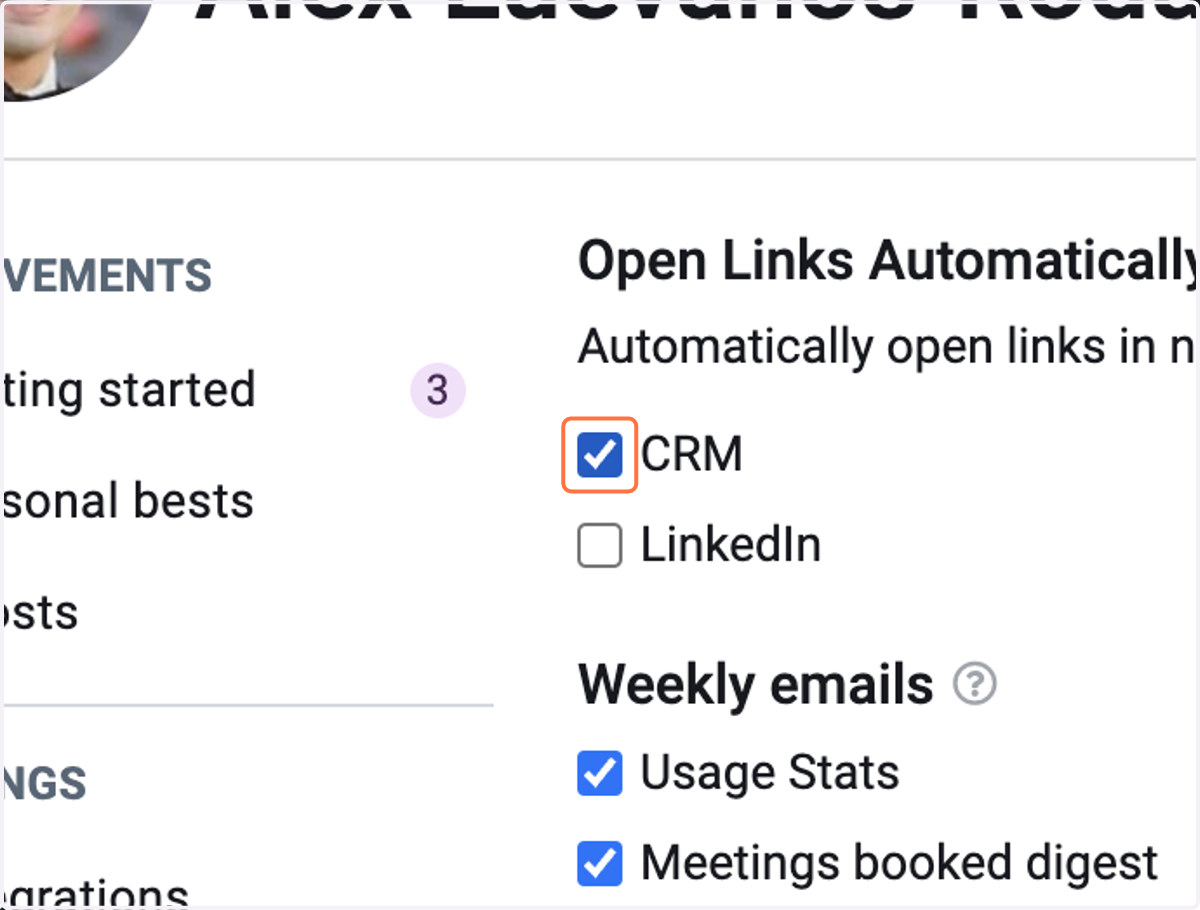
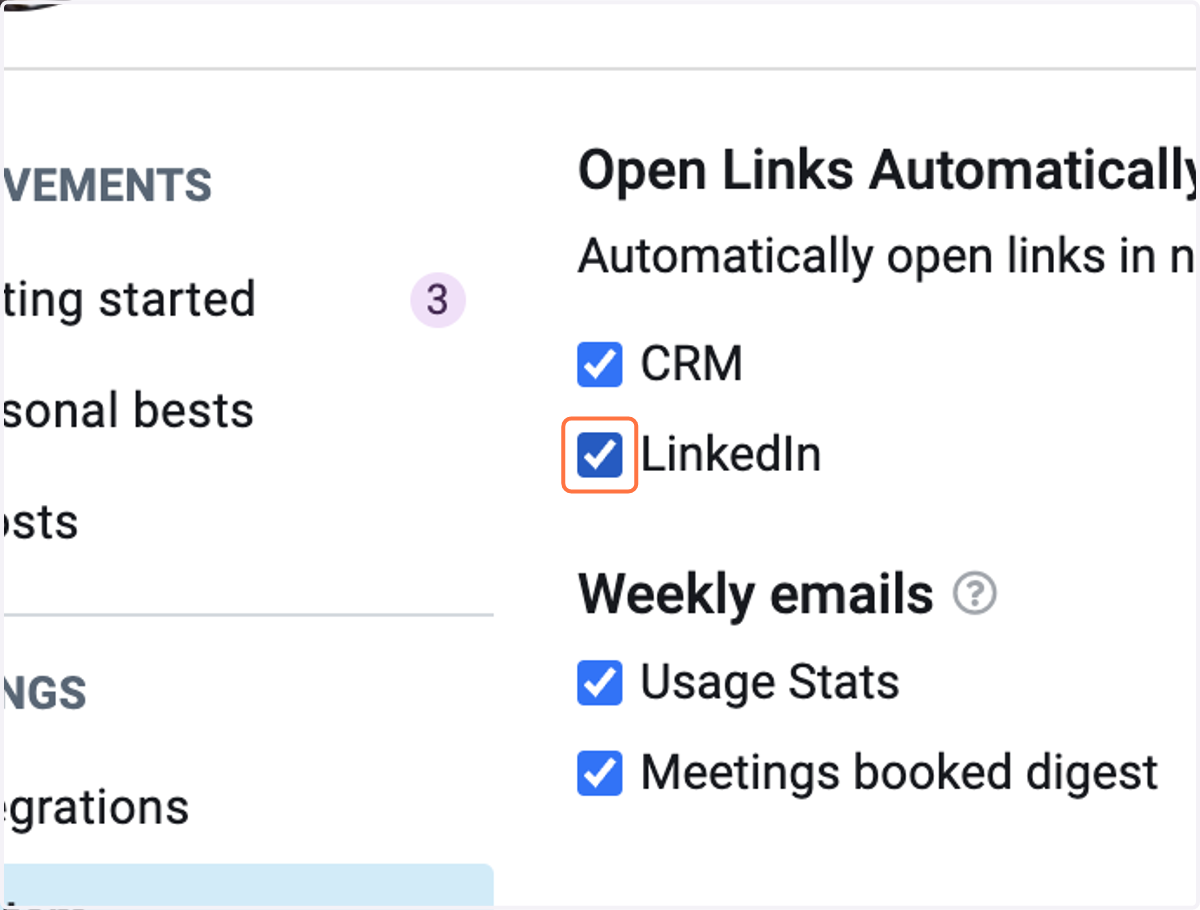
3. Check CRM if want your specific Orum integration prospect page to open
If you are using an SEP to make dials this will open up the prospects profile not your CRM.
4. Check LinkedIn
This will open up the Linkedin URL of the prospect if populated in the native Linkedin URL link field, if not populated Orum will search Linkedin by First and Last Name.
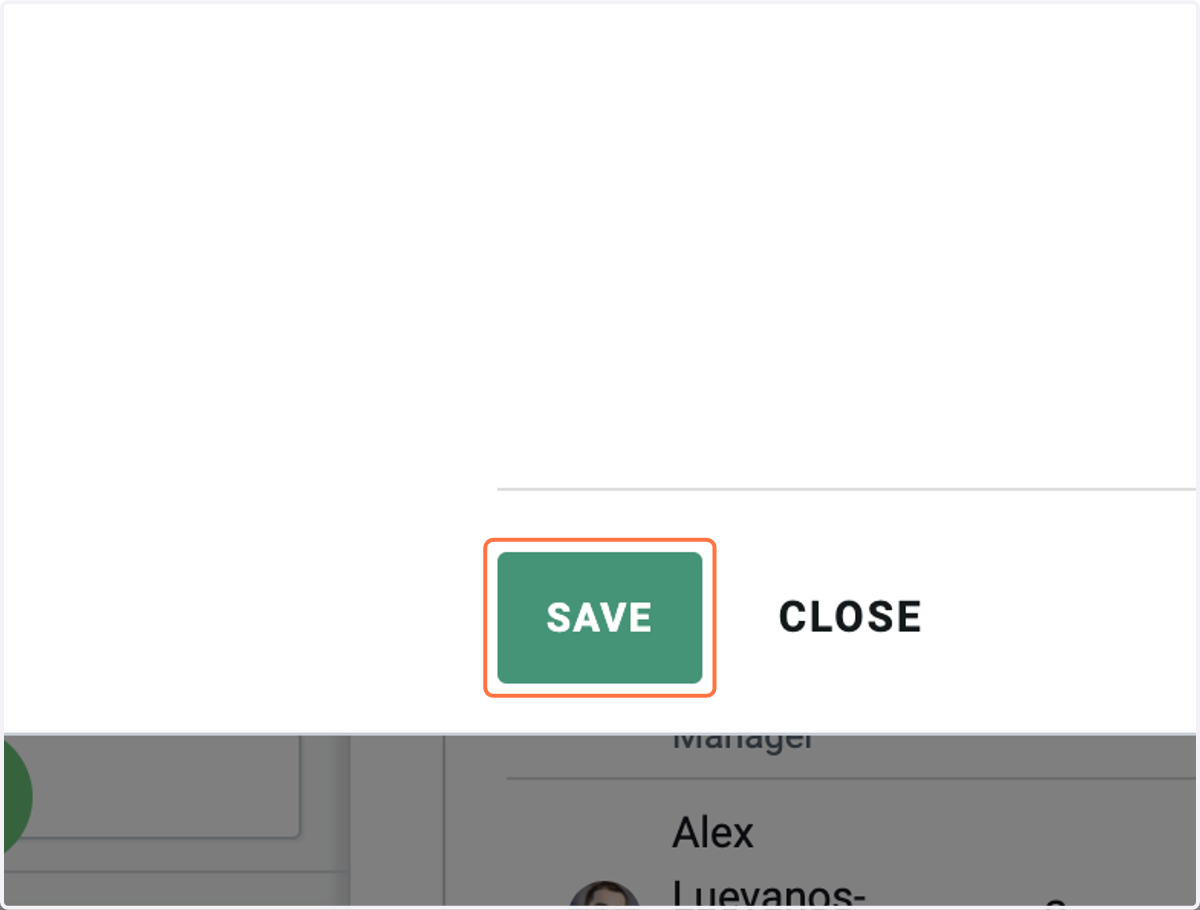
5. Click on SAVE
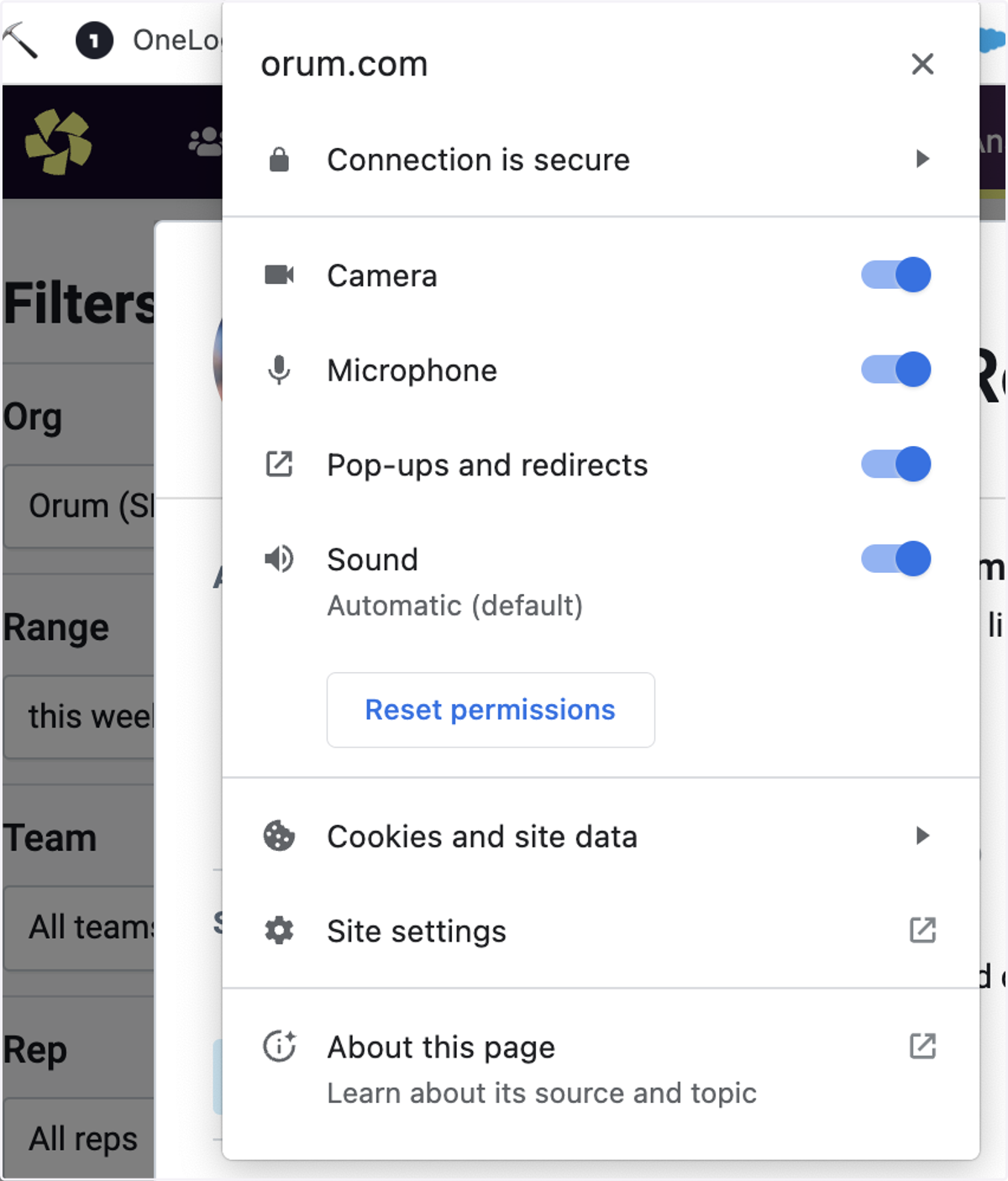
6. Double check that Pop Ups are enabled in your browser