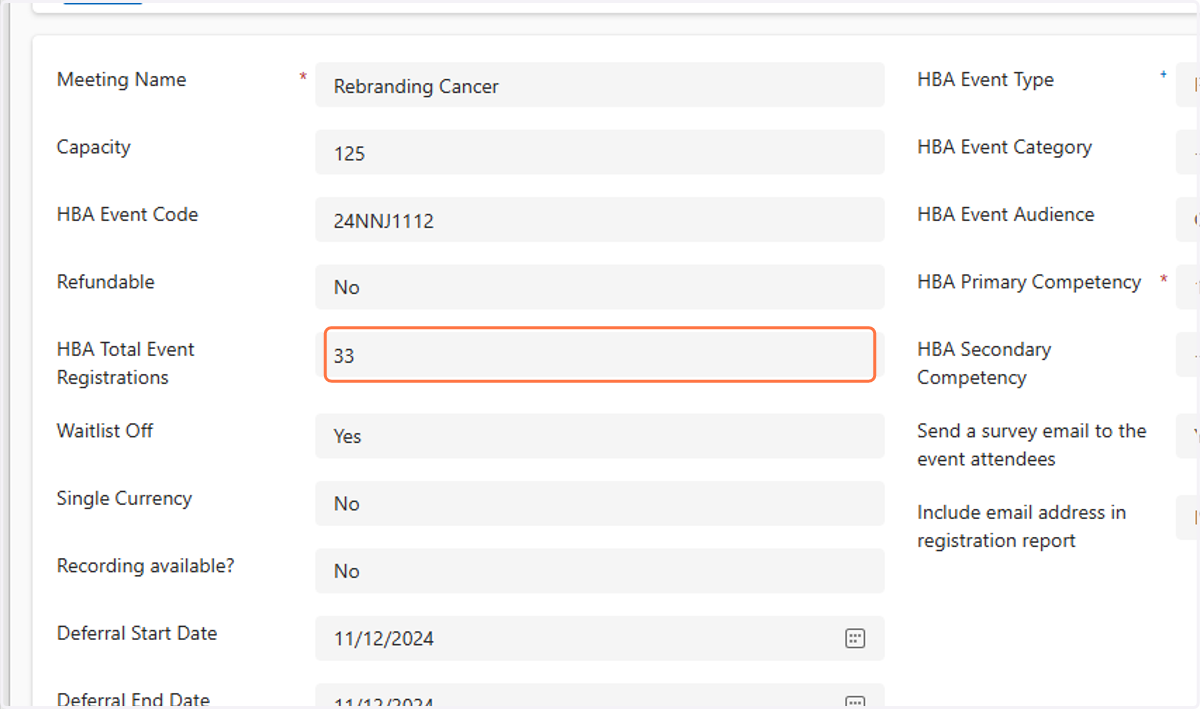
Checking registration numbers
Contacts Active Contacts - Dynamics 365
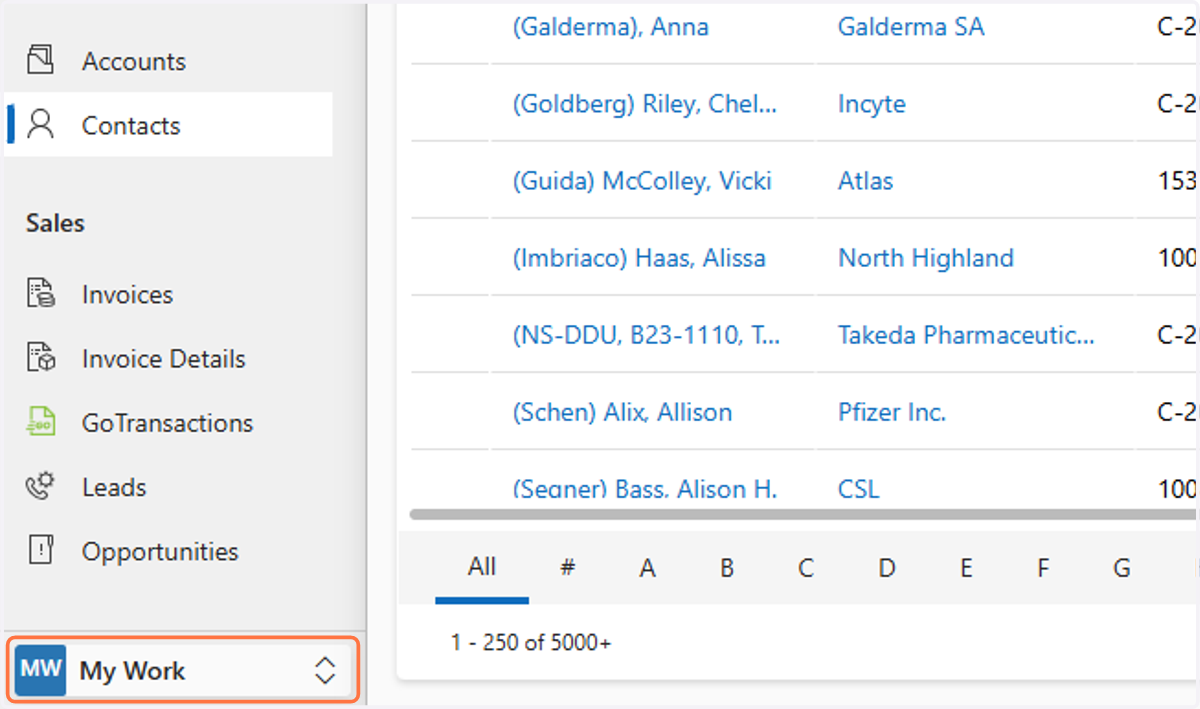
1. Click on My Work
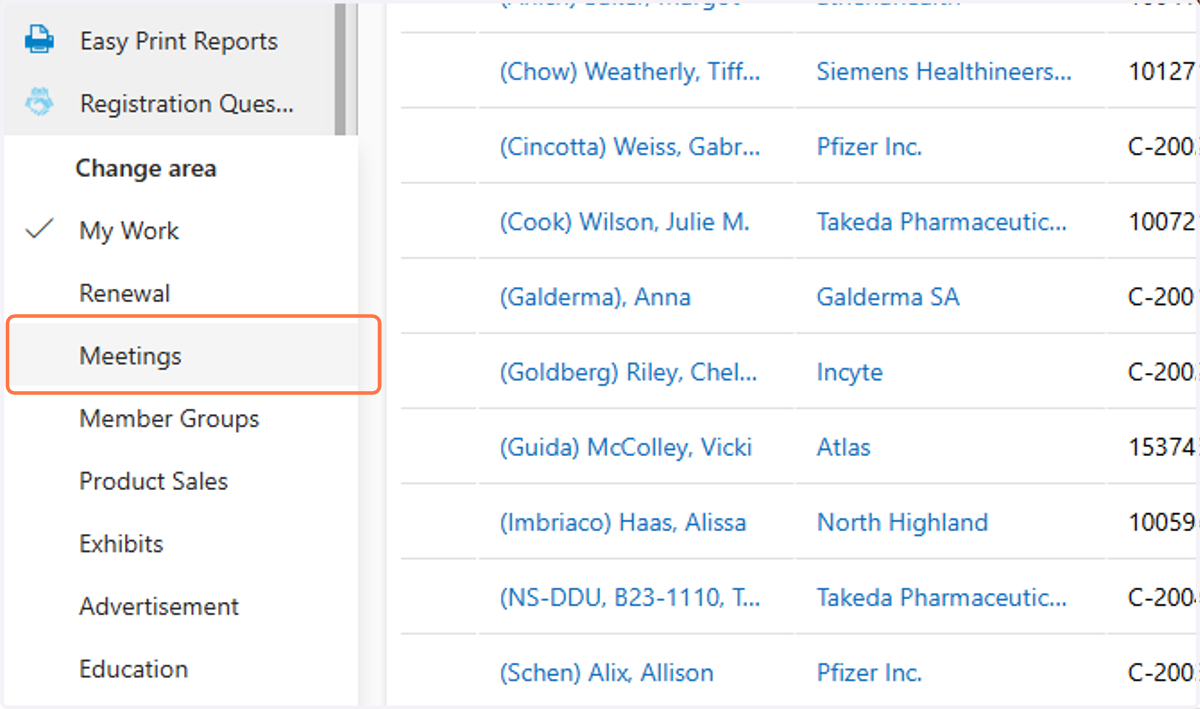
2. Click on Meetings
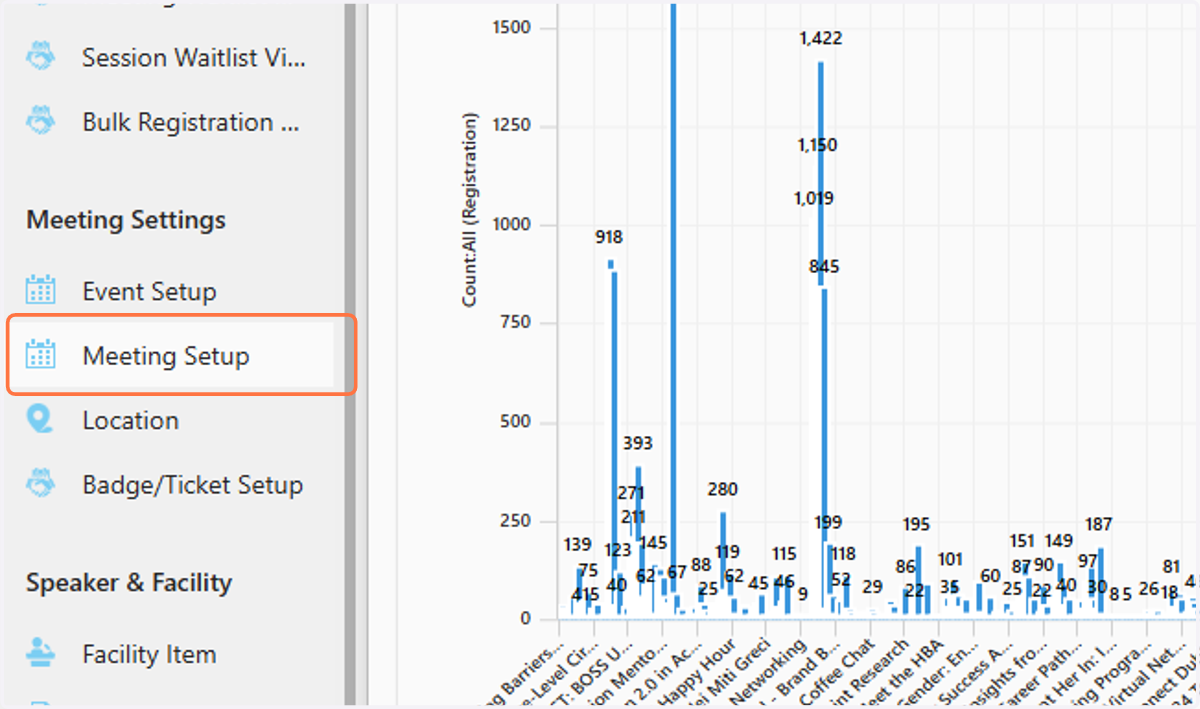
3. Click on Meeting Setup
4. Type the name of the meeting
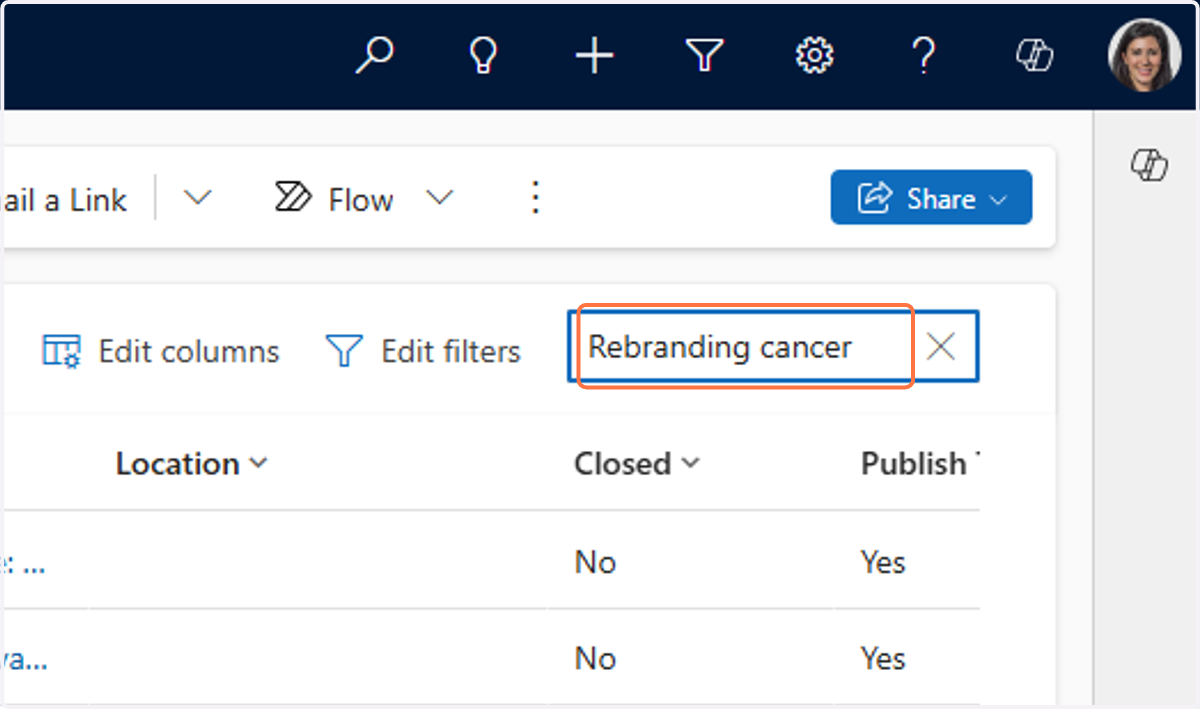
5. Click on the event
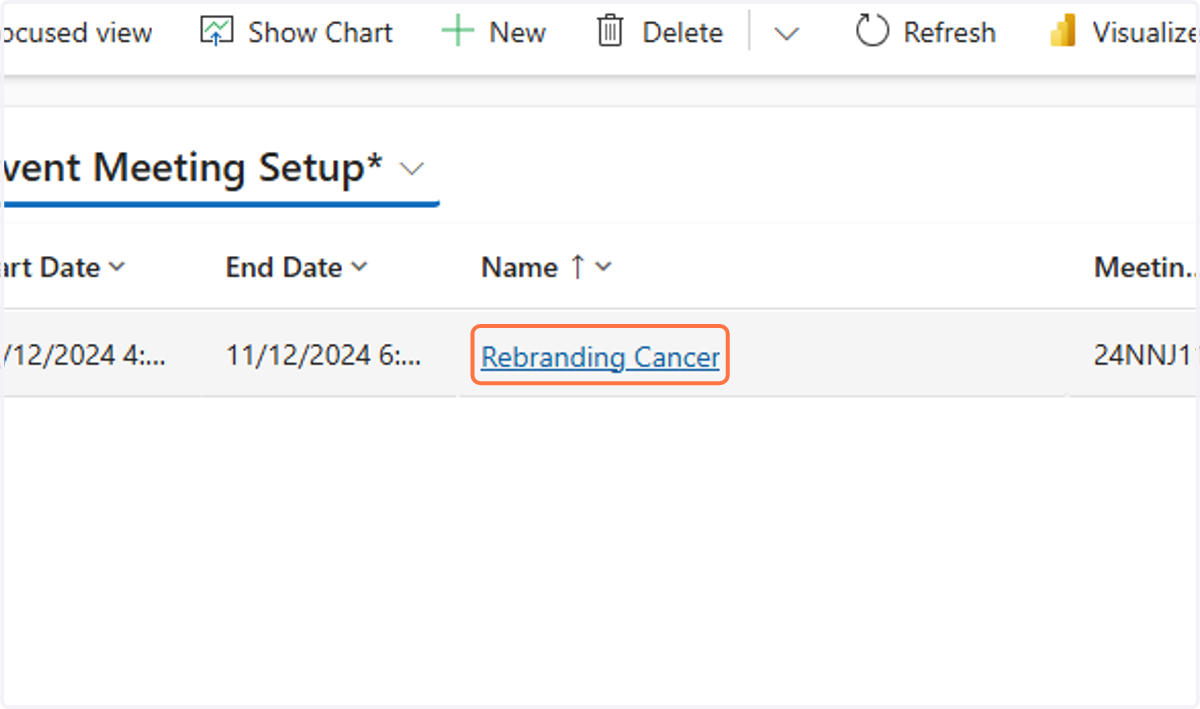
6. You'll see the number under HBA Total Event Registrations