How to Provide Feedback on Leads
Log Into Your Portal
motivatedleads.com and click "Sign In"
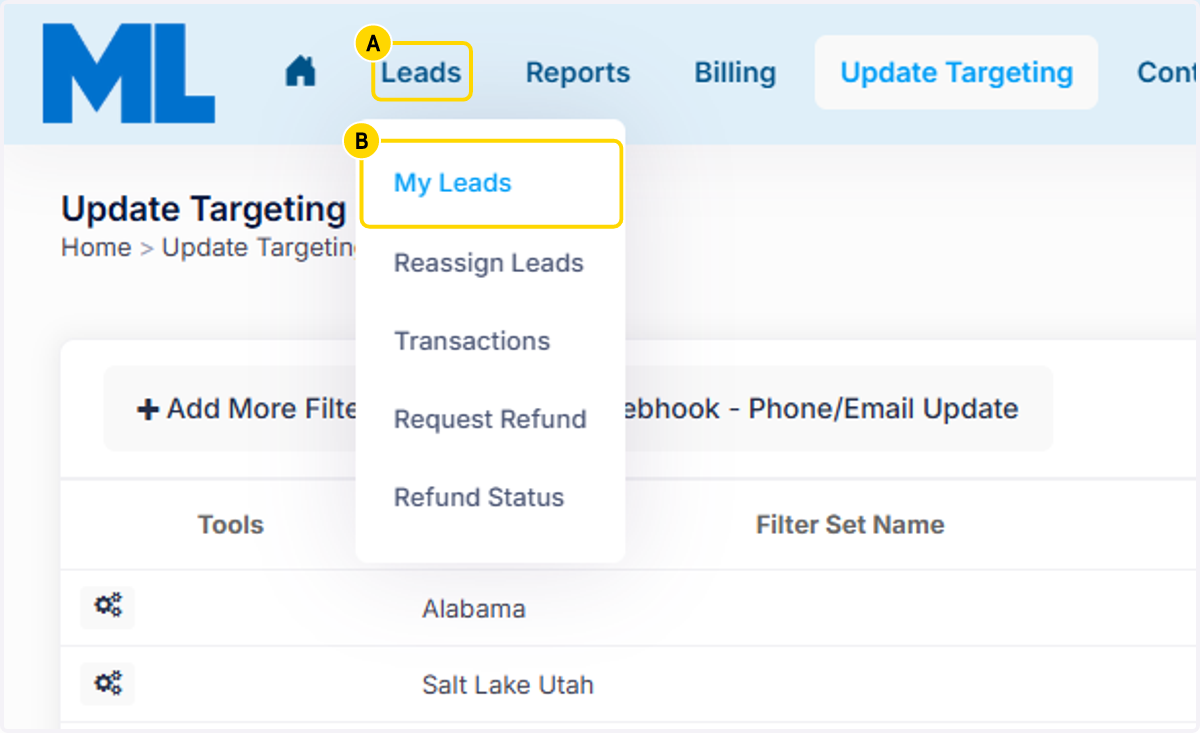
1. A. Click on Leads
1. B. Click on My Leads
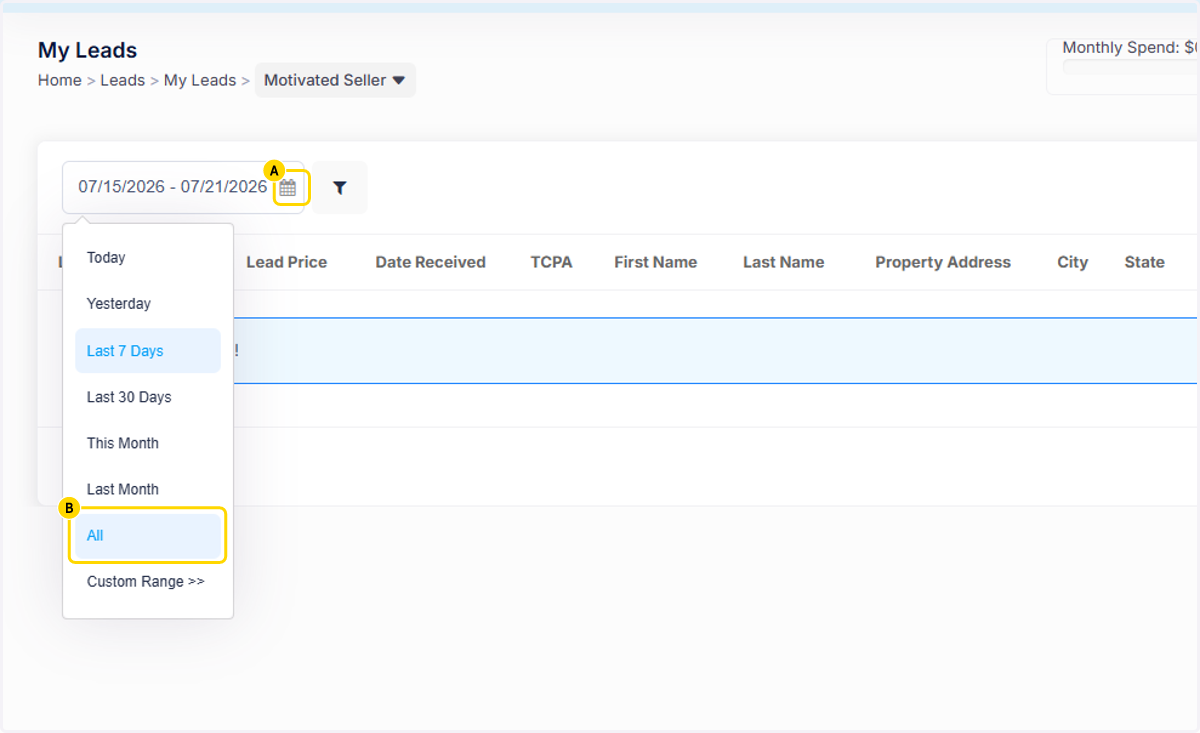
2. A. Click on the Calendar Filter
2. B. Click on All
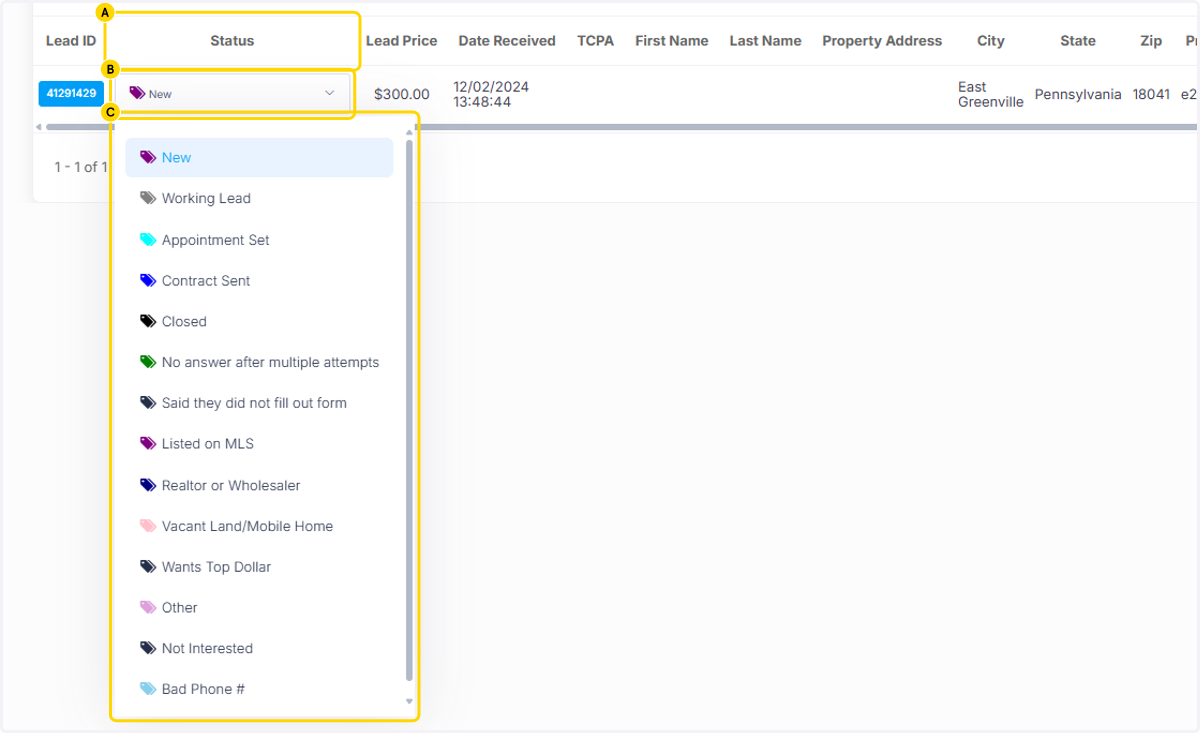
3. A. All leads will then show up. Choose the lead and Click on Status
3. B. A dropdown with different status options will show.
3. C. Click on the status that best meets the status of the lead.