Setting up the Geofence
Loadops by Optym
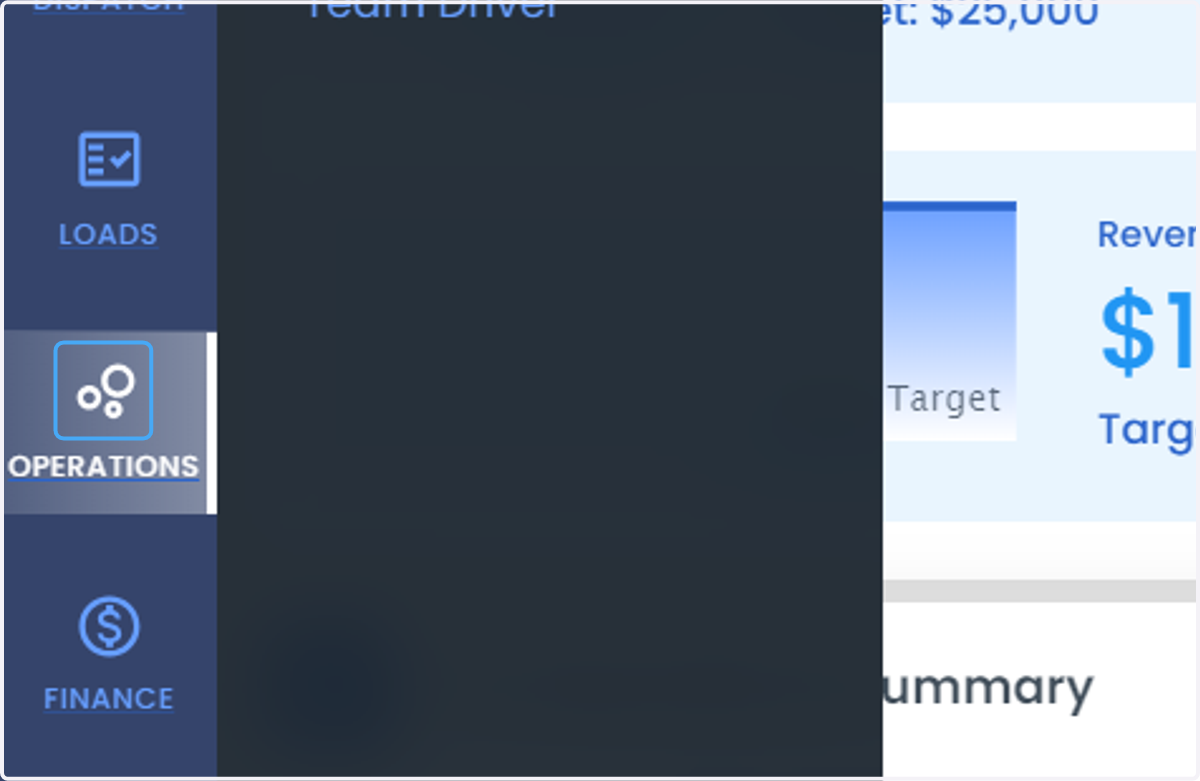
1. Click on OPERATIONS
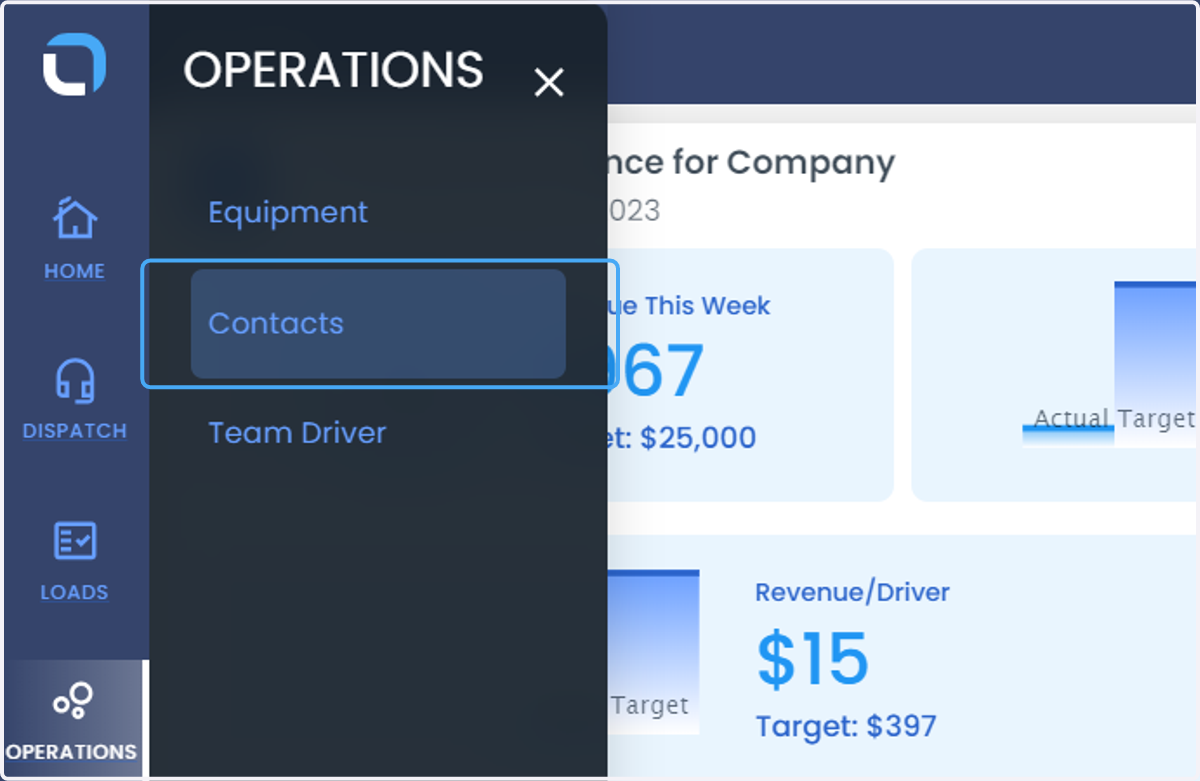
2. Click on Contacts
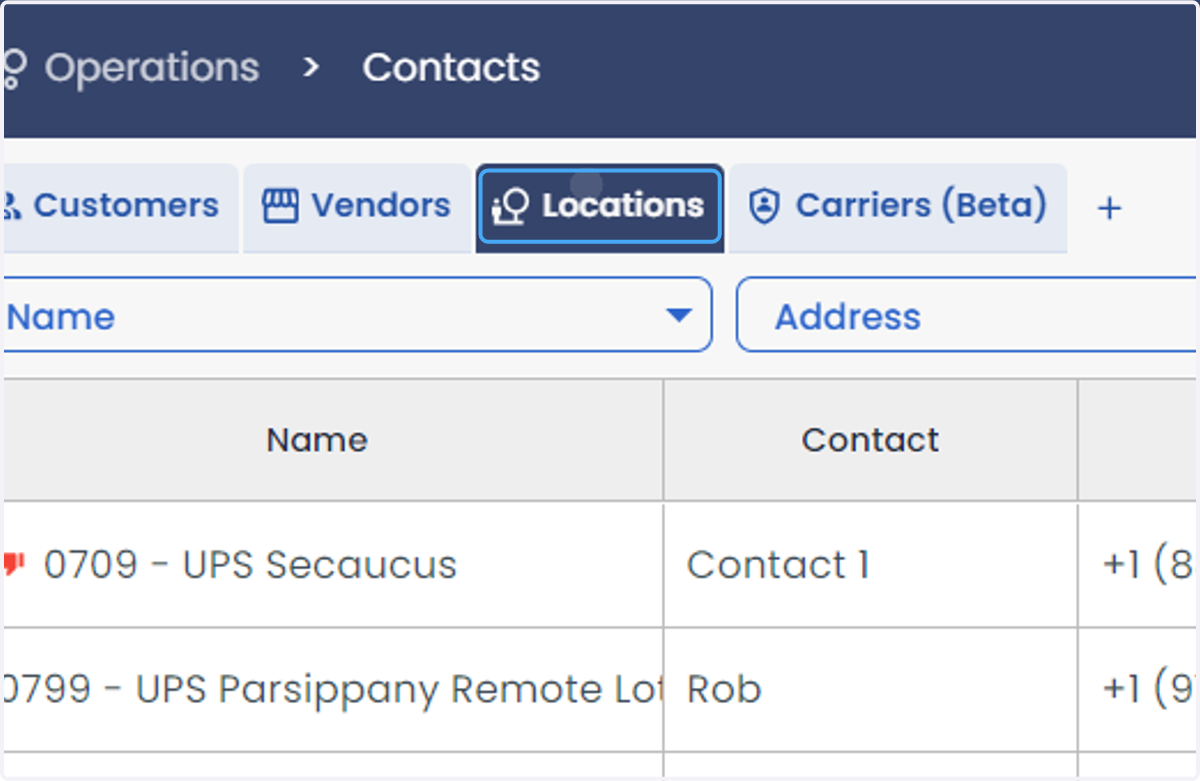
3. Click on Locations
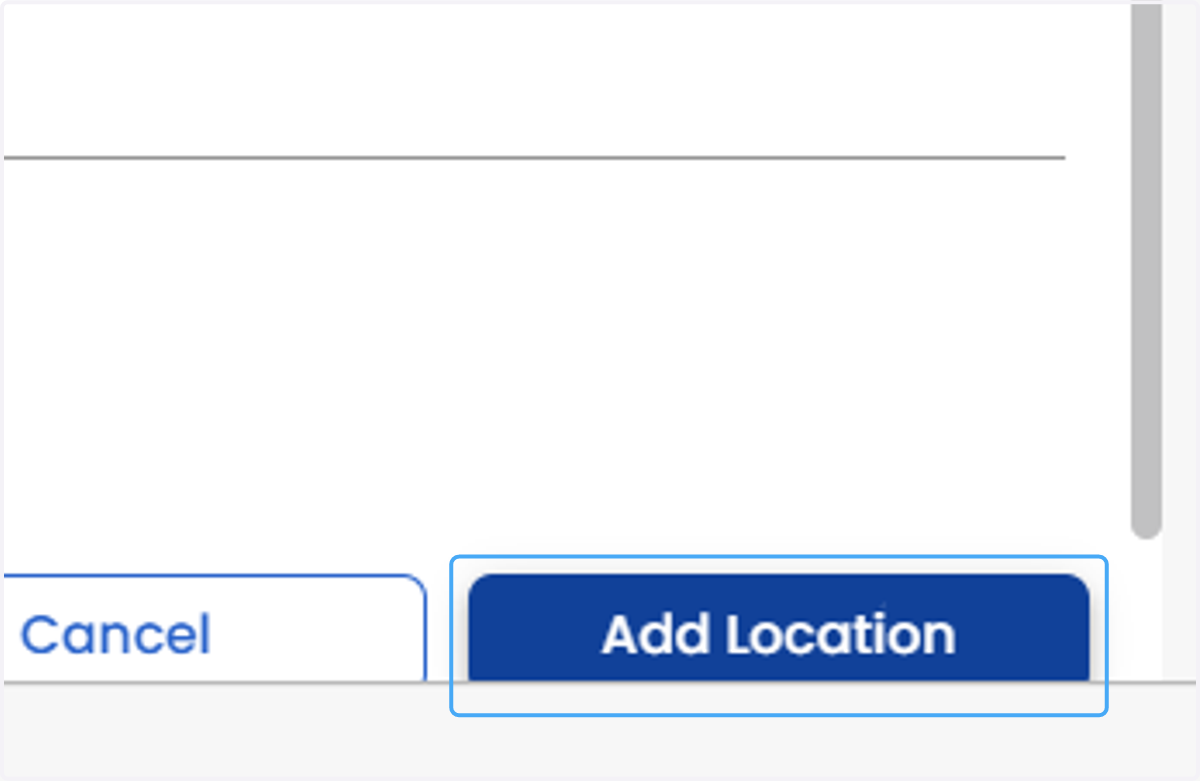
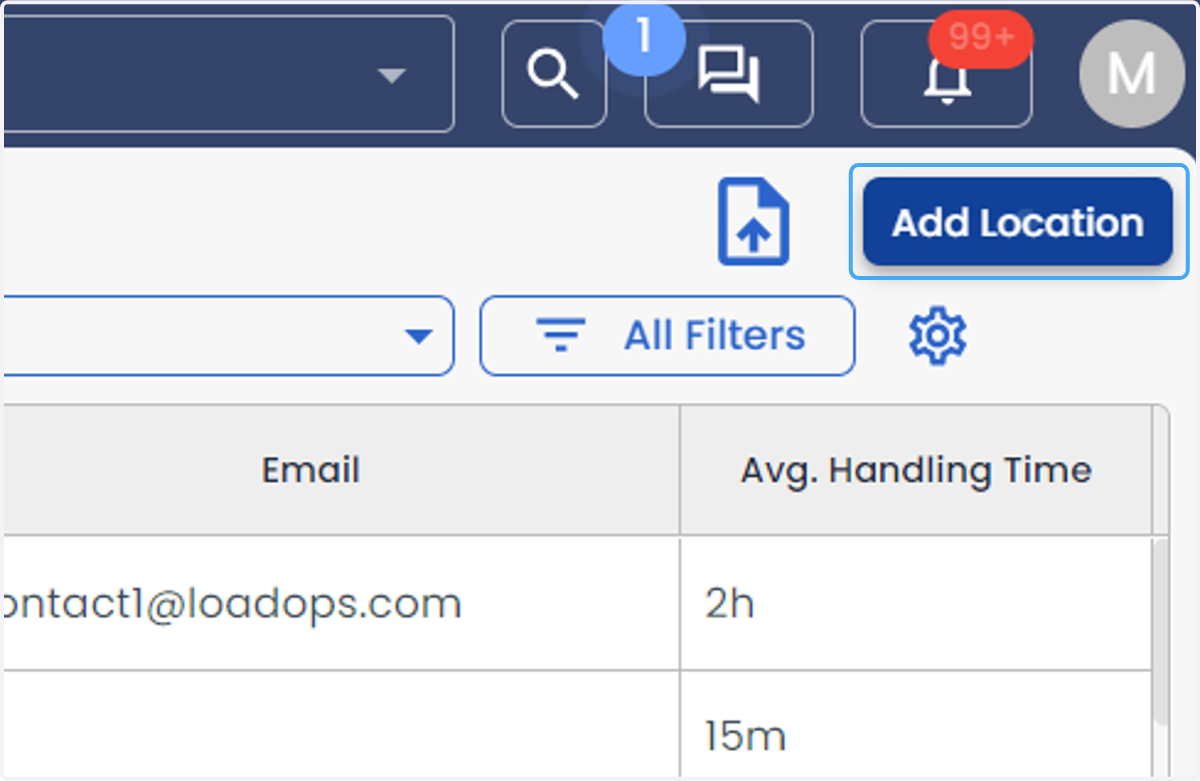
4. Click on Add Location
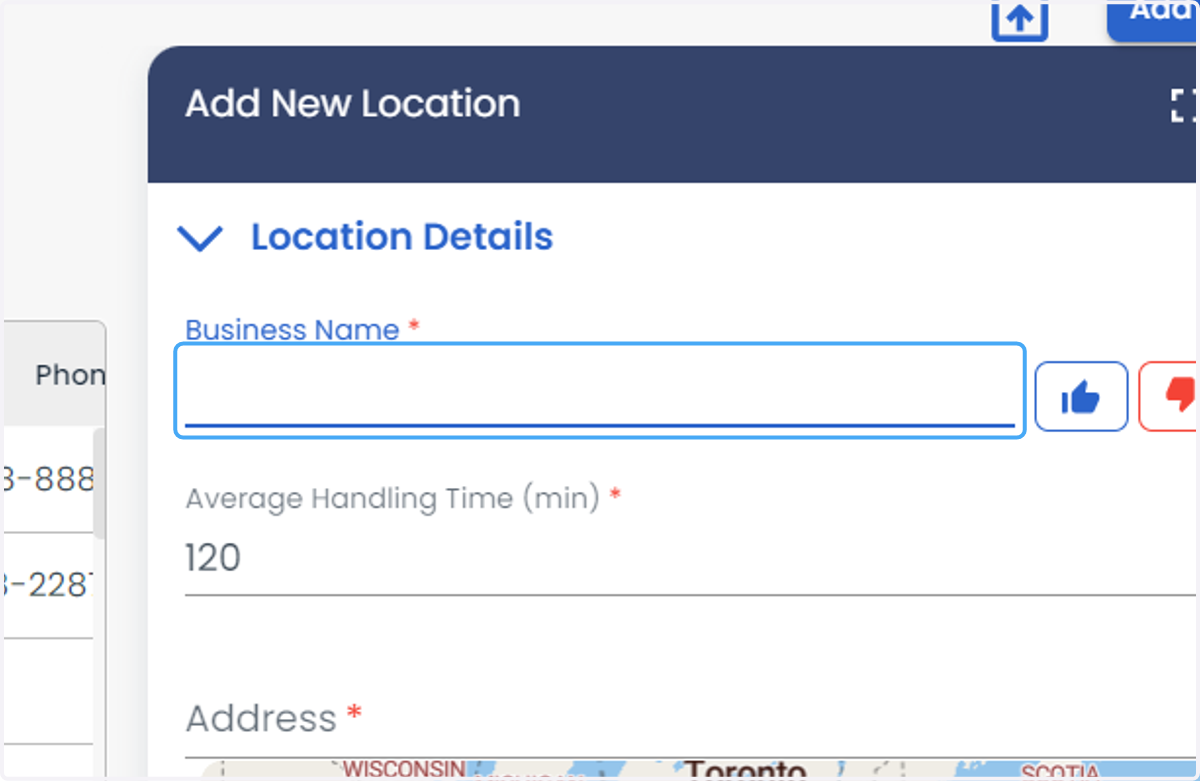
5. Enter the Business Name
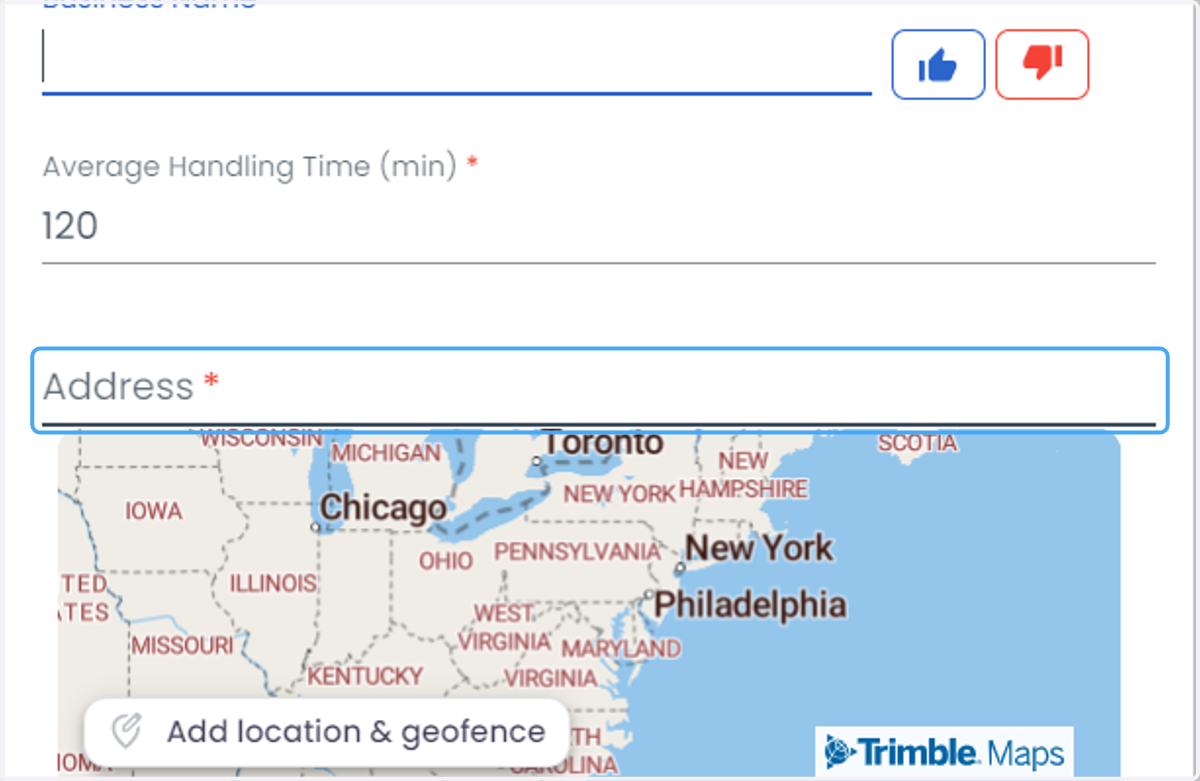
6. Enter the Address
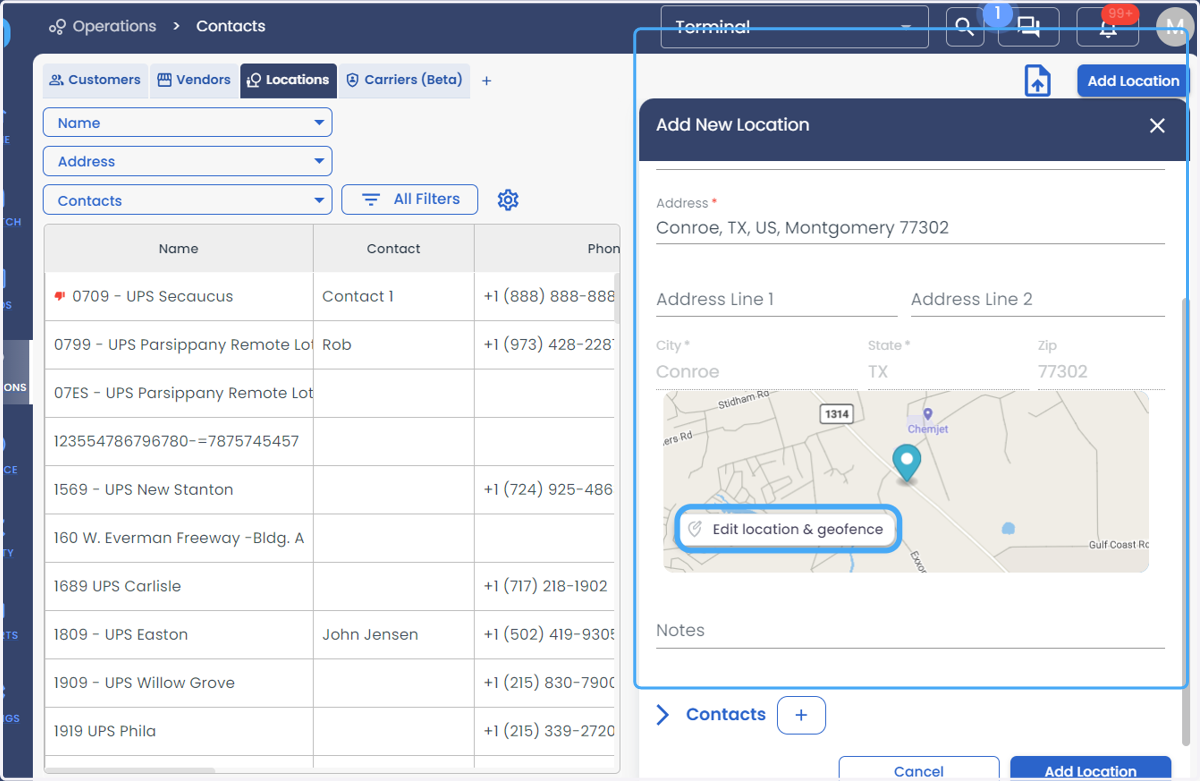
7. Click on Edit Location & geofence
8. Click on Draw boundary to draw the geofence.
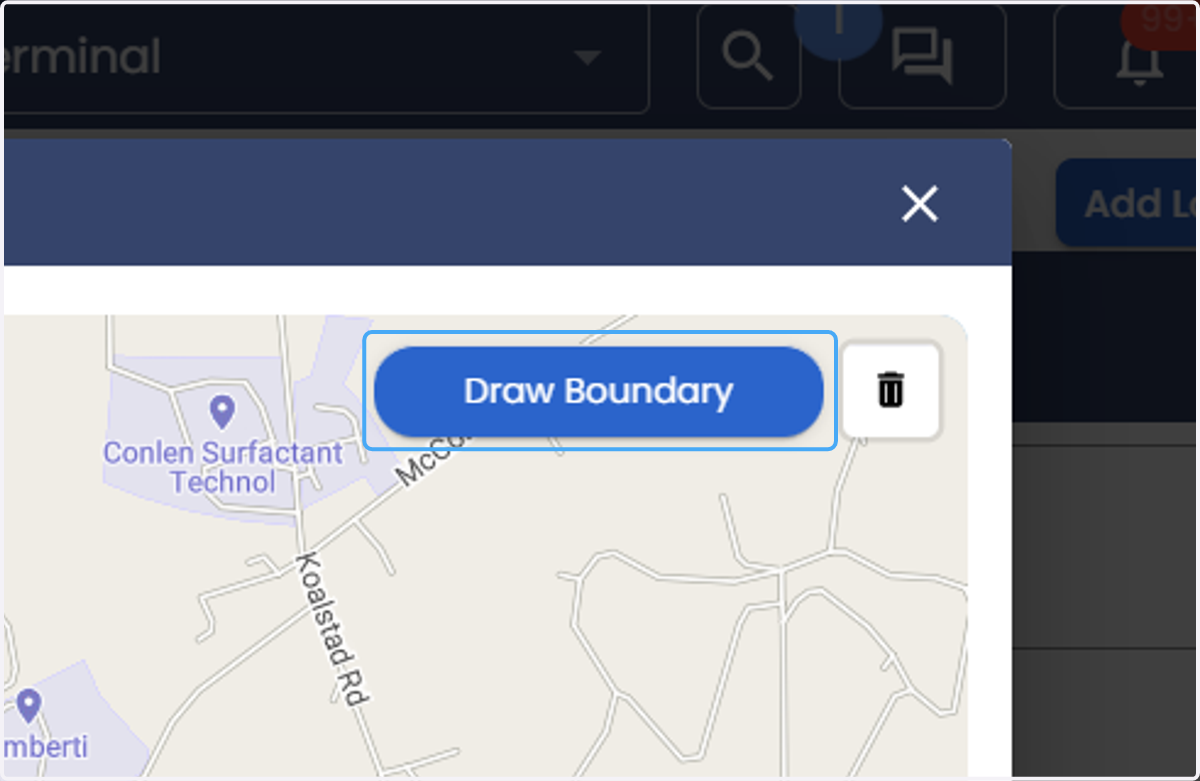
9. click on the location point to set the geofence and draw the boundary.
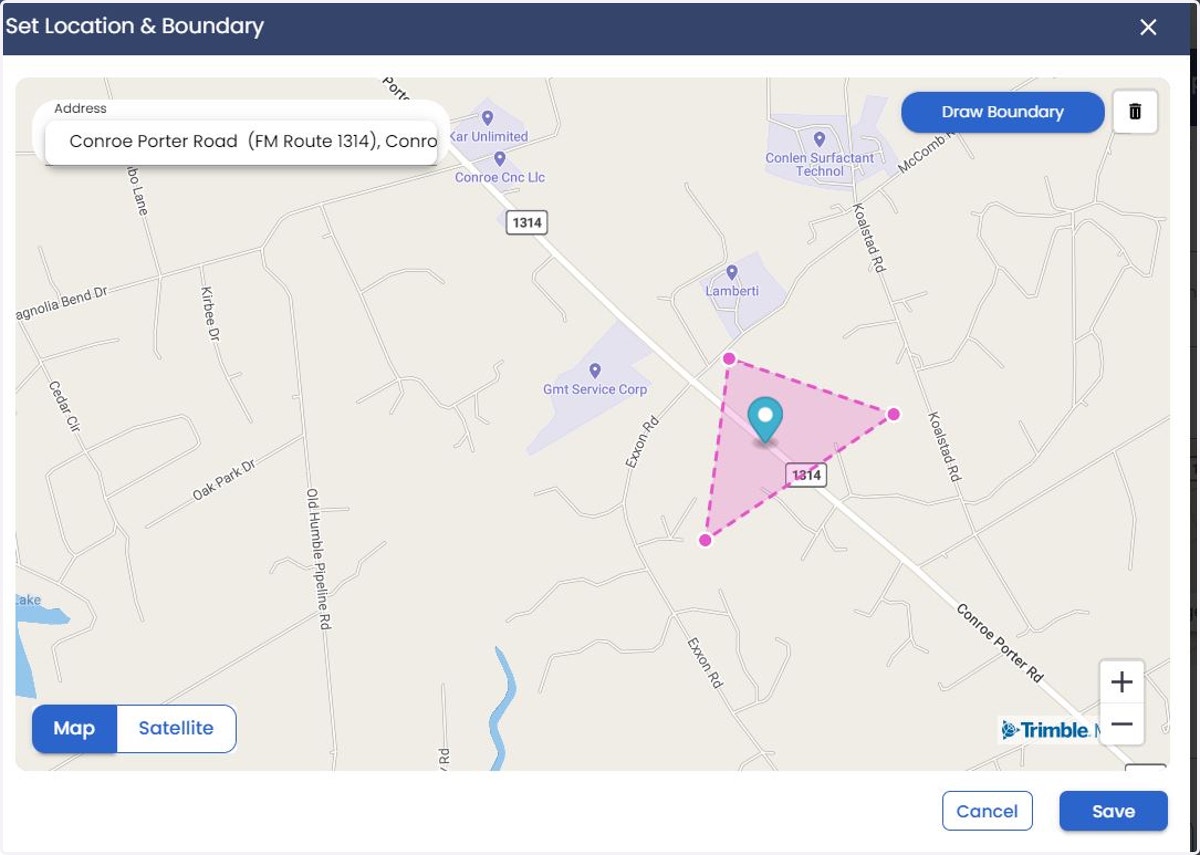
10. Click on Save
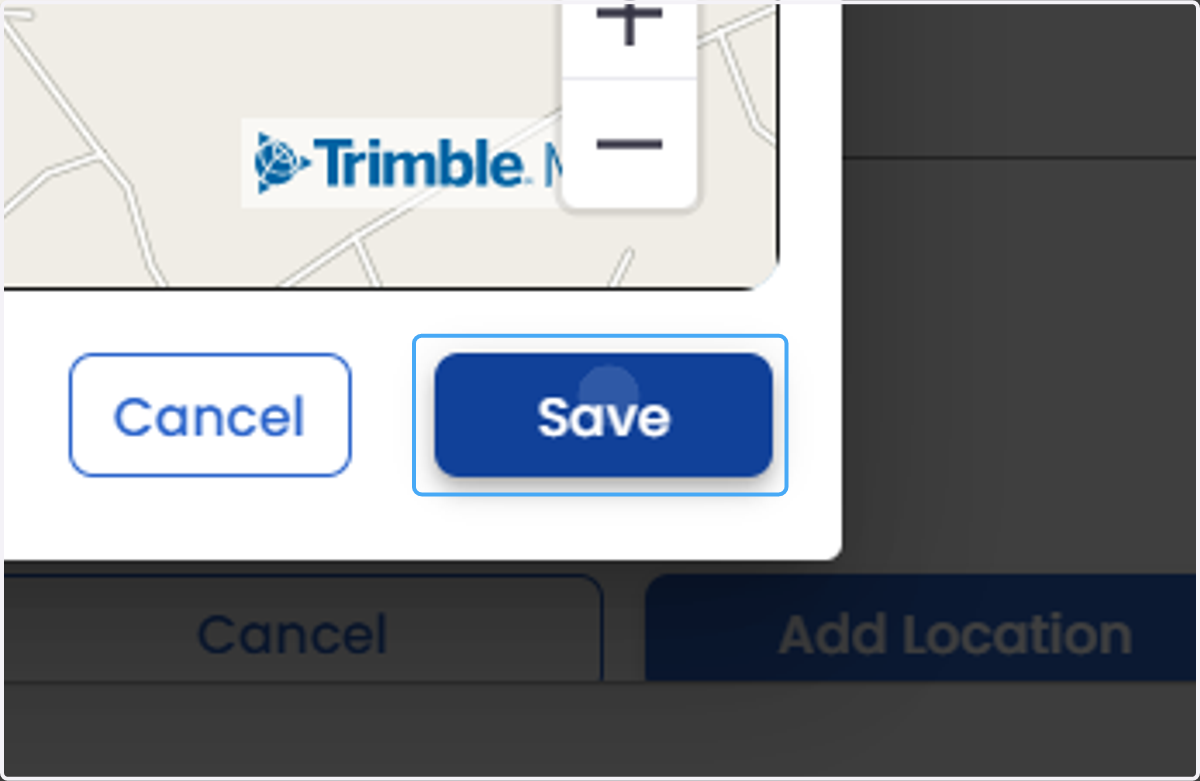
11. Click on Add Location