Auto Assign Contacts to a volunteer
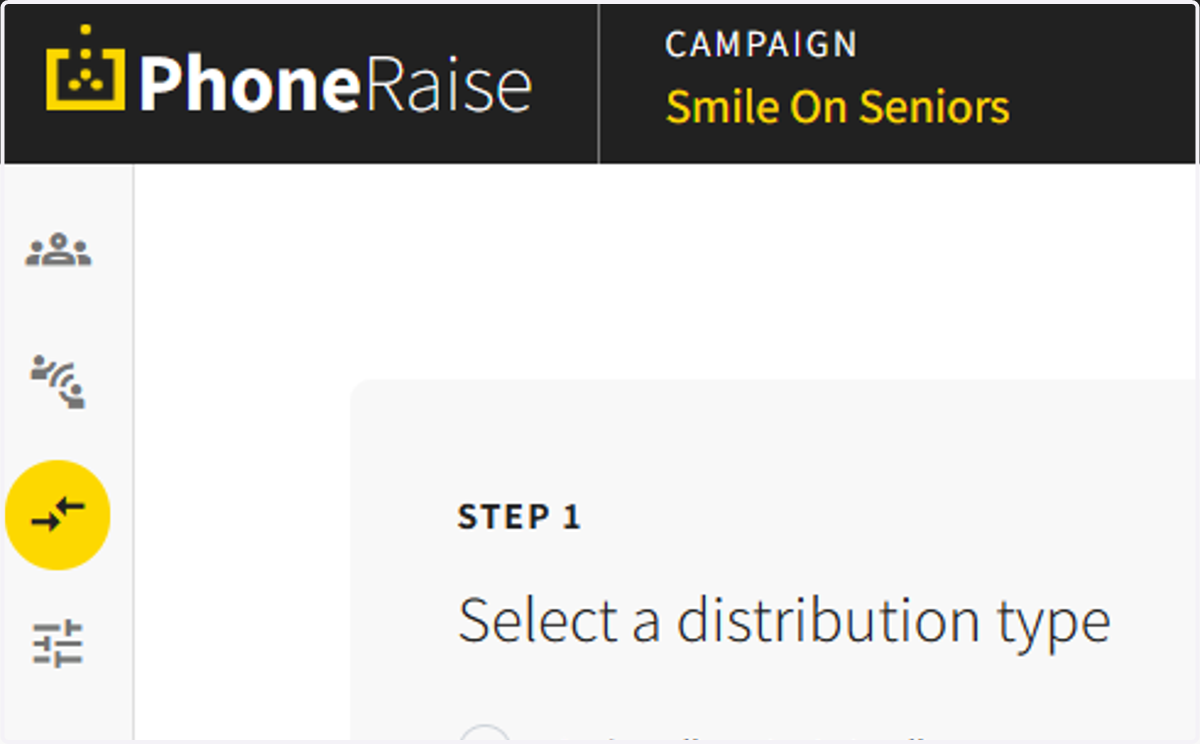
1. Go to the assignment center.
2. Go to the Auto-assign section on the right side of the screen.
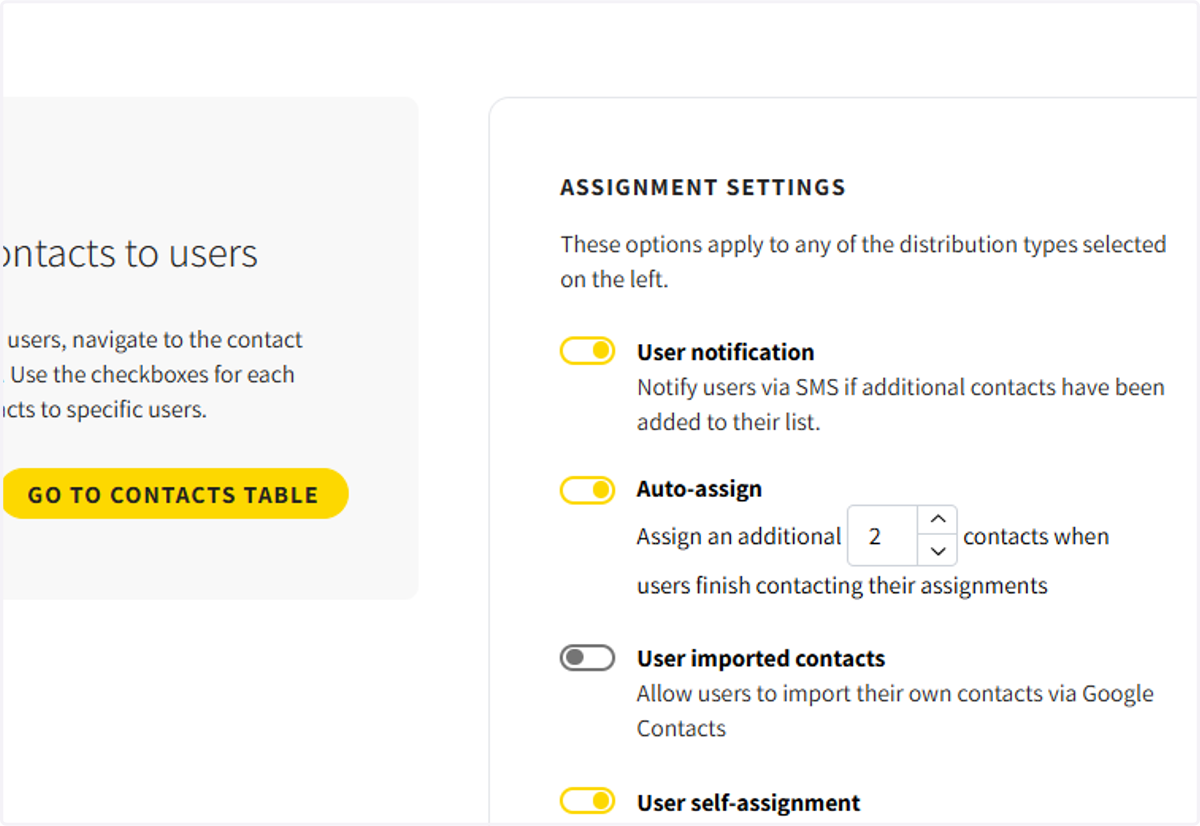
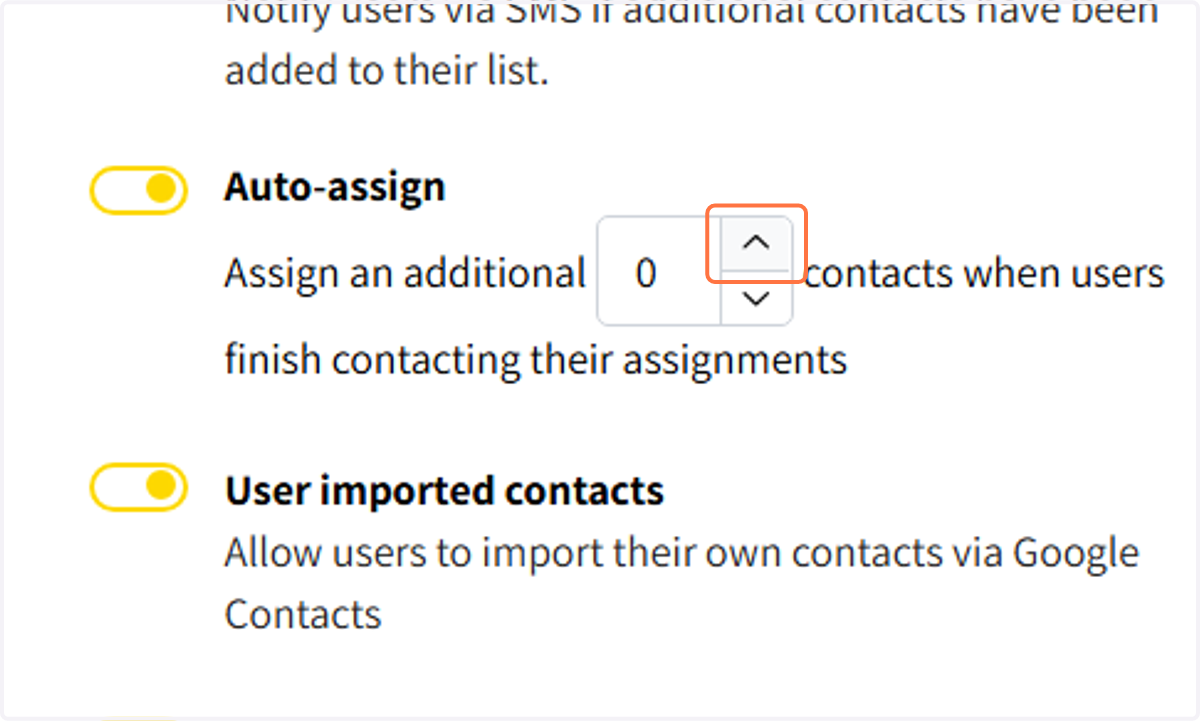
3. Click on Auto-assign to assign additional contacts to users
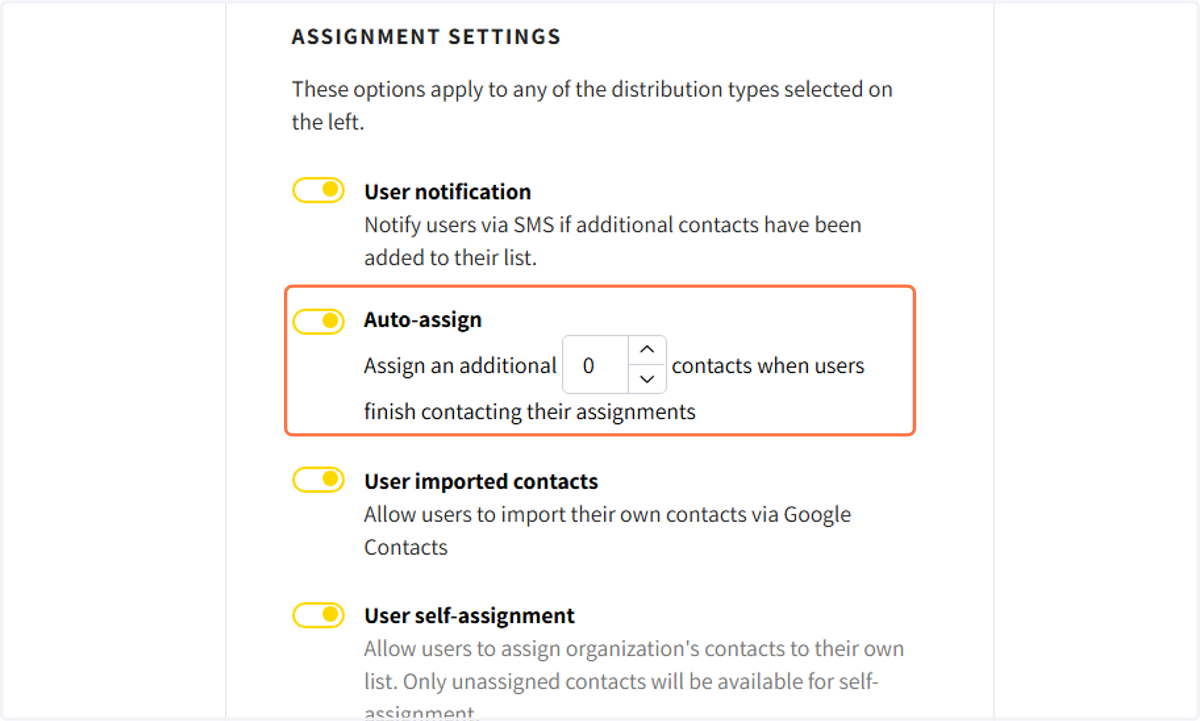
4. Choose an automatic number of contacts to be added to the user once they have engaged all contacts on their list
Note: All status must be completed to activate the auto-assign feature
5. Click on APPLY to apply the setting