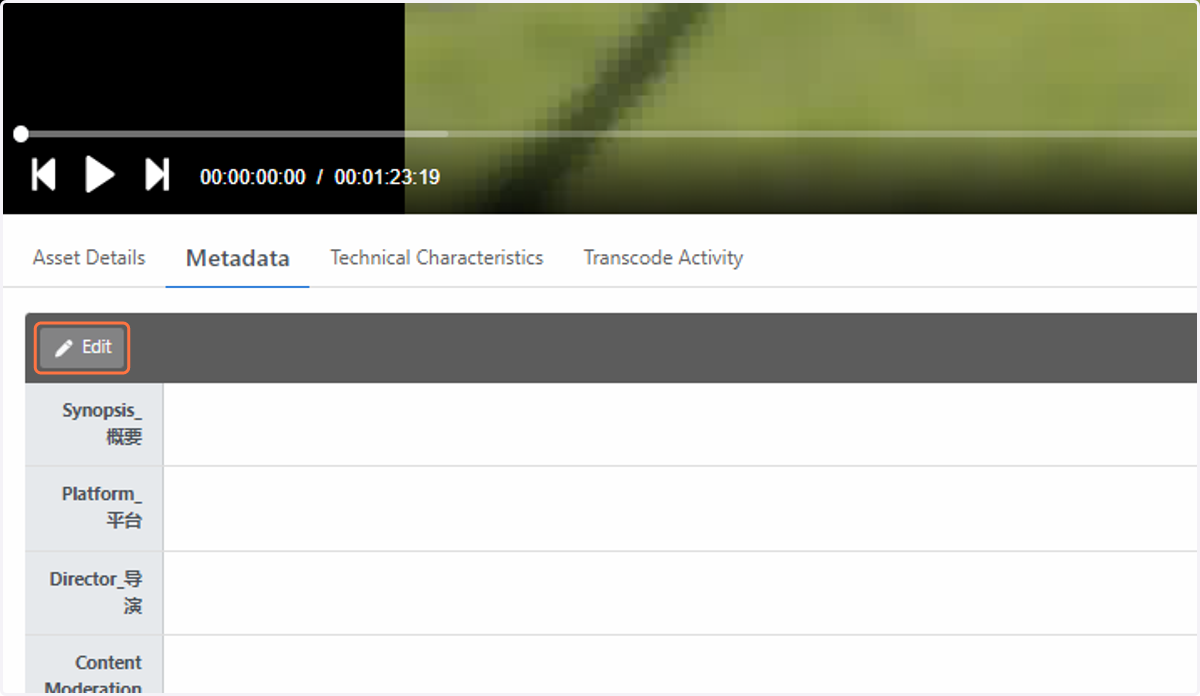
How do I update custom metadata fields?
If custom asset metadata has been configured in your room by a room administrator, the metadata tab will be visible.
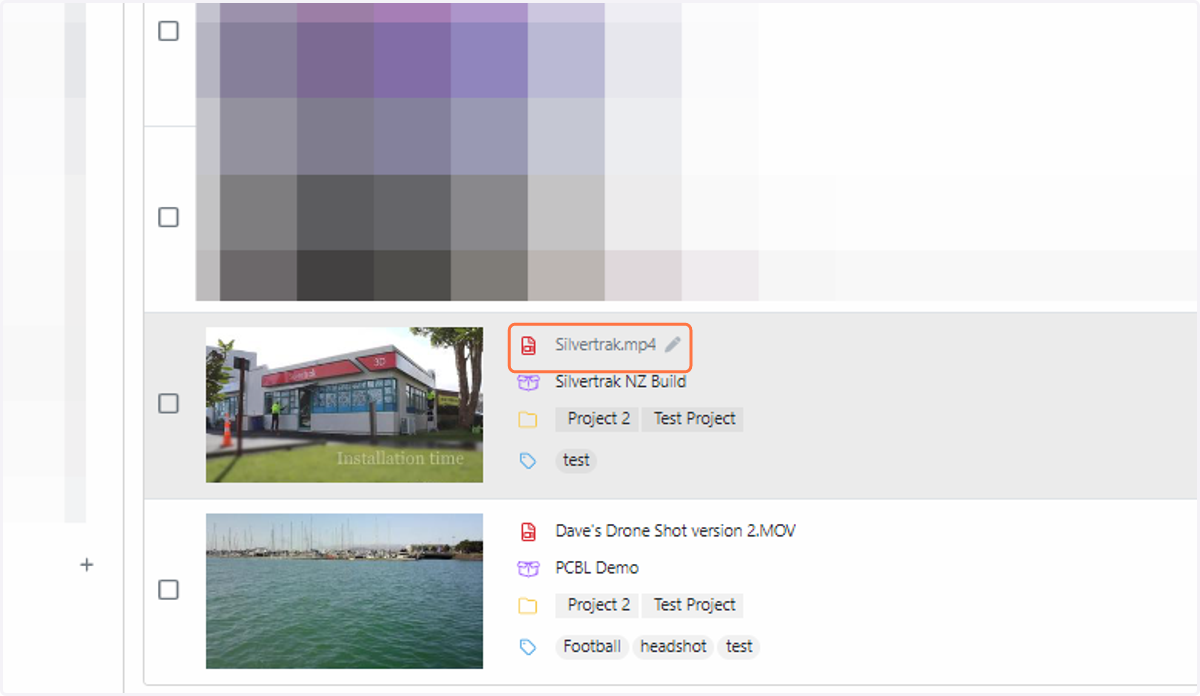
1. Click on the asset that you wish to add metadata information to
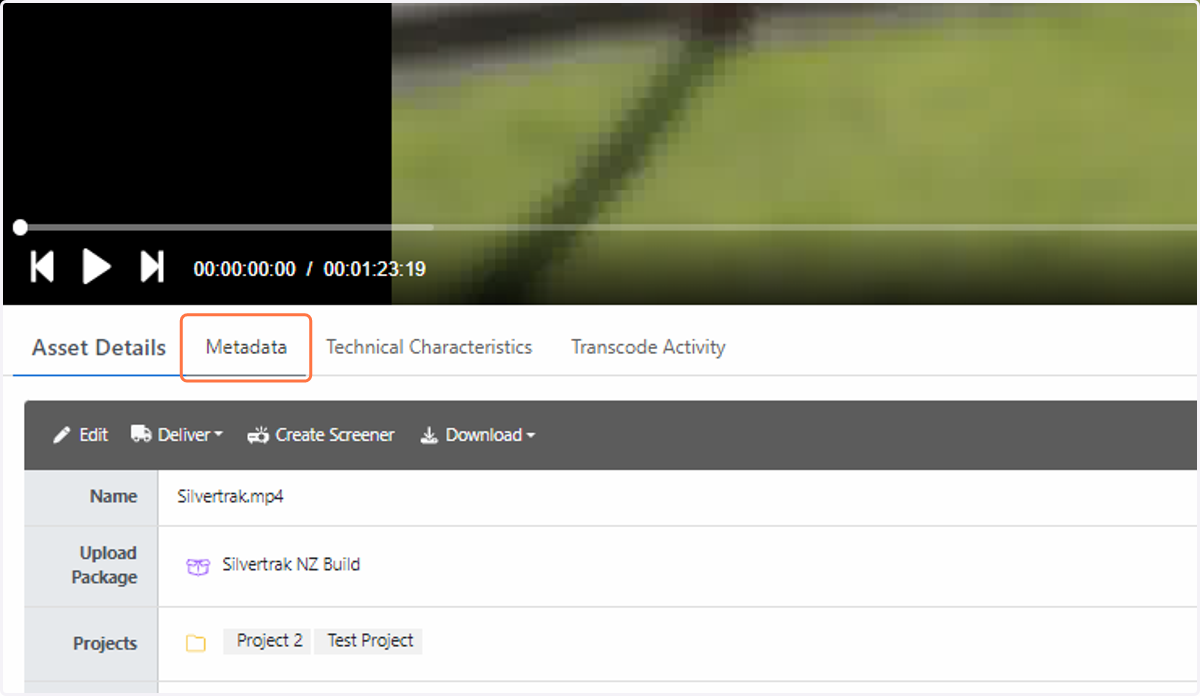
2. Click on Metadata
3. Select the Edit button to fill in the required fields and hit Save