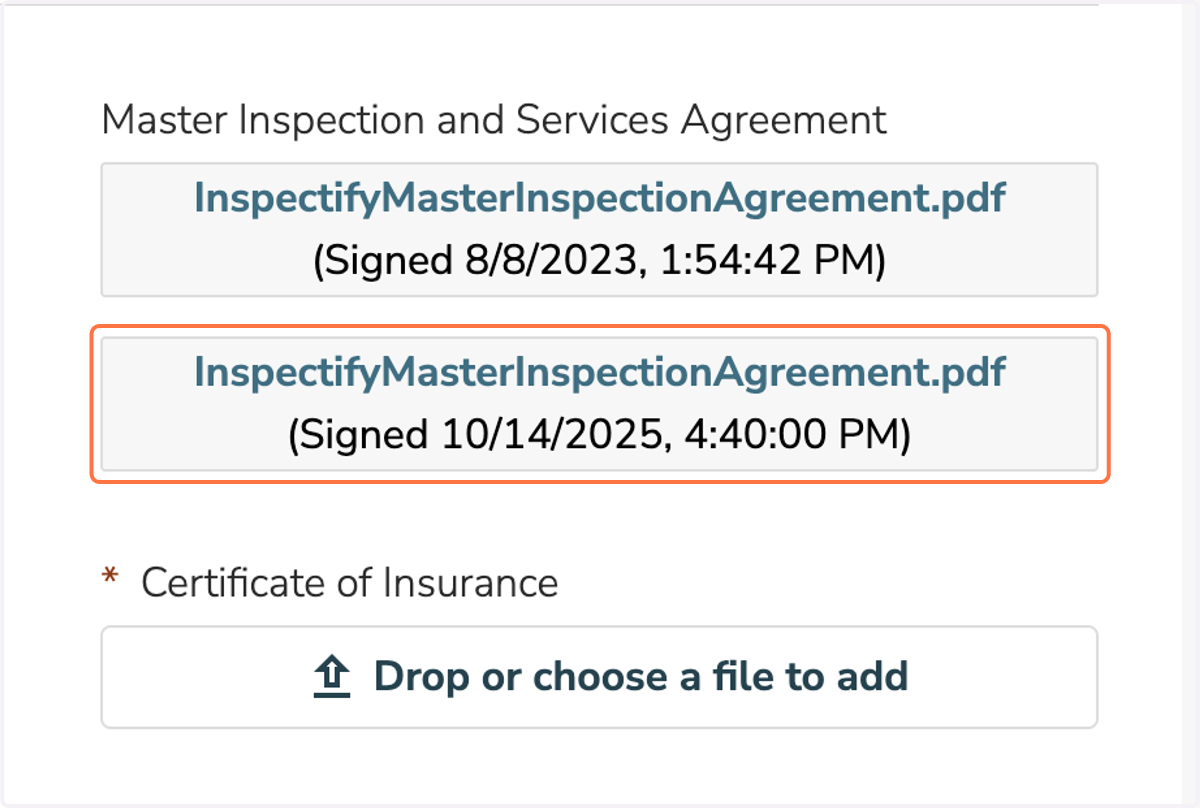
Steps to signing the Master Inspection and Services Agreement.
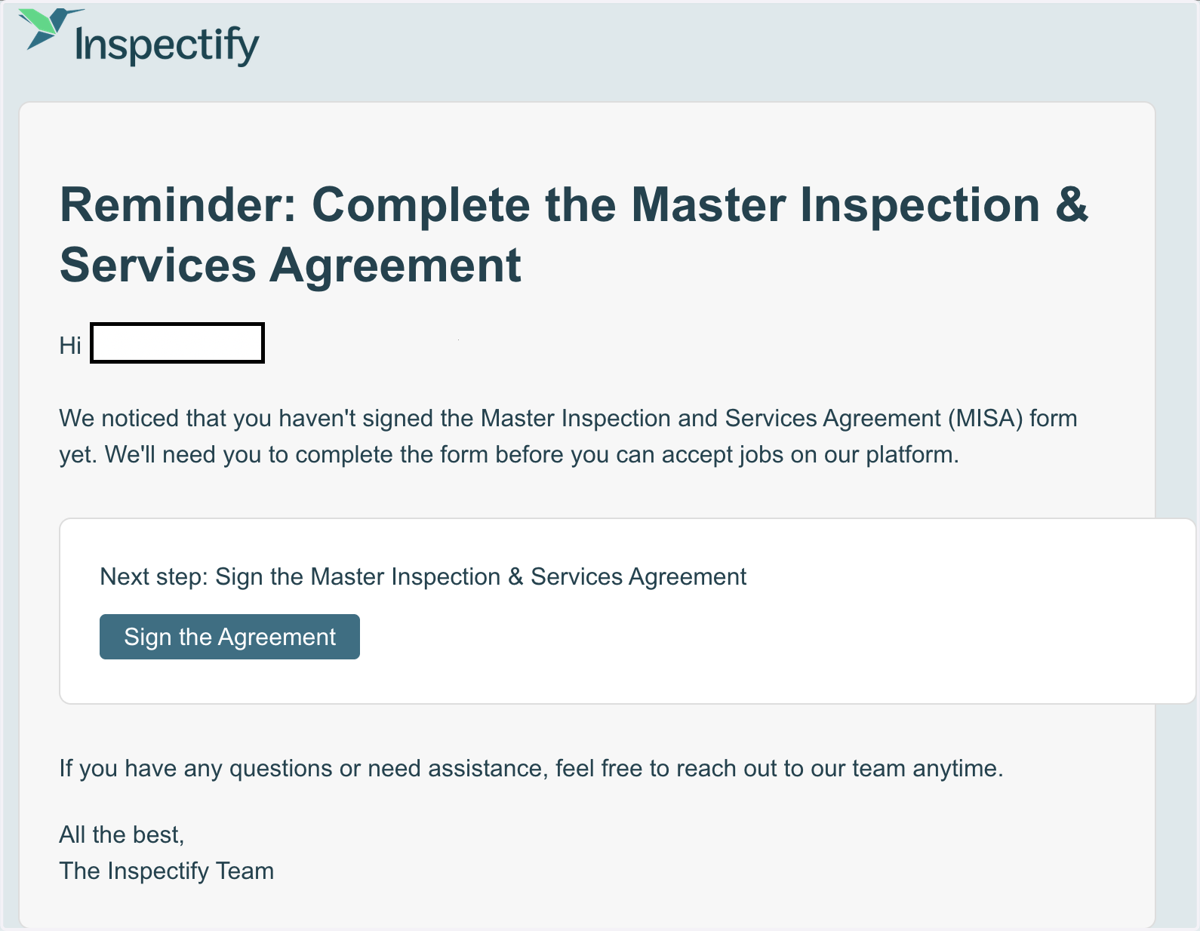
1. When it’s time to sign the MISA, you’ll get an email notification.
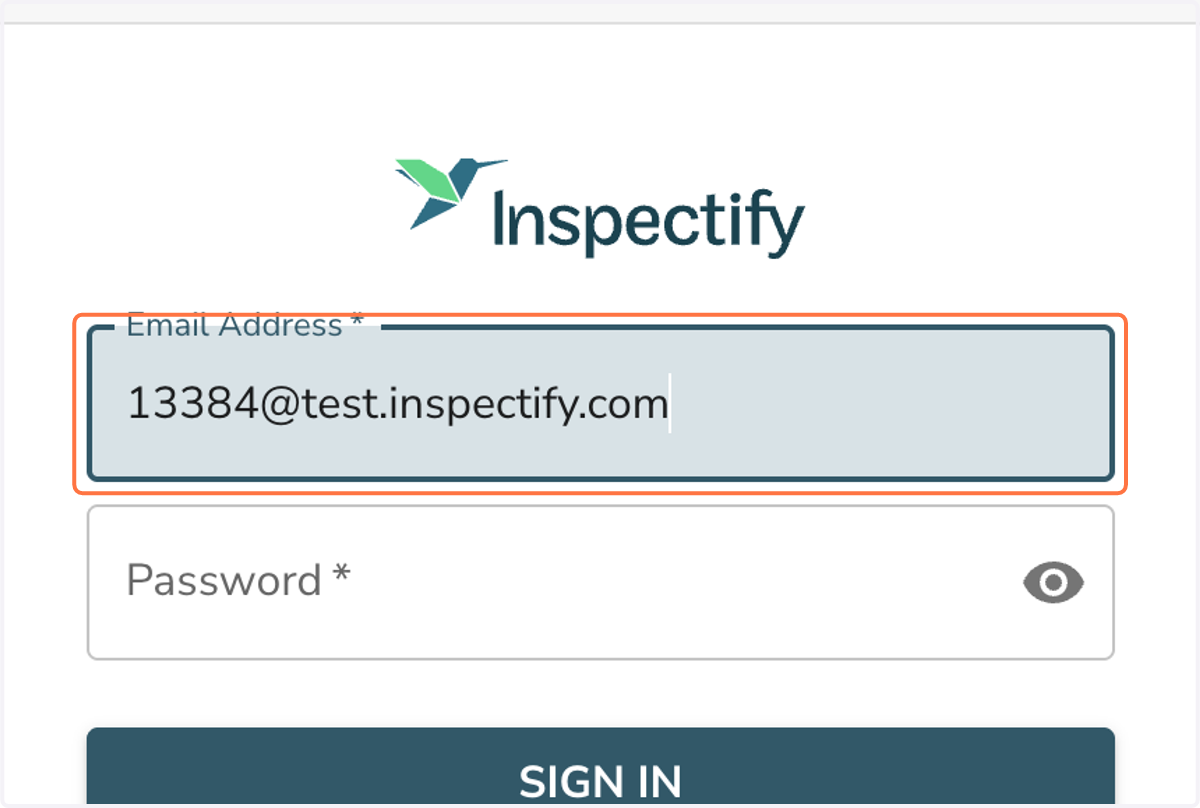
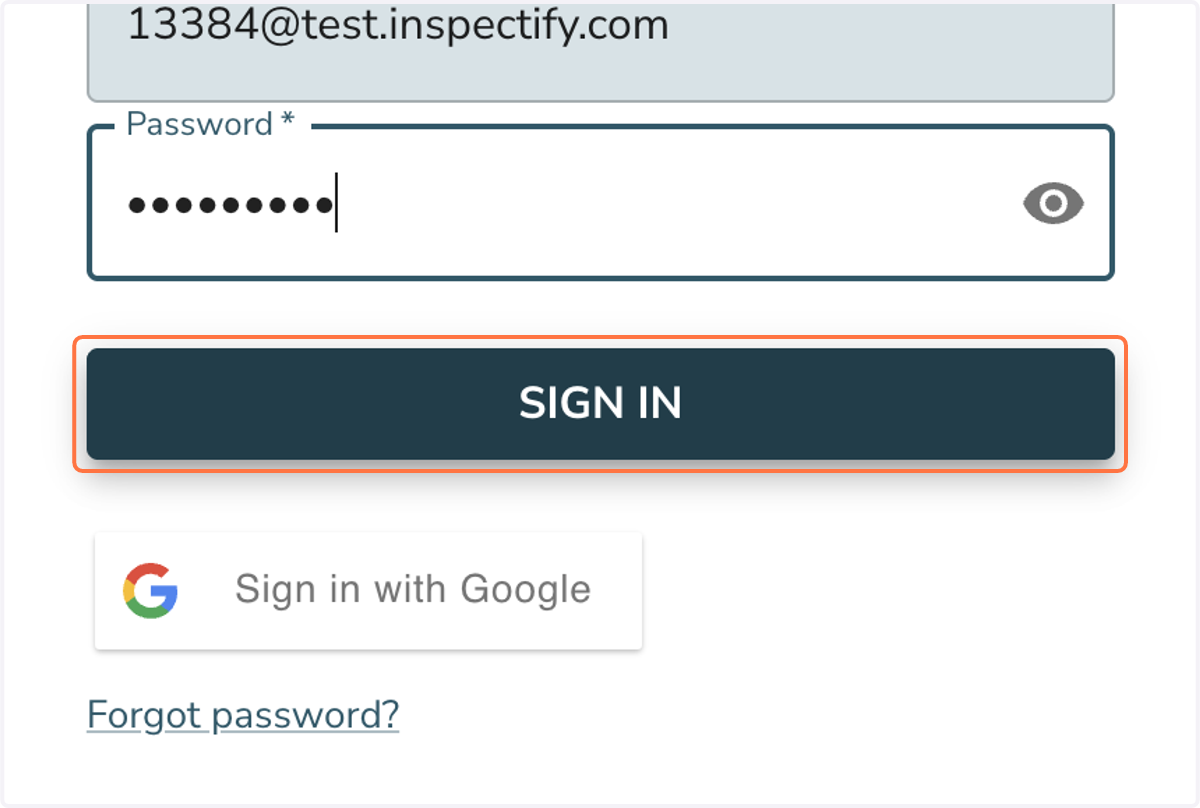
2. Enter your account email.
3. Enter your account password.
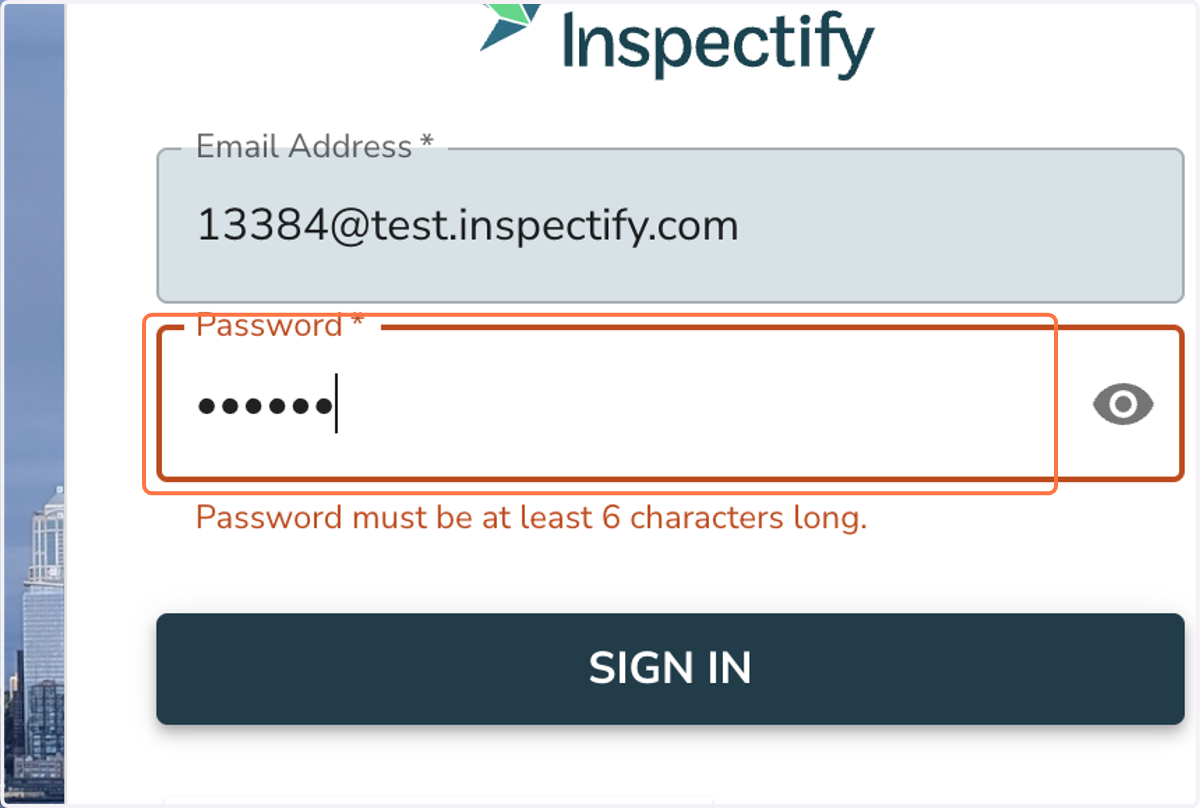
4. Click on SIGN IN
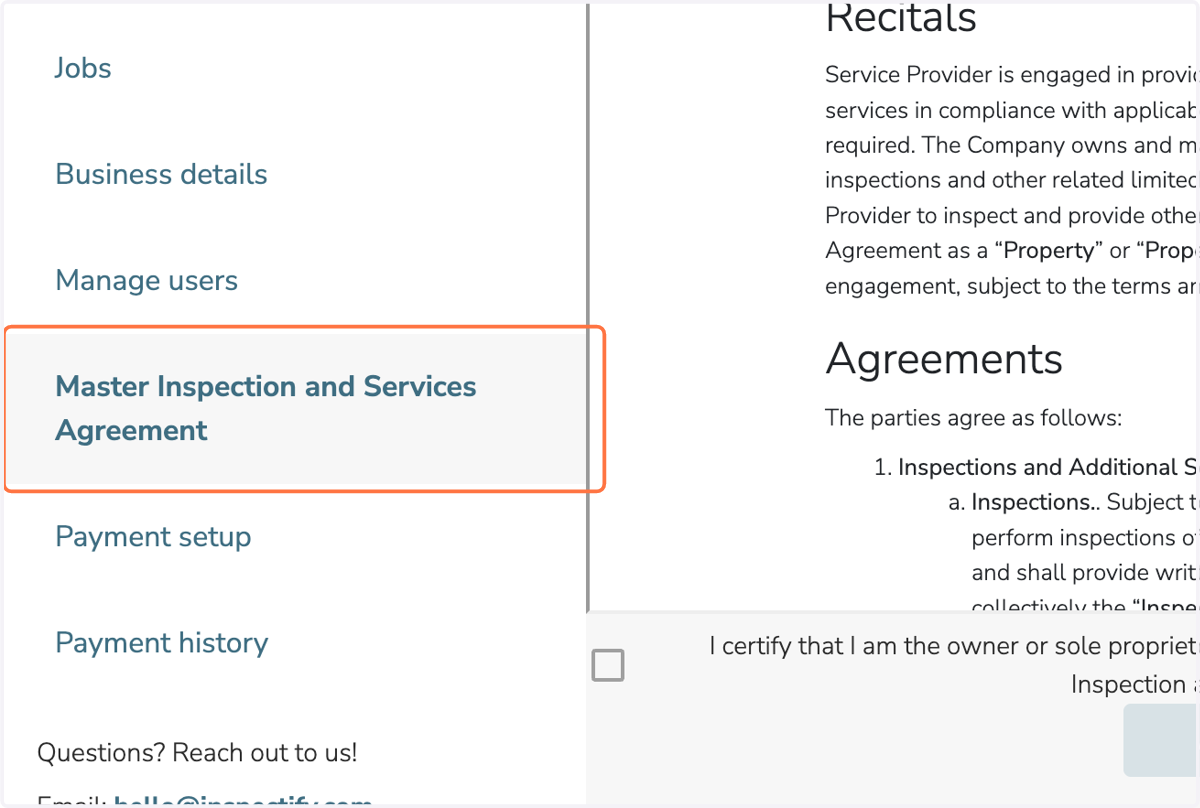
5. After logging in to your account, look for the Master Inspection and Services Agreement.
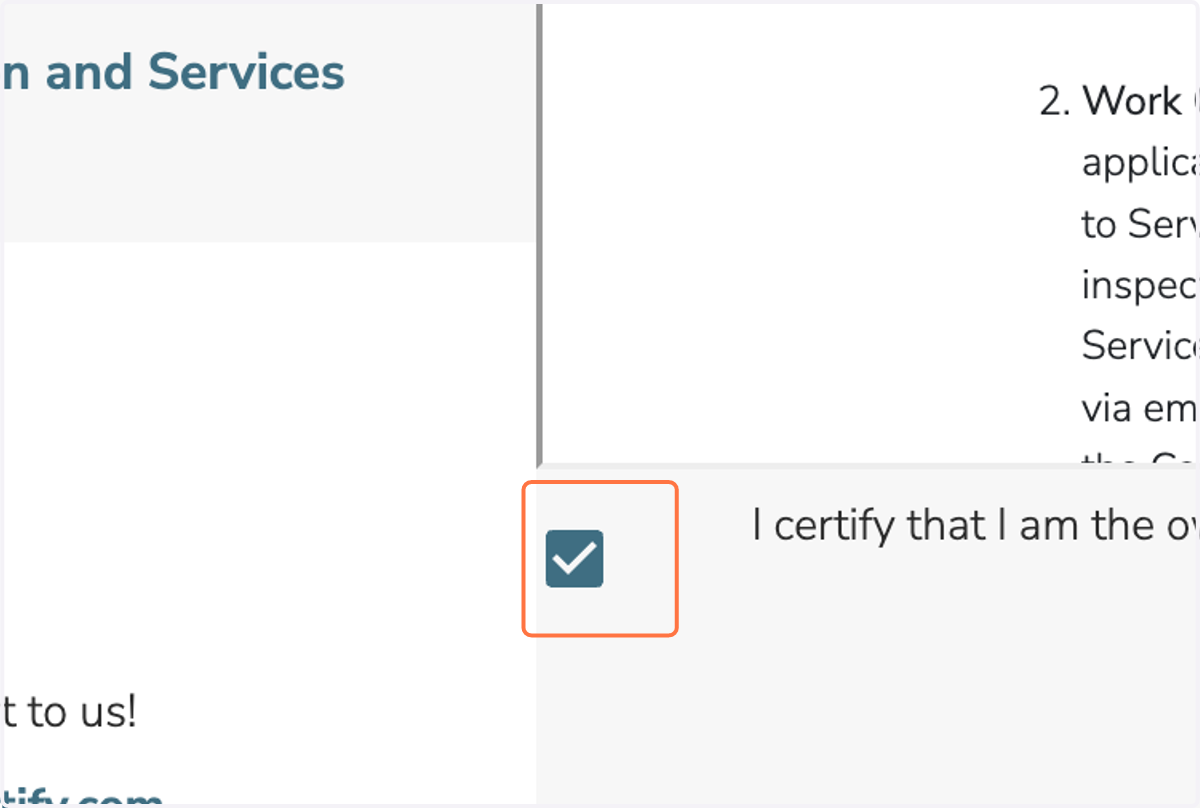
6. Read through the Master Inspection and Services Agreement, then check the box to confirm.
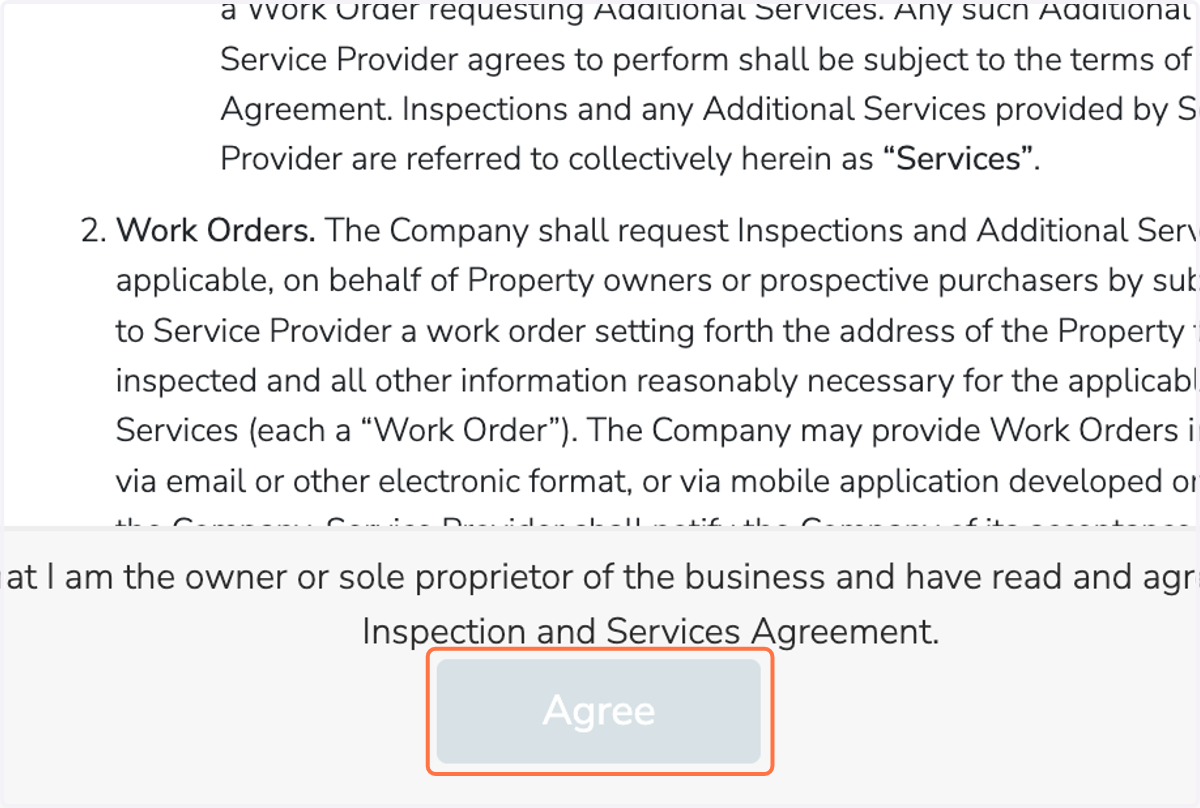
7. Click on Agree
8. Confirm that the MISA agreement you signed has been added to your dashboard.