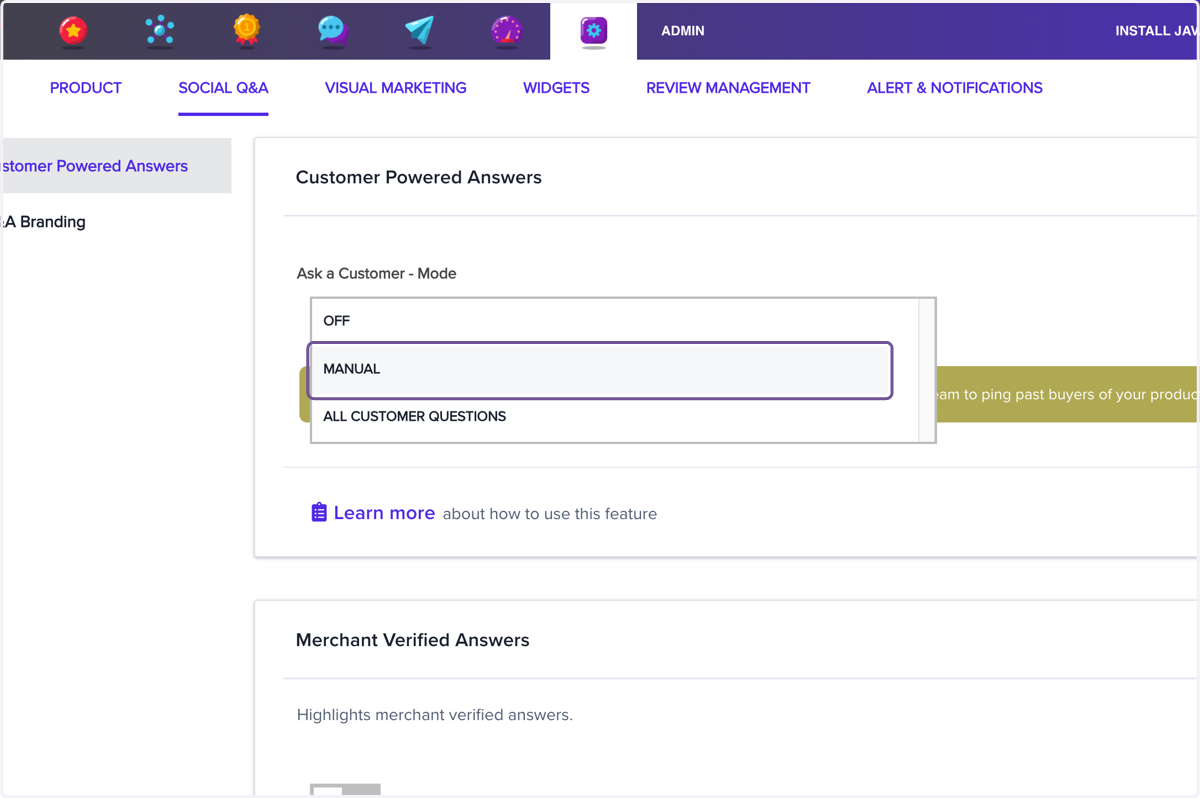
Navigating and Managing Social Q&A: Disabling and Adjusting Customer Powered Answers
ResellerRatings.com
Let's step through on how to TURN on Social Ask
1. Click on navigation
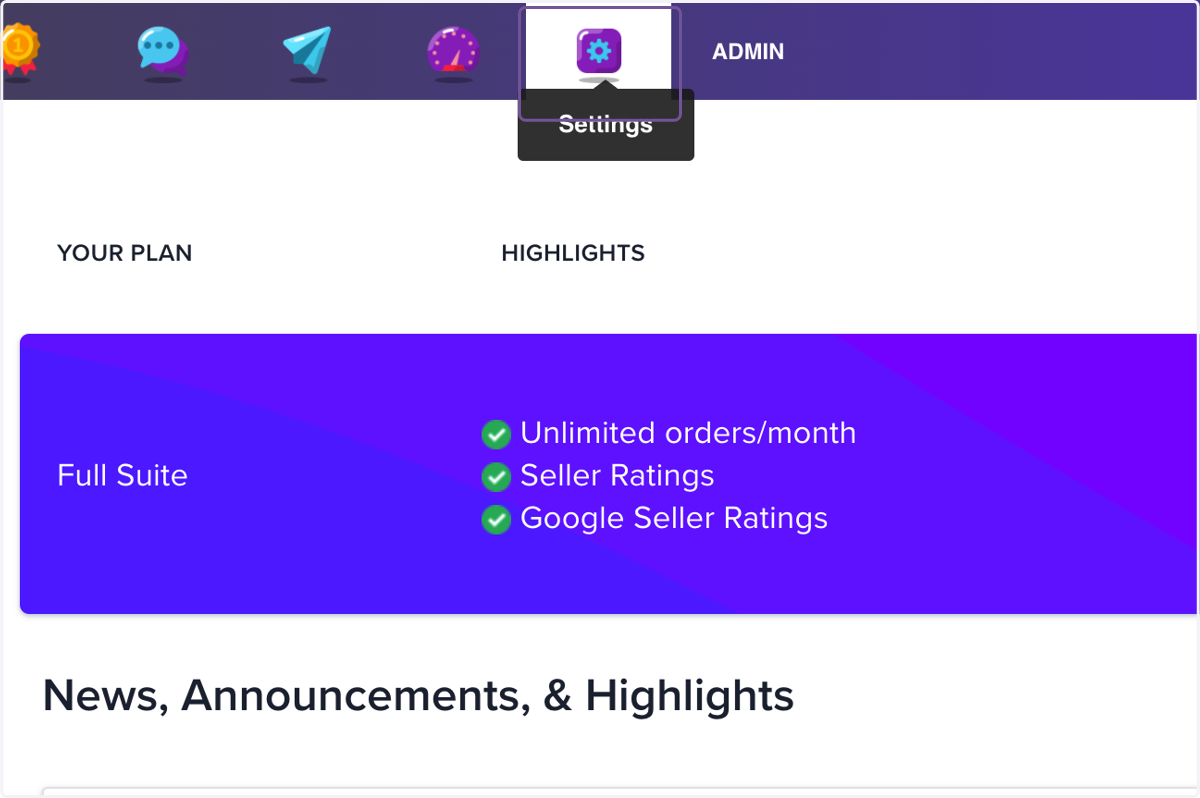
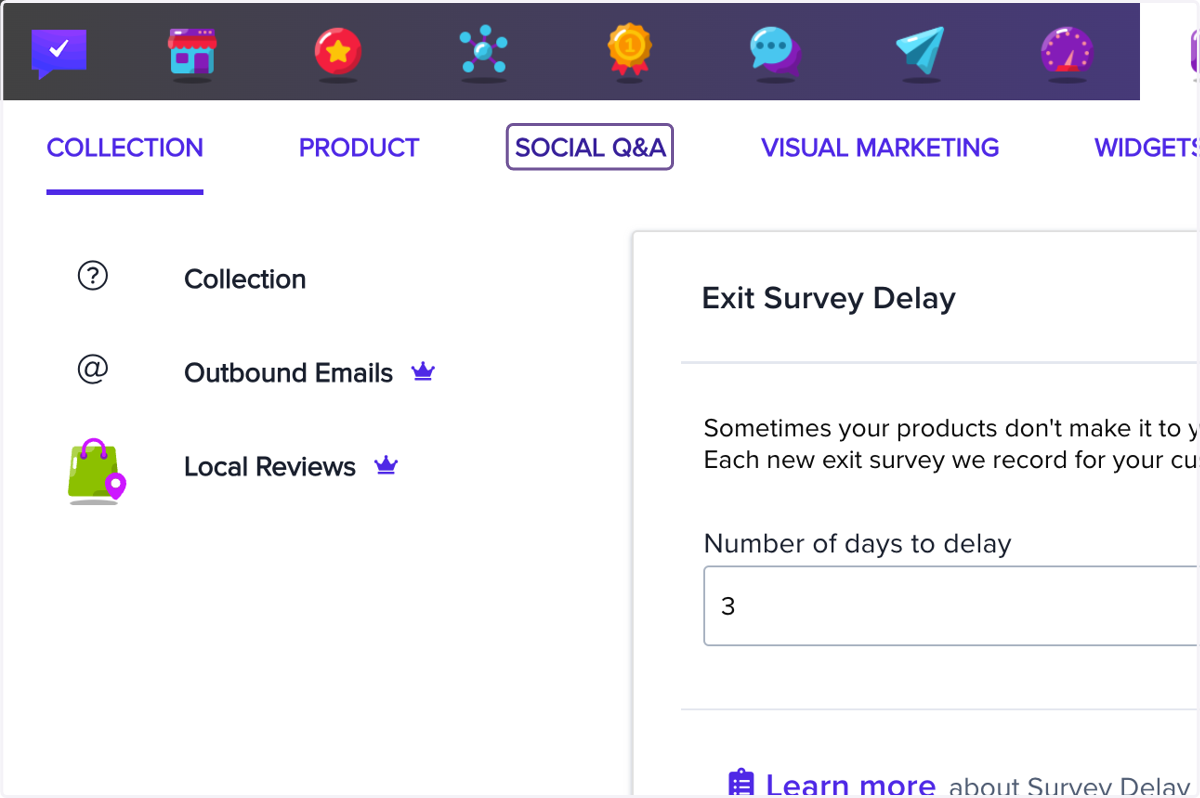
2. Click on SOCIAL Q&A
3. Click on Customer Powered Answers
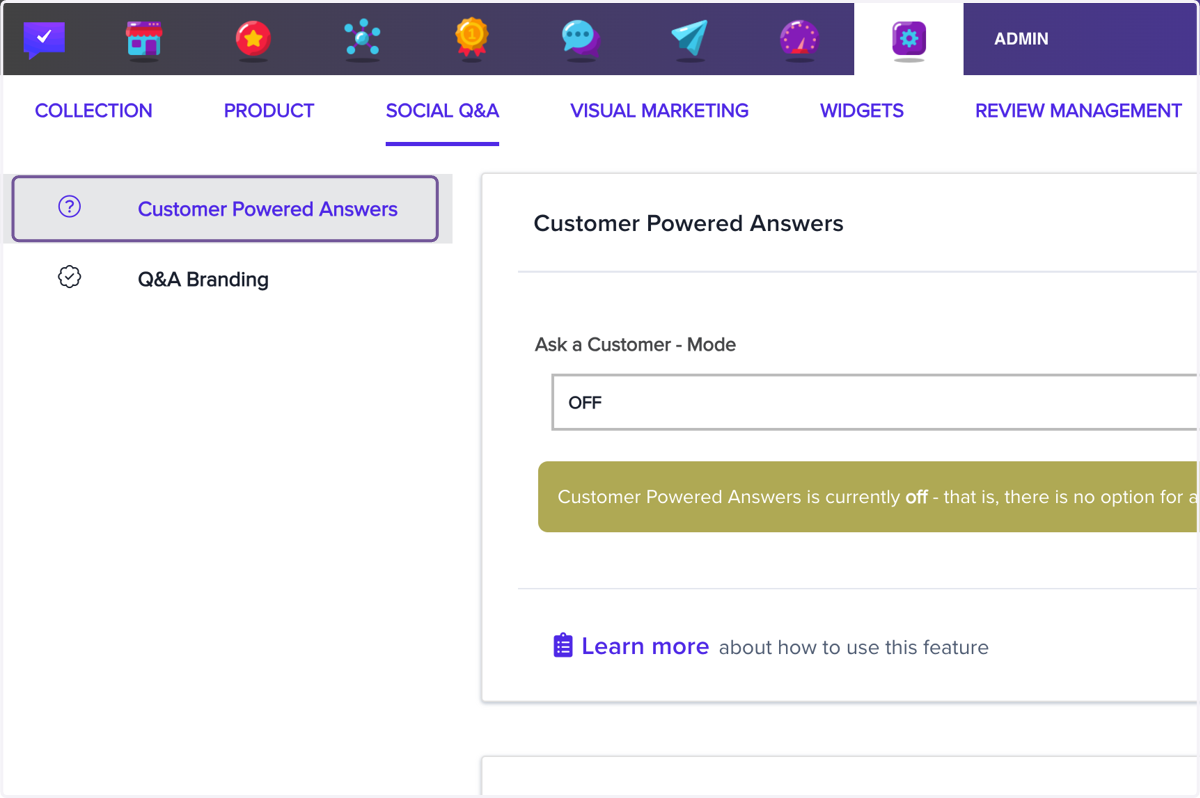
4. Click on Customer Powered Answers…
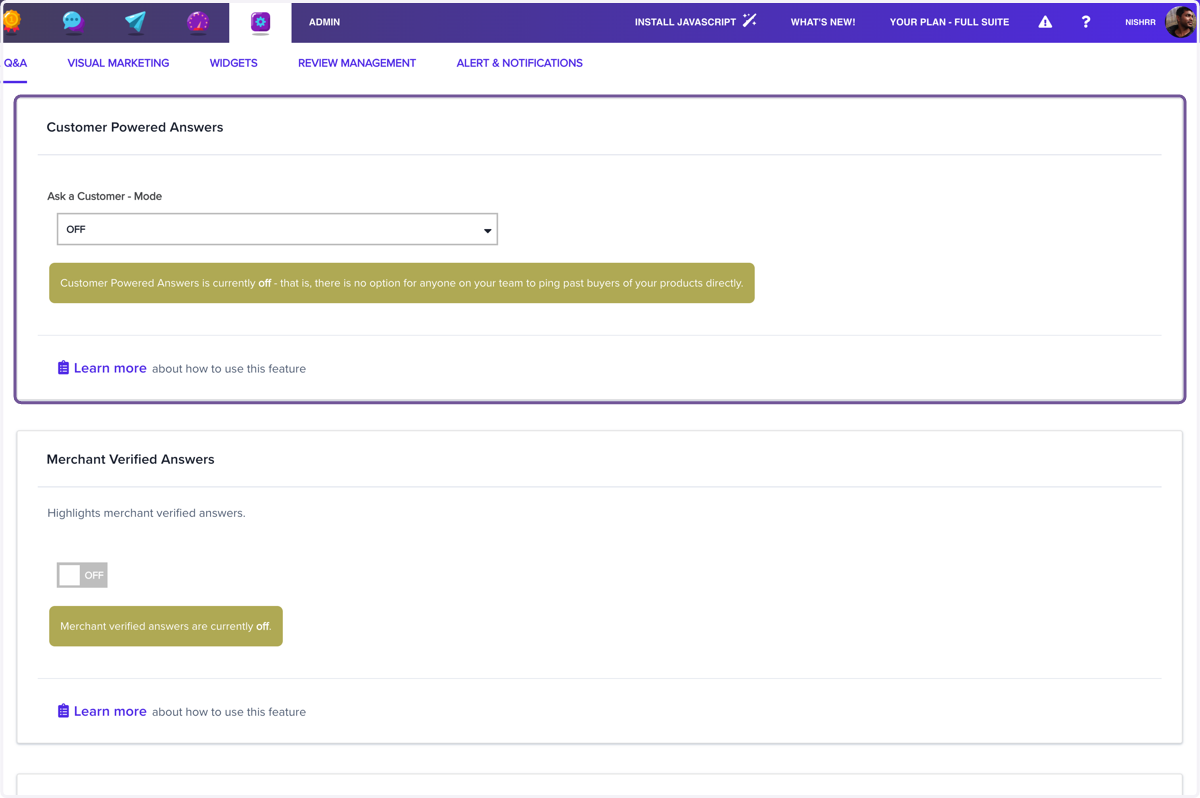
5. Click on OFF
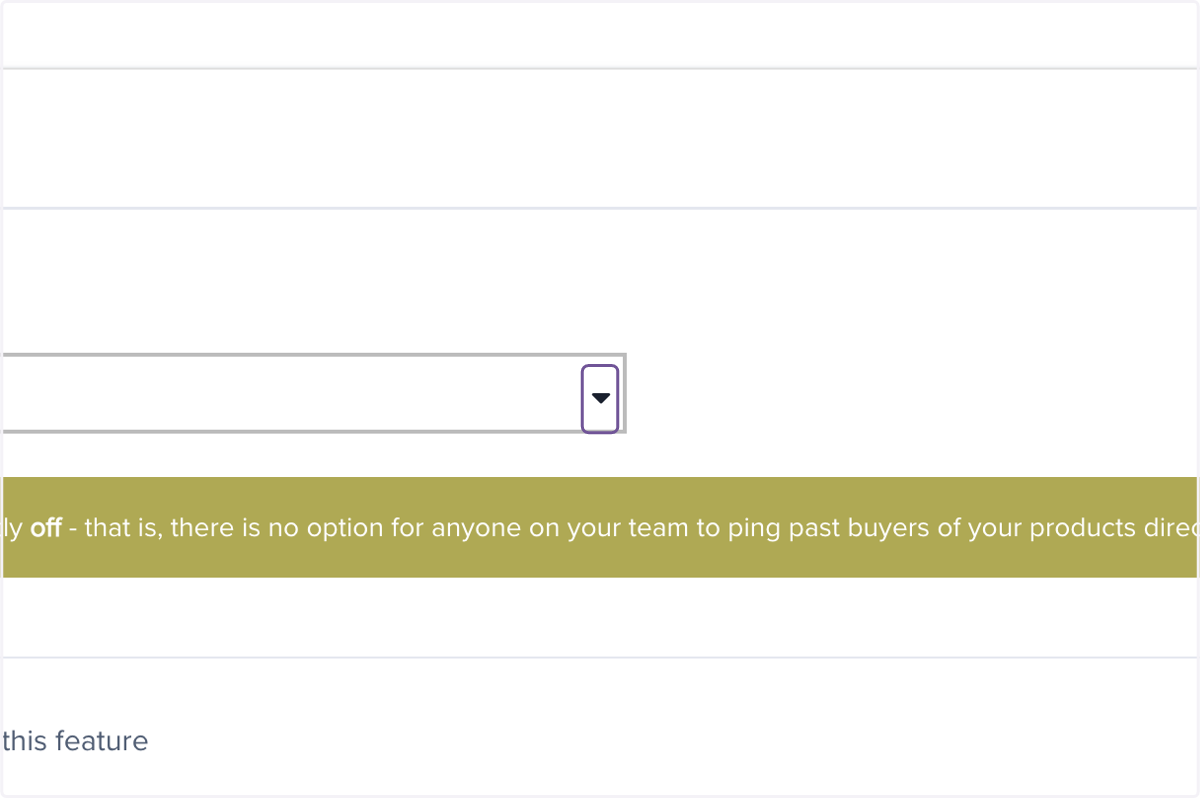
6. Click on MANUAL