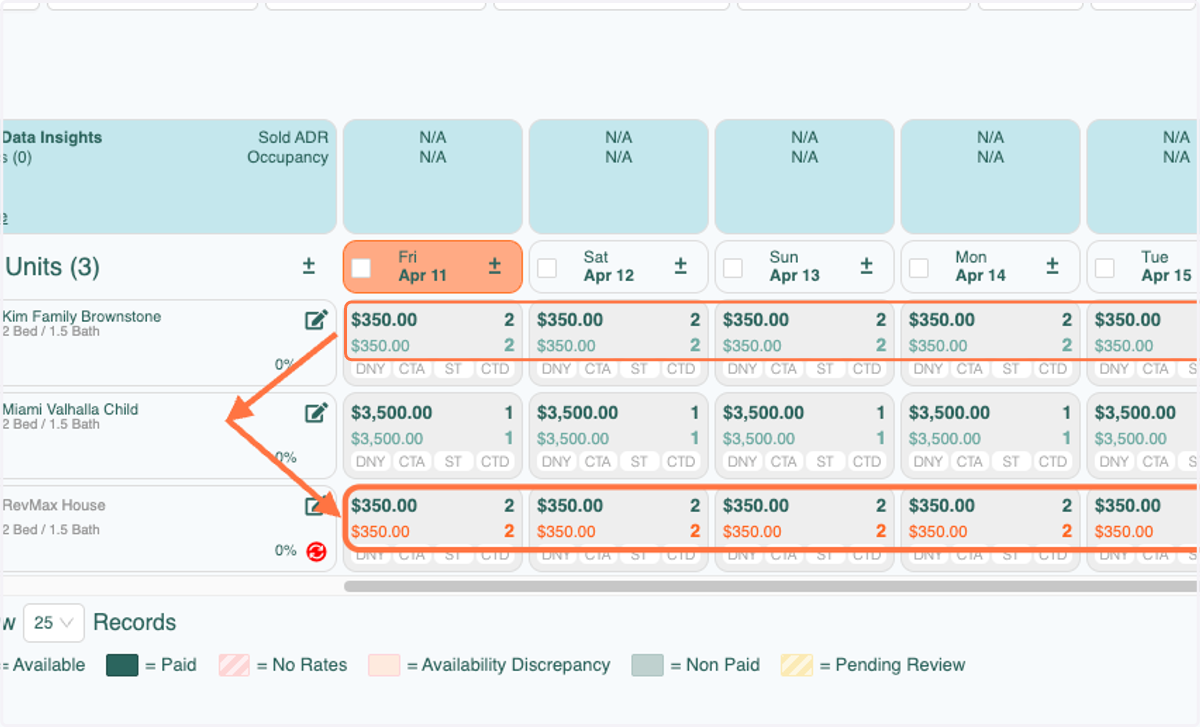
Copy Unit - Rates, Min Nights, Stay Controls
RevMax
The Copy Unit feature gives you the ability to copy rates, night minimums, and stay controls from one unit to another.
1. Click on the unit
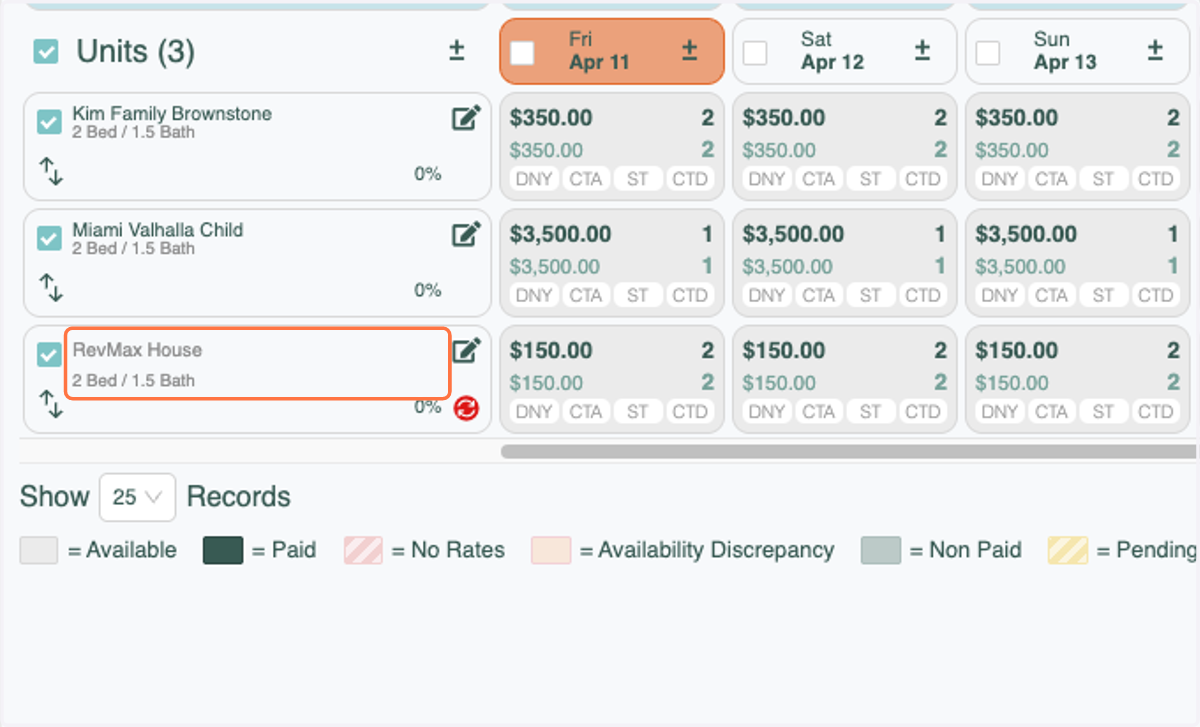
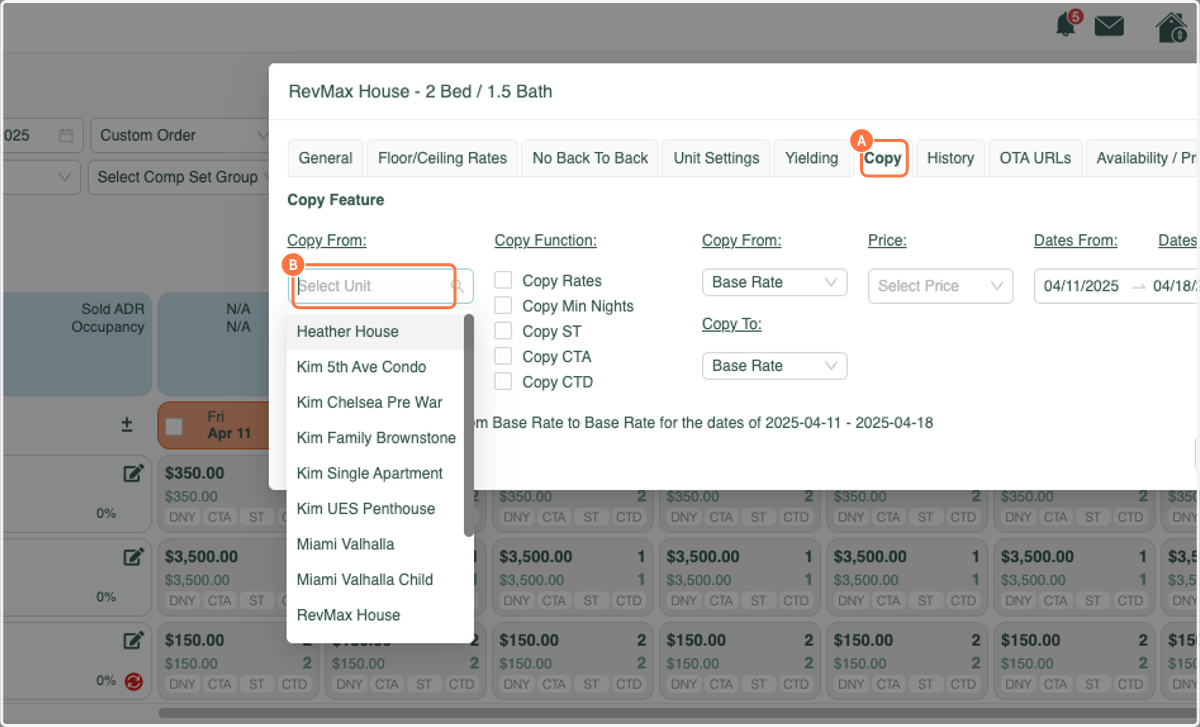
2. A. Click the Copy Tab
2. B. Click the Drop Down under "Copy From"
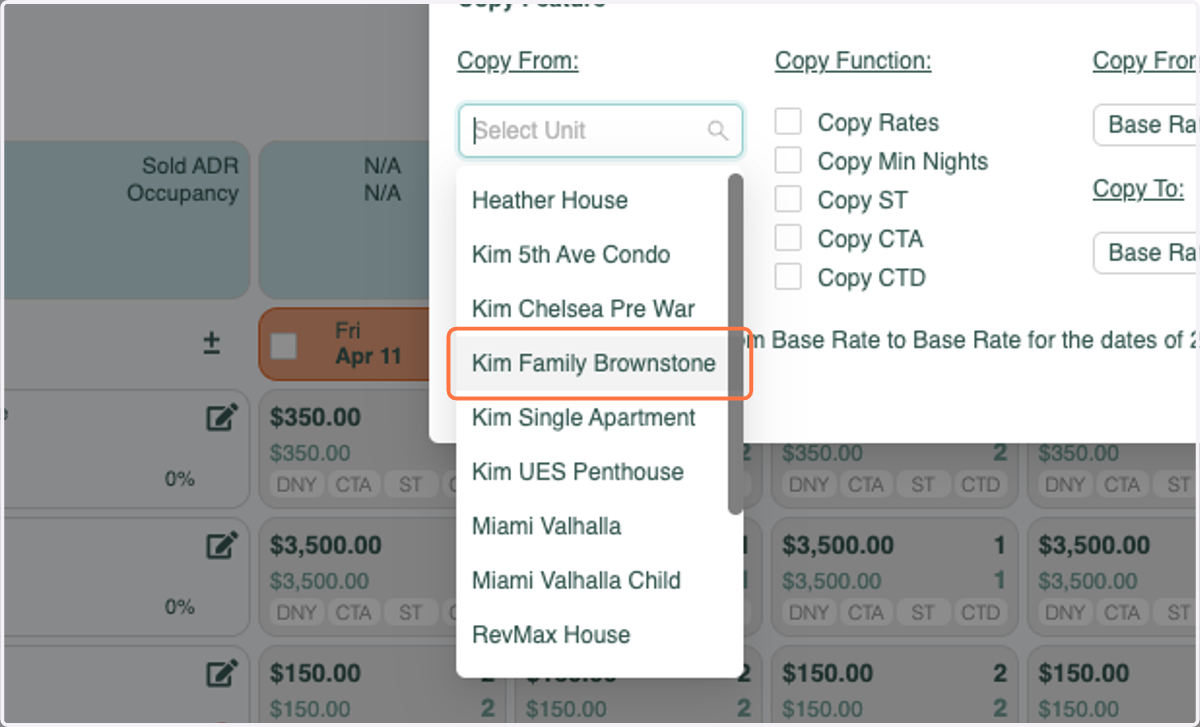
3. Select the Unit that you will be Copying
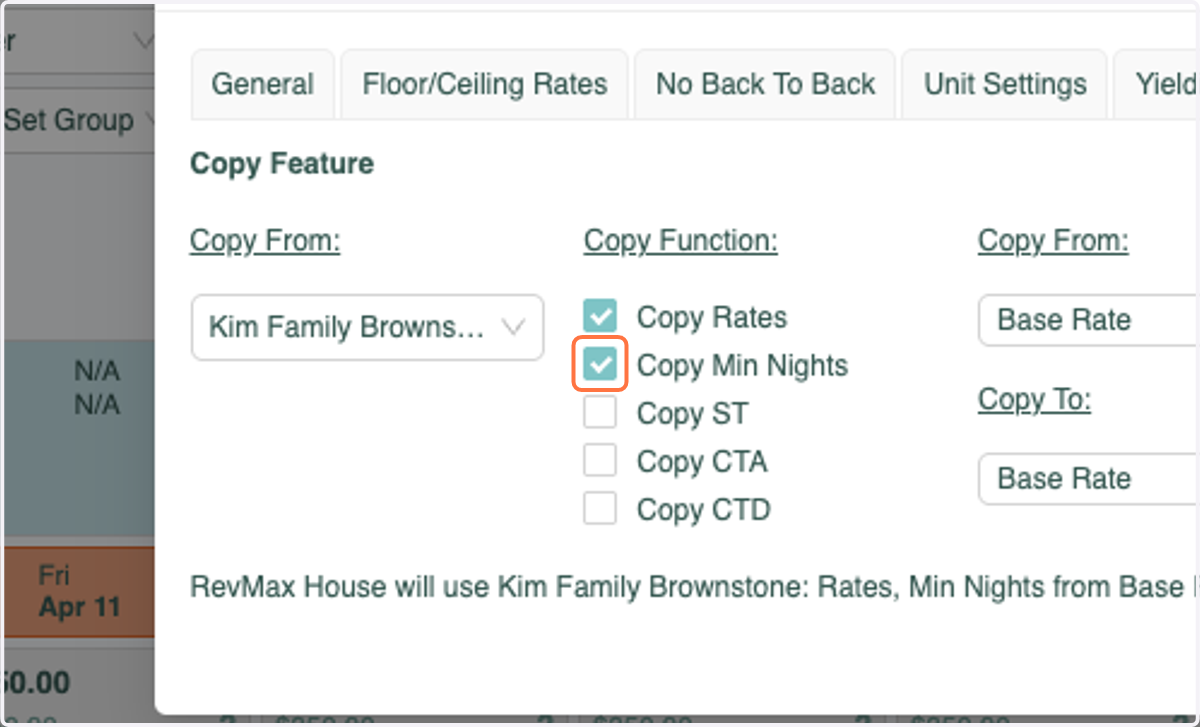
4. Select each Function that you'd like to Copy to the New Unit
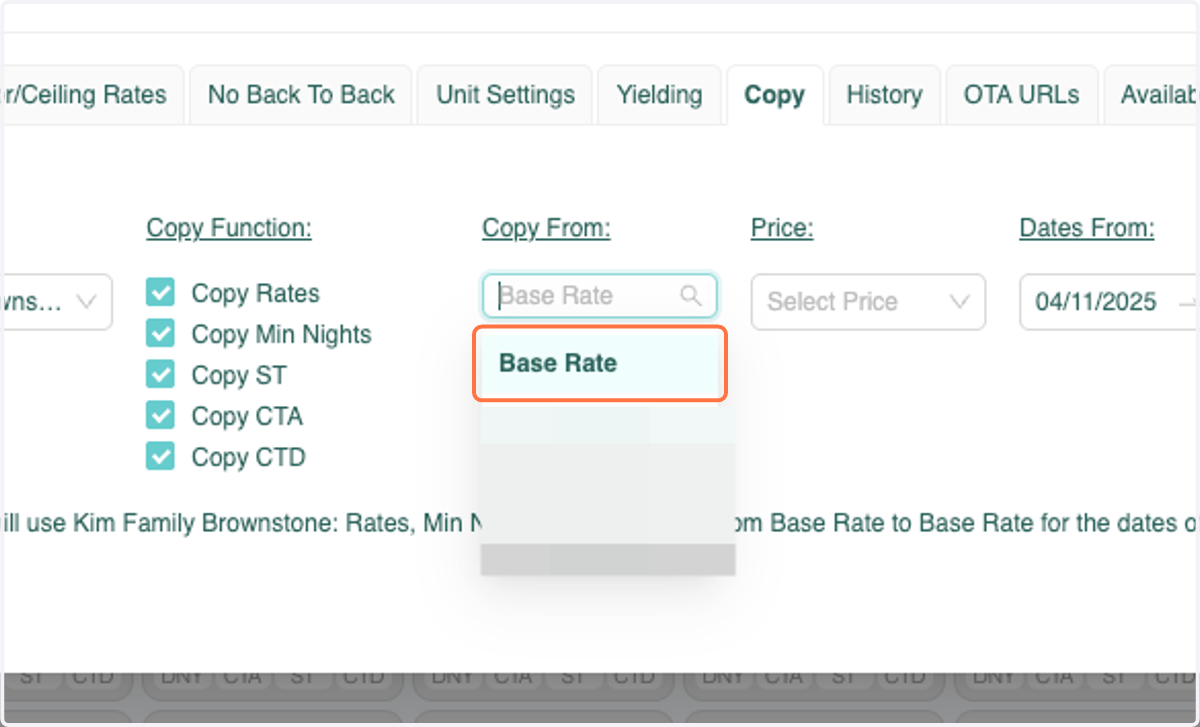
5. Under "Copy From", Select Base Rate
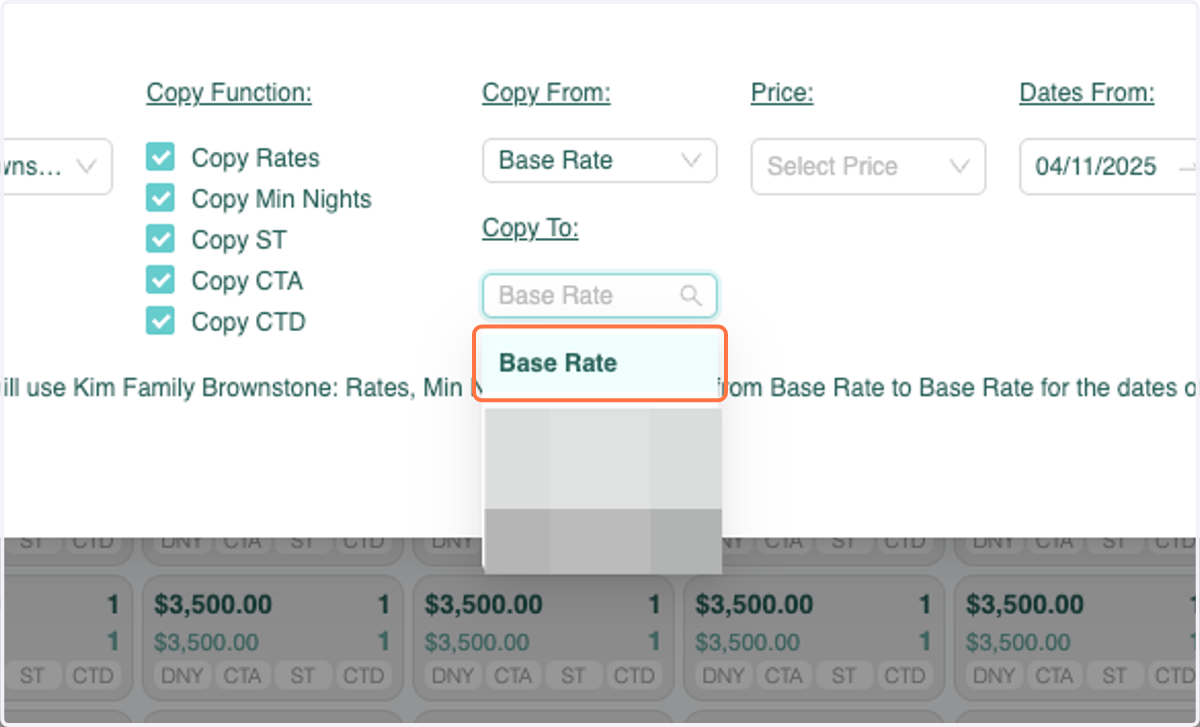
6. Under "Copy To, Select Base Rate
7. Under "Price", Select the rates you'd like to copy - Base Price or Final Rates (Price Override)
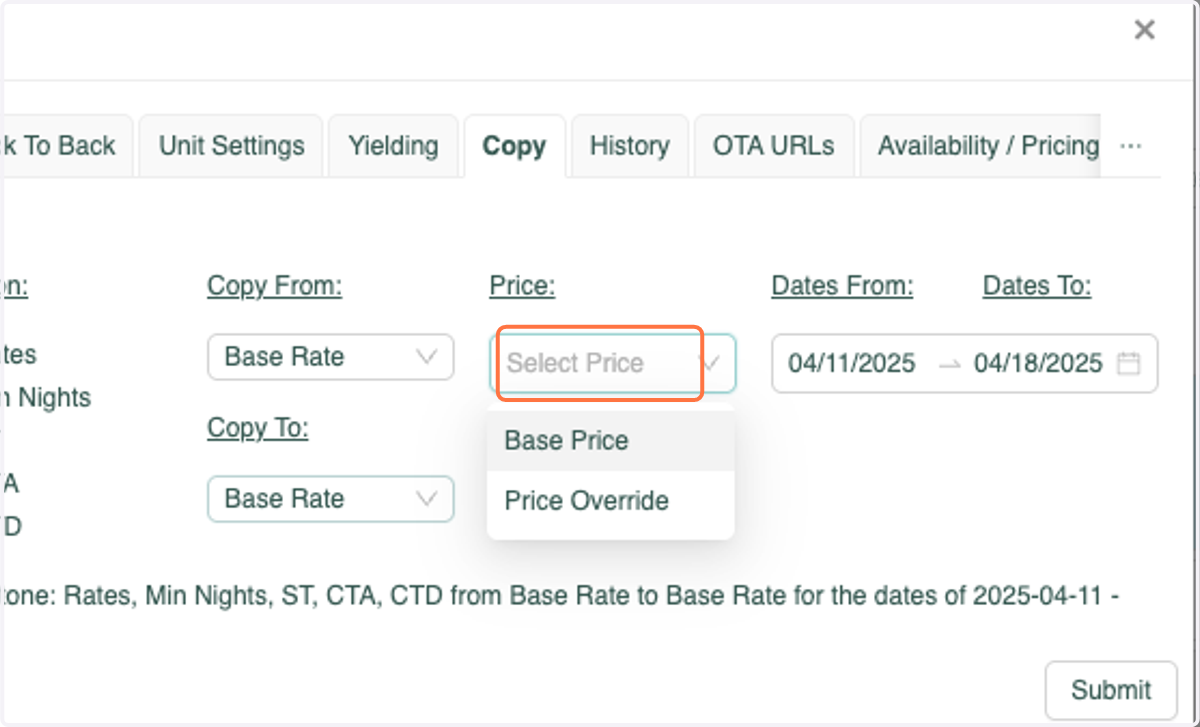
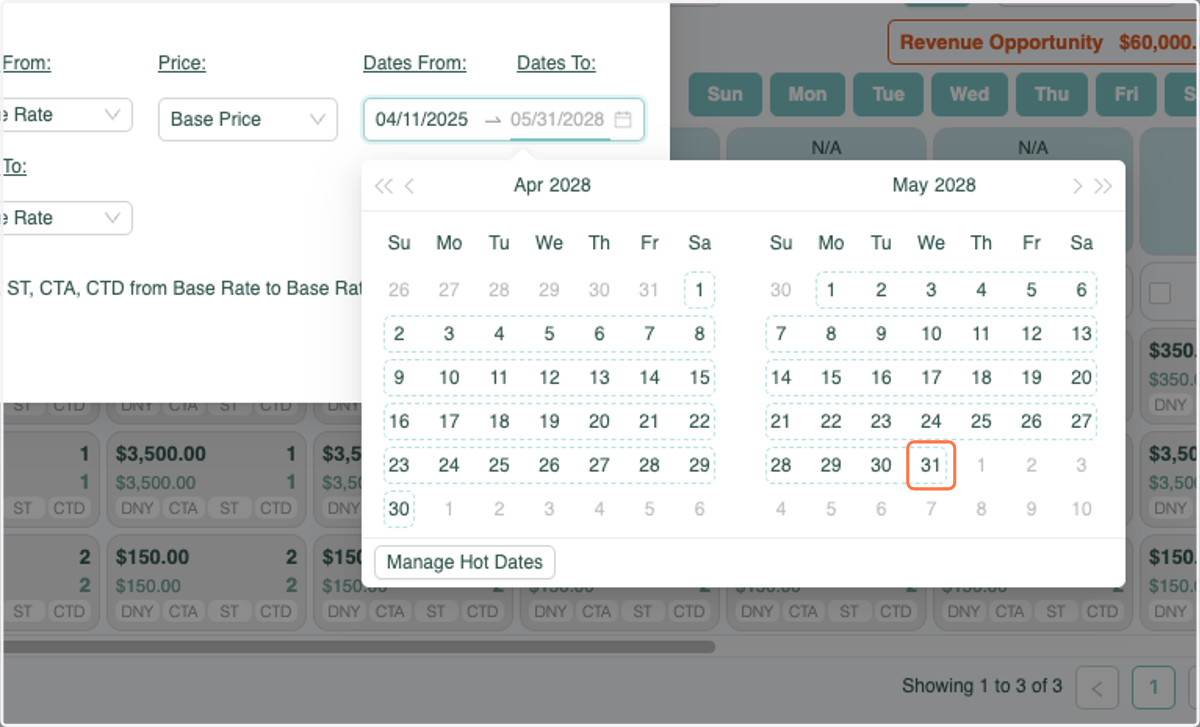
8. Select Dates (typically as far out as you take reservations)
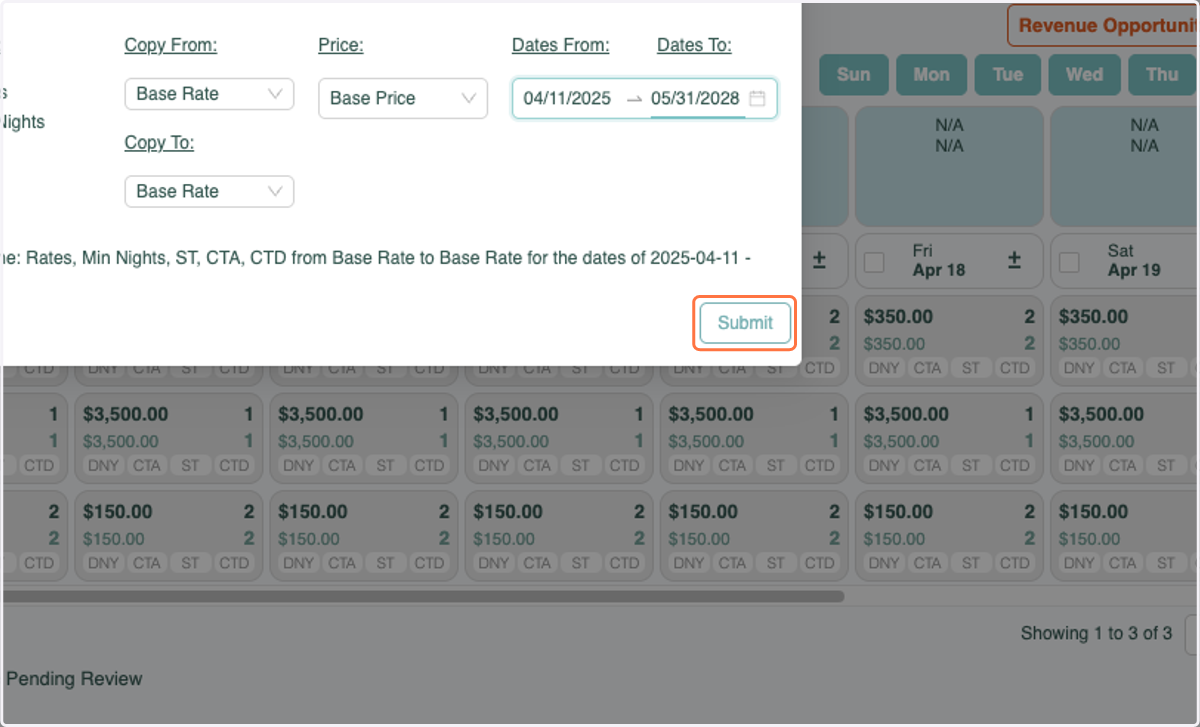
9. Click Submit
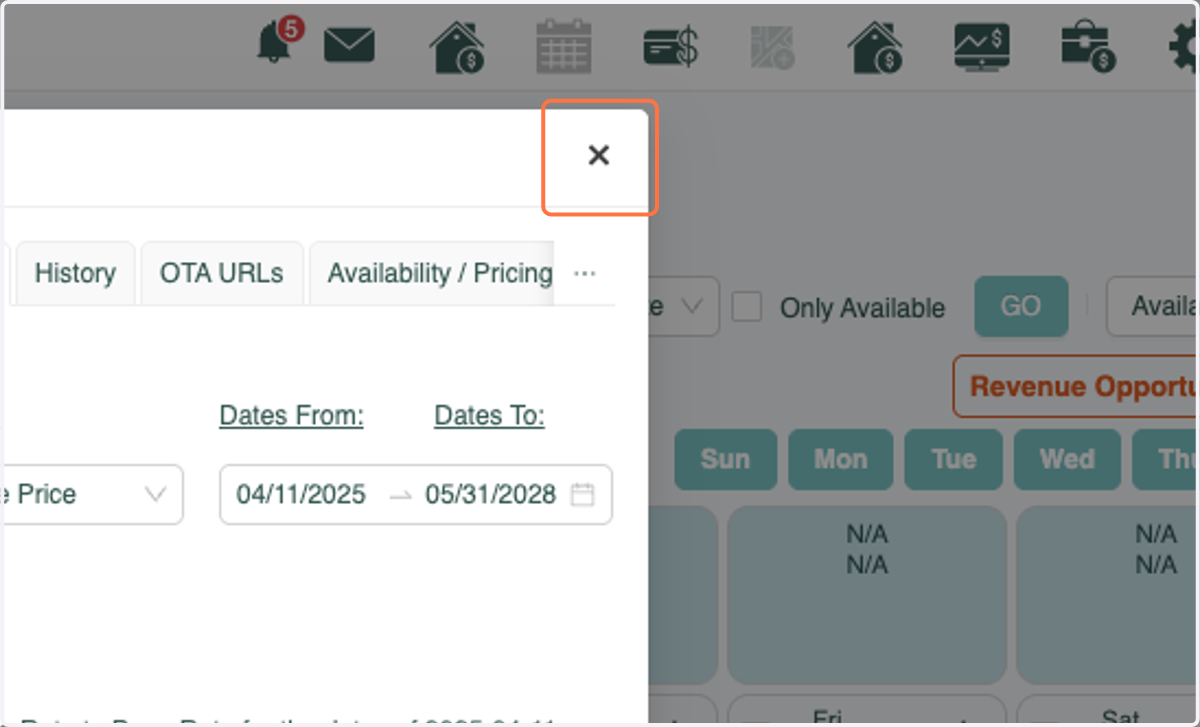
10. Click Close
11. Click GO
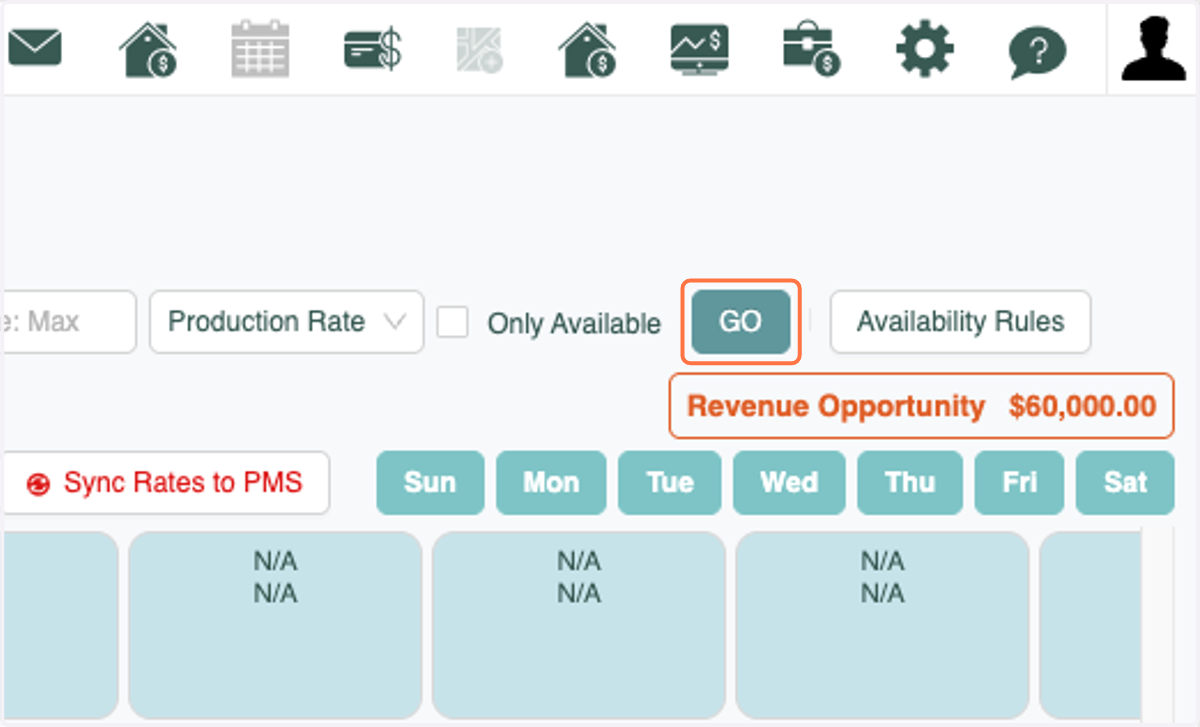
12. You will see that Rates & Night Mins have been copied!