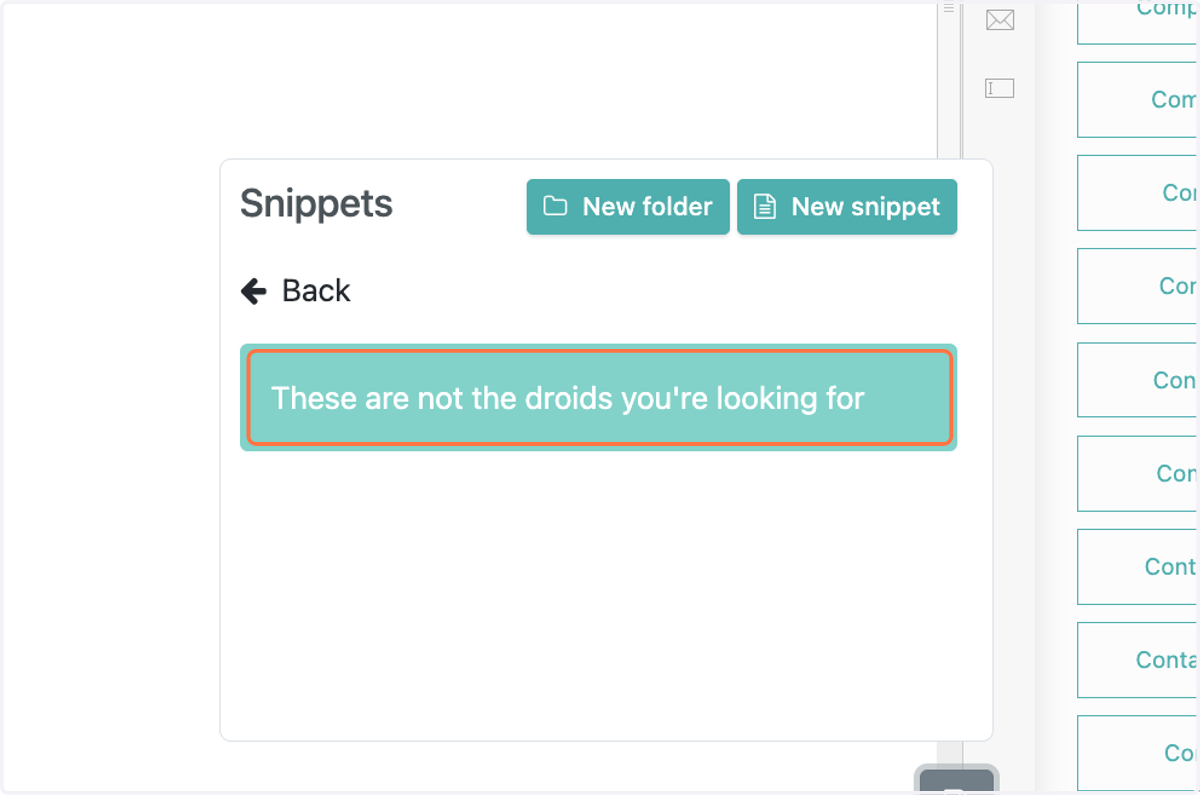
Creating and Sharing Snippets in FollowUpCRM
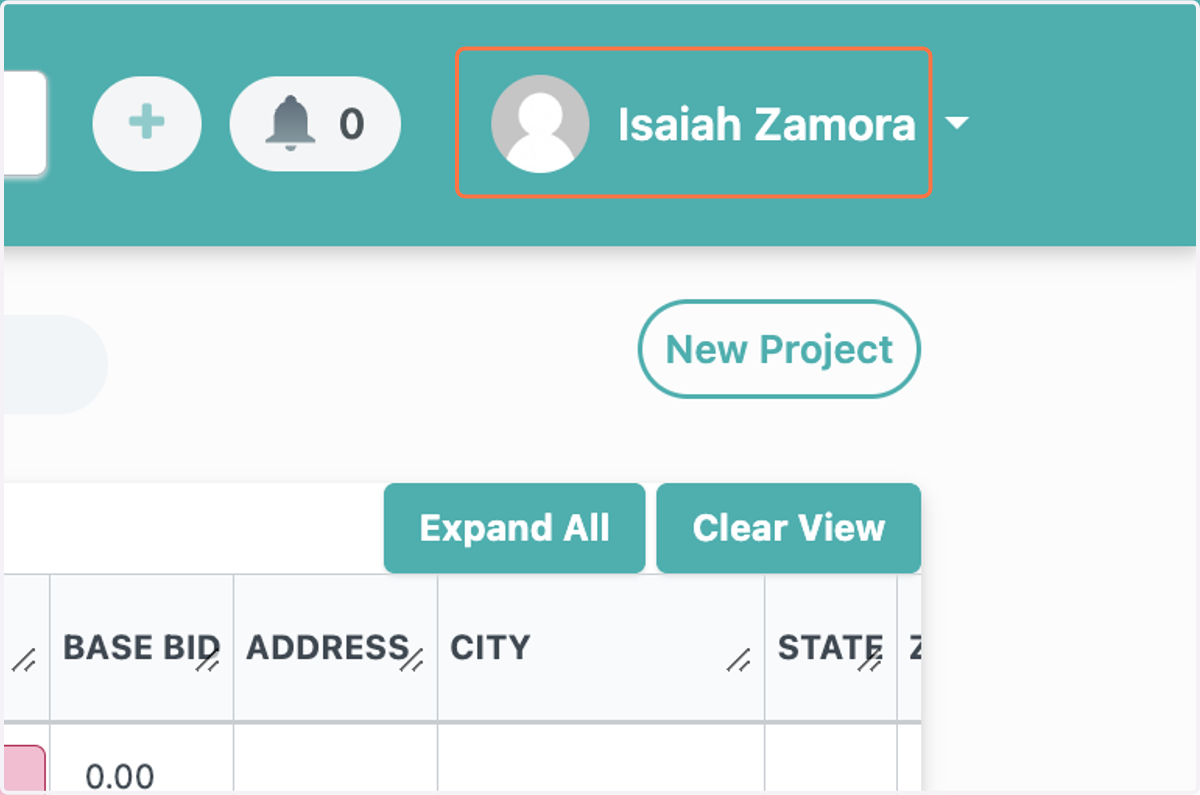
1. Click on your name in the top right
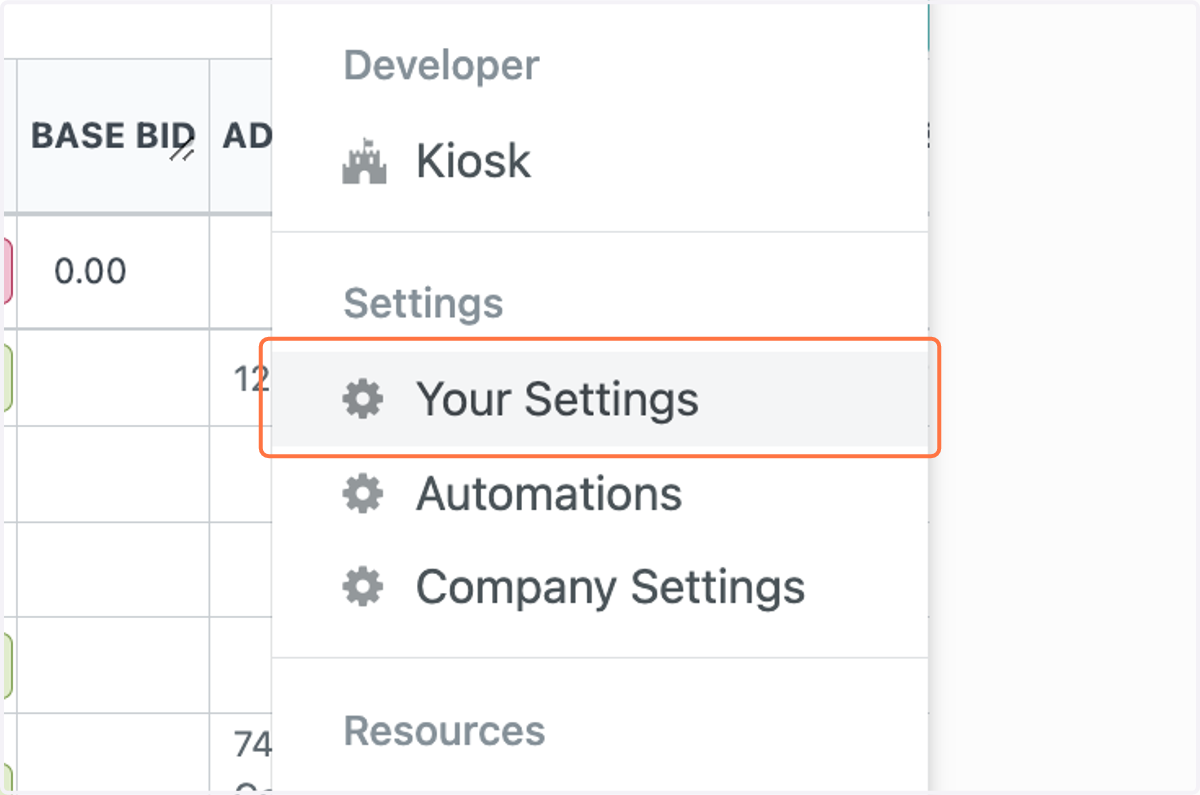
2. Click on Your Settings
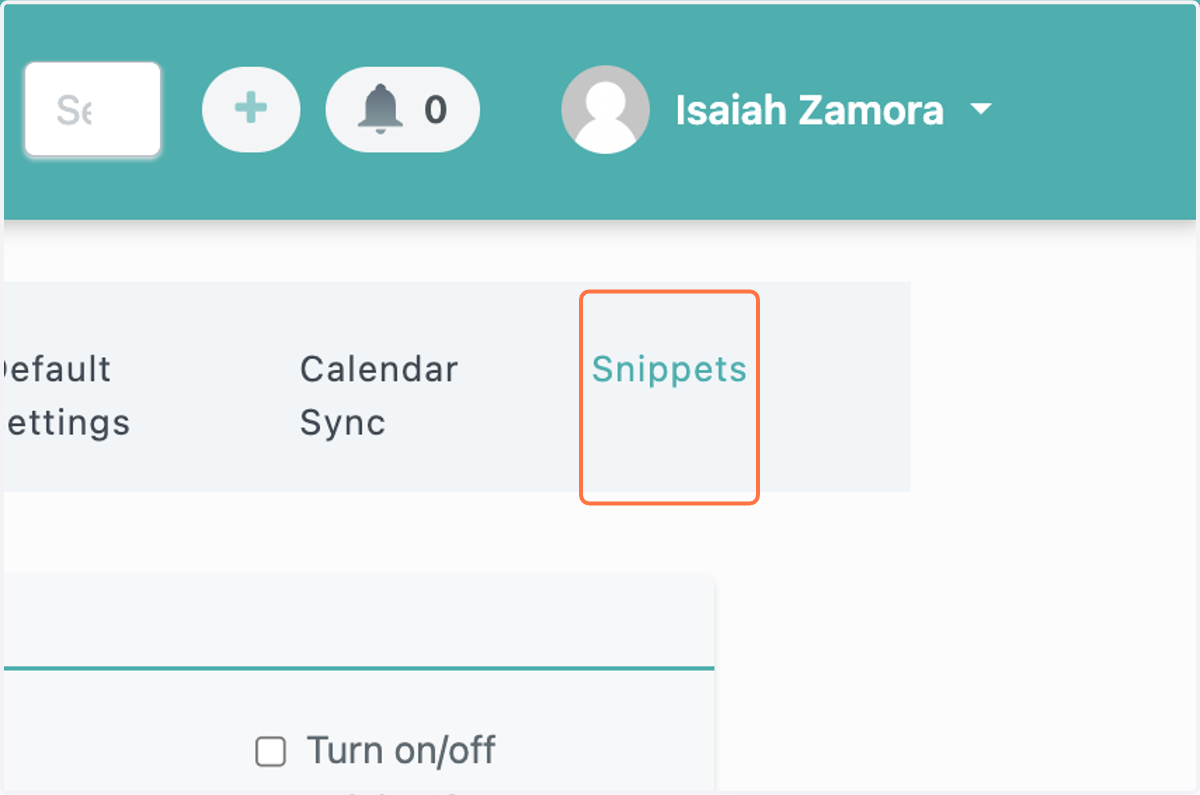
3. Click on Snippets
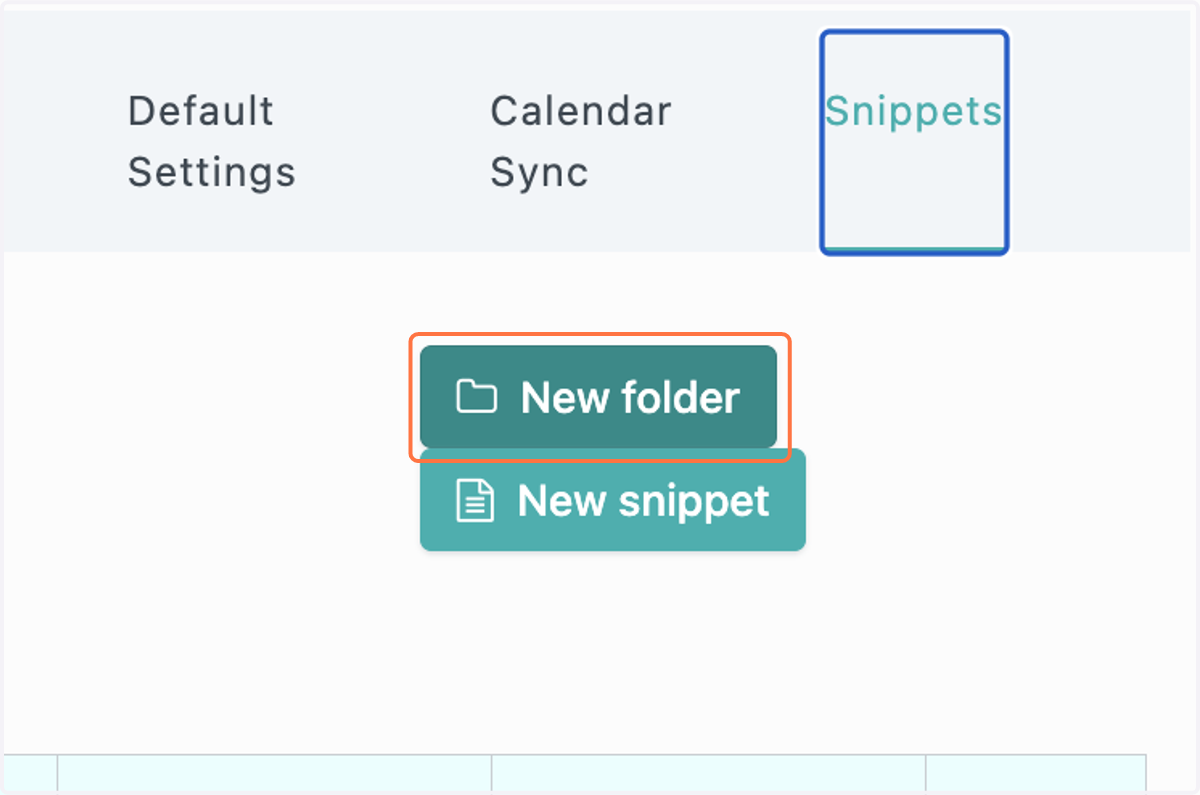
4. Click on New folder
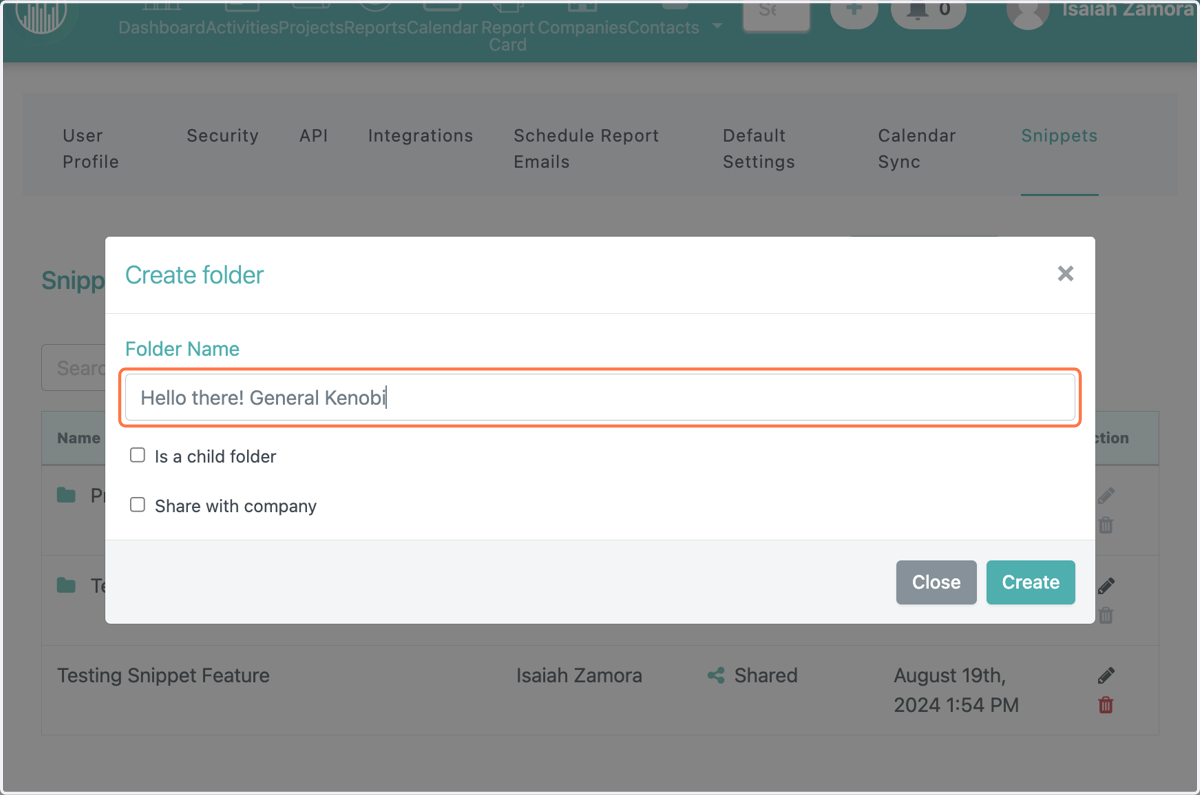
5. Type in the folder name
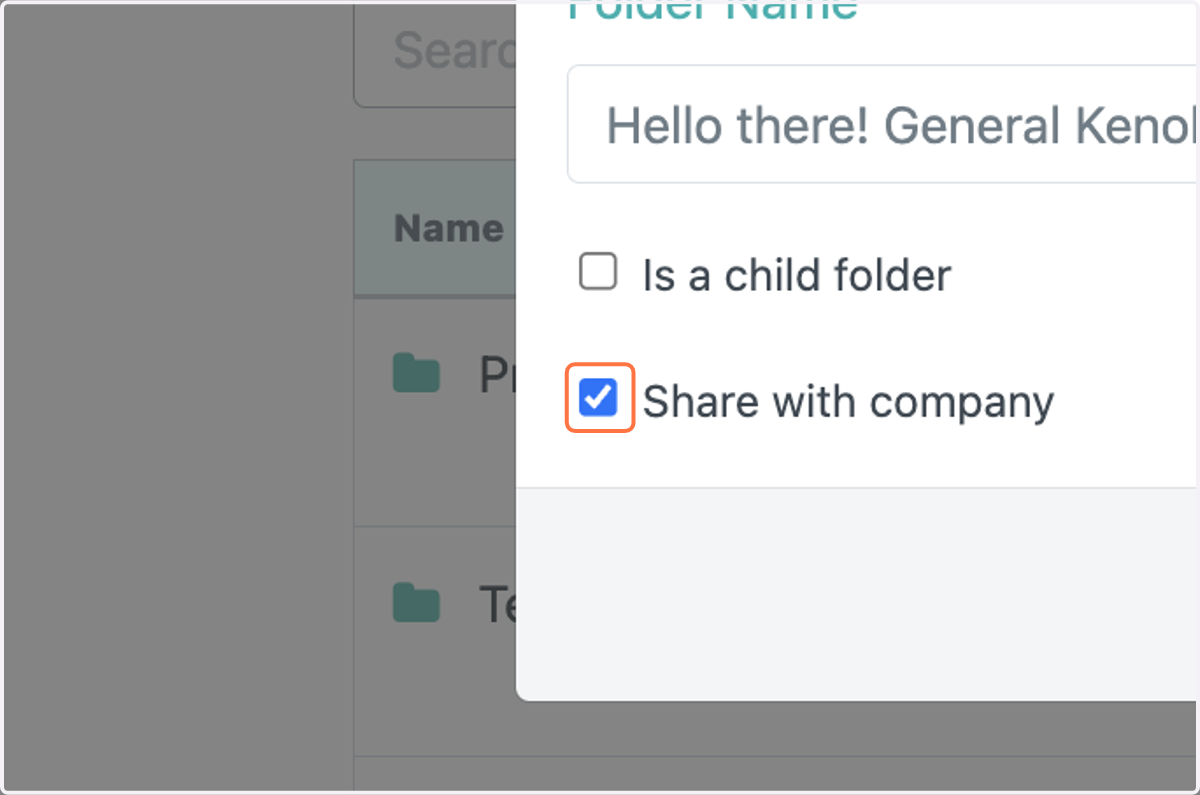
6. Check Share with company
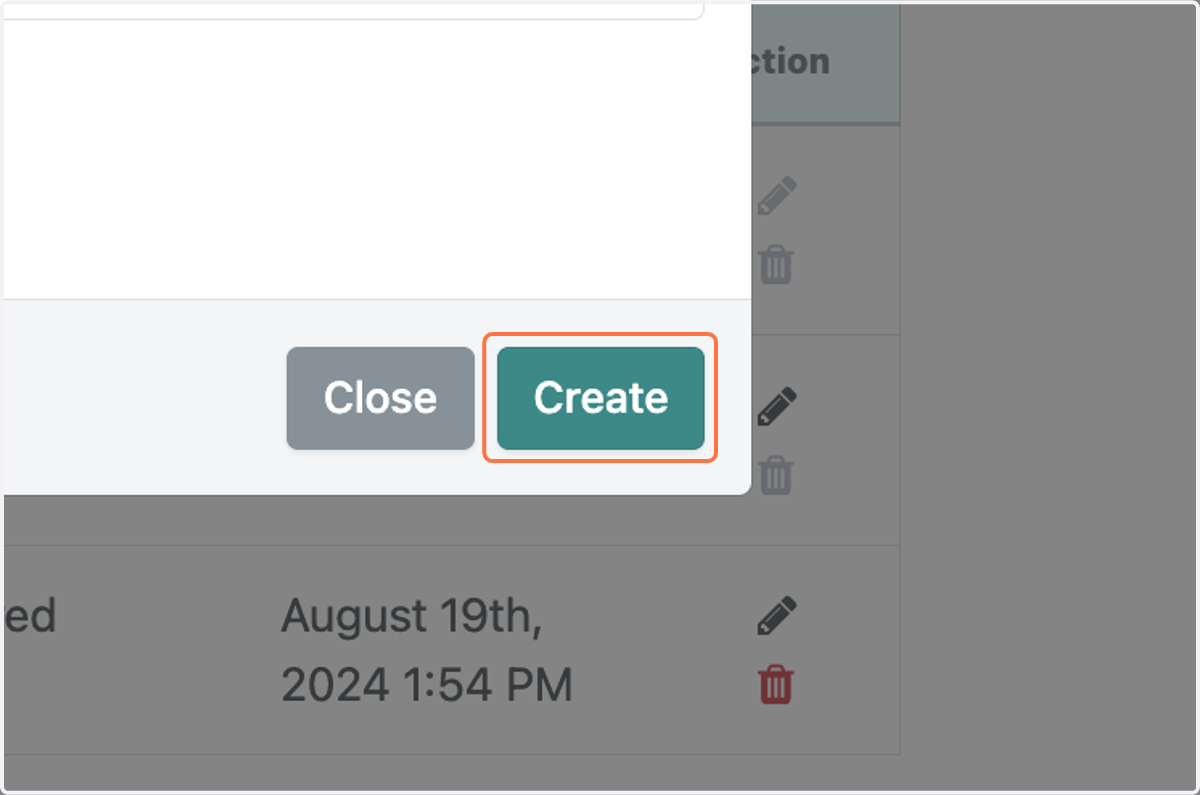
7. Click on Create
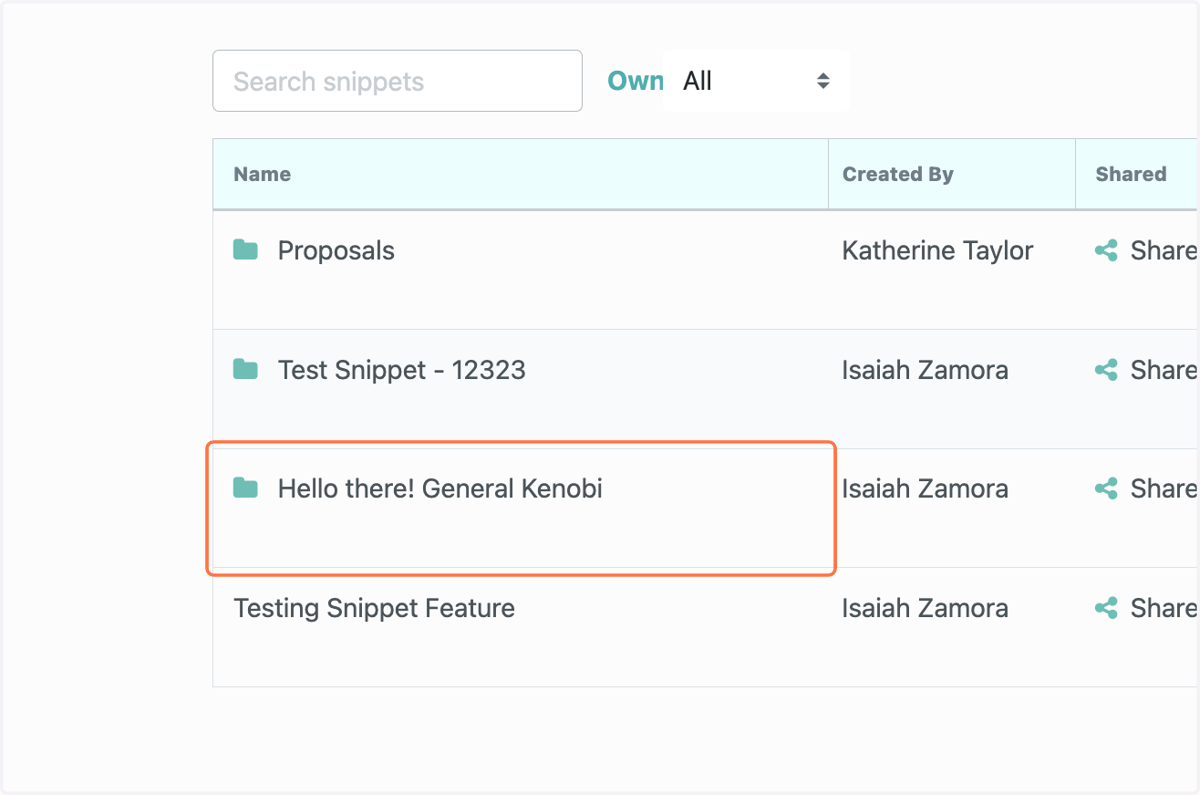
8. Click on your created folder
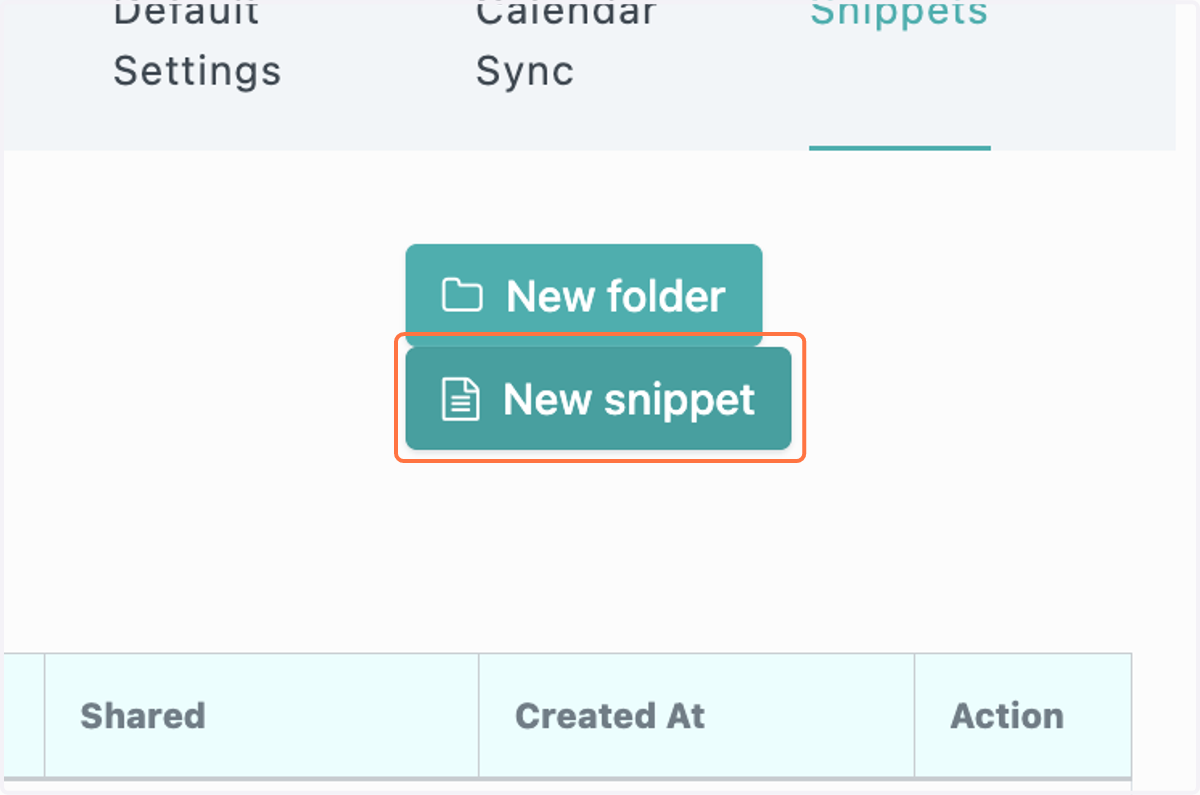
9. Click on New snippet
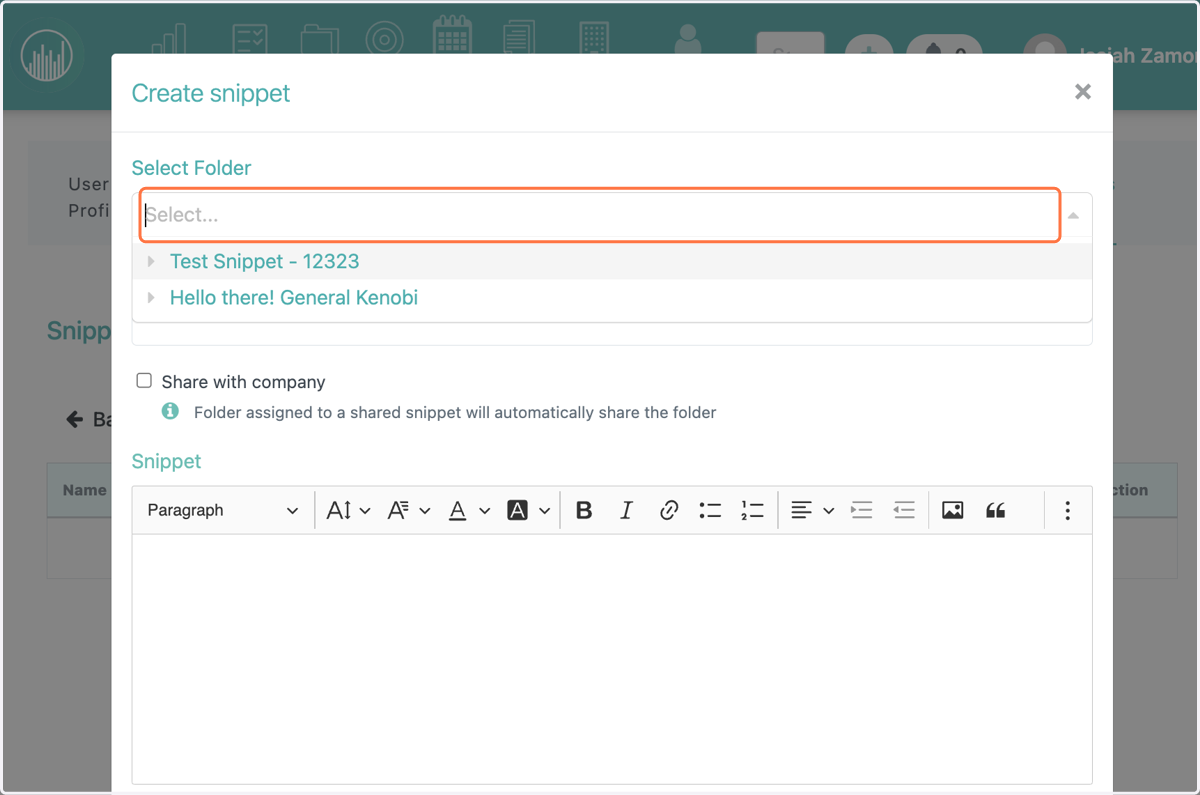
10. Select the created folder
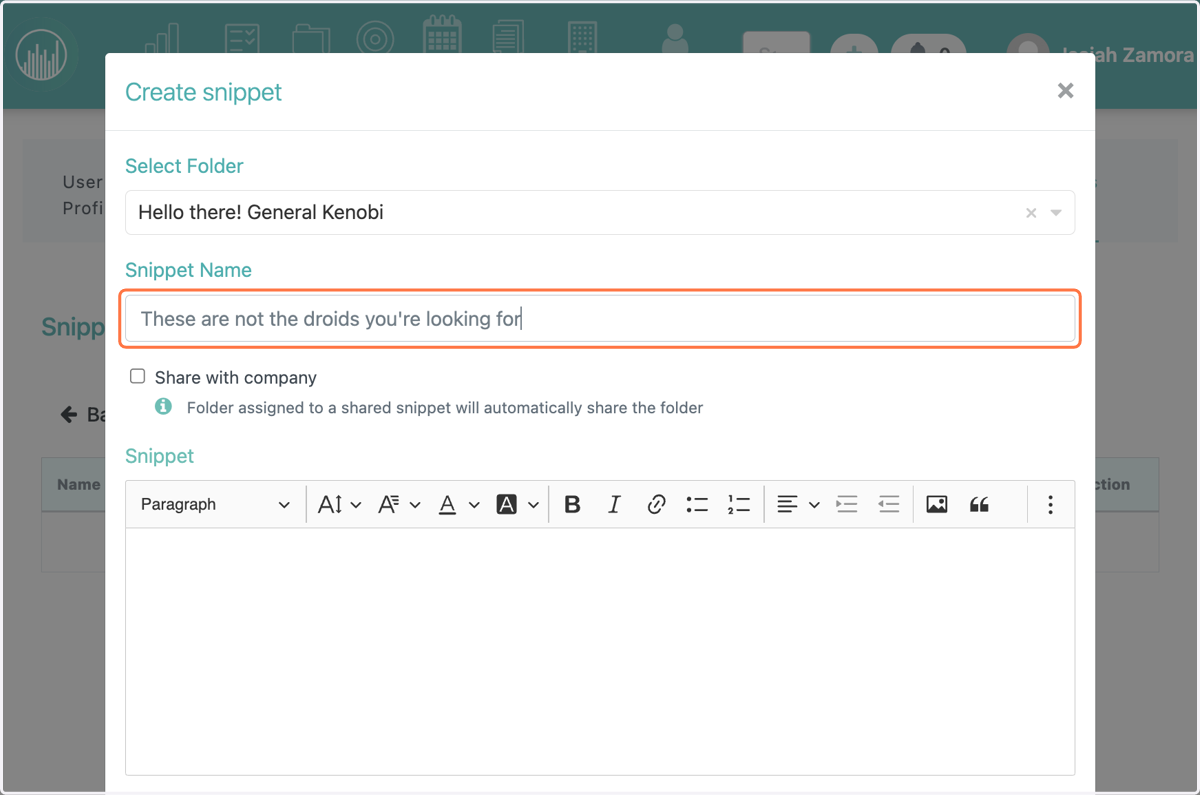
11. Create the folder name
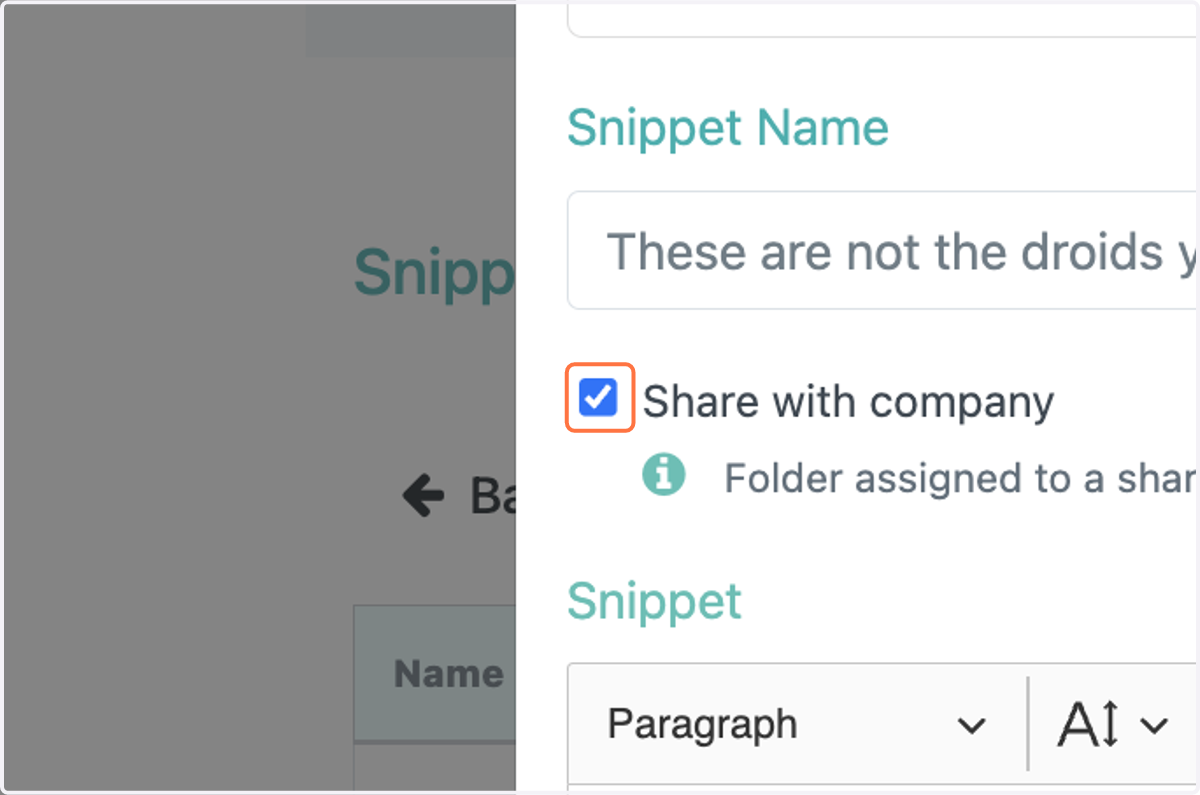
12. Click on Share with Company
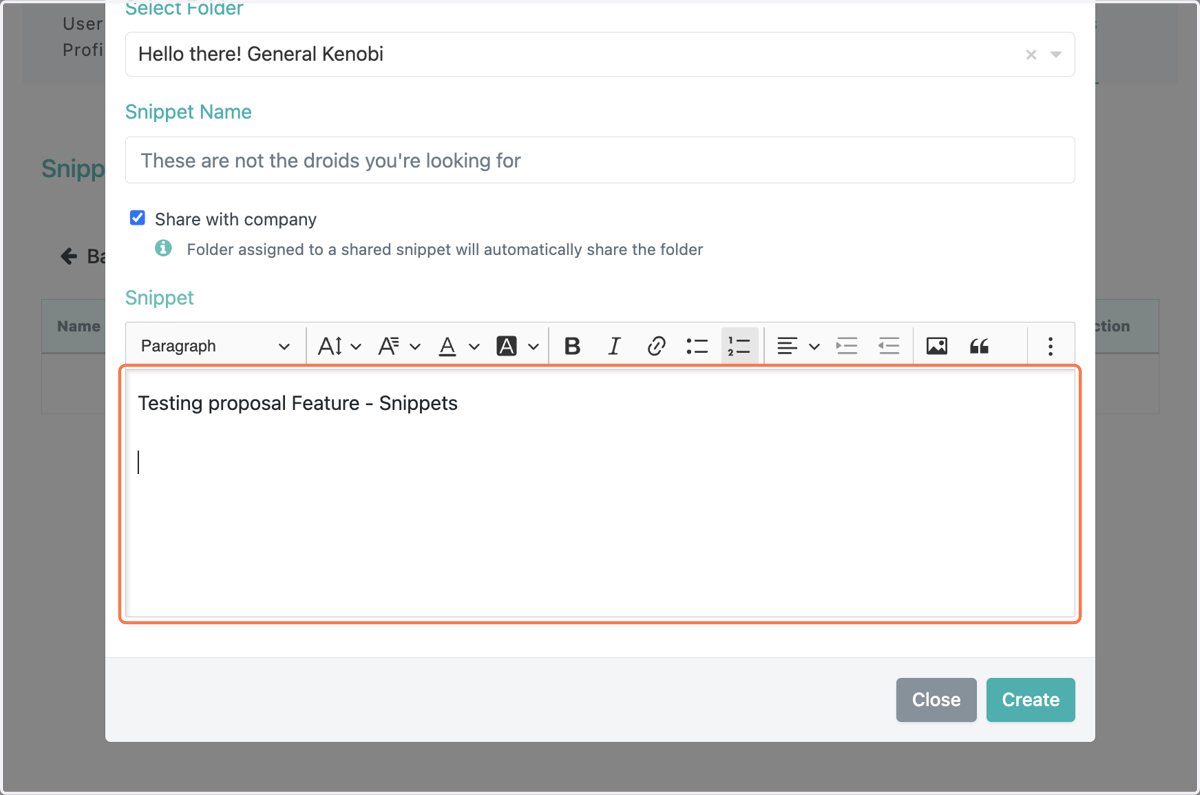
13. Type into the text box your text
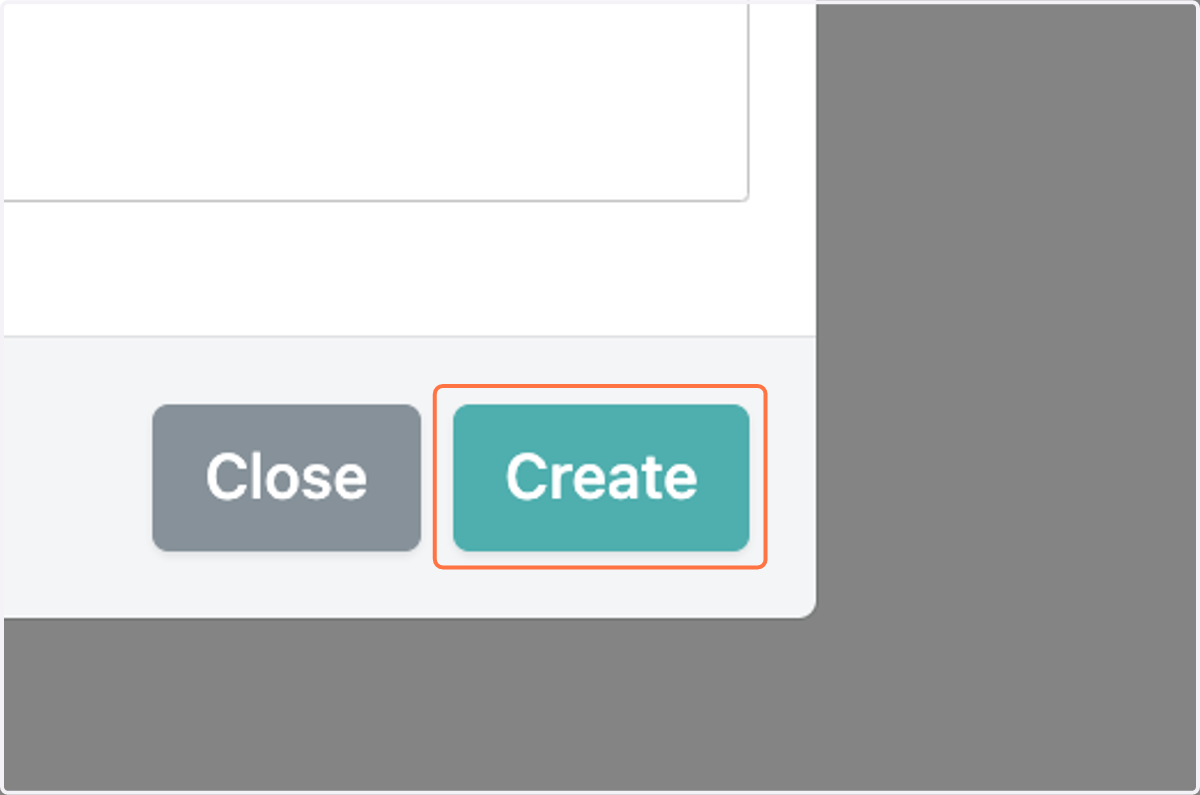
14. Click on Create
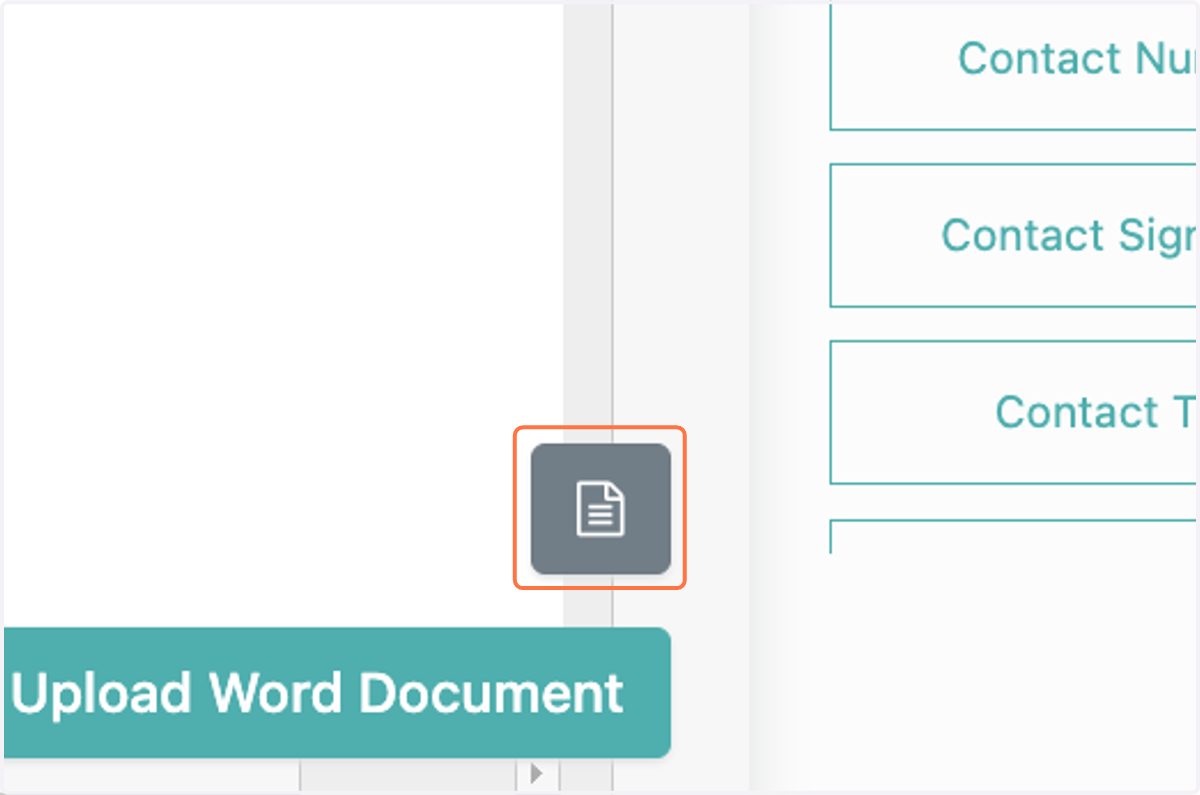
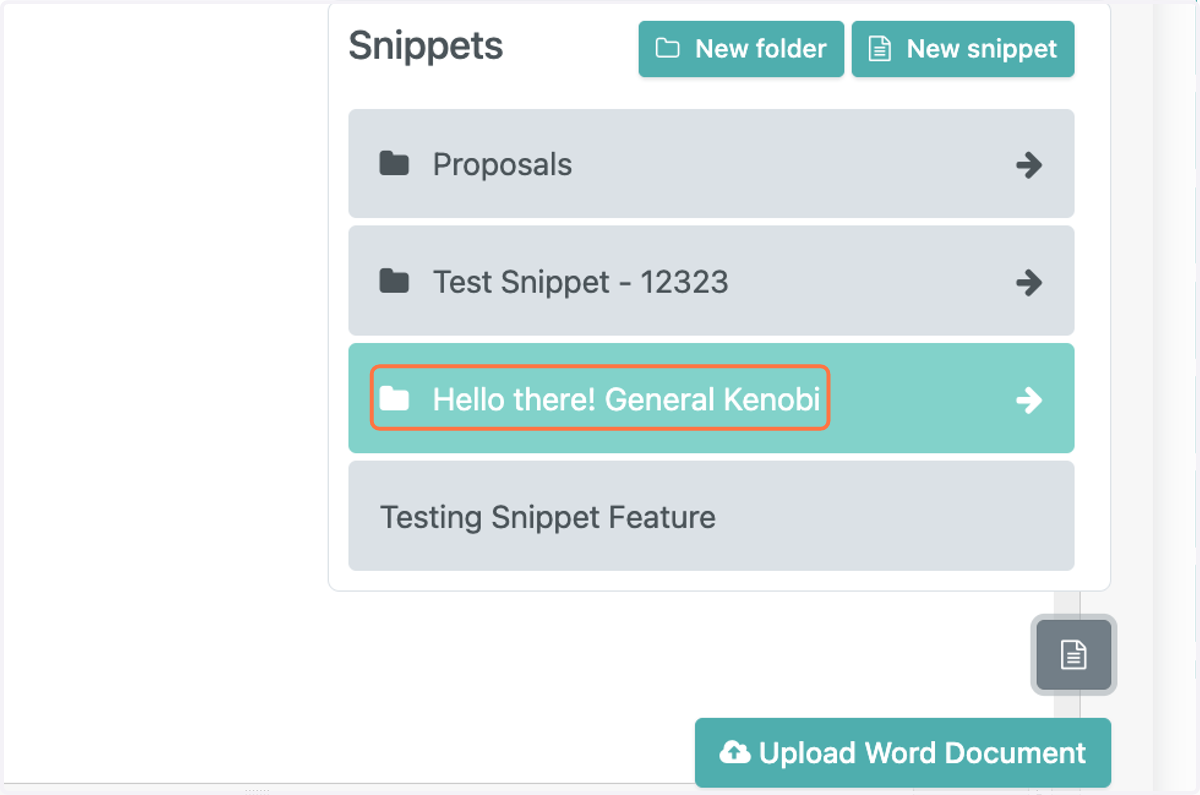
15. Click on the "paper" icon in the bottom right
16. Click on the folder you created
17. Click on your Snippet