PAWS - Navigating the Advising Student Profile
Home - PAWS Experience
1. Click on Advising Student Profile
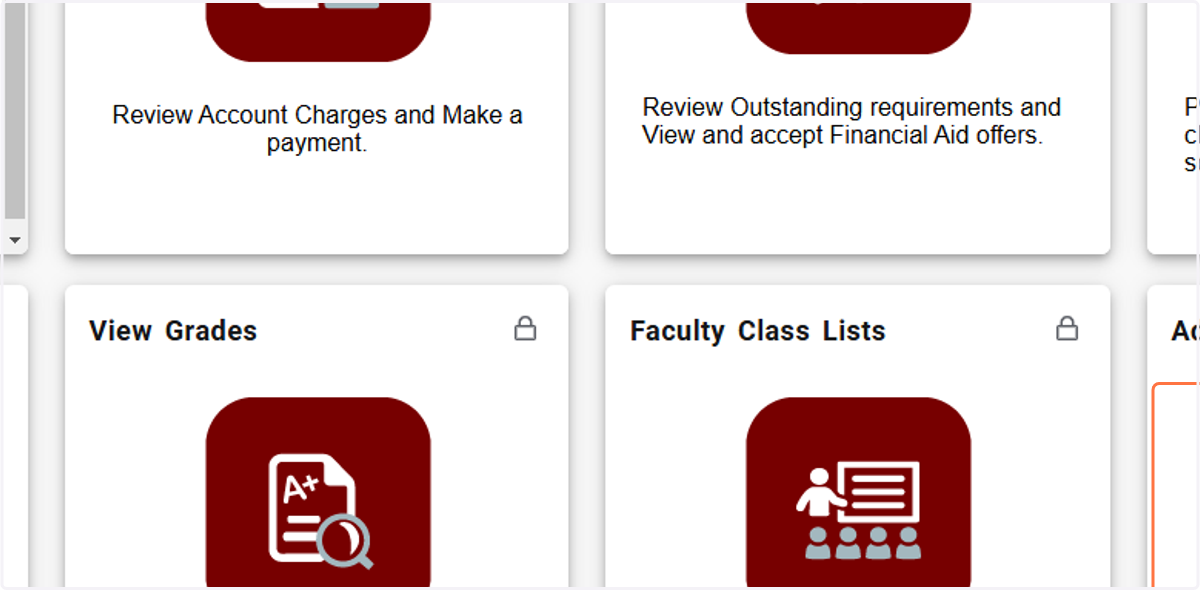
Enter a specific student or Click on Advisee Search
2. Click on drop-down for registration term
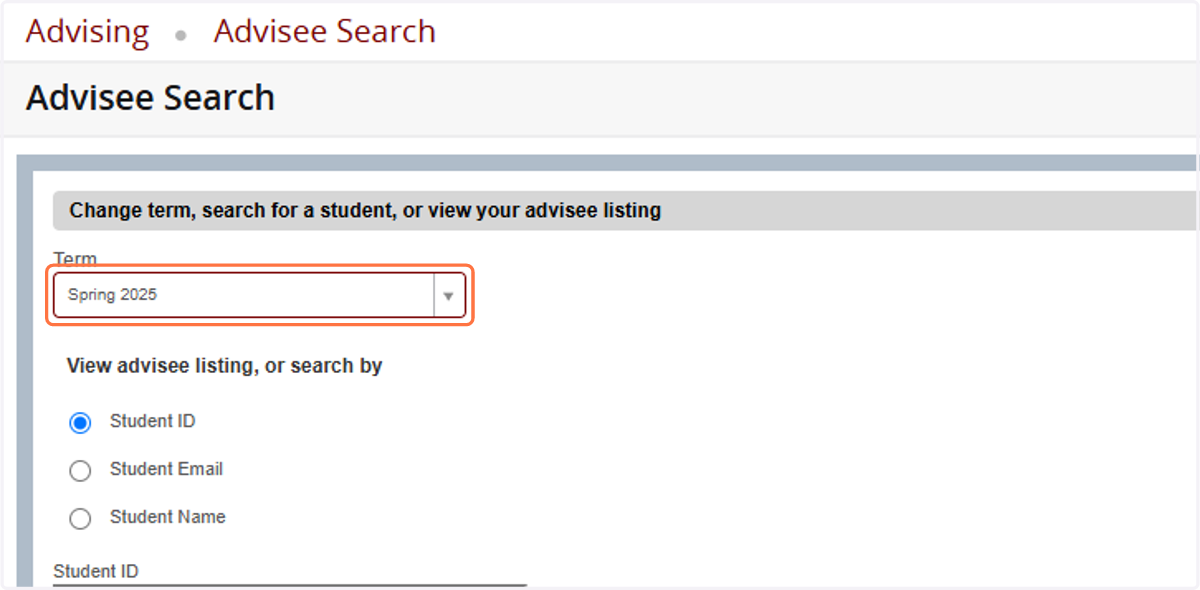
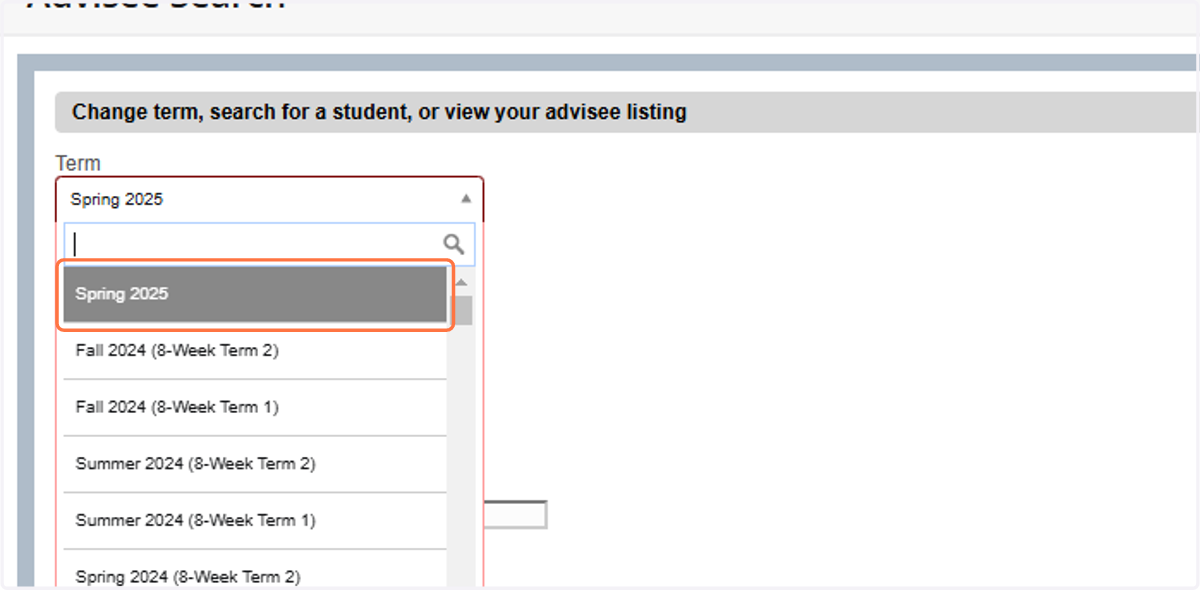
3. Click on registration term
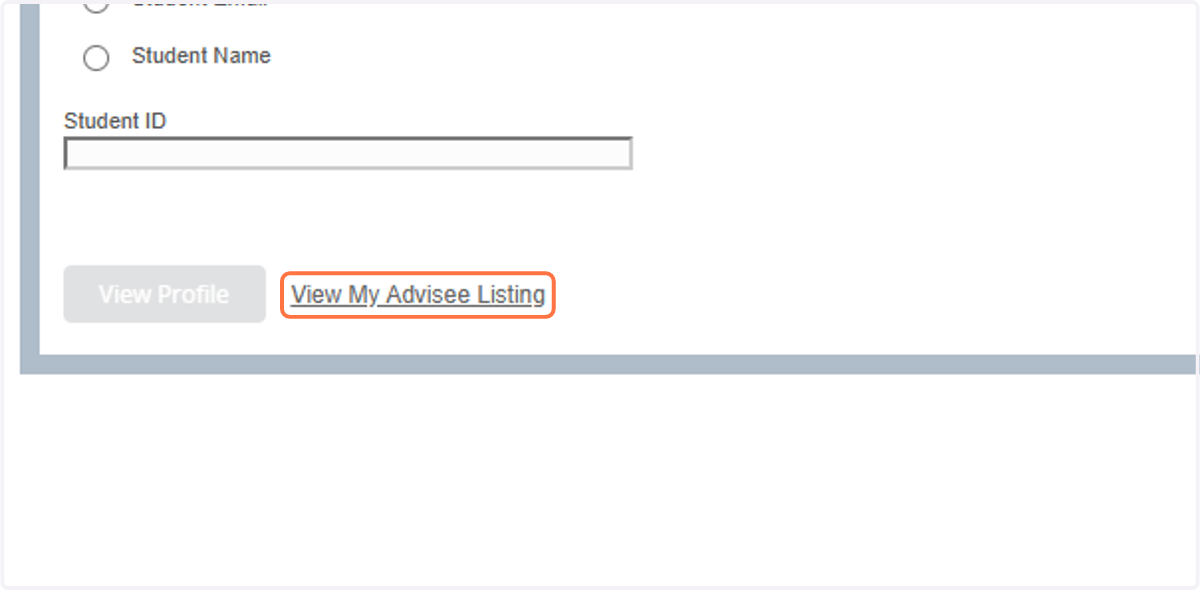
4. Click on View My Advisee Listing
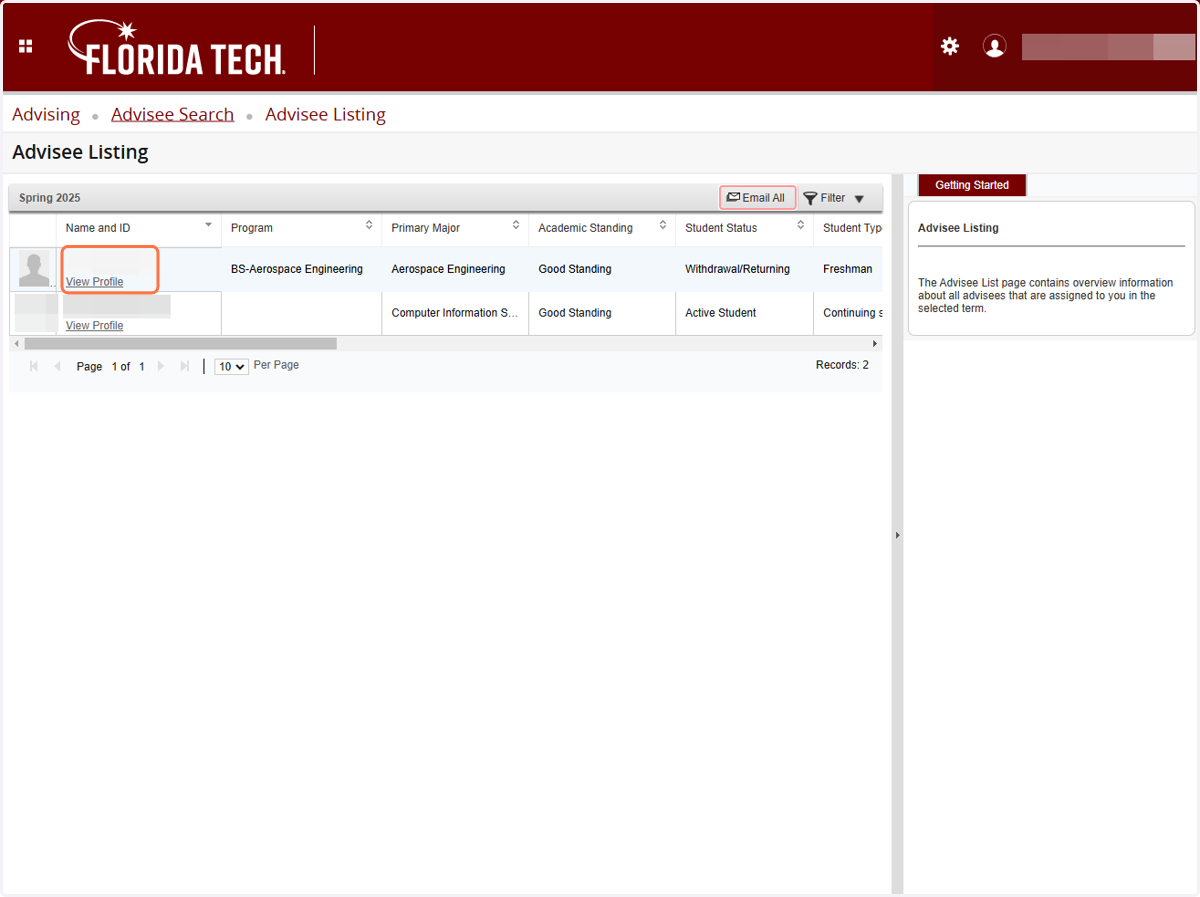
5. A list of your advisees for the term will be displayed.

6. Click on
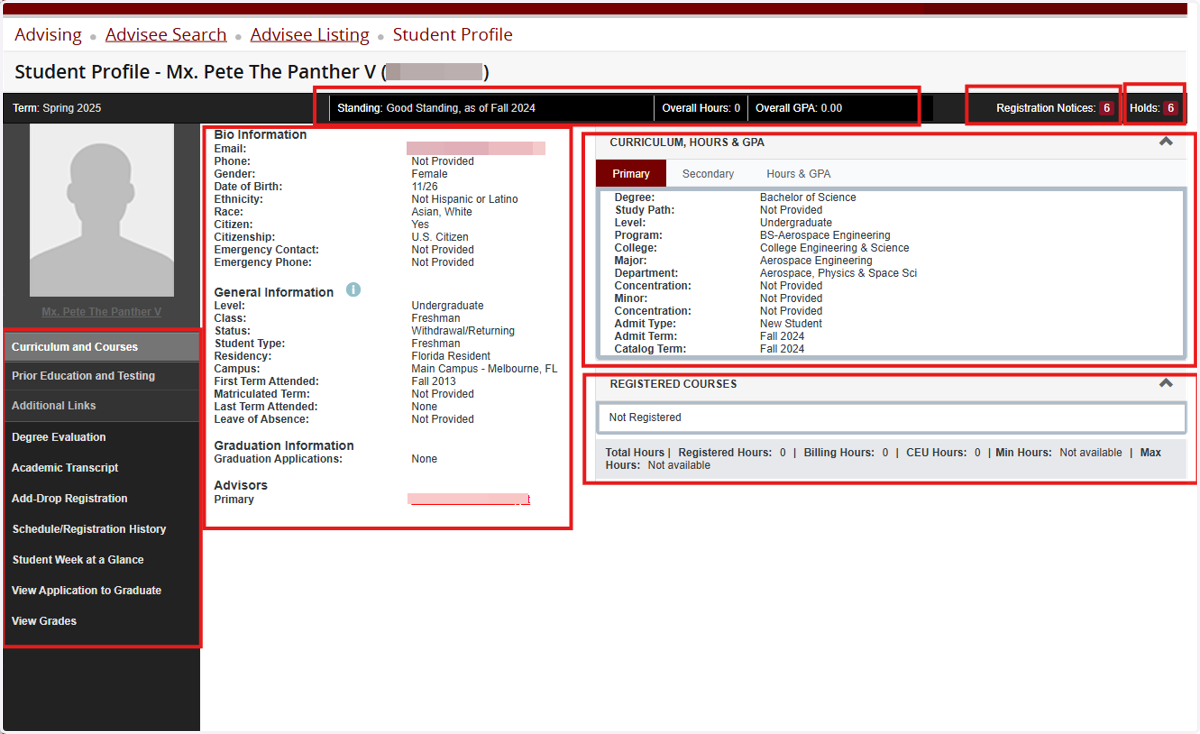
7. That student's profile will display.
On the top, you will see Standing, Hours, and GPA. There are Bio, General, Curriculum and Registration sections.
8. Click on Registration Notices to see student's registration status and PIN
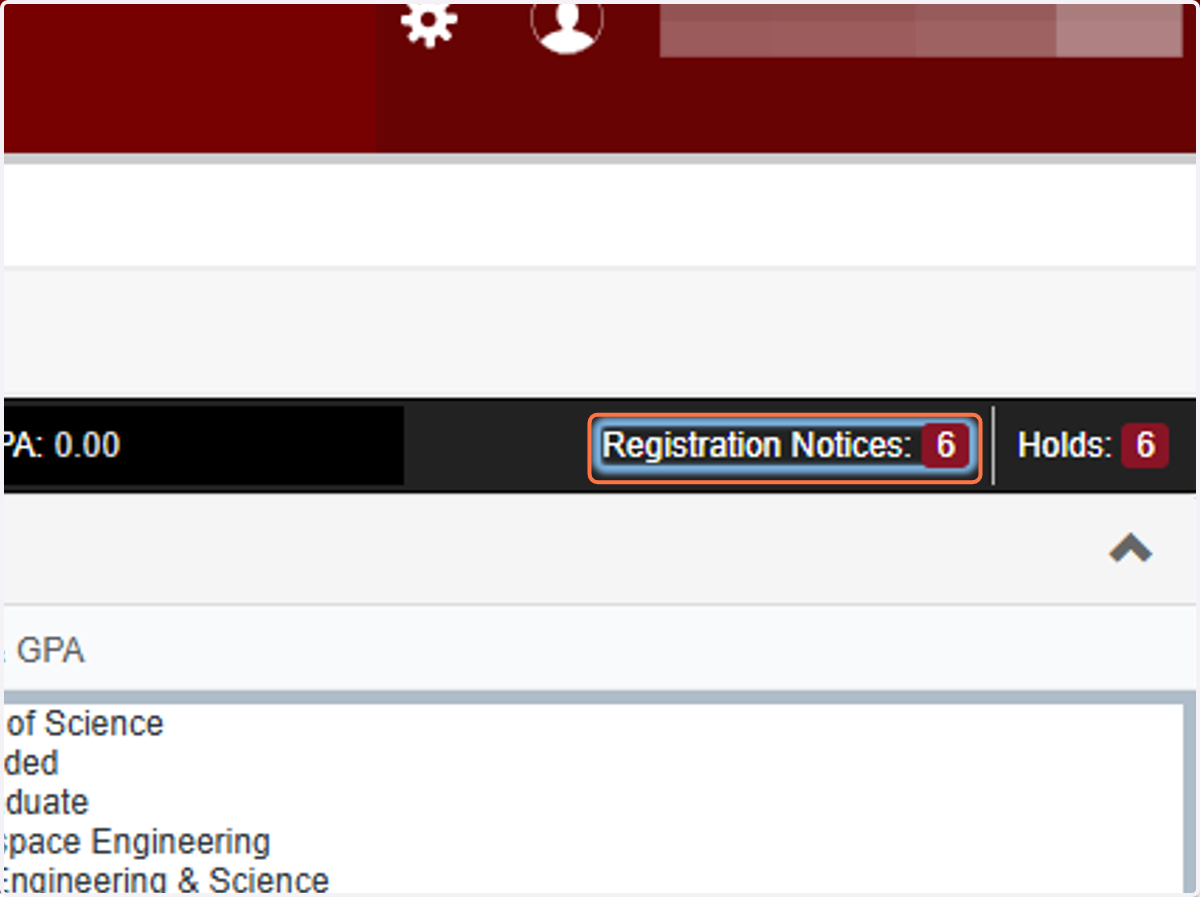
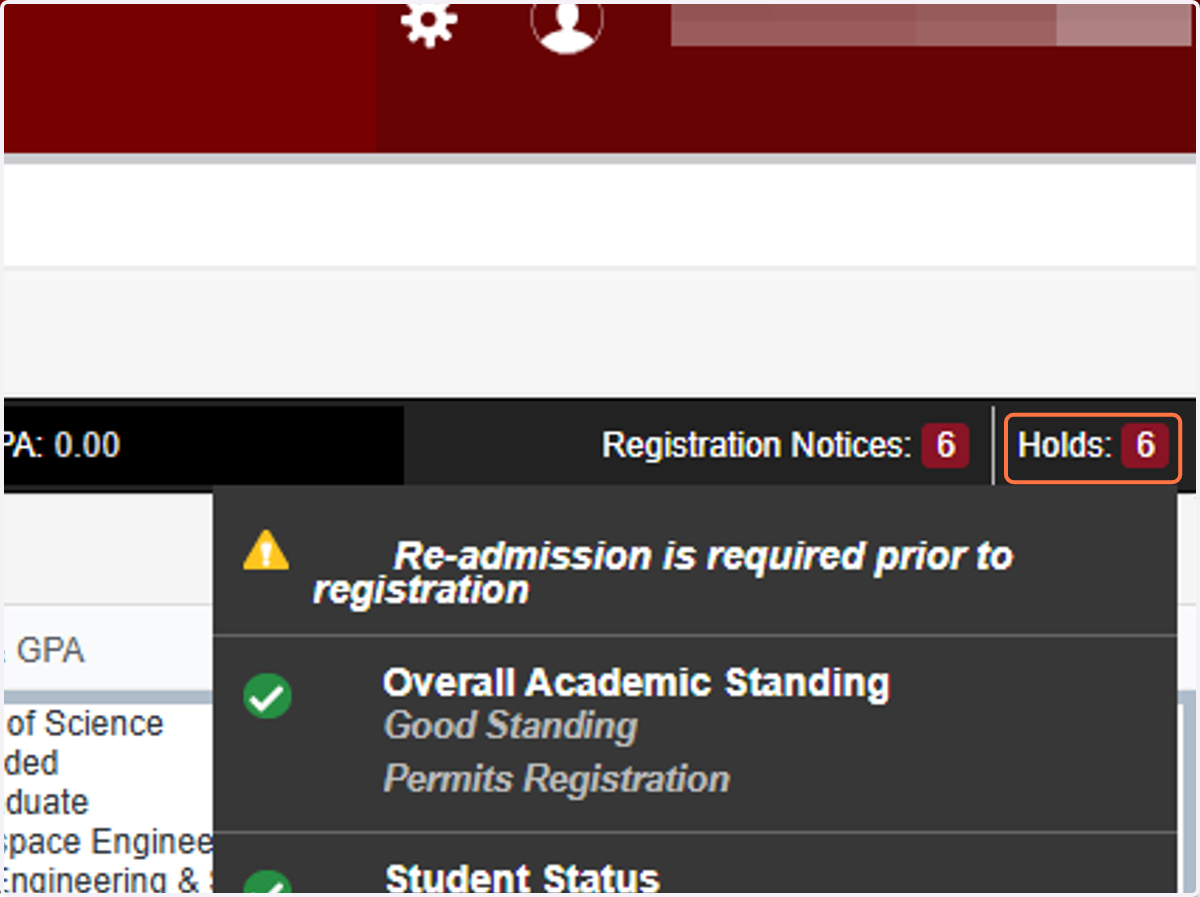
9. Click on Holds to view student's holds
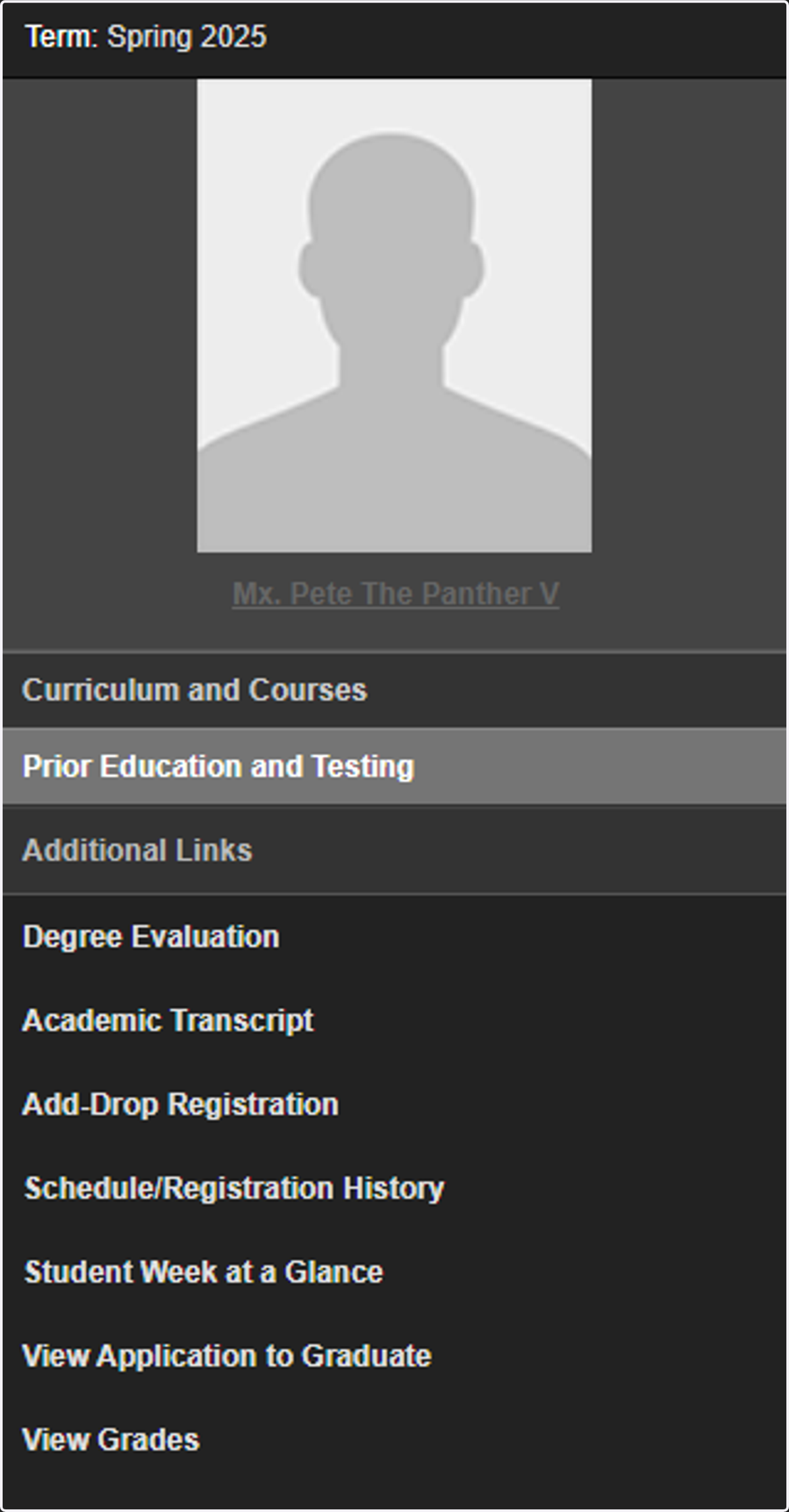
10. Click on Prior Education and Testing to see prior education and test scores
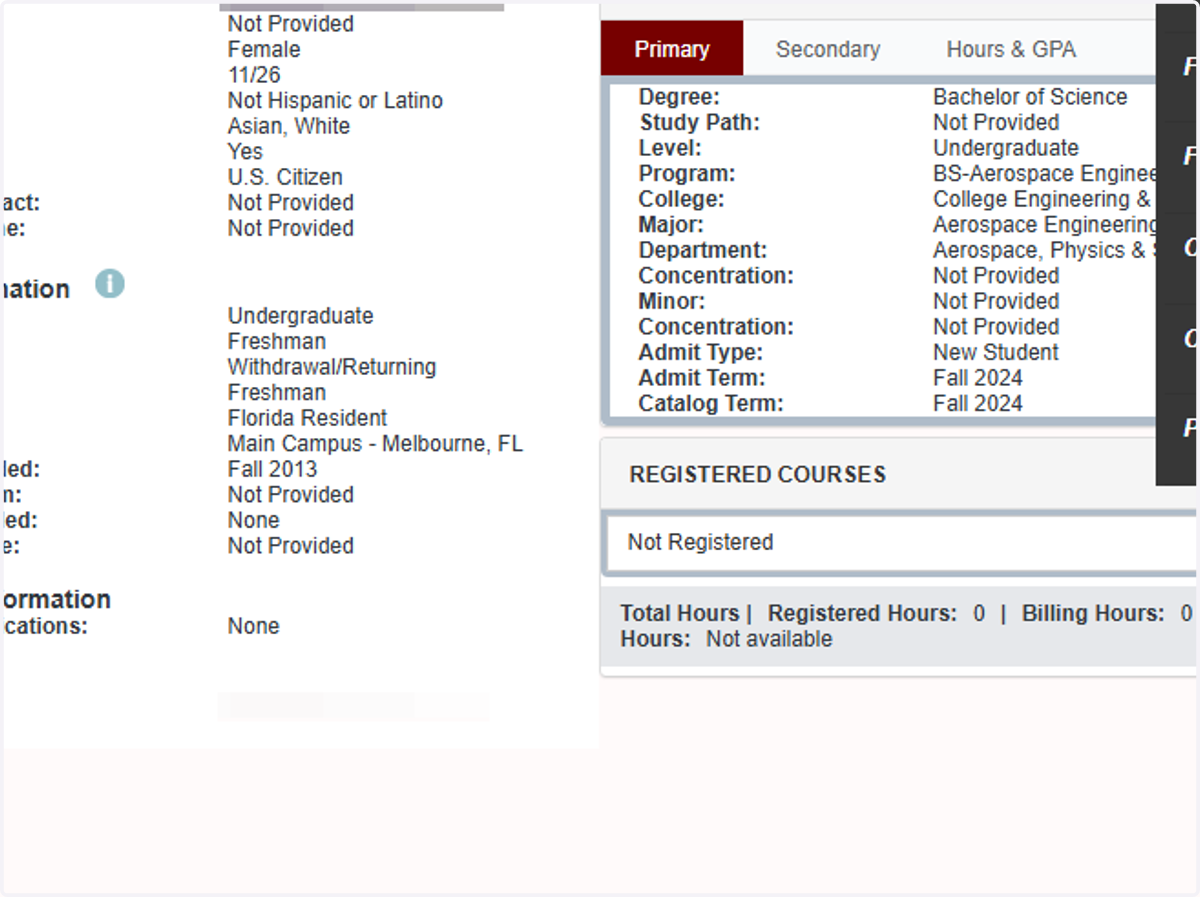
11. The Curriculum section becomes the Prior Education and Testing section
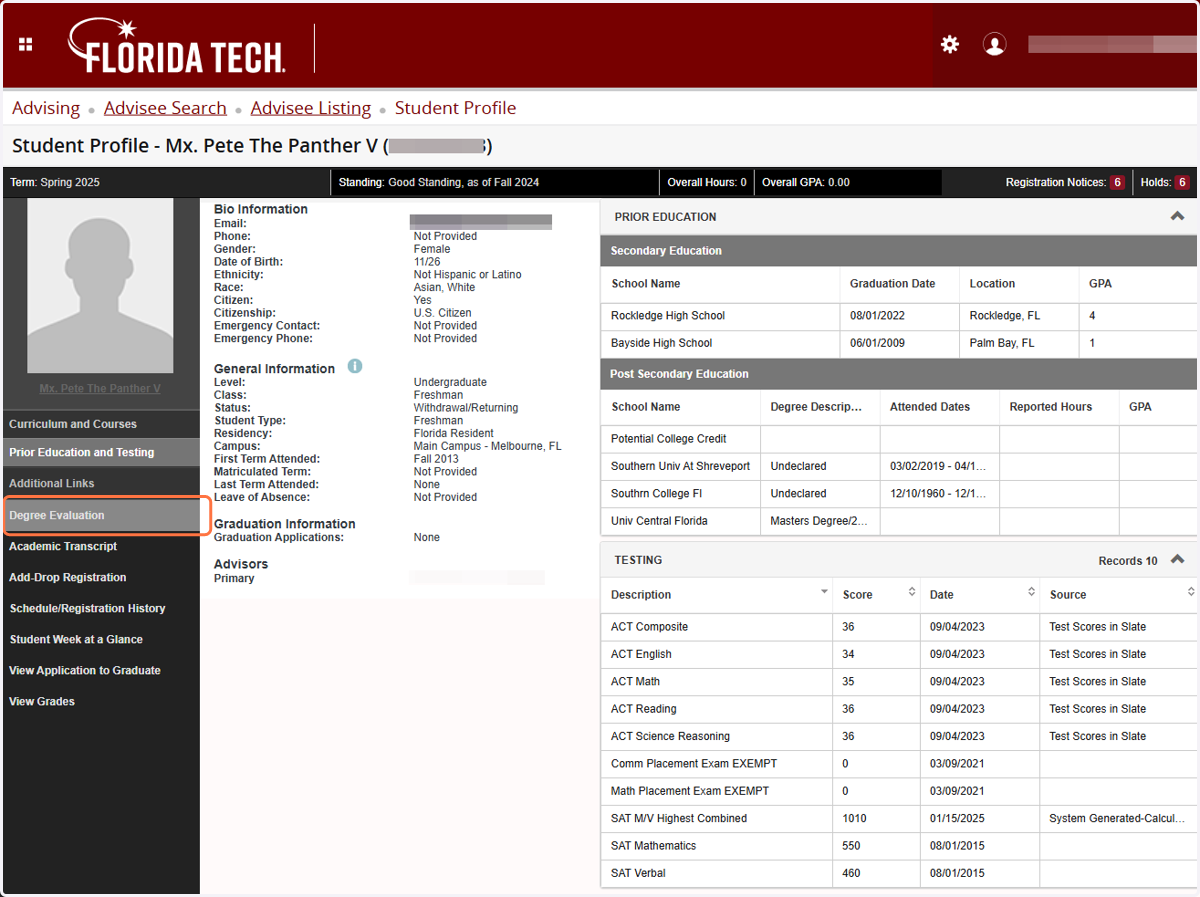
12. Select on any menu item to the left to view those items for that student.