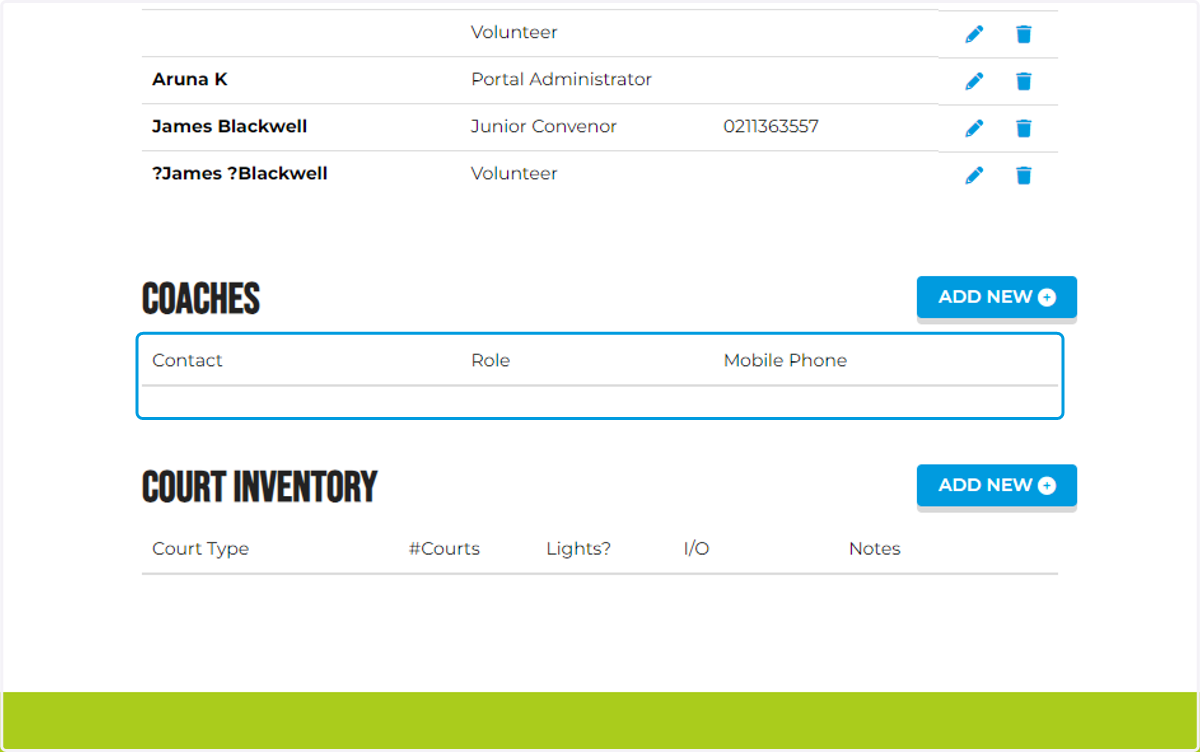
Portal Admin: Add coaching staff to your club's portal profile.
1. Let's start

2. IMPORTANT!
The next steps will show you how to add names into the club's portal. It is essential and vital that you enter the Legal, Full and Correct Information of your coaching team, entering the correct information will ensure the contact is linked and attached to their SAFE report. A good tip is to reach out to the coach to ensure they give you the correct email, contact and name they used to submit their police vet.

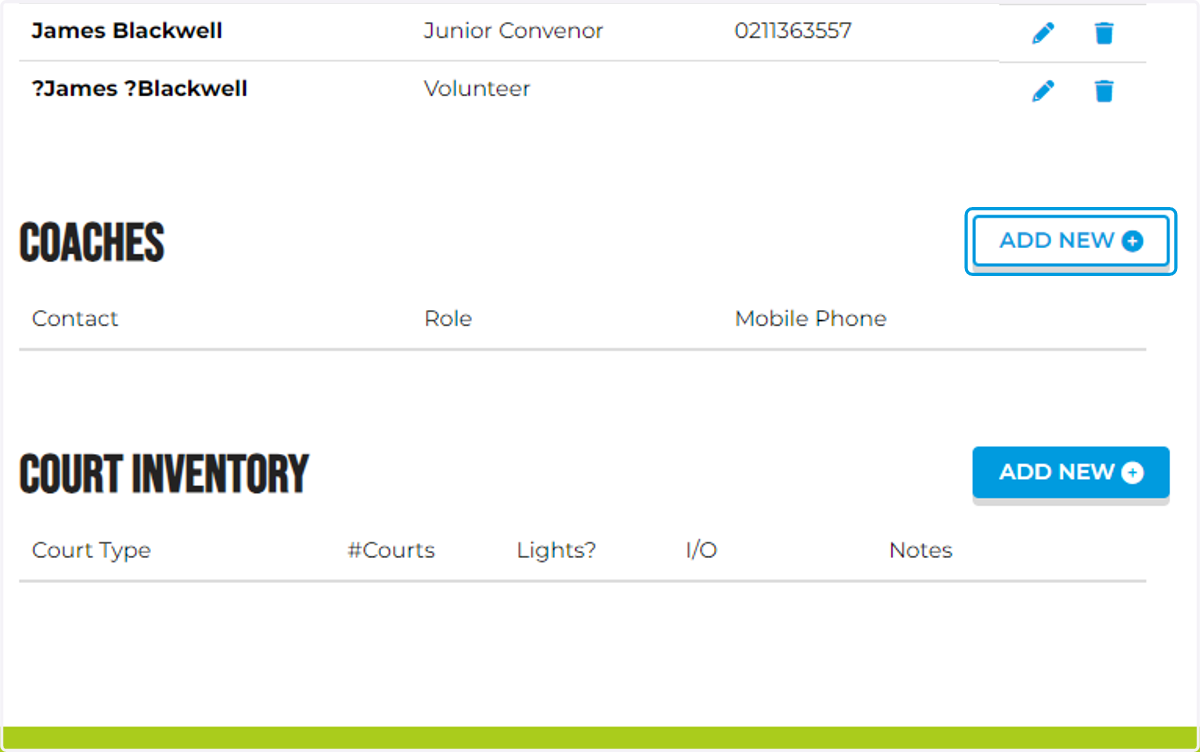
3. On the club profile, head to Coaches and click Add New
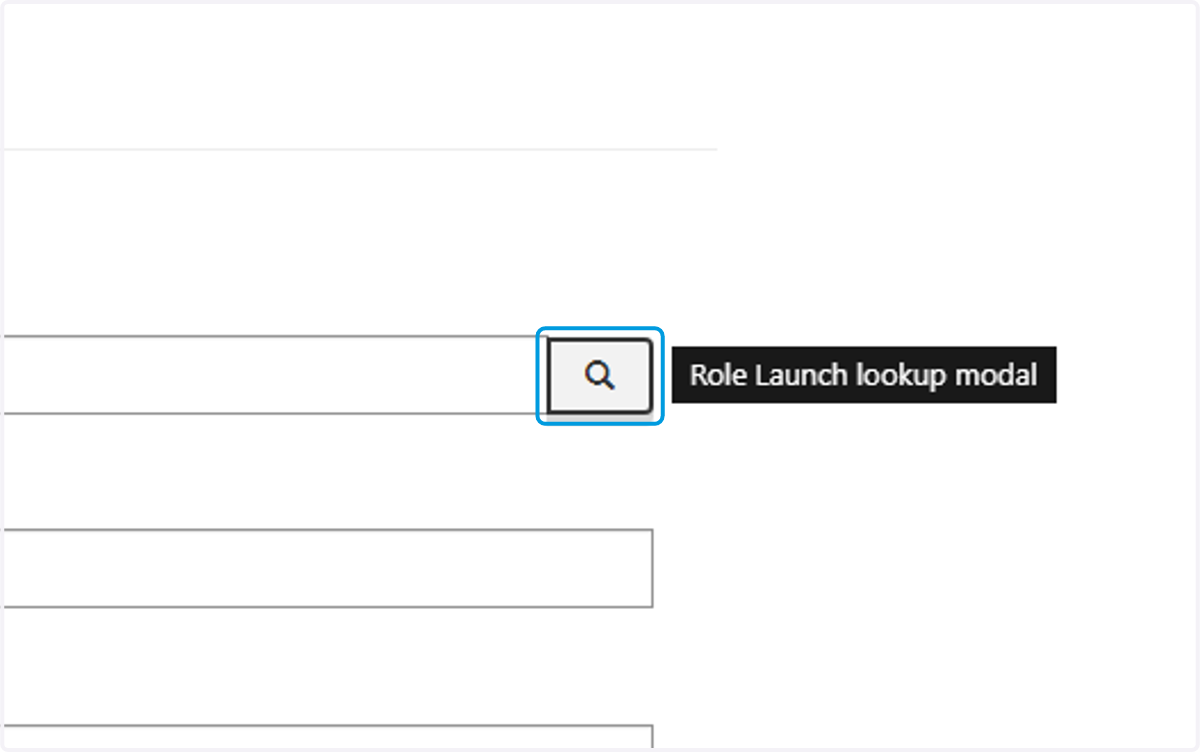
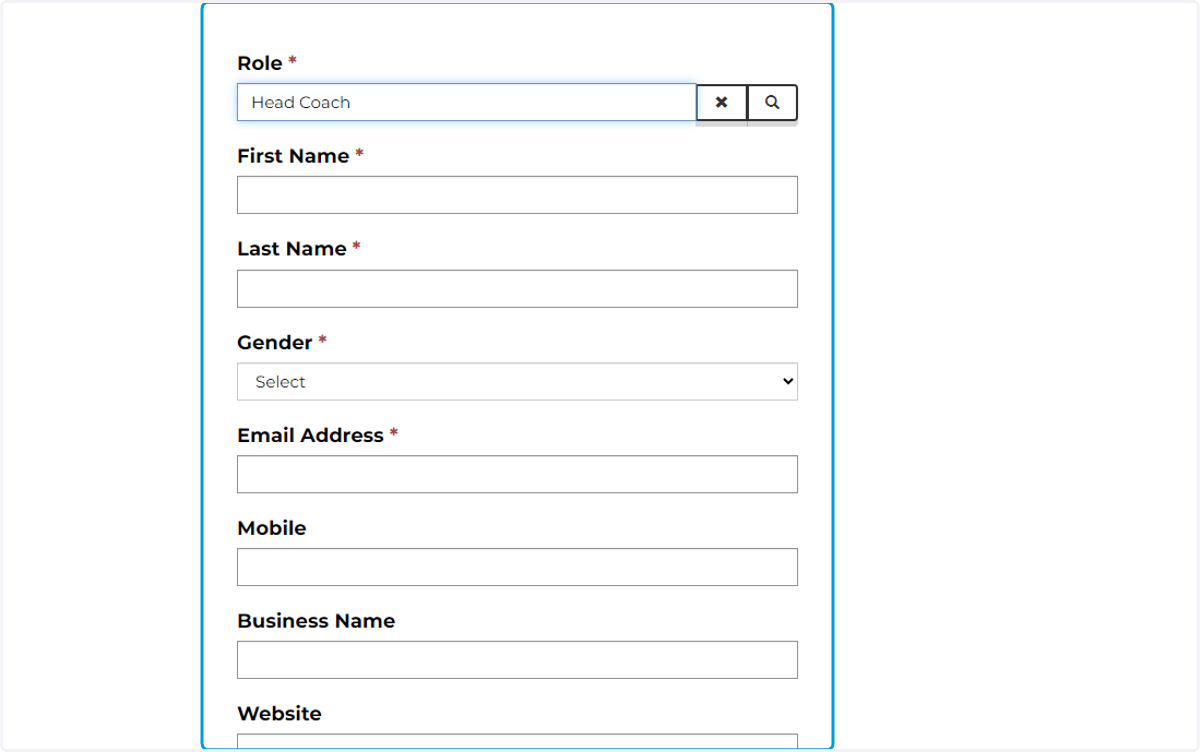
4. Specify the coach's role by clicking the search icon.
5. Click on the suitable option.
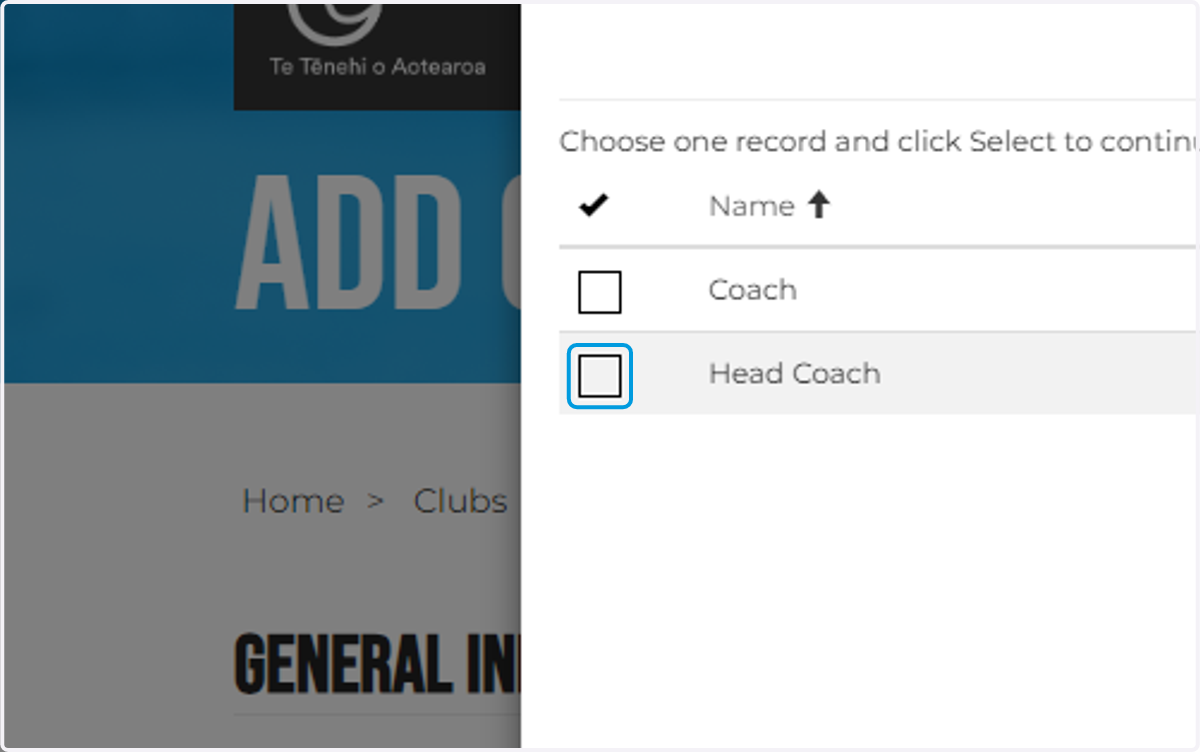
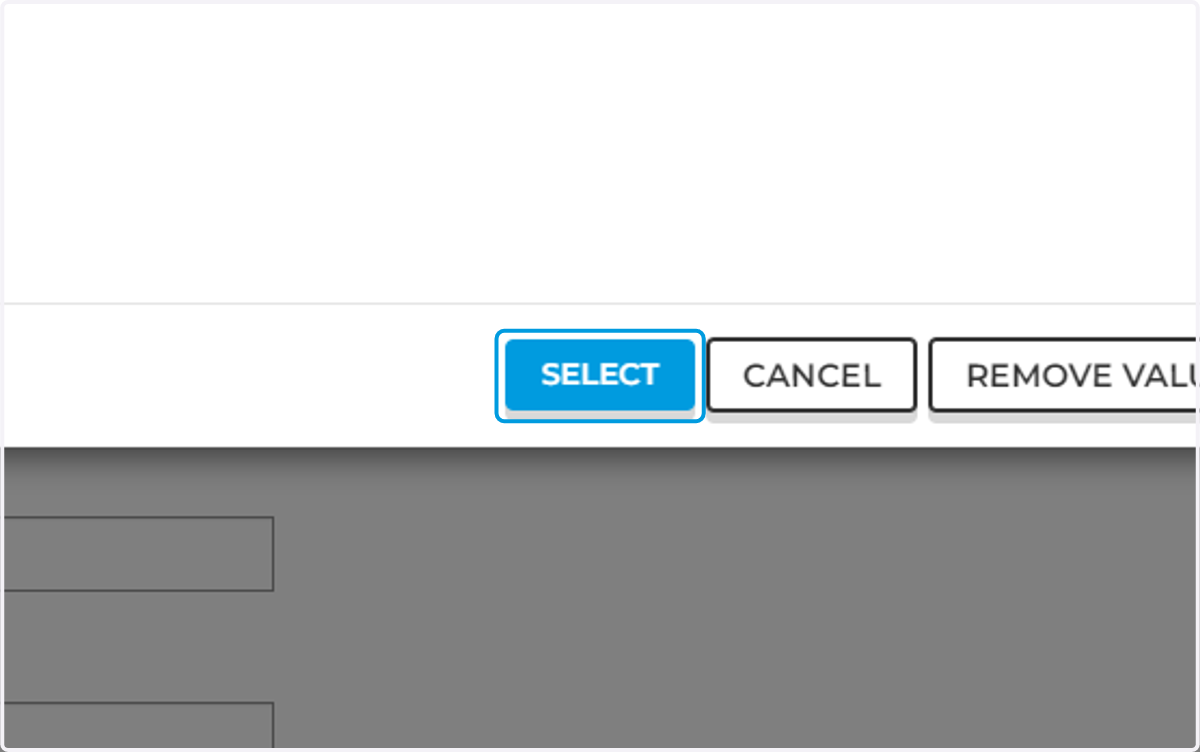
6. Click on SELECT
7. Important
The next steps will show you how to add names into the club's portal. It is essential and vital that you enter the Legal, Full and Correct Information of your club officers, entering the correct information will ensure the contact is linked and attached to their SAFE report. A good tip is to reach out to the club officer to ensure they give you the correct email, contact and name they used to submit their police vet.

8. Fill in the remainder of the information
9. Click on Submit
10. The coach will be listed in this section.