Sending an Engagifii Message
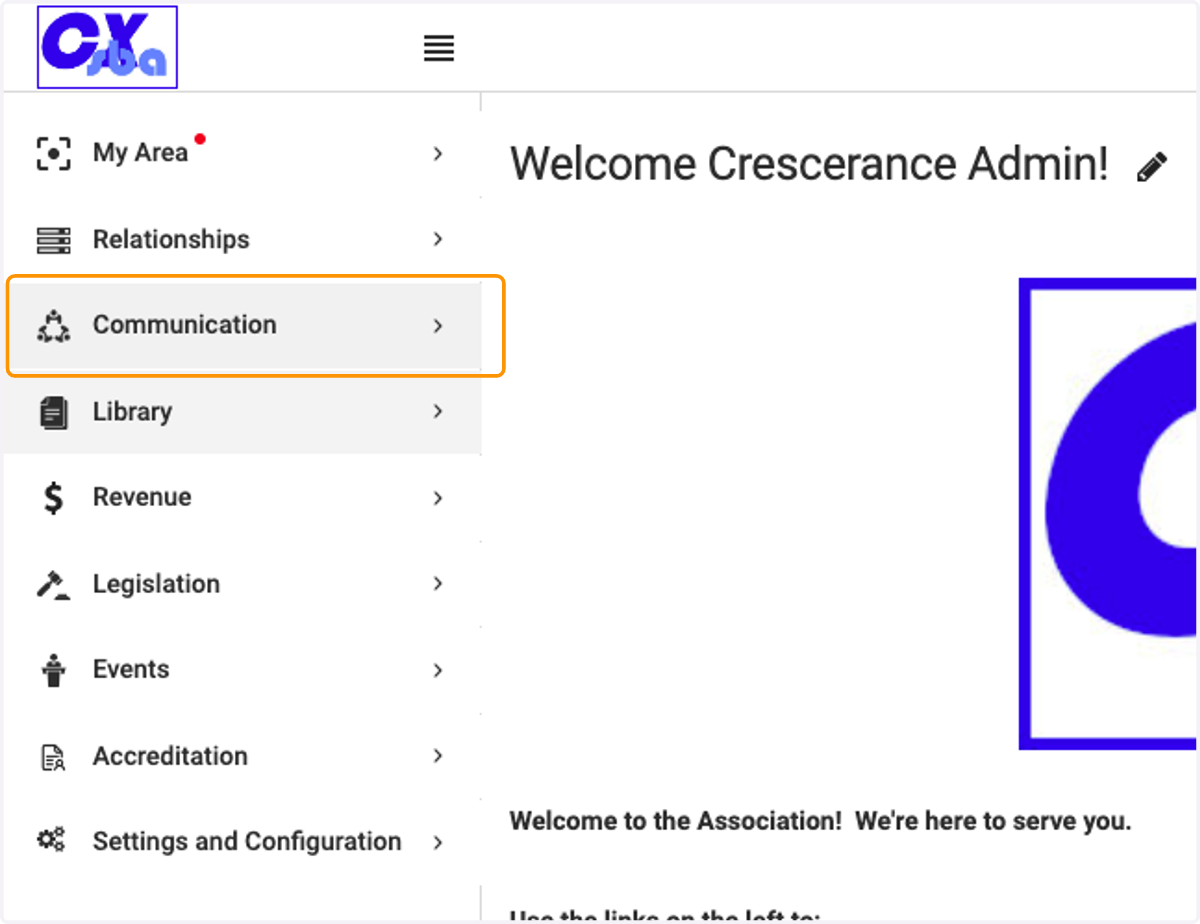
1. Click on Communication
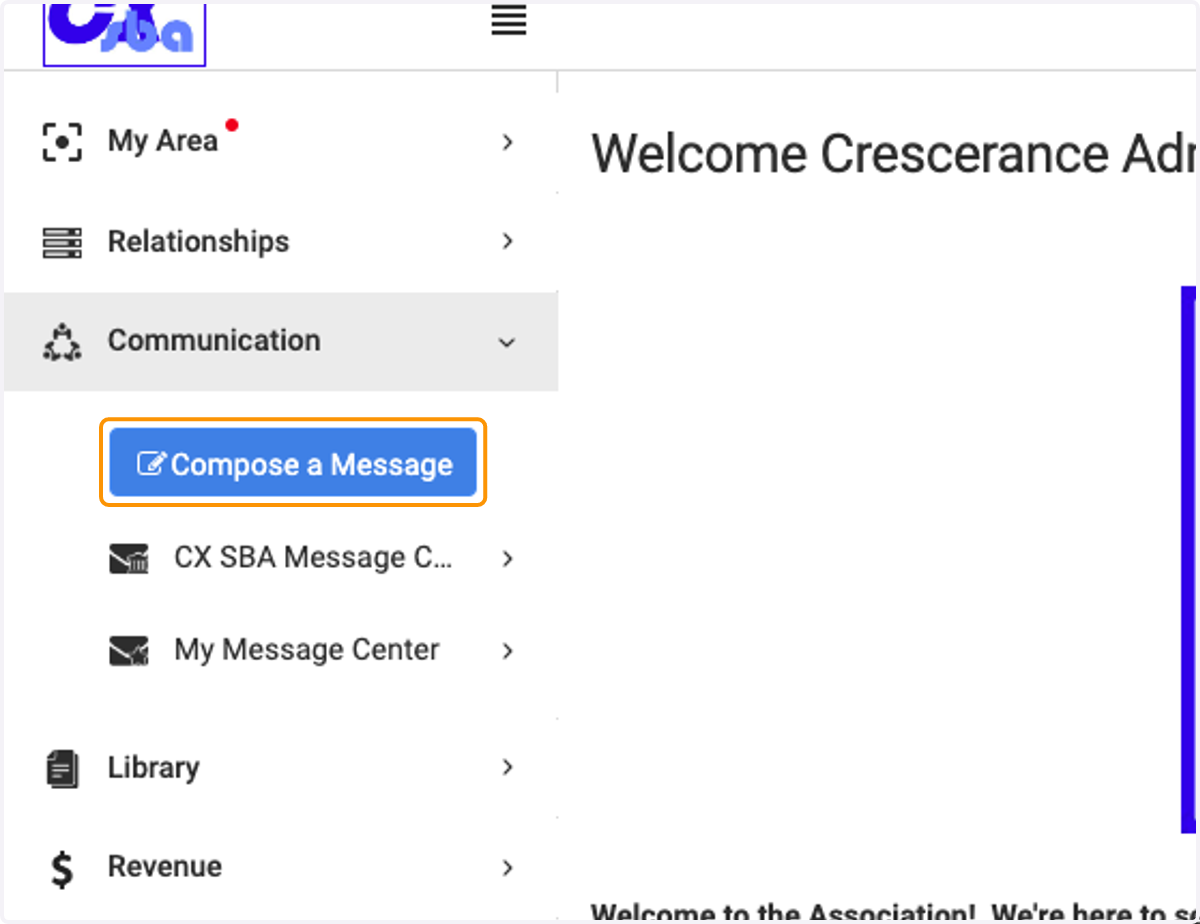
2. Click on Compose a Message
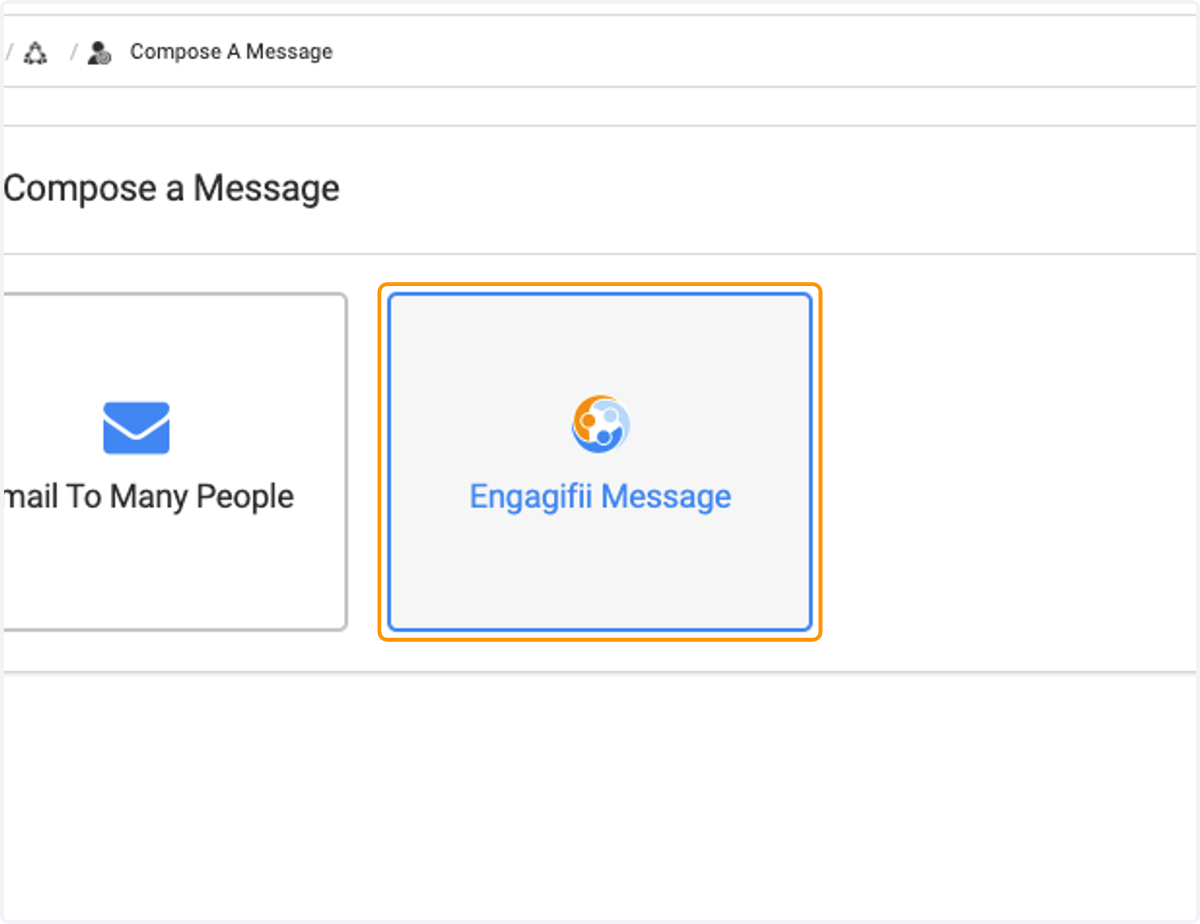
3. Click on Engagifii Message
4. Type the name of the recipient in the To: field
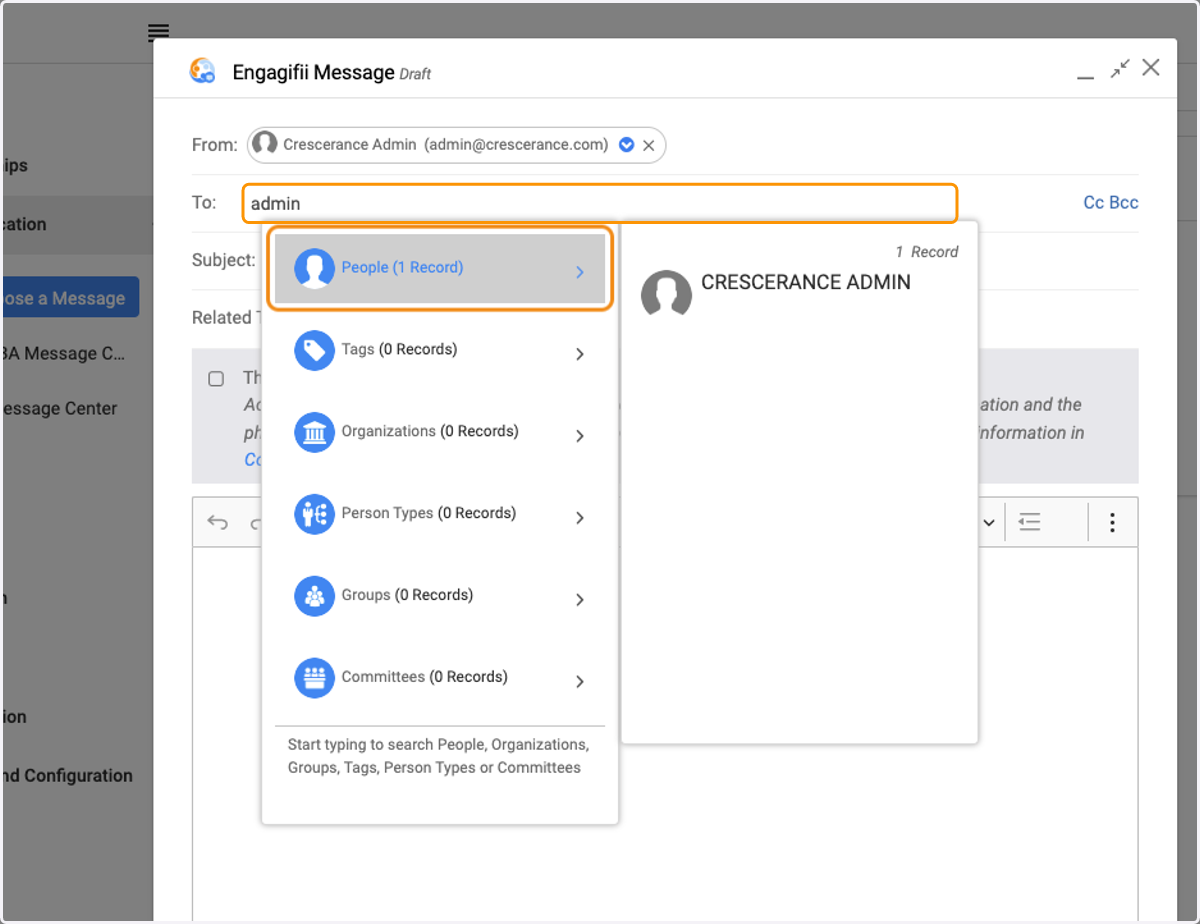
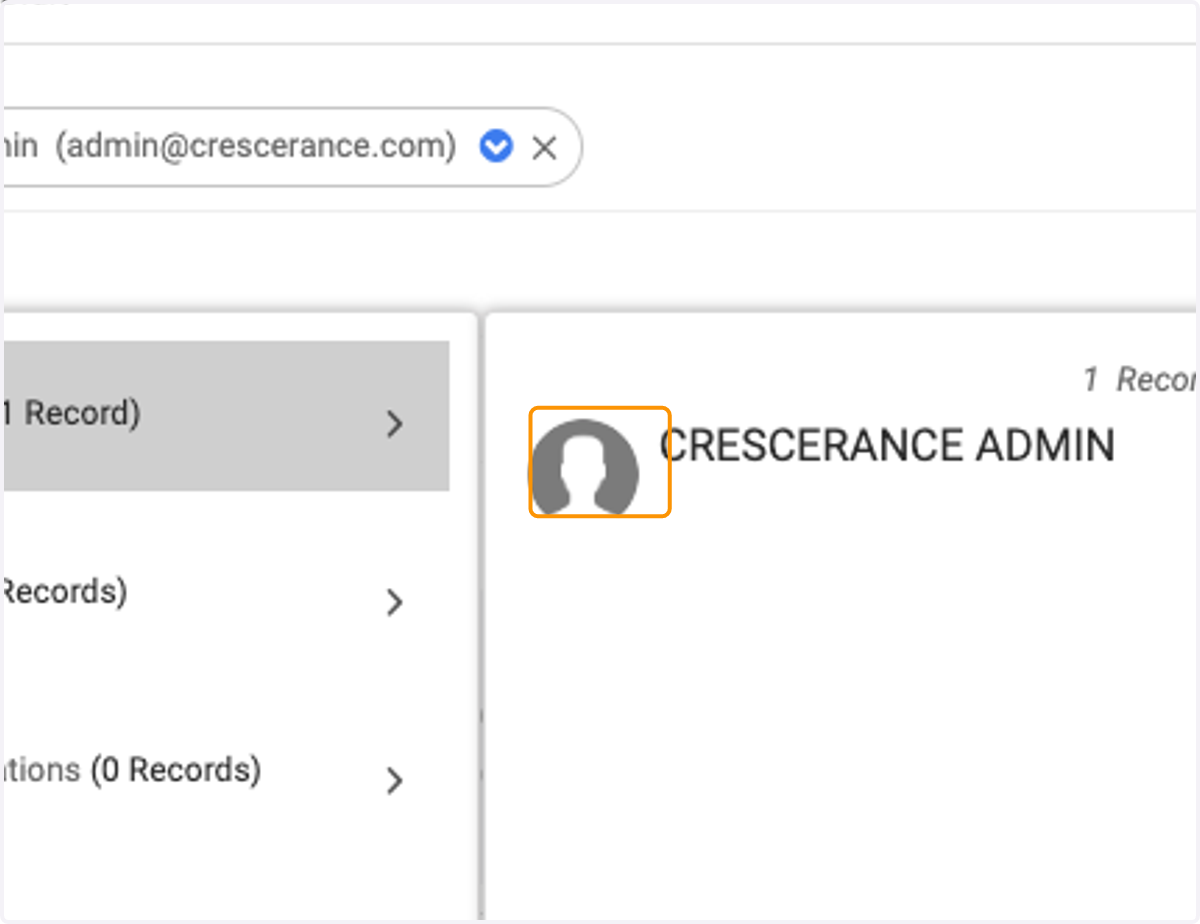
5. Select their name from the Spotlight Search drop down
6. Add your Subject Line

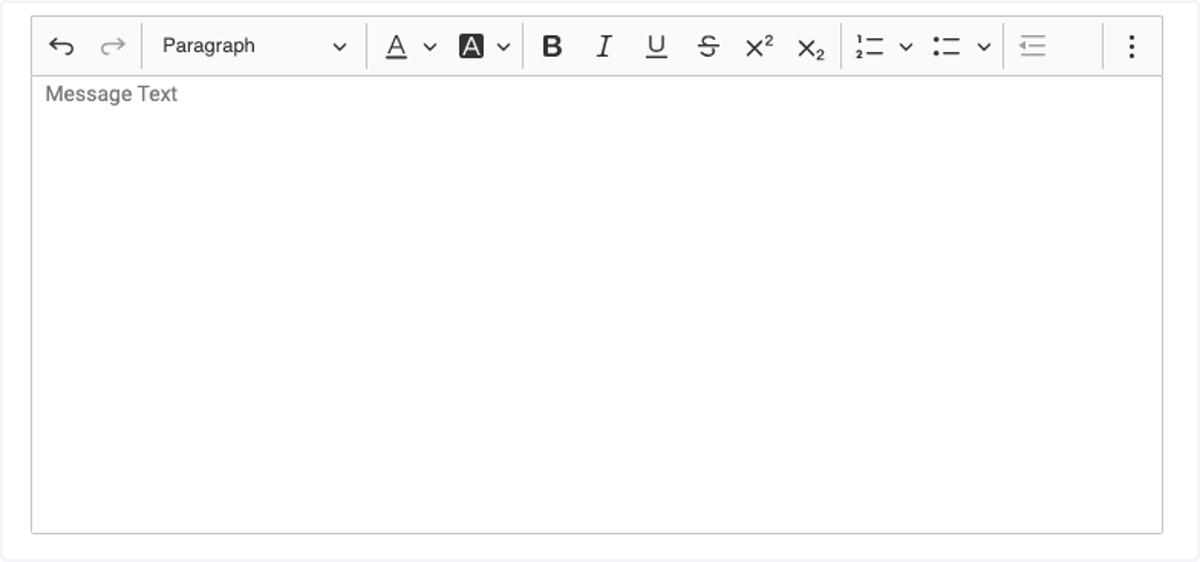
7. Add your Message Text
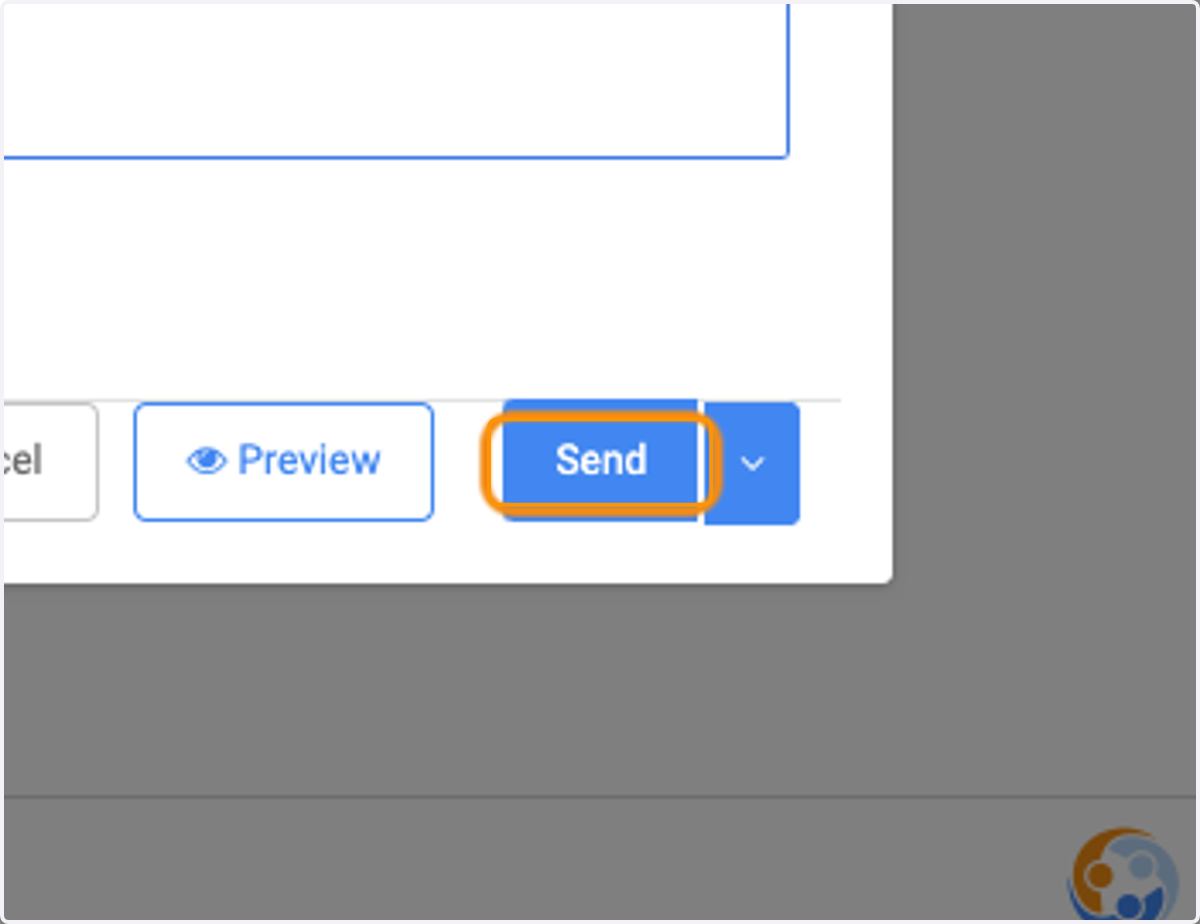
8. Click on Send