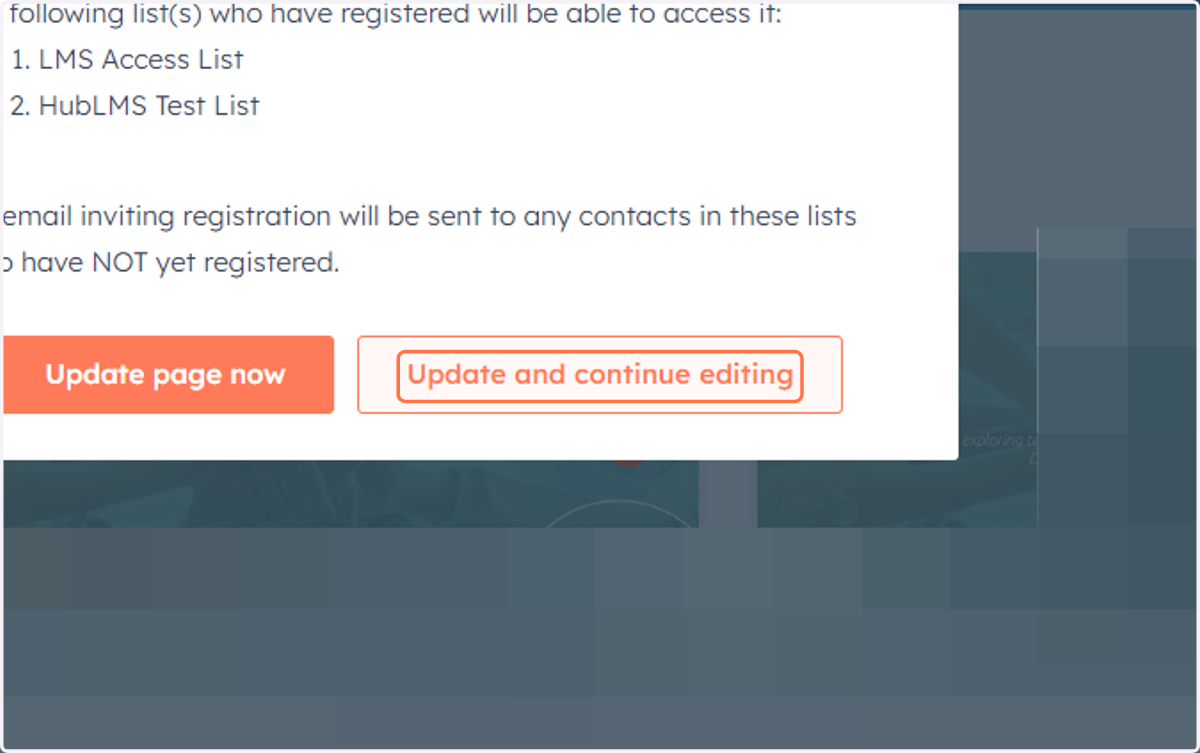
How to edit Complete Course URL
Hubspot
1. Go to the course website/landing page that you want to edit.
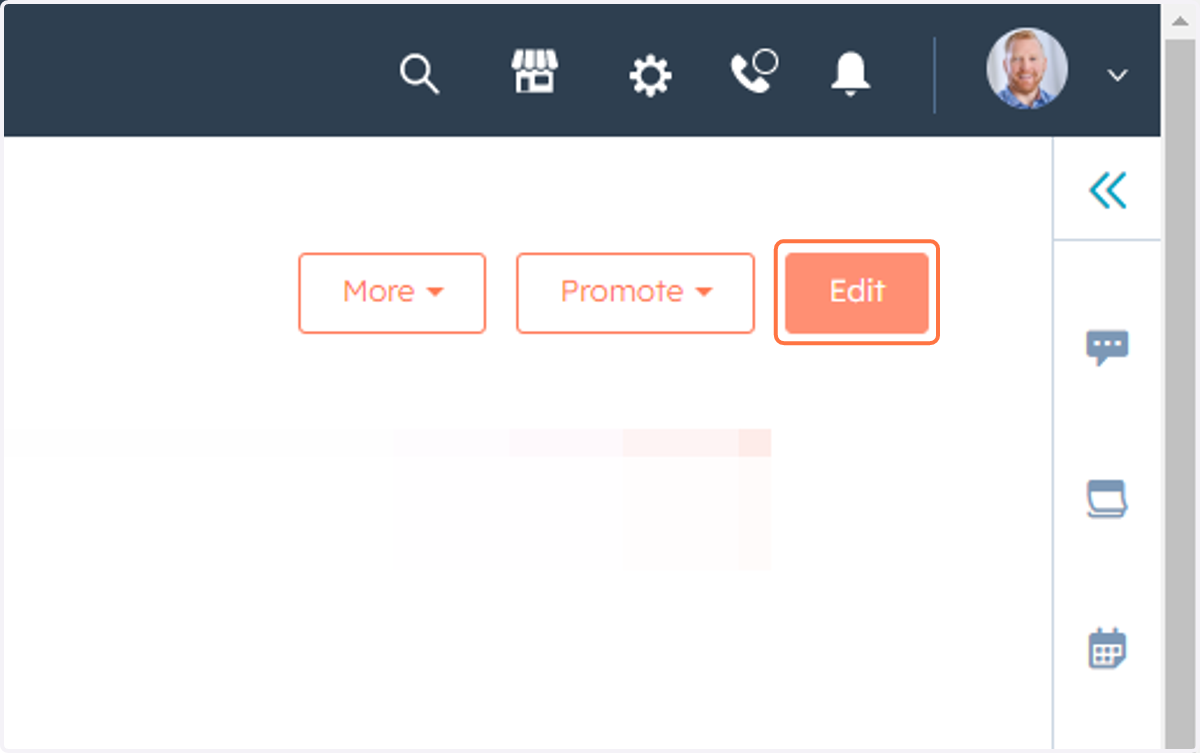
2. Click on Edit
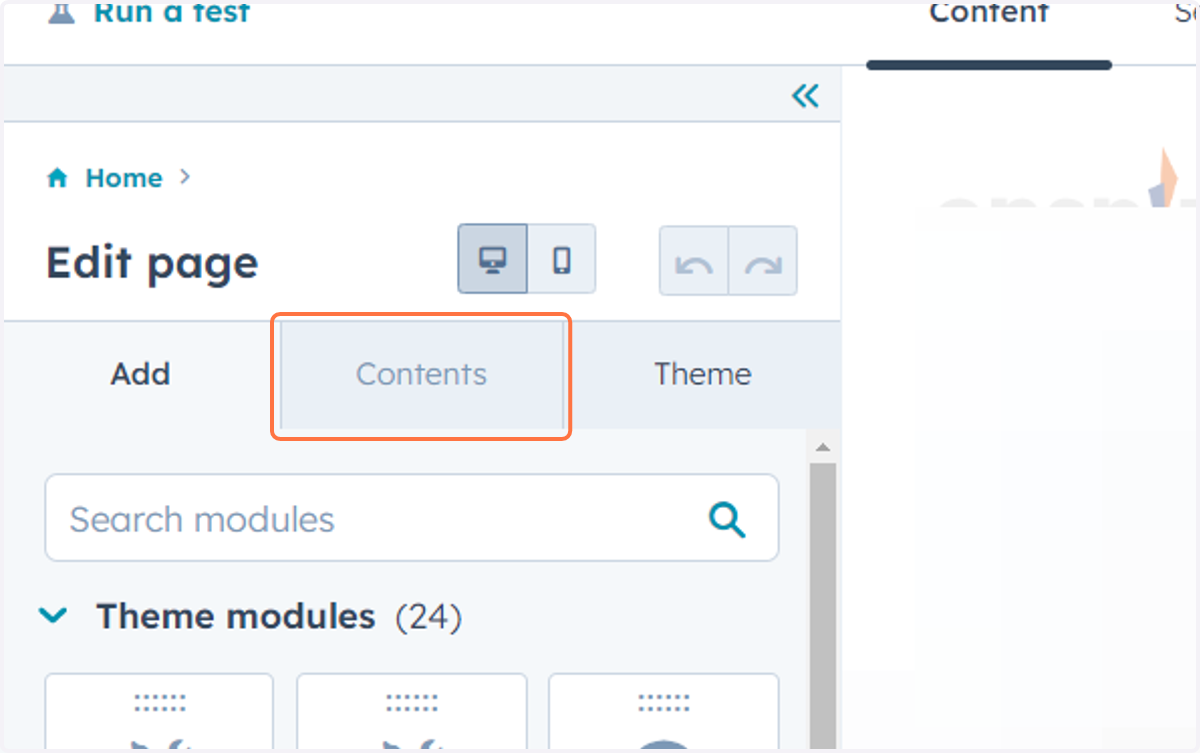
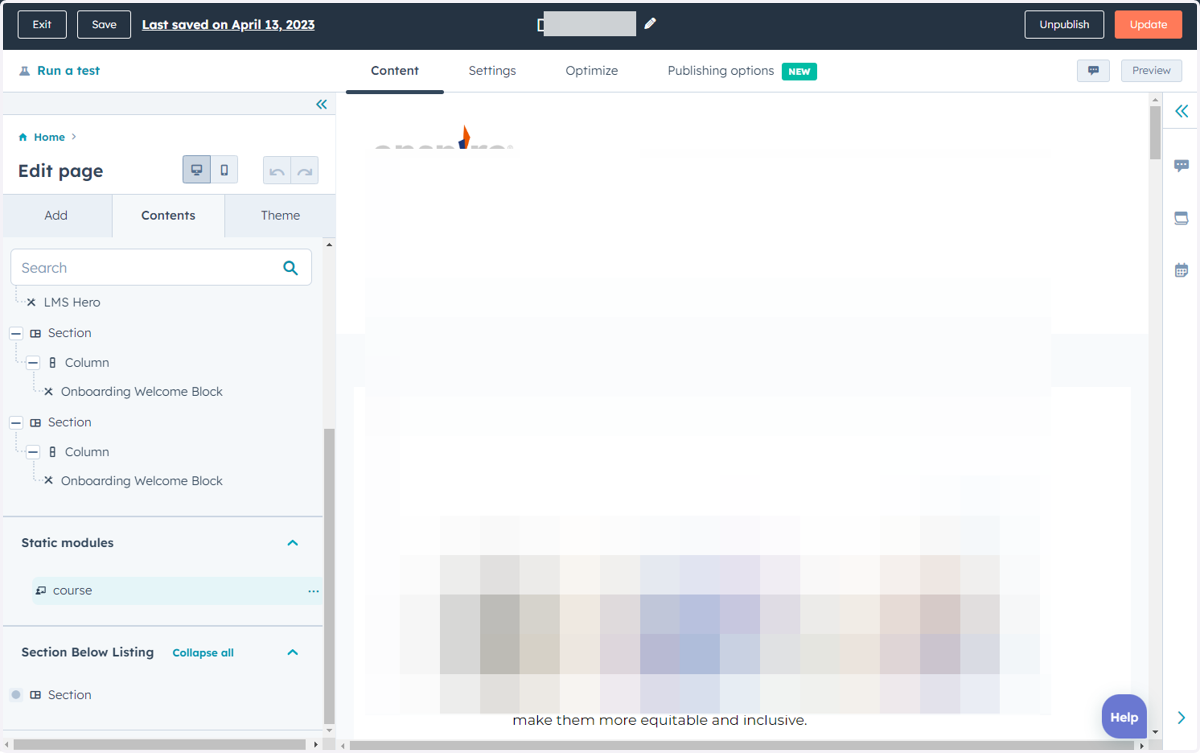
3. Click on Contents
Hubspot
4. Click on tabpanel
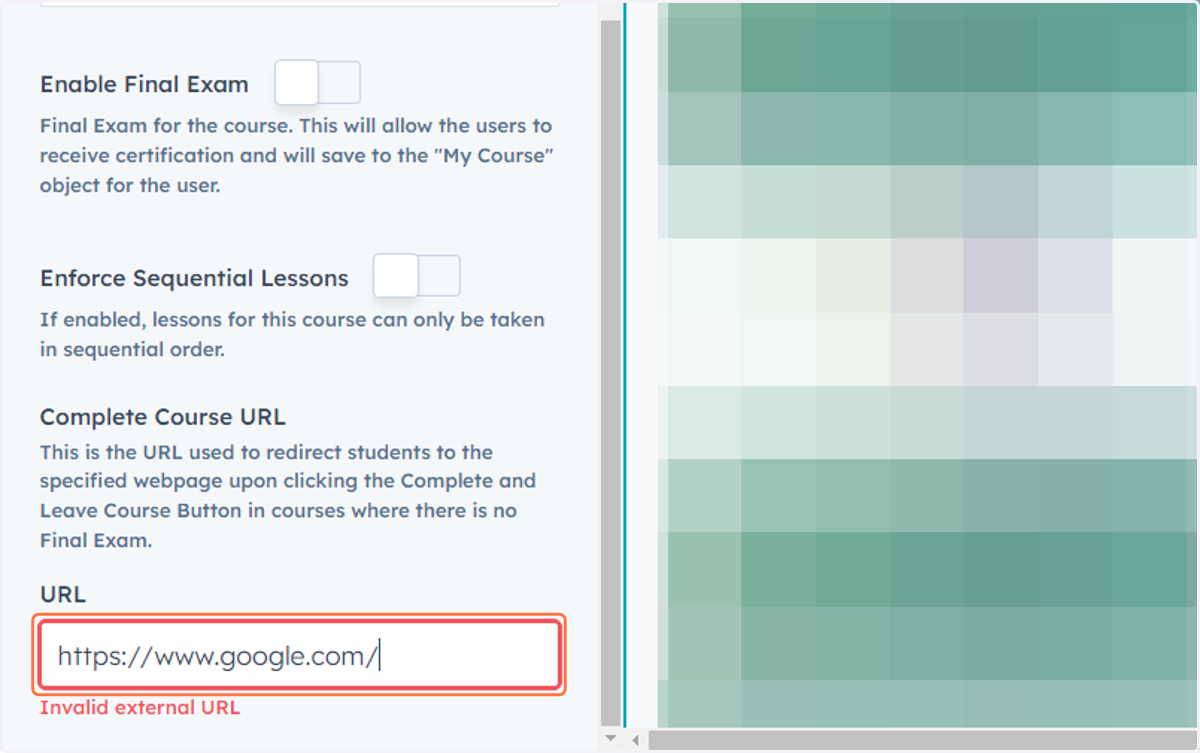
5. Paste input
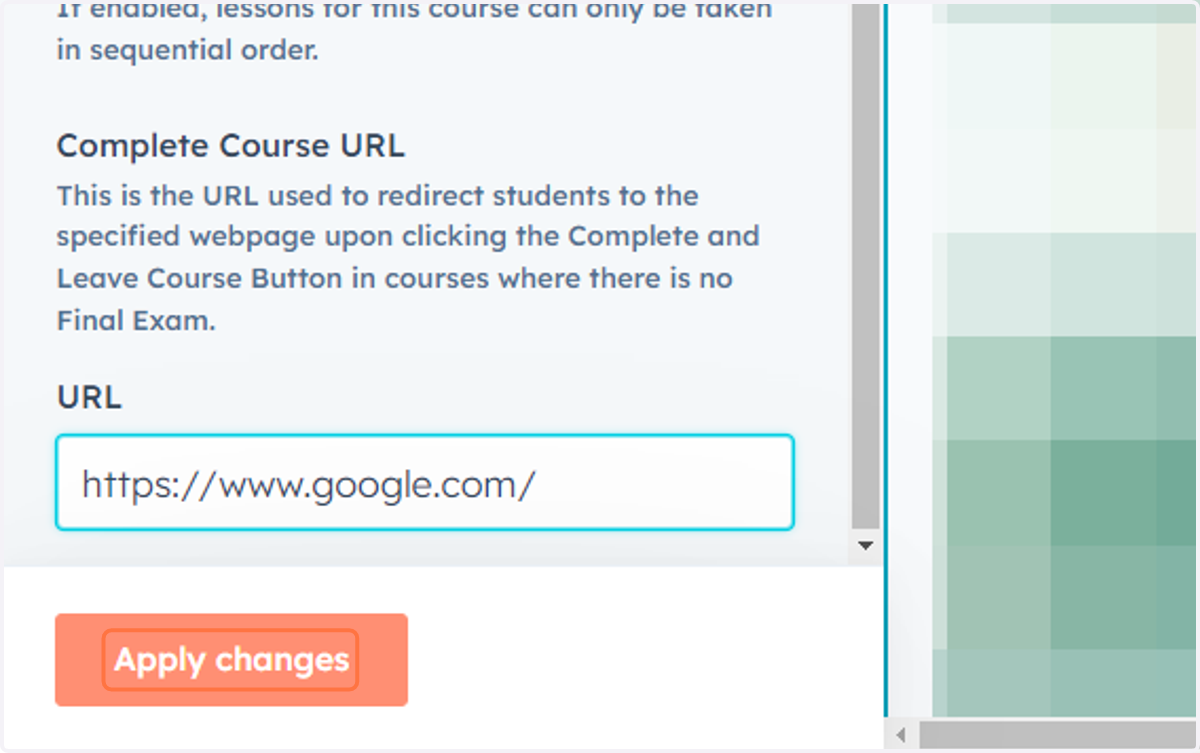
6. Click on Apply changes
Hubspot
7. Click on group
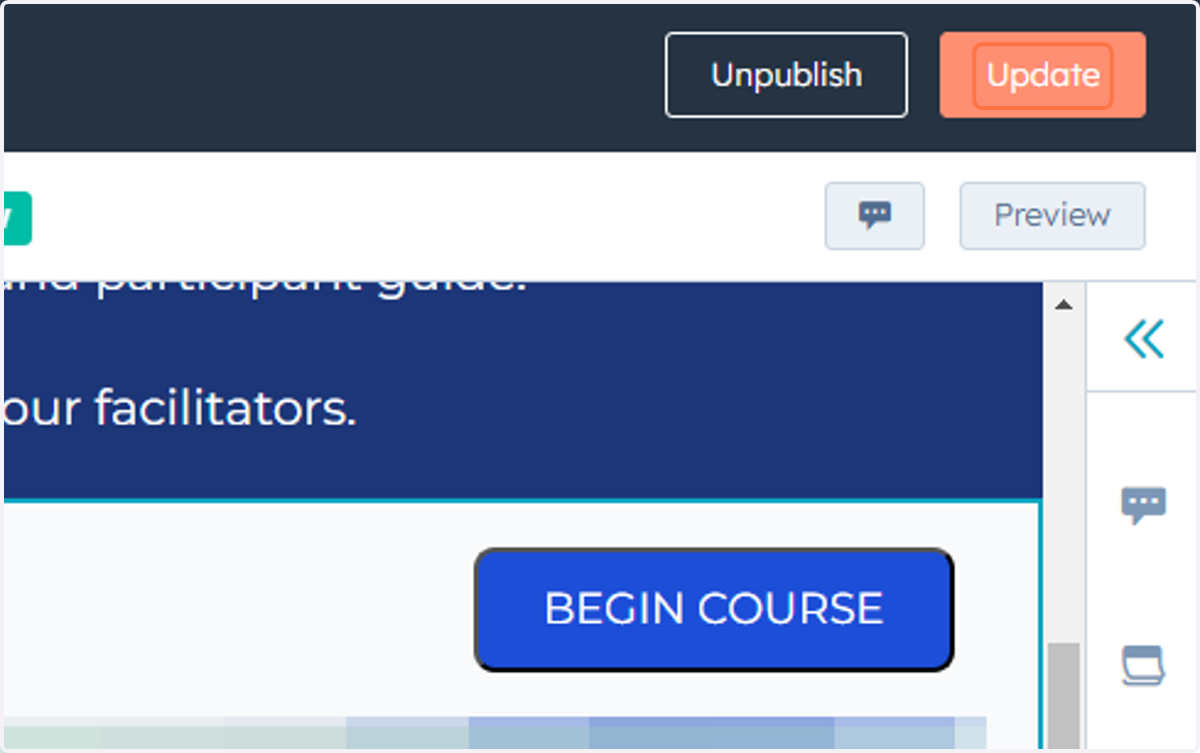
8. Click on dialog