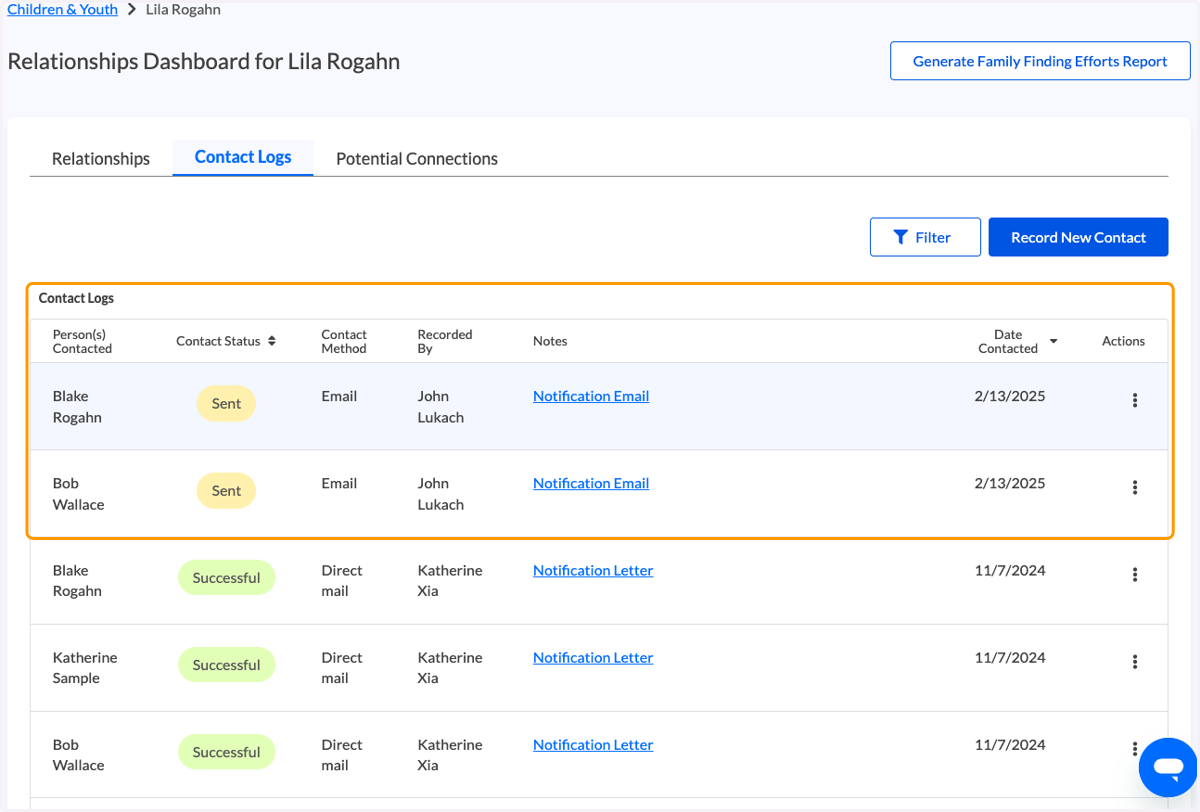
Bulk Relative Email Outreach
💙 Begin at the Relationships Dashboard for a child/youth.
1. Select the people you would like to generate an email for.
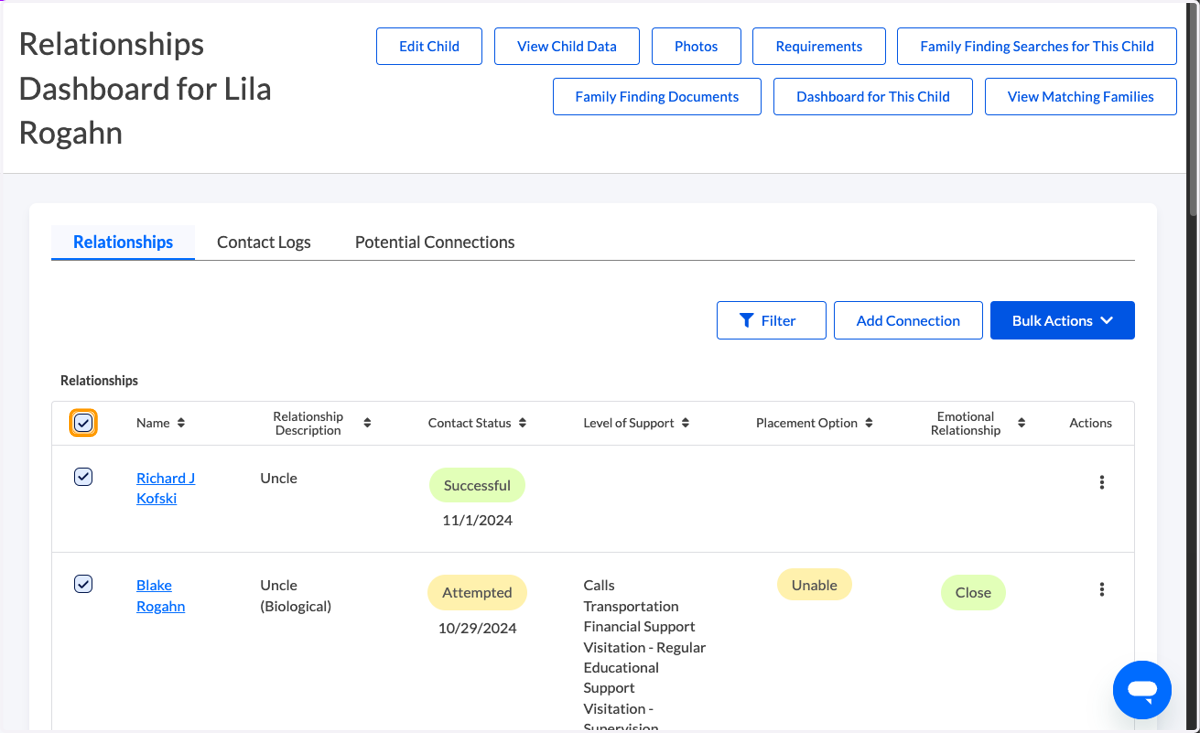
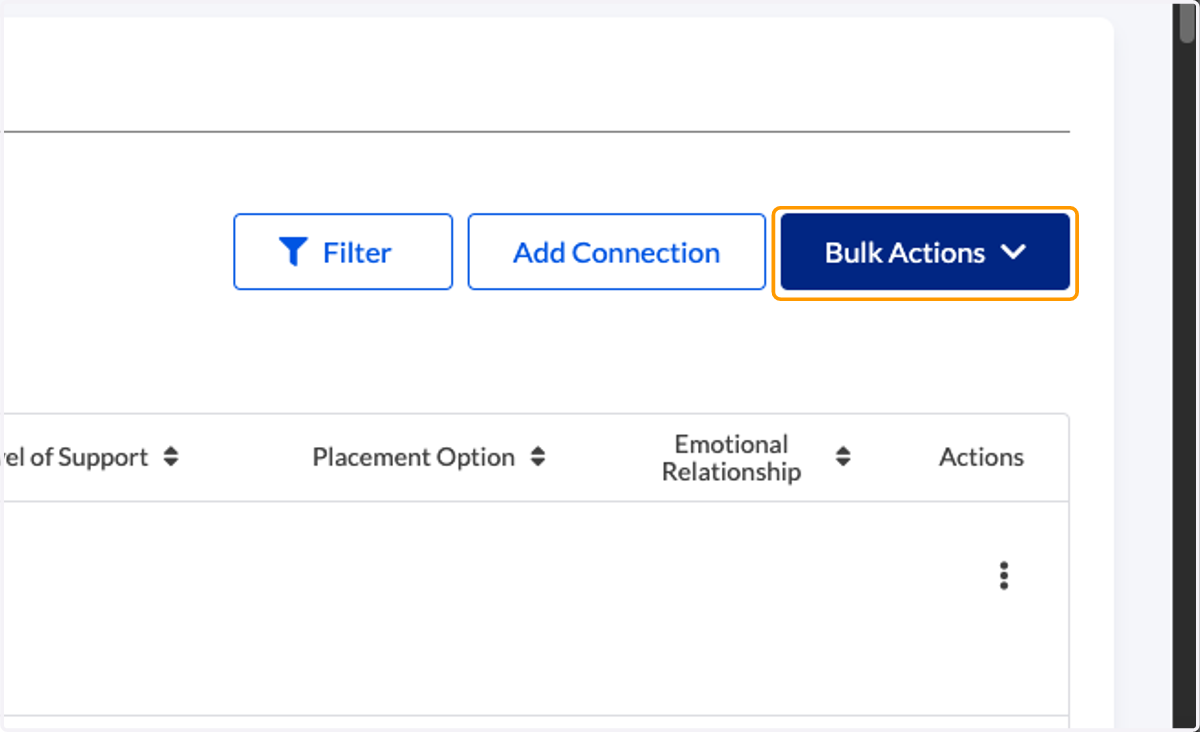
2. Click on 'Bulk Actions'
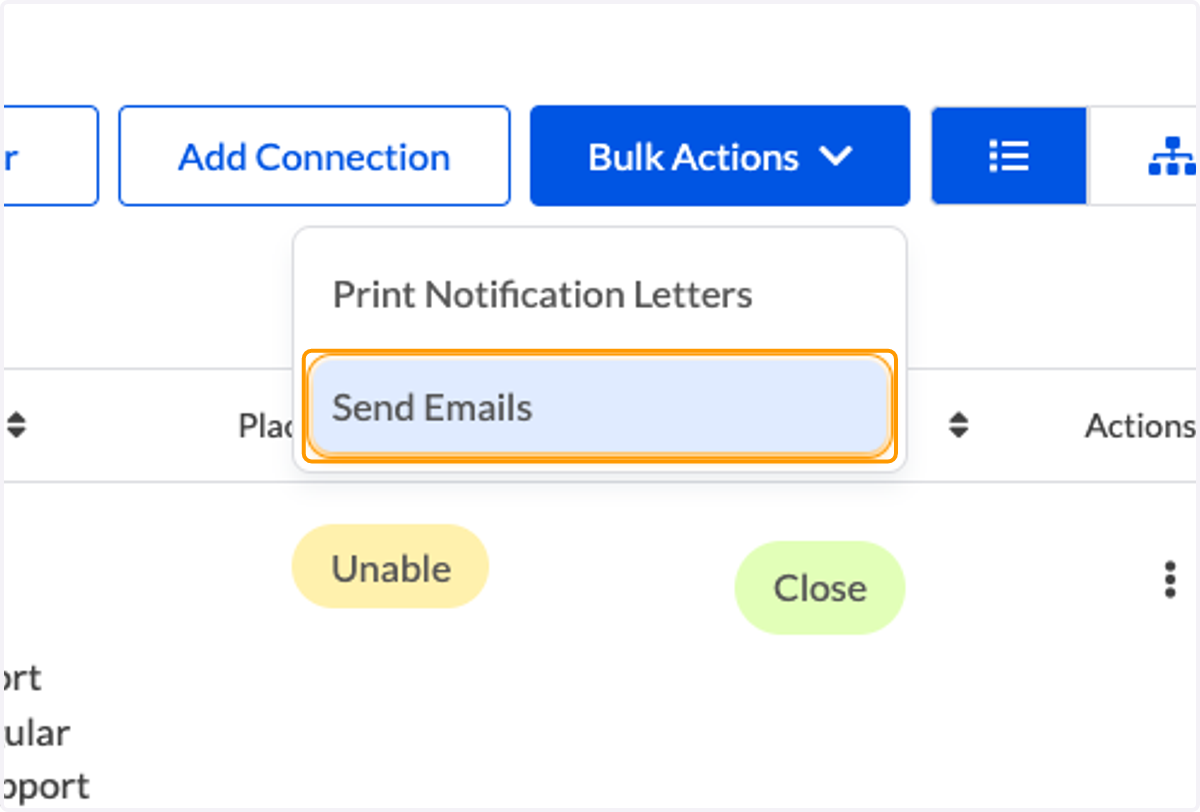
3. Click on Send Emails
4. Review and confirm recipients. To adjust the recipients, click "Change Recipients"
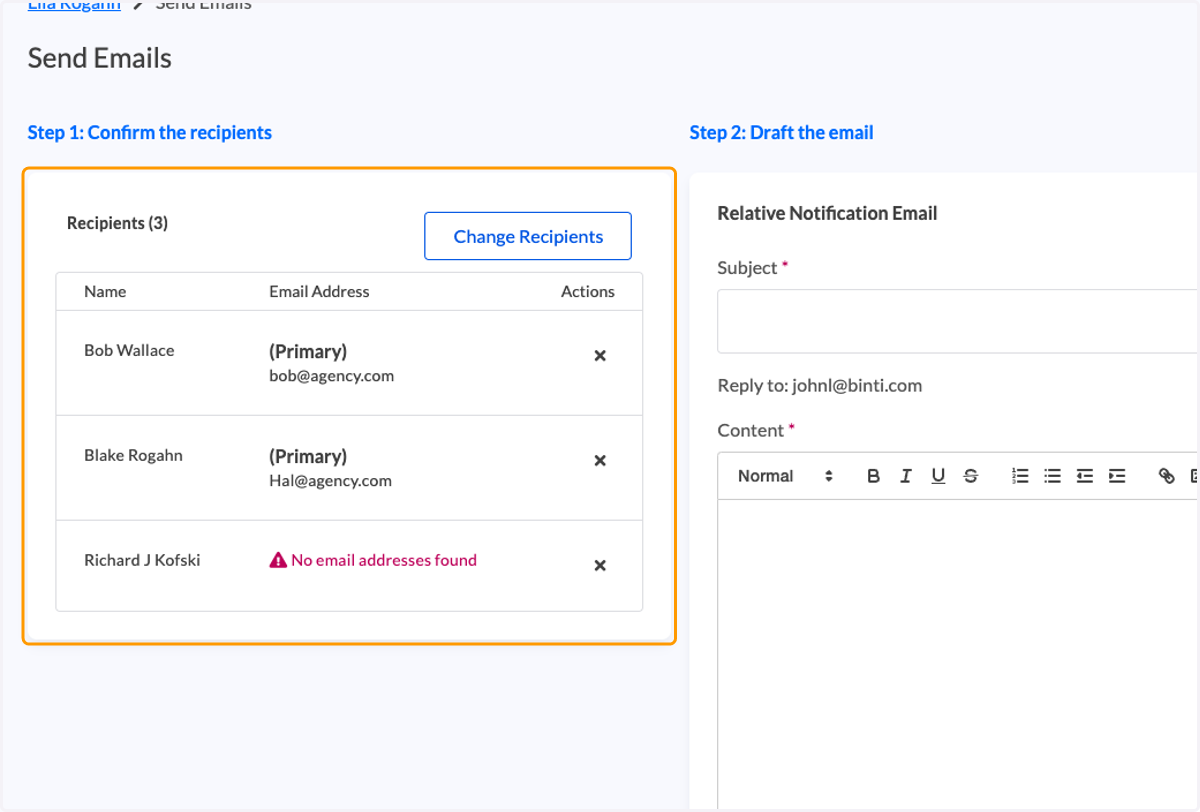
5. Compose your email
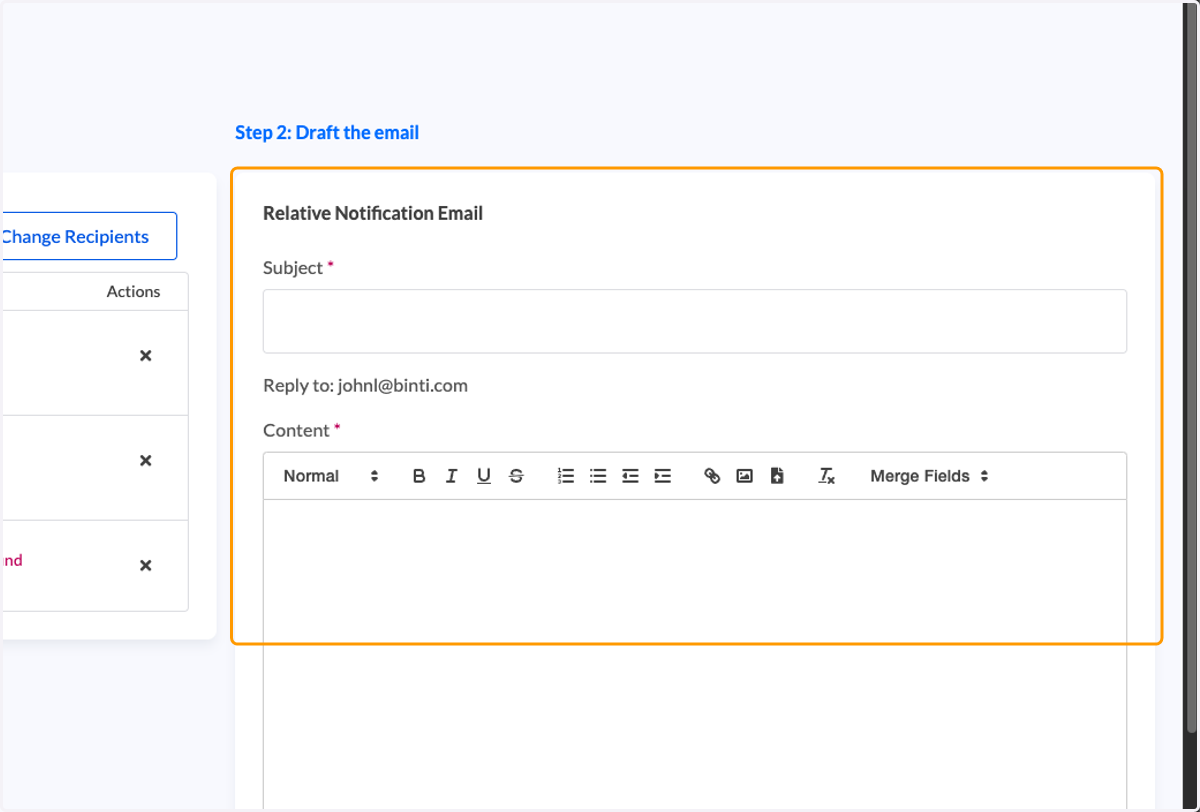
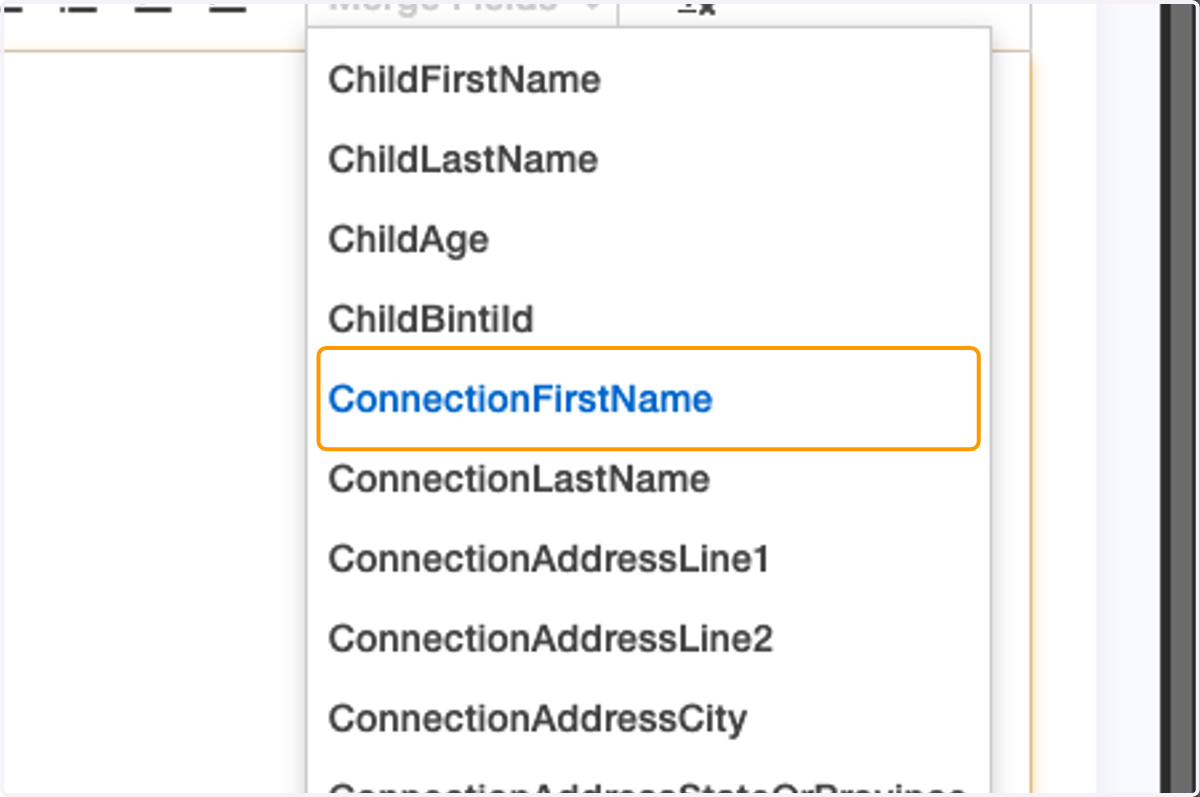
6. The Merge Fields menu enables you to customize letters in bulk by pulling relevant data directly from Binti.
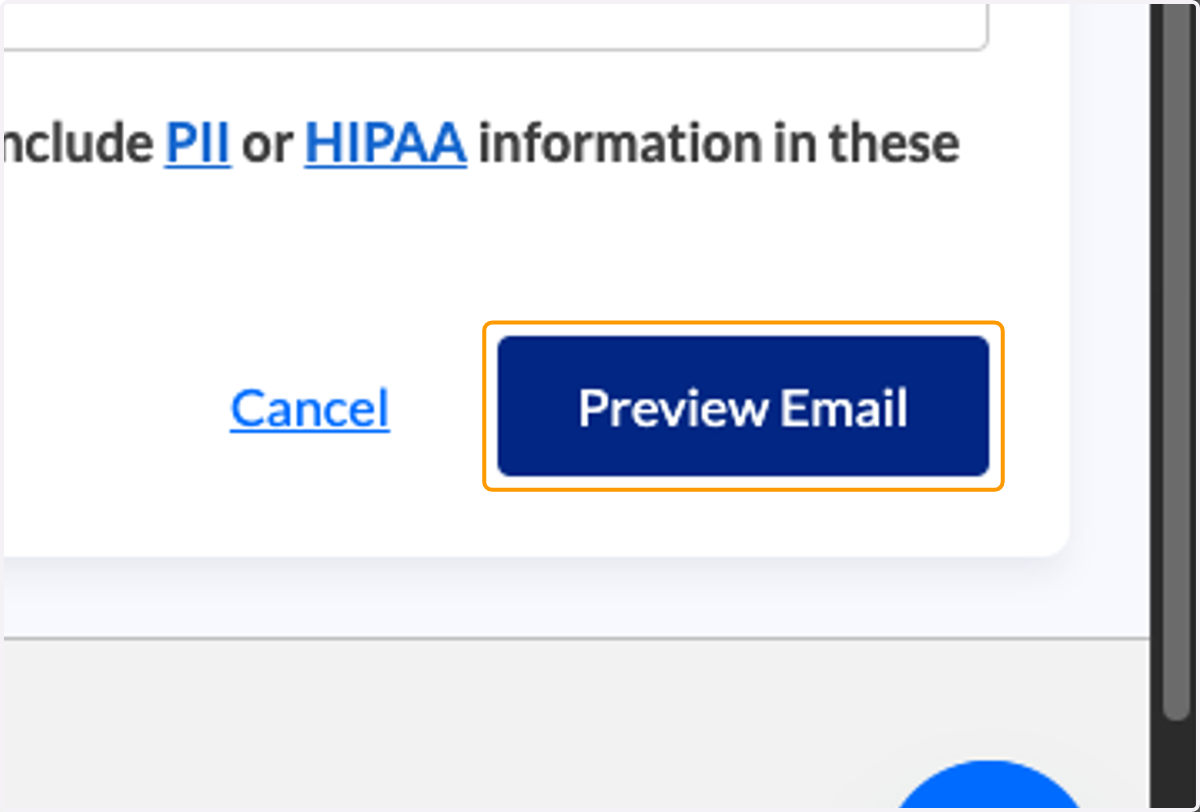
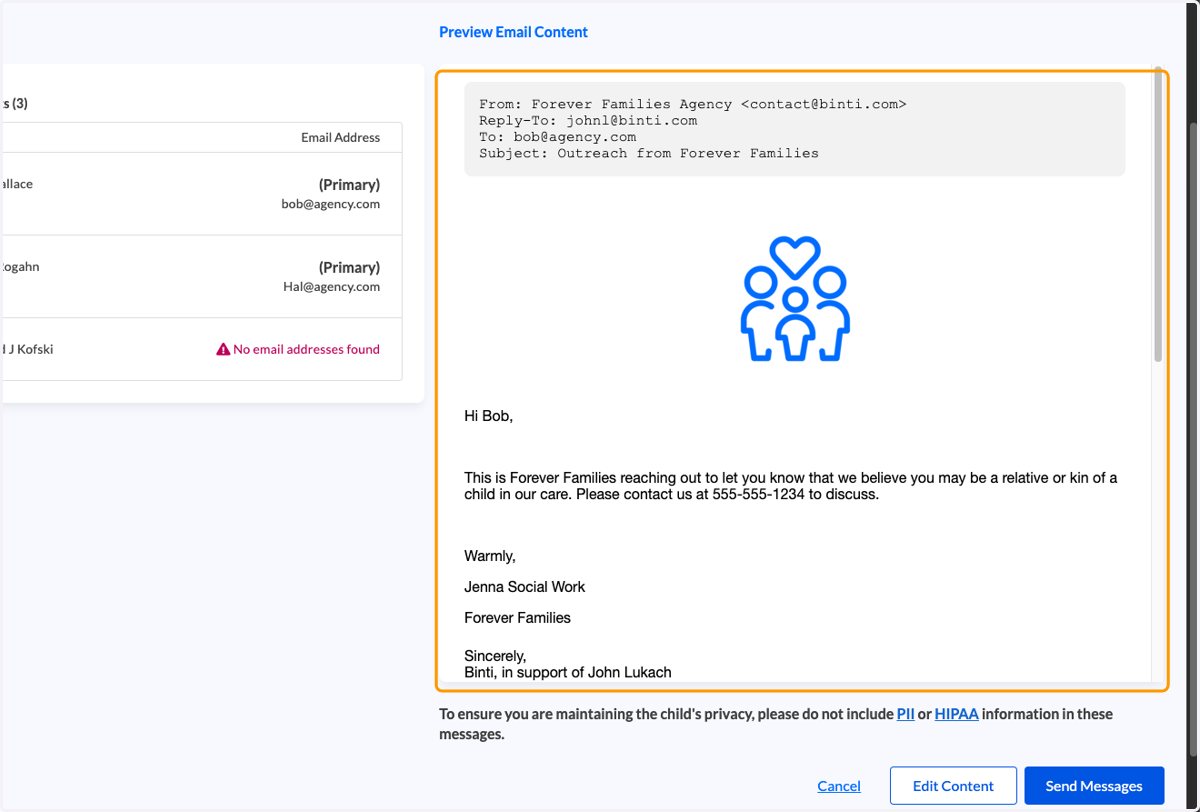
7. Click on Preview Email
8. Review content for accuracy, click "Edit Content" to make changes
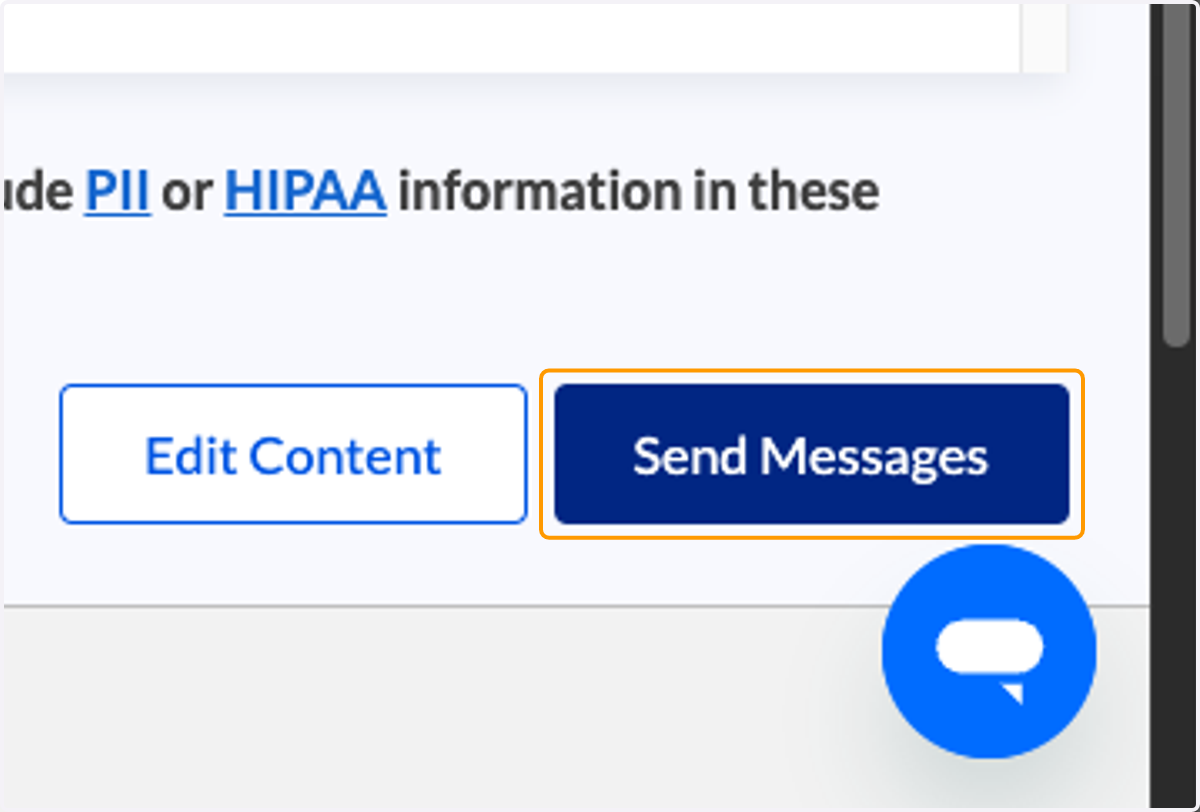
9. Click on Send Messages
10. You are redirect to contact logs where you can view message statuses