Register for CNOY '27 |Start A Team | Walk By Yourself | Join A Team!
Coldest Night of the Year 2027 USA
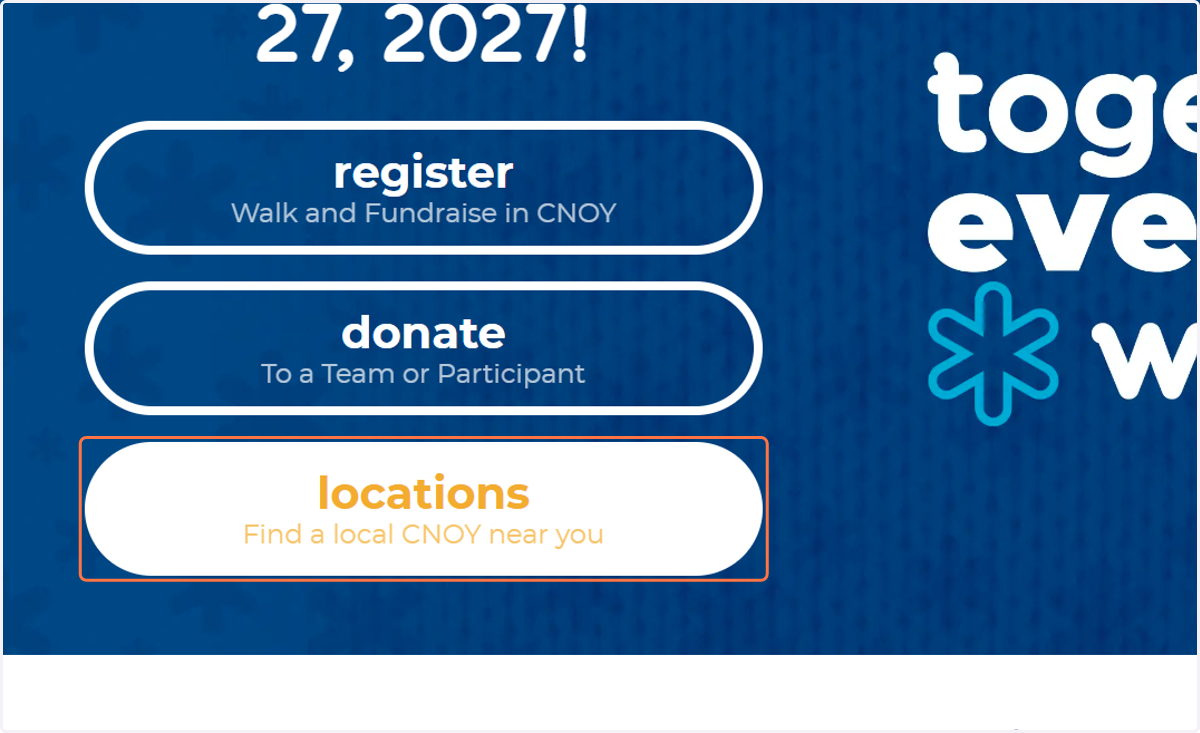
1. Visit CNOY.com | Click on locations…
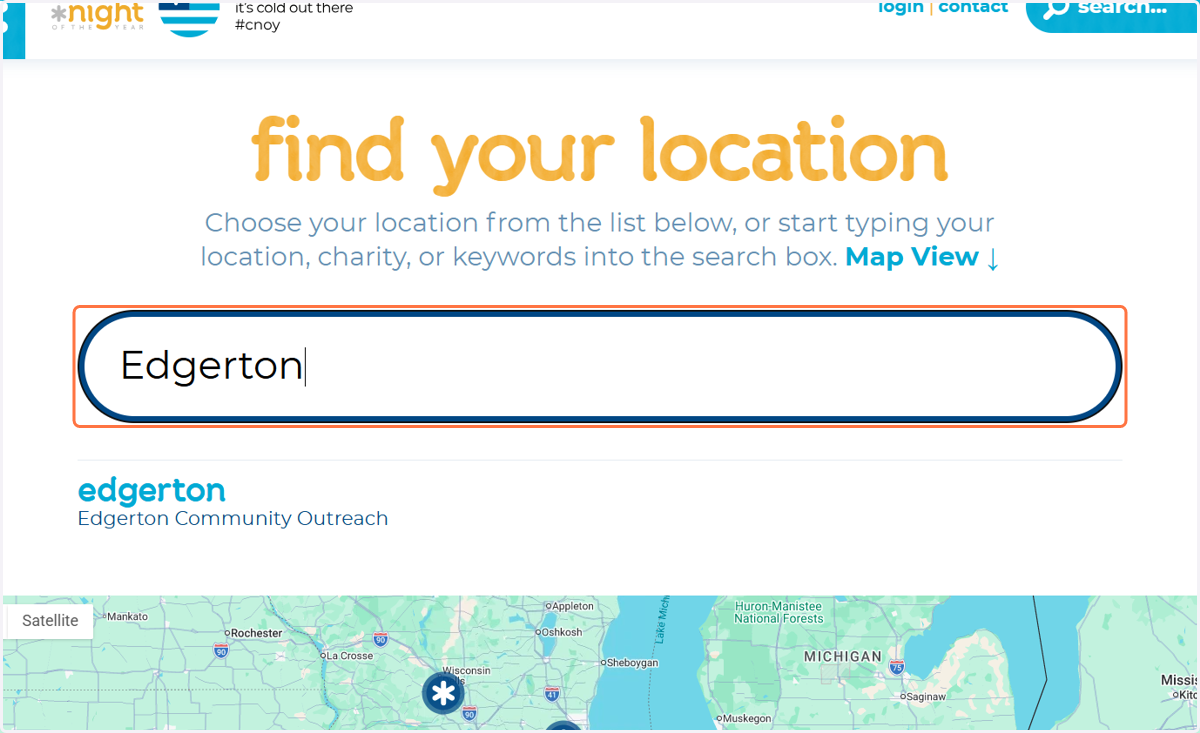
2. Search For "Edgerton"
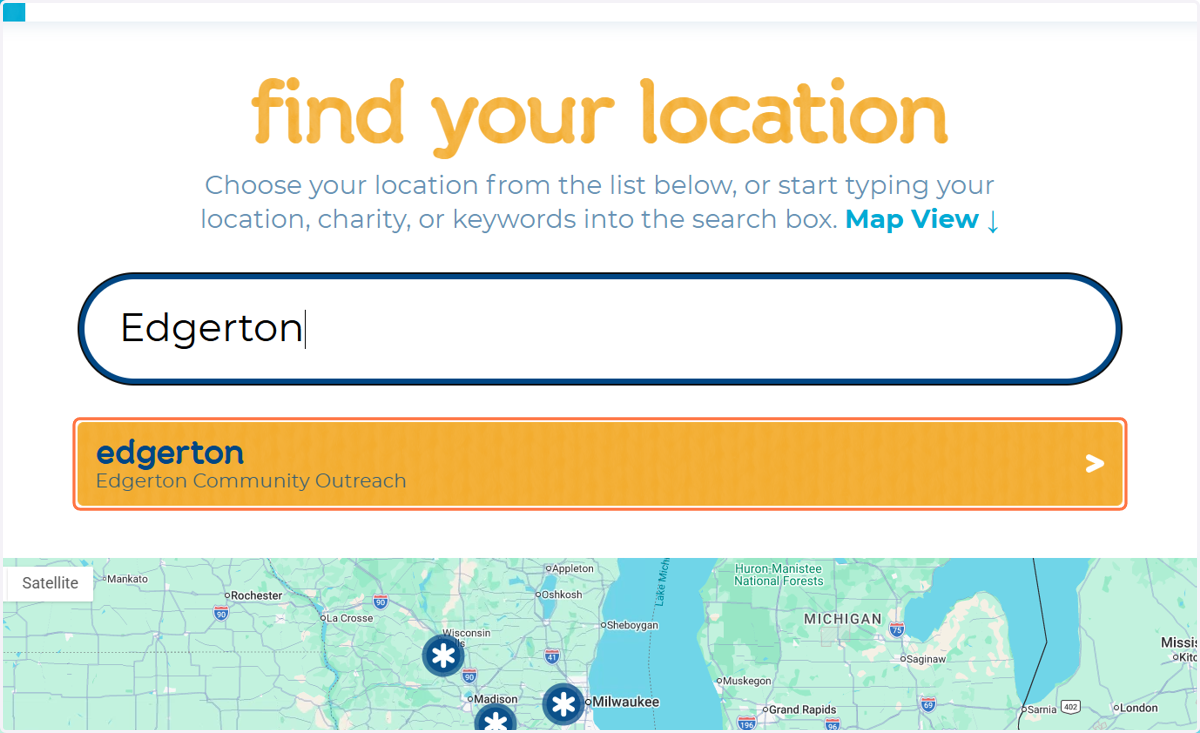
3. Click on edgerton…
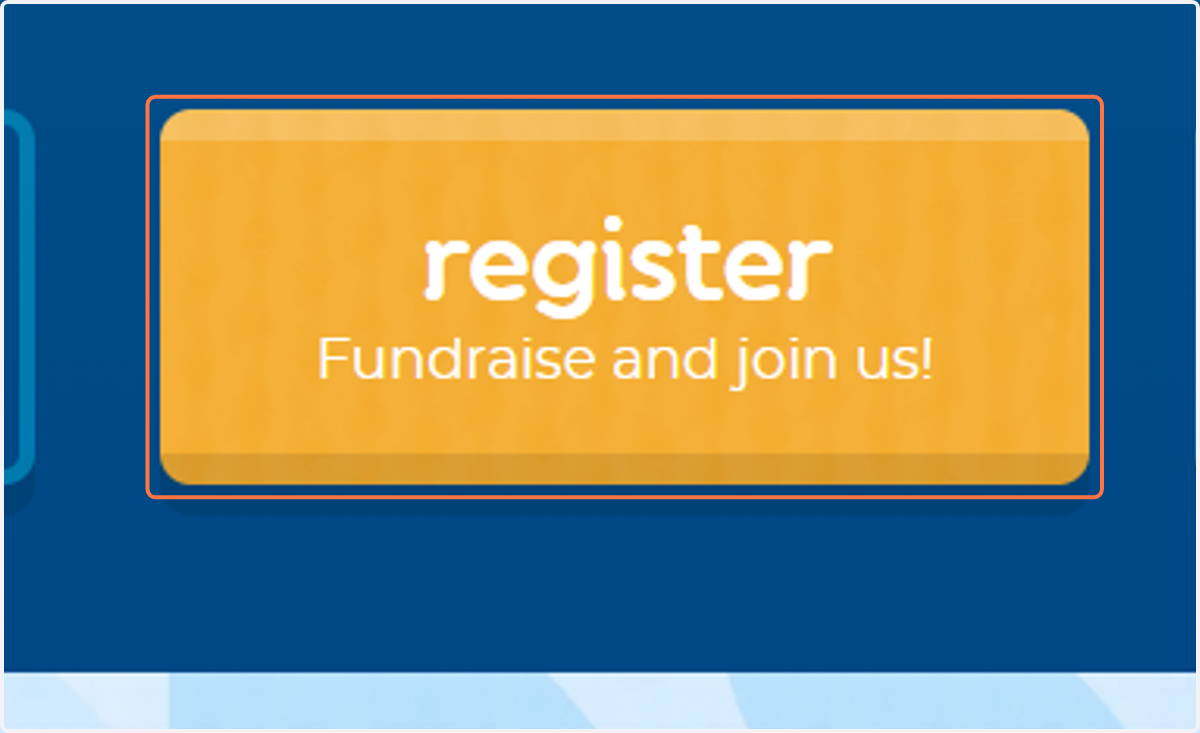
4. Click on register…
It will direct you to Edgerton Outreach's CNOY Page!
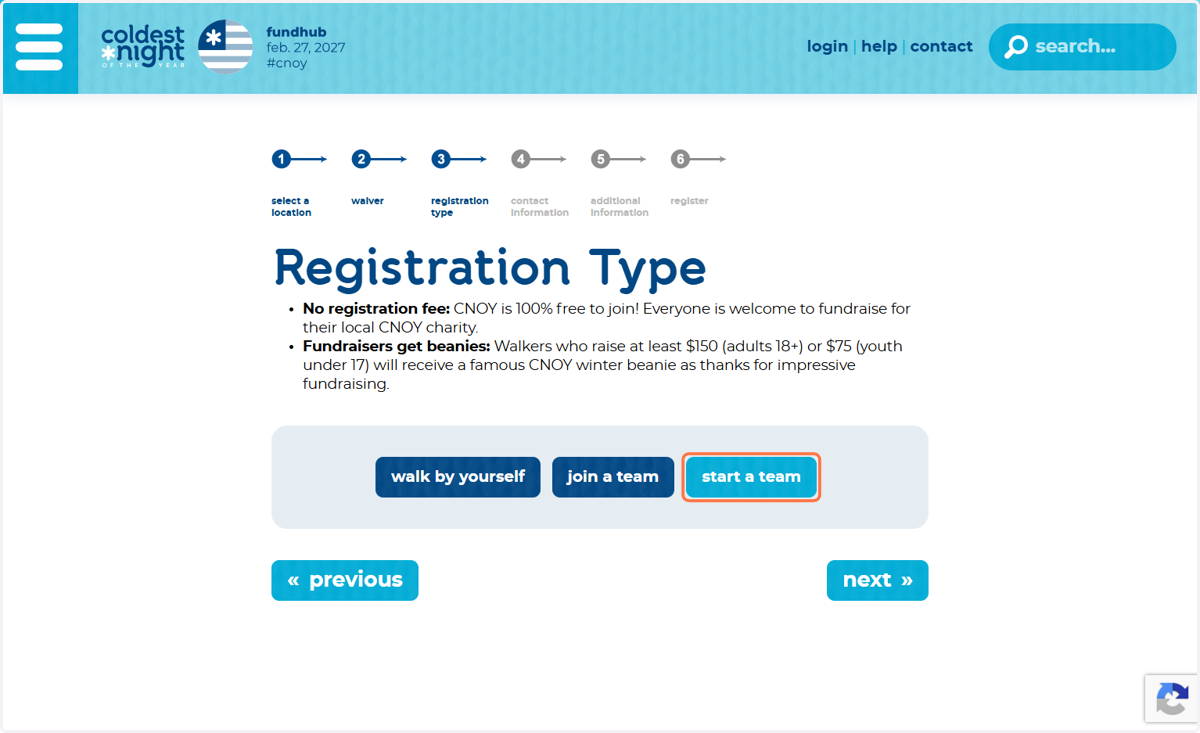
5. START A TEAM | WALK BY YOURSELF | JOIN A TEAM | BECOME A VOLUNTEER
Each selection will lead you to a different registration form! Complete the registration attached to your choice.
If you would like to START A TEAM you will create your TEAM NAME, your TEAM Fundraising Goal, and a PERSONAL fundraising goal.
If you would like to JOIN A TEAM click "join a team". You are able to search for the team by Team Name, and Team Captain First or Last name.
If you would like to WALK BY YOURSELF click "Walk By Yourself" Input your personal Fundraising goal.
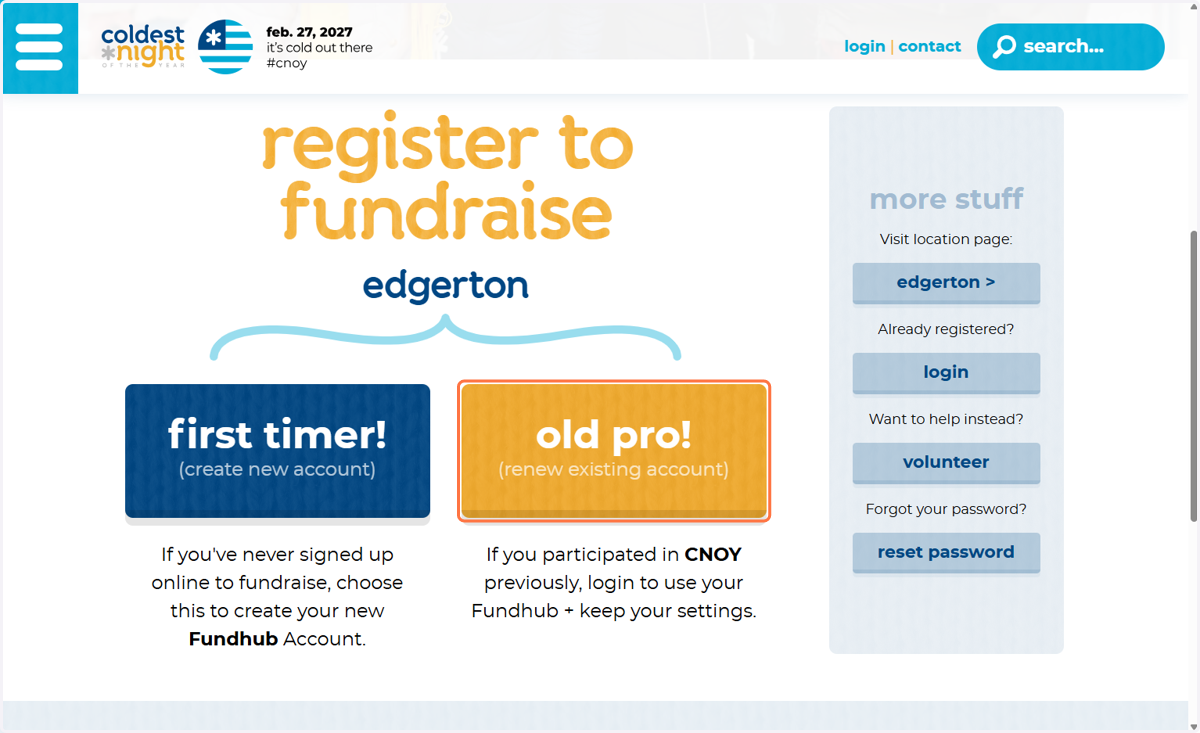
6. If You Walked Last year Click OLD PRO! | New Walker? Click FIRST TIMER!
7. Create Your Account OR Sign In Using Your Username + Password From LAST YEAR!
If you forgot your password press "Forgot Password".
You will be able to send a password reset link to the email you provided LAST YEAR.
If you are creating a new account complete the registration information for your new account!
Confirm Your Information | Create Your FUNDRAISING GOAL| Move to step #10!!!
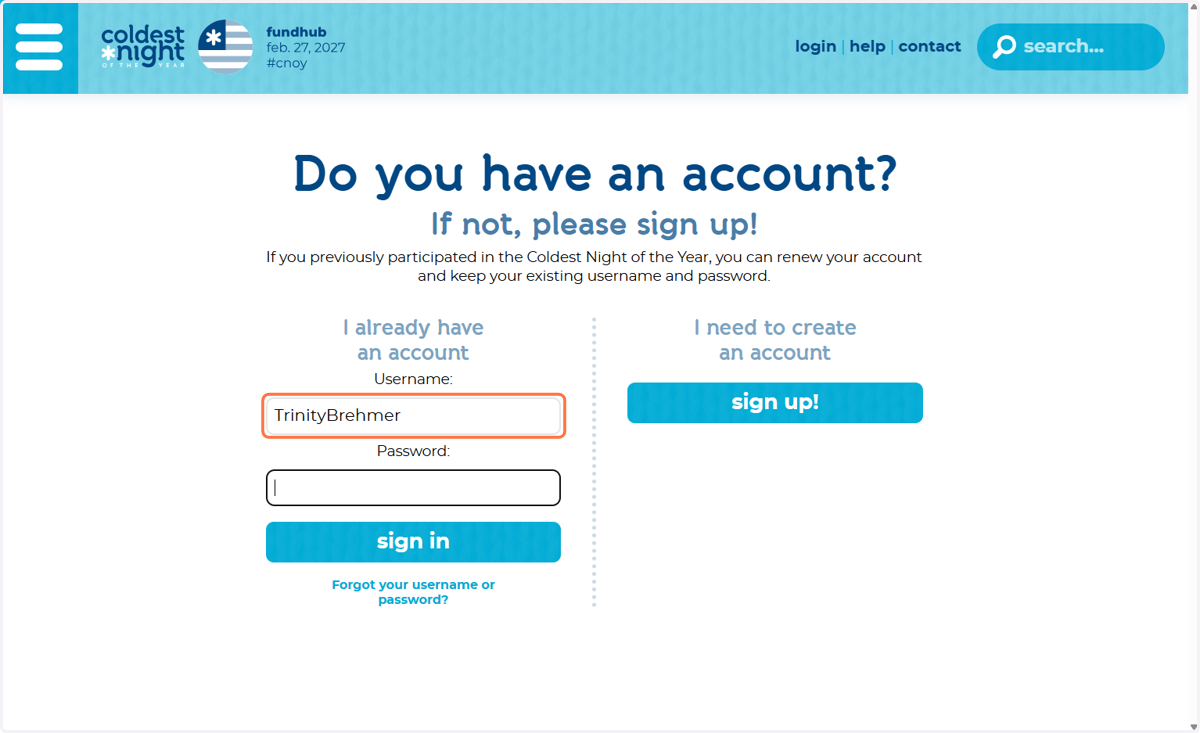
8. OLD PRO | Click on Sign In
Sign into your CNOY Account.
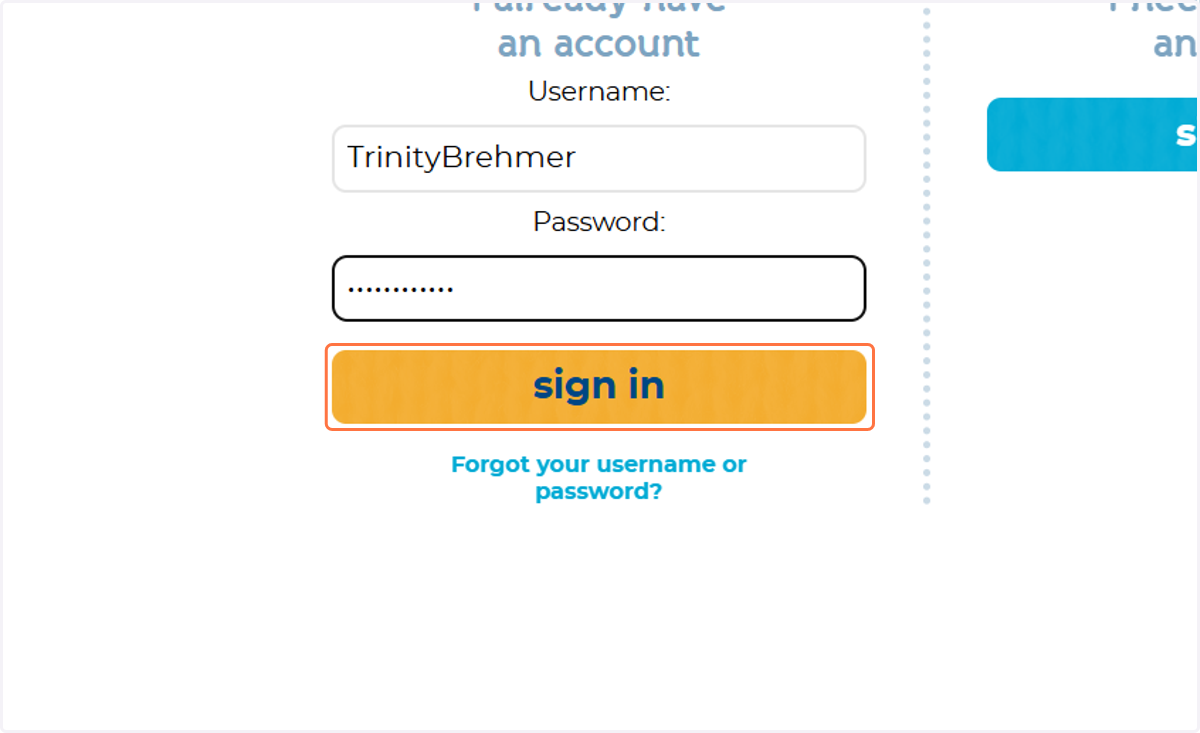
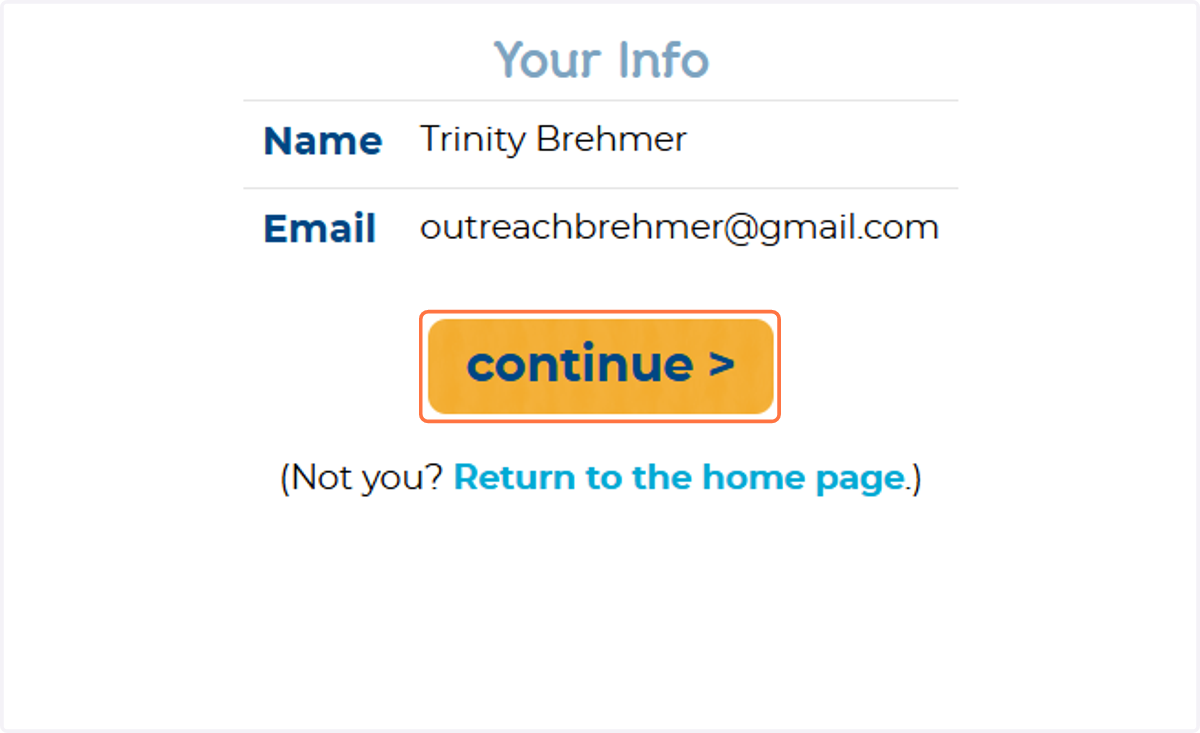
9. OLD PRO | Confirm your Information | Press Continue
Ensure your Name + Email are still correct. Then Press CONTINUE
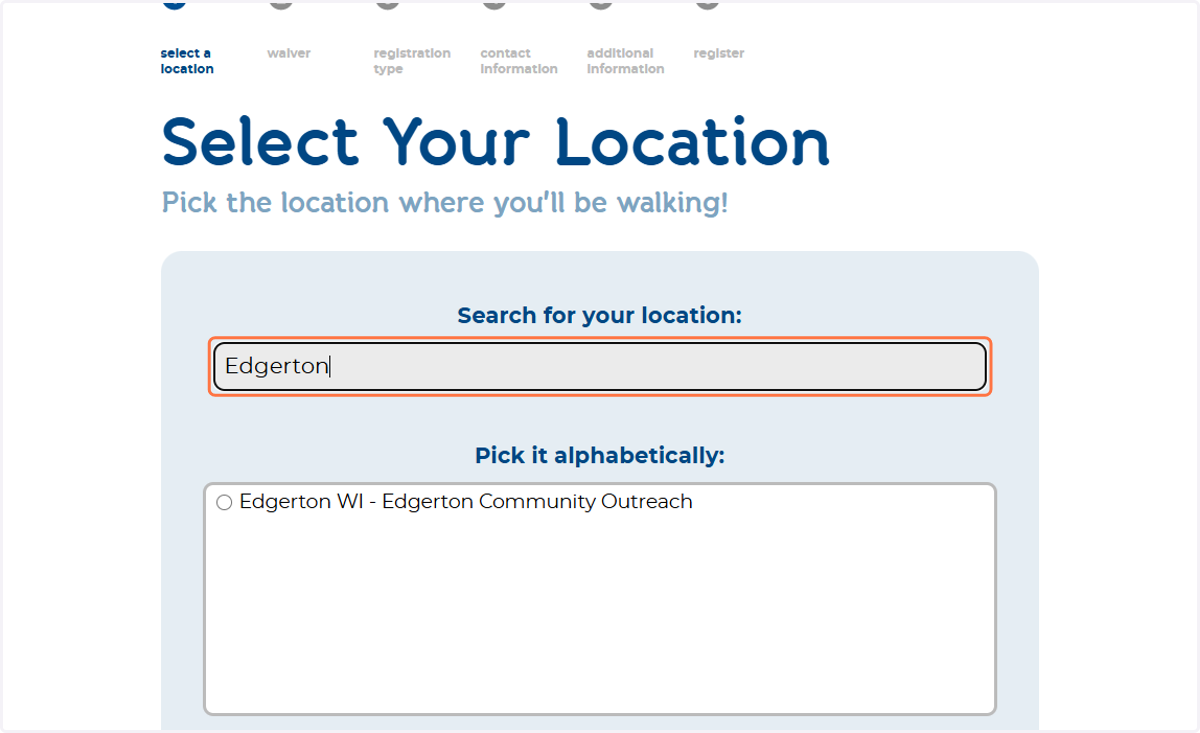
10. After Confirming Your Information/Creating Your Account Once Again Search For EDGERTON
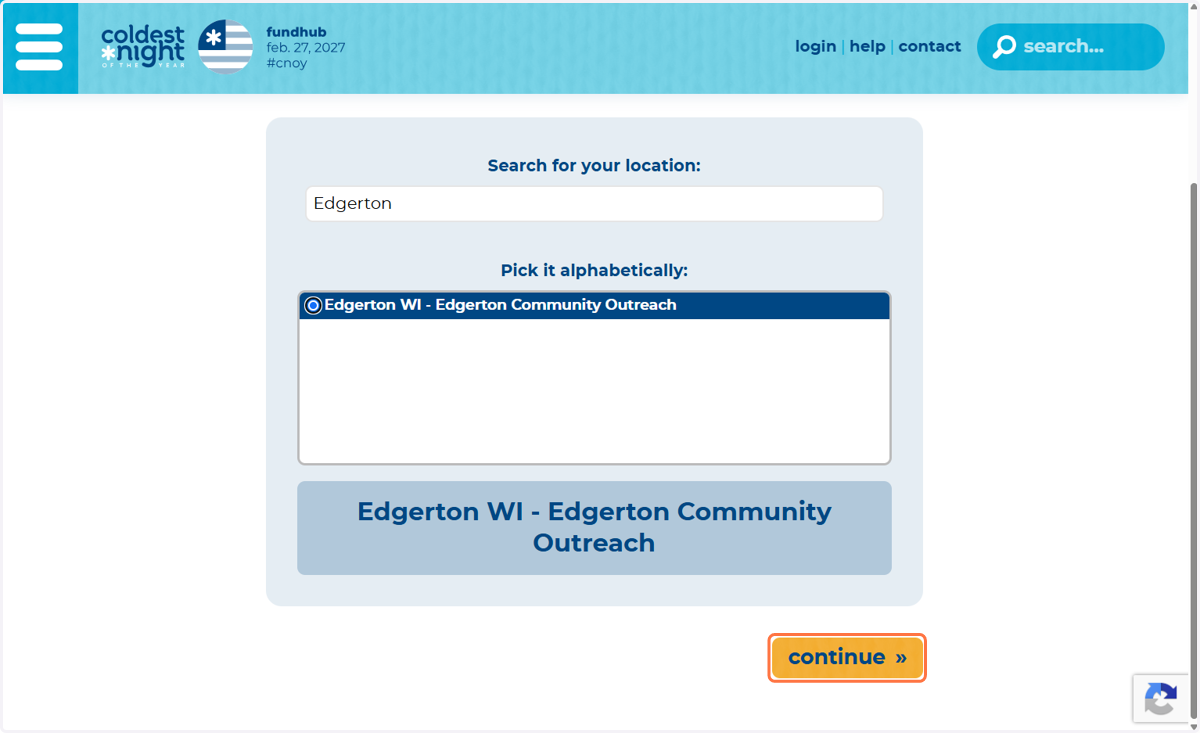
This will pick Organization you are walking for. Click Edgerton Community Outreach then click CONTINUE
11. Click on continue »
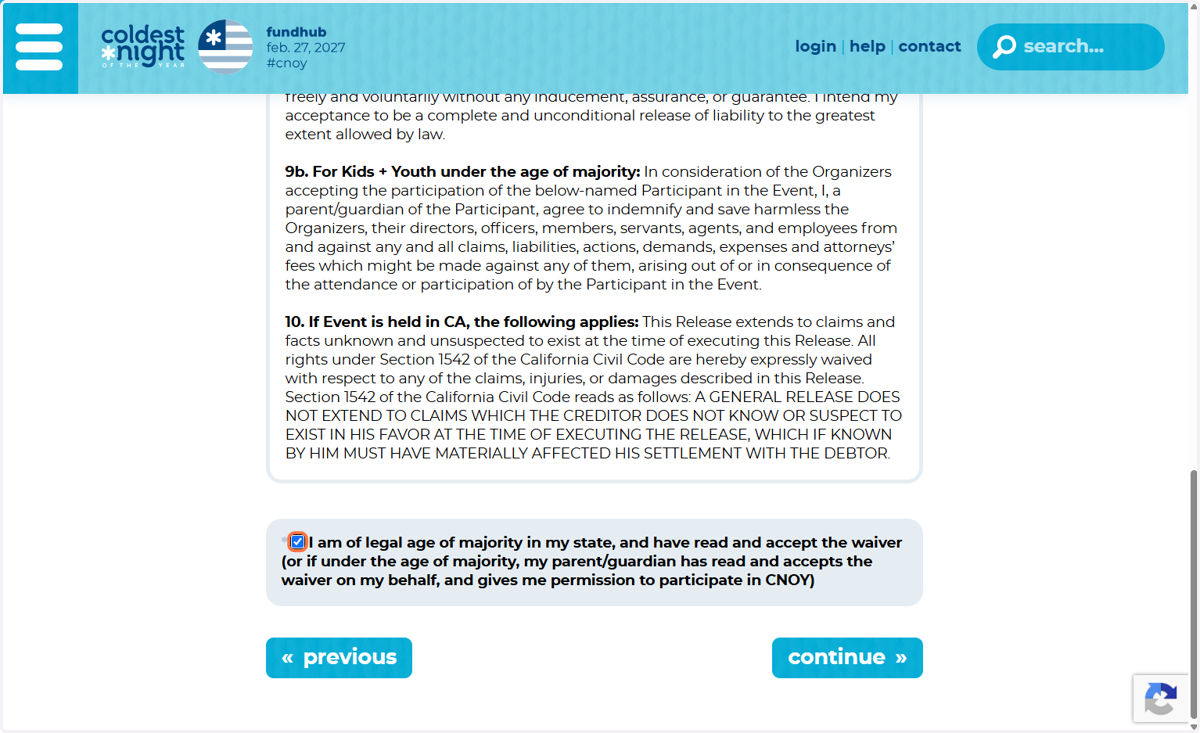
12. Read & Sign the CNOY Waiver
If you are signing up your CHILD please input your information after you and the child read the waiver.
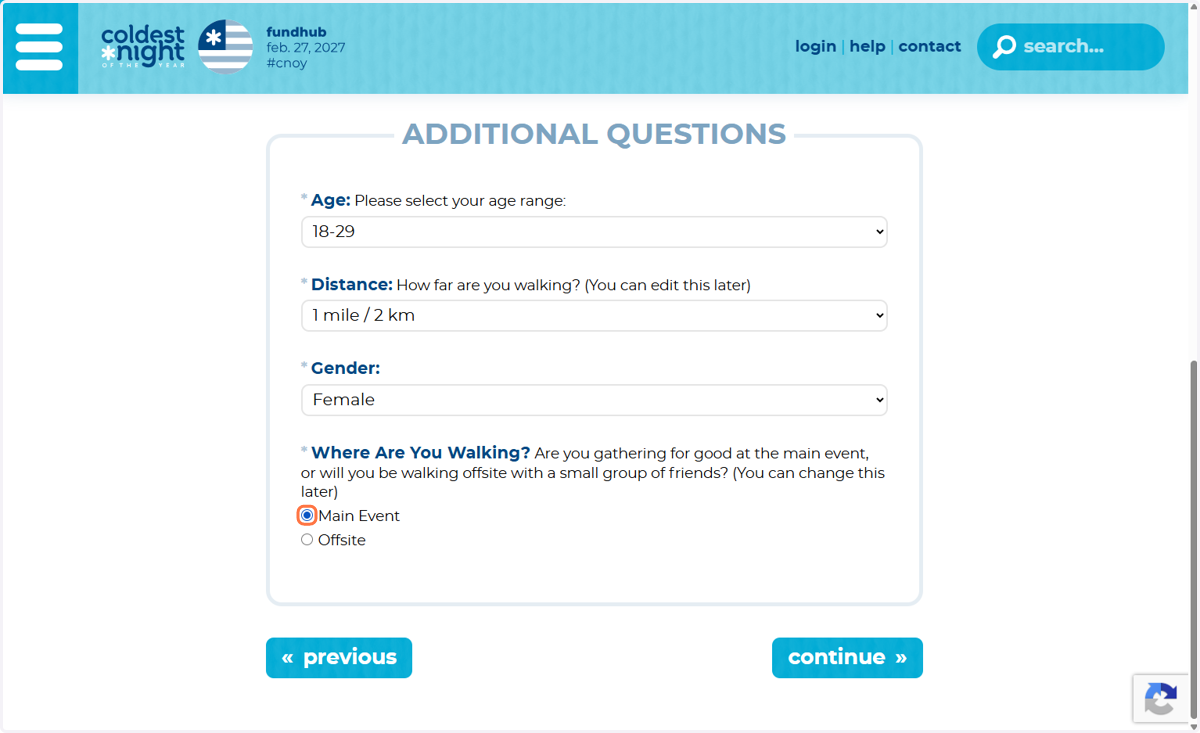
13. Input Your Information
Specify Whether you Will Be Walking ON SITE or OFFSITE!
You can walk & Fundraise from ANYWHERE IN THE WORLD!!
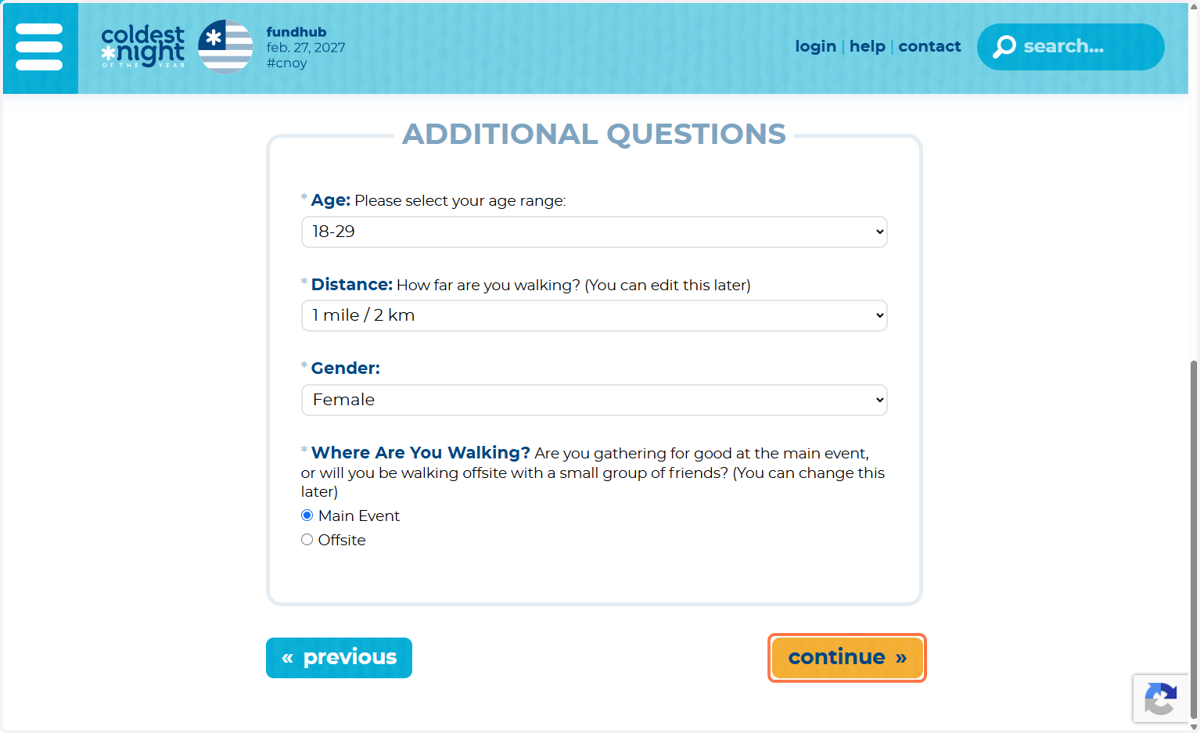
14. Click on continue »
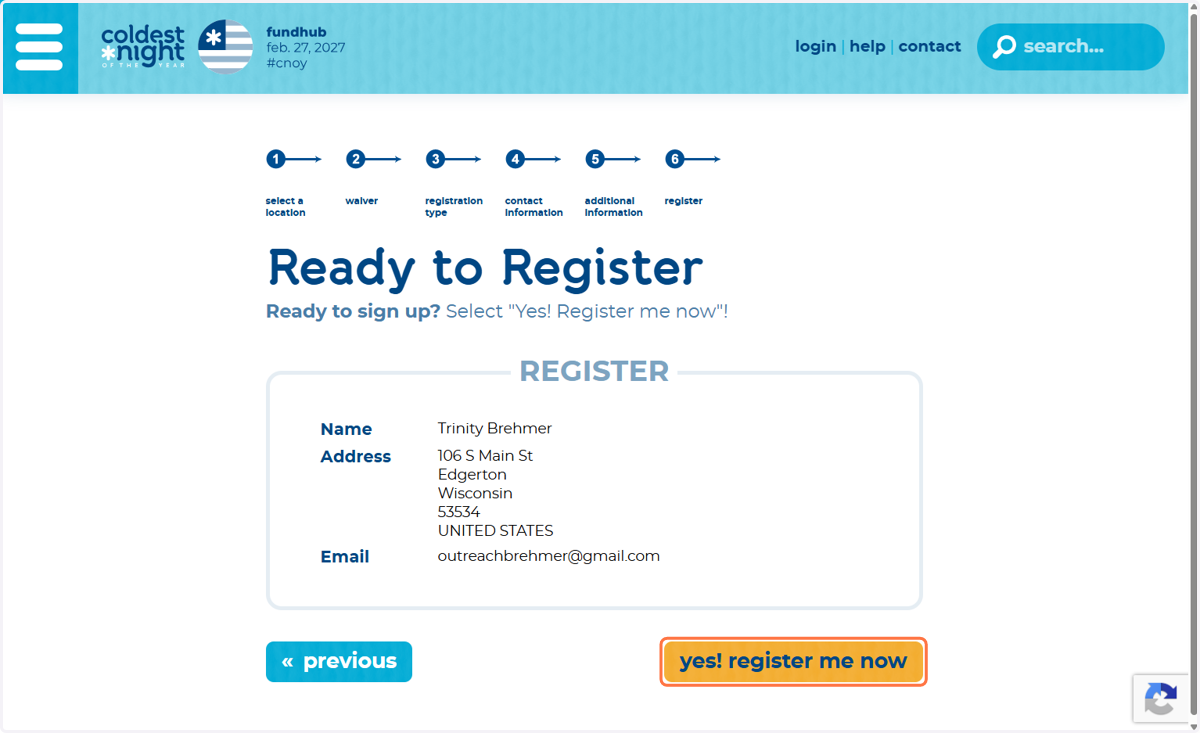
15. Ensure your information is correct. Click Yes! Register Me Now!
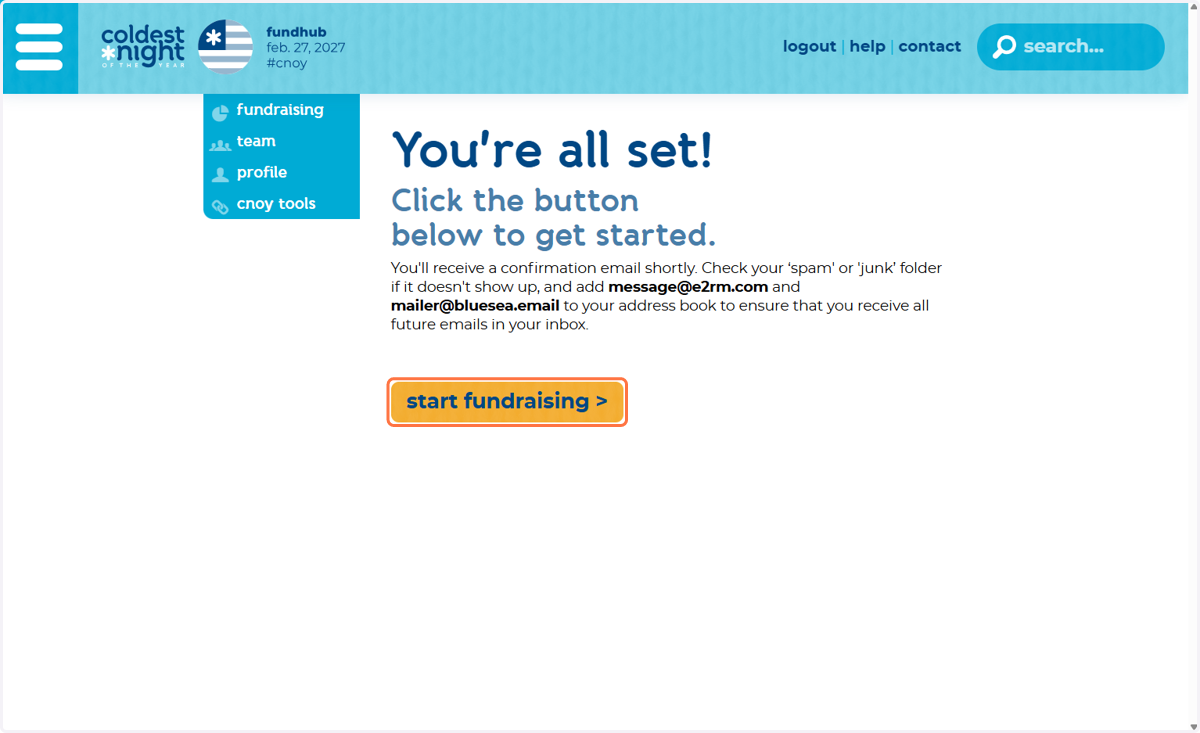
16. YOU DID IT!! Click on START FUNDRAISING to access your dashboard
If you have questions reach out to your
-Team Captain
-Trinity Brehmer with Edgerton outreach 608-884-9593