How to Create Material Request in Odoo - iLines iProcurement
Odoo
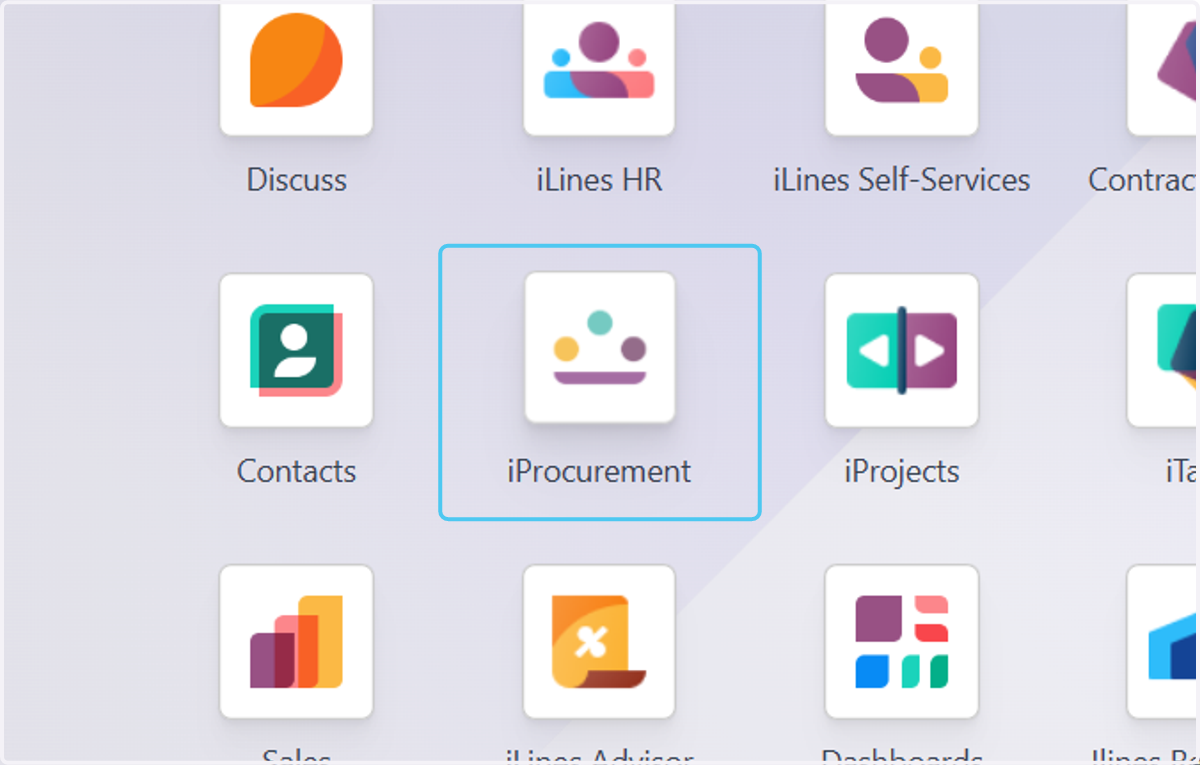
1. Click on iProcurement
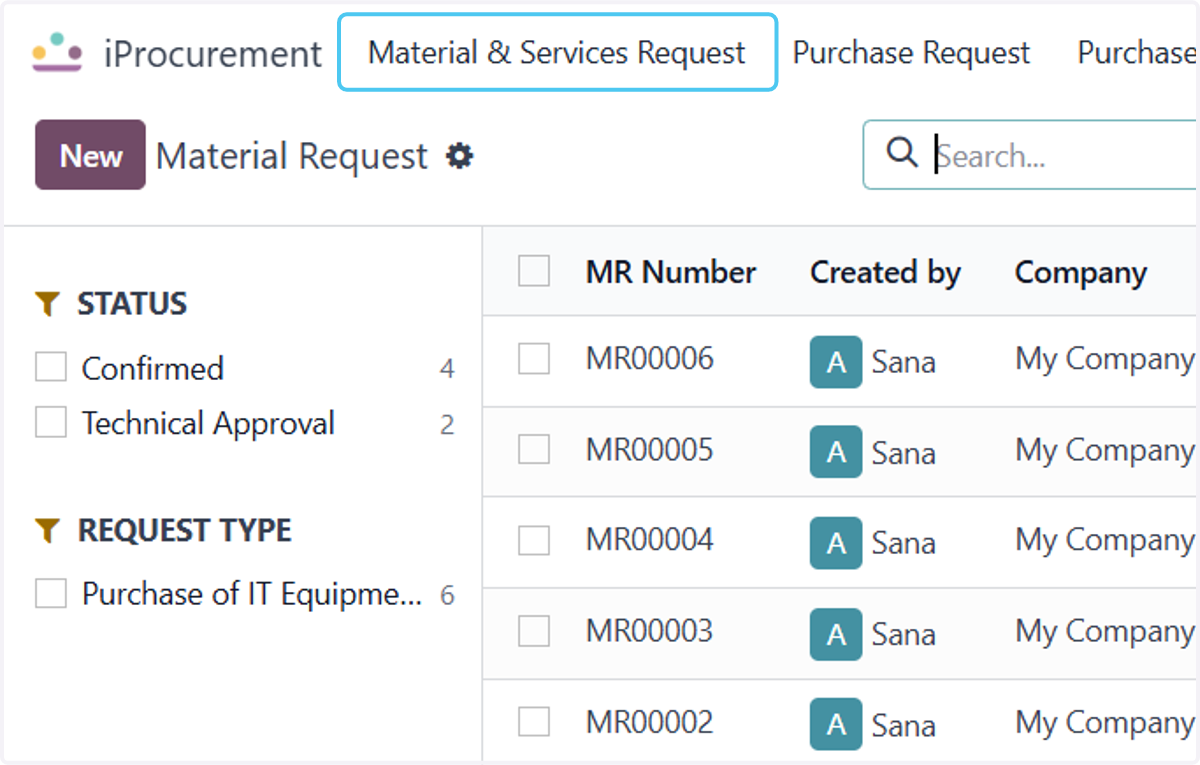
2. Click on Material & Services Request
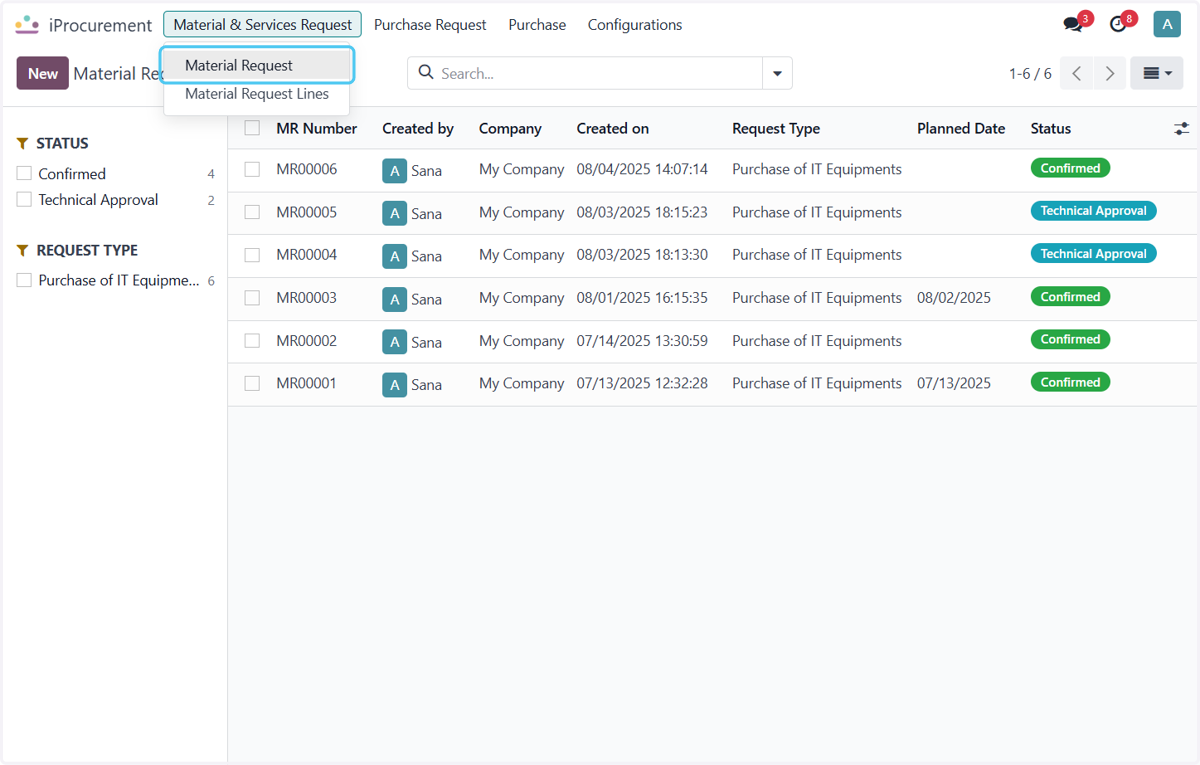
3. Click on Material Request
4. Click on New
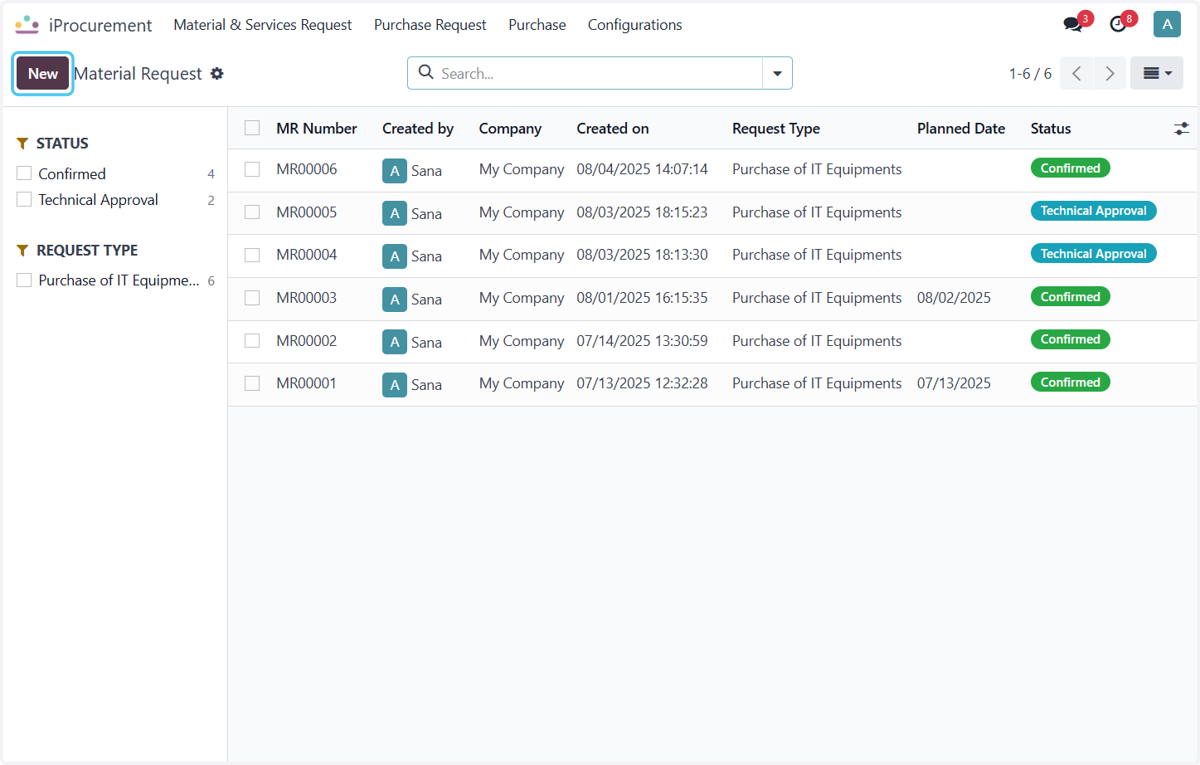
5. Click on Request Type?
Select the request type for the request.
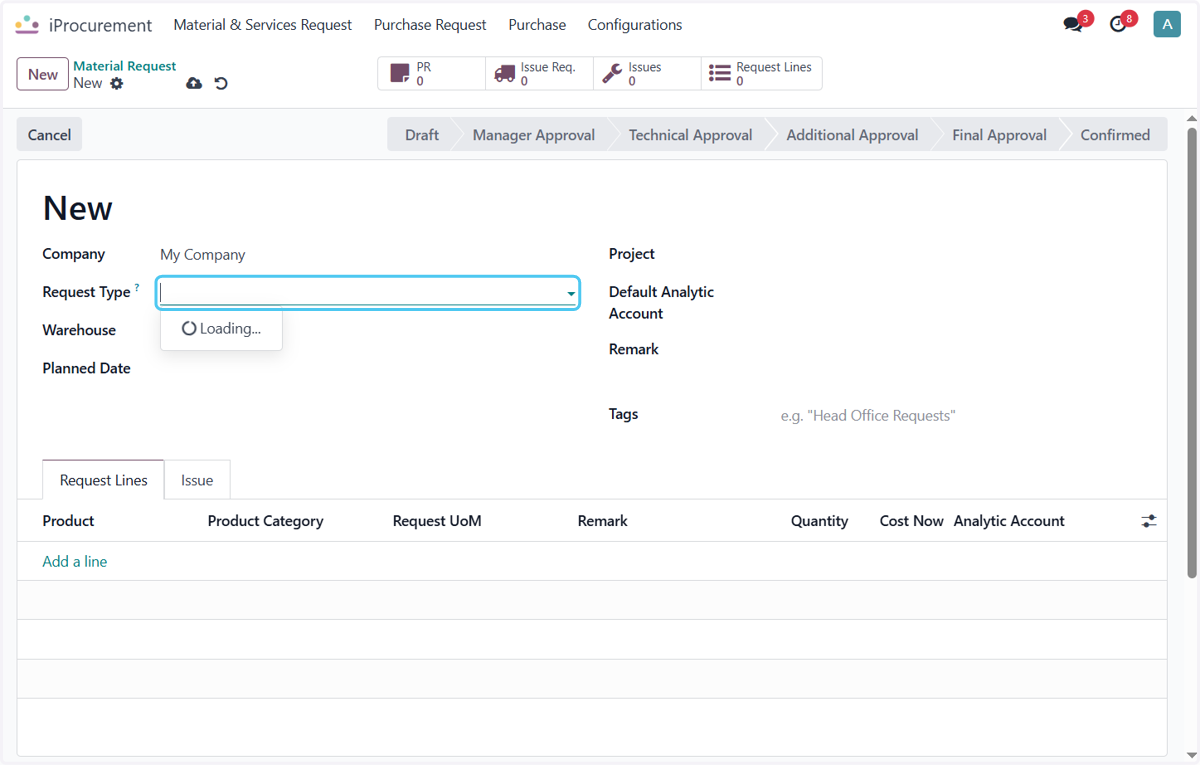
6. Click on Purchase of IT Equipments
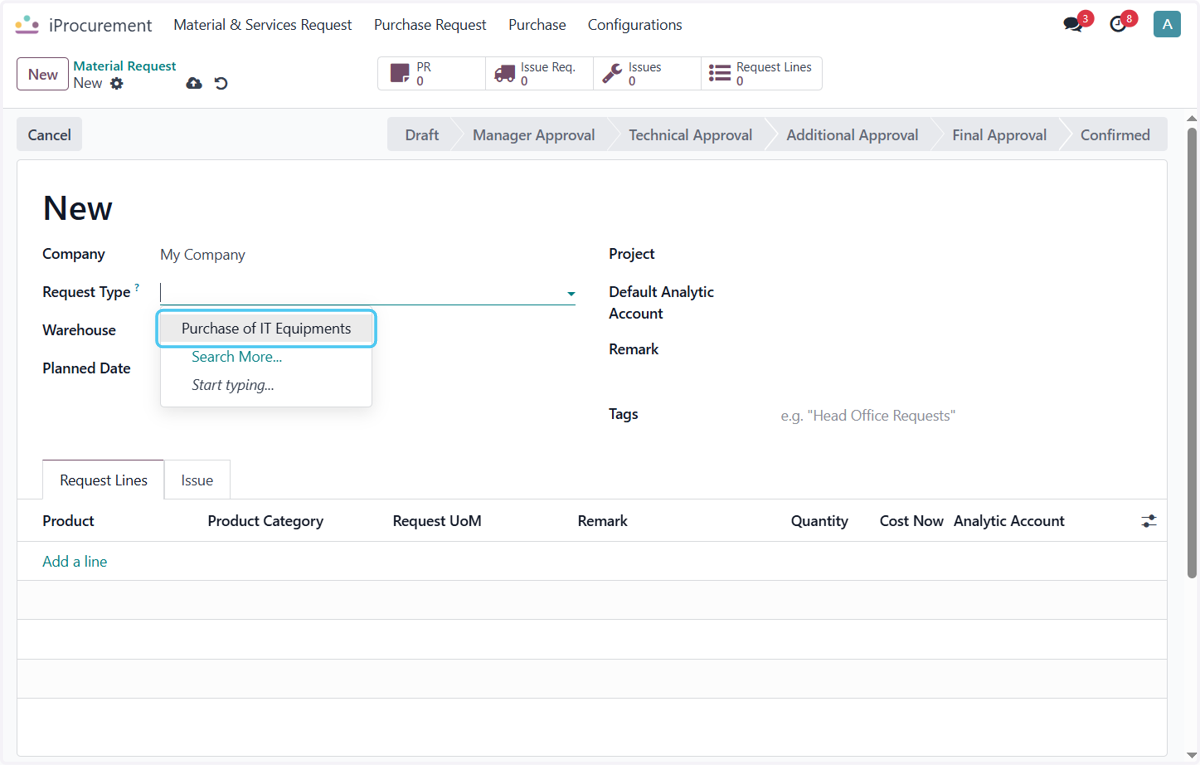
7. Click on Planned Date
Select the planned date for the product
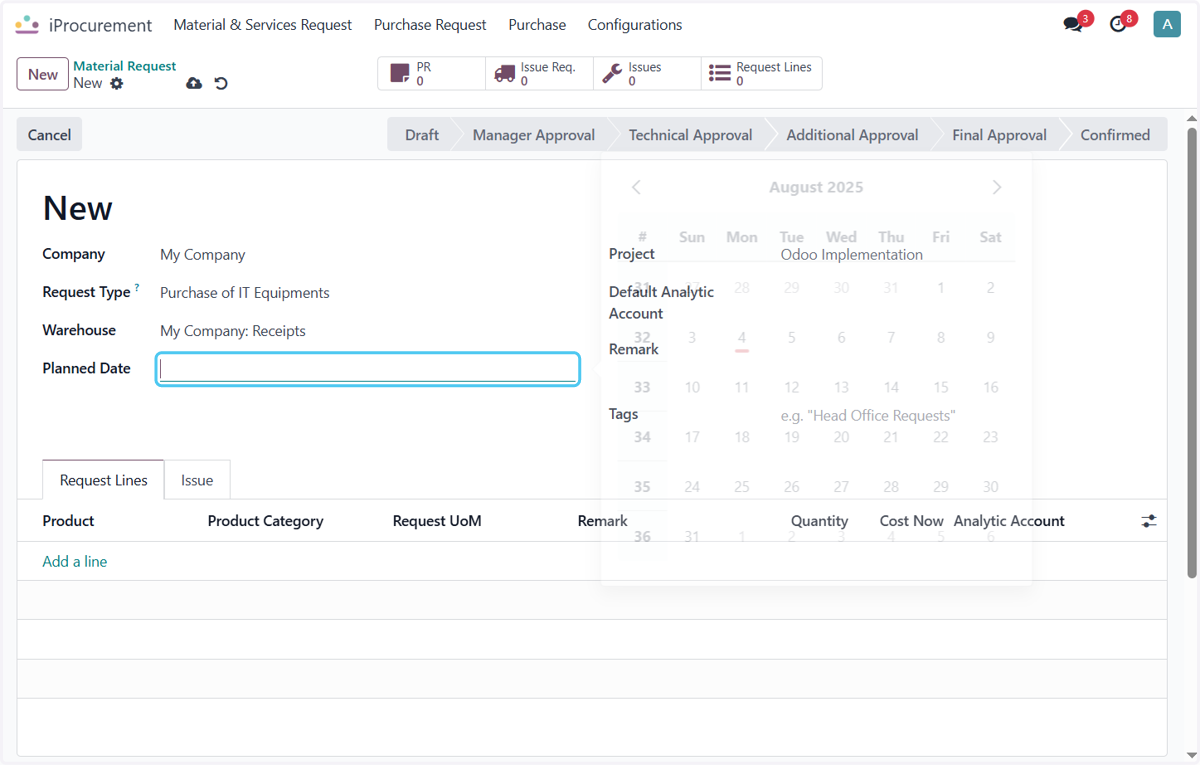
8. Click on Add a line
select the product you want to request
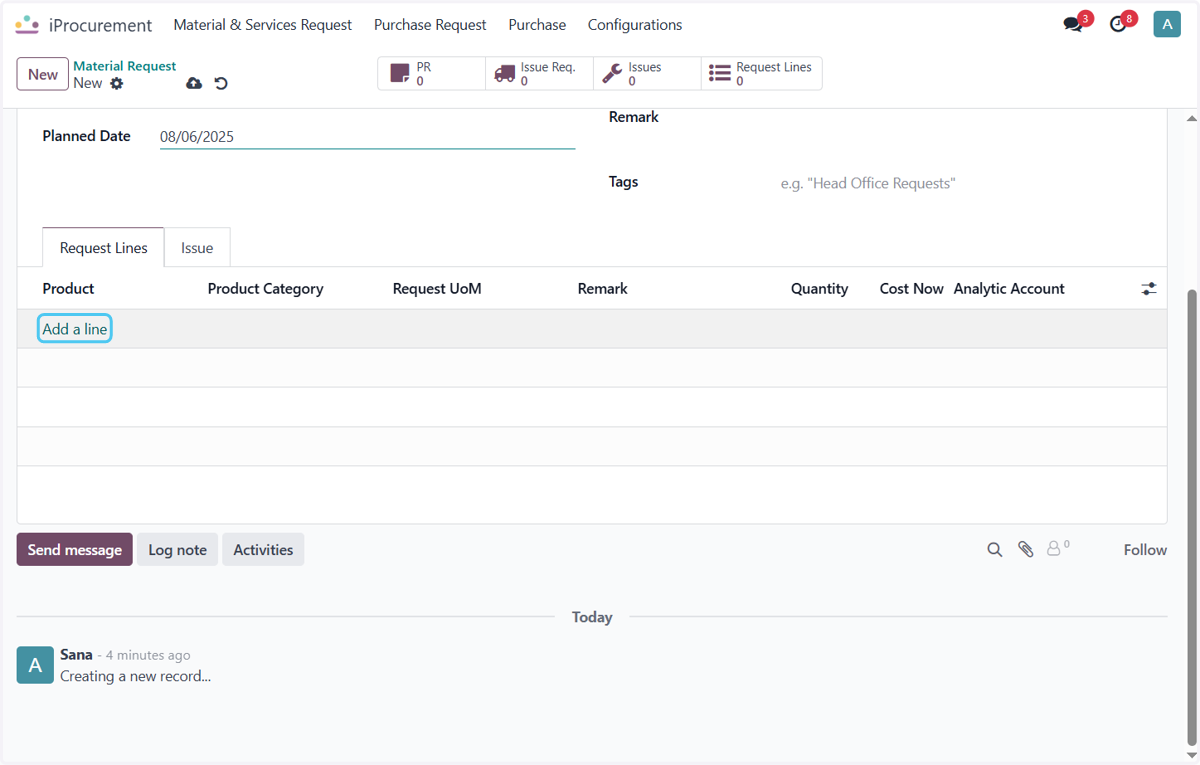
9. Click on Cement
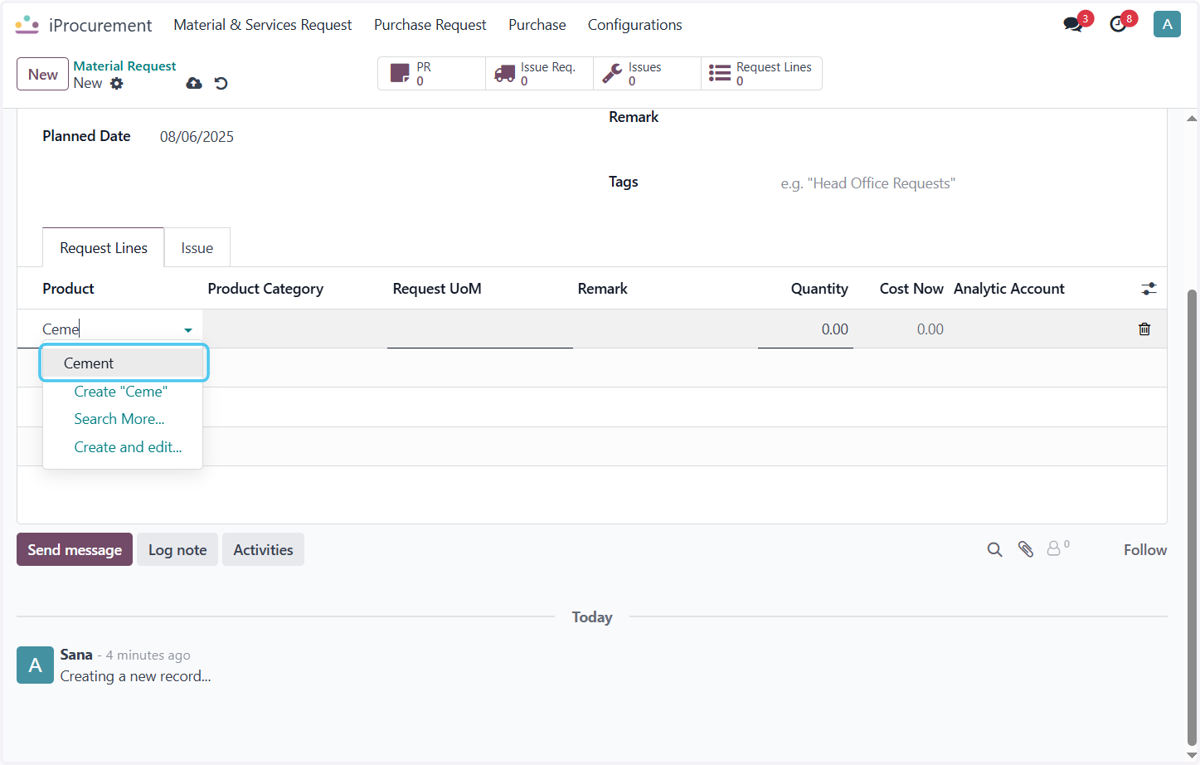
10. Click on Units
Select product UOM
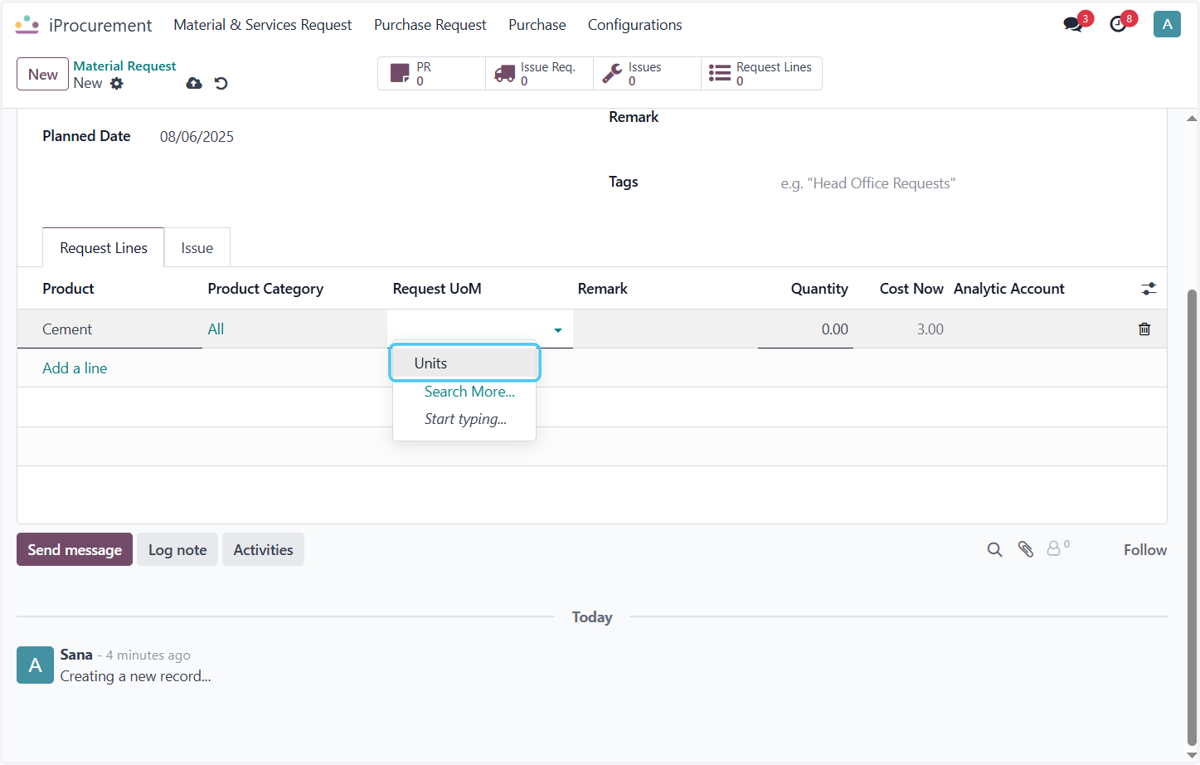
11. Click on Save manually
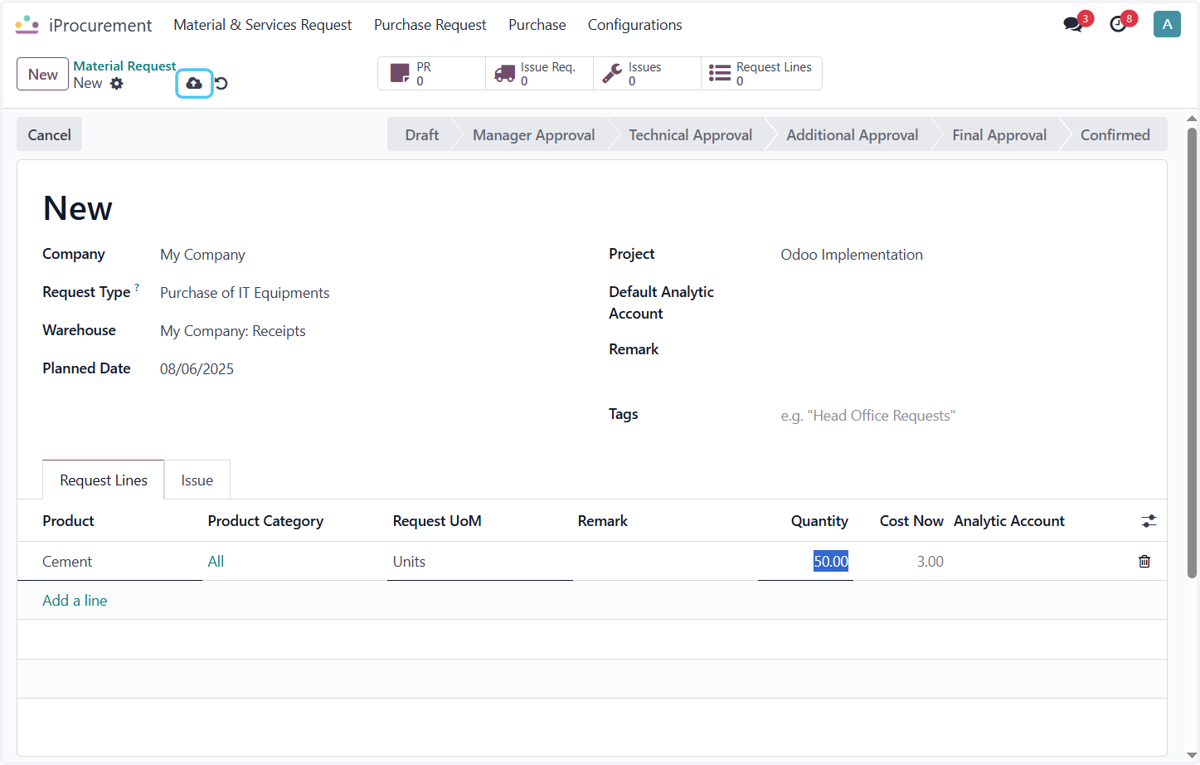
12. Click on Approve [Technical]
Approve the Material Request for Generating PR request
![Click on Approve [Technical]](https://images.tango.us/workflows/54b1cd98-9fc4-42e0-aa58-3773bcb408e9/steps/5ebe6347-4492-49eb-8688-5b43b0152495/fd976884-48e8-41a1-8b92-e4410a2f9914.png?fp-x=0.5000&fp-y=0.5000&w=1200&border=F4F2F7&bx=15&by=136&bw=221&bh=51&c=4dc8f1&dpr=1.25)
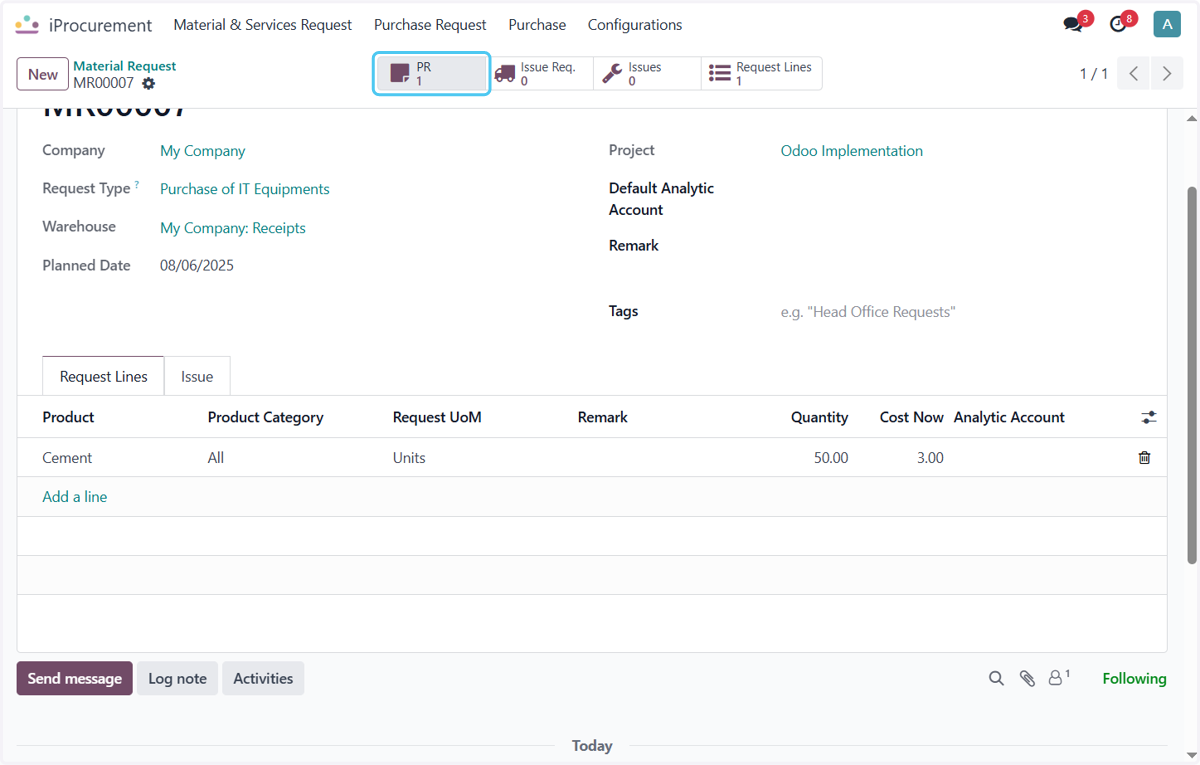
13. Click on 1
Once the request is Approved the Purchase Request is Created
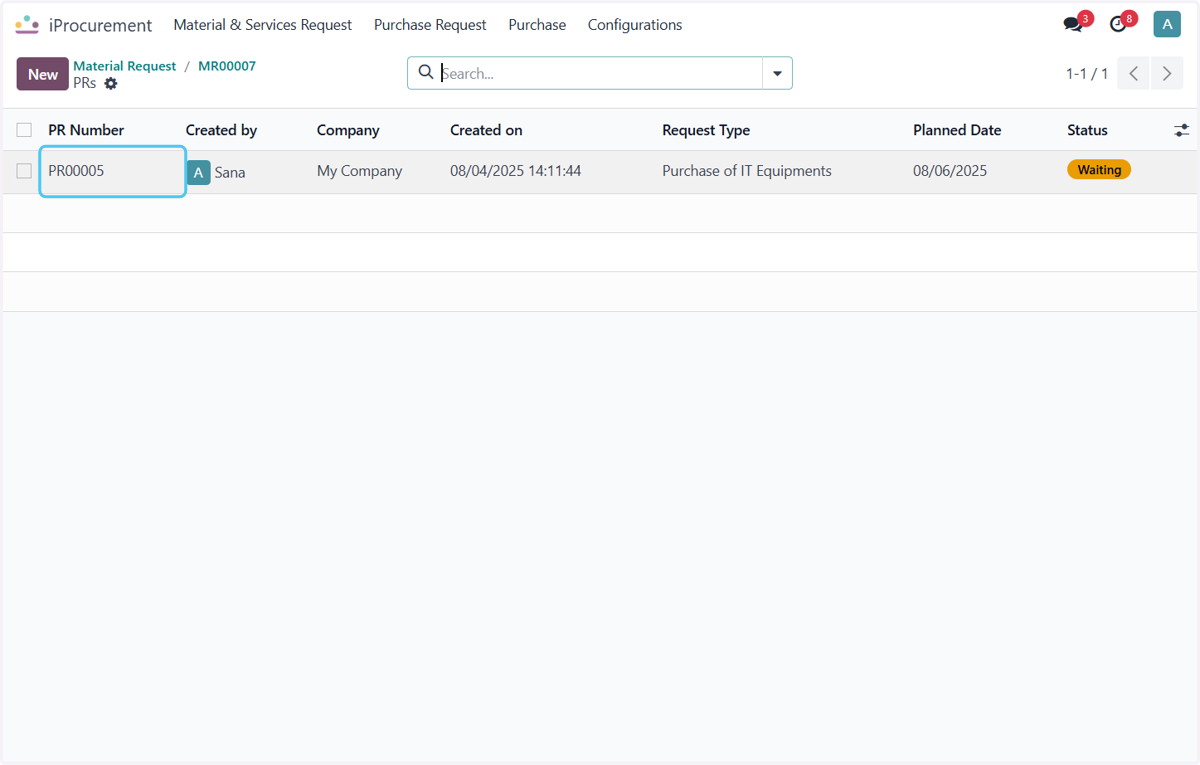
14. Click on PR00005