EventPass: Update Passholder Options
JustPark Suite
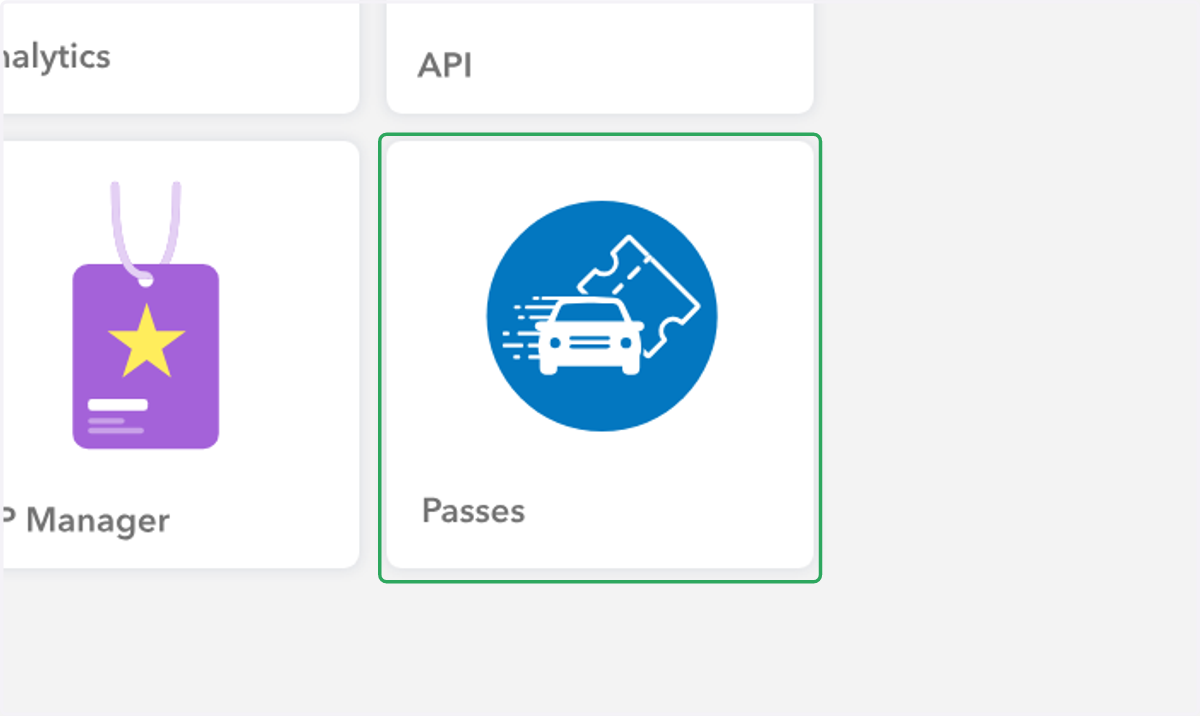
1. In Suite, click on "Passes"
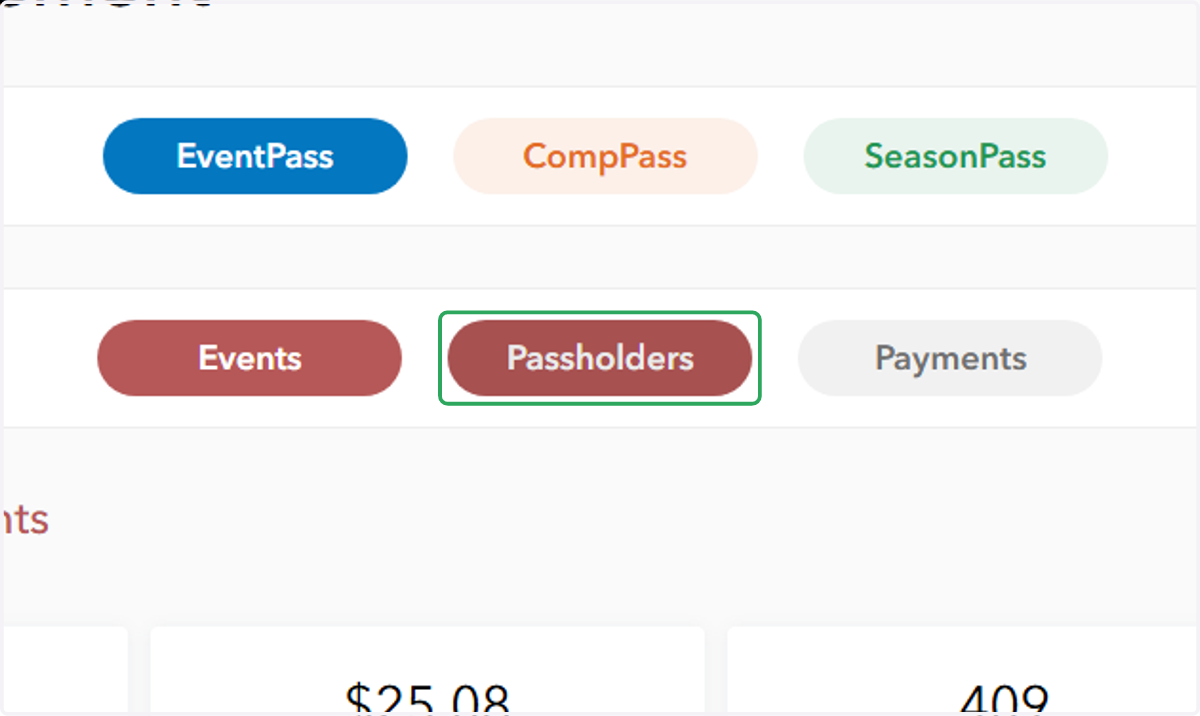
2. Click on "Passholders"
3. Click the arrow to the right of the desired passholder for options

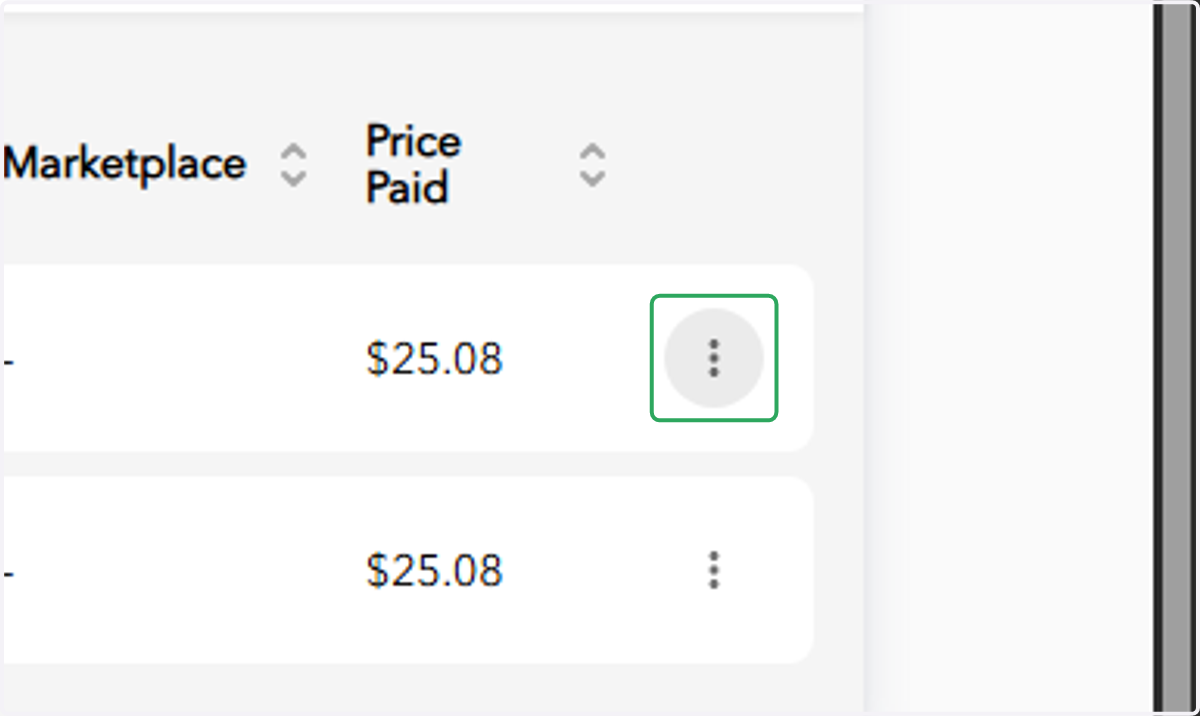
4. Click on the ellipsis next to the desired transaction
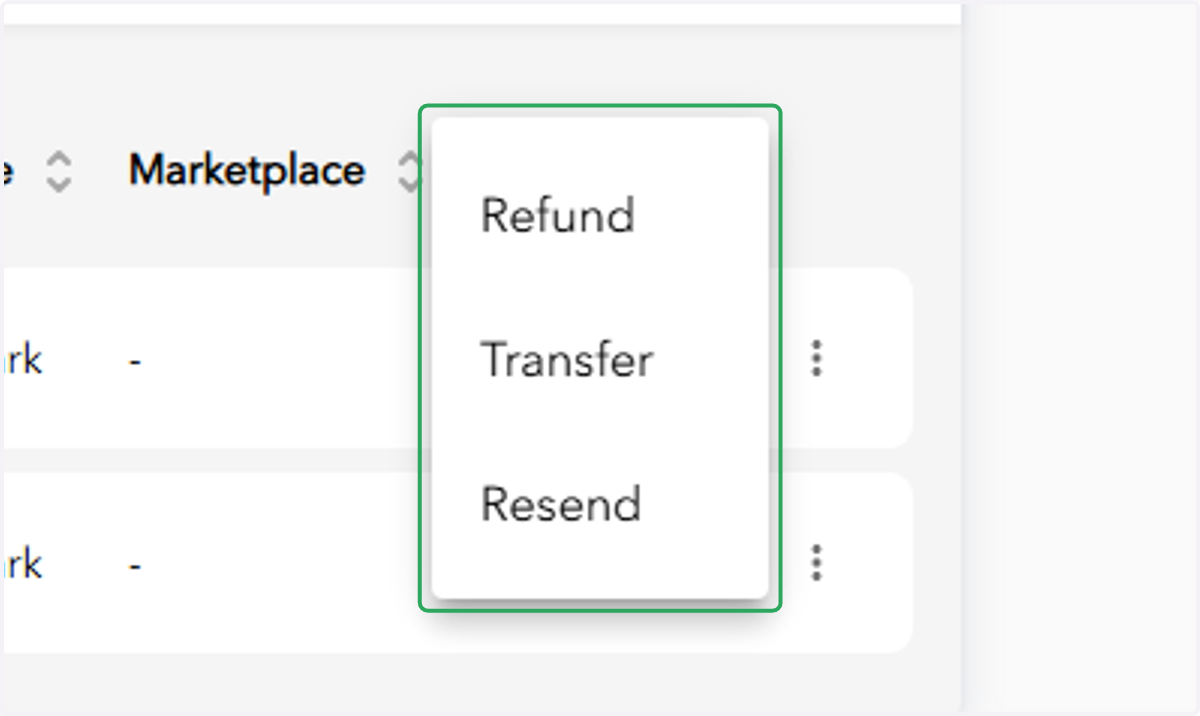
5. You can either Refund, Transfer, or Resend passes from here