Courses - Enrollment Checklist

Appanzee

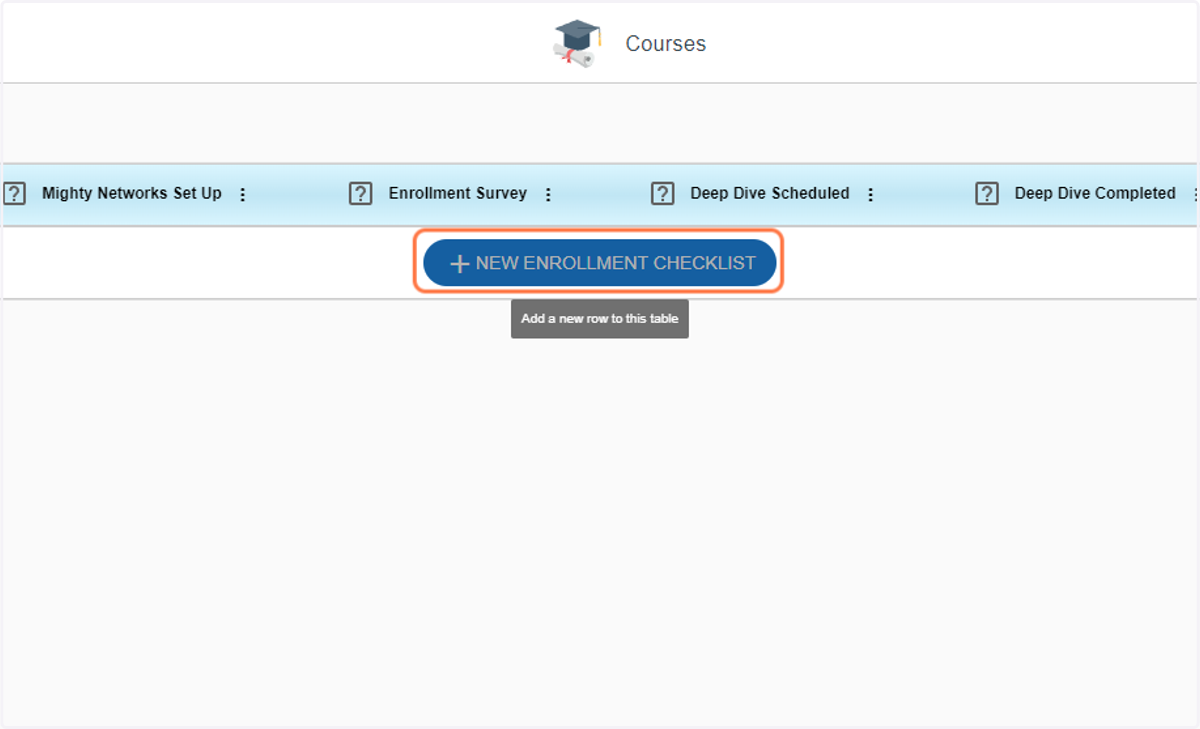
  1. 1. Click on New Enrollment Checklist

    Click on New Enrollment Checklist
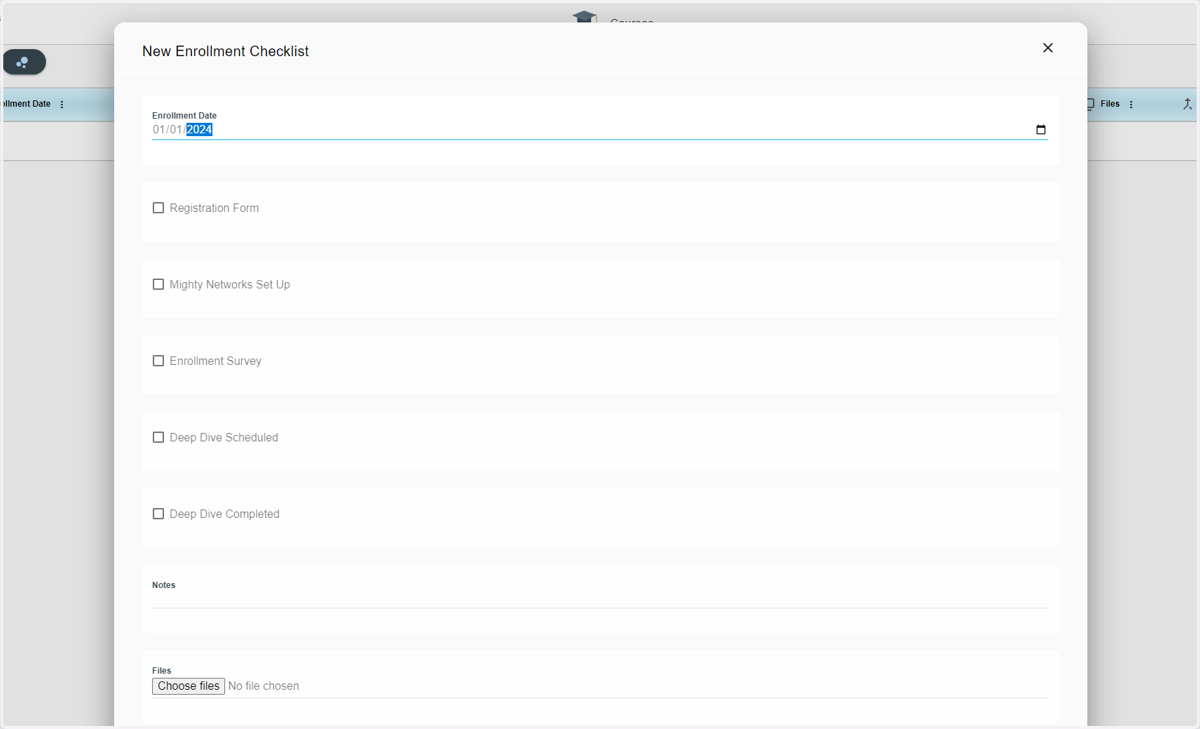
  2. 2. Type in the Enrollment date

    Type in the Enrollment date
  3. 3. Check Registration Form if the student has done it
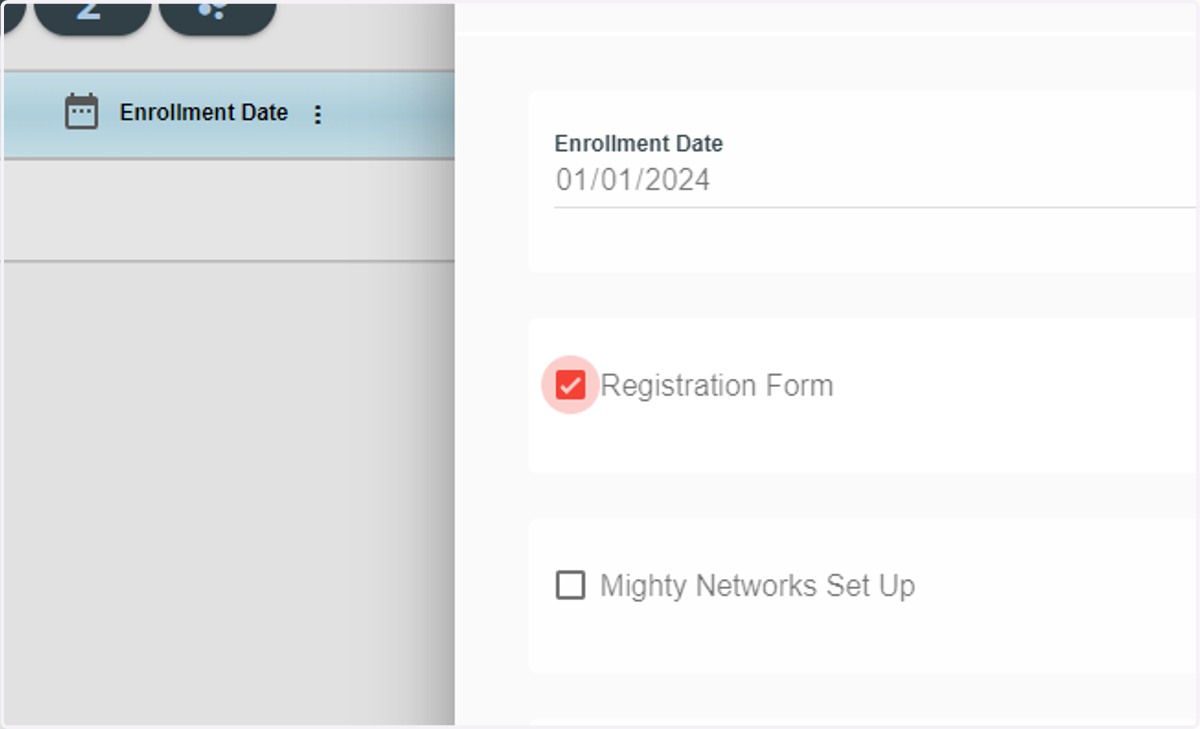
    Check Registration Form if the student has done it
  4. 4. Check Mighty Networks Set Up if it's done for the student
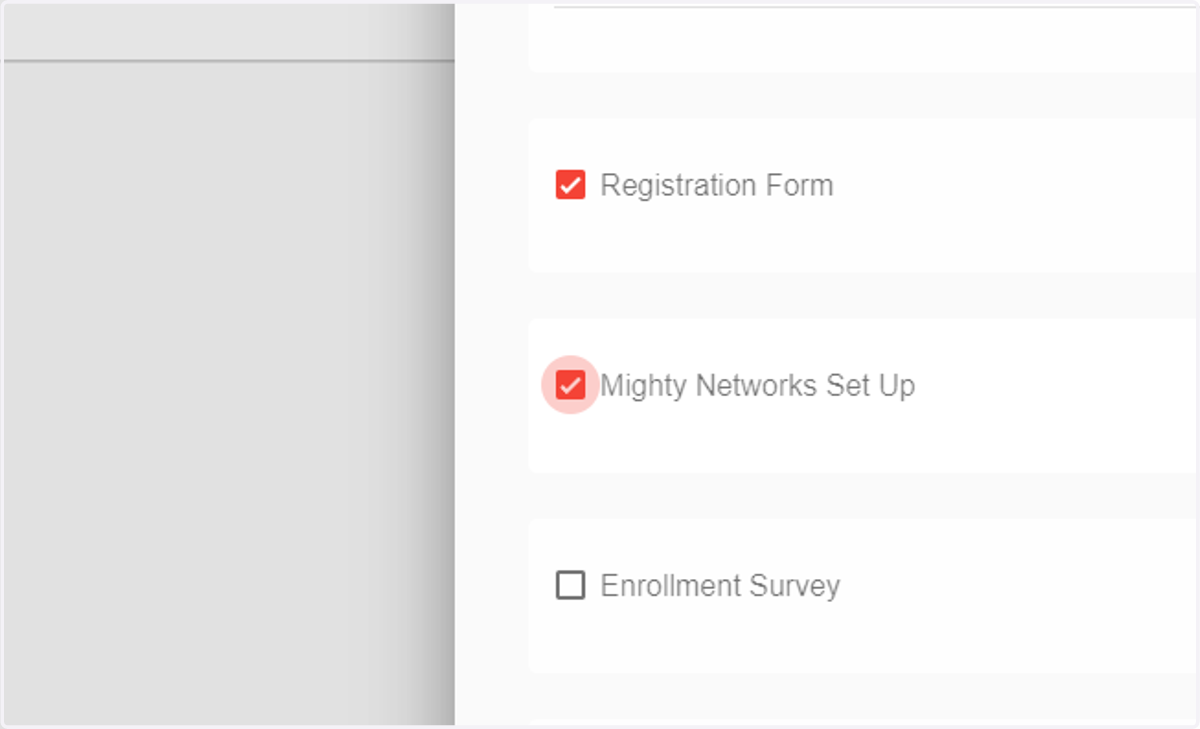
    Check Mighty Networks Set Up if it's done for the student
  5. 5. Check Enrollment Survey if the student has done it
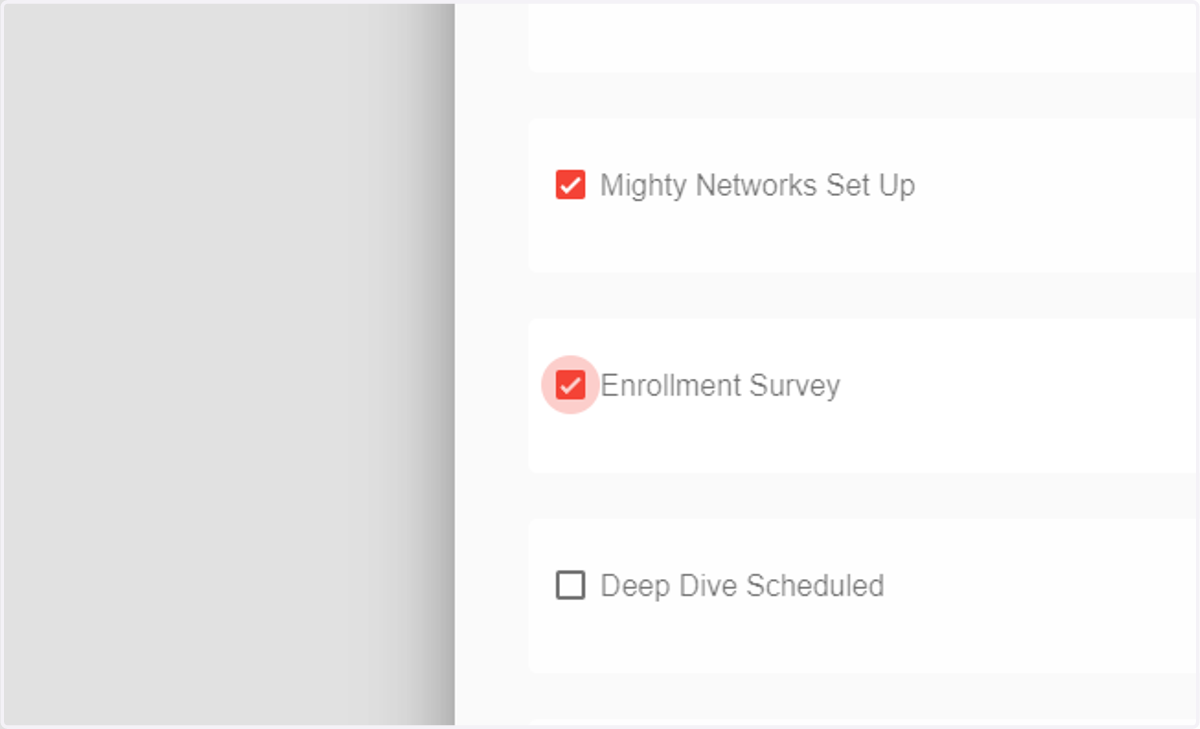
    Check Enrollment Survey if the student has done it
  6. 6. Check Deep Dive Scheduled if it's scheduled
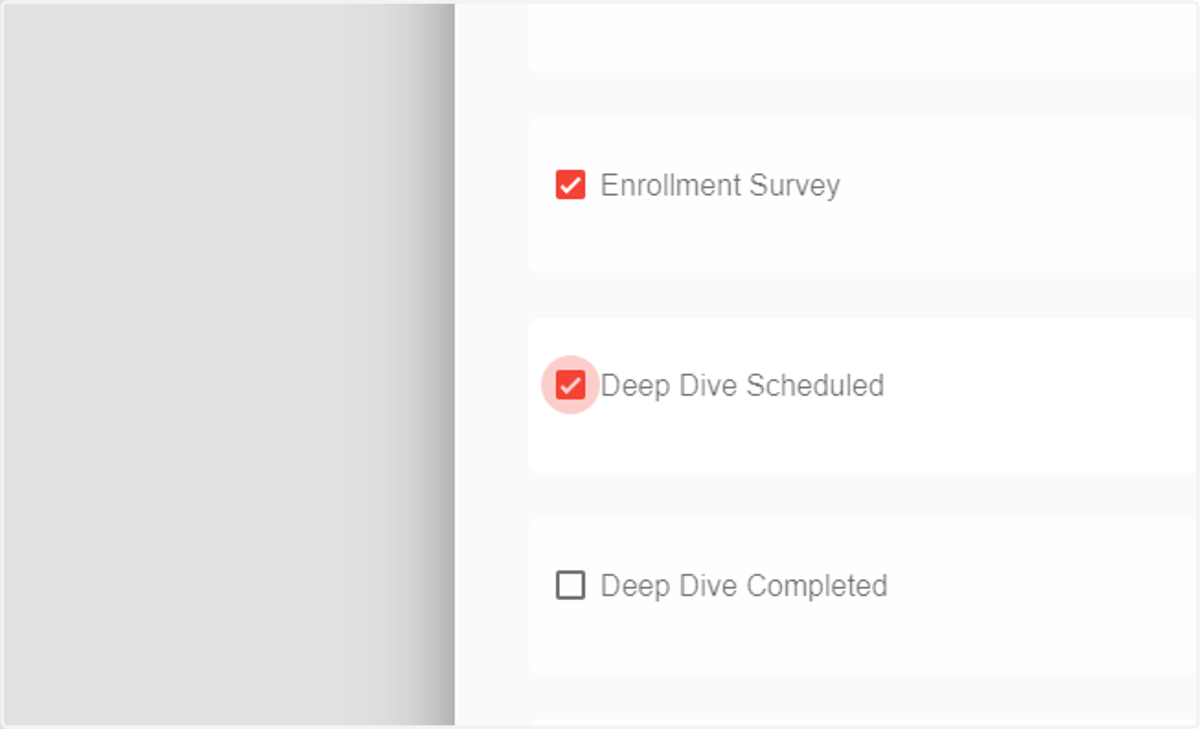
    Check Deep Dive Scheduled if it's scheduled
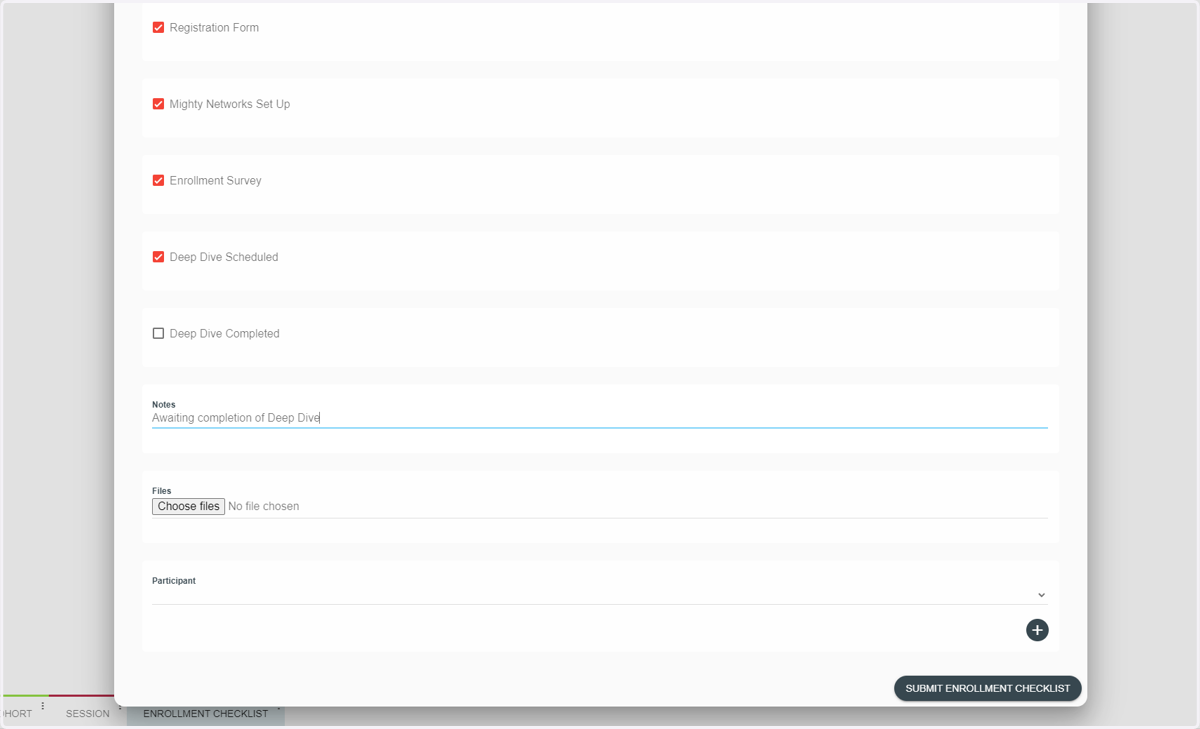
  7. 7. Add a note

    Add a note
  8. 8. Click on the student from Participant
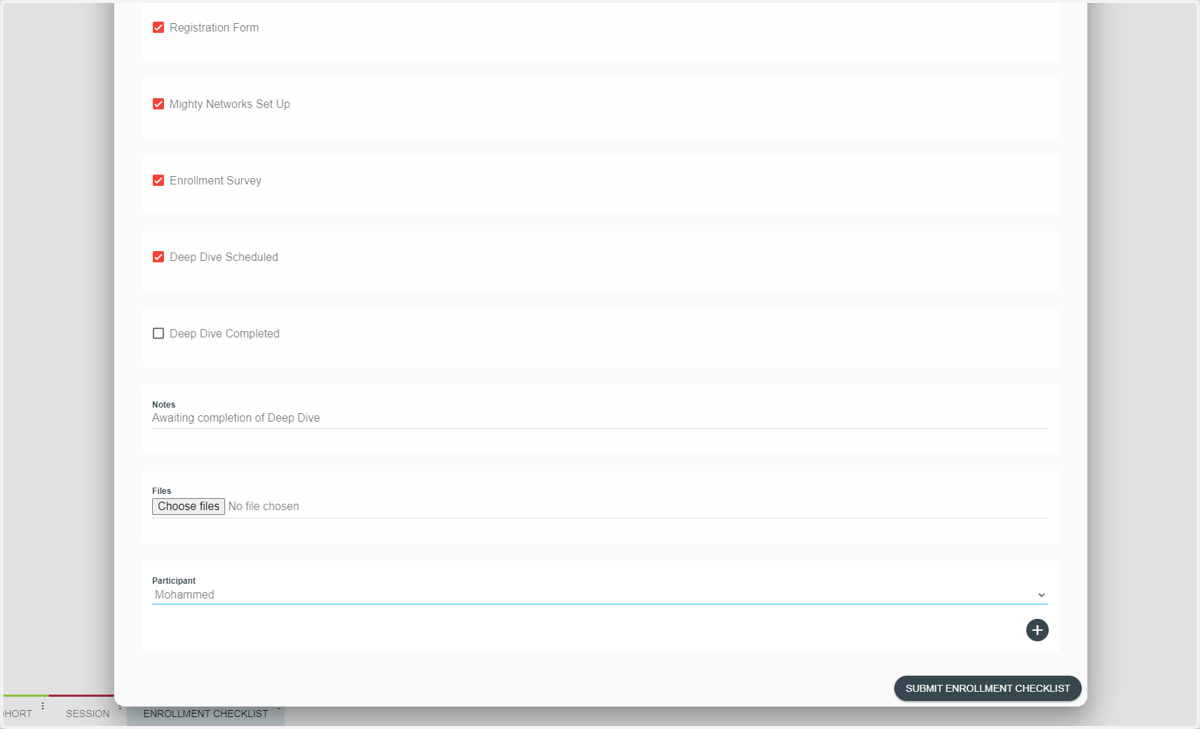
    Click on the student from Participant
  9. 9. Click on Submit Enrollment Checklist
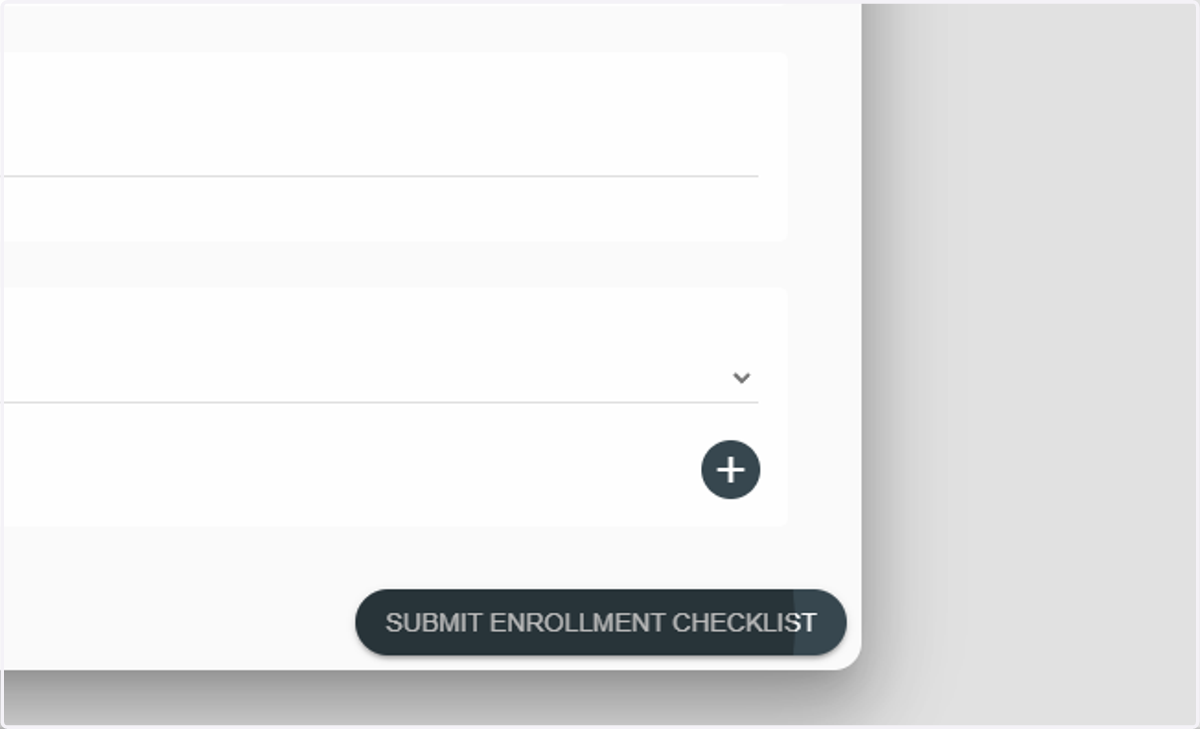
    Click on Submit Enrollment Checklist