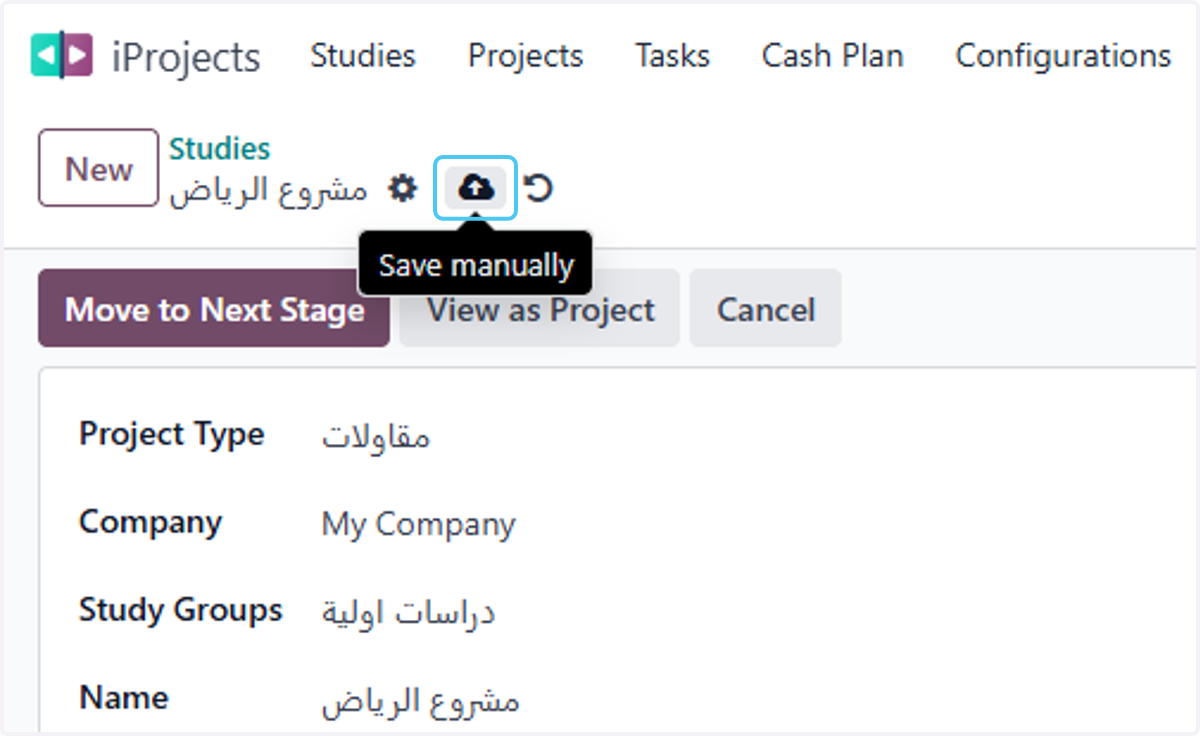
Add Cash In/Out Entries plan in project study
Odoo
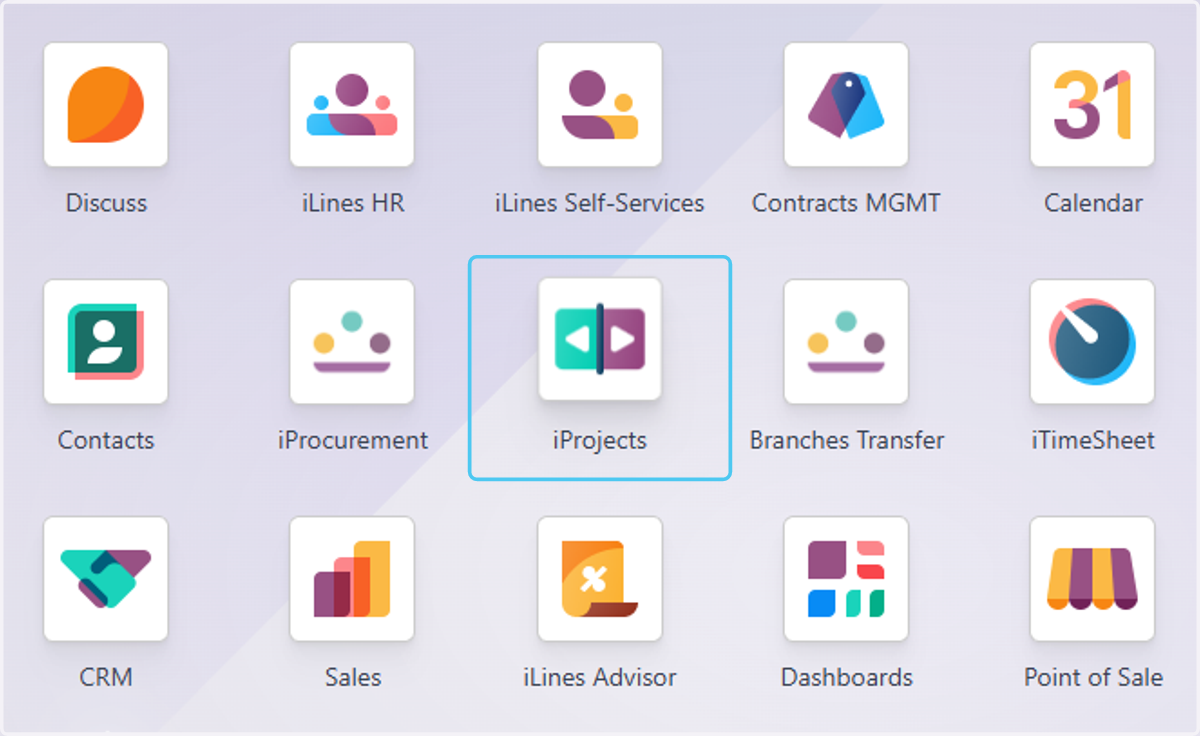
1. Click on iProjects
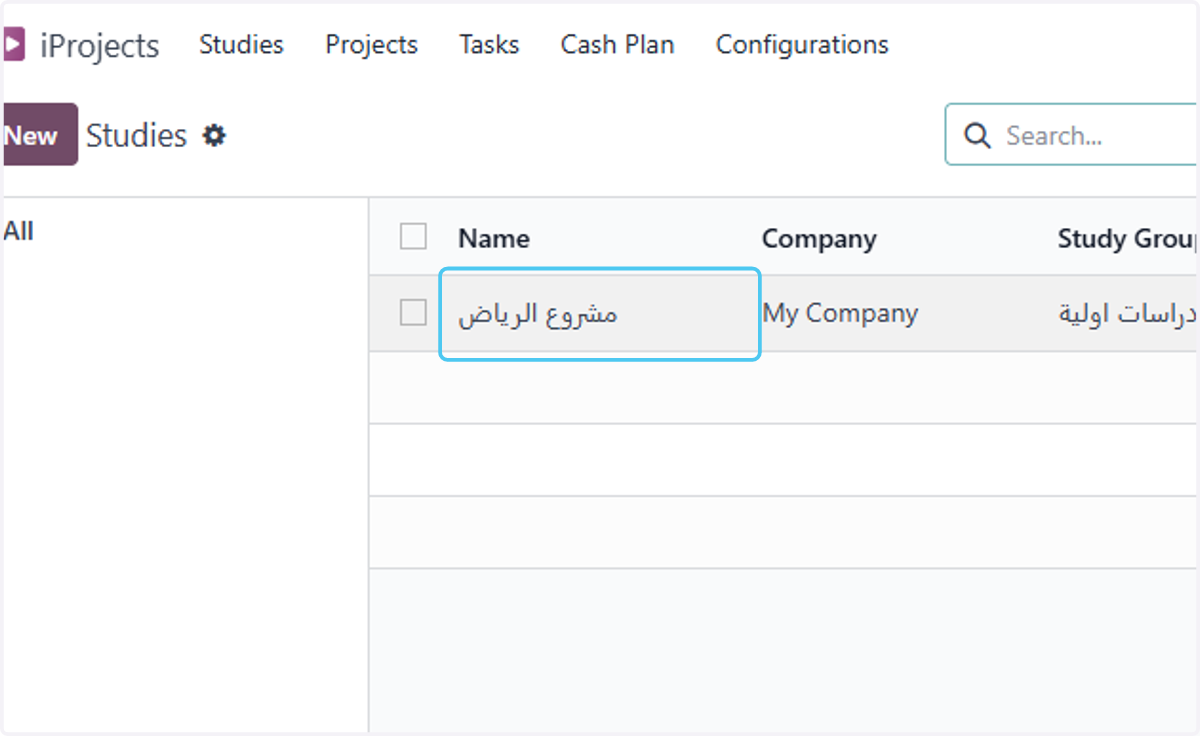
2. select the study
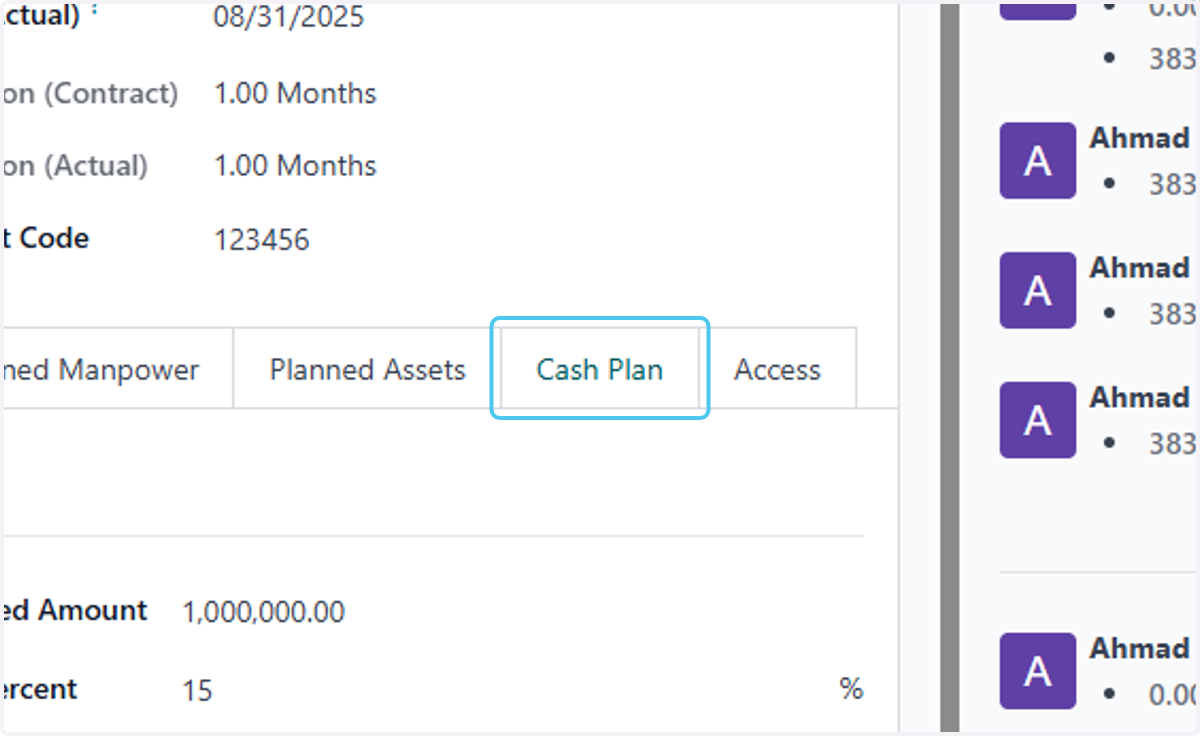
3. Click on Cash Plan
4. Click on Cash In/Out Reference
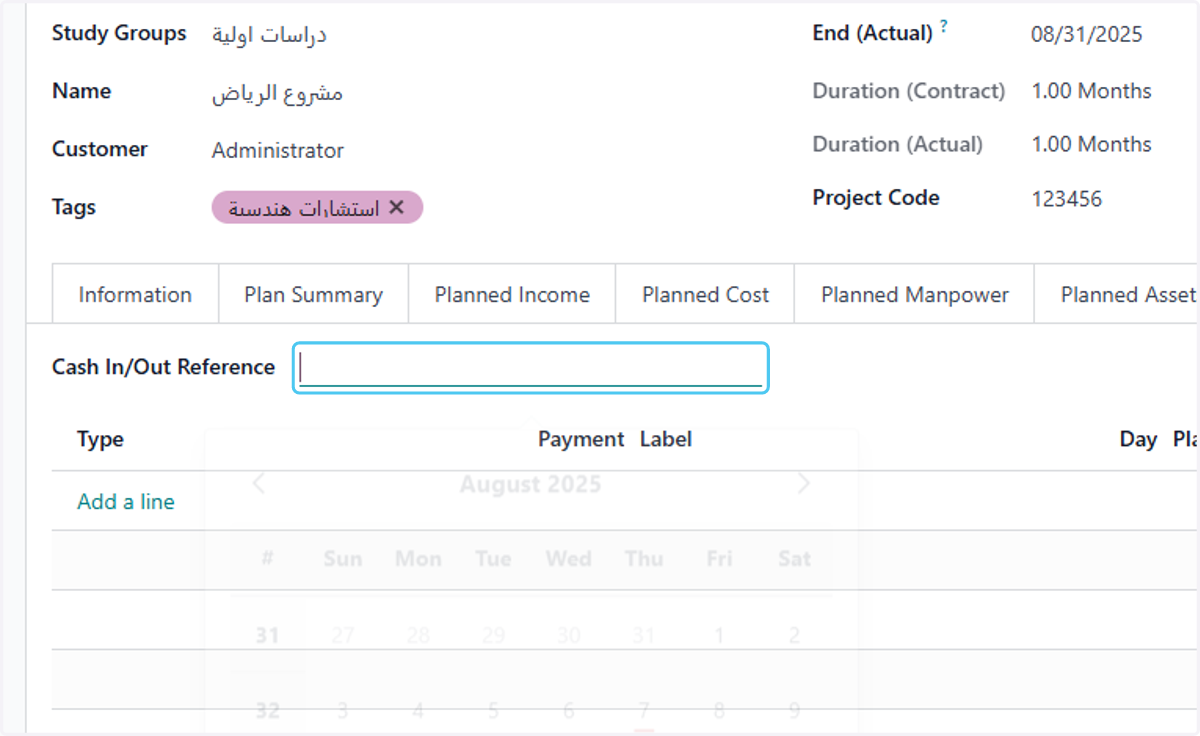
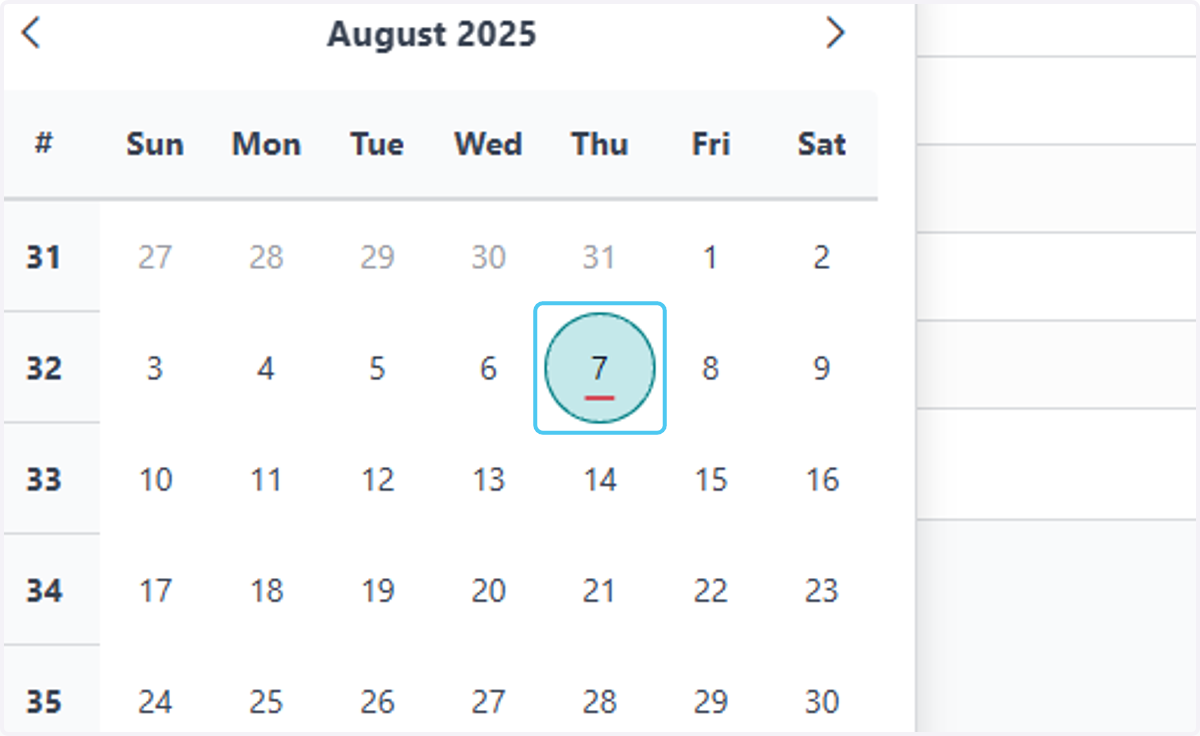
5. add the start date
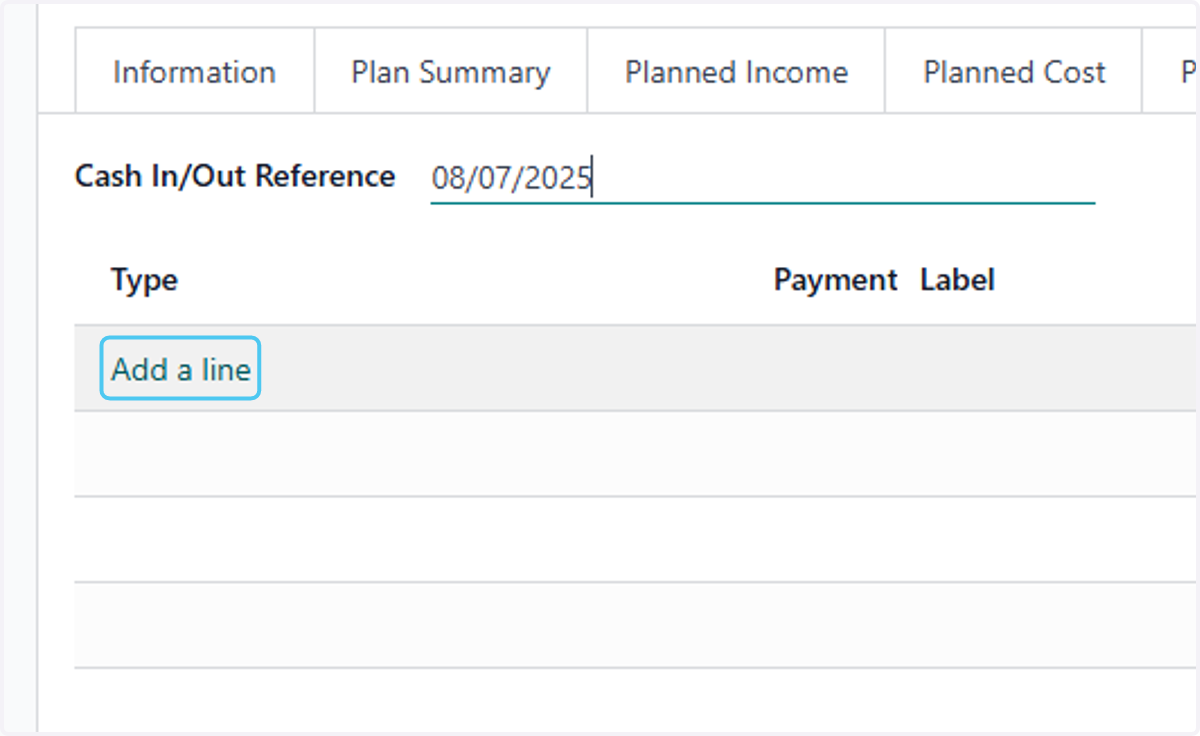
6. Click on Add a line
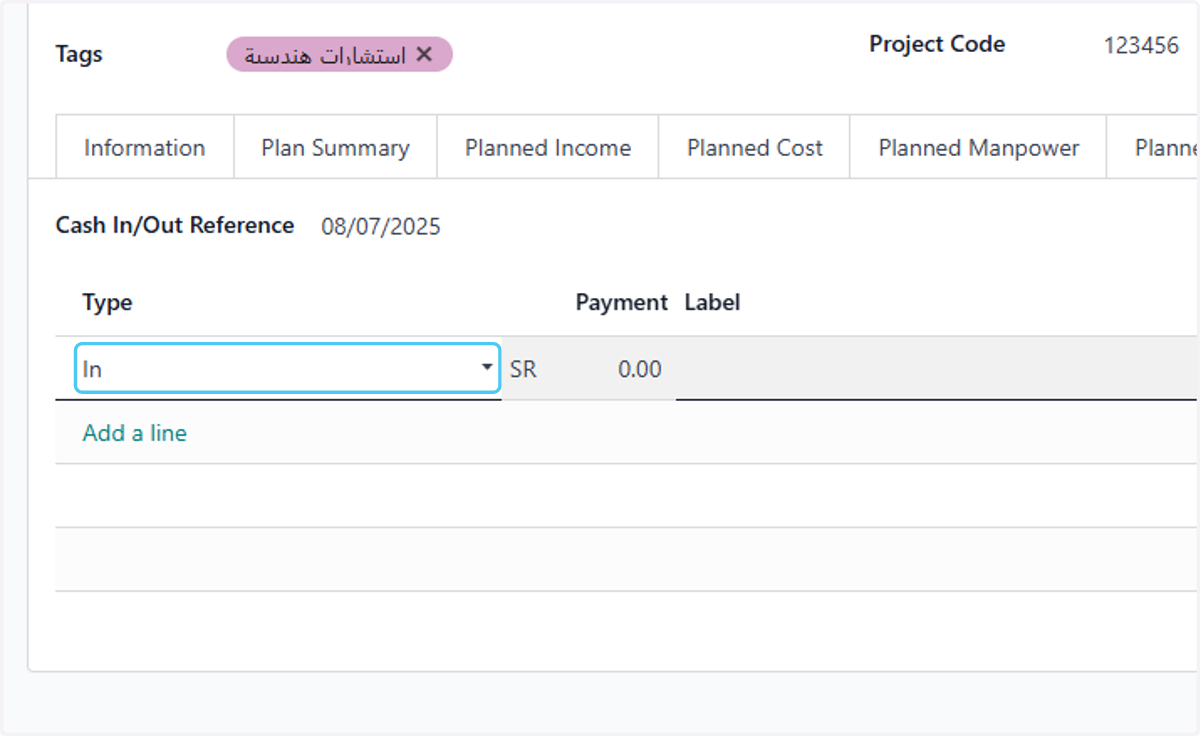
7. Select cash type-in or out
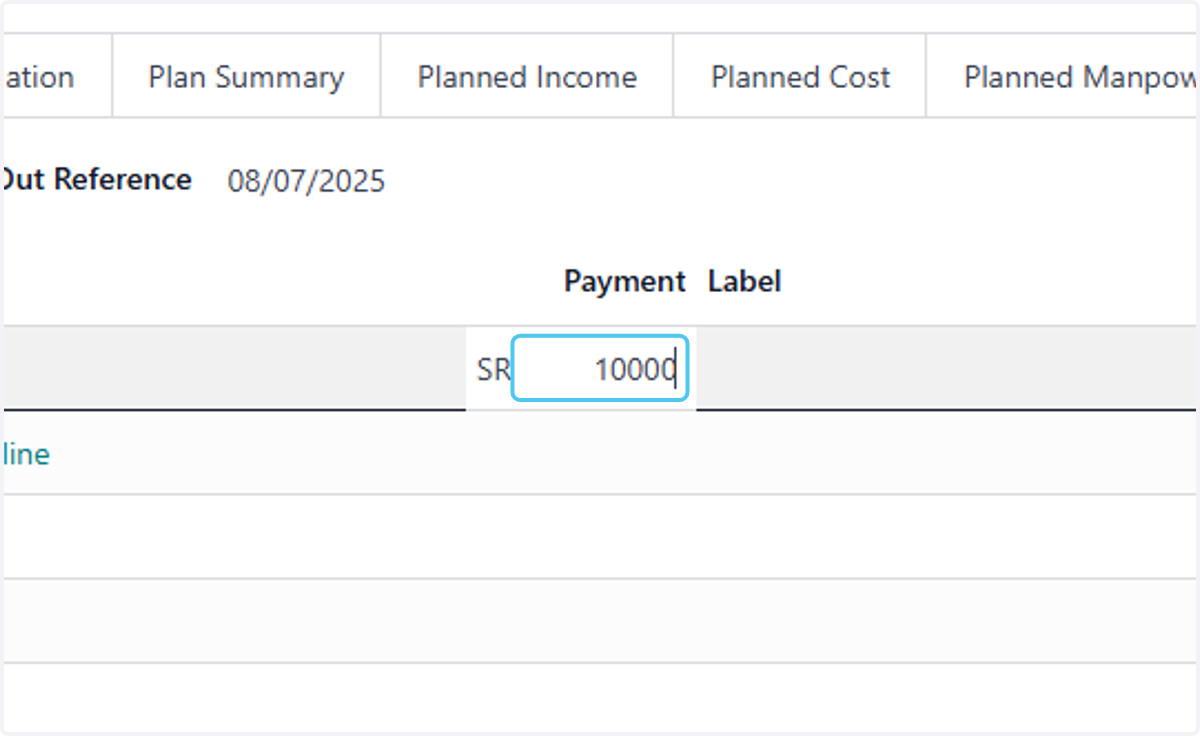
8. Type the amount
9. type the lable
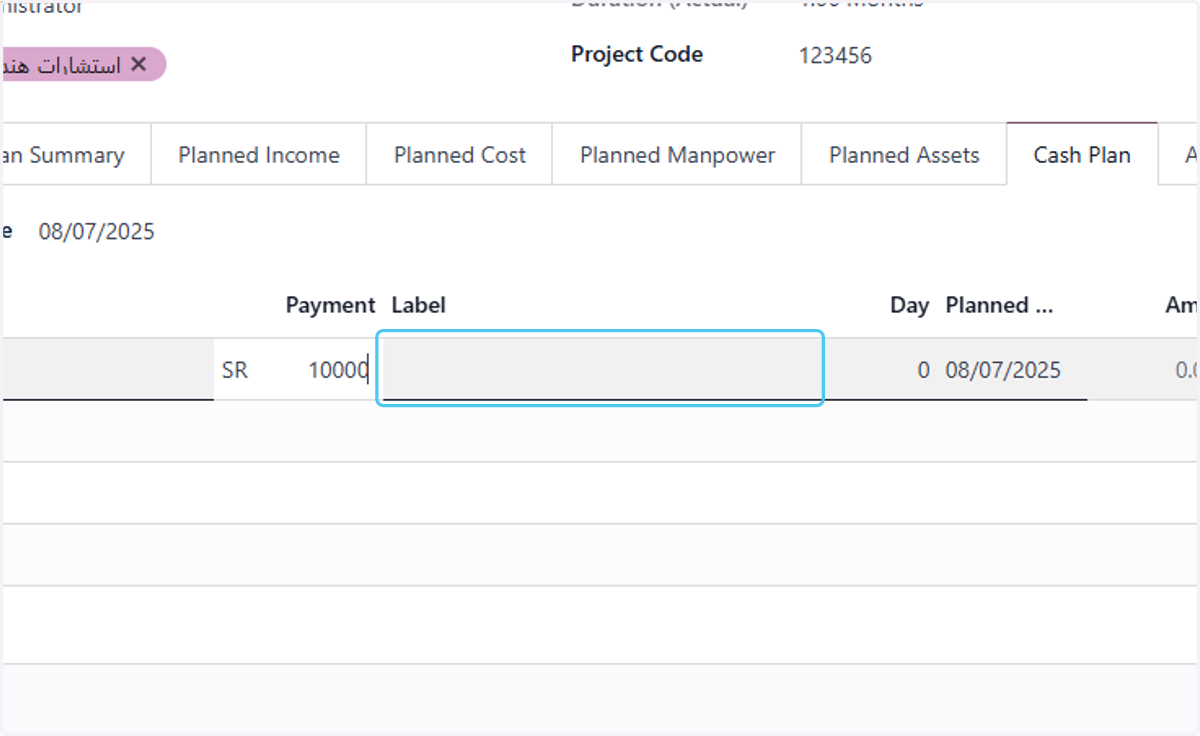
10. Type cash in description
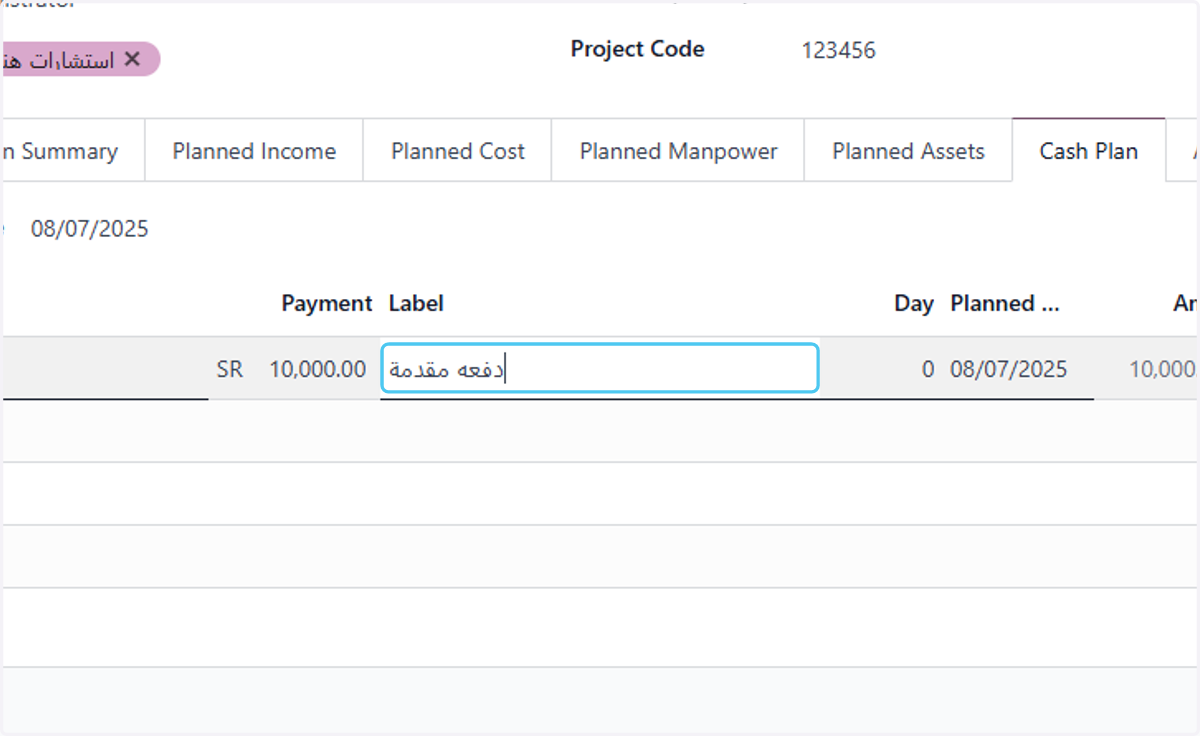
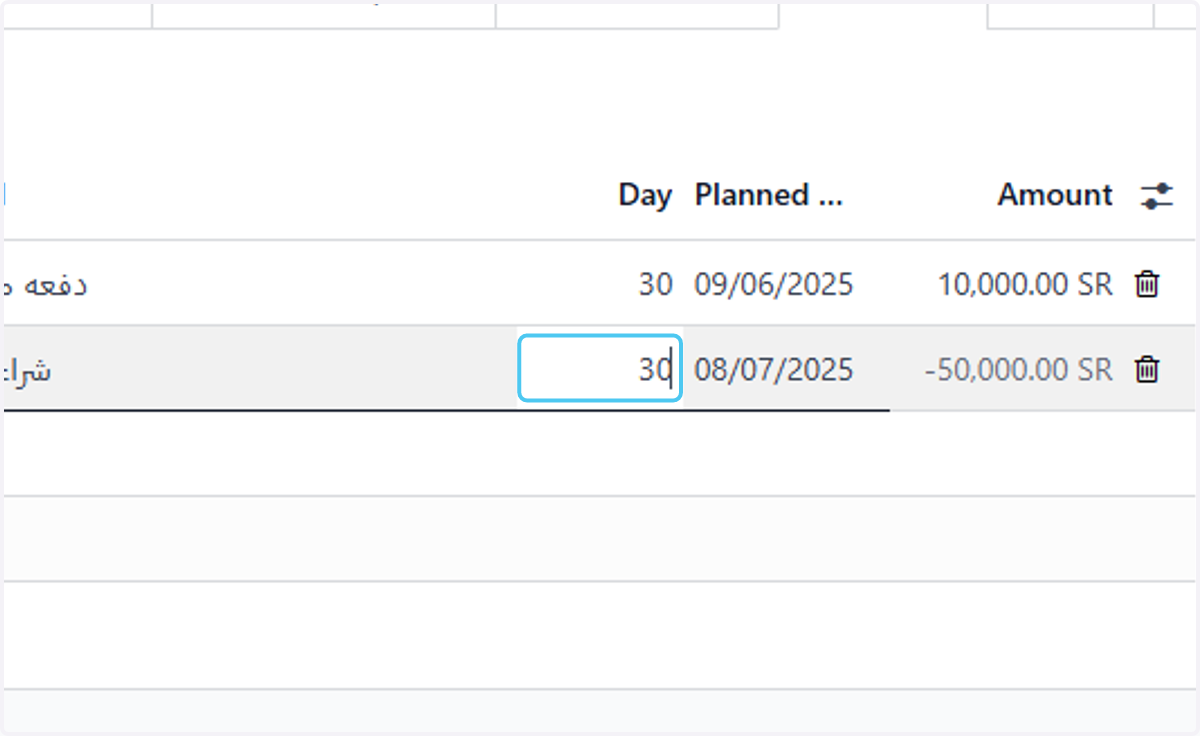
11. Type the period in days
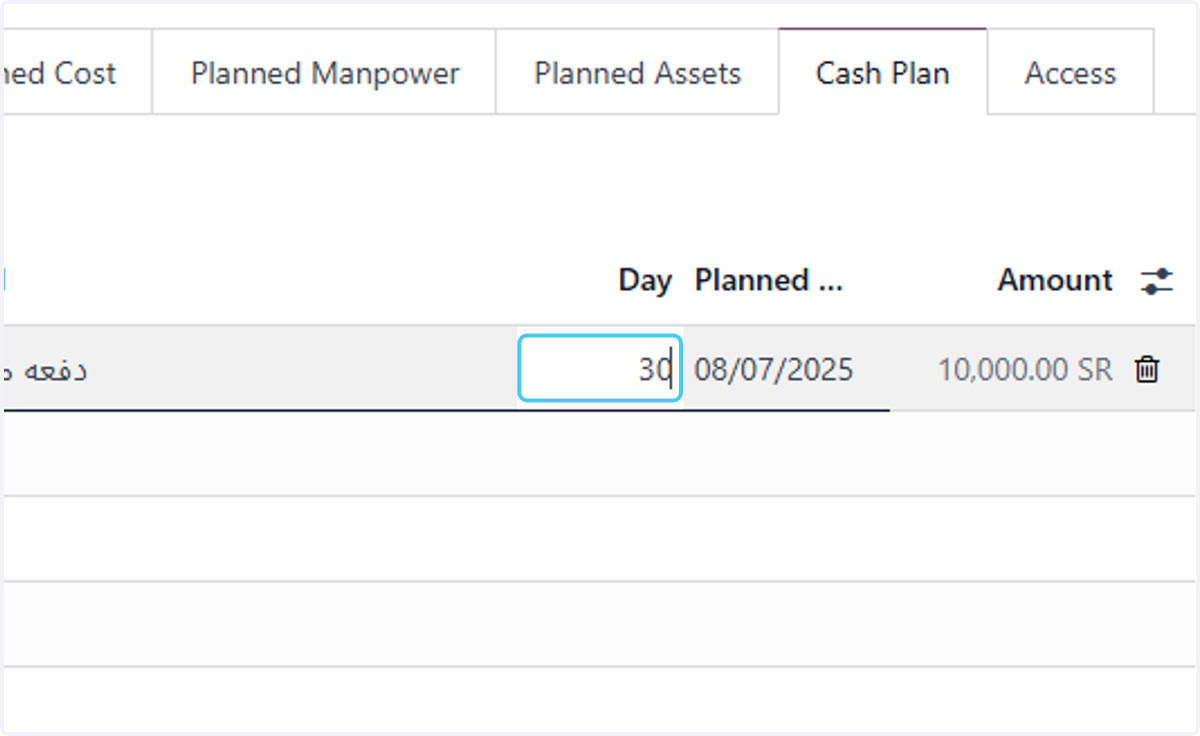
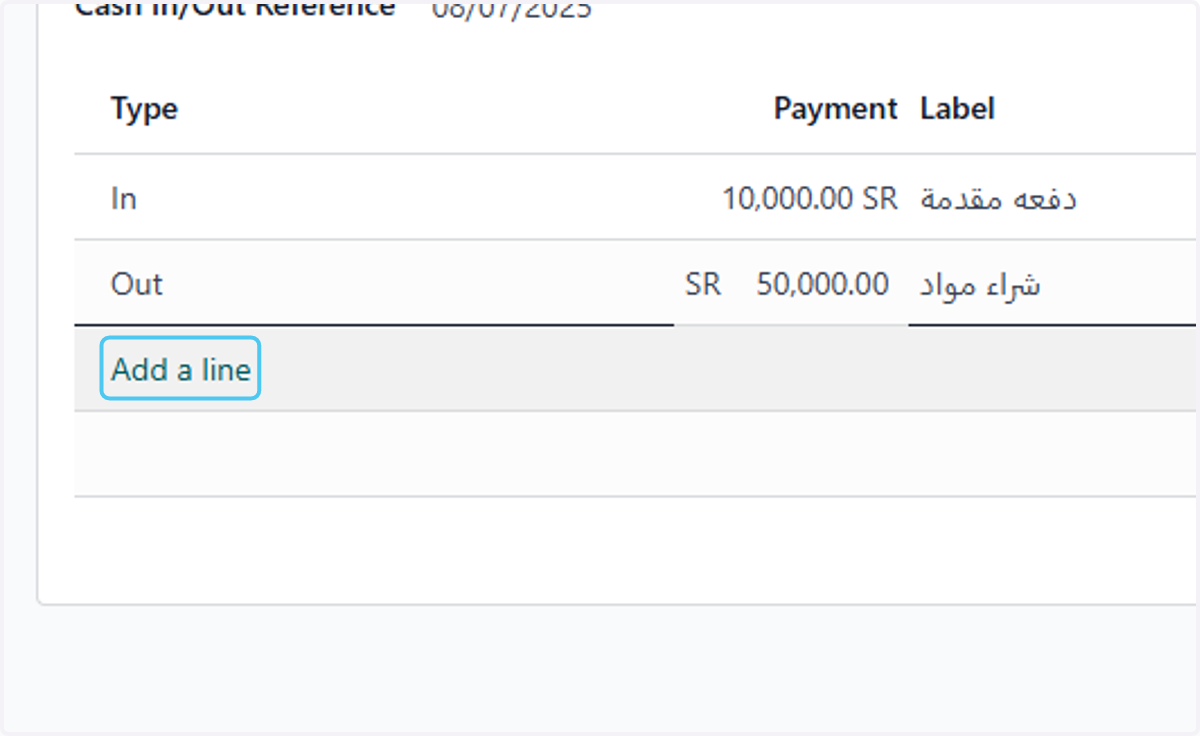
12. Click on Add a line
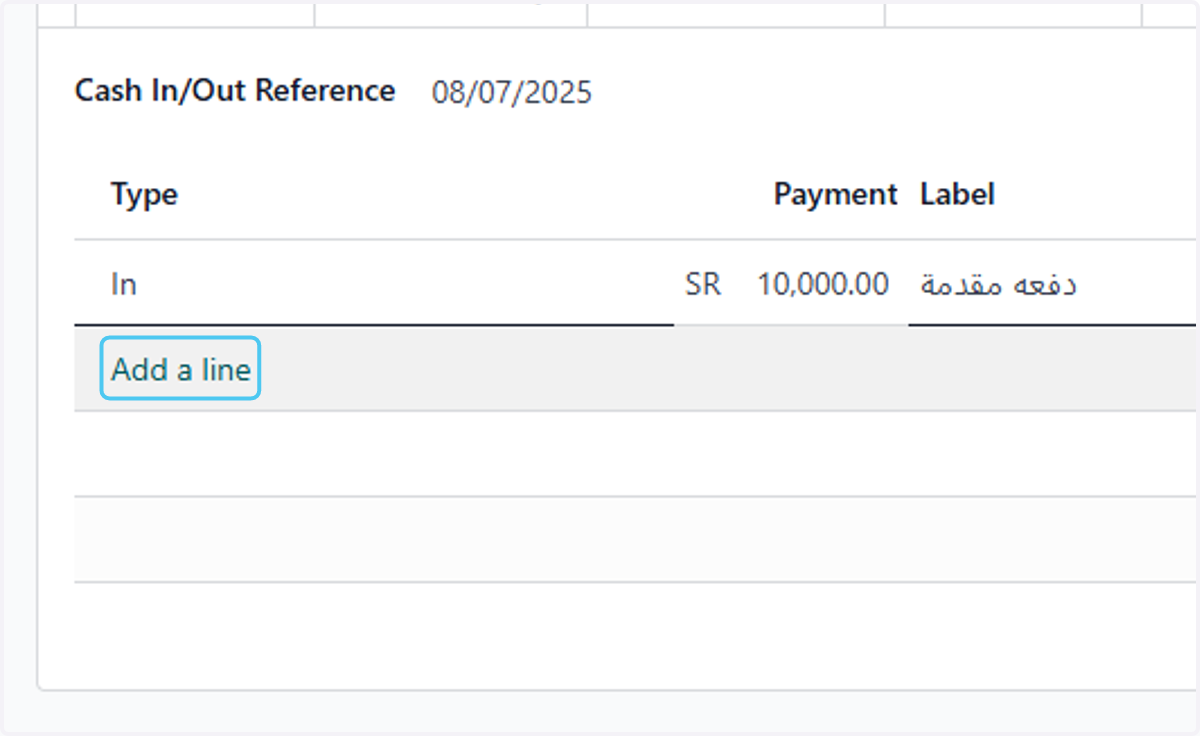
13. Select cash type Out
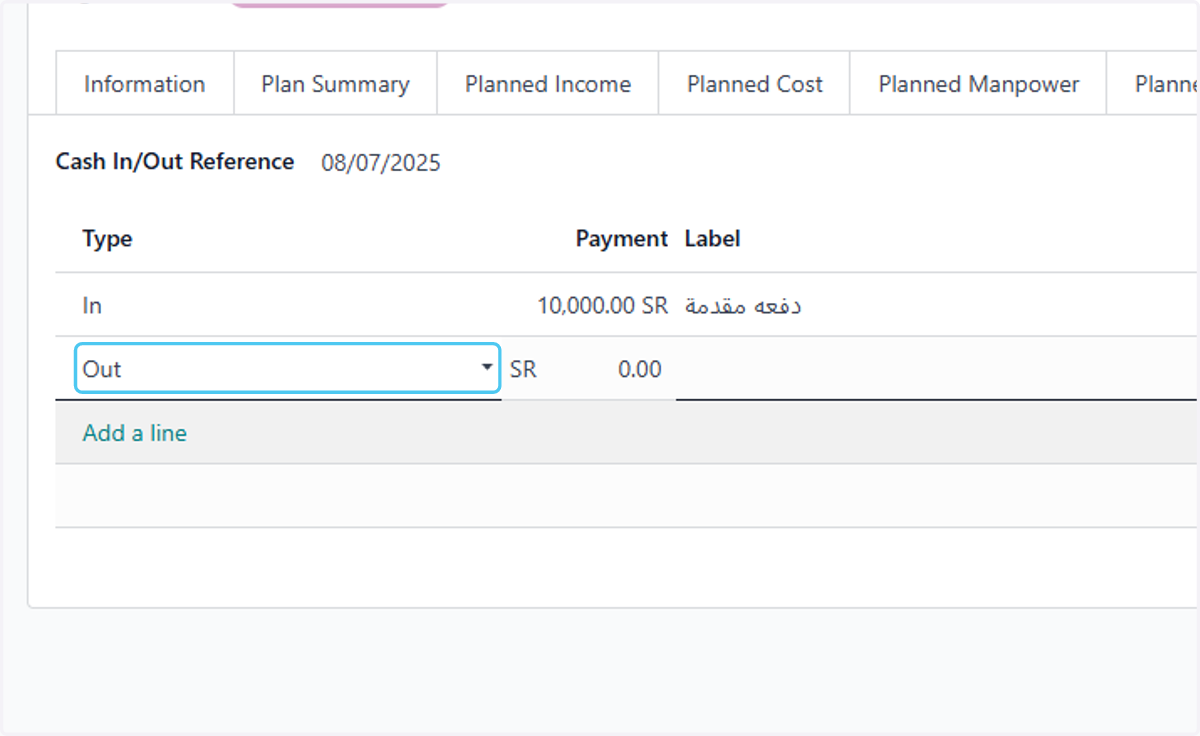
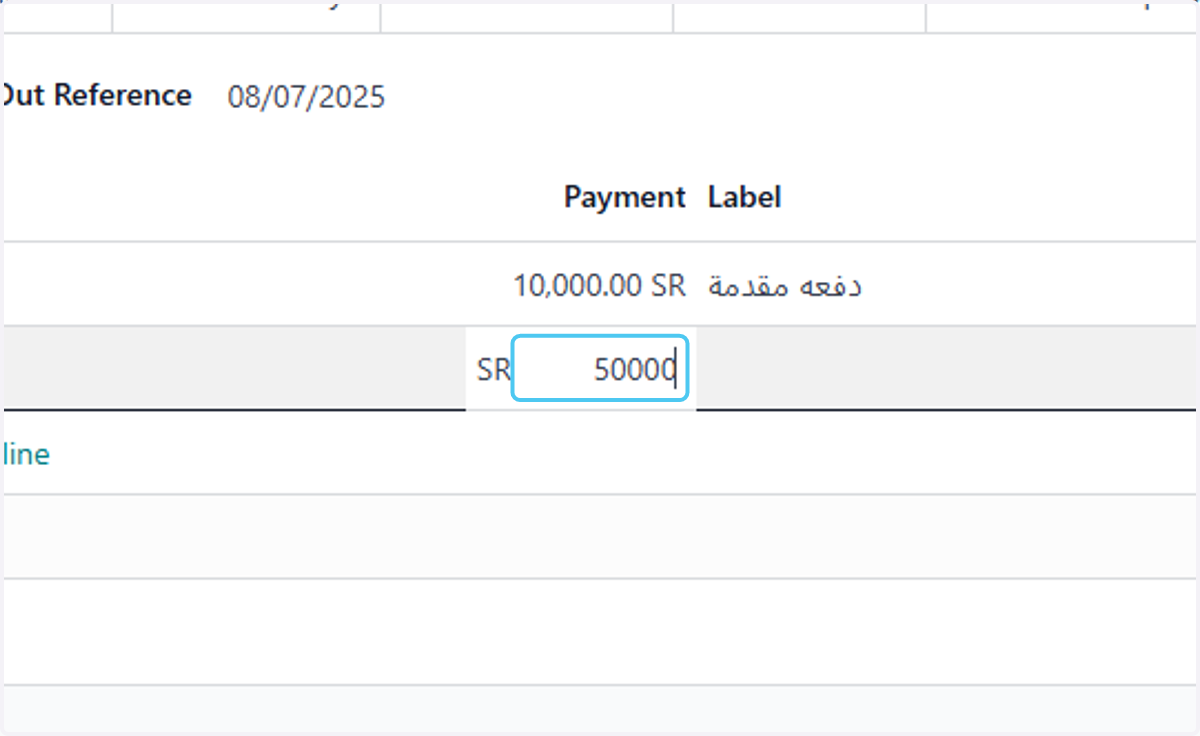
14. Type the amount
15. Type cash out description
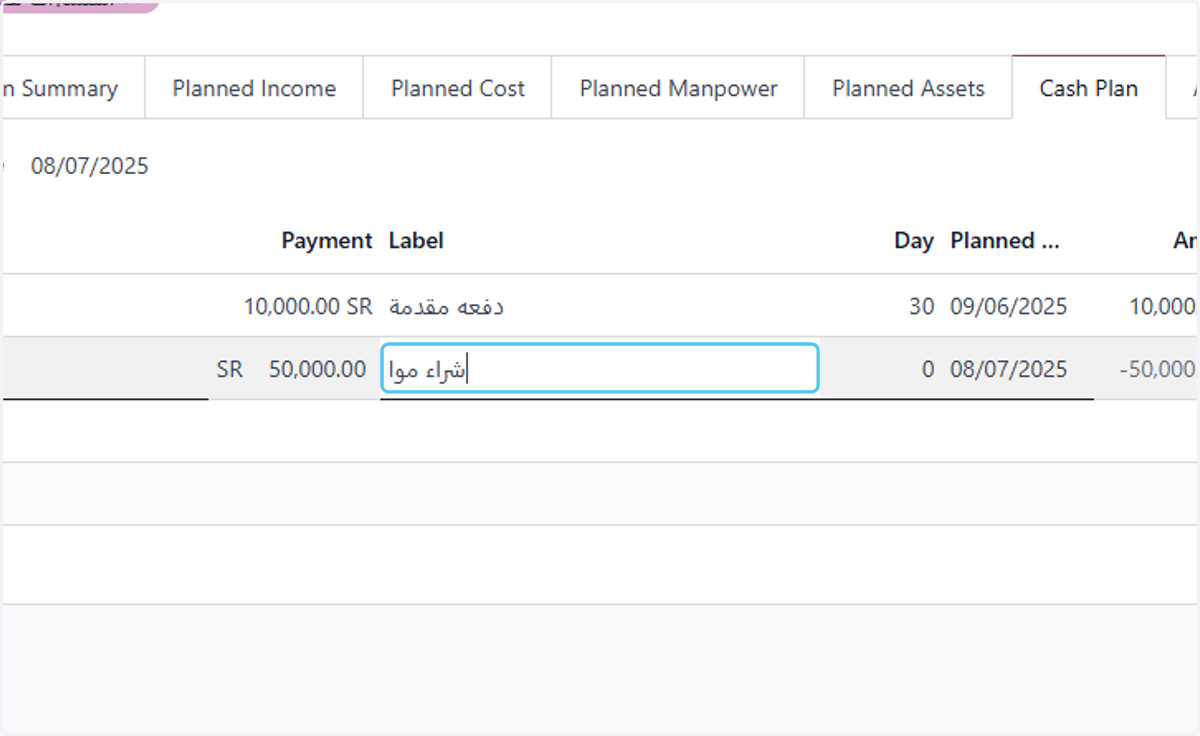
16. Type the period in days
17. Click on Add a line for more
18. Click on Save manually