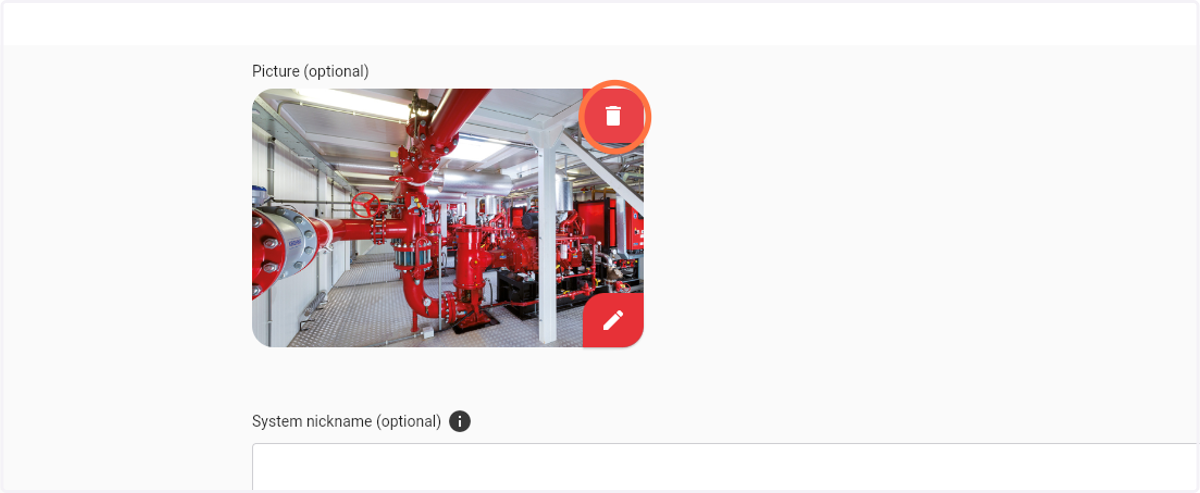
How to setup a picture & nickname for a Firepack
1. Navigate to web.firecoach.app
2. Log in with your Firecoach account
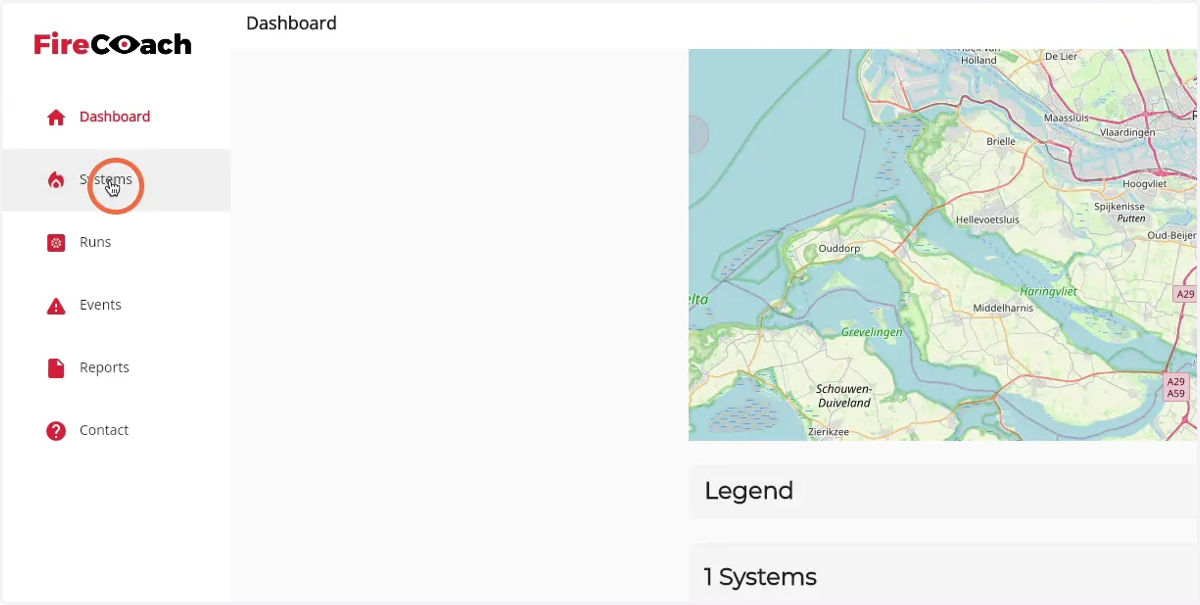
3. Click on 'Systems'
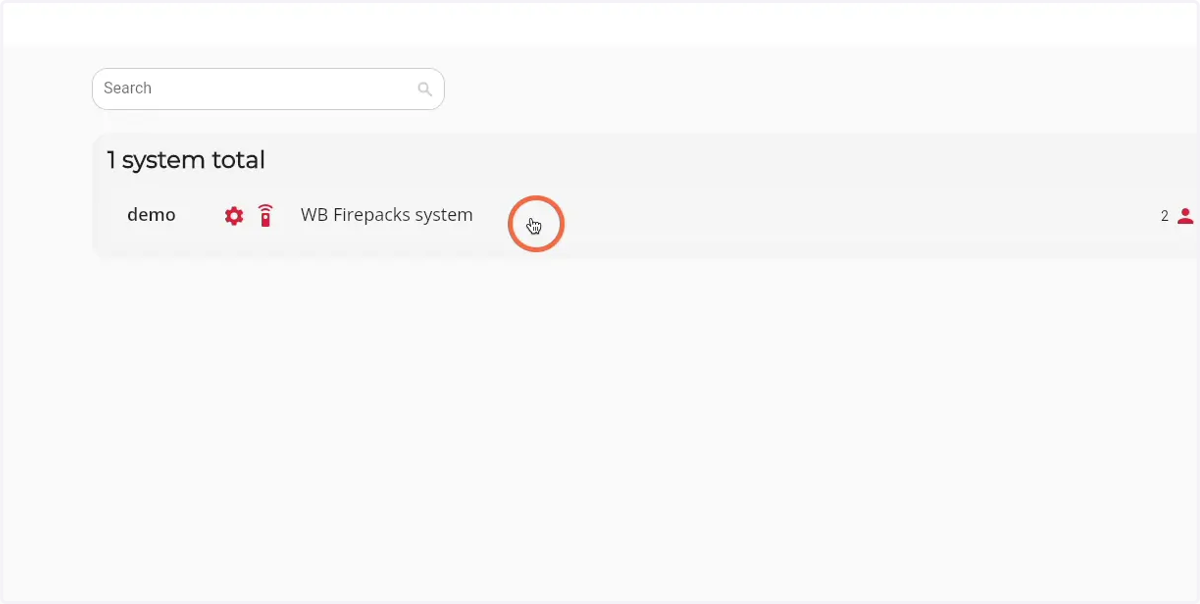
4. Click on the Firepack that you would like to setup an image and nickname for
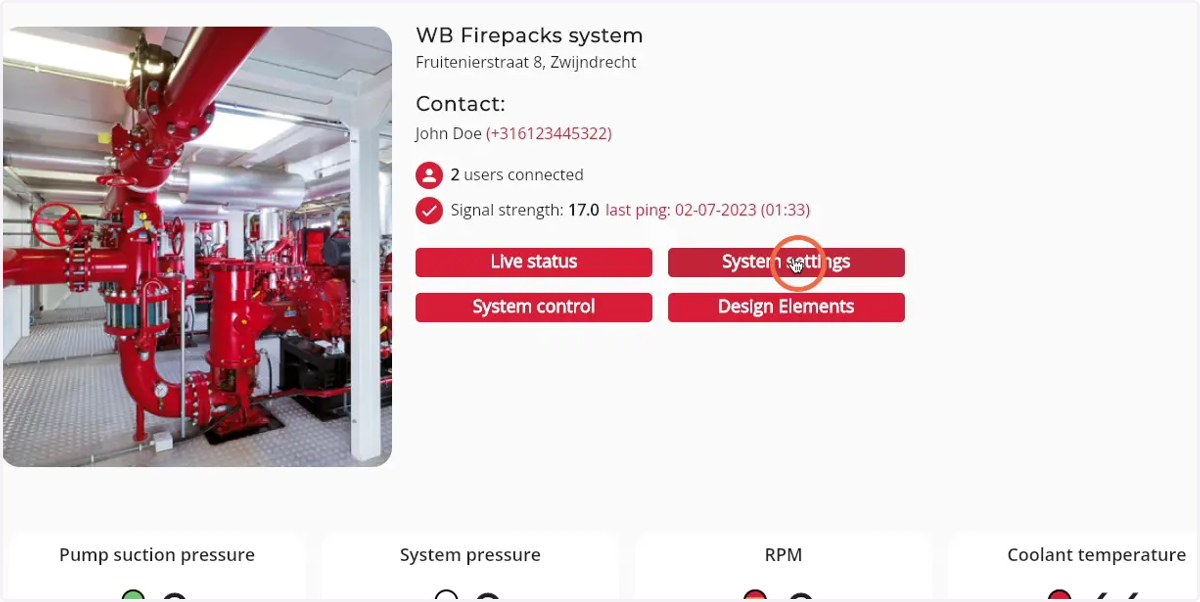
5. Click on 'System settings'
6. Click on the 'Pen' icon to browse for an image
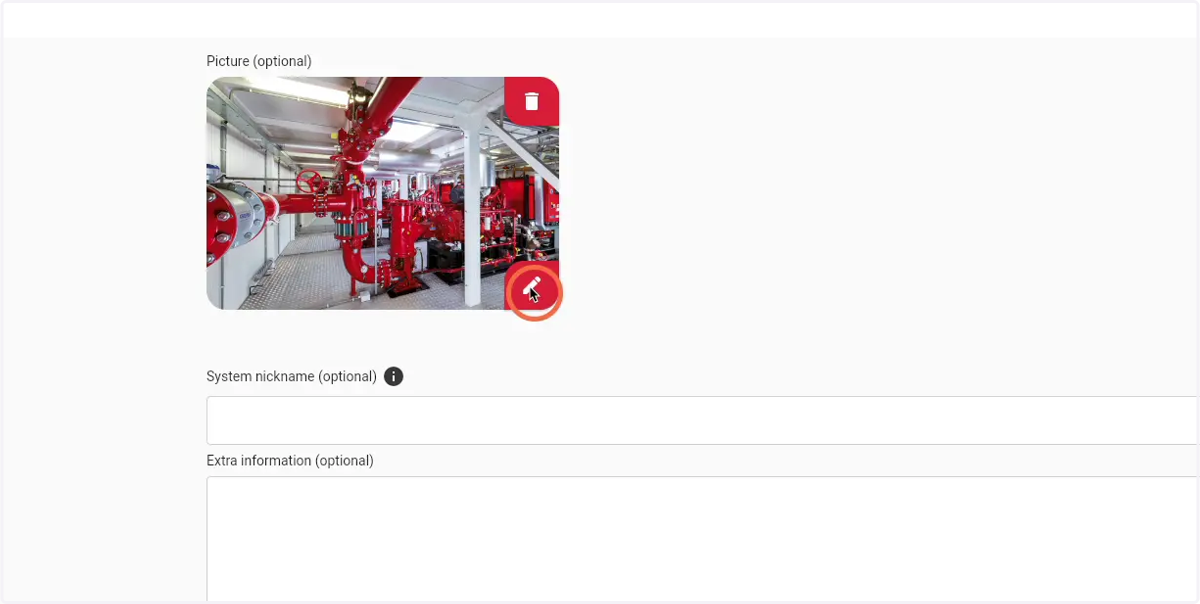
7. Select an image in your file browser
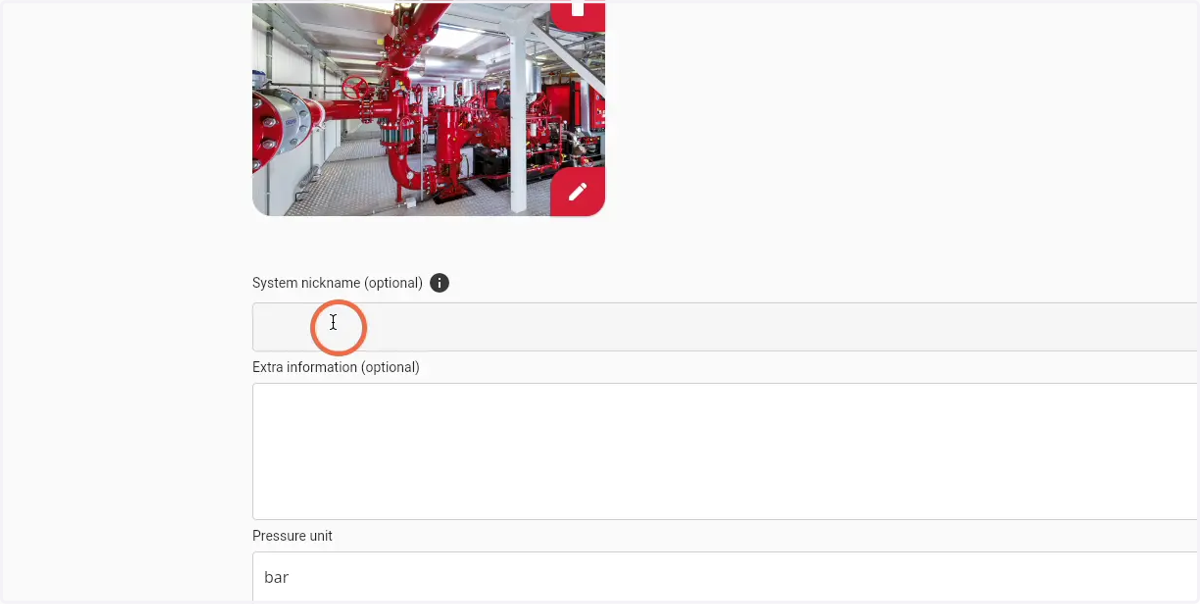
8. Click the 'Nickname' field to enter a nickname for the Firepack
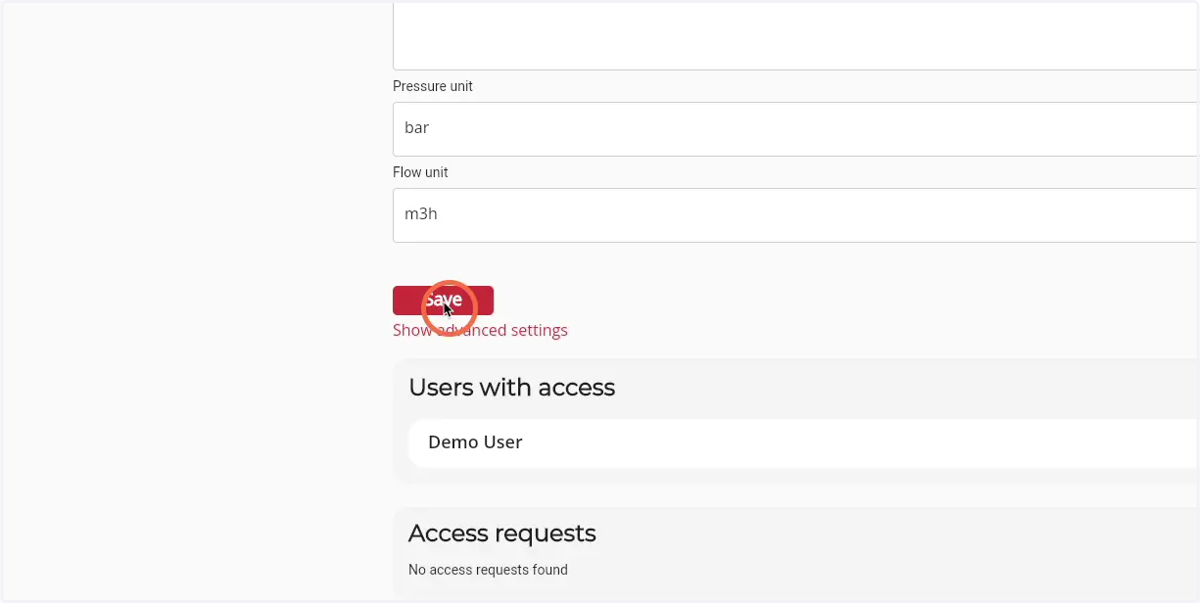
9. Click 'save' to save the changes
10. To remove the image, click on the 'bin' icon