ParkHub Live: Overview
ParkHub Suite
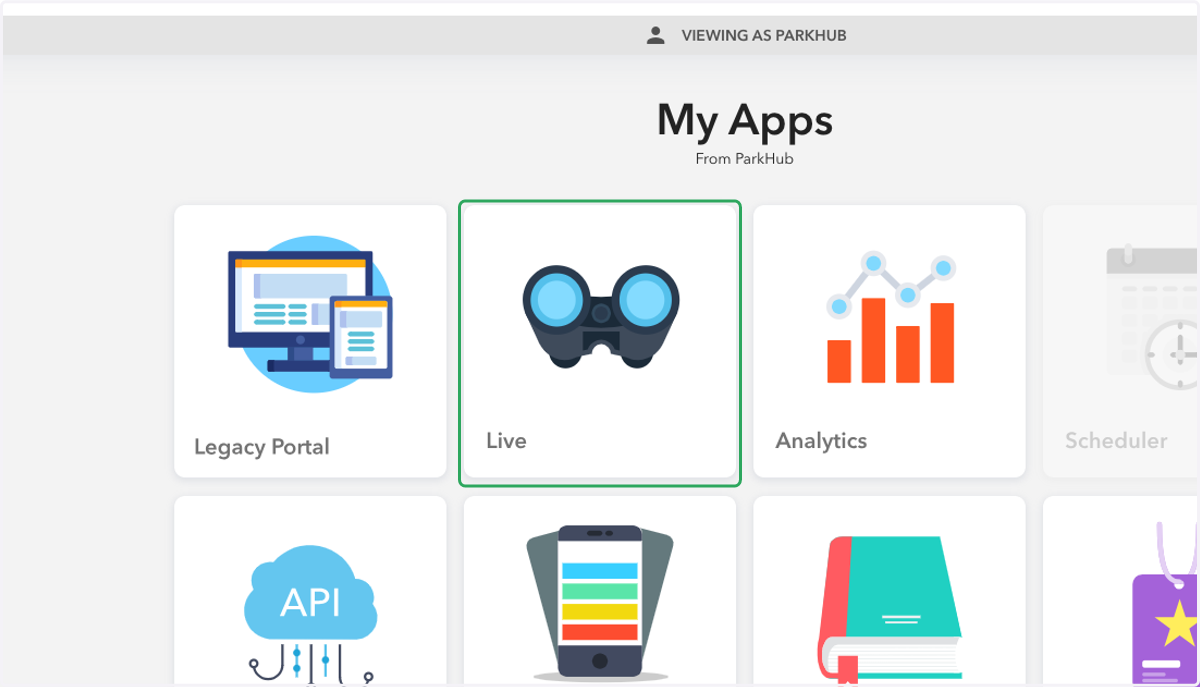
1. Select "Live"
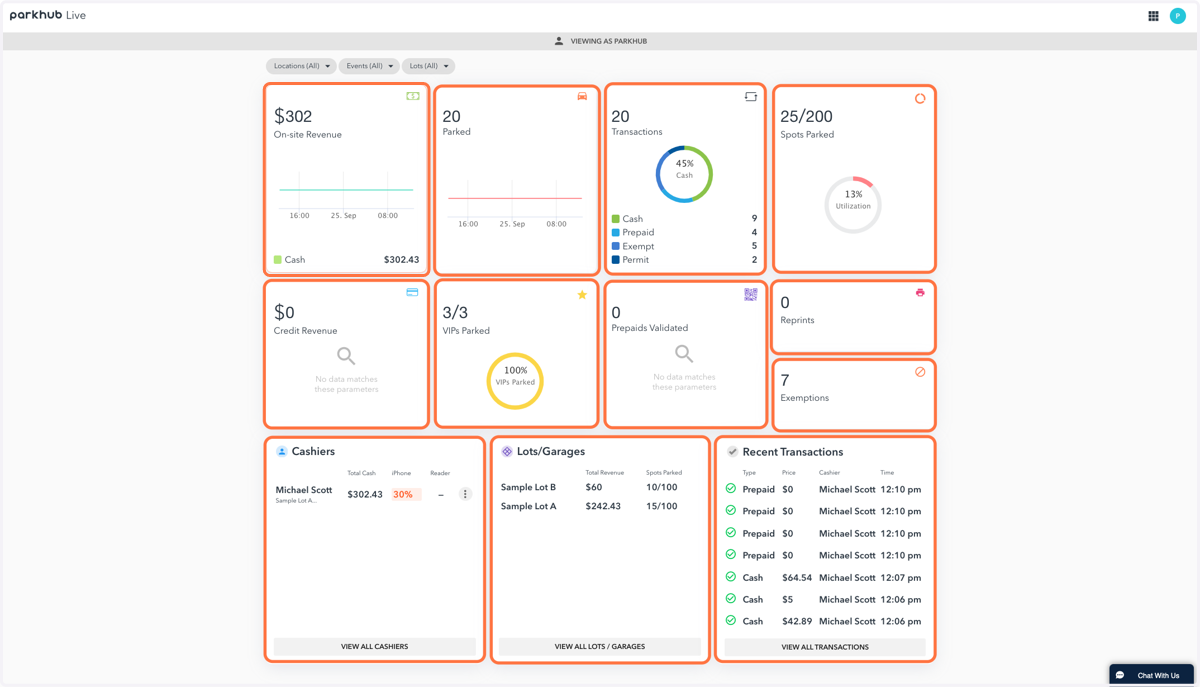
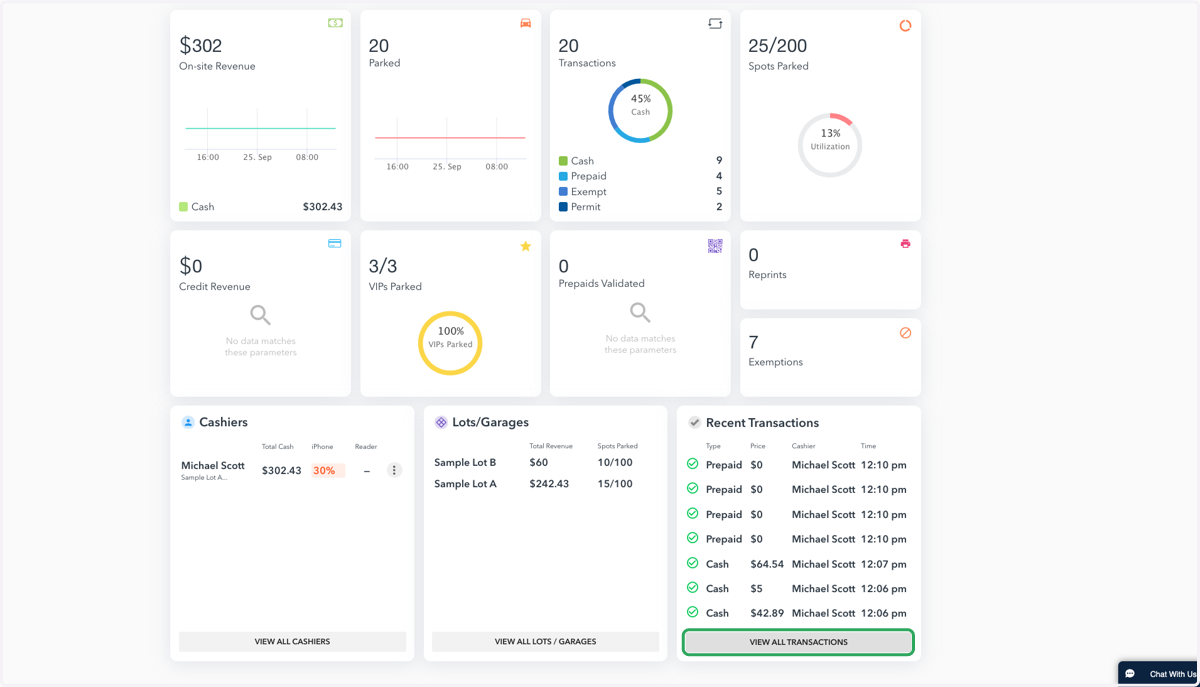
2. Within Live you have many different data points at your fingertips
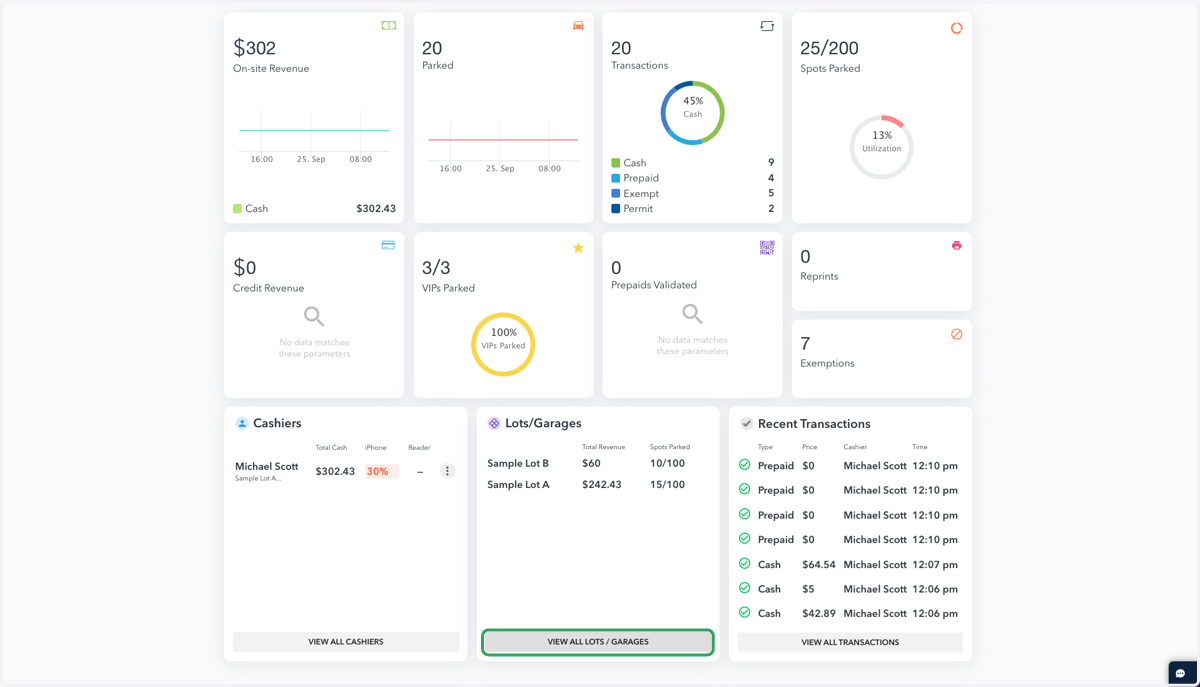
Onsite Revenue, Vehicles Parked, Transactions, Spots Parked, Credit Revenue, VIPs, Prepaid Information, Receipt Reprints, Exemption Counts, Cashier(s) information, Lots/Garages breakdown as well as Recent Transactions
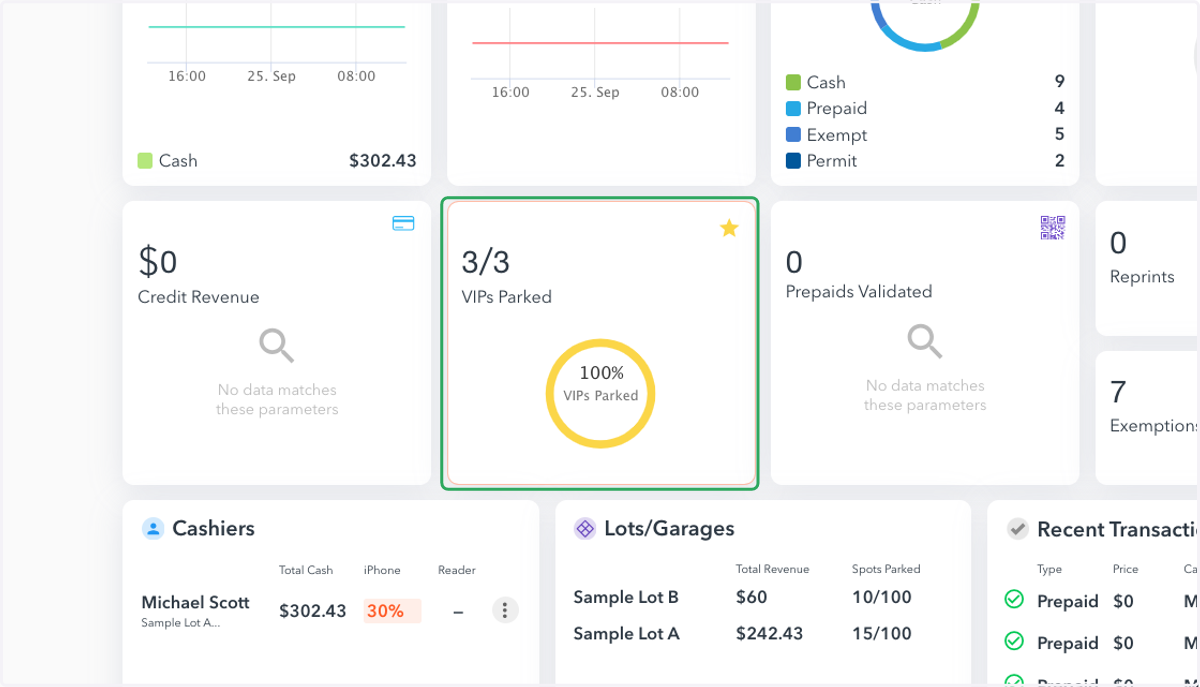
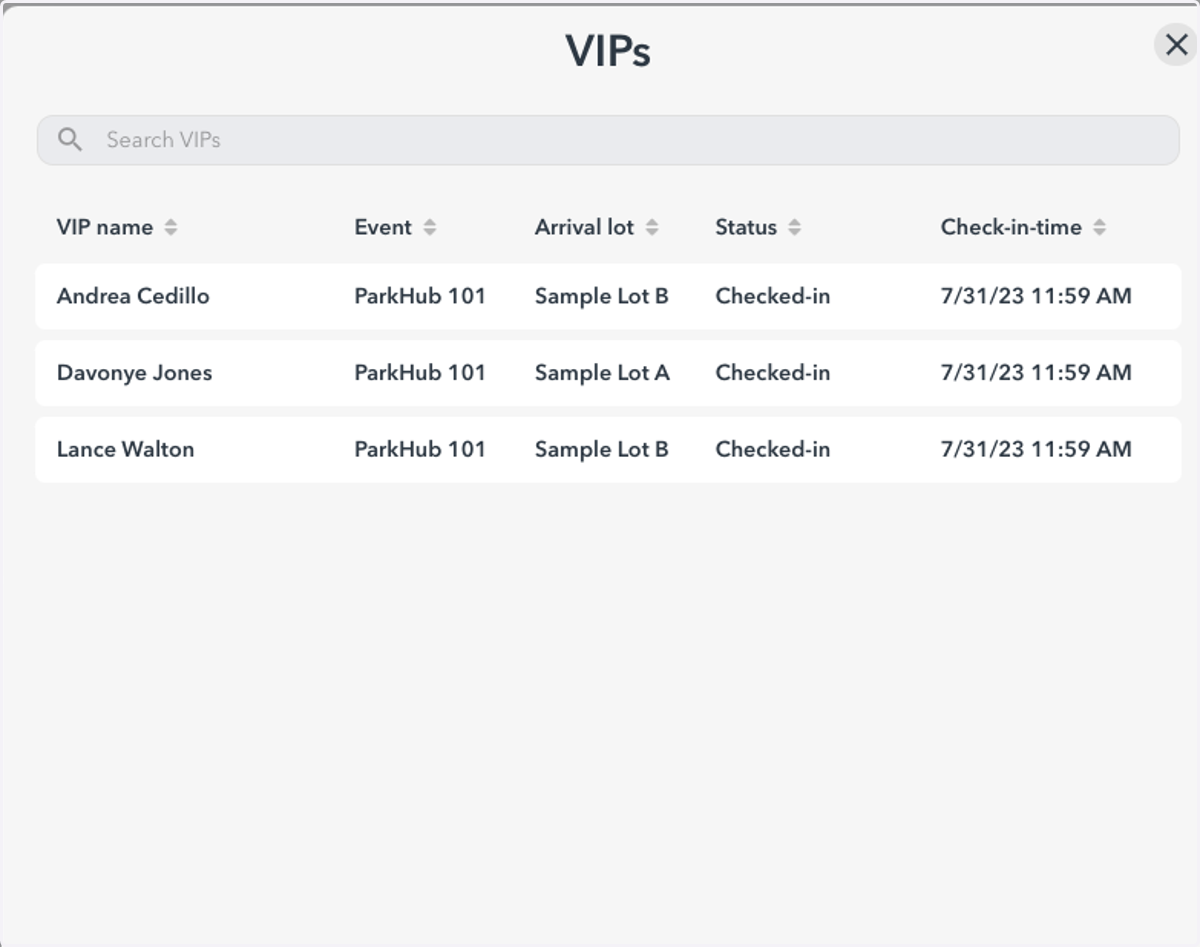
3. Focus State: VIPs Parked
This will allow you to view how many of your VIPs have parked, what time and where.
4. Example: VIP Focus State View
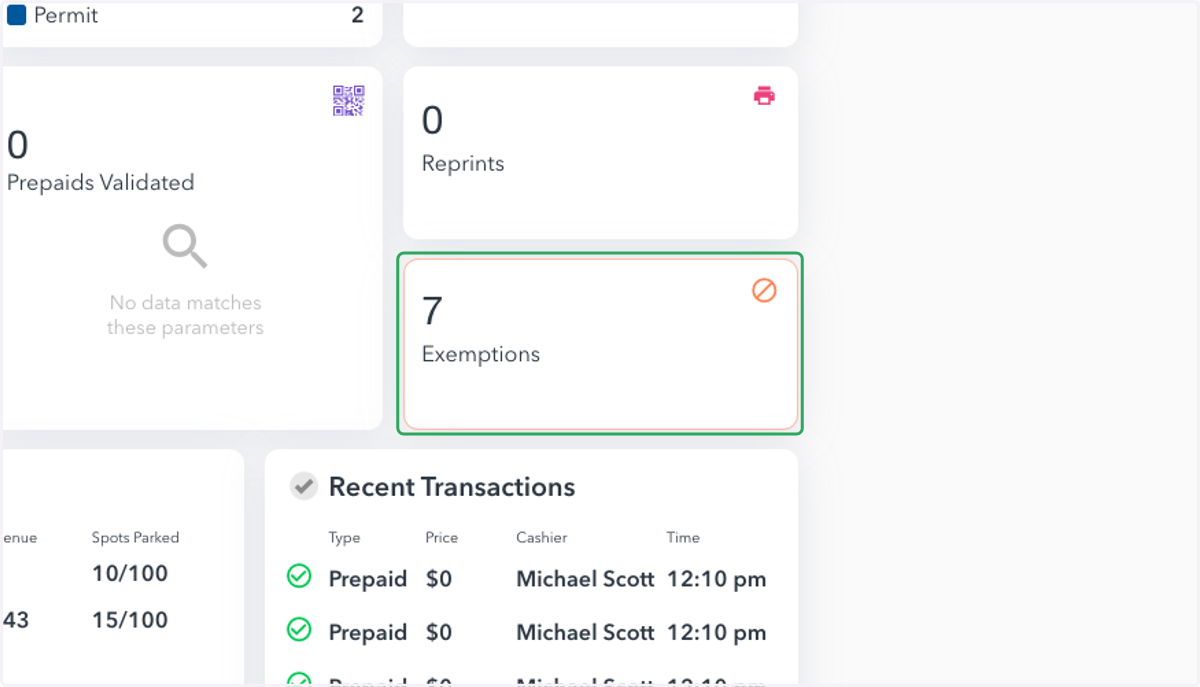
5. Focus State: Exemptions
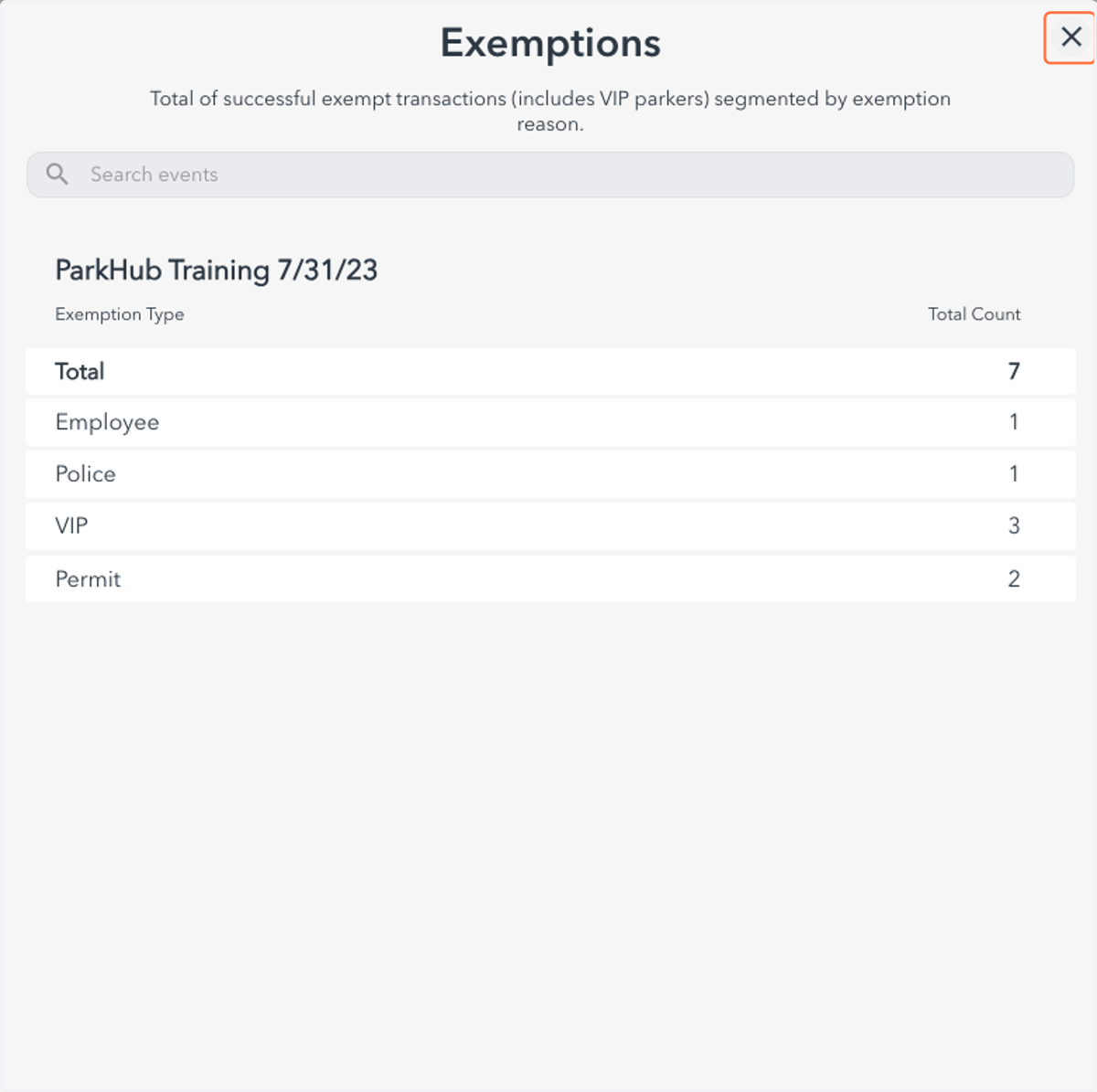
This view will allow you to see the number of exemptions ran during your event
6. Example: Exemption Focus State View
7. Focus State: Cashiers
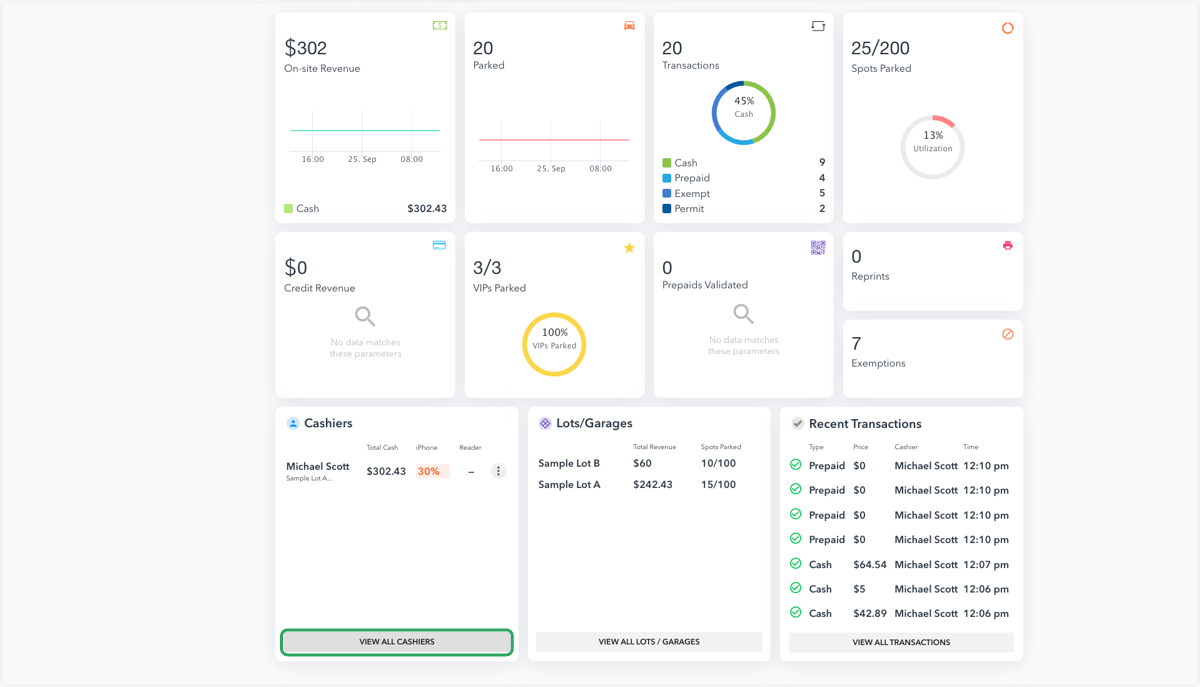
8. Select the arrow next to the cashier you would like to view
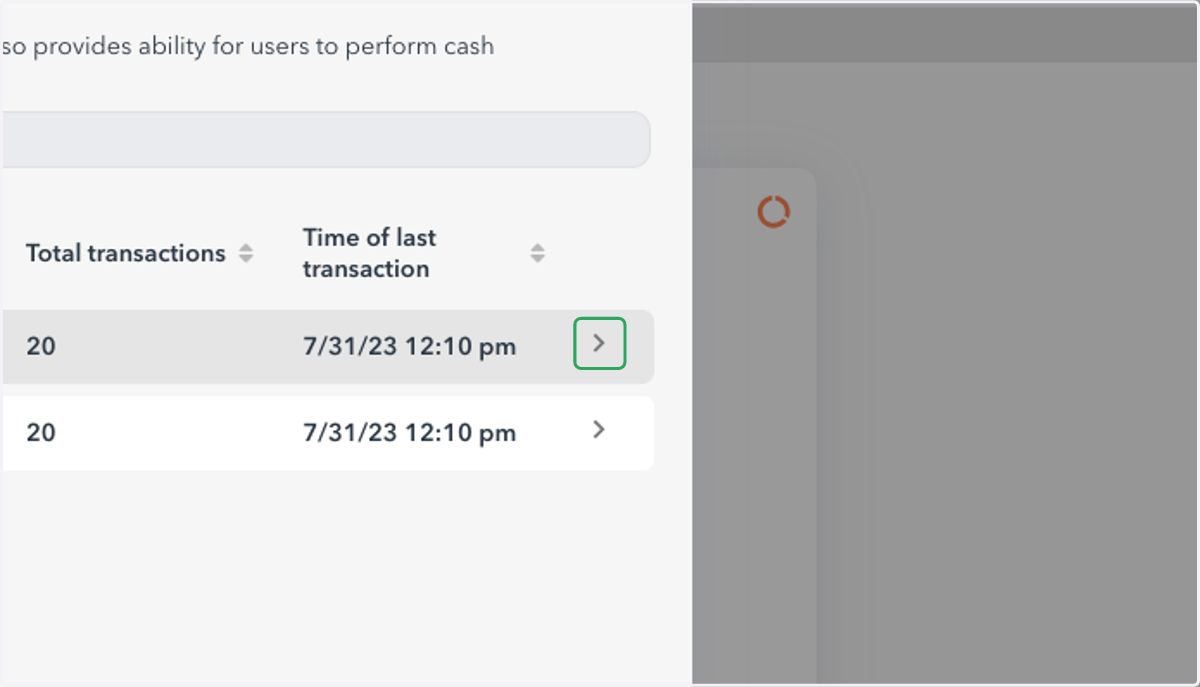
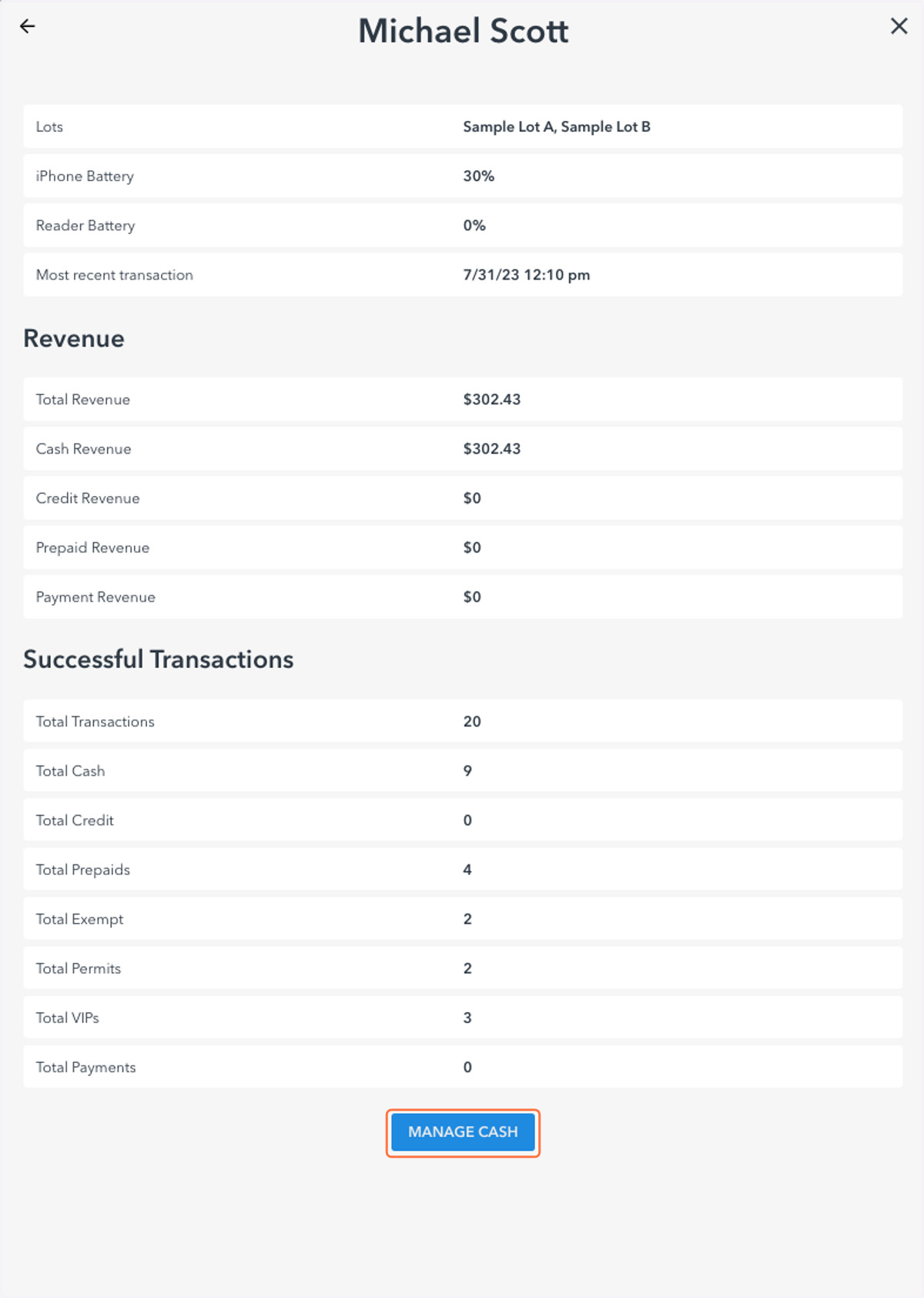
9. Example: Cashier Focus State View
You can also: "Manage Cash" for a cashier utilizing this view
10. Focus State: Lots/Garages
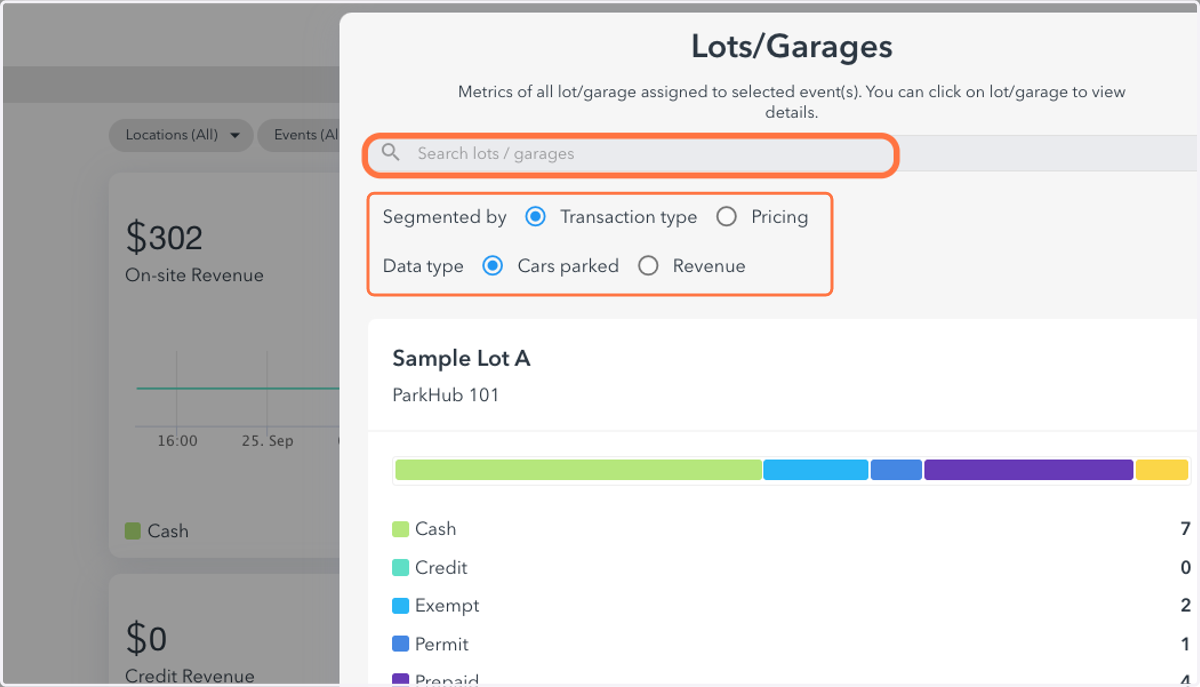
11. Example: Lots/Garages Focus State View
12. Focus State: Recent Transactions
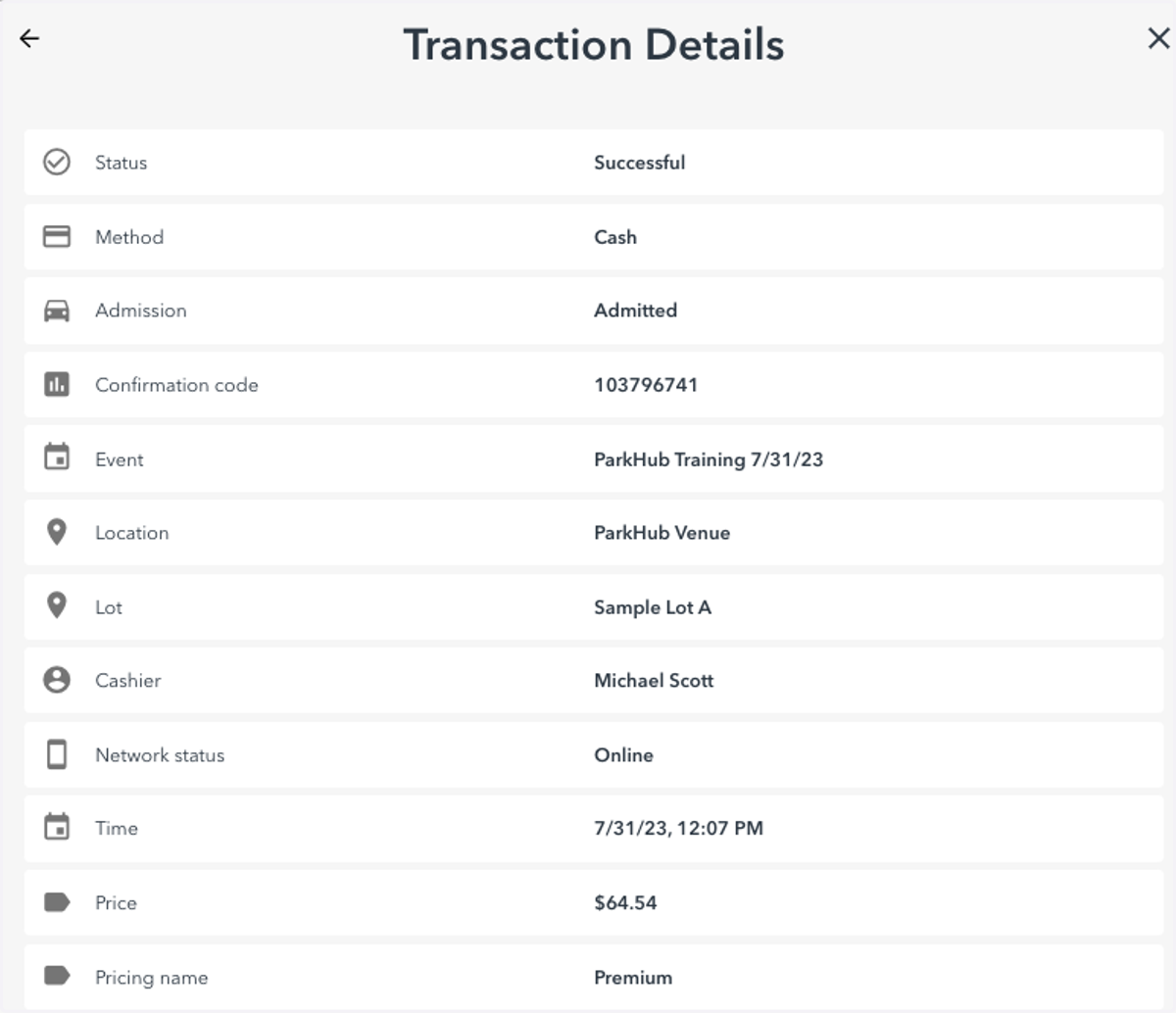
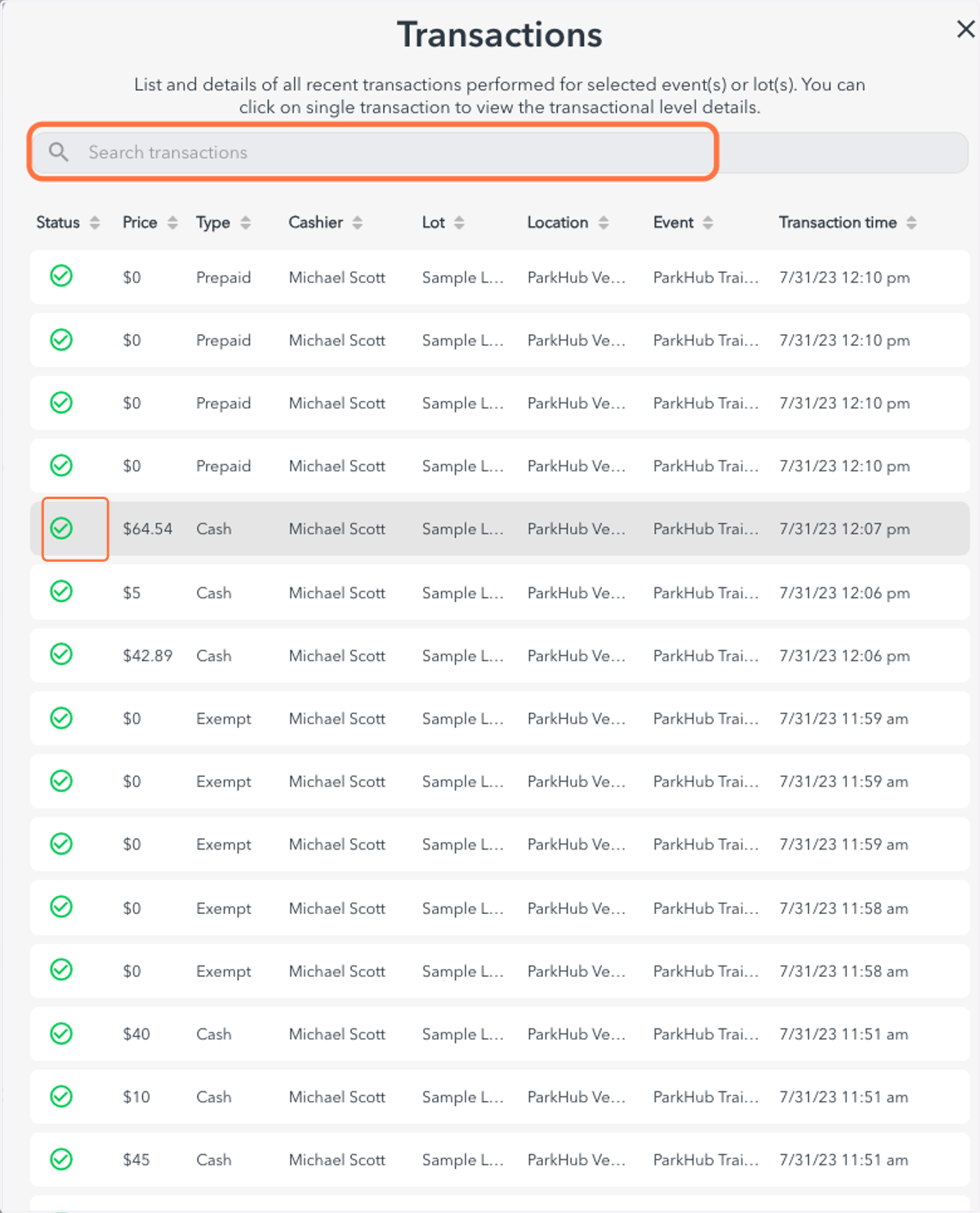
13. Select a transaction to view additional detail
You can also search by barcode, last four of a credit card etc.
14. Click on Transaction Details…