Edit Campaign/Fundraiser Goal in eTeamSponsor
1. Log into your eTeamSponsor account and make sure you are on your program dashboard

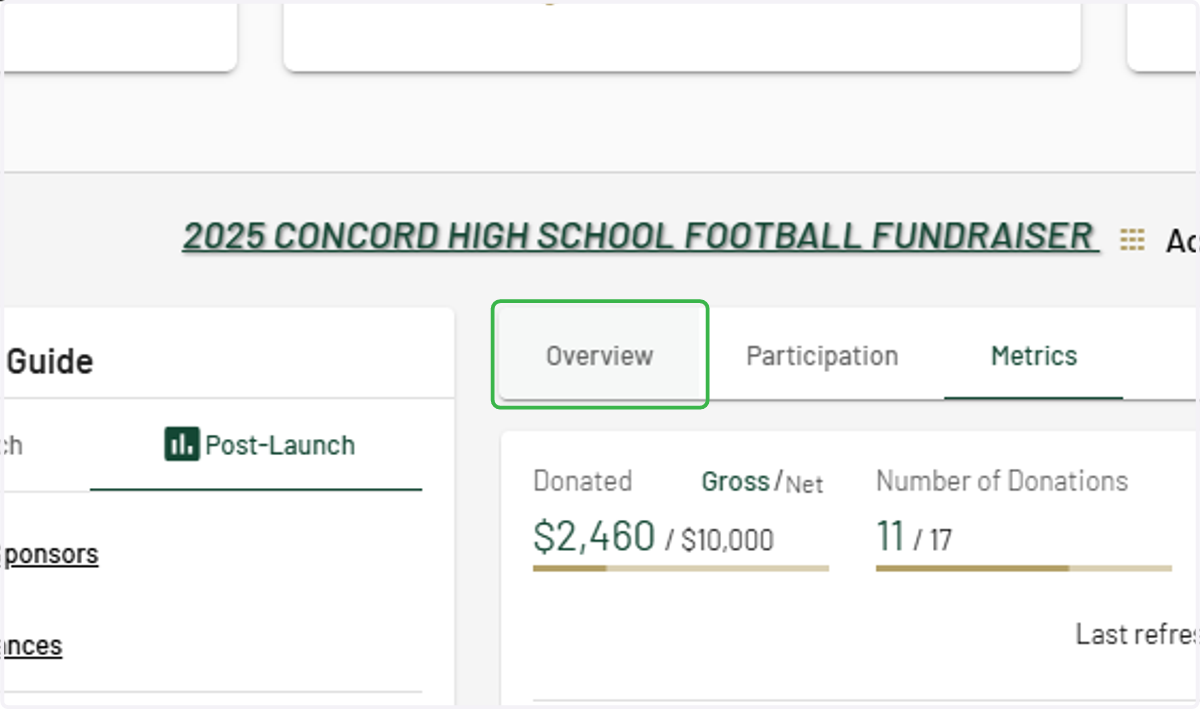
2. Click on the Overview tab
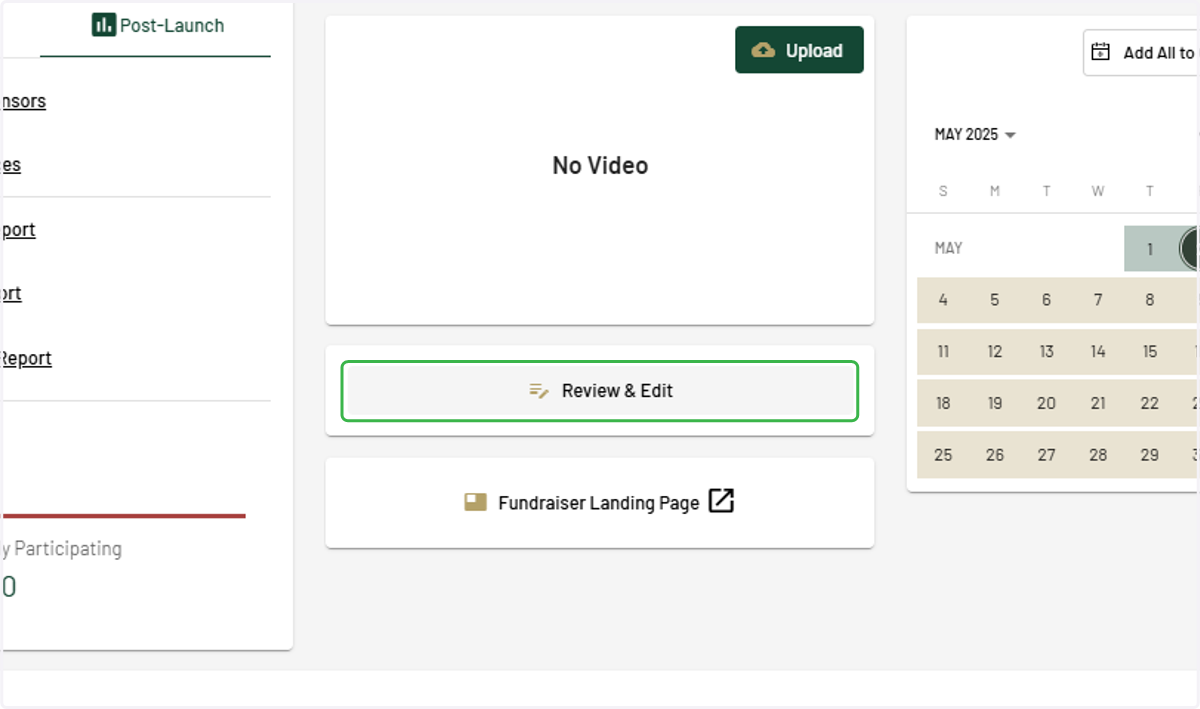
3. Click on Review & Edit
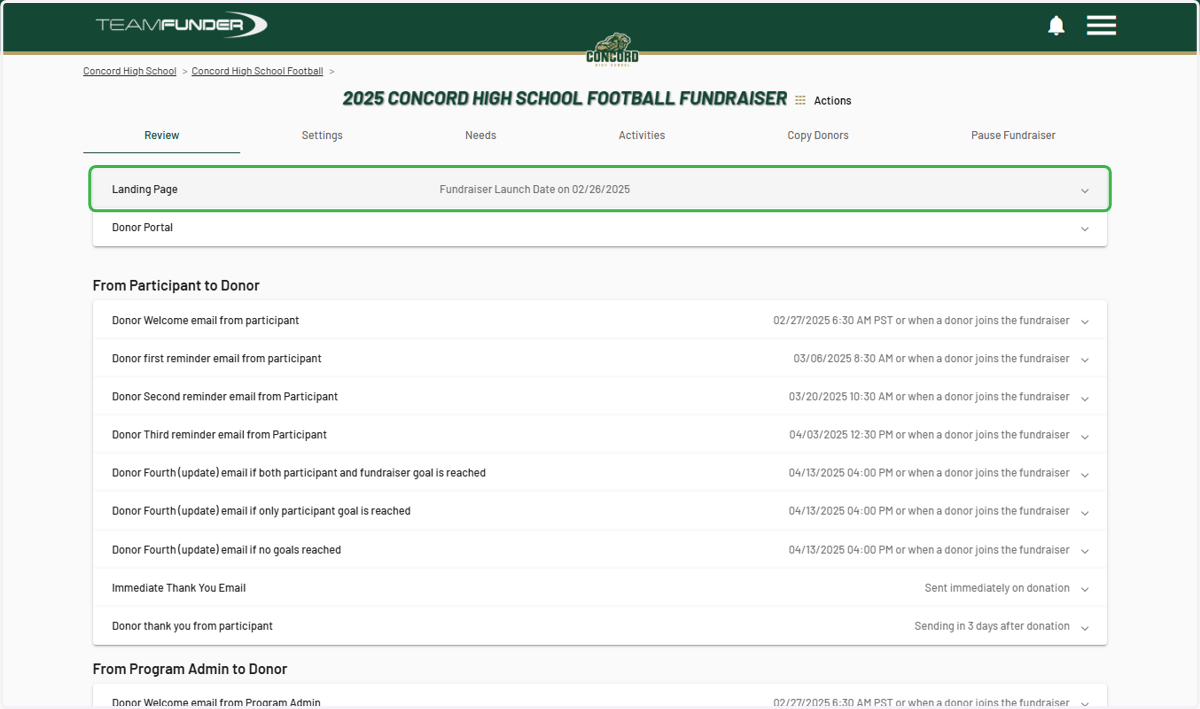
4. Click on Landing Page…
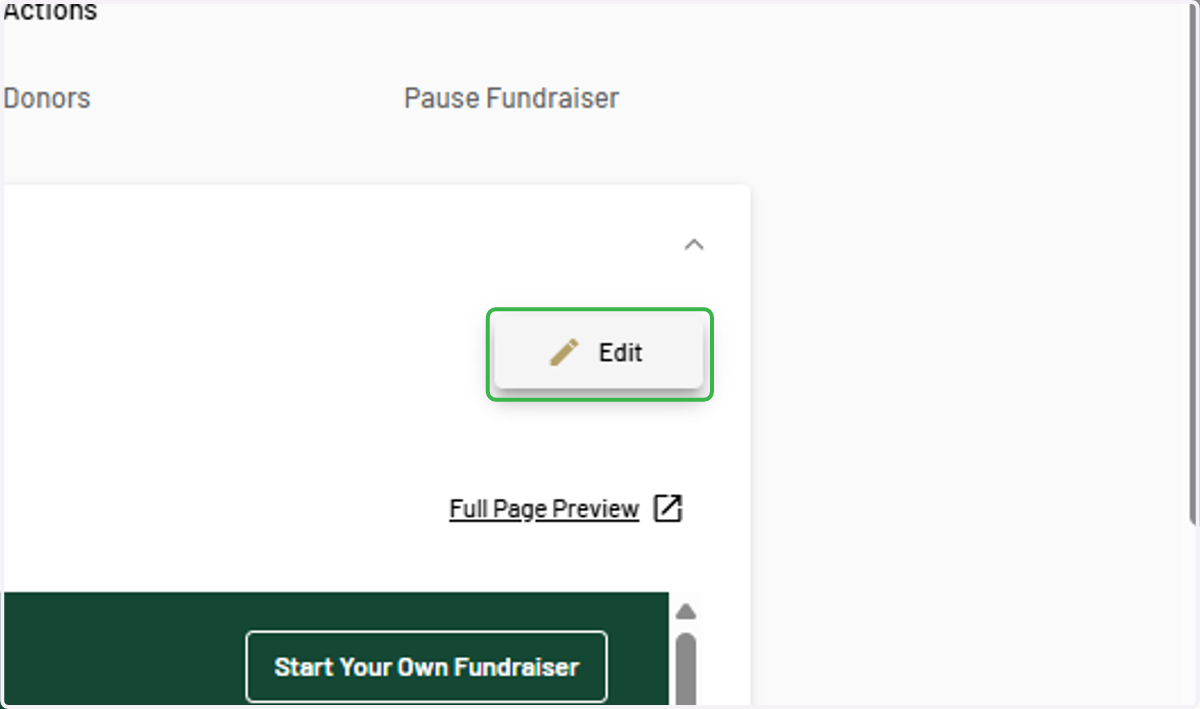
5. Click on Edit
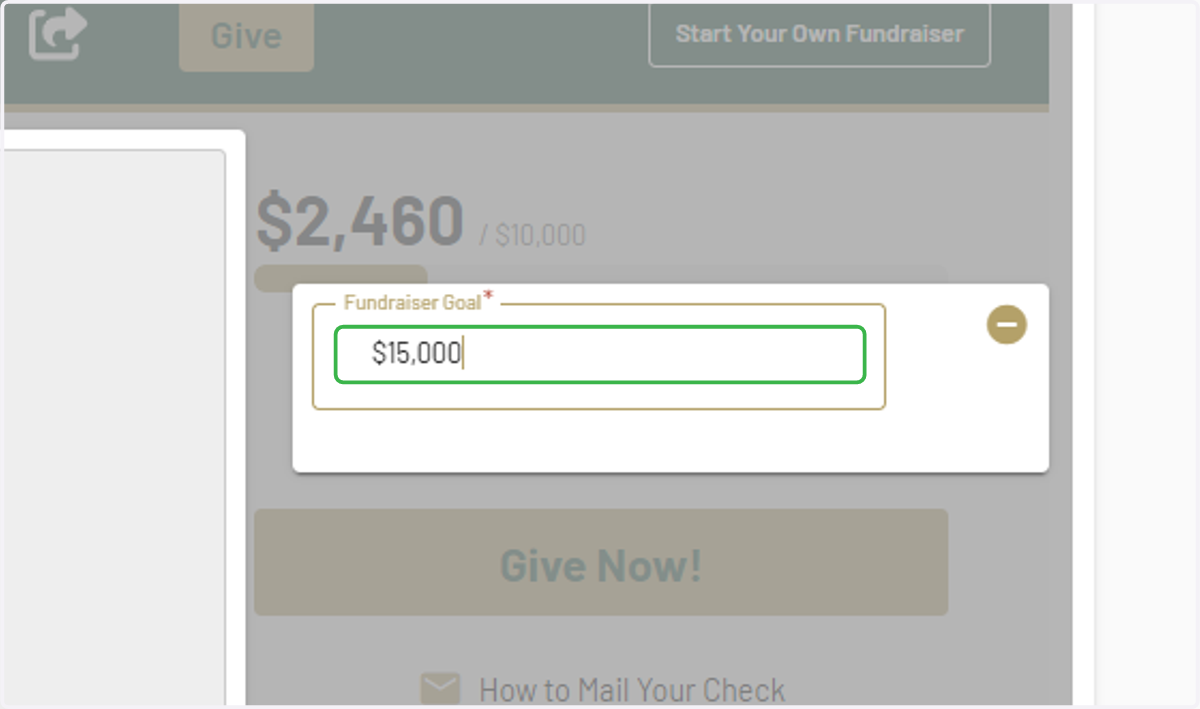
6. Type in desired campaign/fundraiser goal
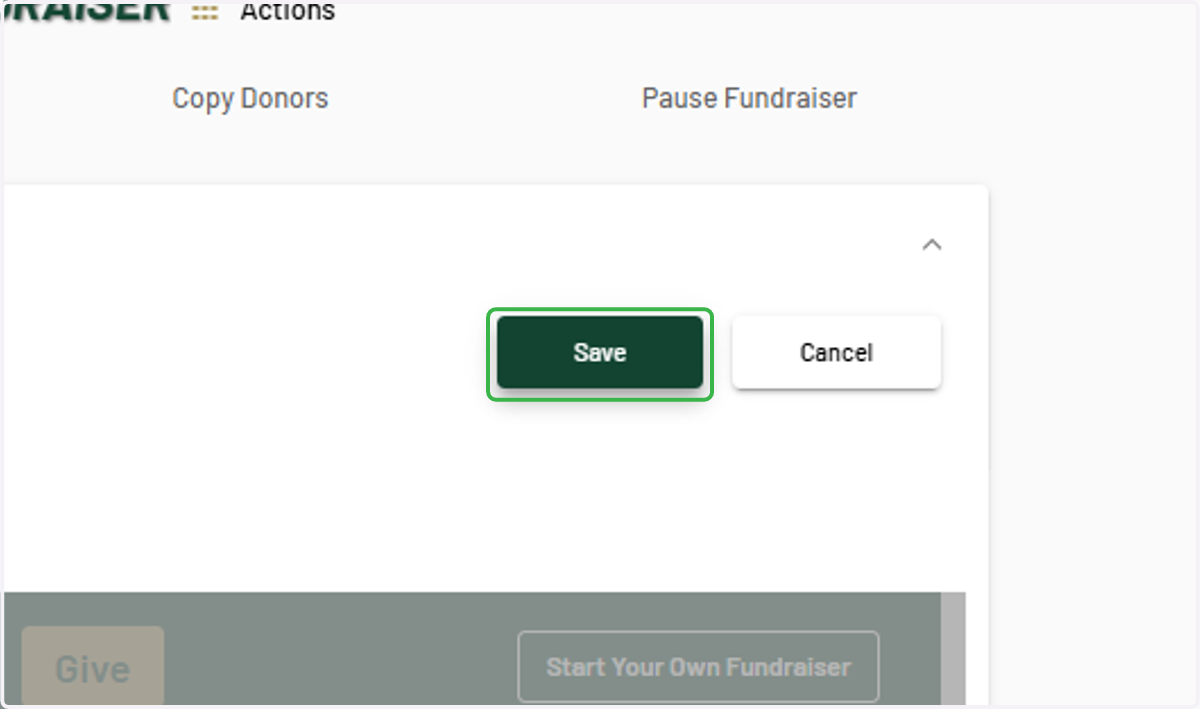
7. Click on Save
8. Click on logo to return to program dashboard