Step#1 Connect (create) Bot to a New Sub-account (after sub-account created)
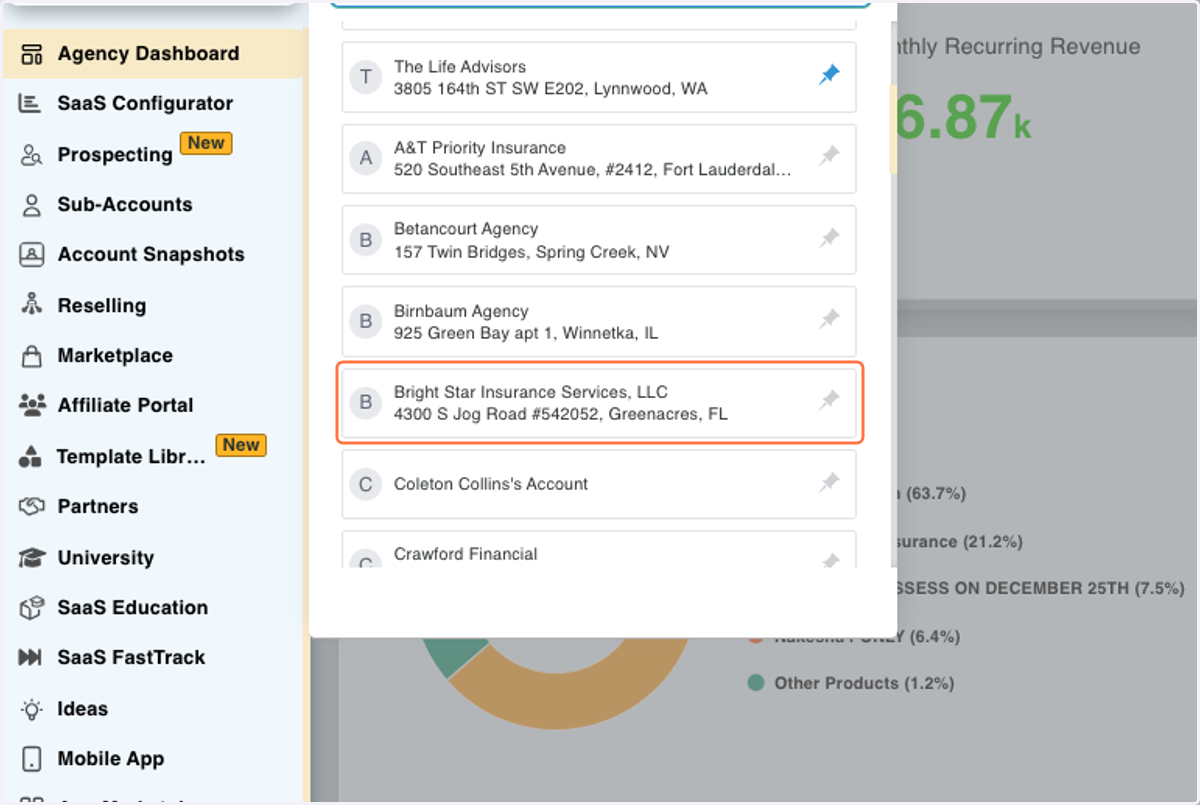
1. Click on B…
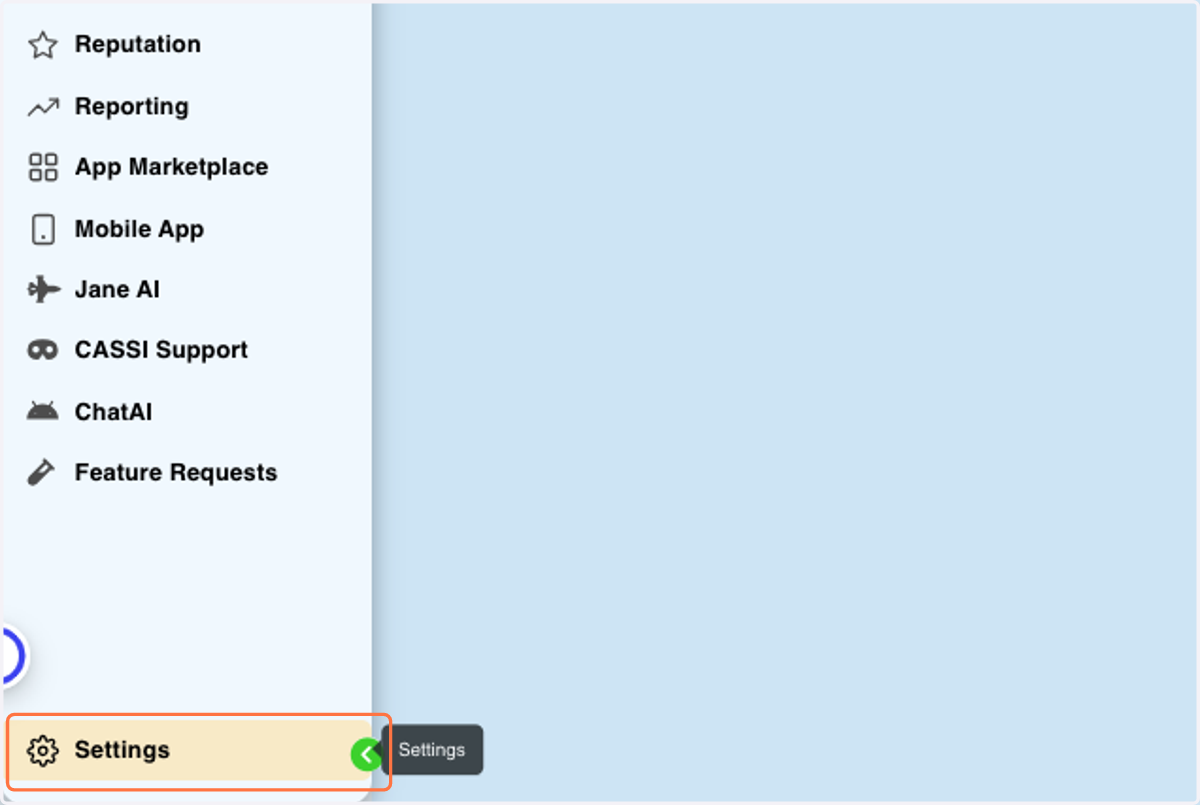
2. Click on Settings
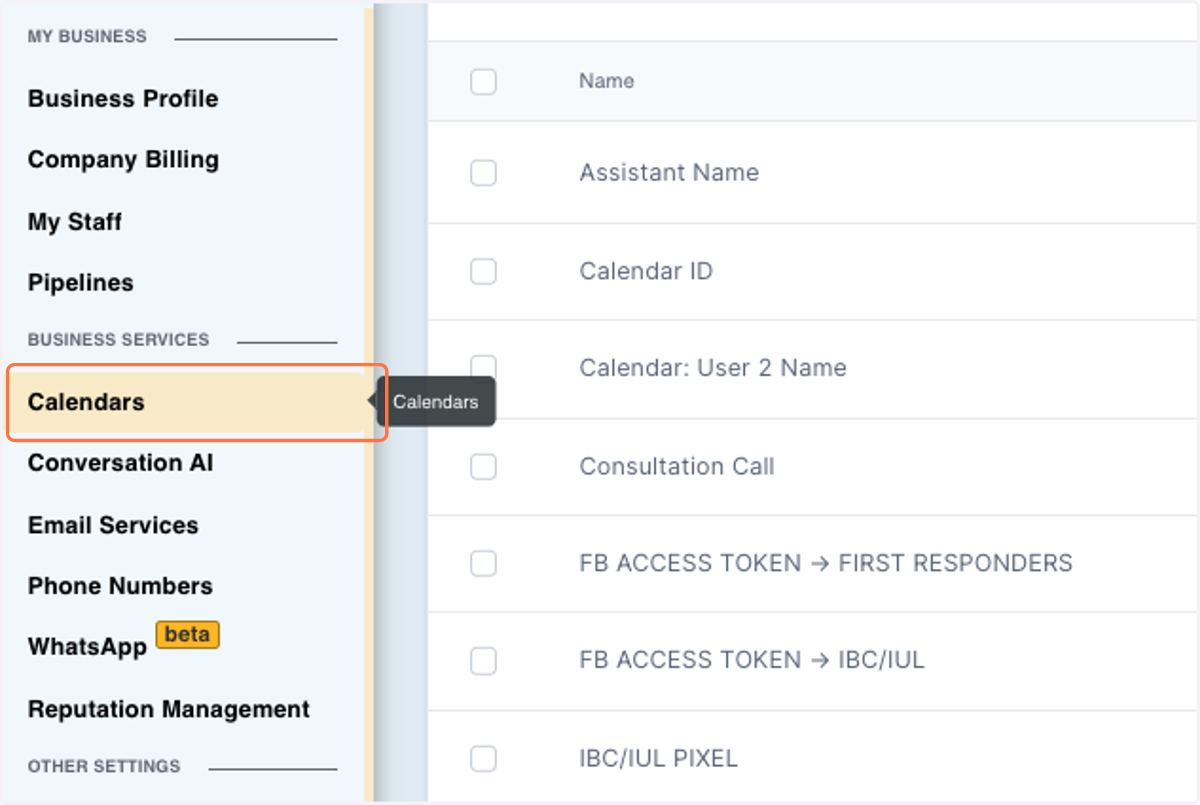
3. Click on Calendars
4. Look for "DISCOVERY CALL" Calendar and Click on The 3 dots next to it
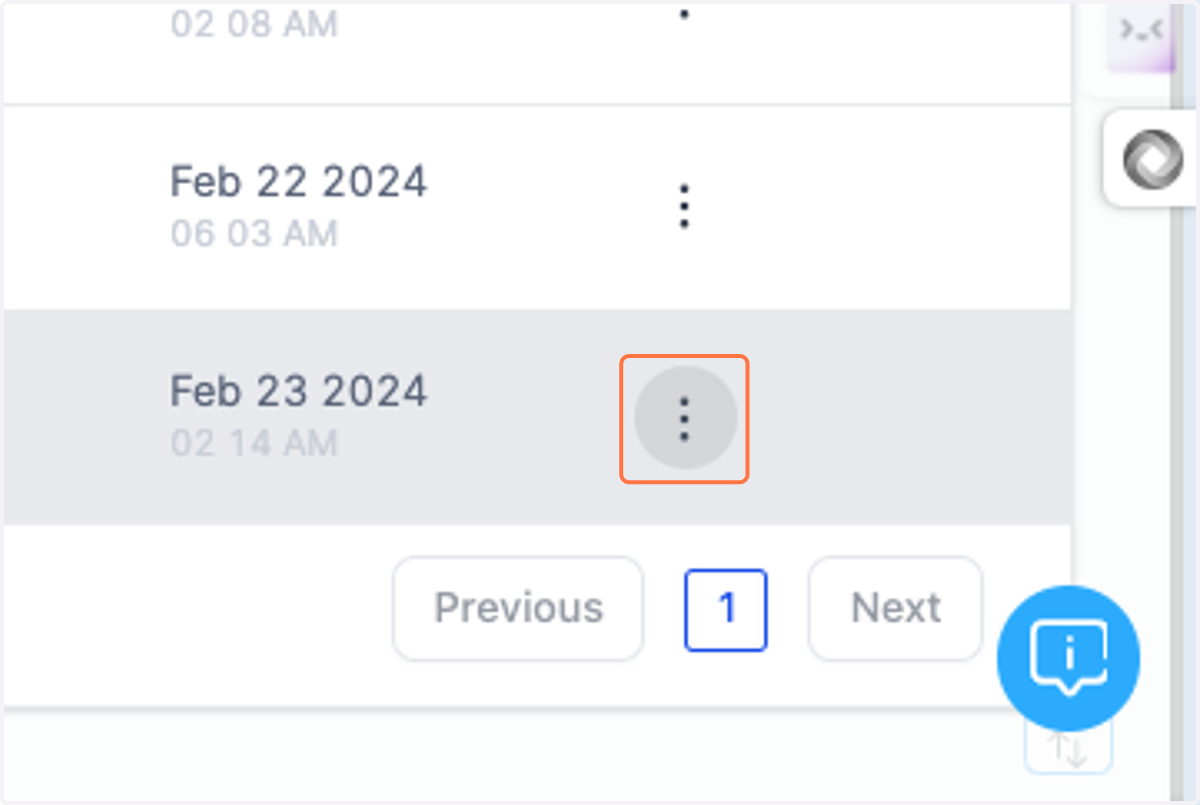
5. Click on Share
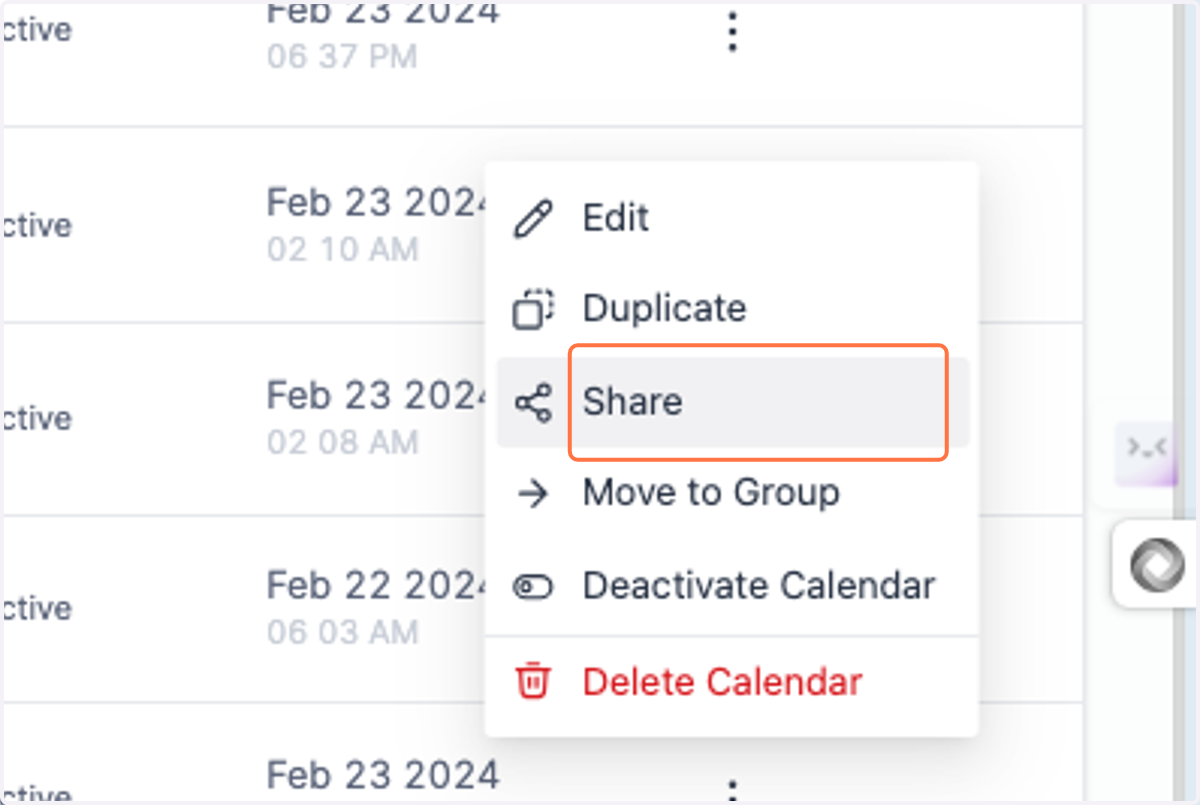
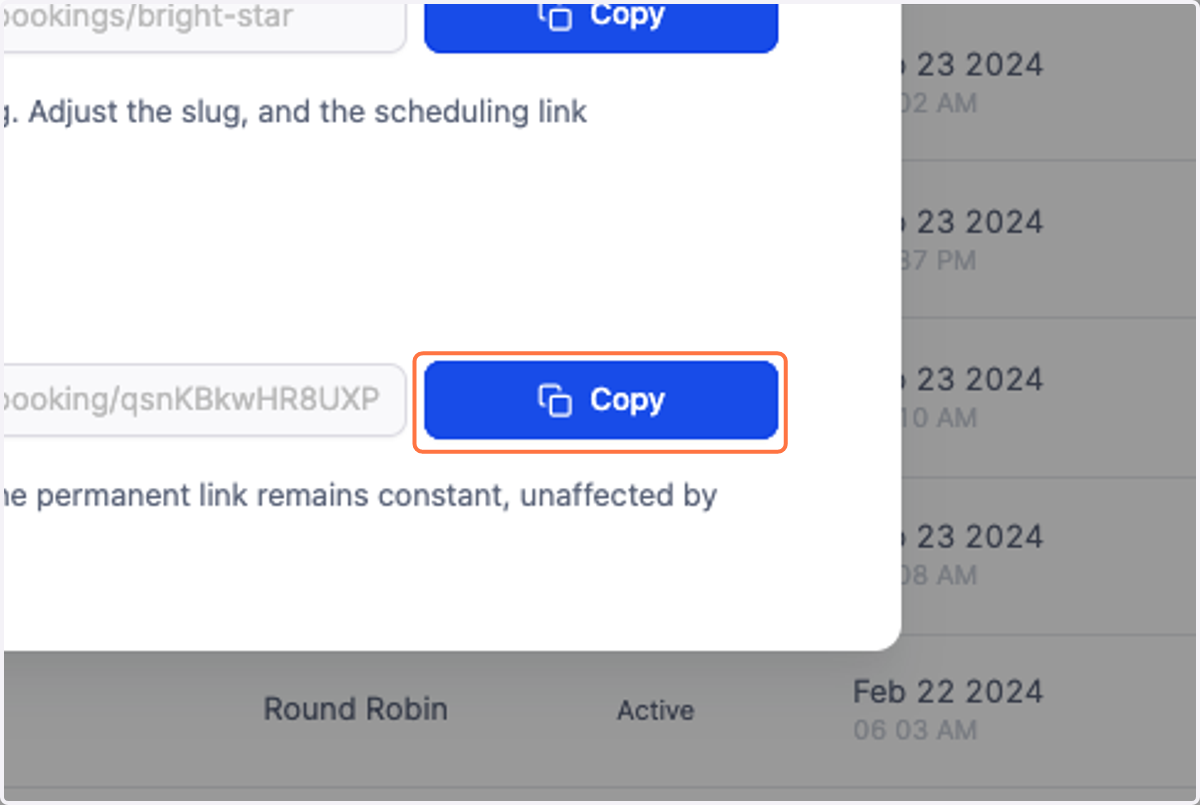
6. Click on Copy
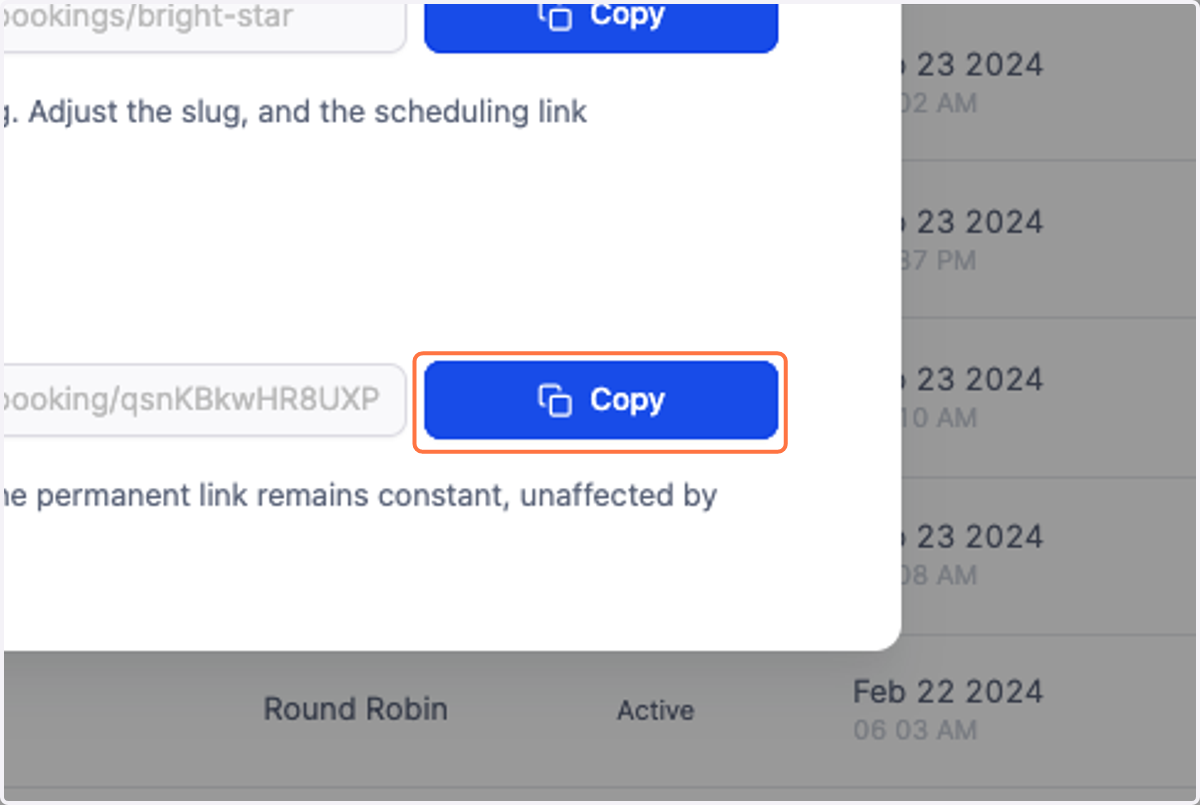
7. Paste the calendar URL into a "new browser"
and only copy the "last sequence" after /
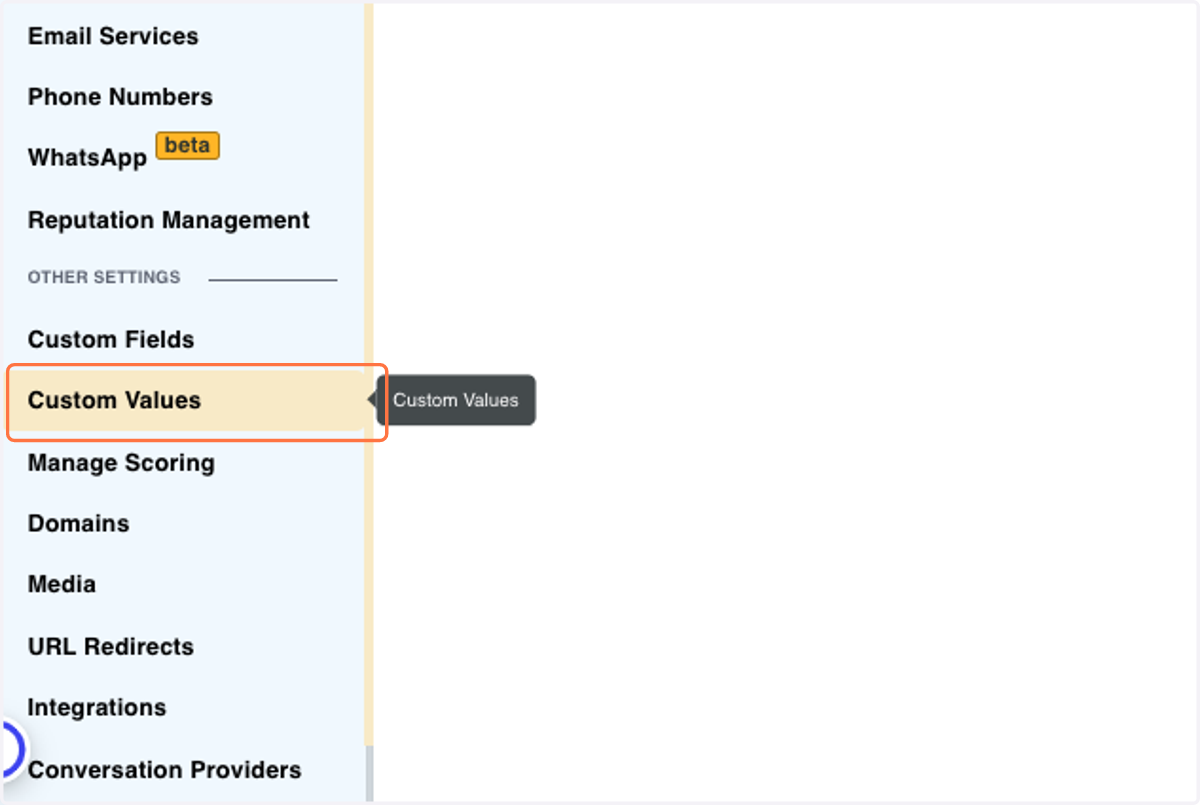
8. Click on Custom Values left dashboard
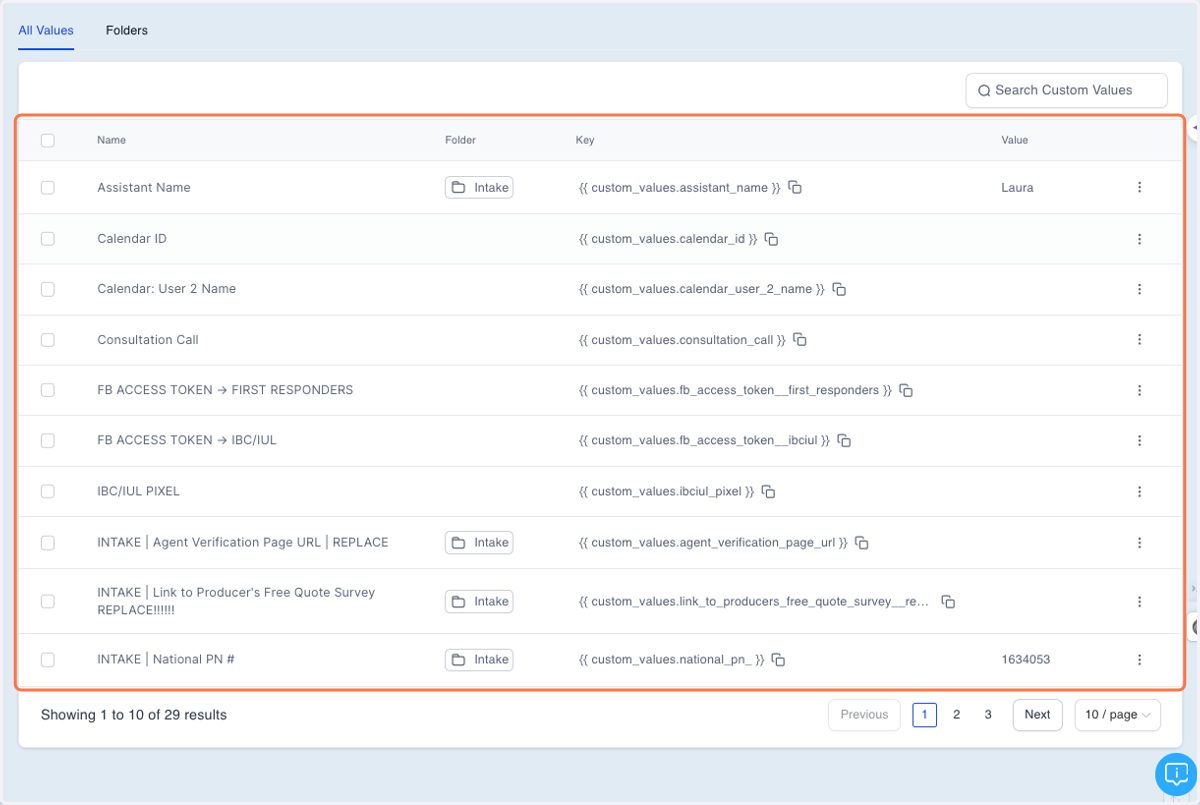
9. Look for Calendar ID and click the 3 dots next to it …
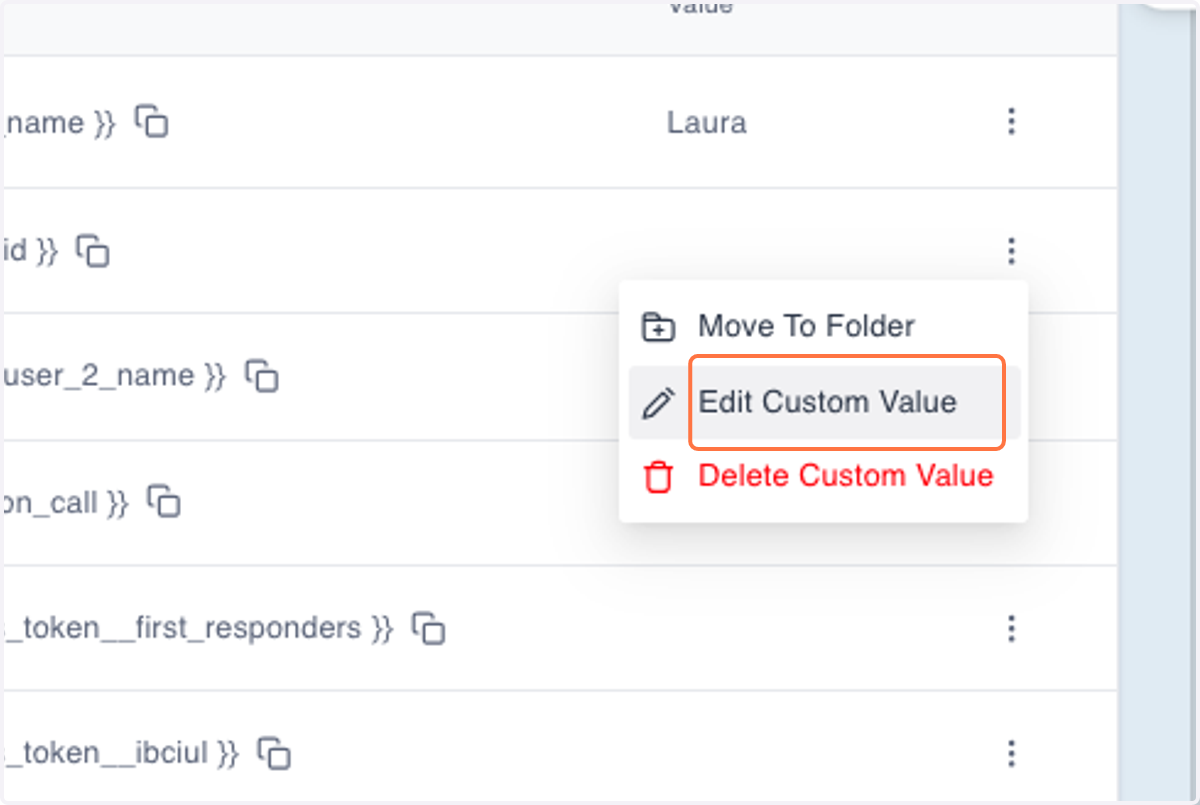
10. Click on Edit Custom Value
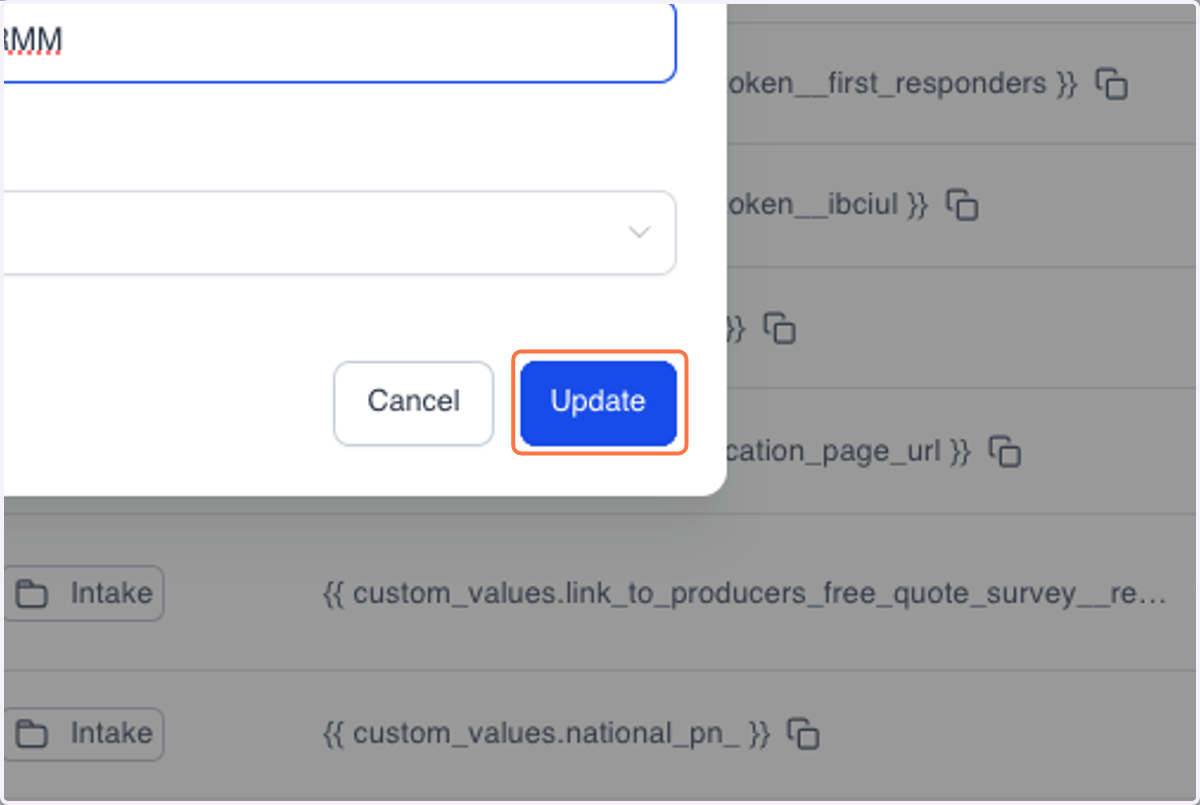
11. Paste that "qsnKBkwHR8UXP4wLTRMM" into input "CALENDAR ID"
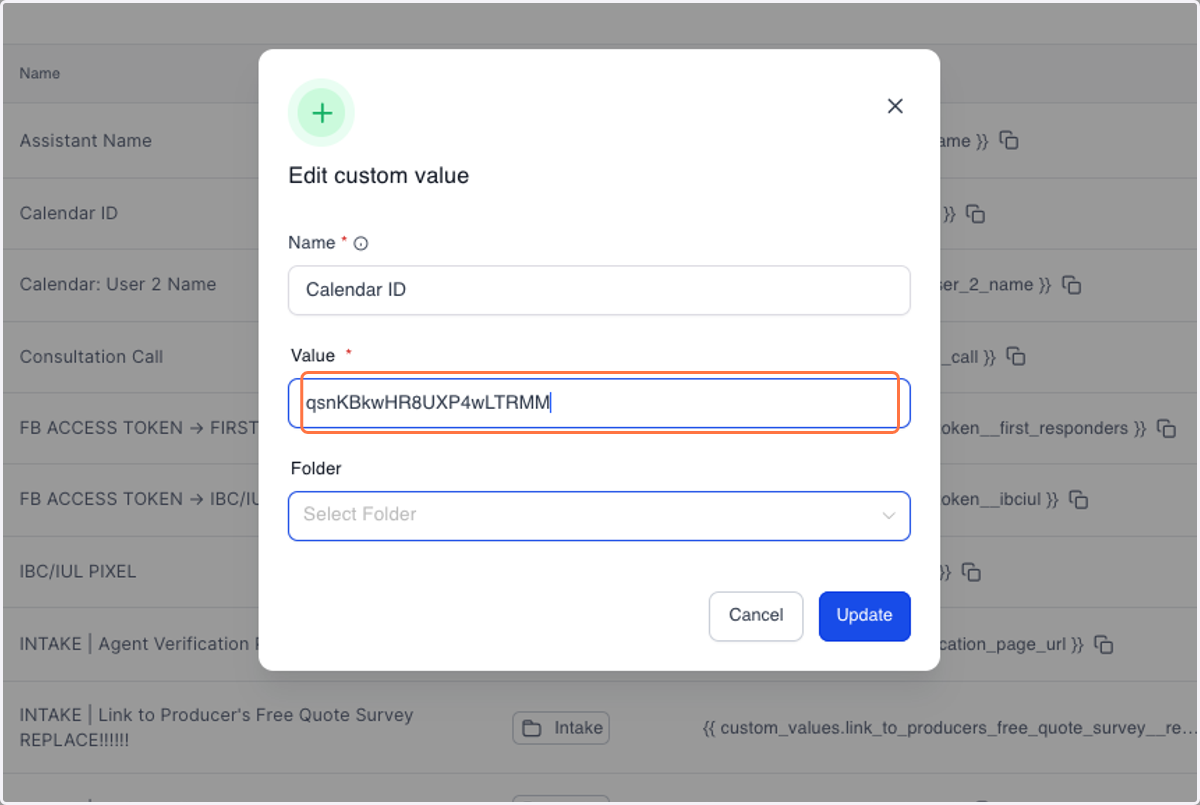
12. Click on Update
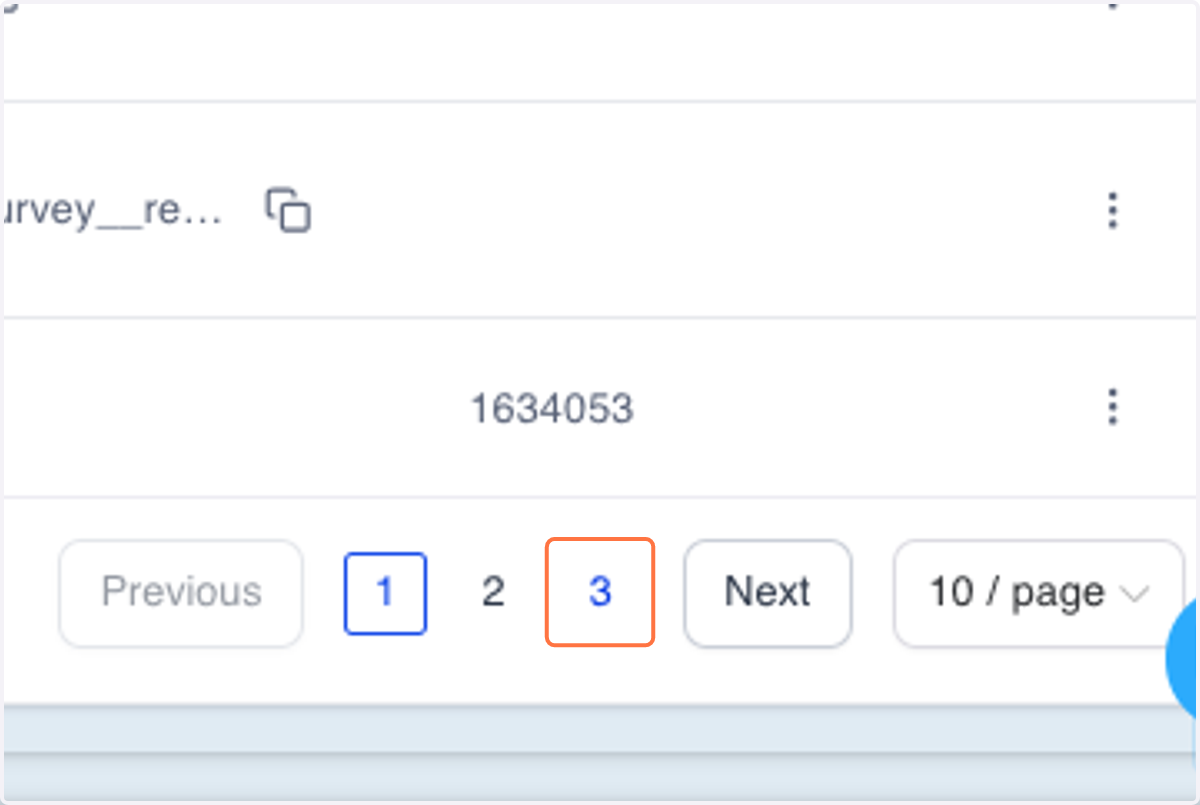
13. Click on 3
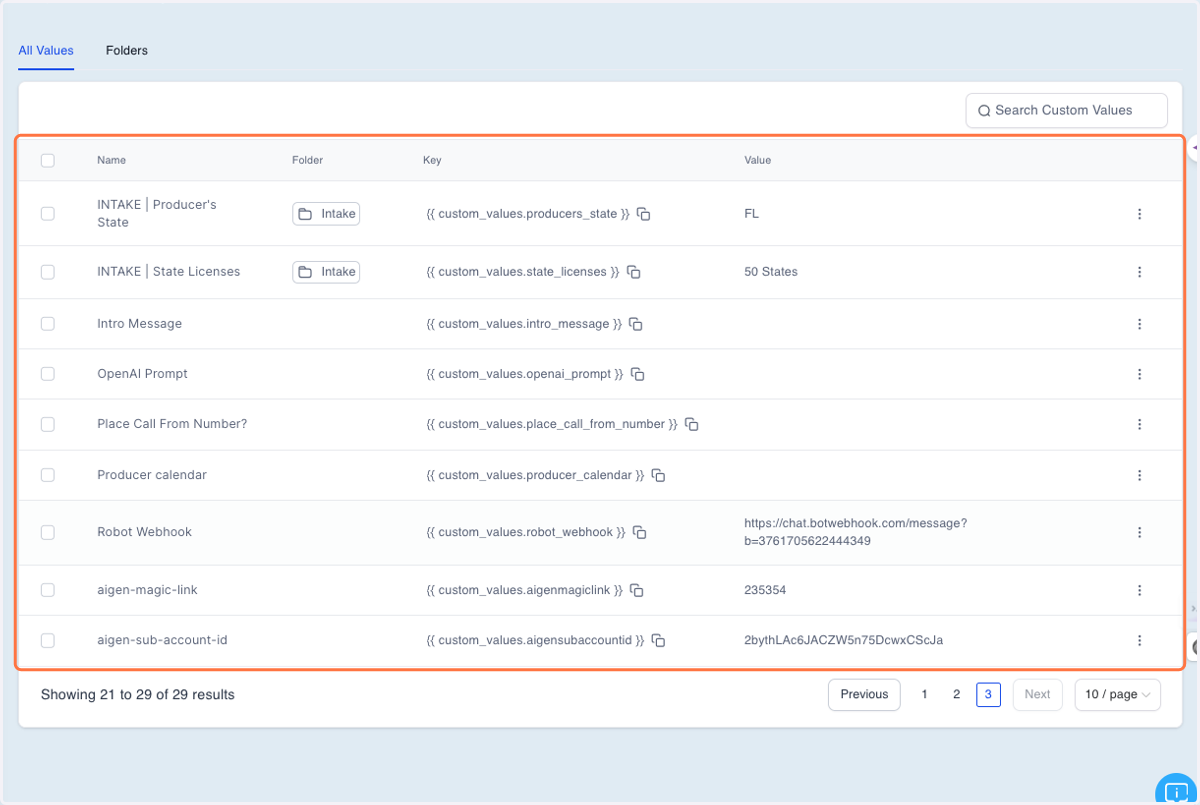
14. Look for "ROBOT WEBHOOK" and click the 3 dots next to it to edit custom value…
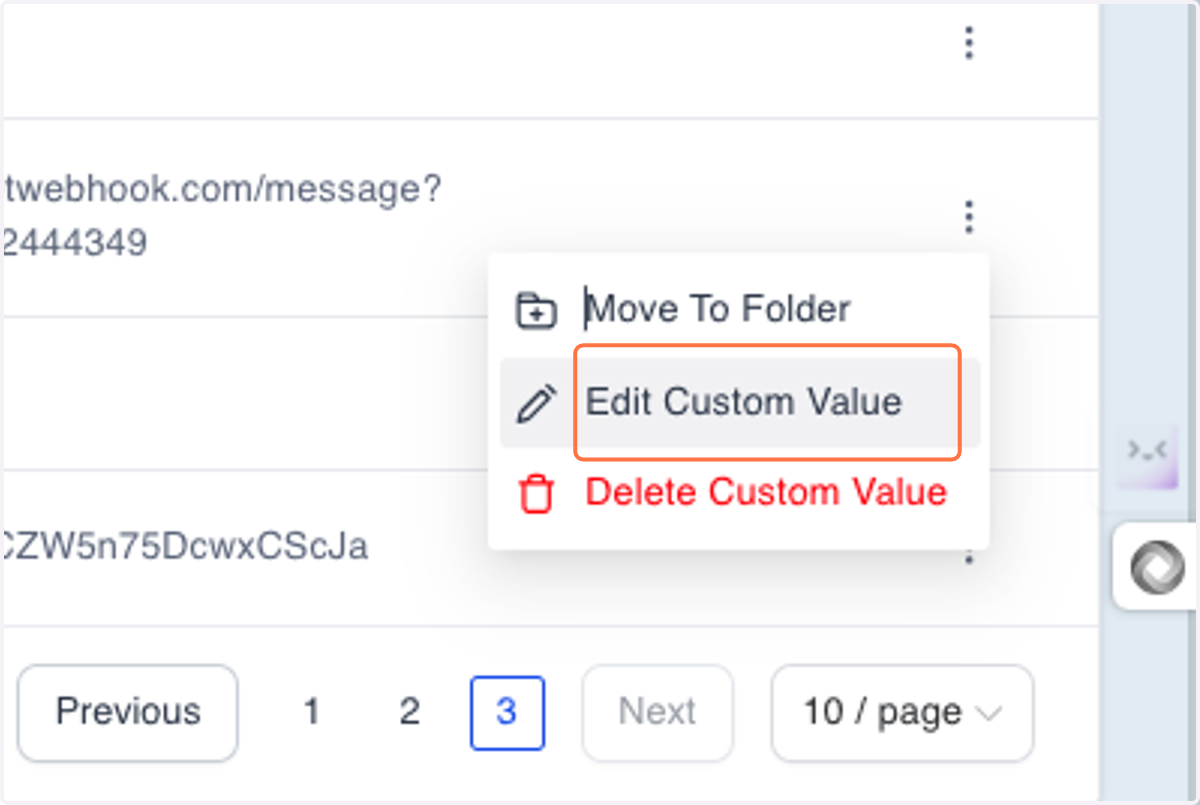
15. Click on Edit Custom Value
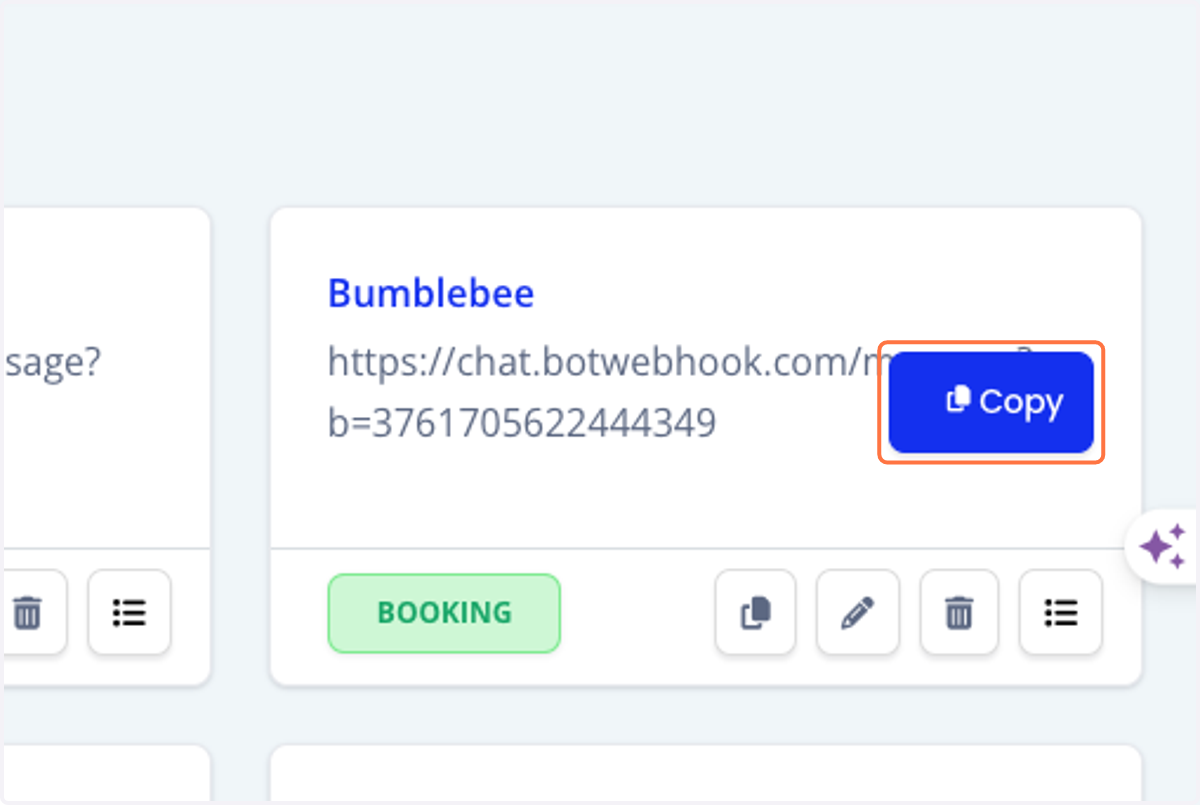
16. Click on Copy
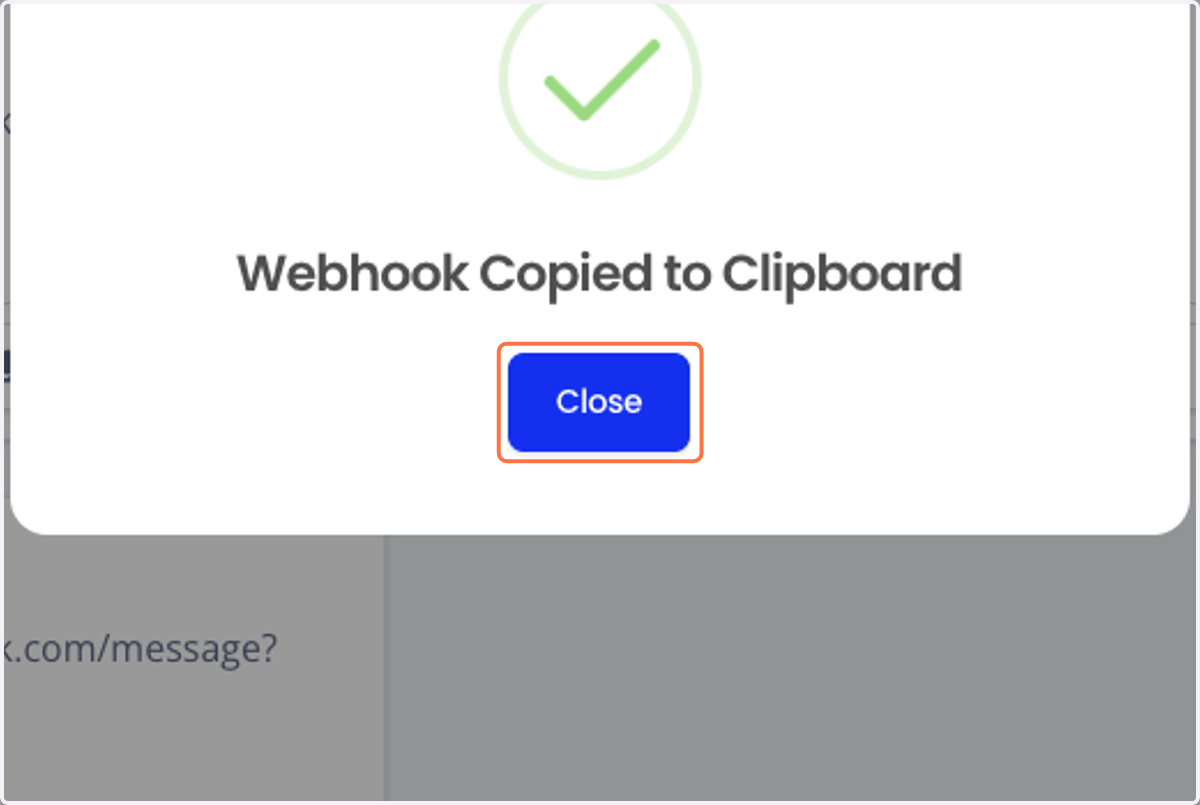
17. Click on Close
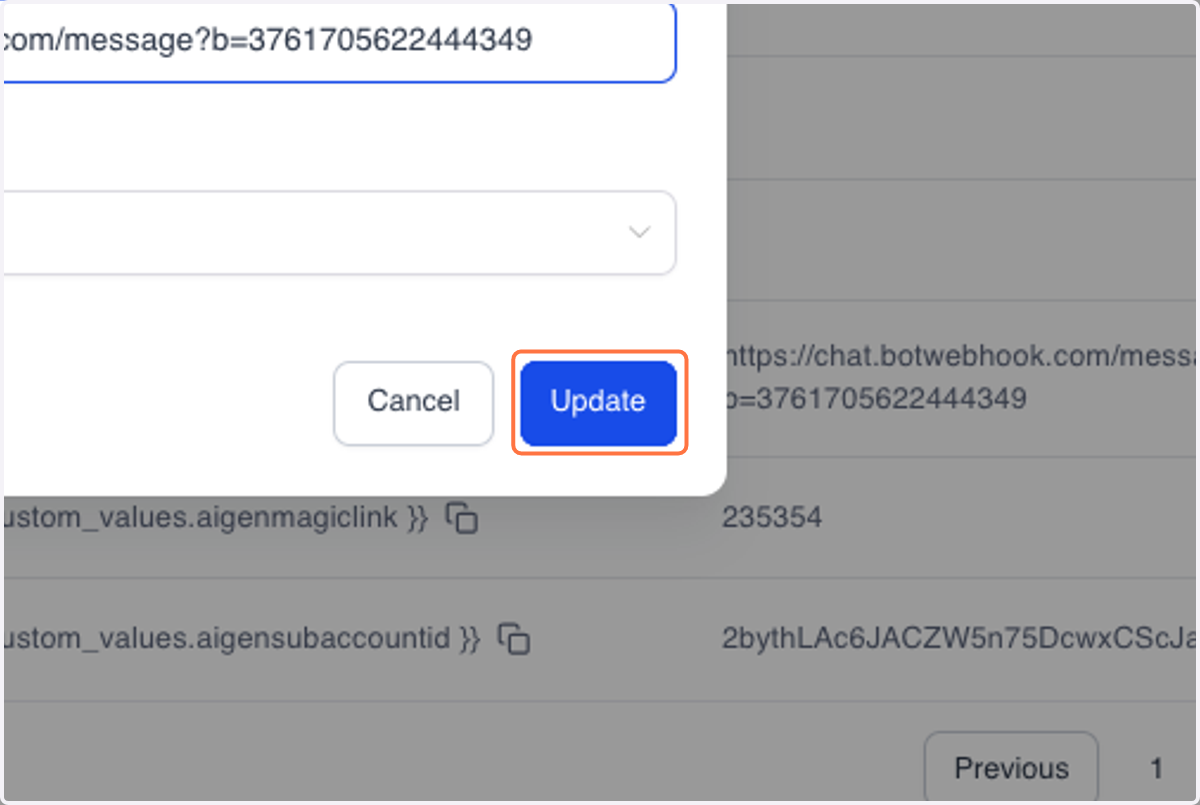
18. Paste "https://chat.botwebhook.com/message?b=3761705622444349" into input
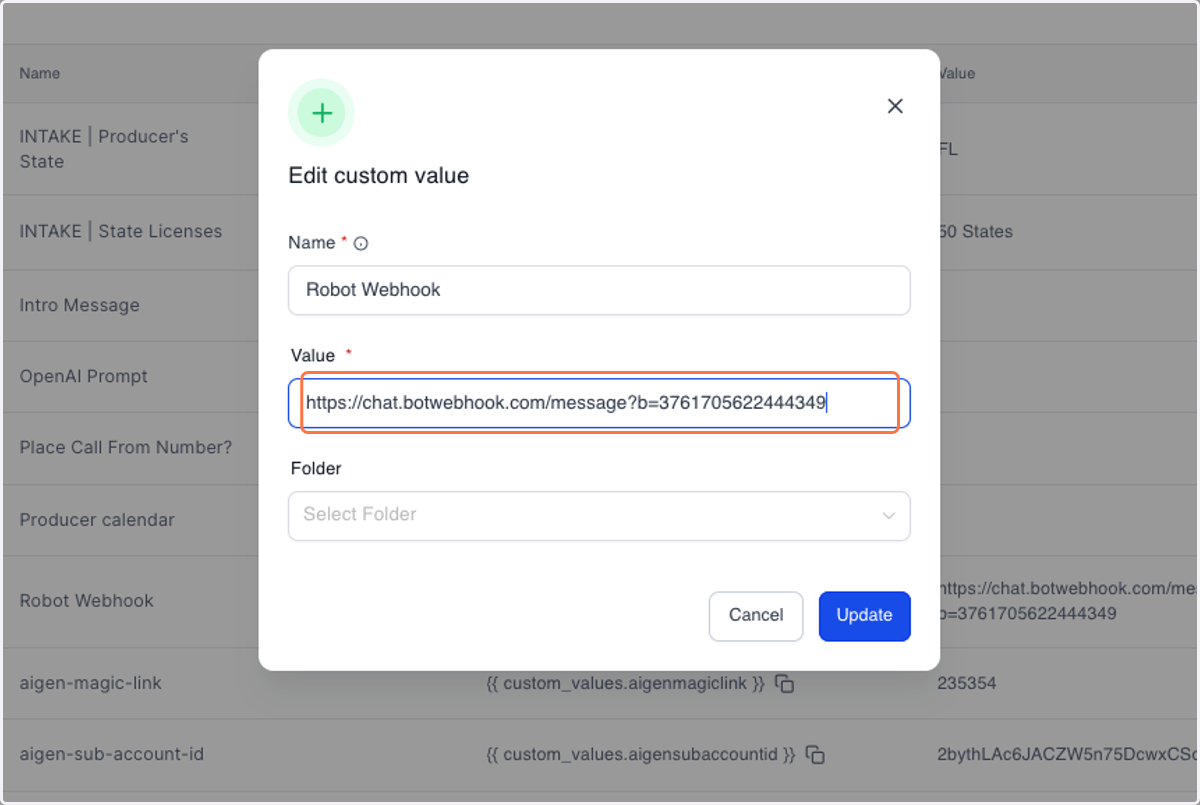
19. Click on Update