NAVIGATING your courses and SUBMITTING work
The Nomadic Professor
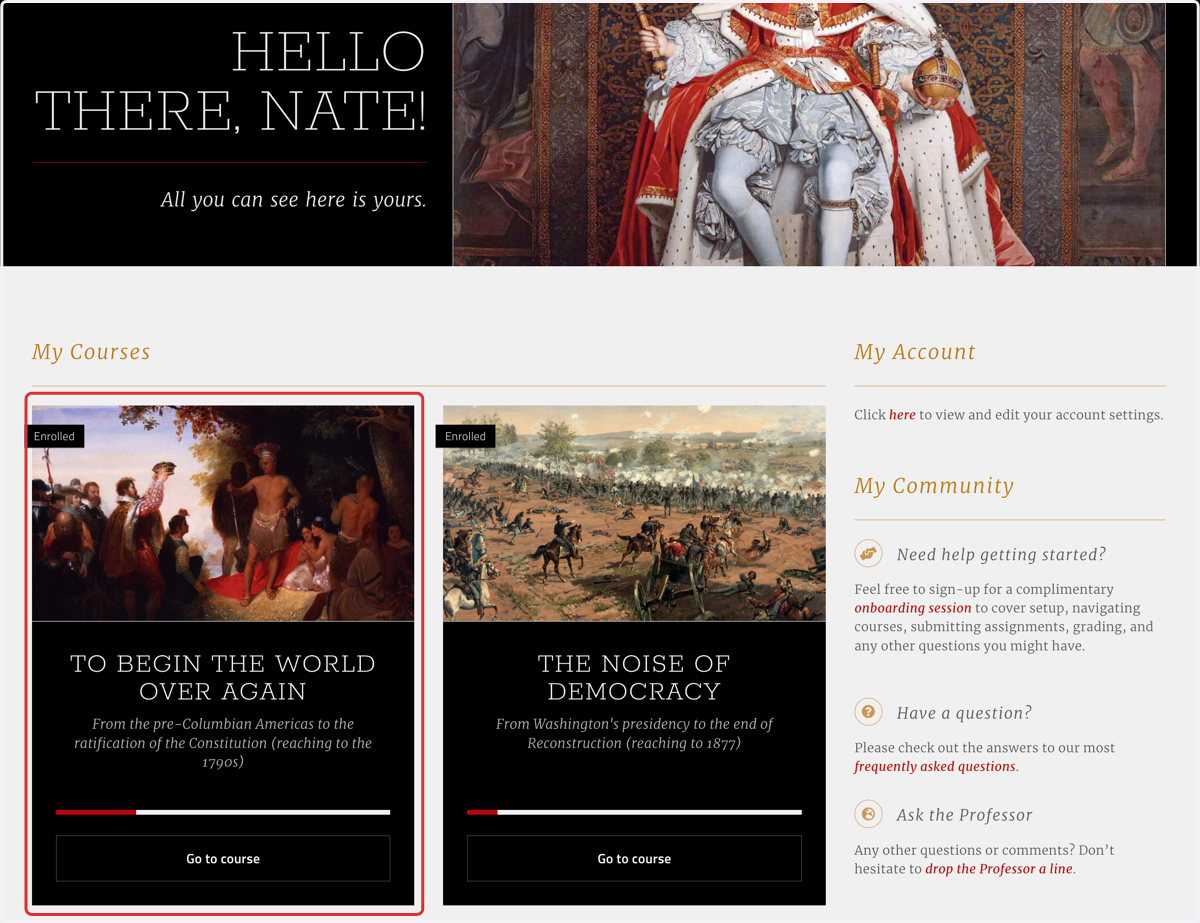
1. Each course features a "Getting Started Guide," where you should always begin in order to learn more about what's coming up, and how to navigate the course

2. Select a course from your dashboard; most Nomadic courses are structured the same, or very nearly the same
This tutorial will feature US1
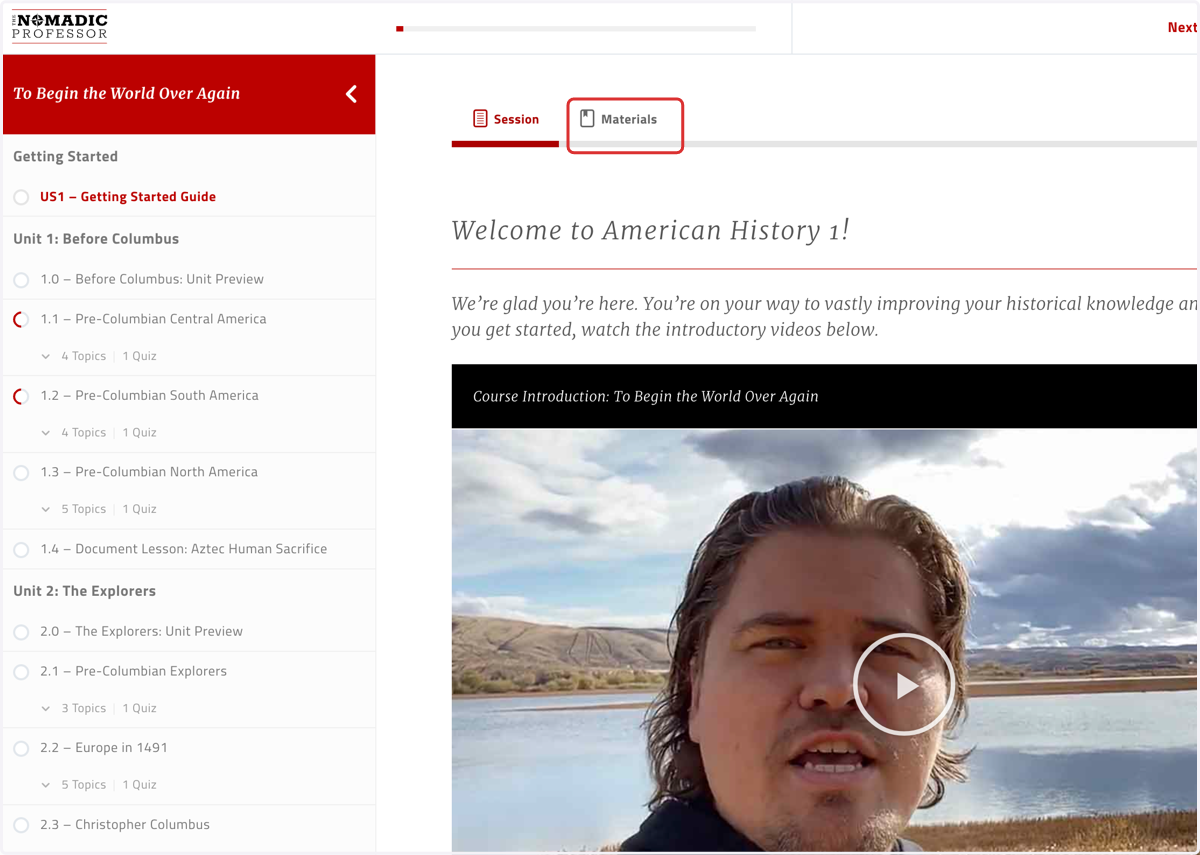
3. The "Getting Started Guide" includes two tabs: the "Session" content, and the available "Materials" for the course; skim the "Materials" tab to know what's available there
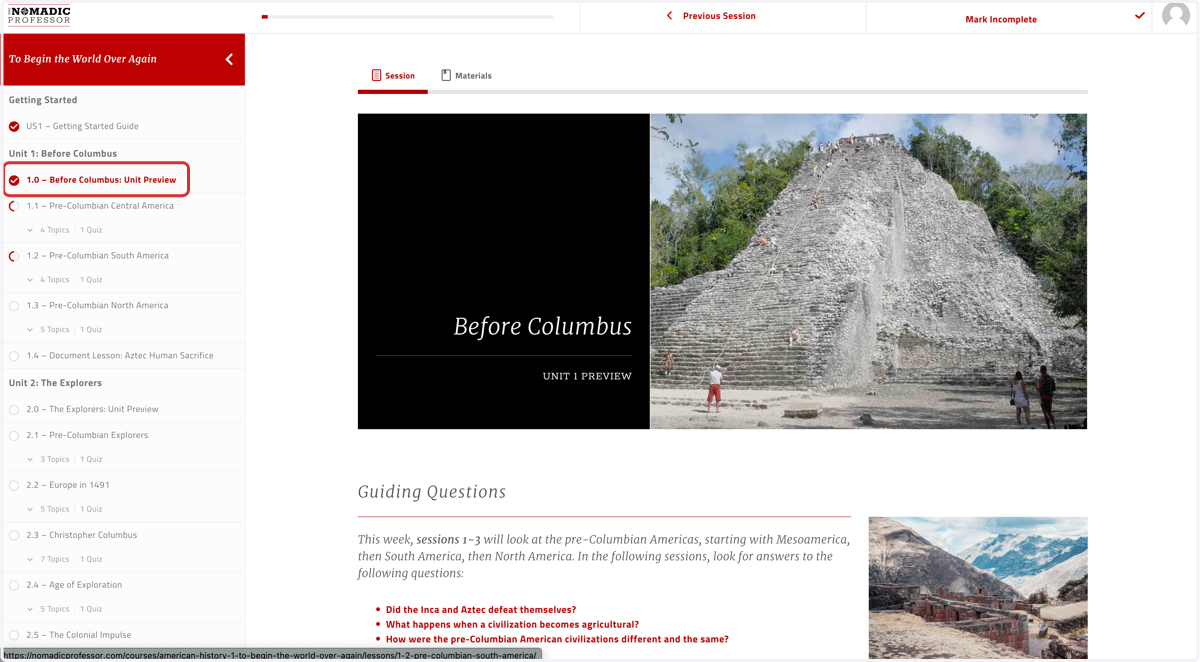
4. The X.0 pages are the UNIT preview pages, including guiding questions, timelines, maps, structure terms, and session summaries
These can be a very helpful place to begin the unit, particularly by reading the summary paragraphs BEFORE reading the sessions, in order to prime yourself to comprehend the text you'll be reading
5. The X.1, X.2, X.3 (and so on) pages are the SESSION preview pages; these preview what's coming for just one day's worth of work, rather than a whole unit's worth of work
This is where you'll download the GUIDED NOTES for the day; these are what you'll fill out as you read, watch, and/or listen to the session. These are the assignments you'll submit later in this tutorial, on the "Summary and Structure Terms" page.
This page is also where you'll find the AUDIO files for each session. You can download these files, or open them in a new tab, and have the course read to you as you follow along, if this helps you comprehend the reading, stay focused, or otherwise remain engaged with what you're learning.
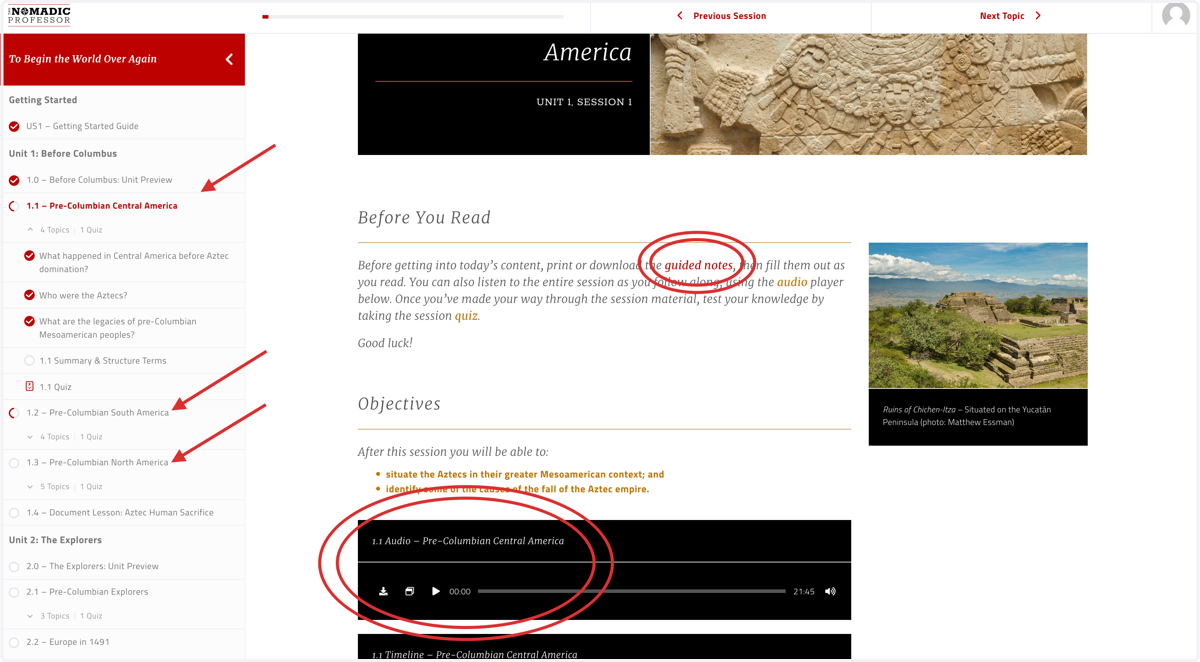
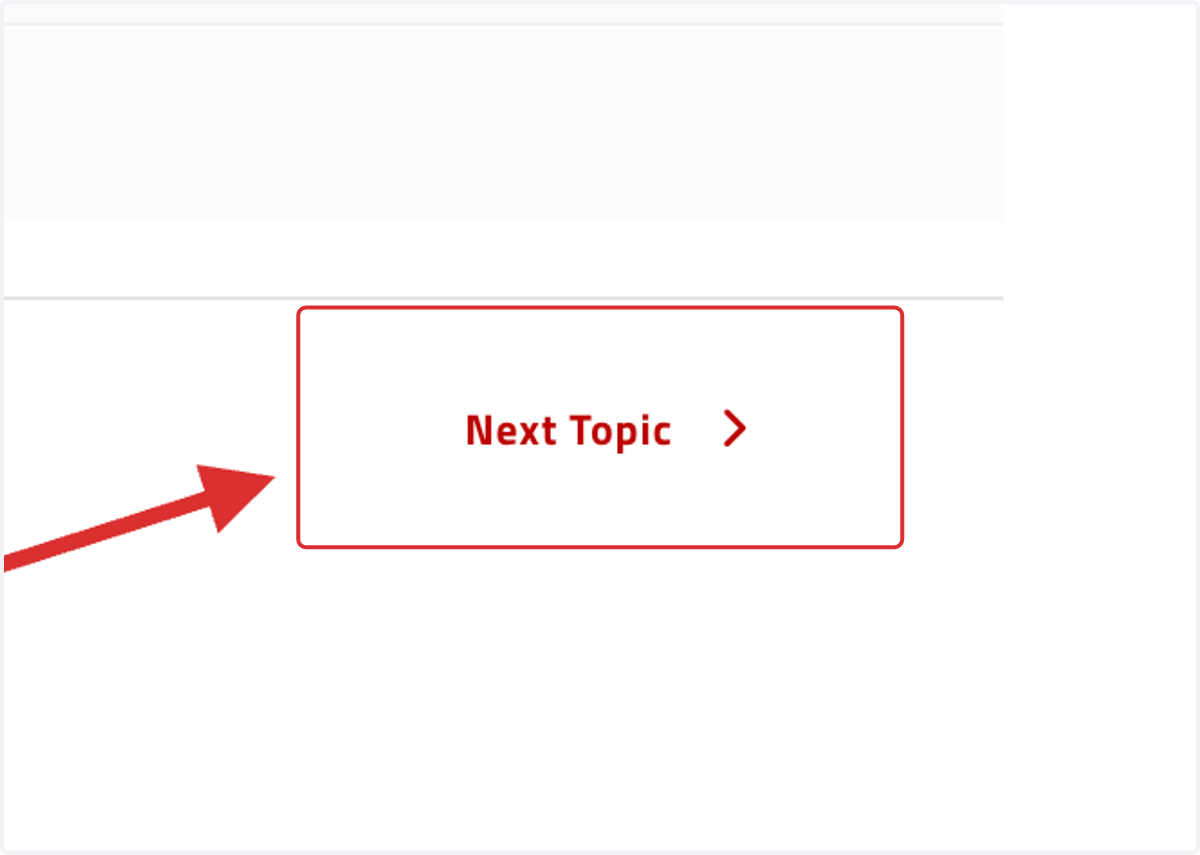
6. Be sure to note what these navigation arrows are pointing you towards: going to a new SESSION will skip topics and go to the next SESSION; going to a new TOPIC will keep you within a session, and move you to the next guiding question for the day
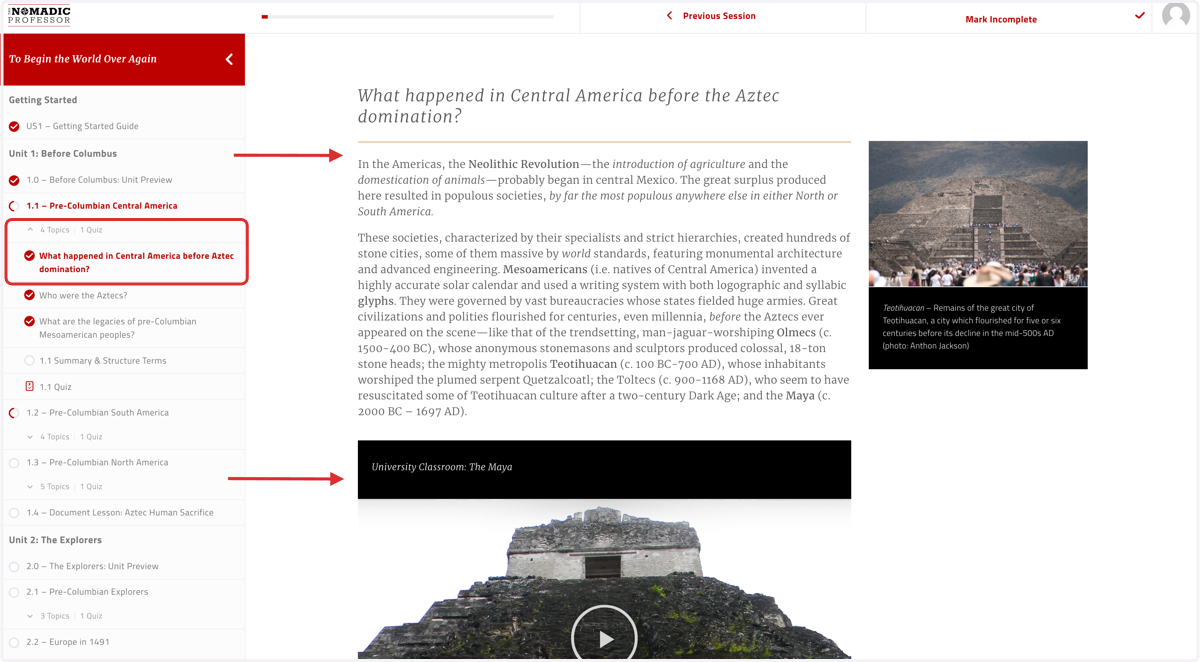
7. Most of your reading and watching will come within the session TOPIC pages, like these, organized by guiding questions that correspond with the guiding questions listed in your guided notes
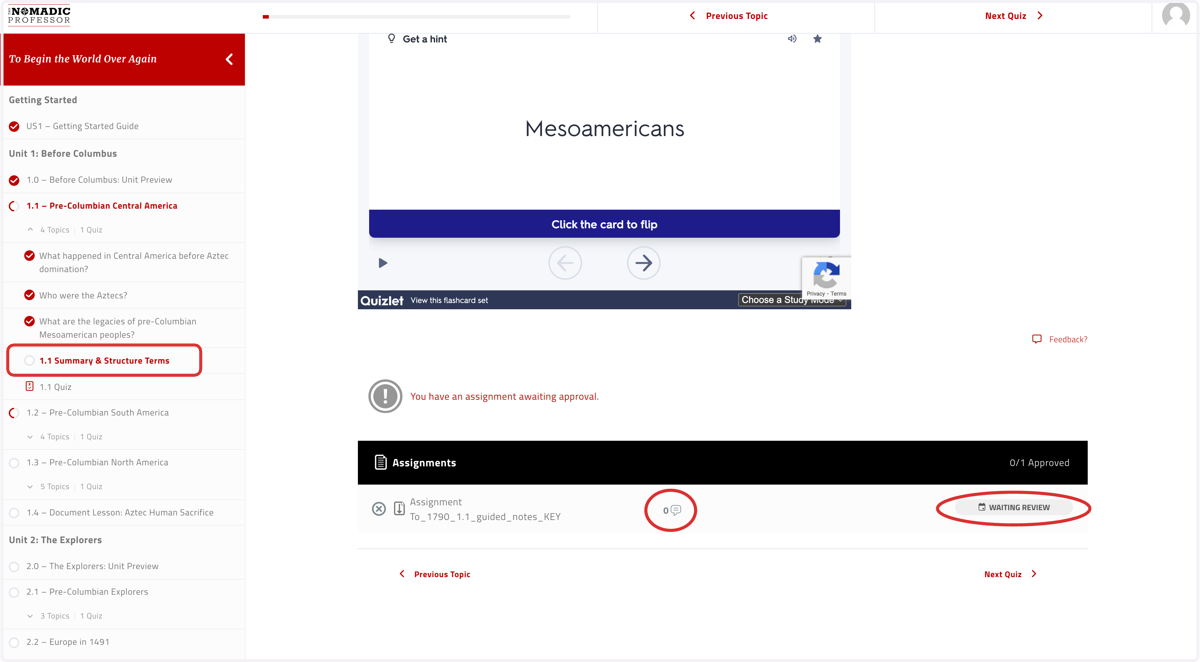
8. On the "Summary and Structure Terms" pages you'll find the summary paragraph one more time, the session's vocabulary and flashcards, and your assignment submission box
Upload your guided notes assignments in the black "Assignments" box; make sure your file name does not have any punctuation in it (special characters, apostrophes, etc.), or you will get an error message when you try to upload and submit. Keep your work organized on your own computer in order to easily find and access your growing portfolio of work. This is also where you'll be able to see if your instructor has graded your work and/or left you any comments to consider.
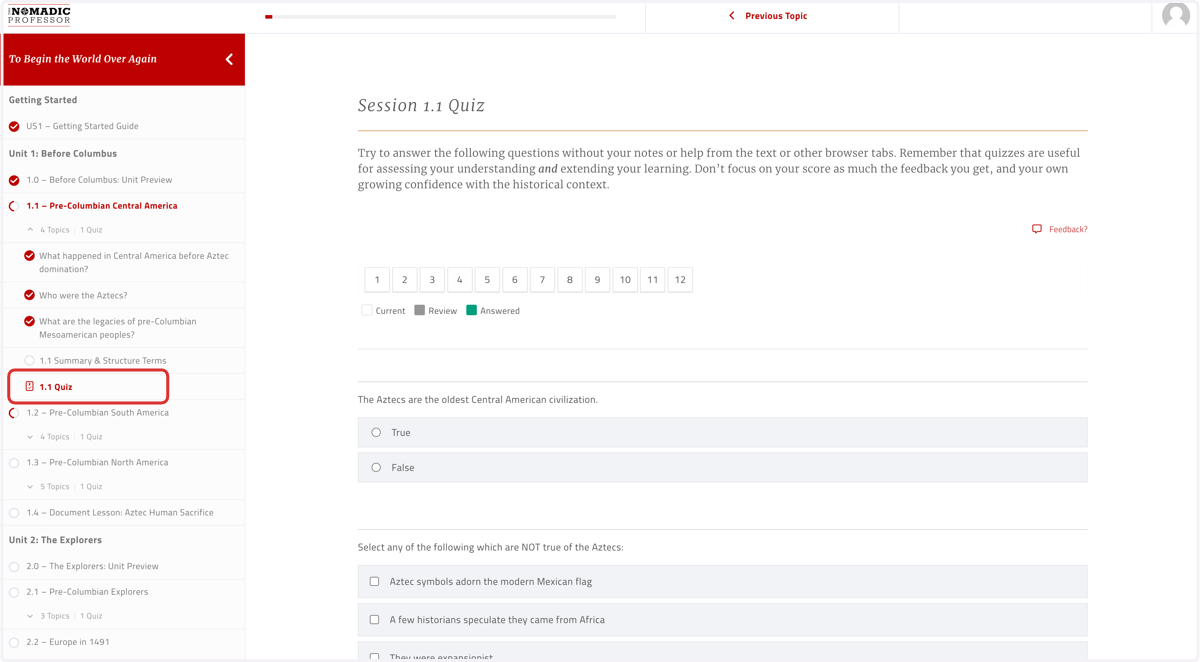
9. Each session ends in a reading quiz
Quizzes can be taken up to 5 times; you'll get feedback after each attempt, for both right and wrong answers. Go ahead and take them until you get 100% if you'd like :) In most courses quizzes are weighted as 10% of your final grade, so they are not the primary tool for assessing your understanding, and we're okay if you work to get perfect scores every time.
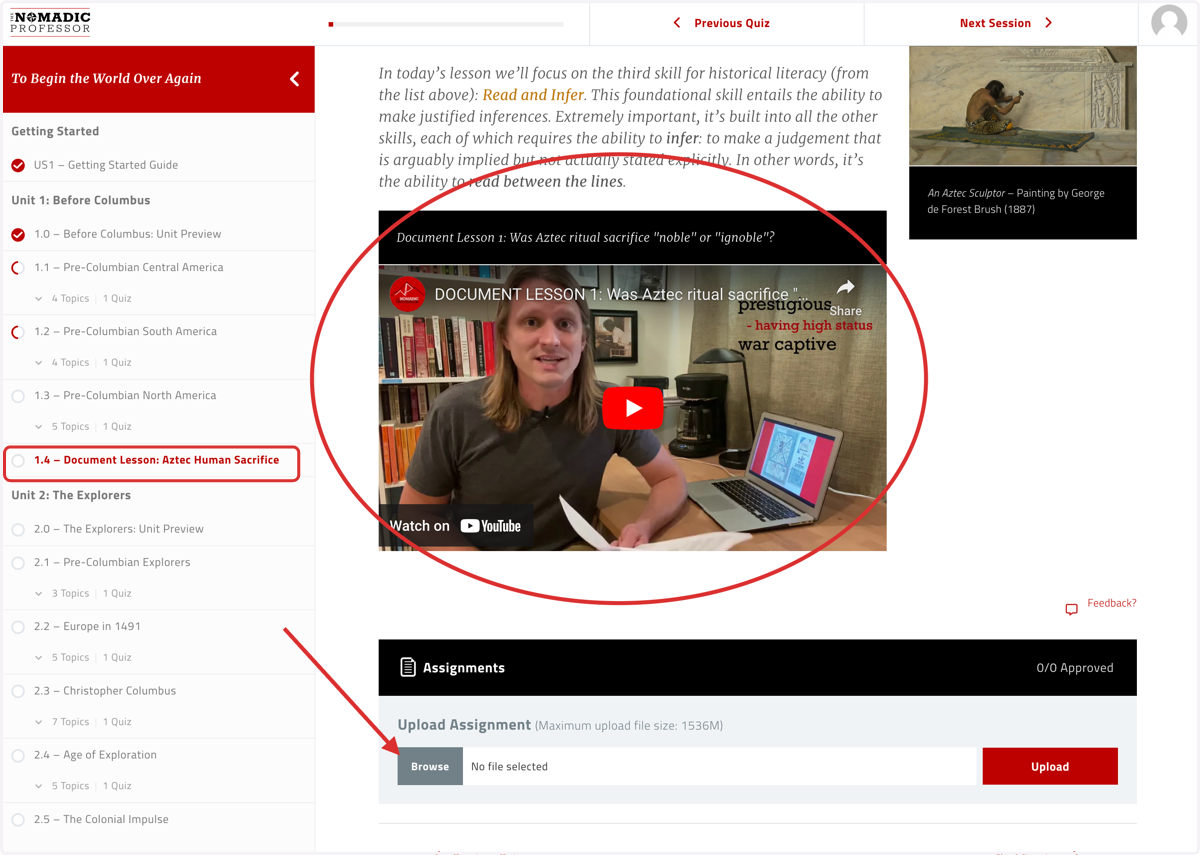
10. Each unit ends in a document lesson where you'll submit your source readings in the same way you submitted your guided notes from regular content sessions of the course
Be sure to watch the video modeling for each document lesson, to help you learn how to read the sources in that lesson before you finish reading the remainder of the sources on your own.