TAFS Integration

Loadops by Optym

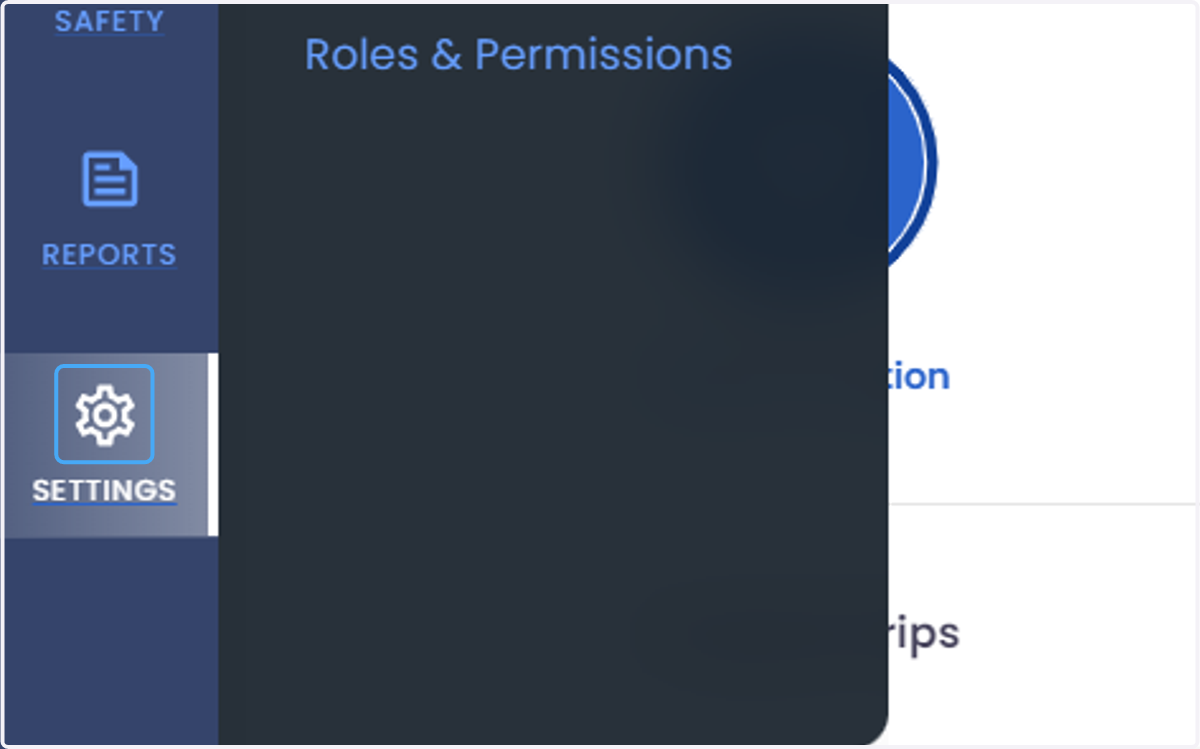
  1. 1. Click on SETTINGS

    Click on SETTINGS
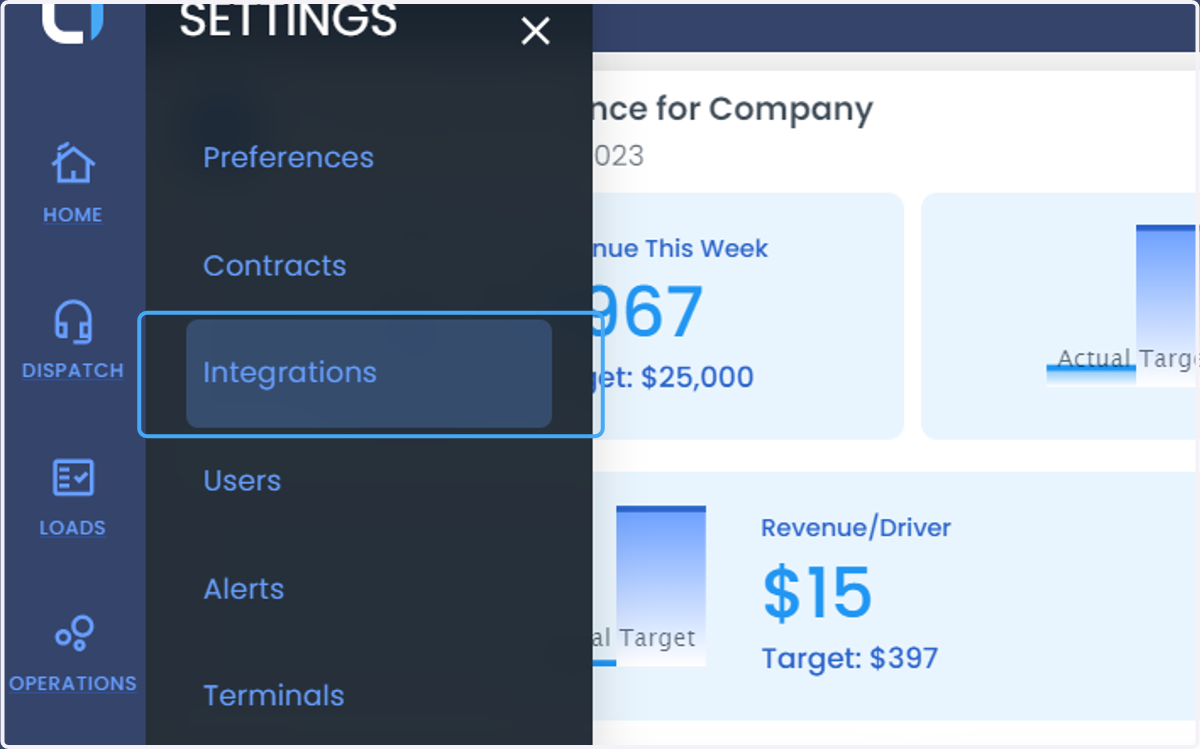
  2. 2. Click on Integrations

    Click on Integrations
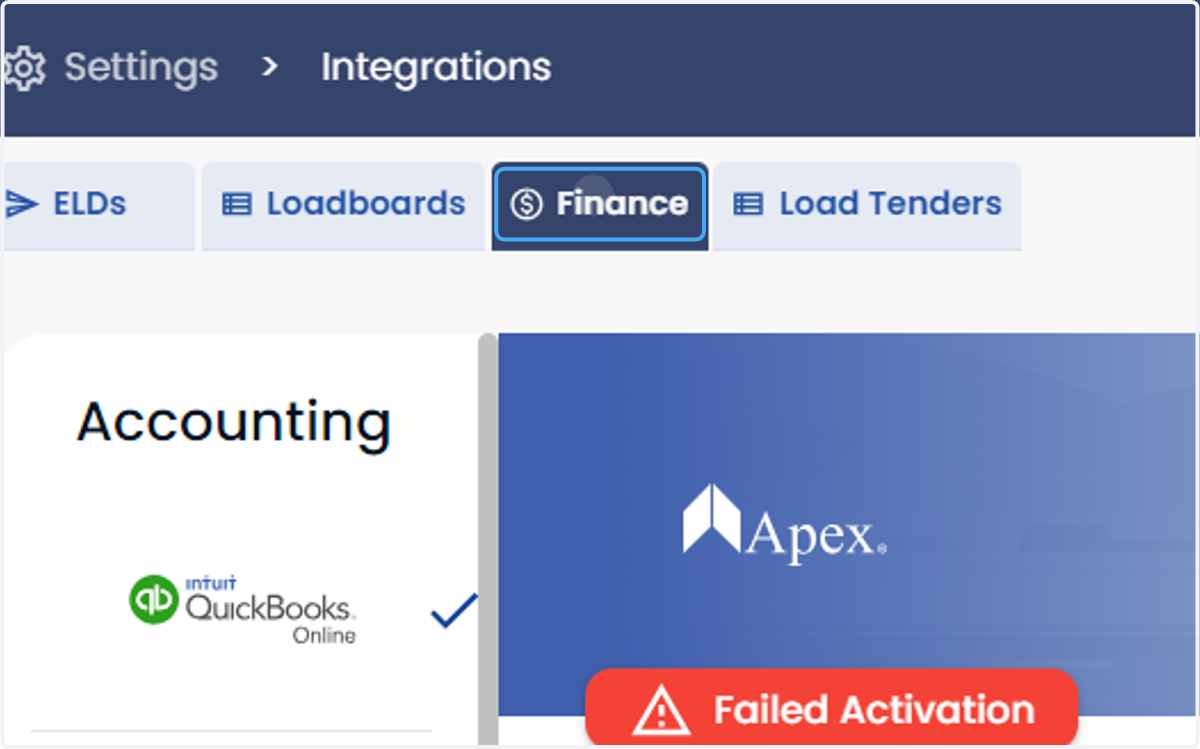
  3. 3. Click on Finance

    Click on Finance
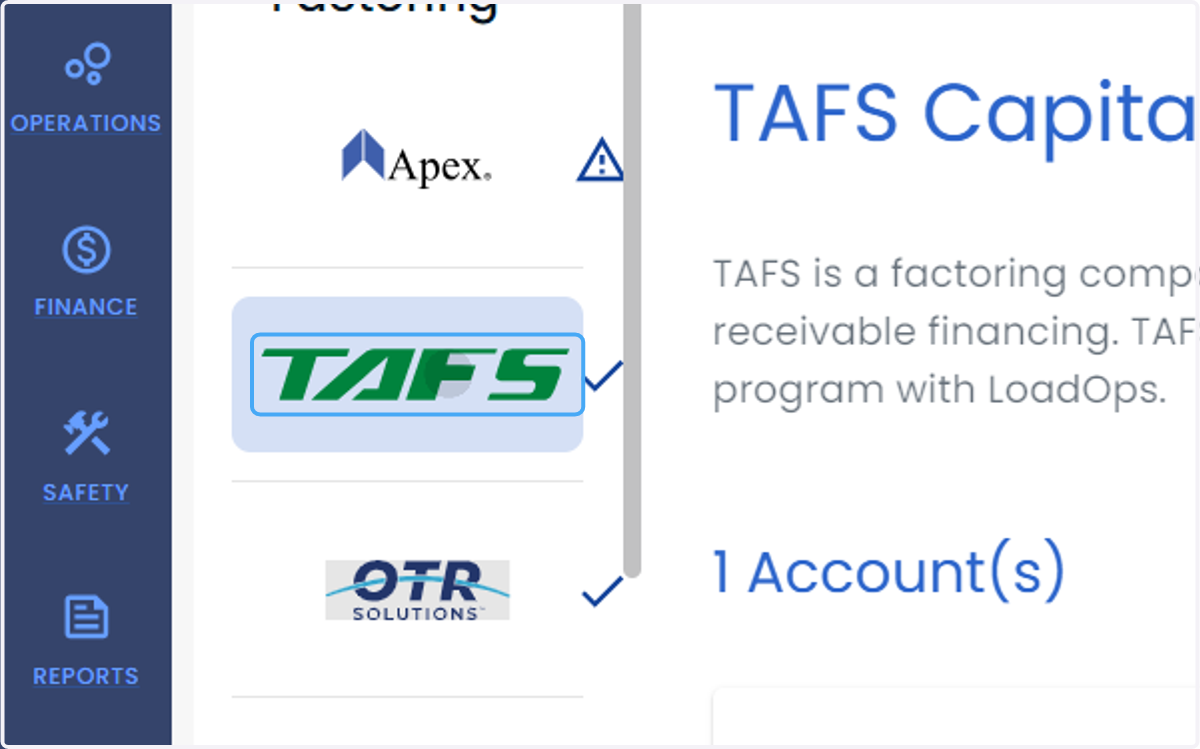
  4. 4. Click on provider name-TAFS

    Click on provider name-TAFS
  5. 5. Click on Add New Account

    Click on Add New Account
  6. 6. Enter Display name, Name in the Documents, Address and Phone number and factoring charges.
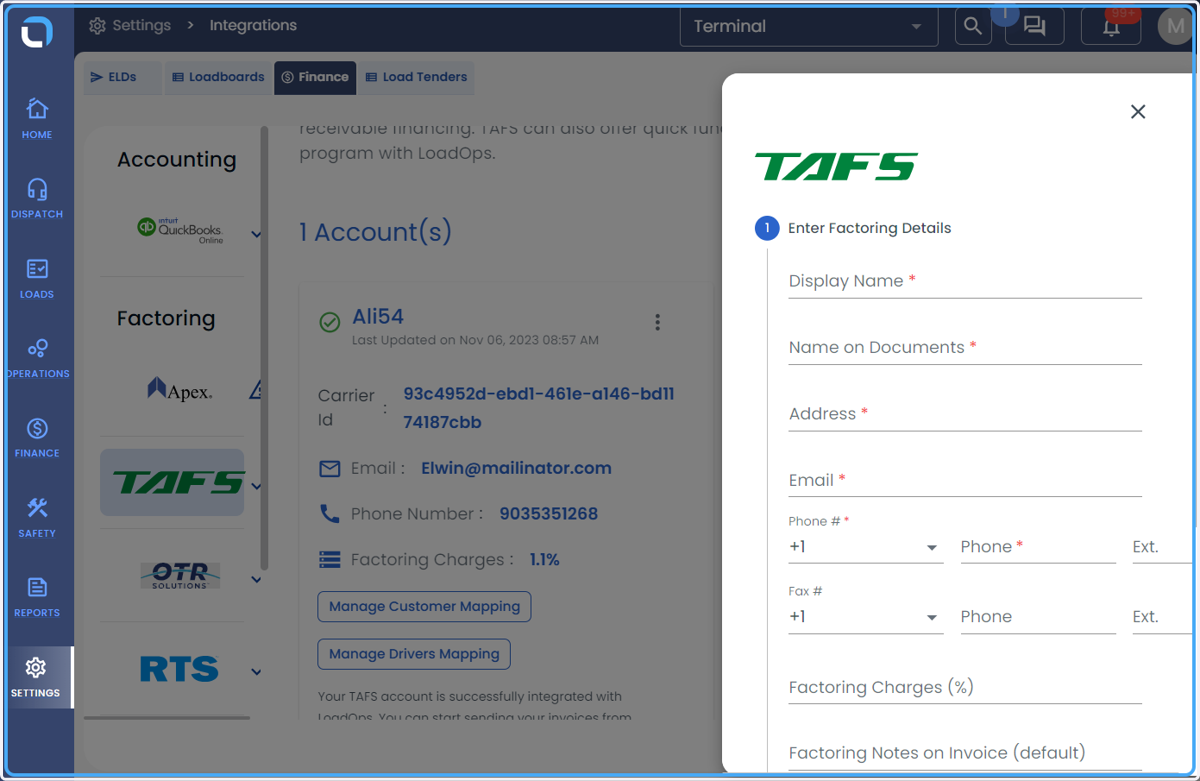
    Enter Display name, Name in the Documents, Address and Phone number and factoring charges.
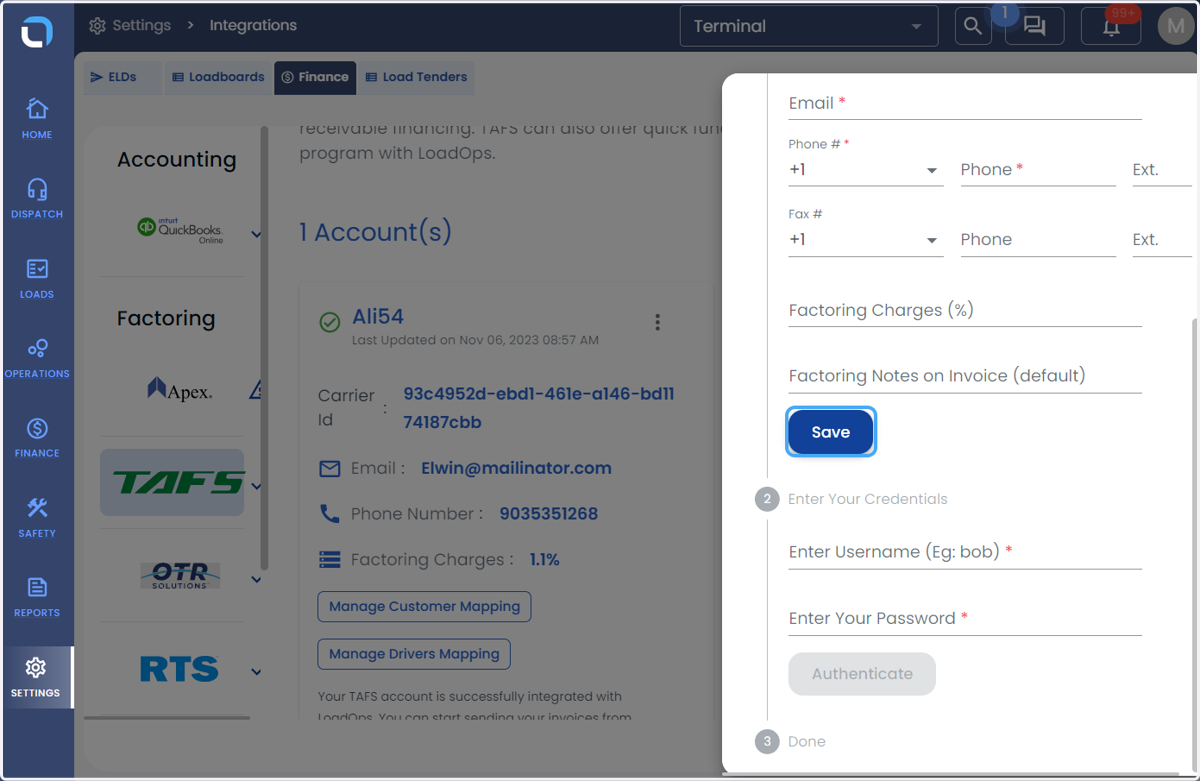
  7. 7. Click on Save

    Click on Save
  8. 8. Enter your credentials (Username and Password)
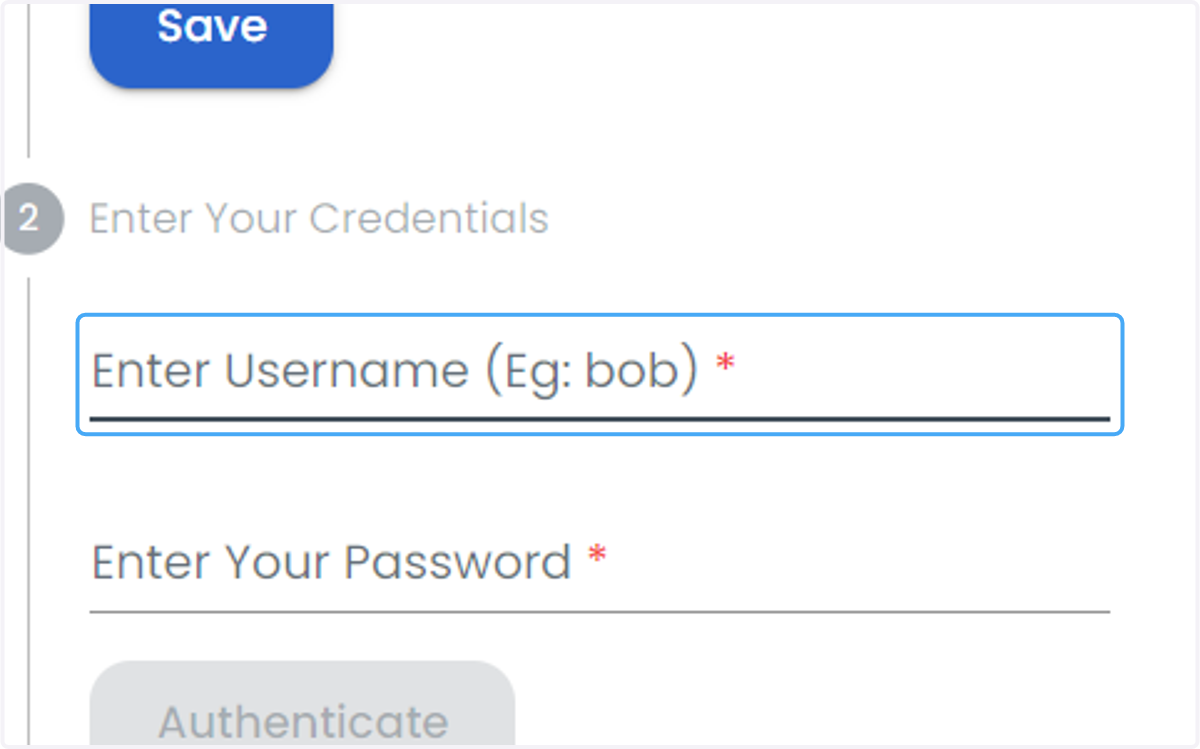
    Enter your credentials (Username and Password)
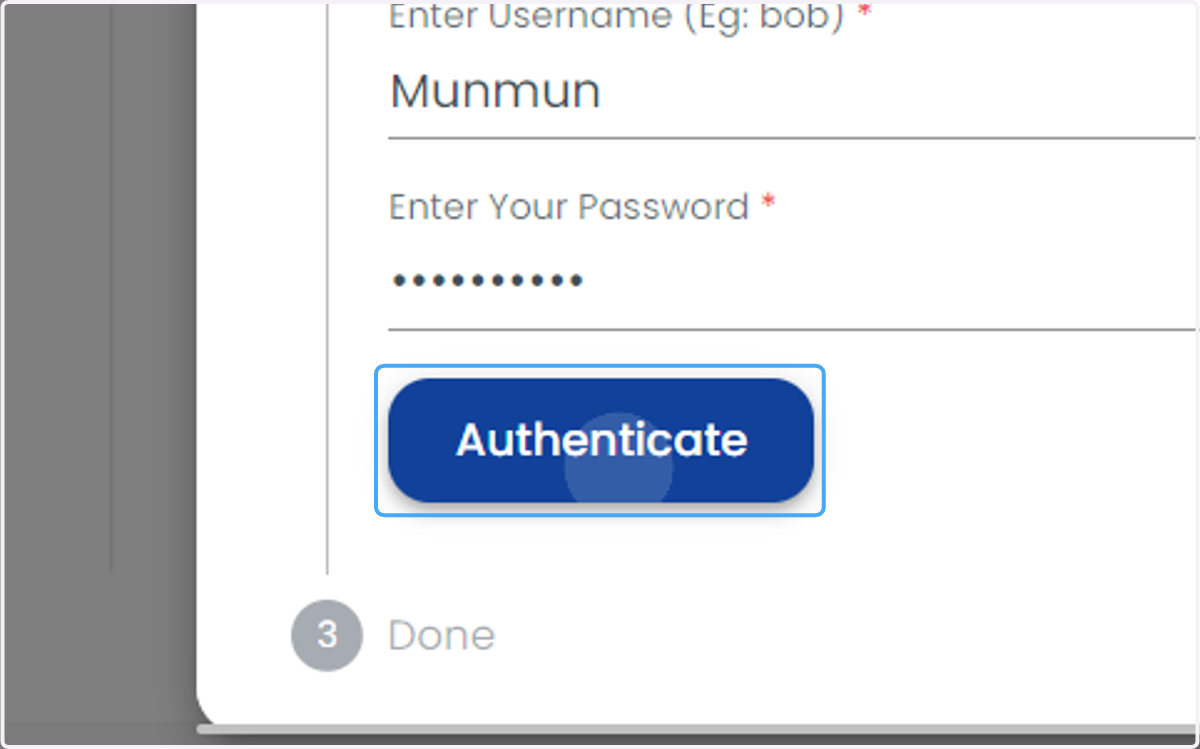
  9. 9. Click on Authenticate

    Click on Authenticate