Notification Preferences Web
Aroya
1. Go to app.aroya.io
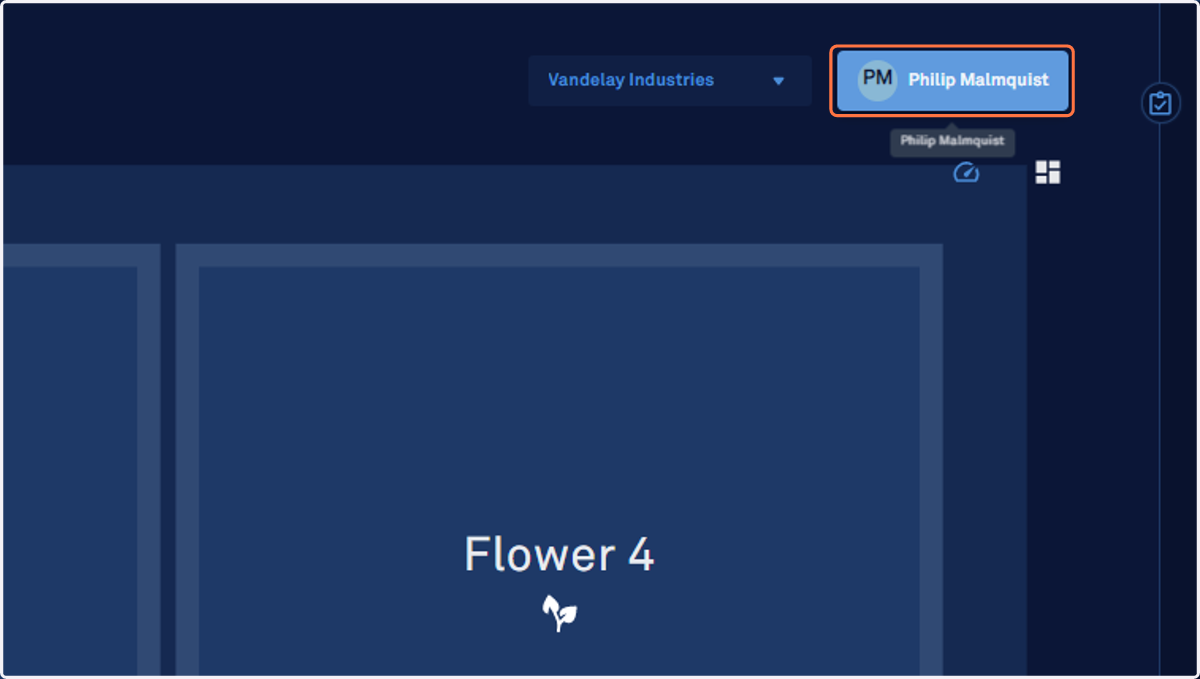
2. Click on your name in the right upper corner
3. Edit profile to add phone number
Please note: A phone number is needed if you'd like to recieve text alerts and notifications
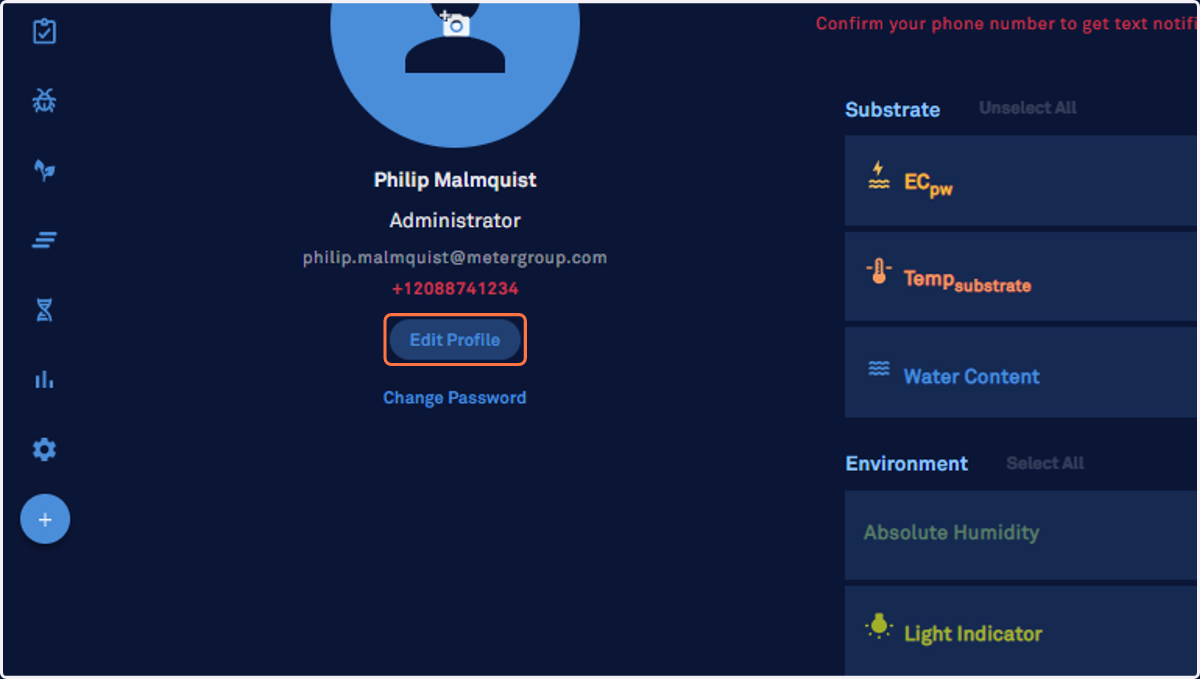
4. Choose which notification type to configure

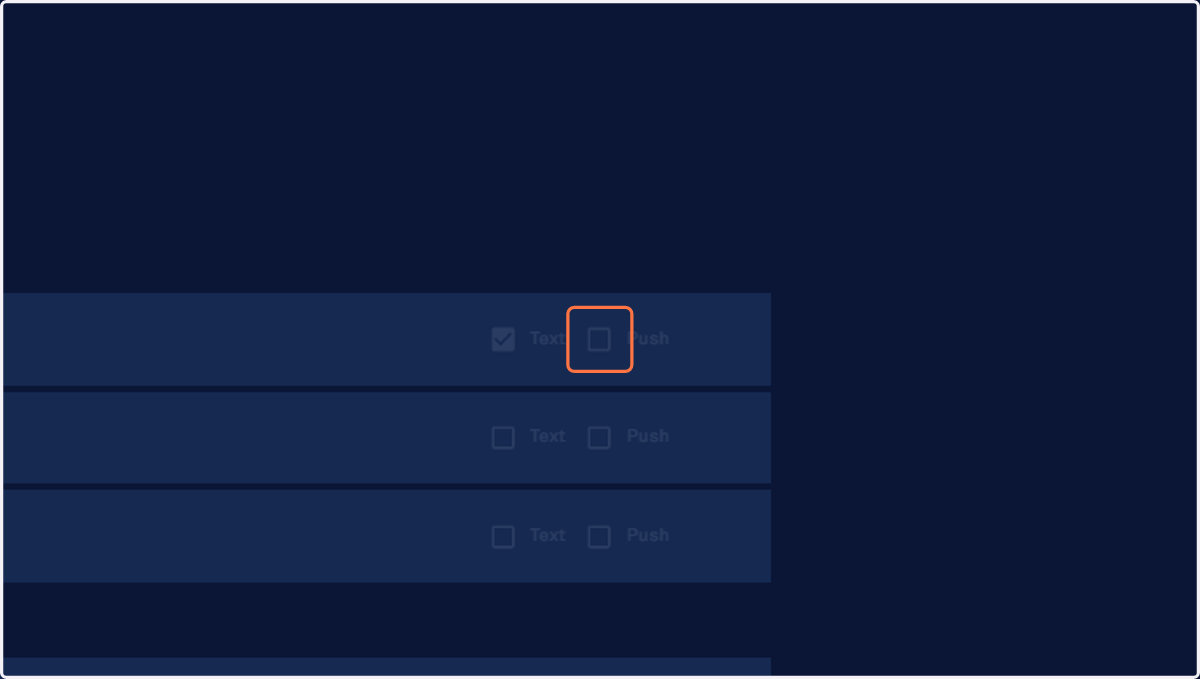
5. Enable text and/or push notifications
Enable push and/or text notifications for every data type you'd like to recieve notfications for
6. Click on "Rooms" to configure location preferences
Choose for which locations you'd like to recieve notfications for the selected data type

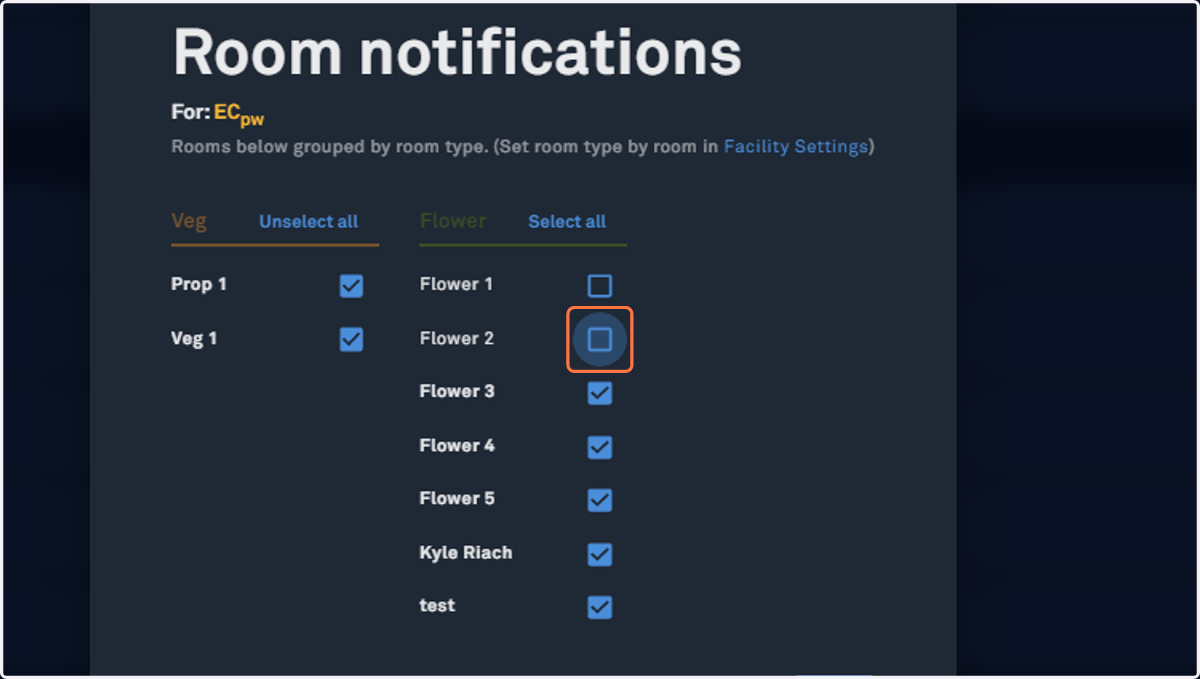
7. Enable which rooms to notify for
Choose for which locations you'd like to recieve notfications for the selected data type
8. Click on Save
