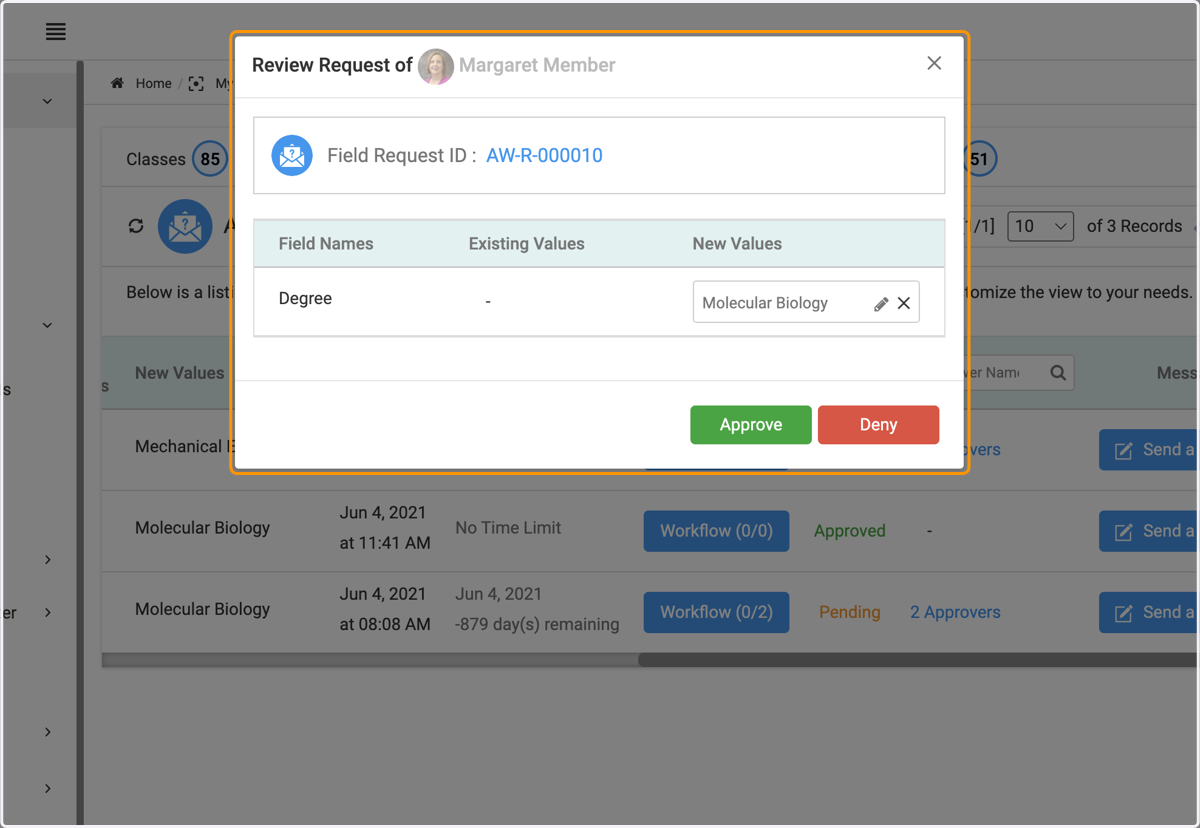
Smart Dropdowns | Admin Experience
Approving or denying smart dropdown requests is easy! Here's the step by step on how to do this
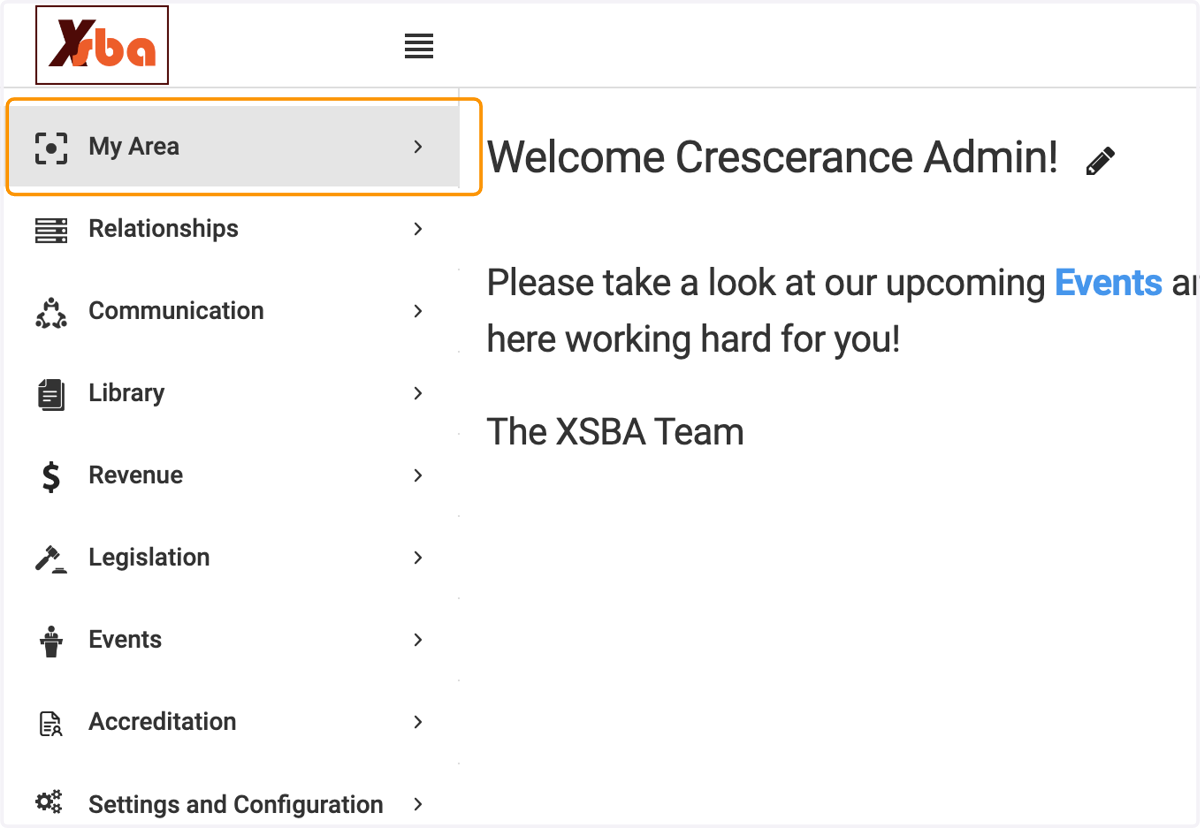
1. Click on My Area
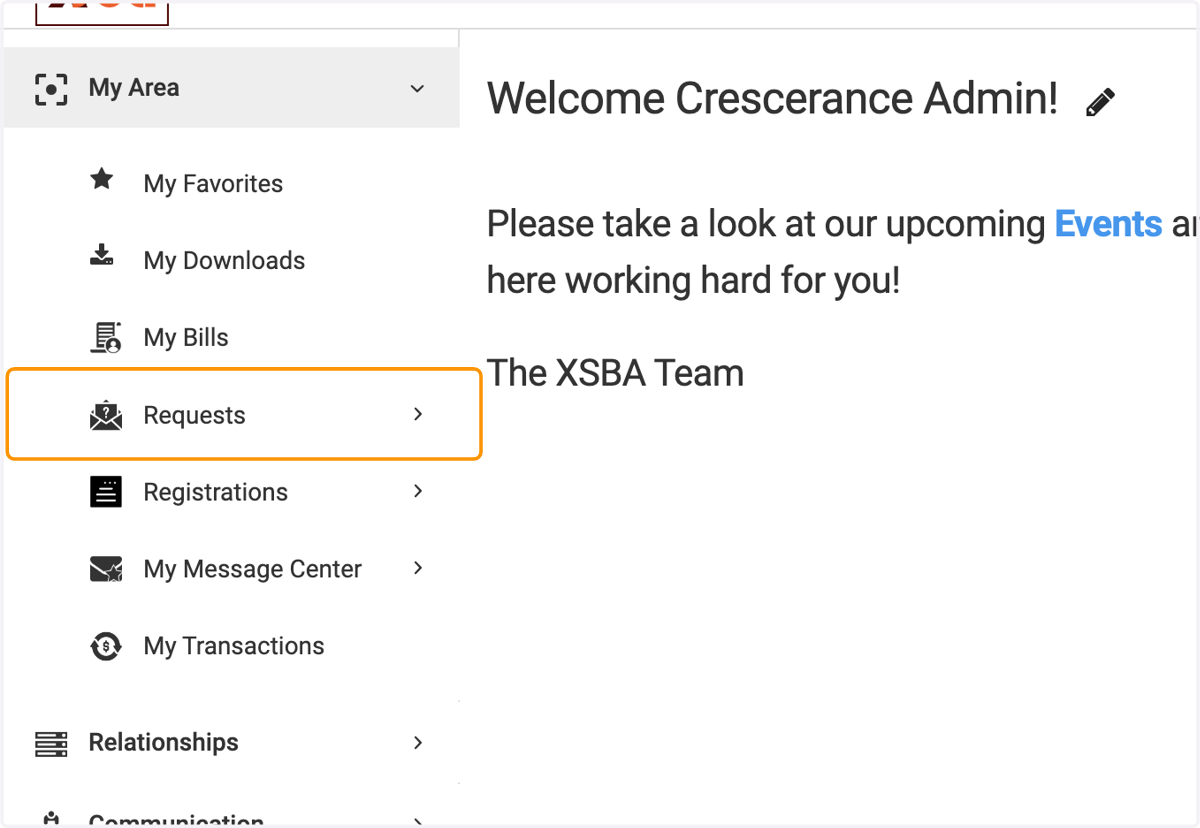
2. Click on Requests
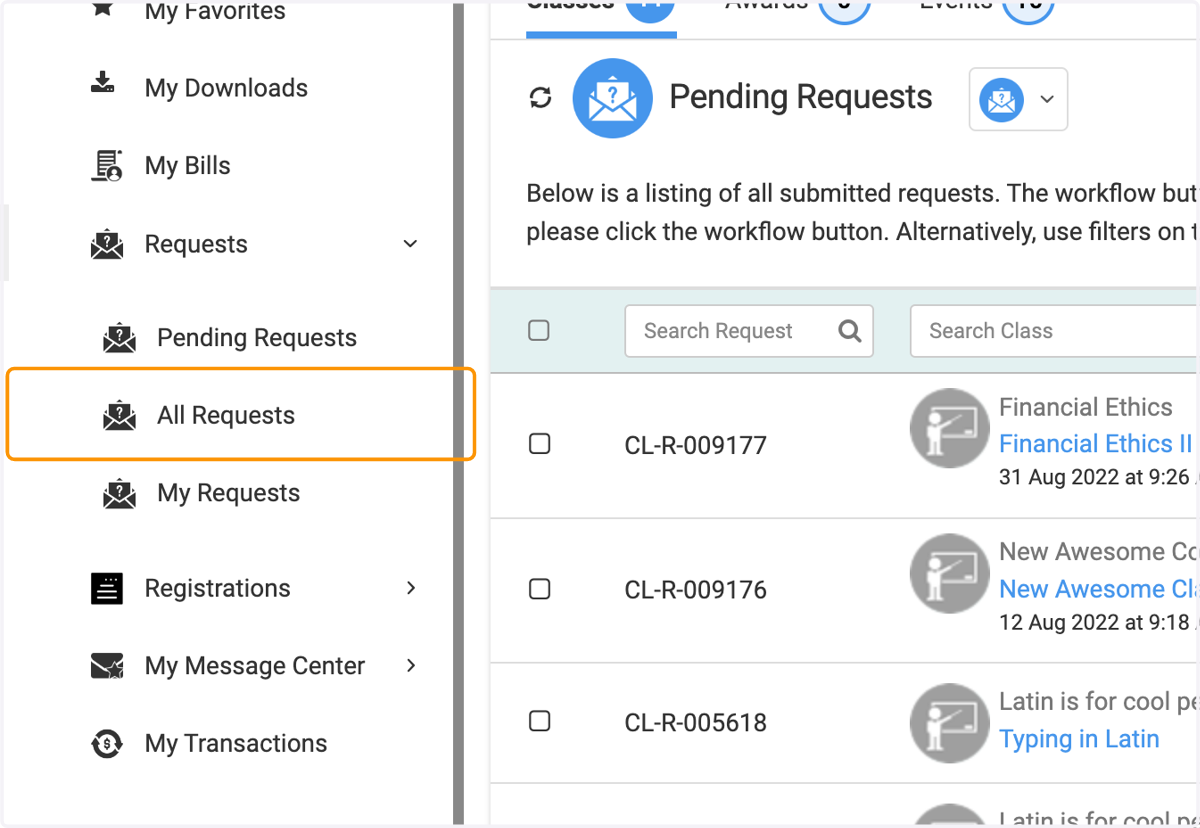
3. Click on All Requests
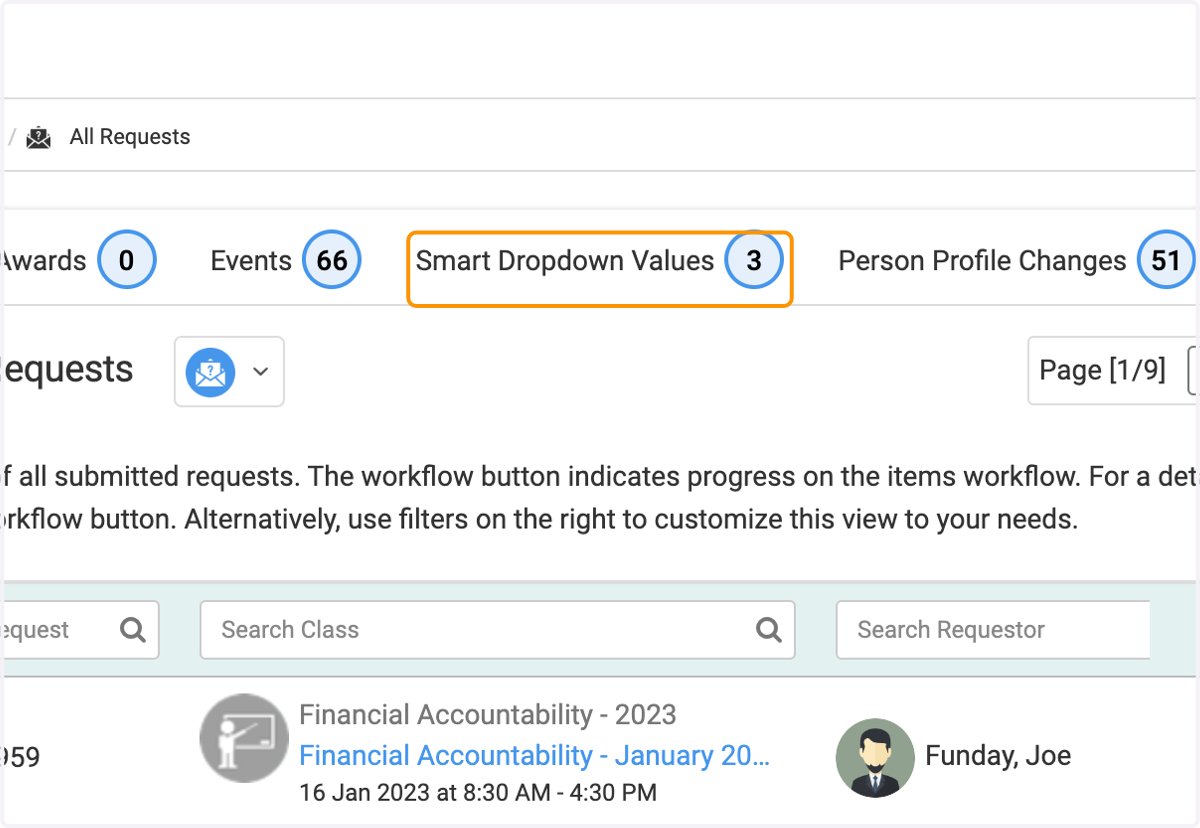
4. Click on Smart Dropdown Values…
5. On this screen you'll see all approval requests for Smart Dropdowns
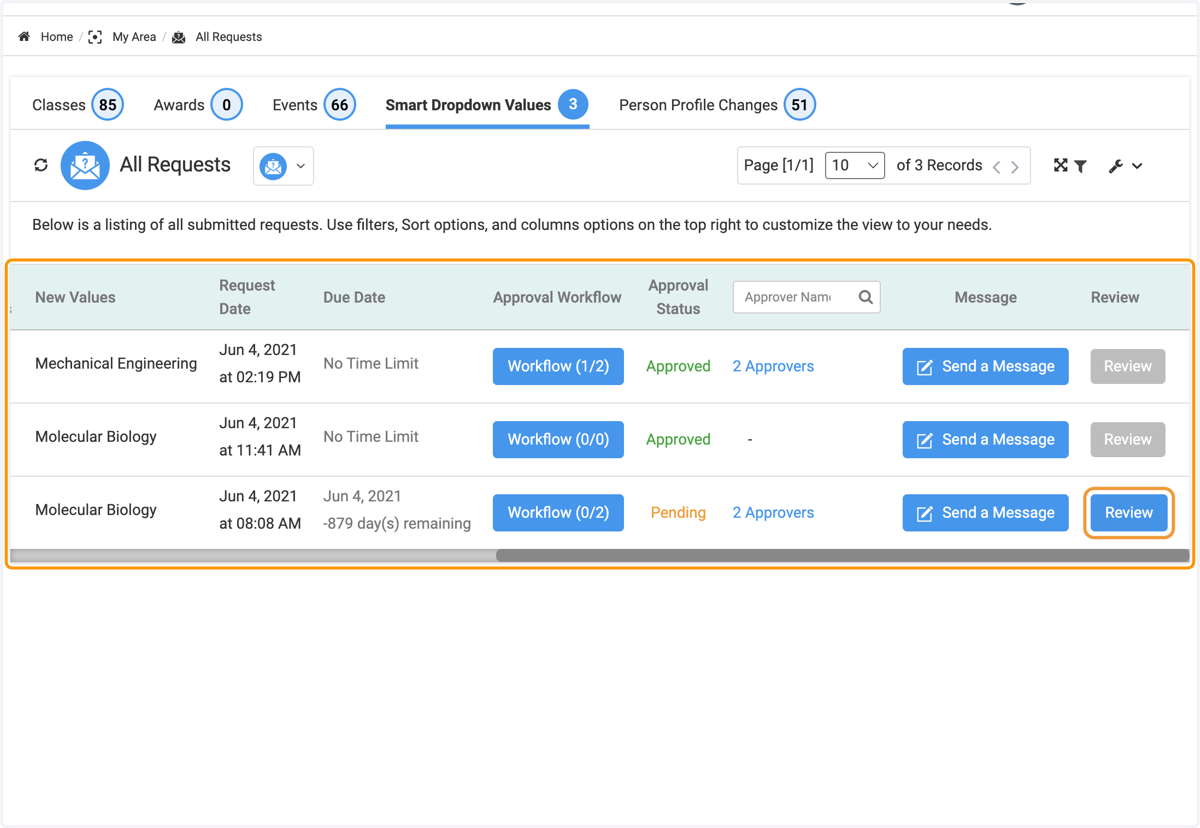
6. Click on Review for the request you'd like to approve or deny
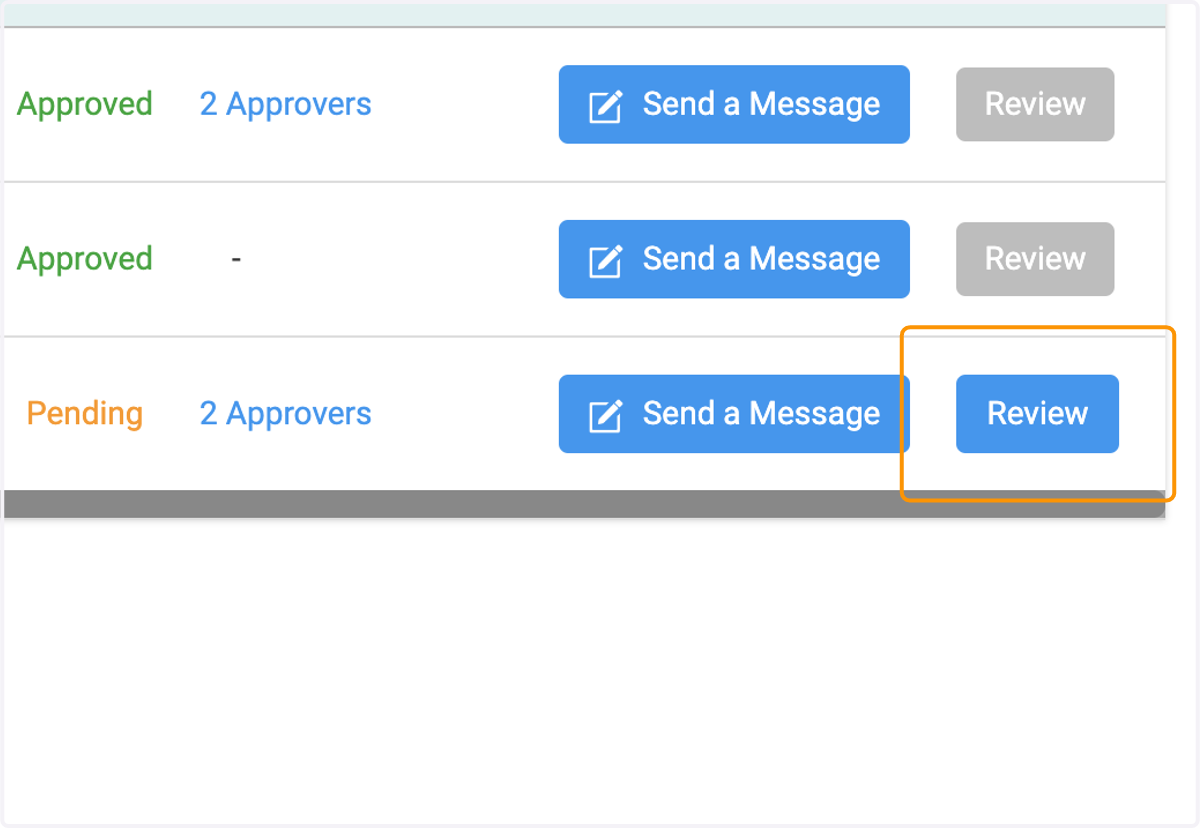
7. Select the Approve or Deny button
In the screen that pops up, select either the Approve or Deny button. You can also edit the requested value (spelling errors, etc) before approving.