Add Custom Maintenance Item and Associated Alert
Workflow to add a custom maintenance item and create an alert for a reminder when it is due
Loadops
1. Go to app.loadops.com
2. Click on SETTINGS
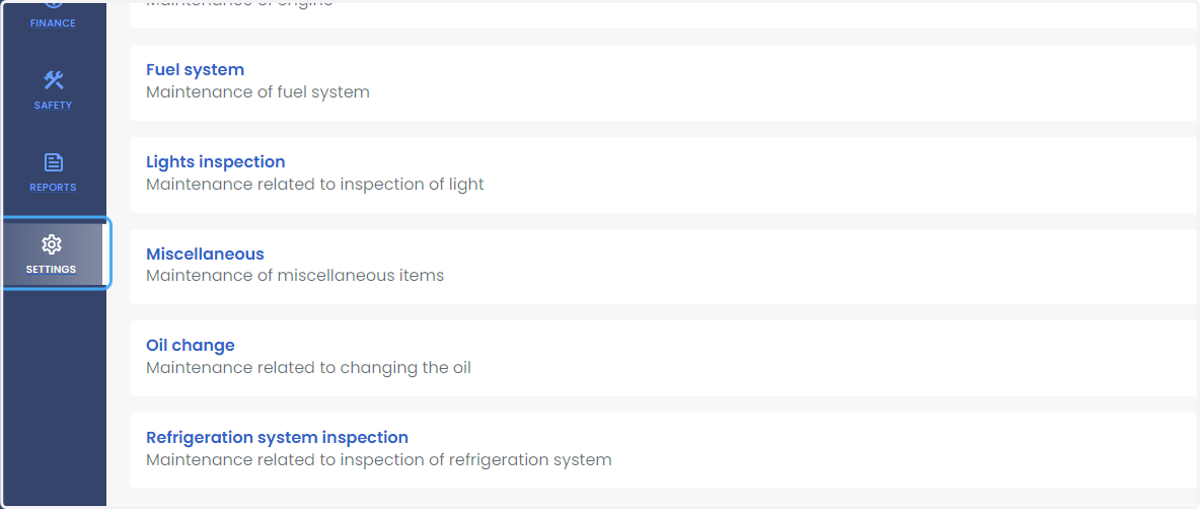
3. Click on Manage Types
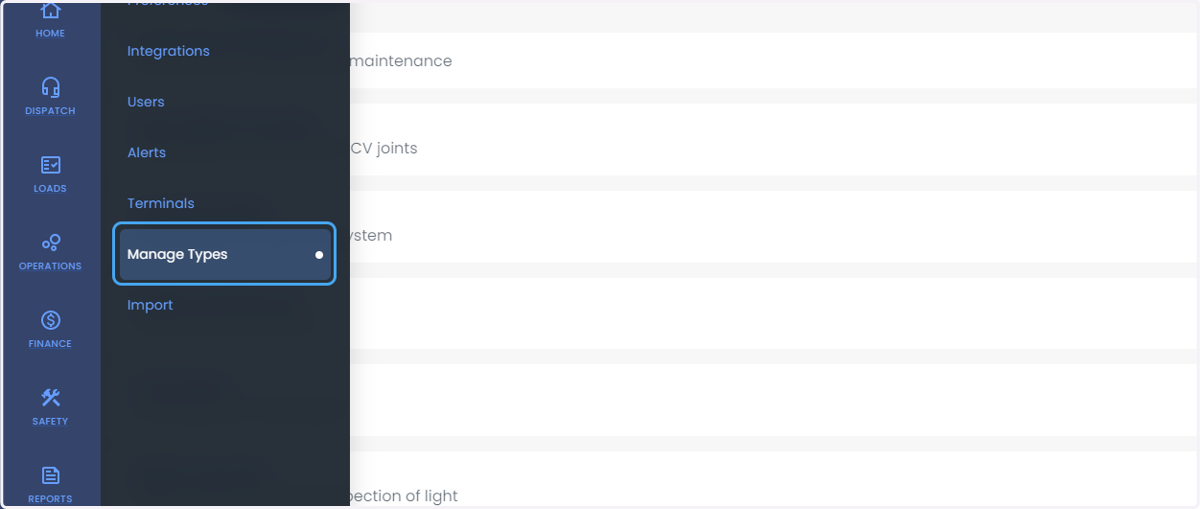
4. Click on Maintenance
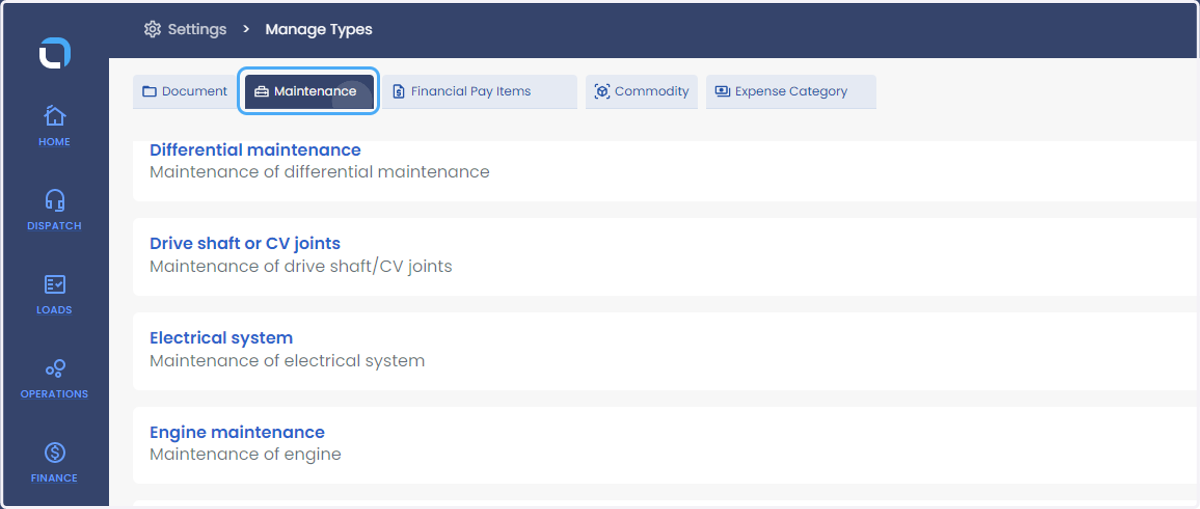
5. Click on Add Manage Types
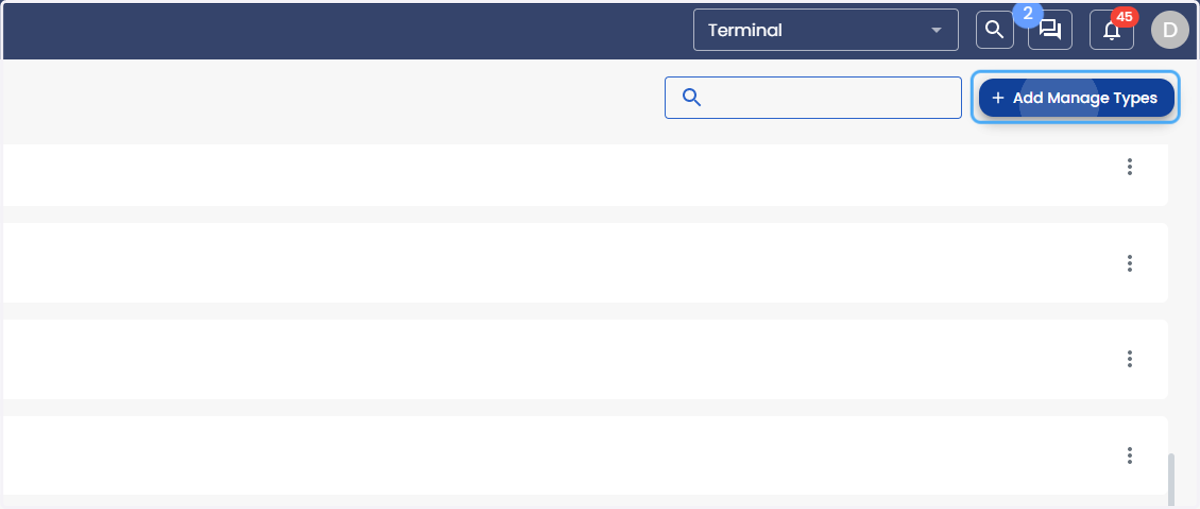
6. Click on dialog
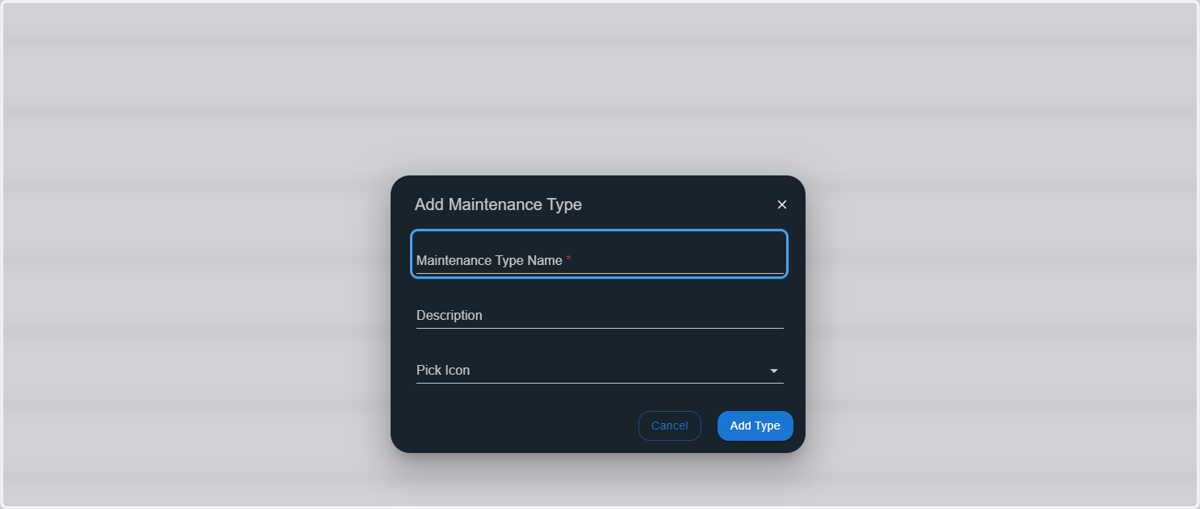
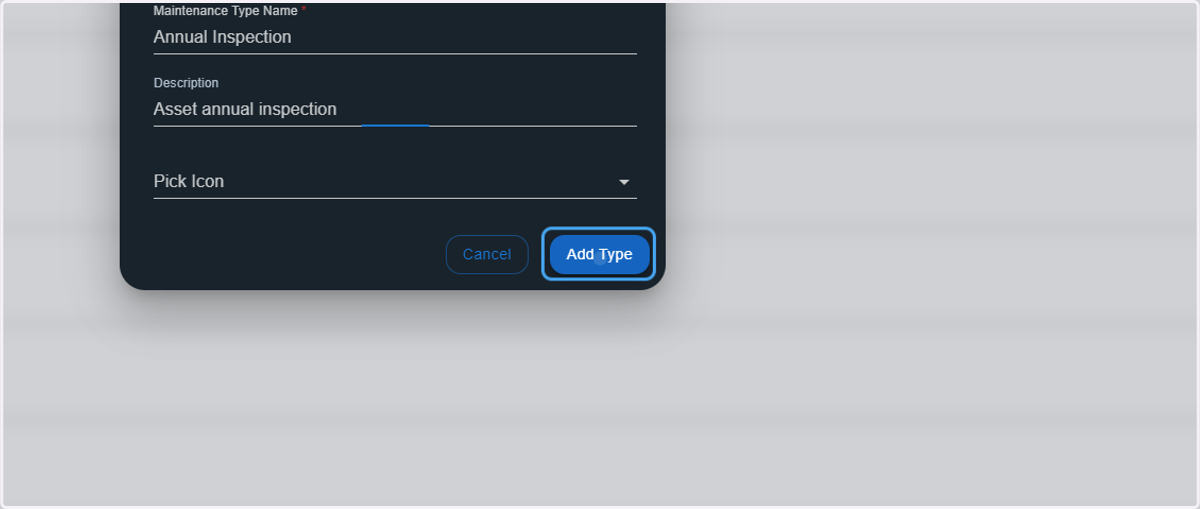
7. Type "Annual Inspection" or proper corresponding name
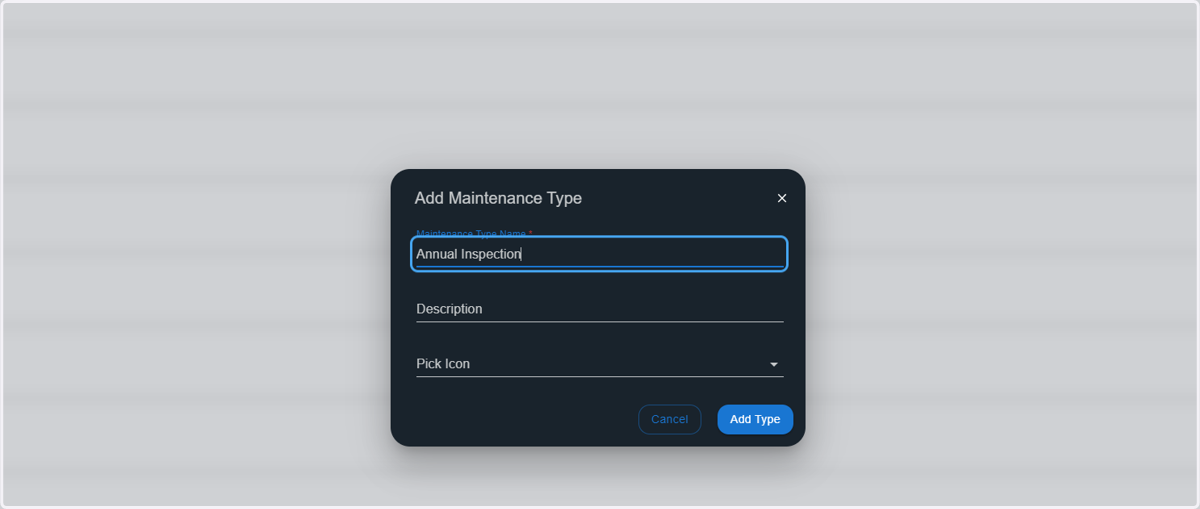
8. Type the description of the item
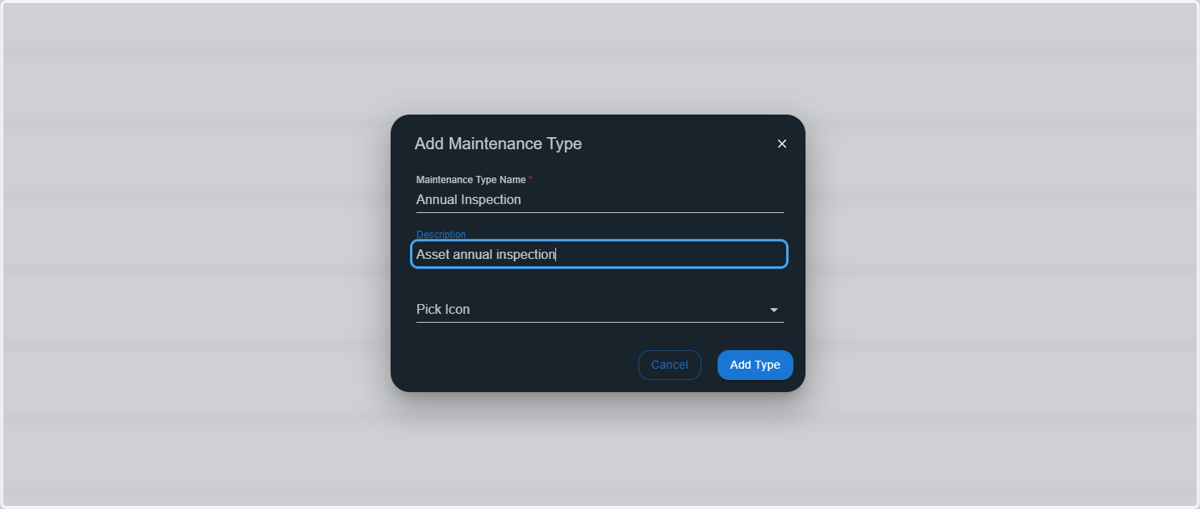
9. Click on Add Type
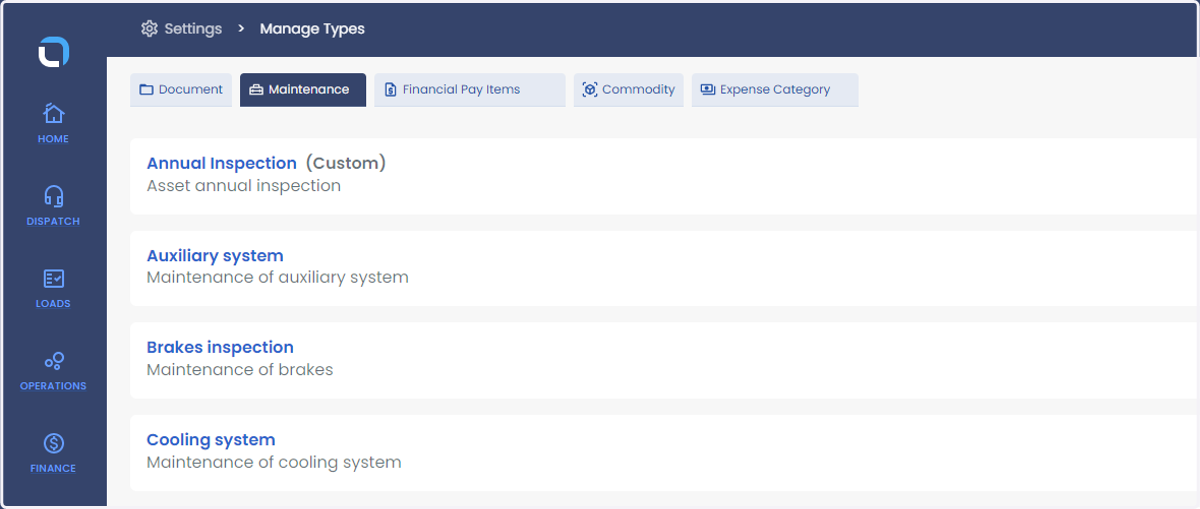
10. Custom Item will now appear under Maintenance > Manage Types
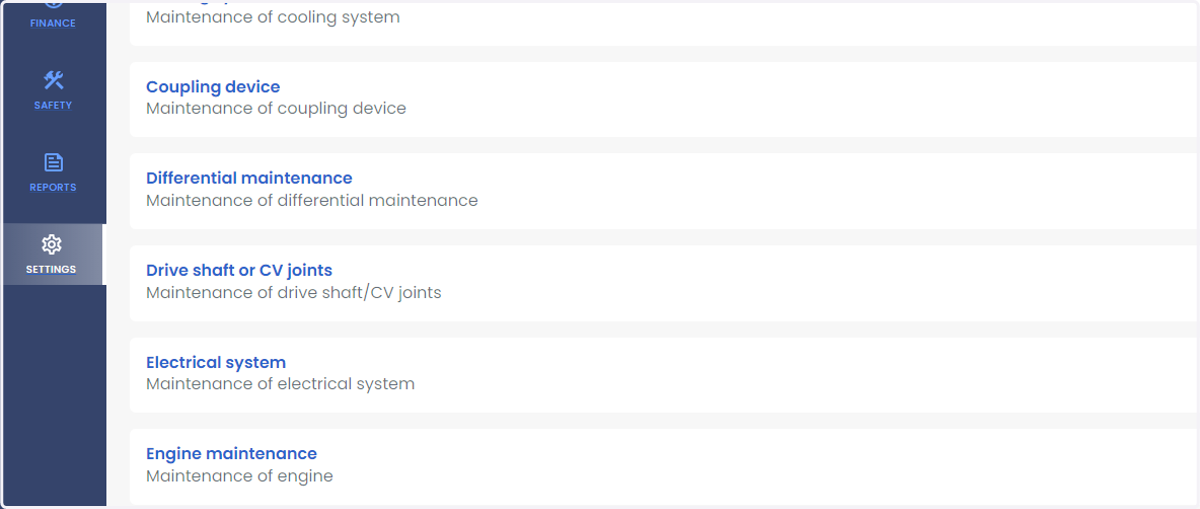
11. Click on SETTINGS
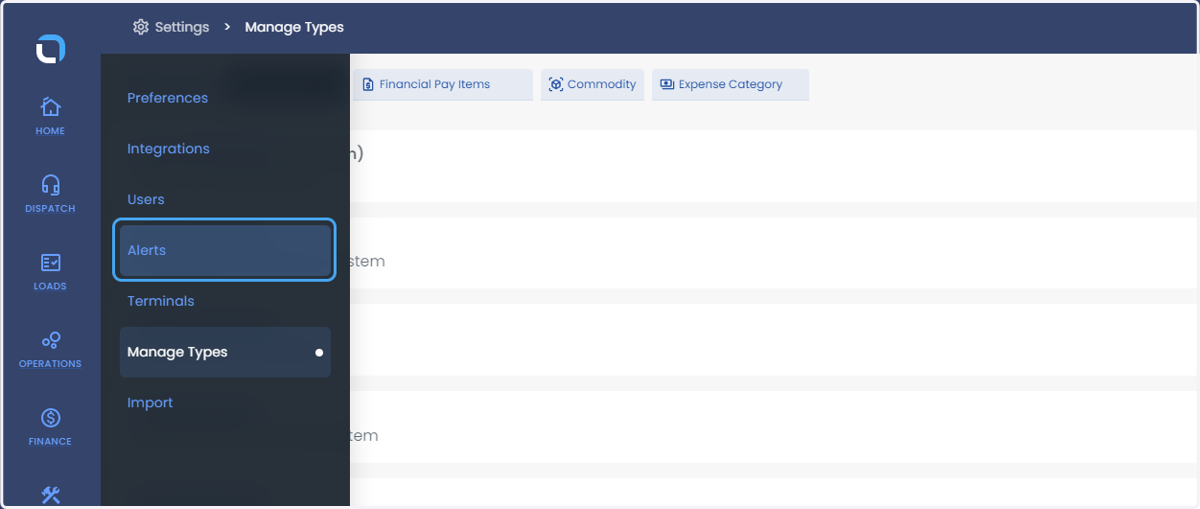
12. Click on Alerts
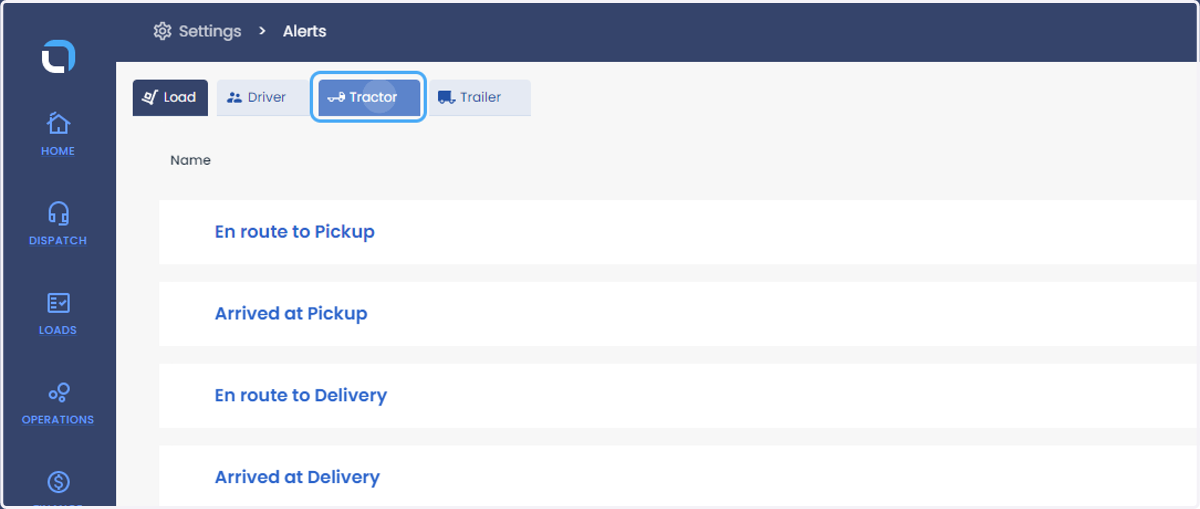
13. Click on Tractor or Trailer
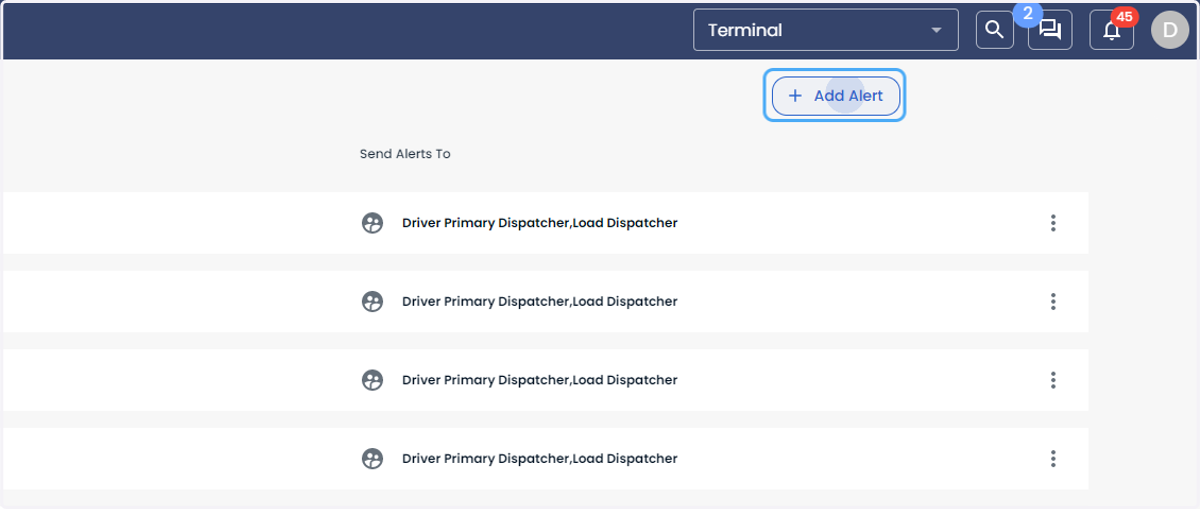
14. Click on Add Alert
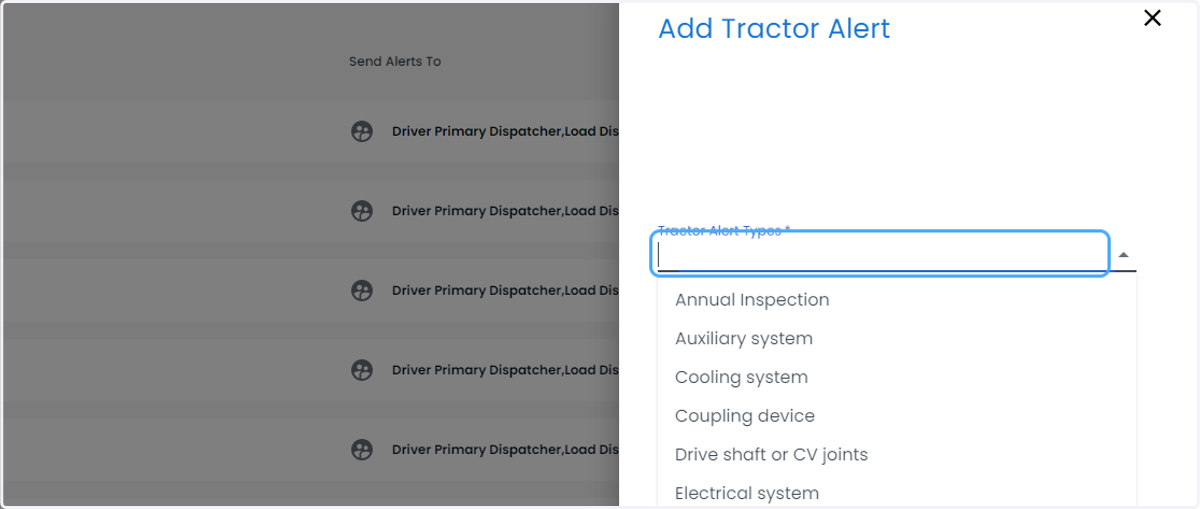
15. Click on Tractor Alert Types *
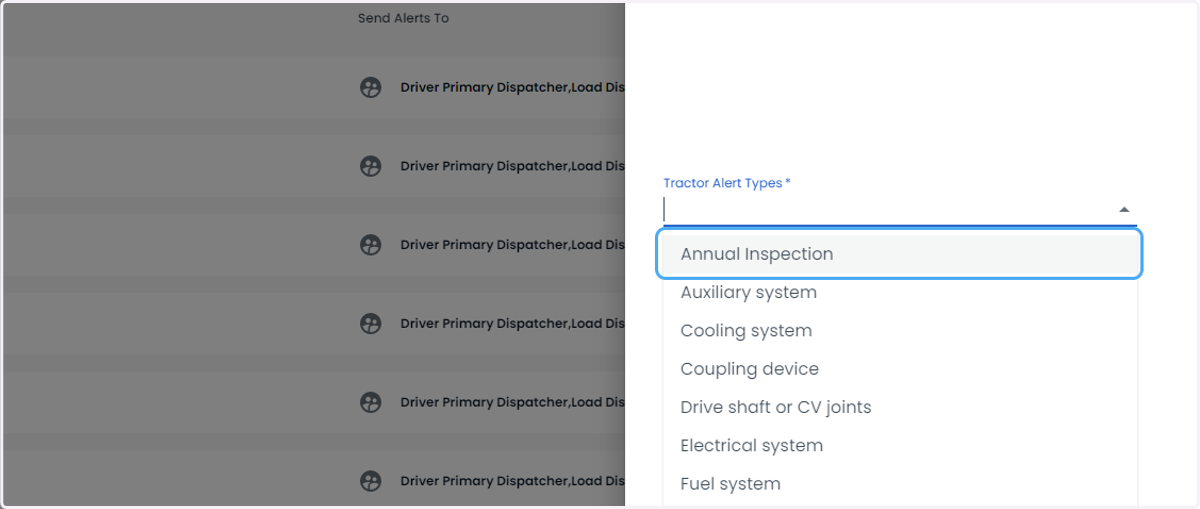
16. Select your new Maintenance Item
17. Click on Frequency *
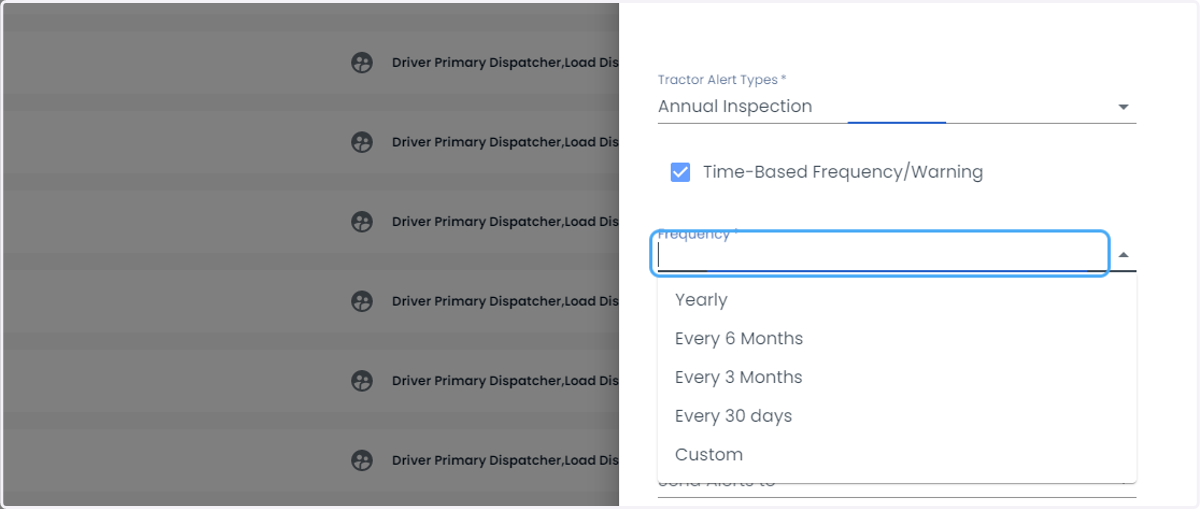
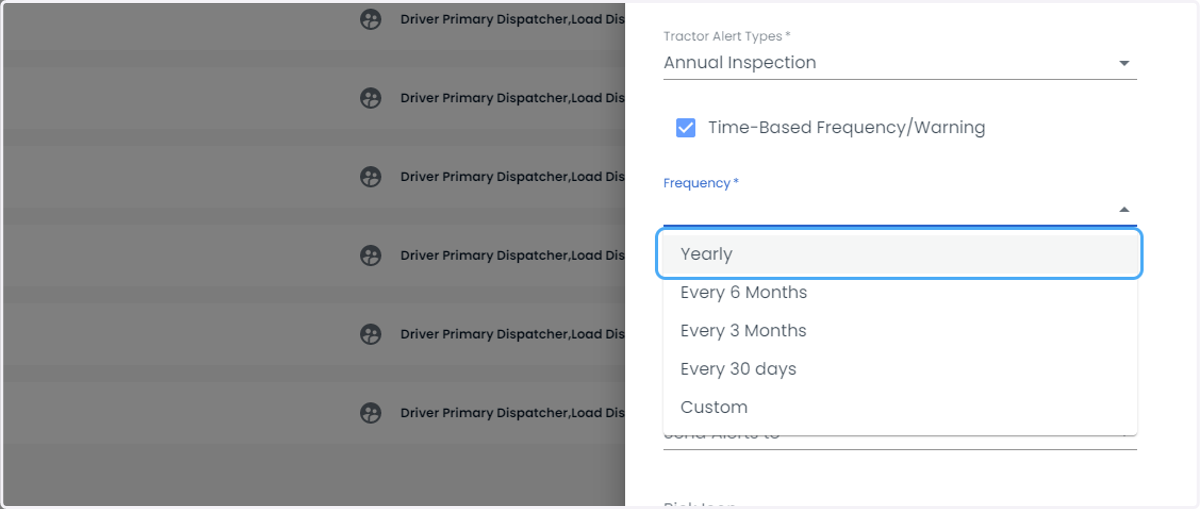
18. Click on option
19. Click on Warning *
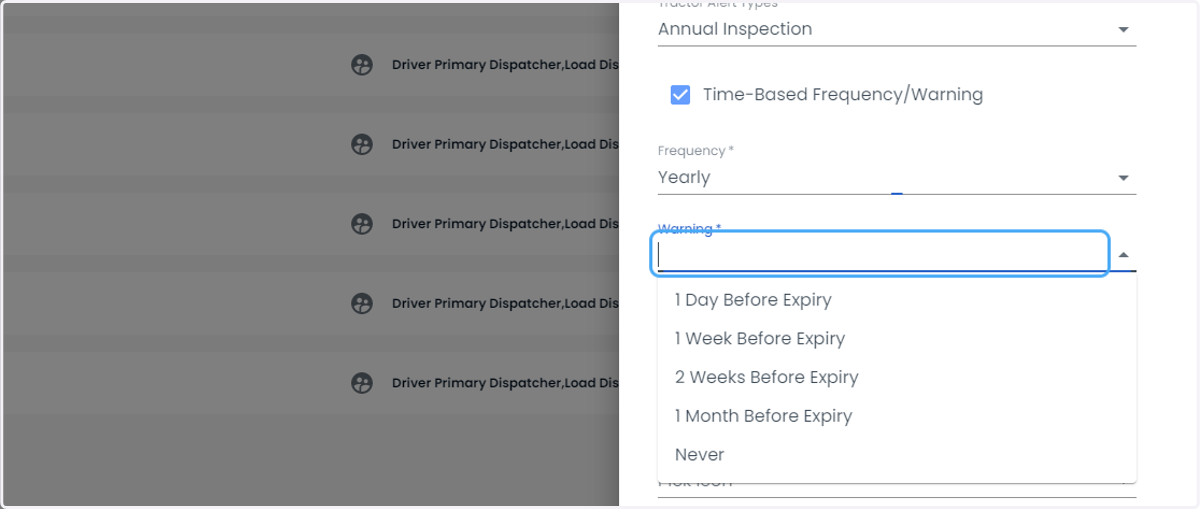
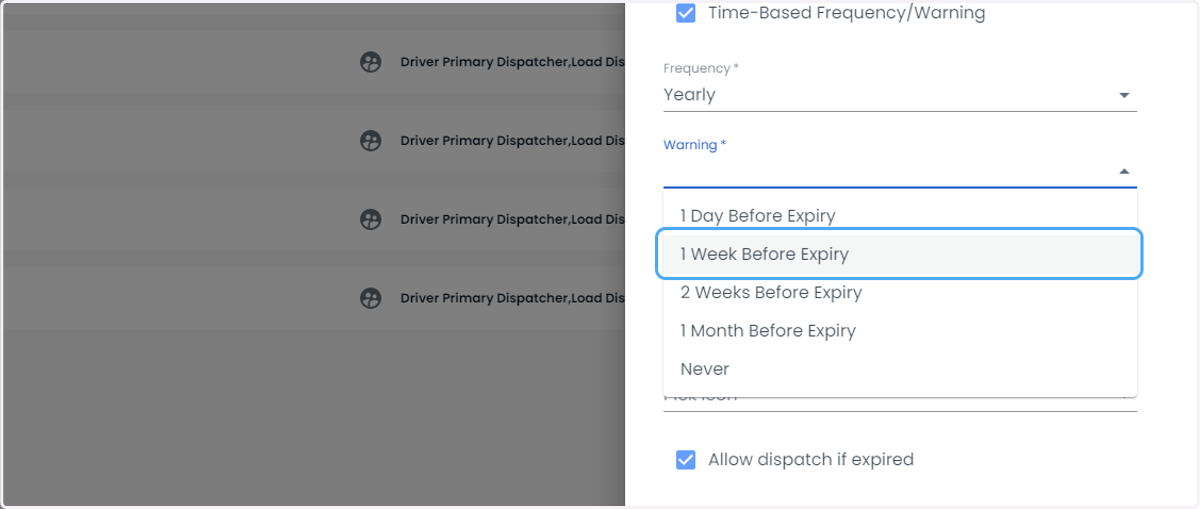
20. Click on option
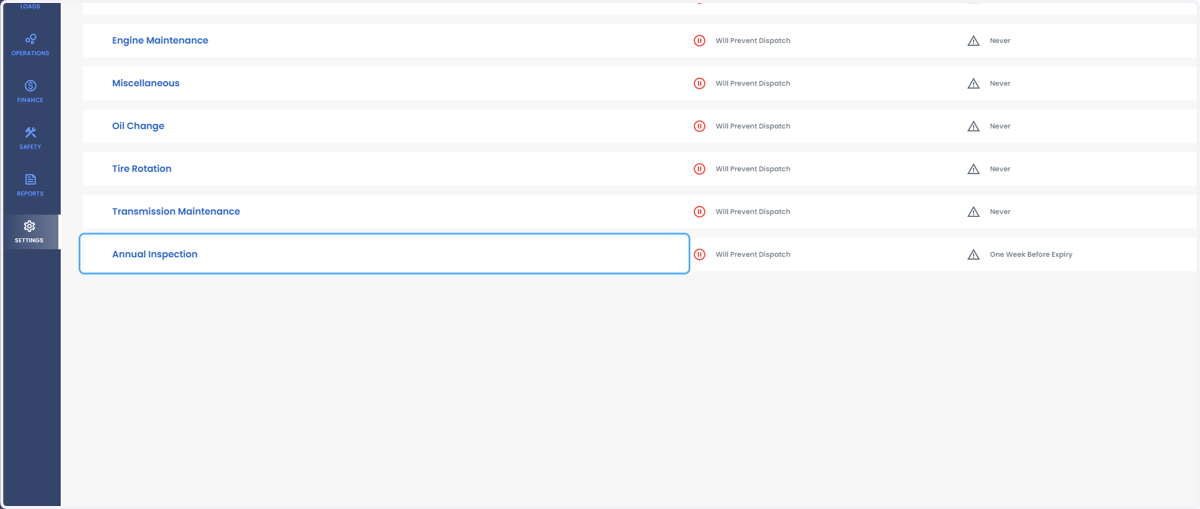
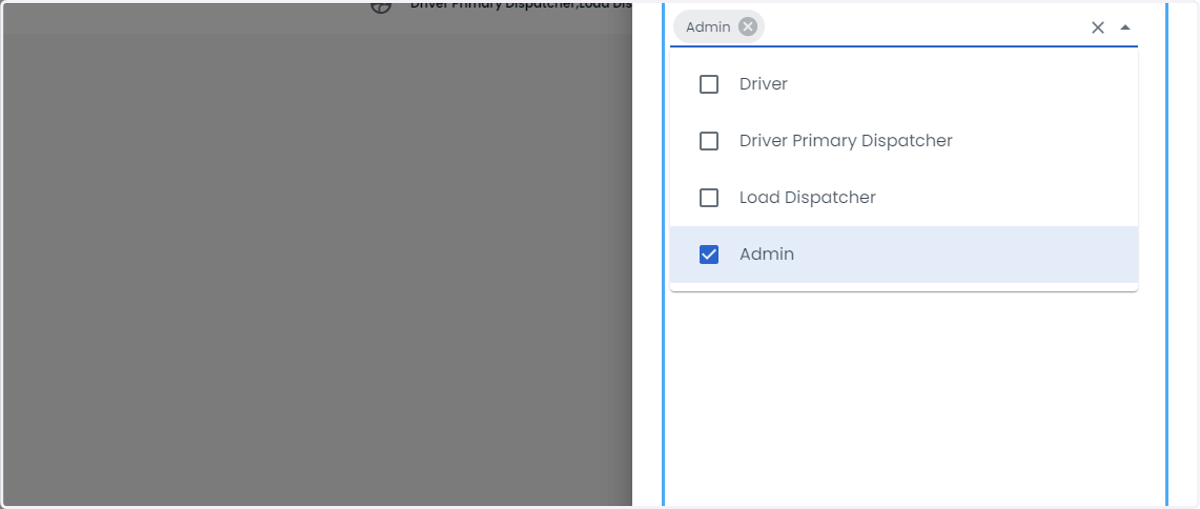
21. Select who gets the alert
22. Click on Add Alert
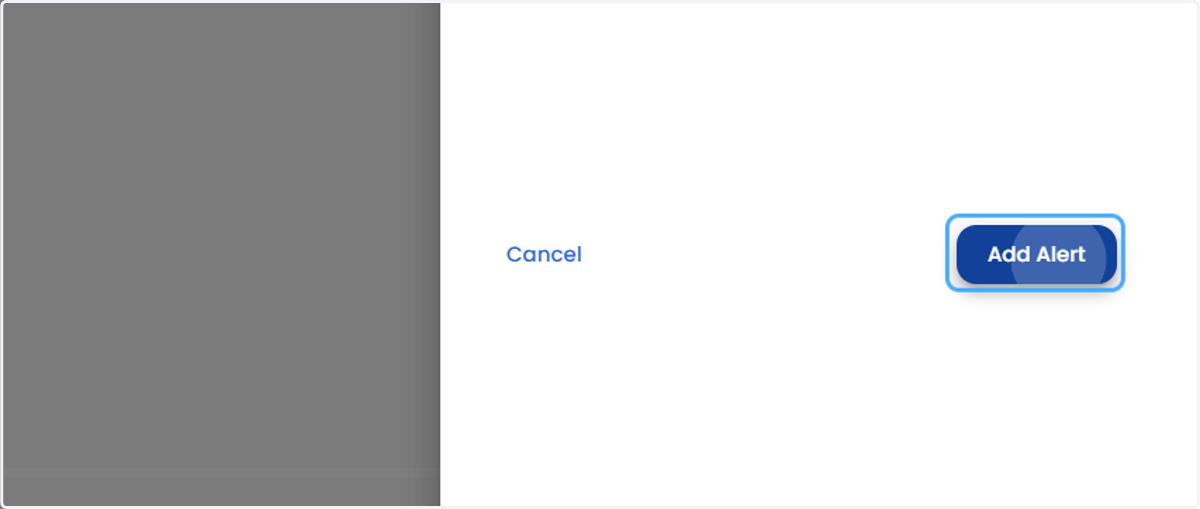
23. New Custom Alert will now be scheduled