Guru guide to Sending a Communication in Enrollify
Enrollify
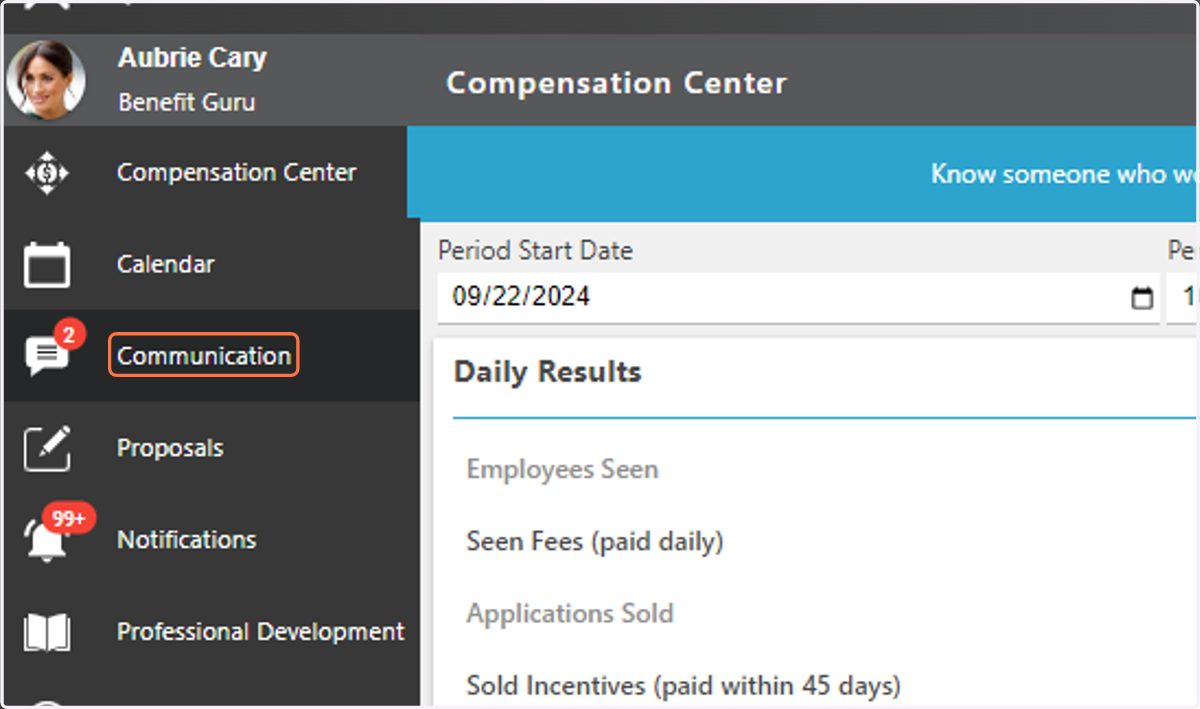
1. Click on Communication Center
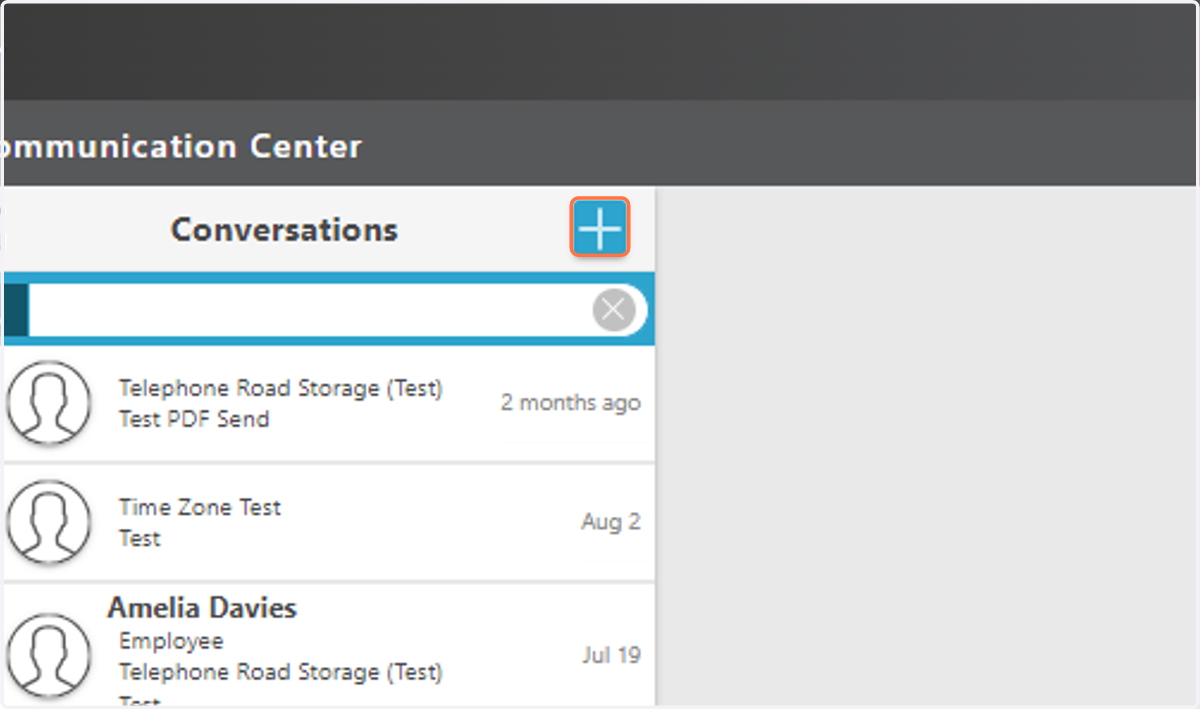
2. Click the + sign to start a new communication.
3. Choose Case from Dropdown Menu.
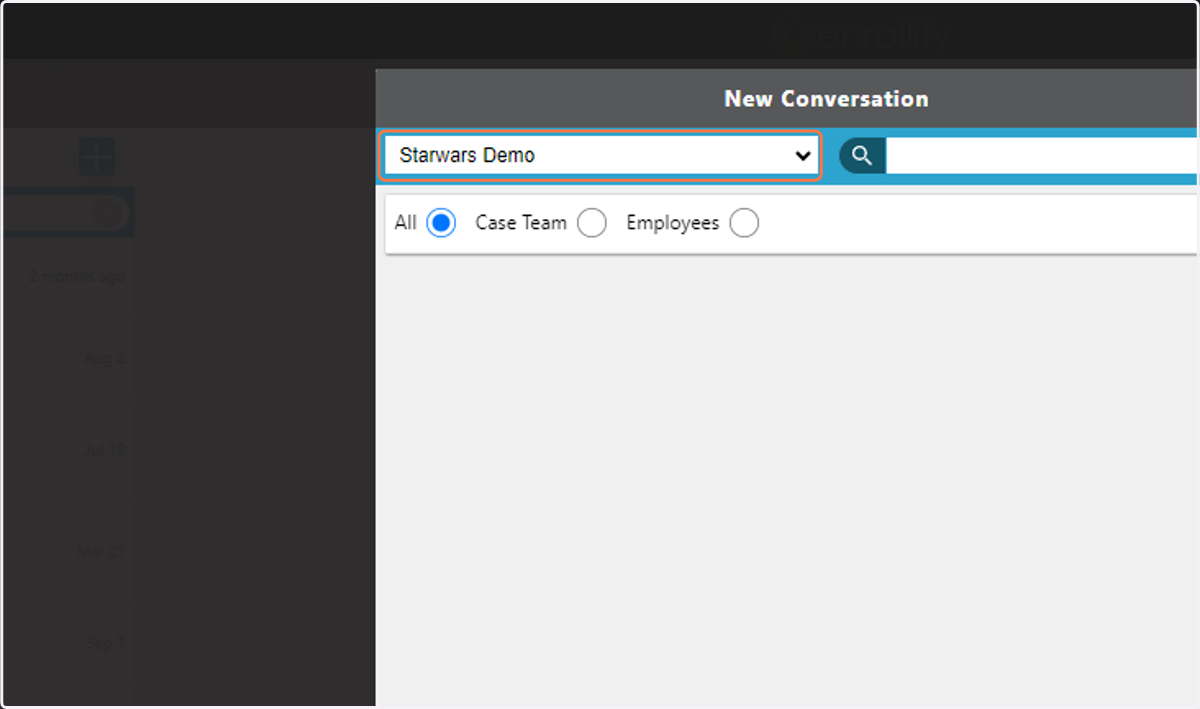
4. Select Case & Recipient (s).
You can choose ALL, CASE TEAM or EMPLOYEES.
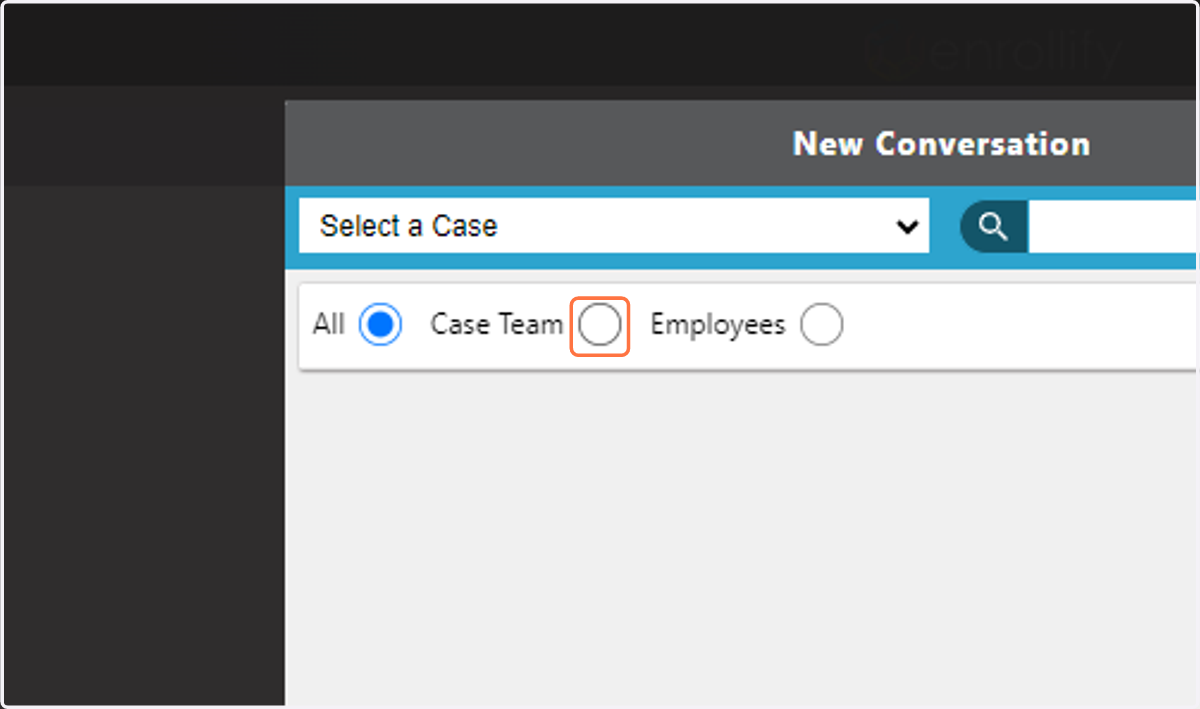
5. Choose Recipient.
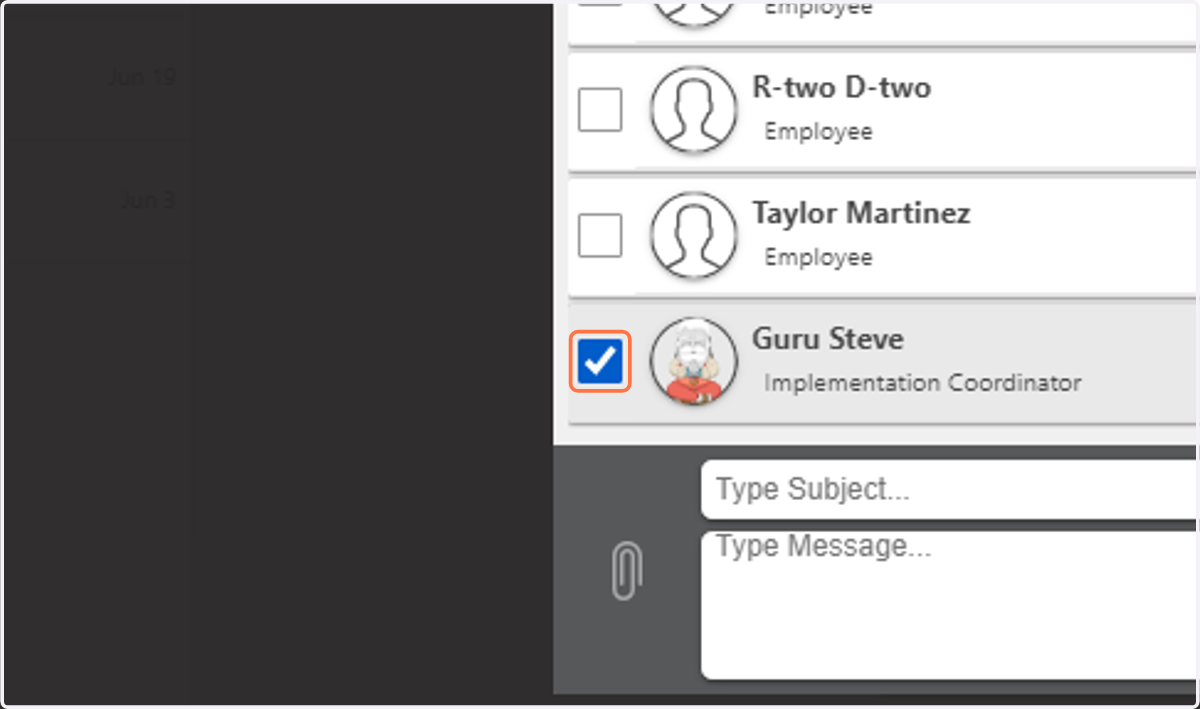
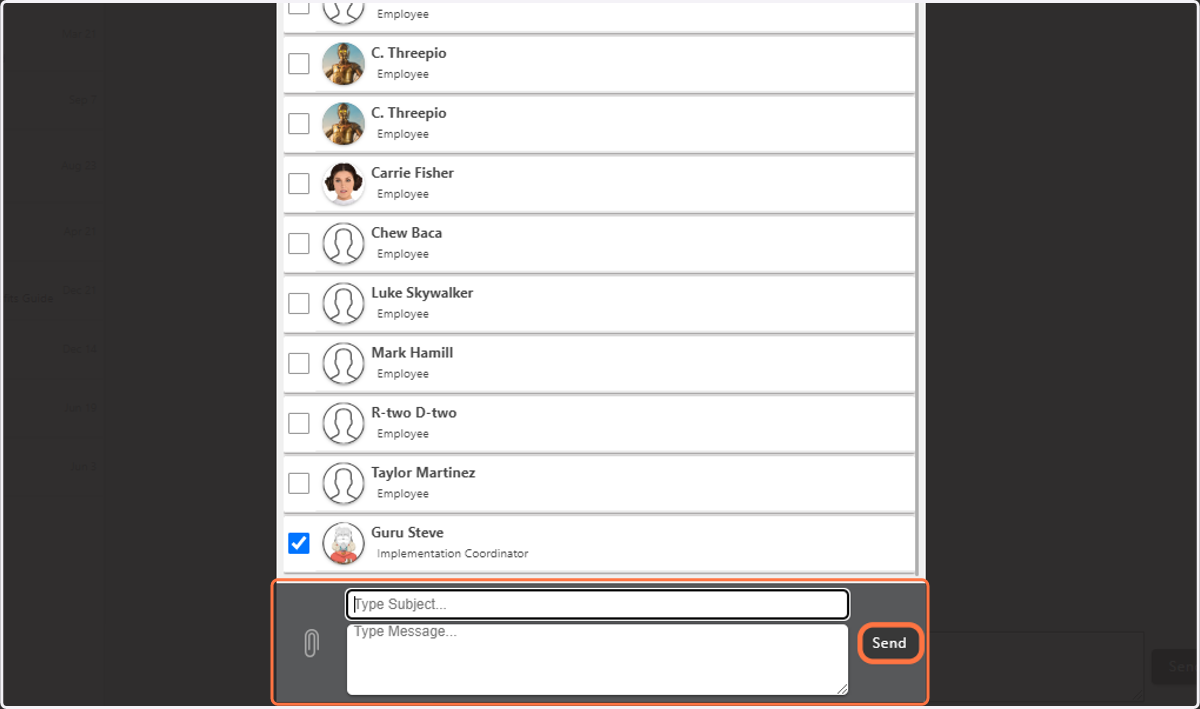
6. Type Subject and Message.
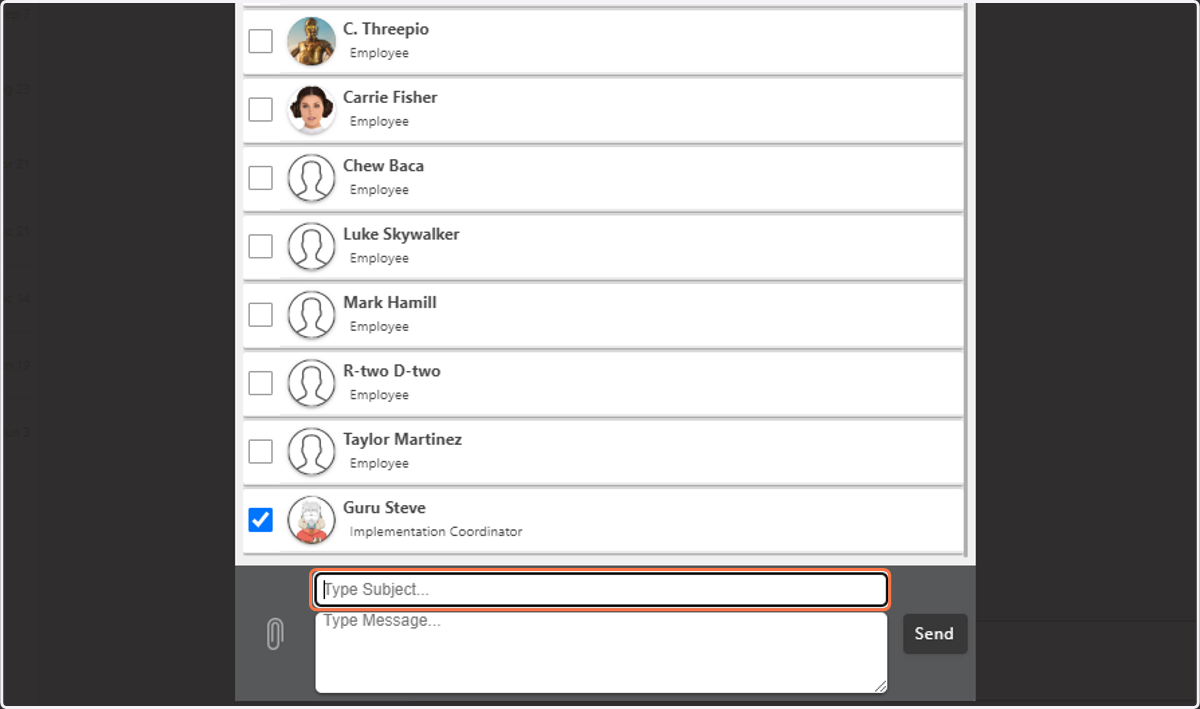
7. Click on Send