How to Manually Close a Leak
Chateau How To
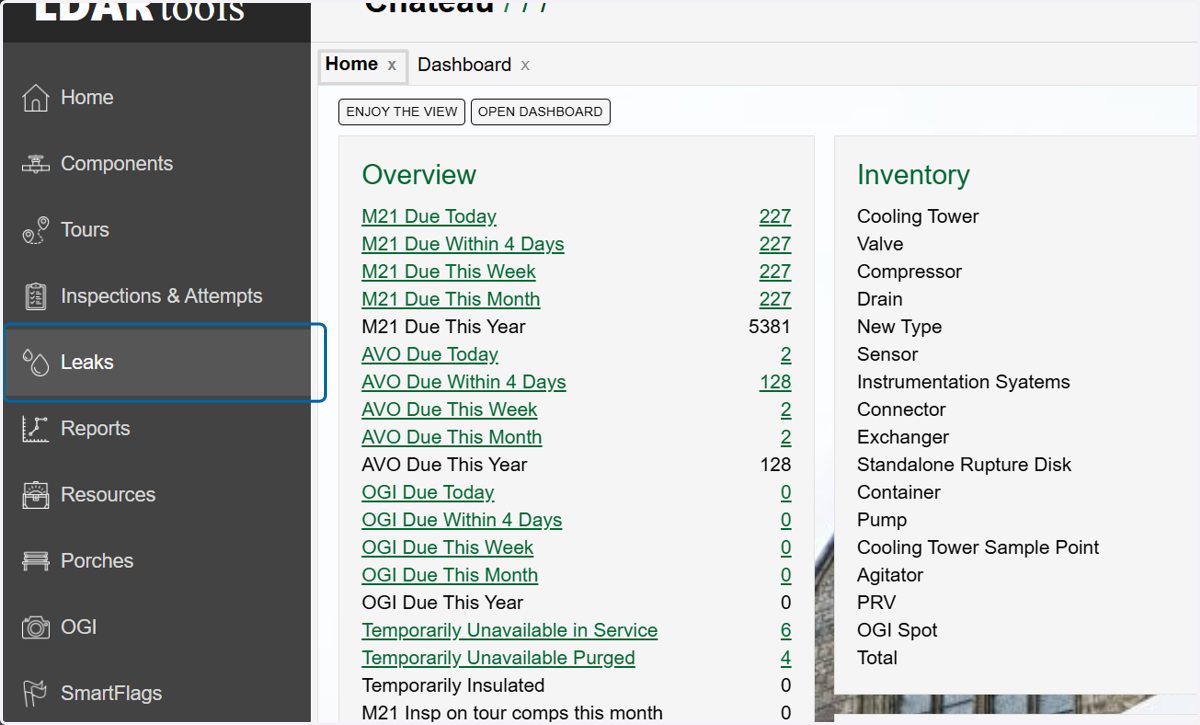
1. Click on Leaks
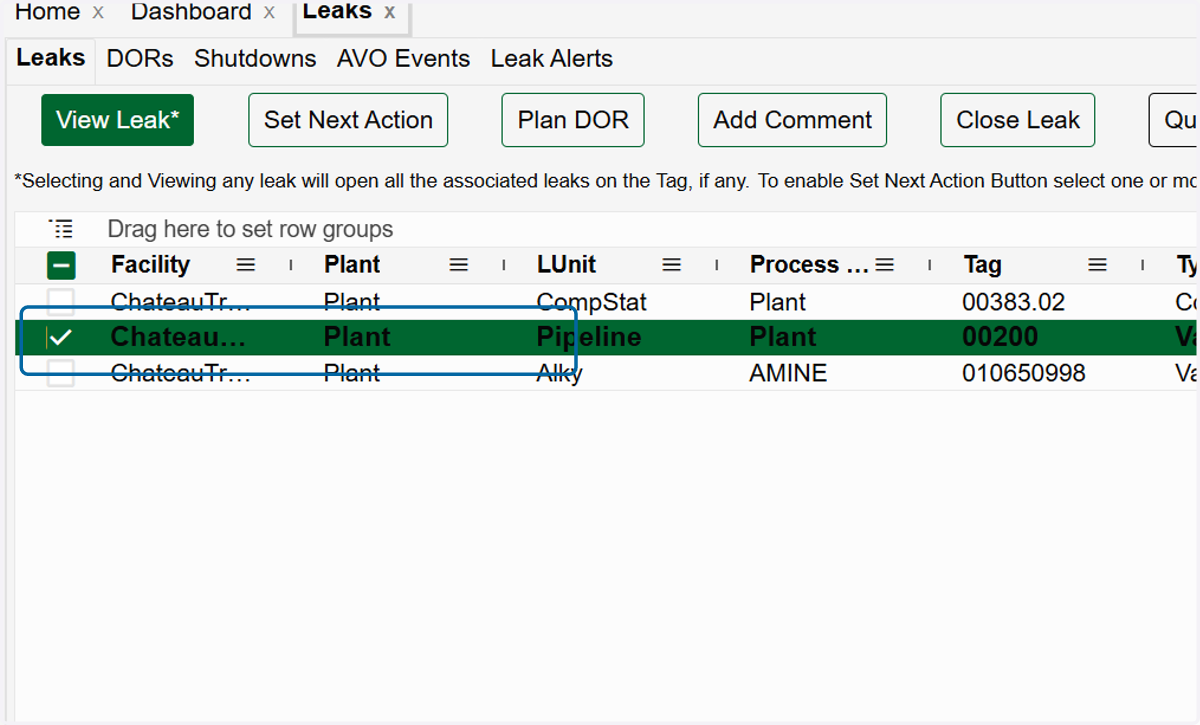
2. 2. Select the leak(s) you wish to close in the grid.
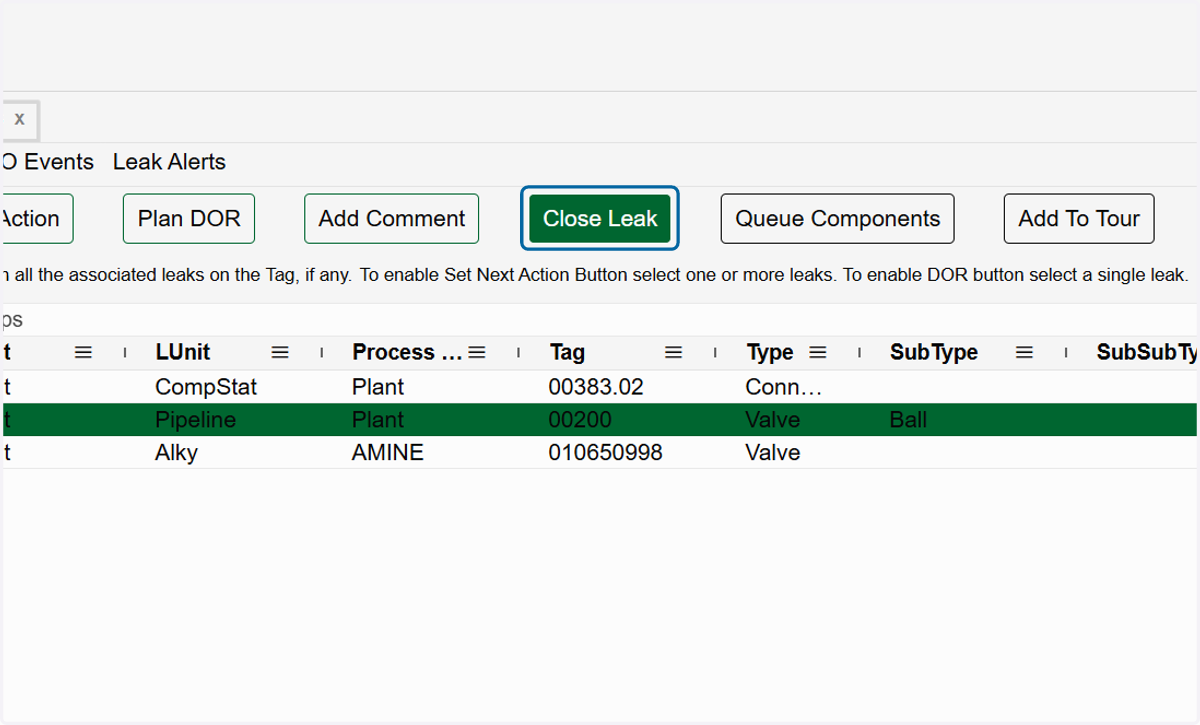
3. Click on Close Leak.
4. Choose the reason for closing the leak in the dropdown.
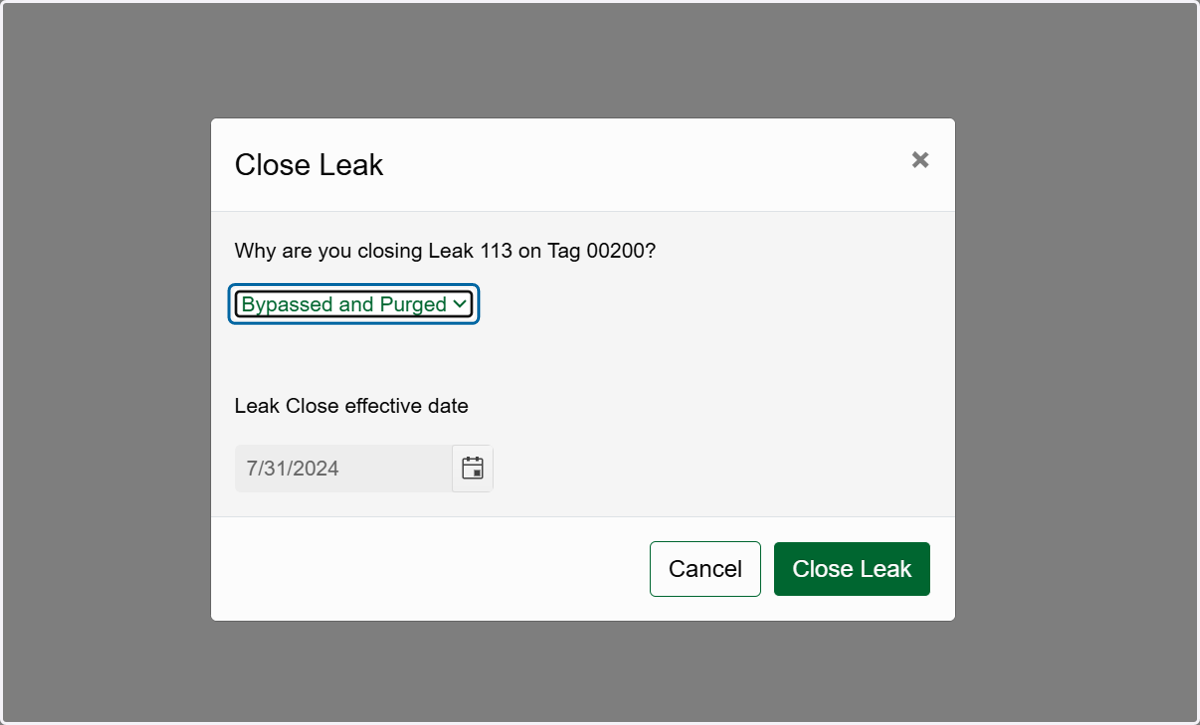
5. Enter the date you want to use as closing date for the leak.
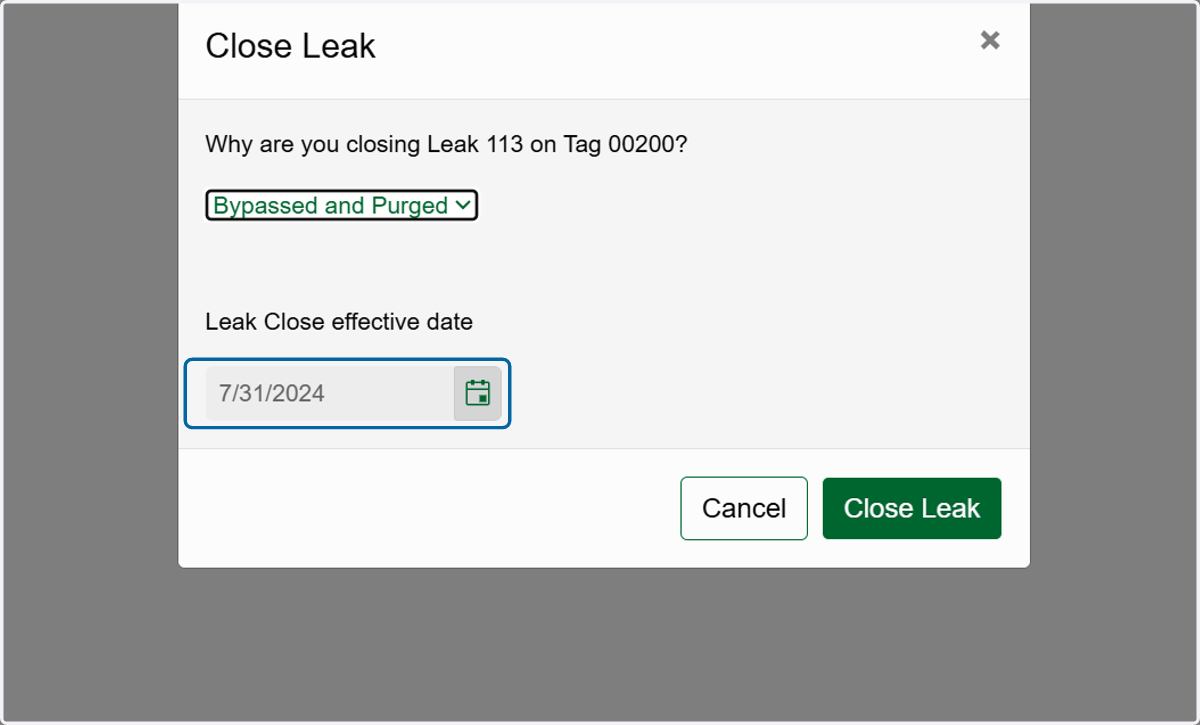
6. Click on Close Leak.
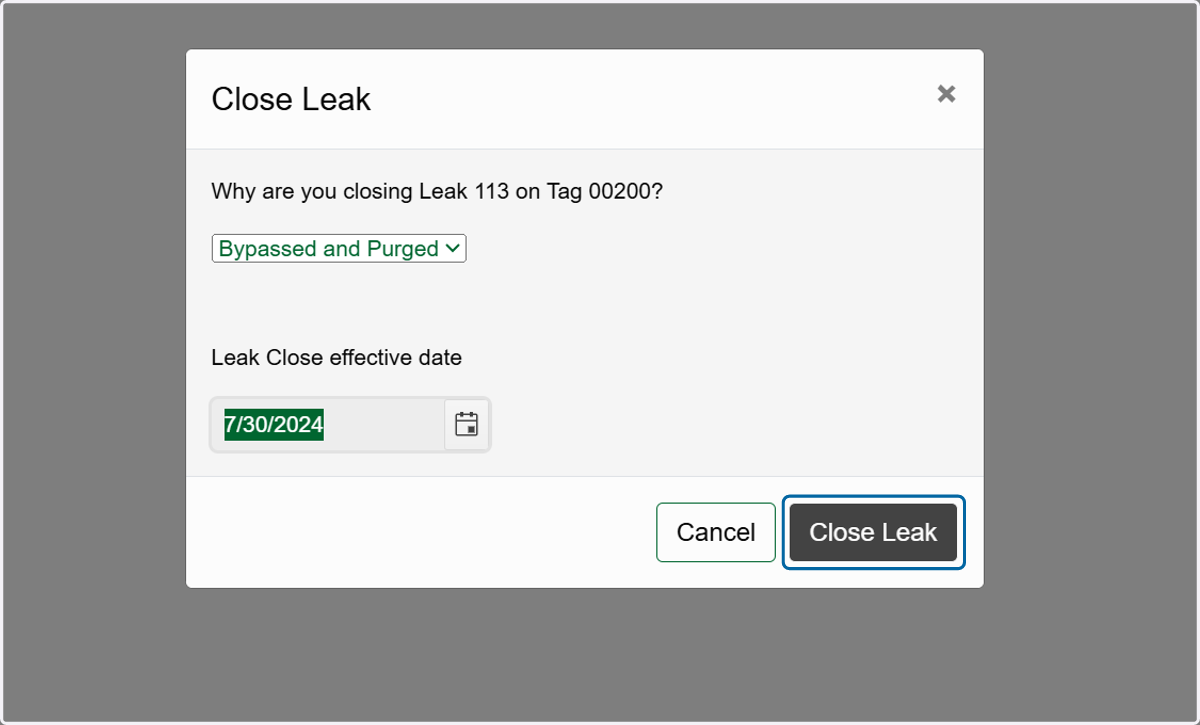
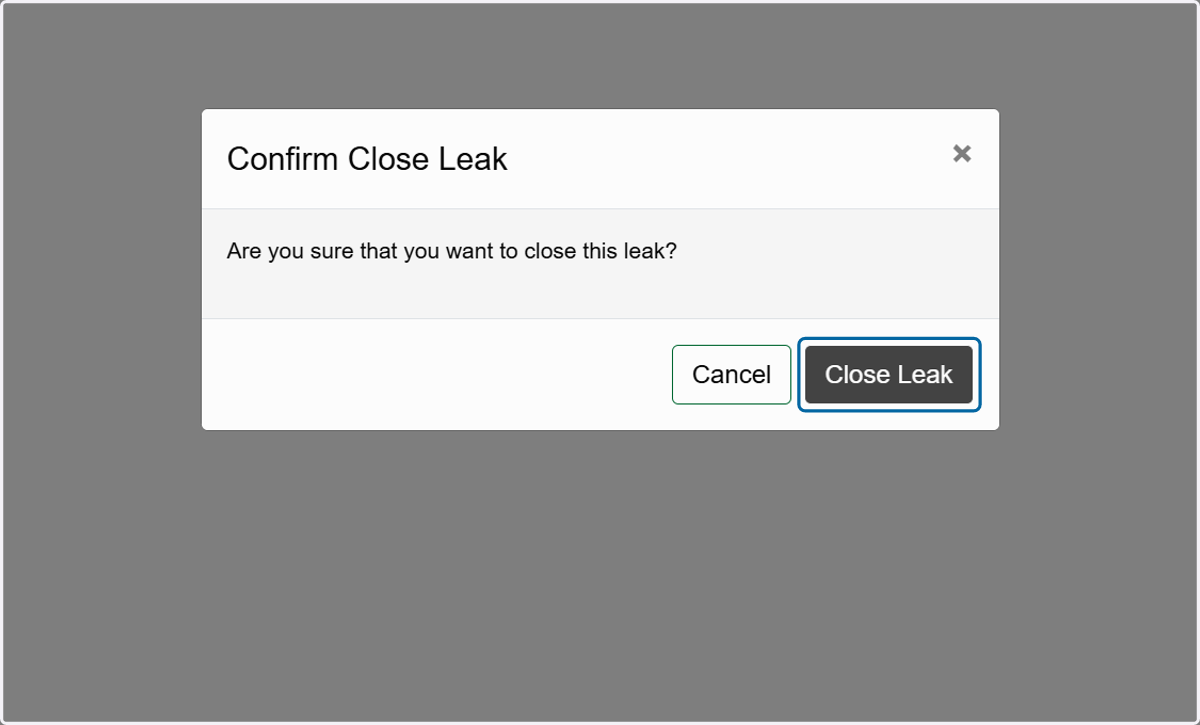
7. Click on Close Leak again to confirm you want to close the leak manually.