Import Employee Data - Cross Client Transfer
Offshore Payroll
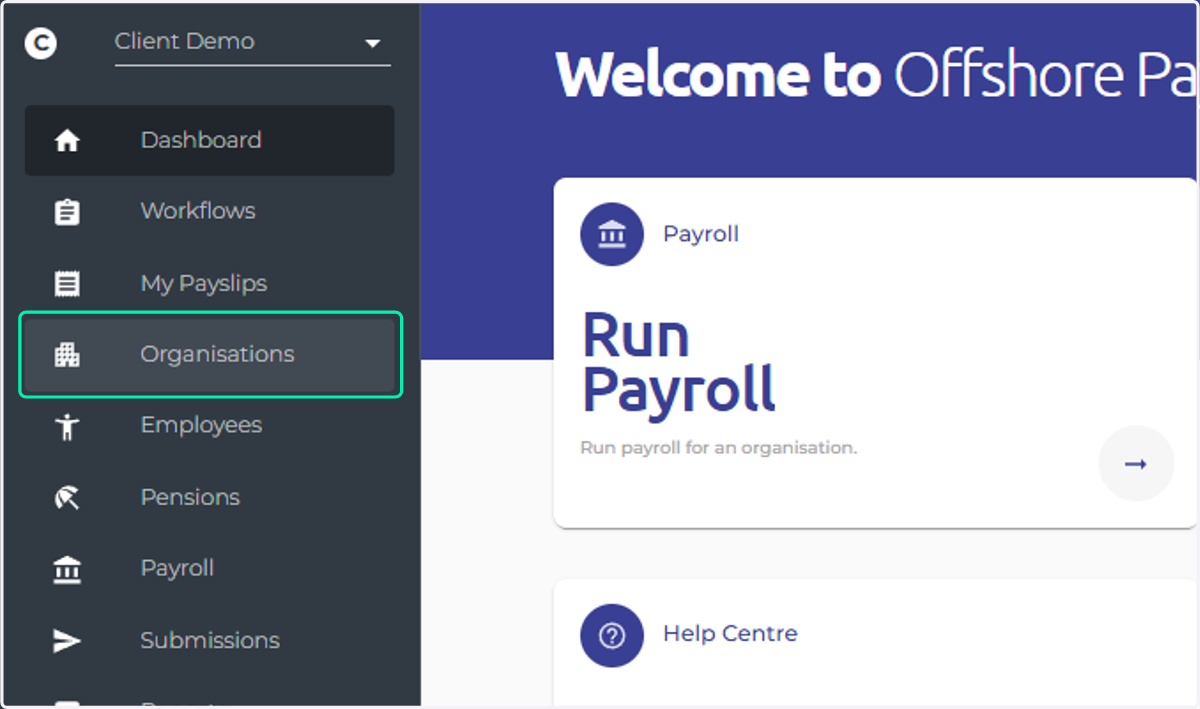
1. Click on Organisations
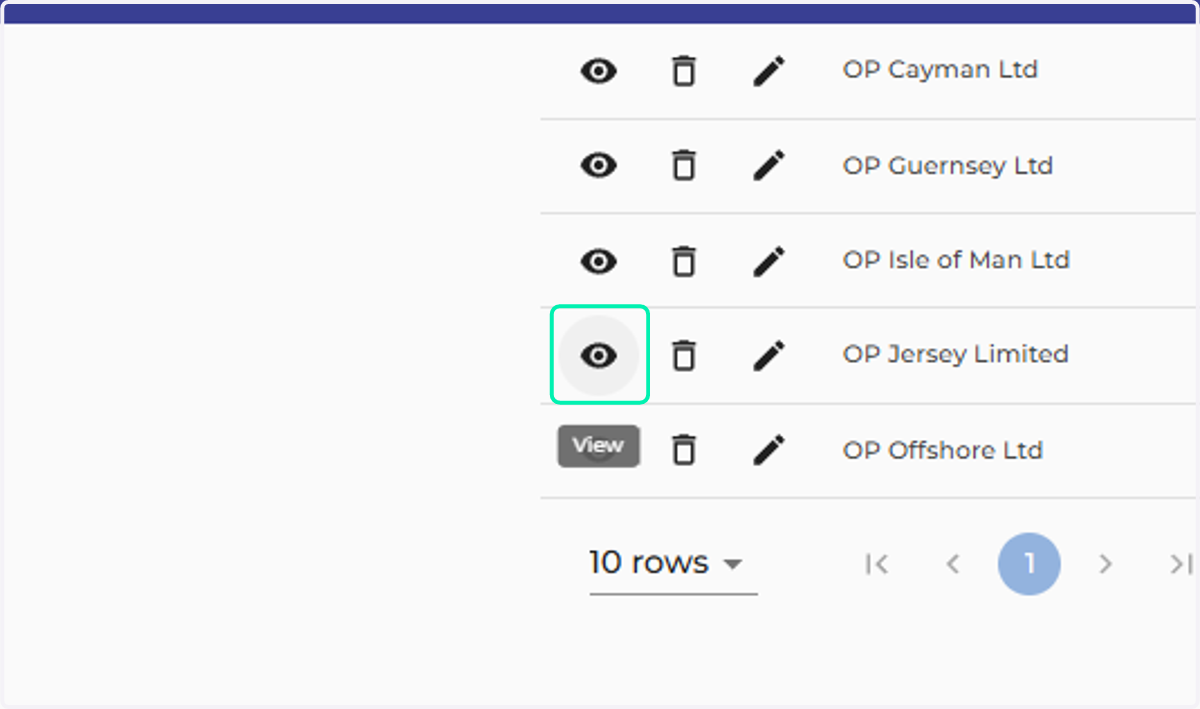
2. Click on View
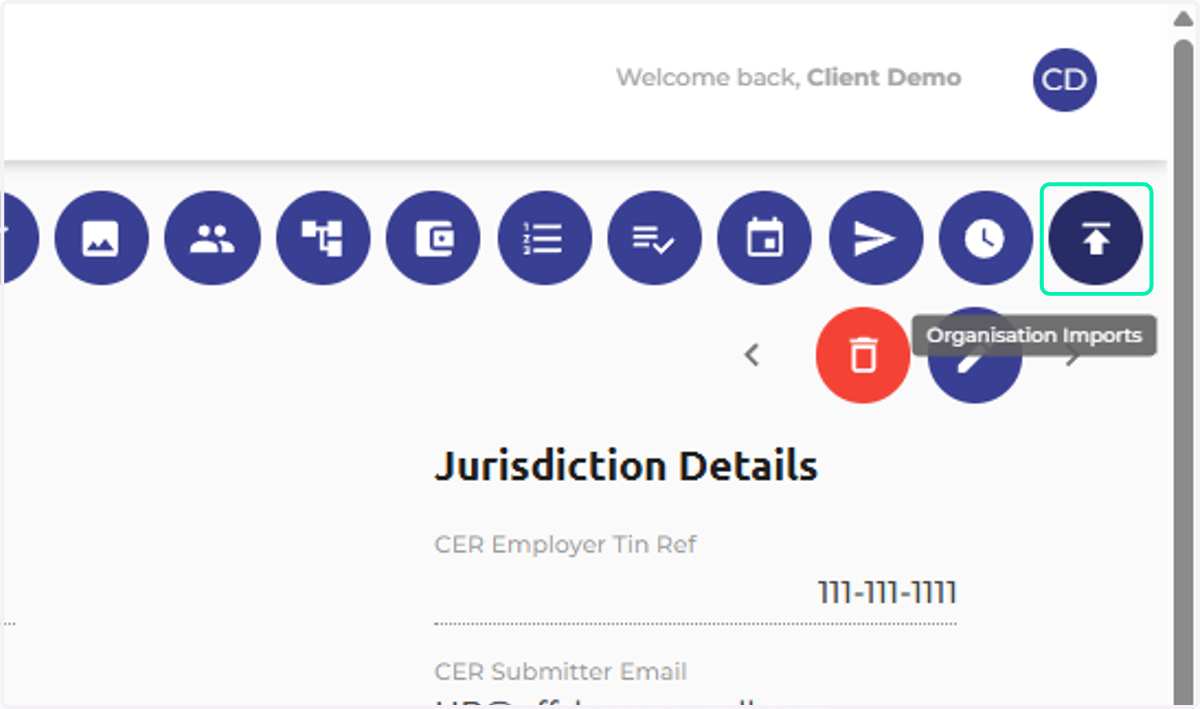
3. Click on Organisation Imports
4. Click on Master Data
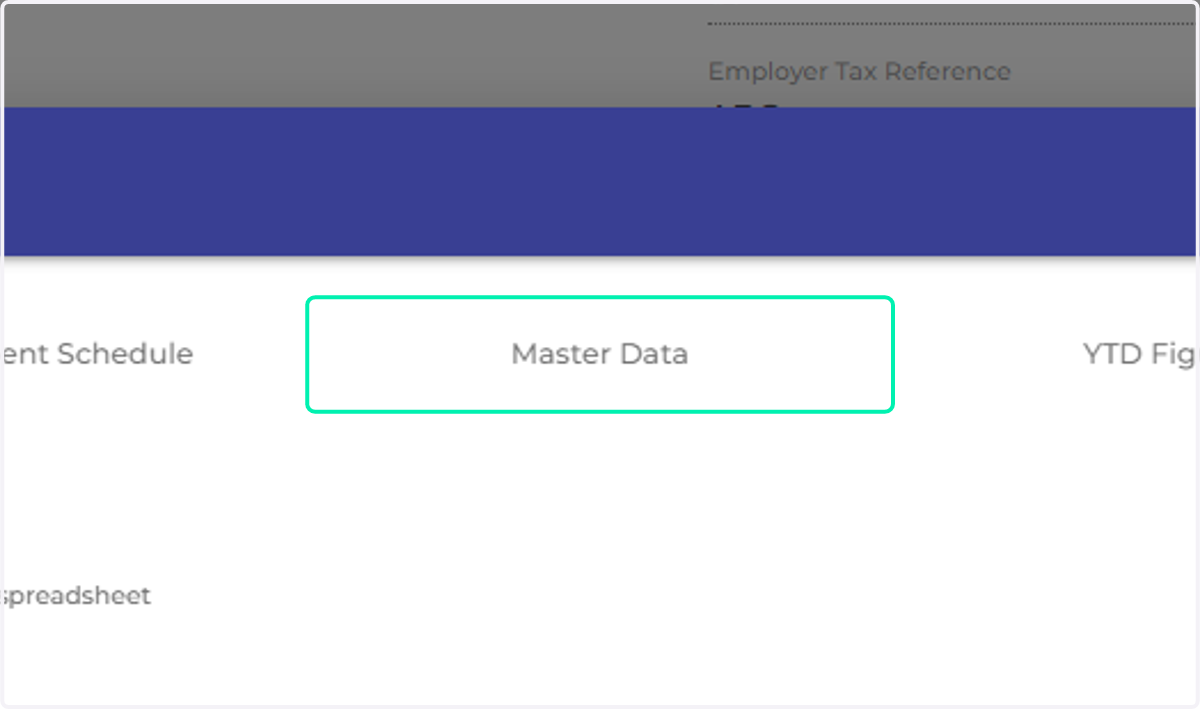
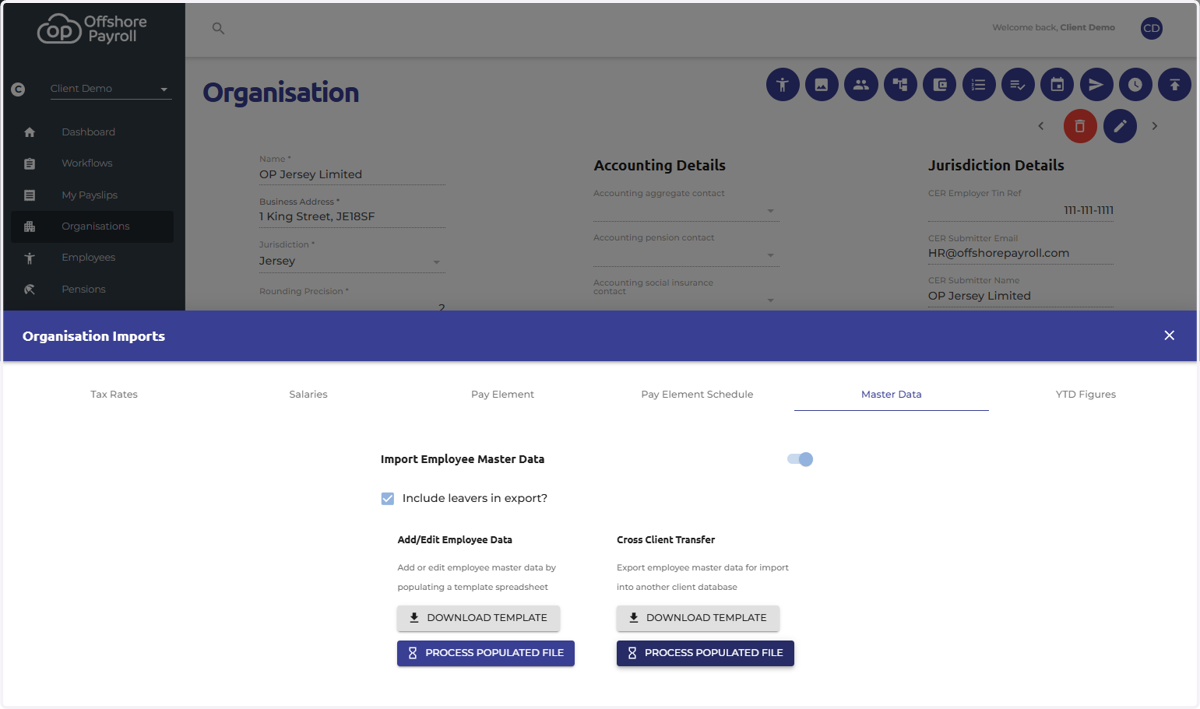
5. Check Organisation Imports…
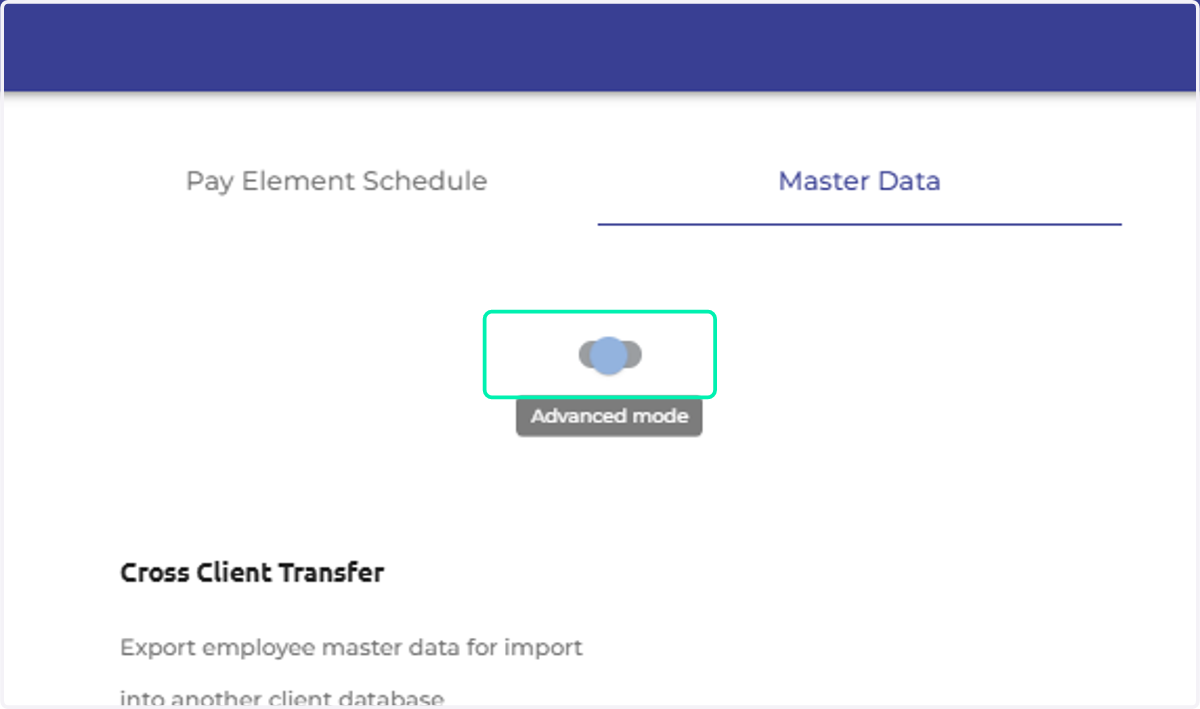
6. Click on Process Populated File
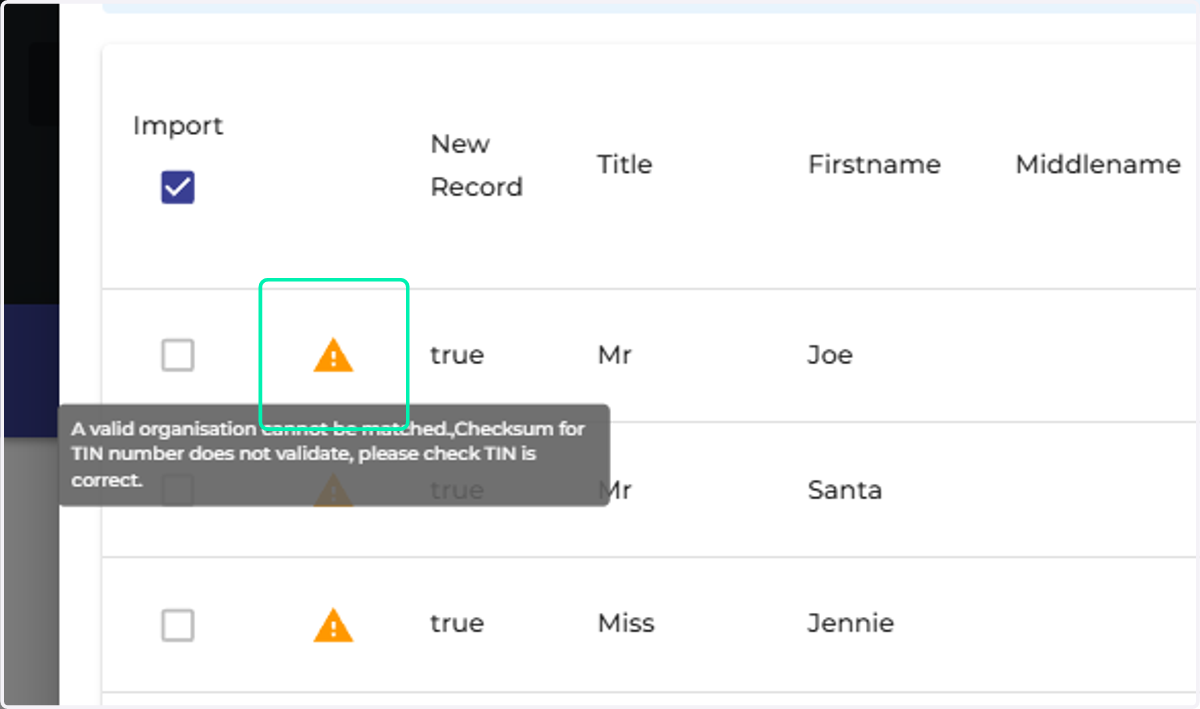
7. Check for any errors and correct the data before re-attempting the import if necessary.
8. Check the number of new records is correct.
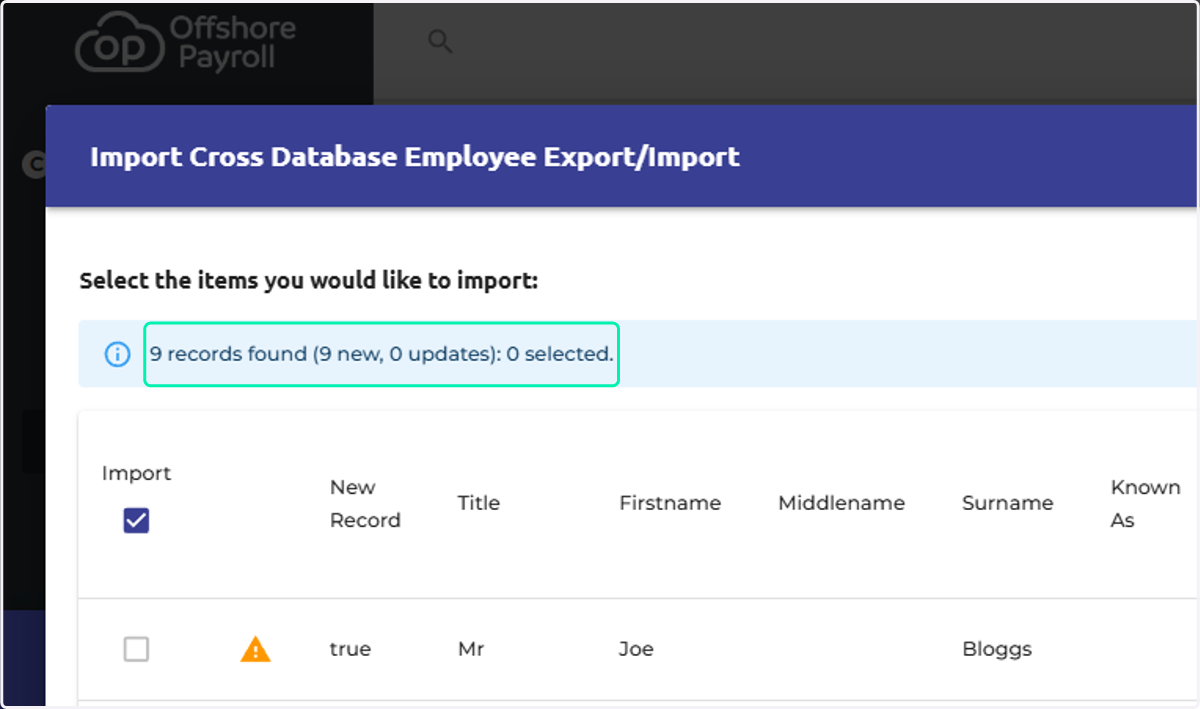
9. Click on Apply Selected Items and your employee records will be created.
