Managing Notifications and Preferences for your Profile
Colorado Mountain Club - Explore, Learn, Conserve - Get Outside
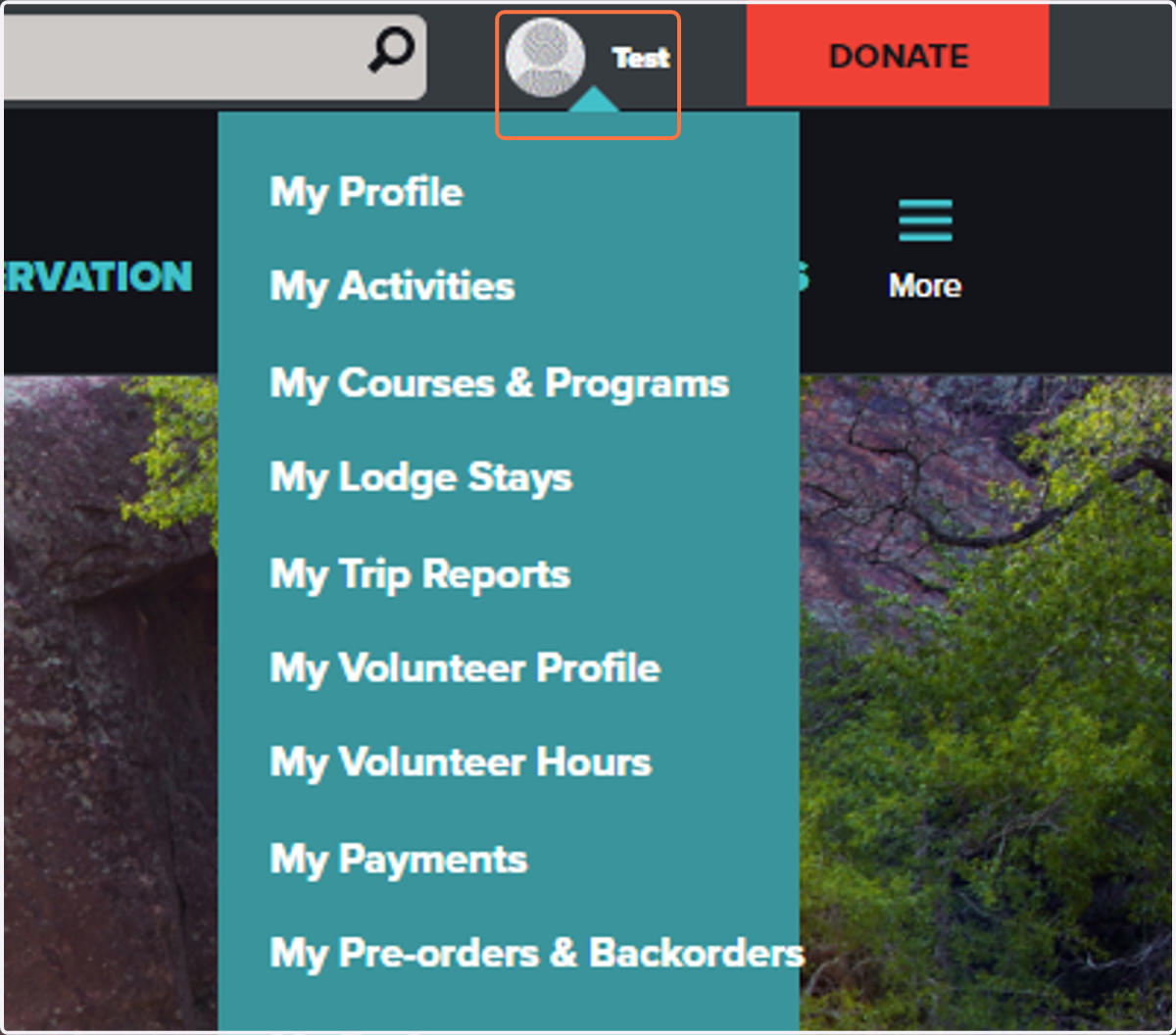
1. Click on Your Name
While logged in you should see your name in the upper right-hand corner of your screen. If you don't, please log in first to updated your Alerts and Notification Preferences.
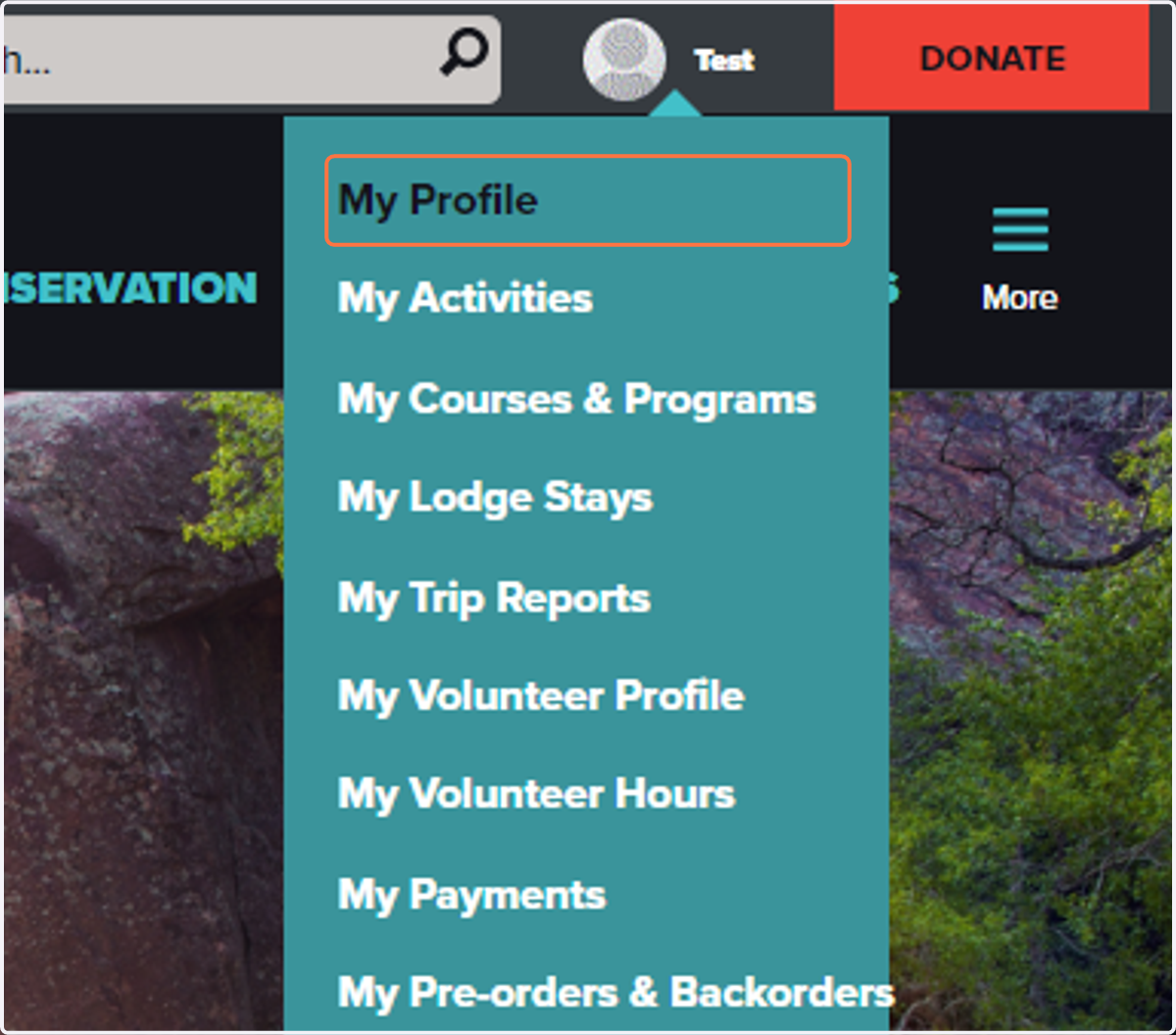
2. Click on My Profile
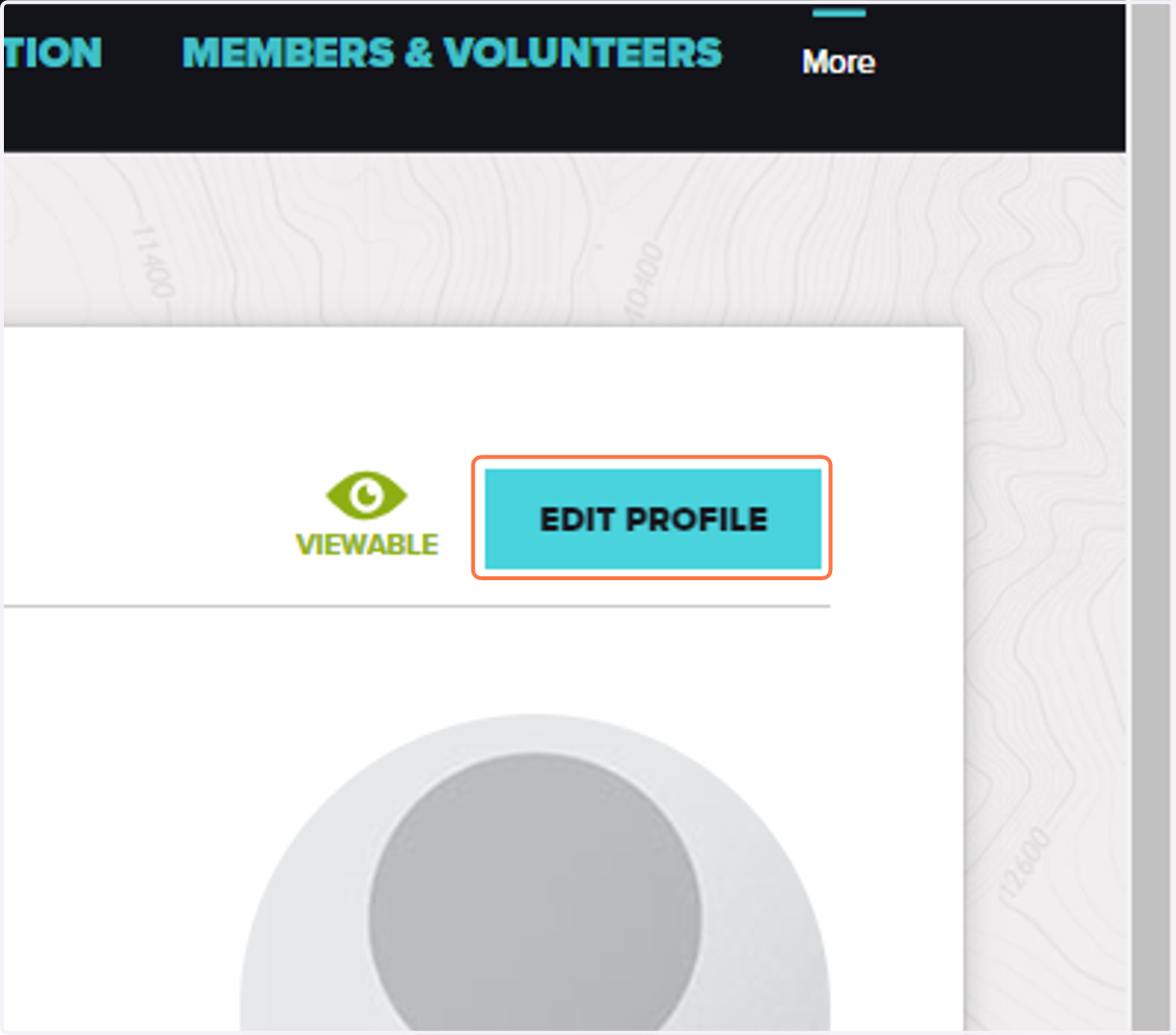
3. Click on Edit Profile
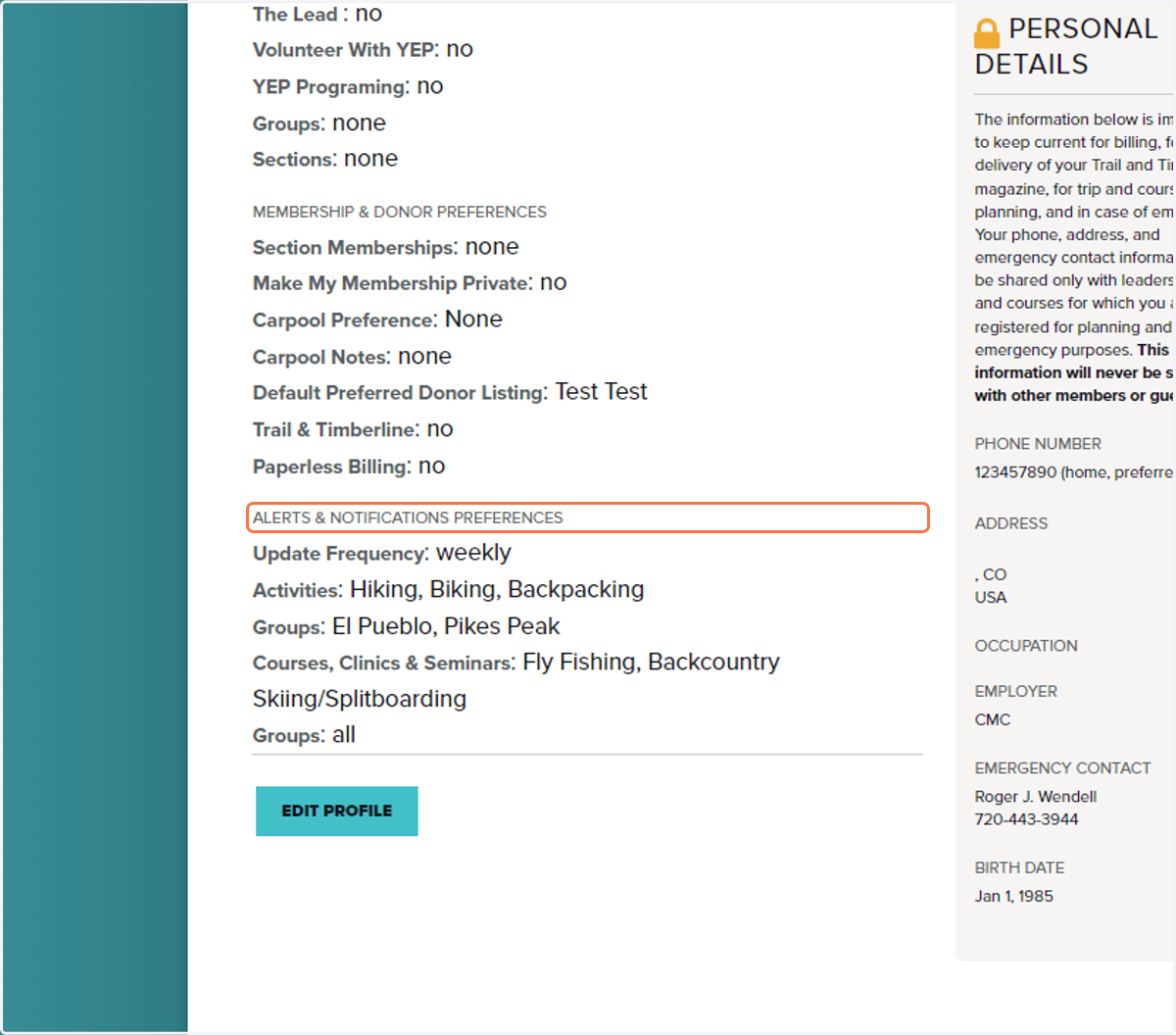
4. Scroll down to Alerts & Notifications Preferences
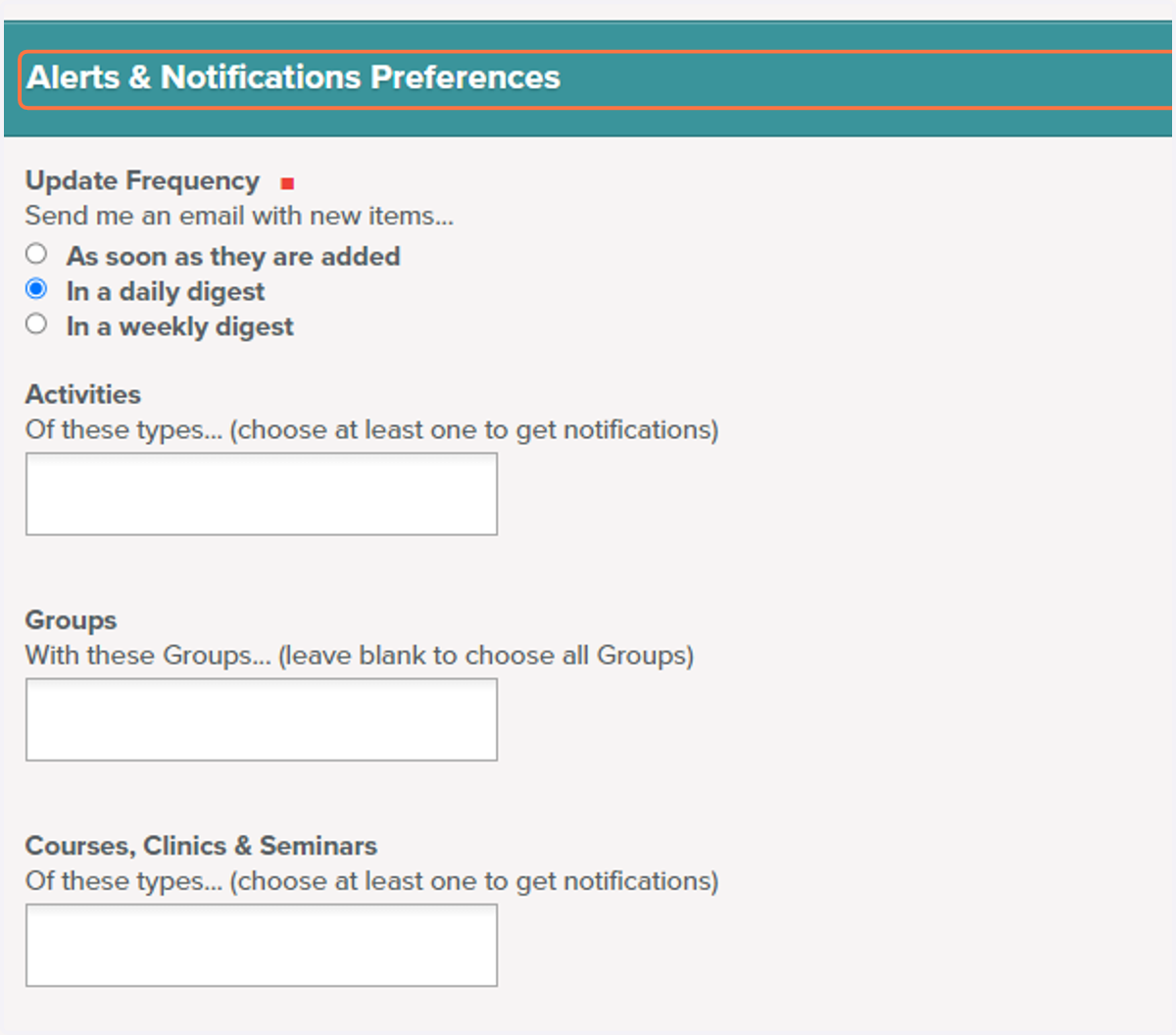
5. Select the frequency
This option allows you decide how often you would like to receive emails with lists of activities and courses.
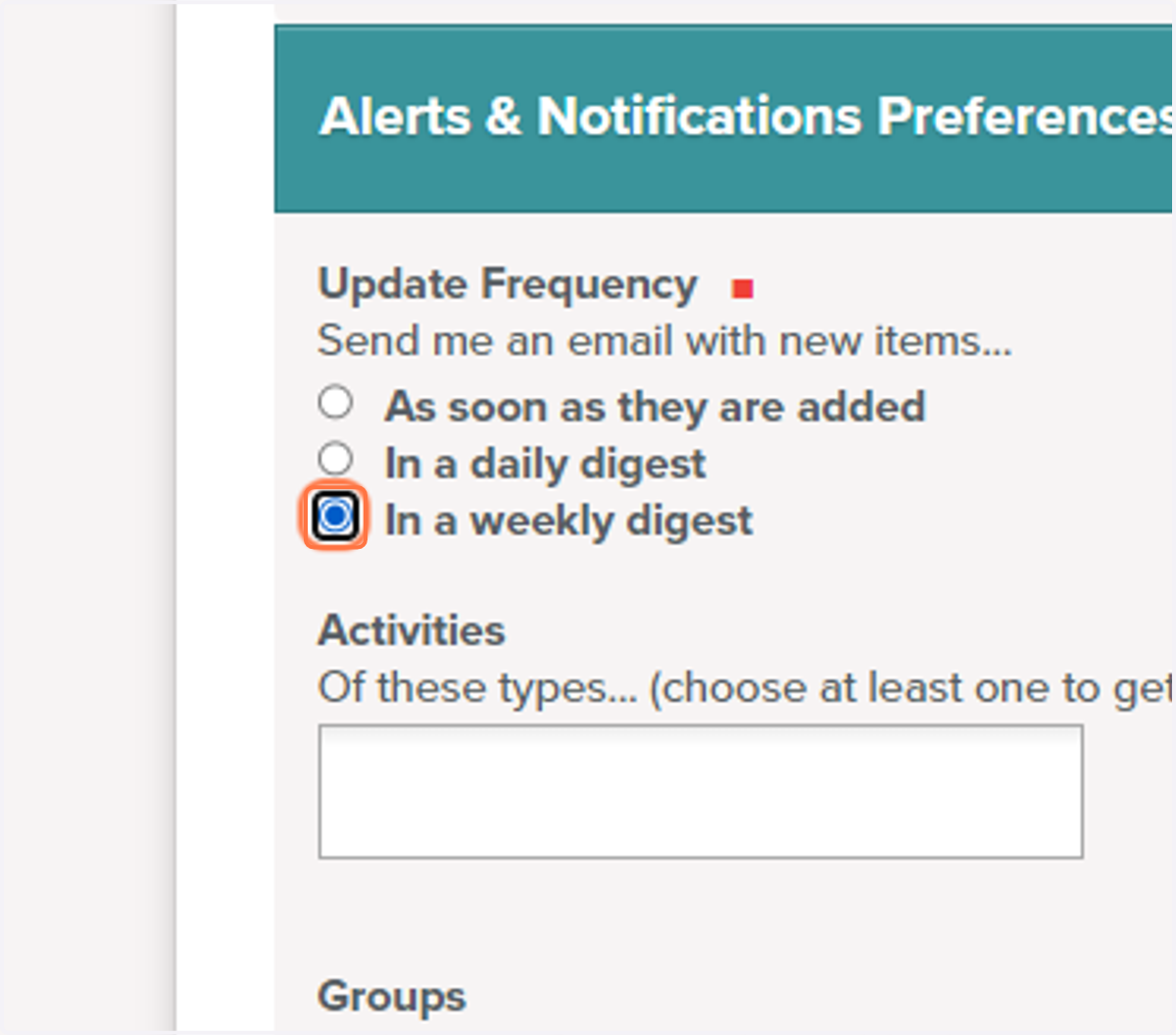
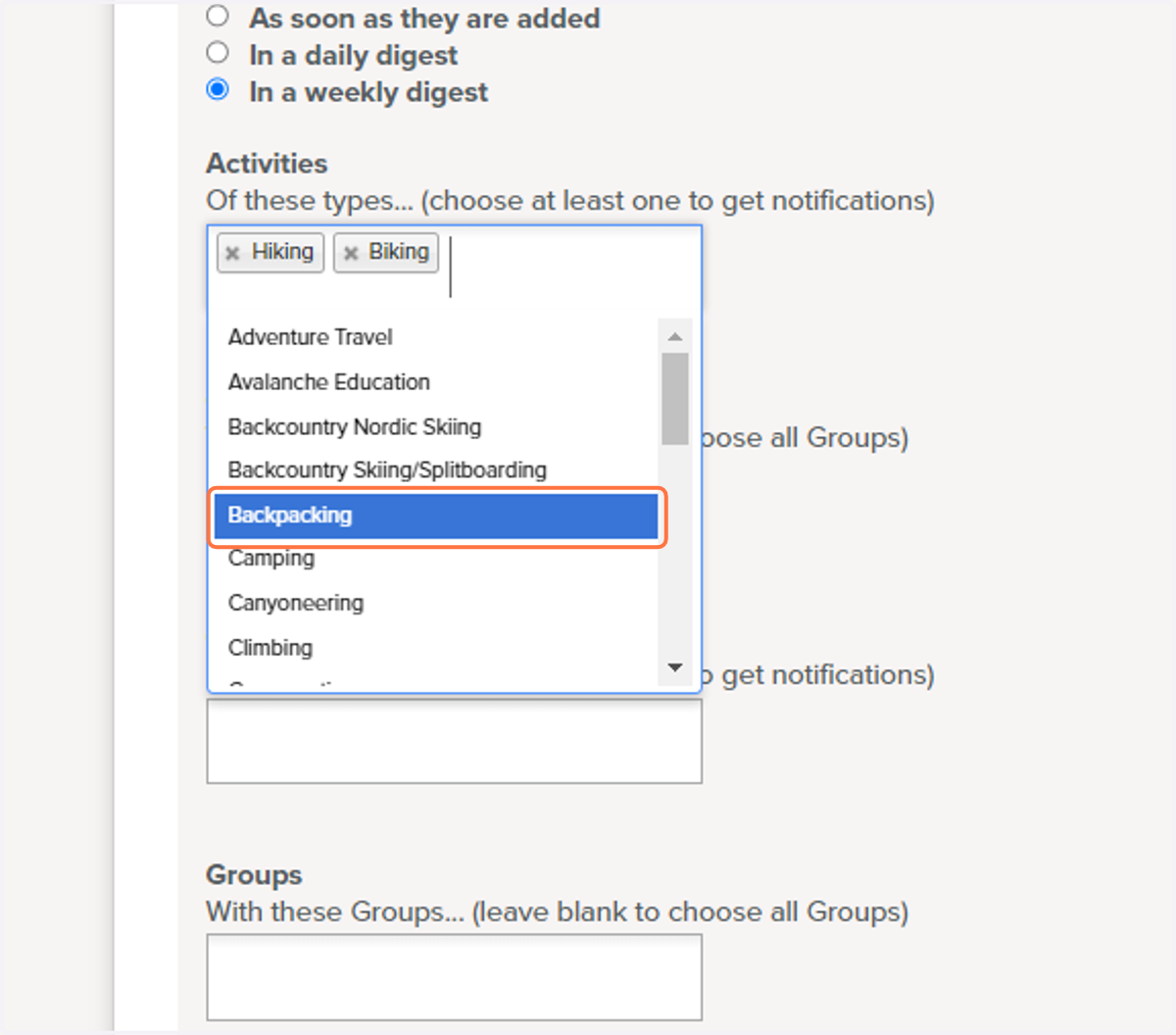
6. Click the Activities Box
A drop down will appear with all the different activity options that CMC offers. At least one activity needs to be chosen in order to receive emails.
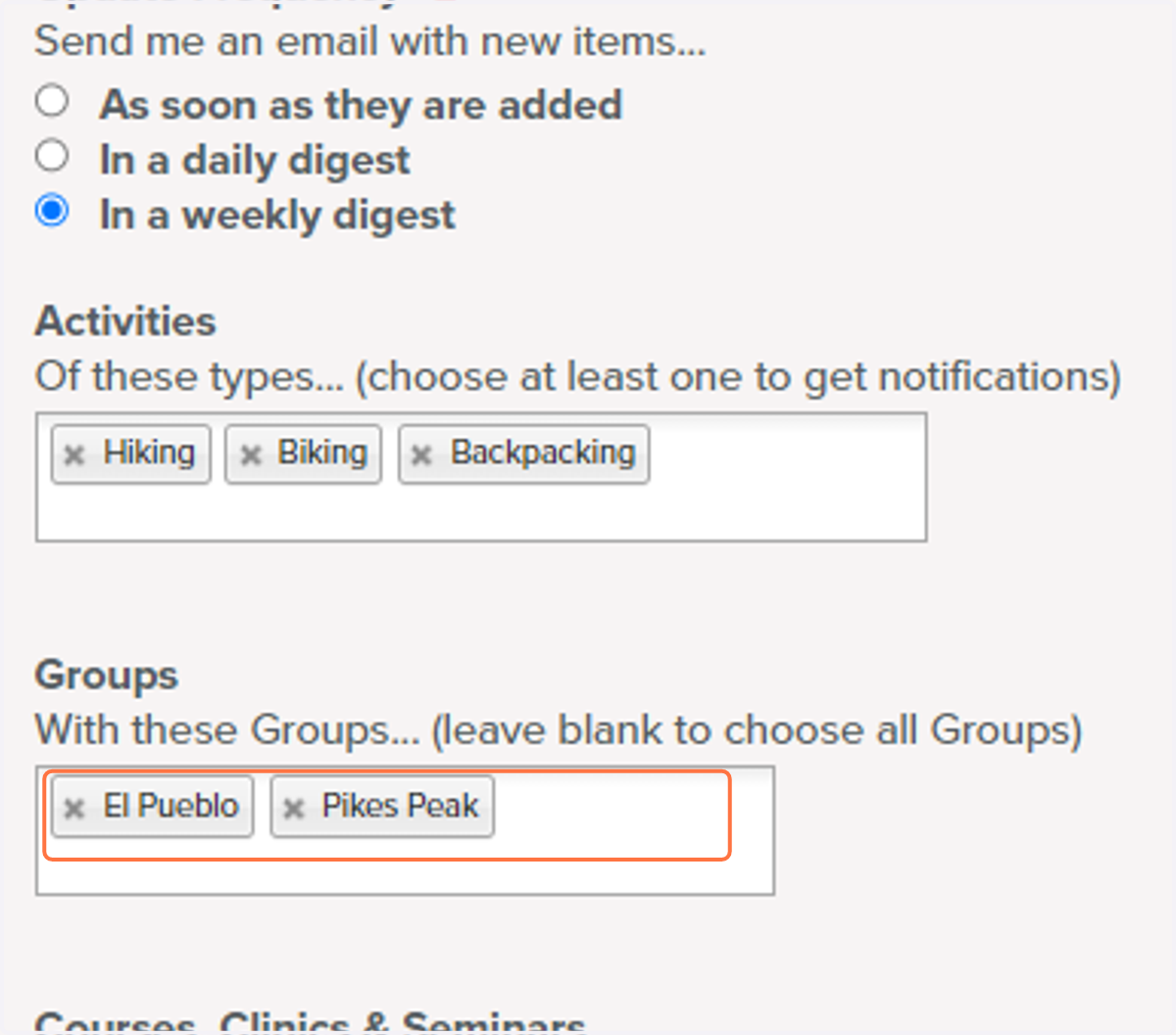
7. Select Groups you would like activity notifications from
If you are looking to keep it local you can select groups near you, not just the group you are affiliated with. If you want notifications form all groups leave this selection blank.
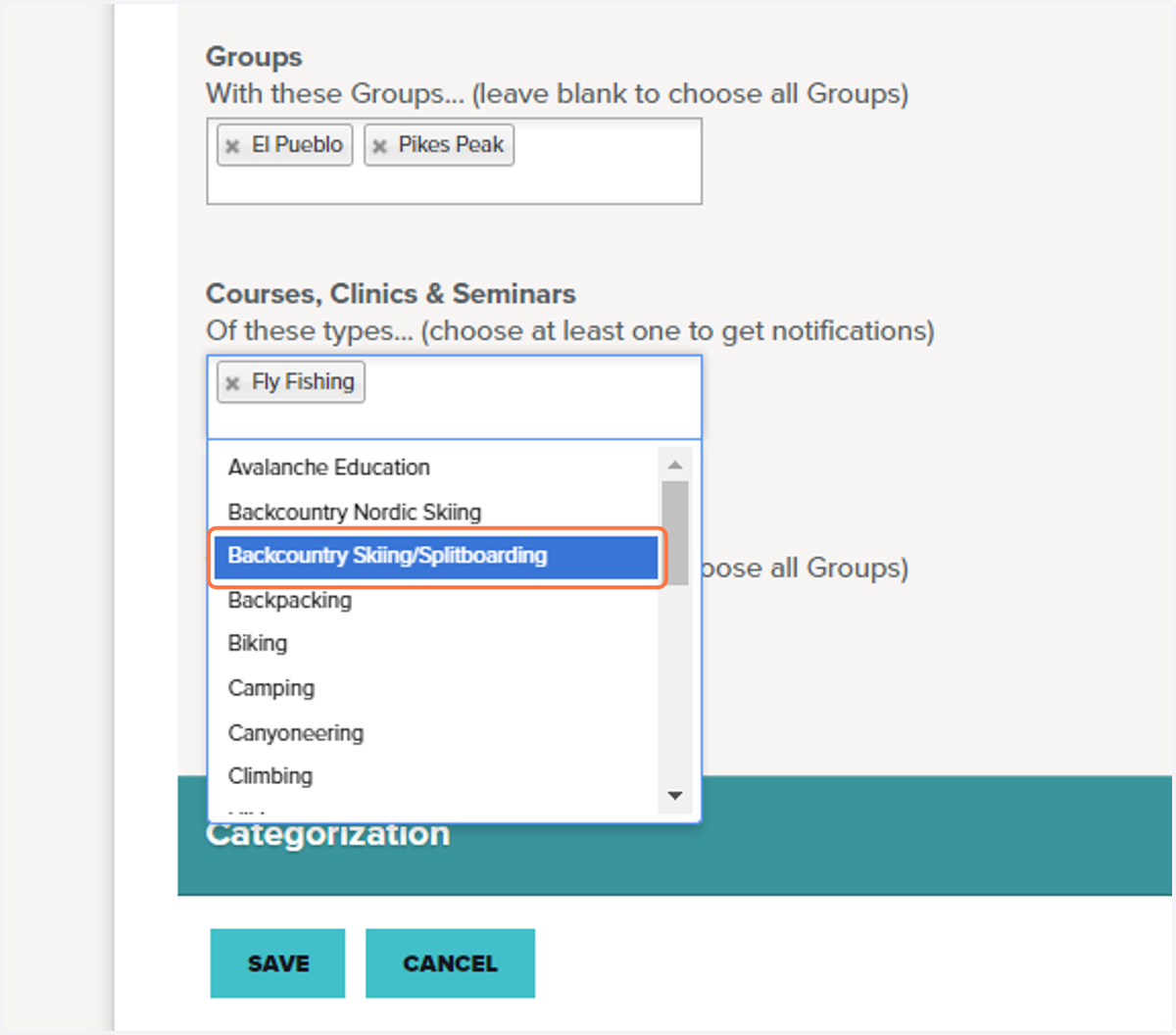
8. Click on Backcountry Skiing/Splitboarding
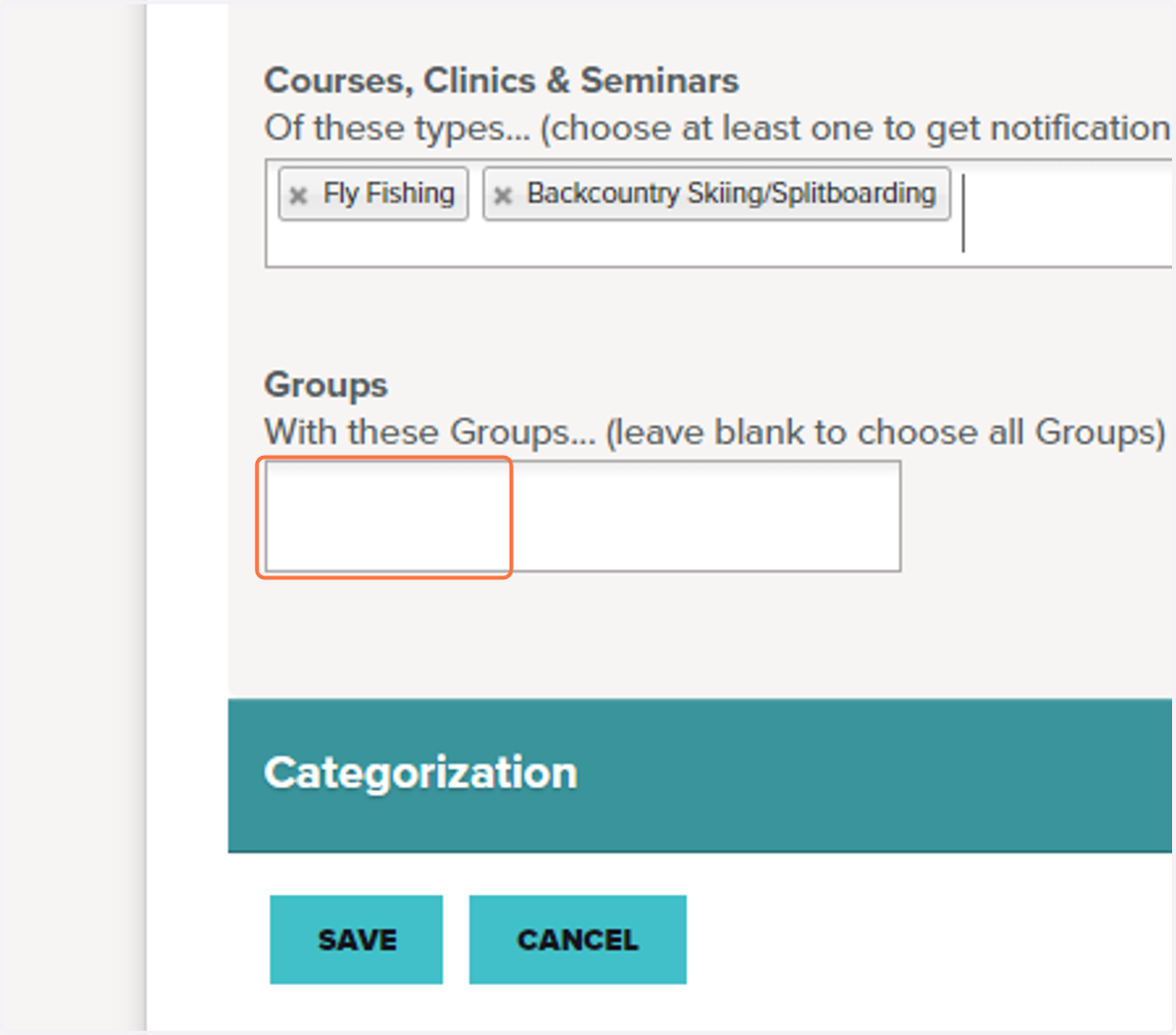
9. Select Groups you would like course notifications from
If you are looking to keep it local you can select groups near you, not just the group you are affiliated with. If you want notifications form all groups leave this selection blank.
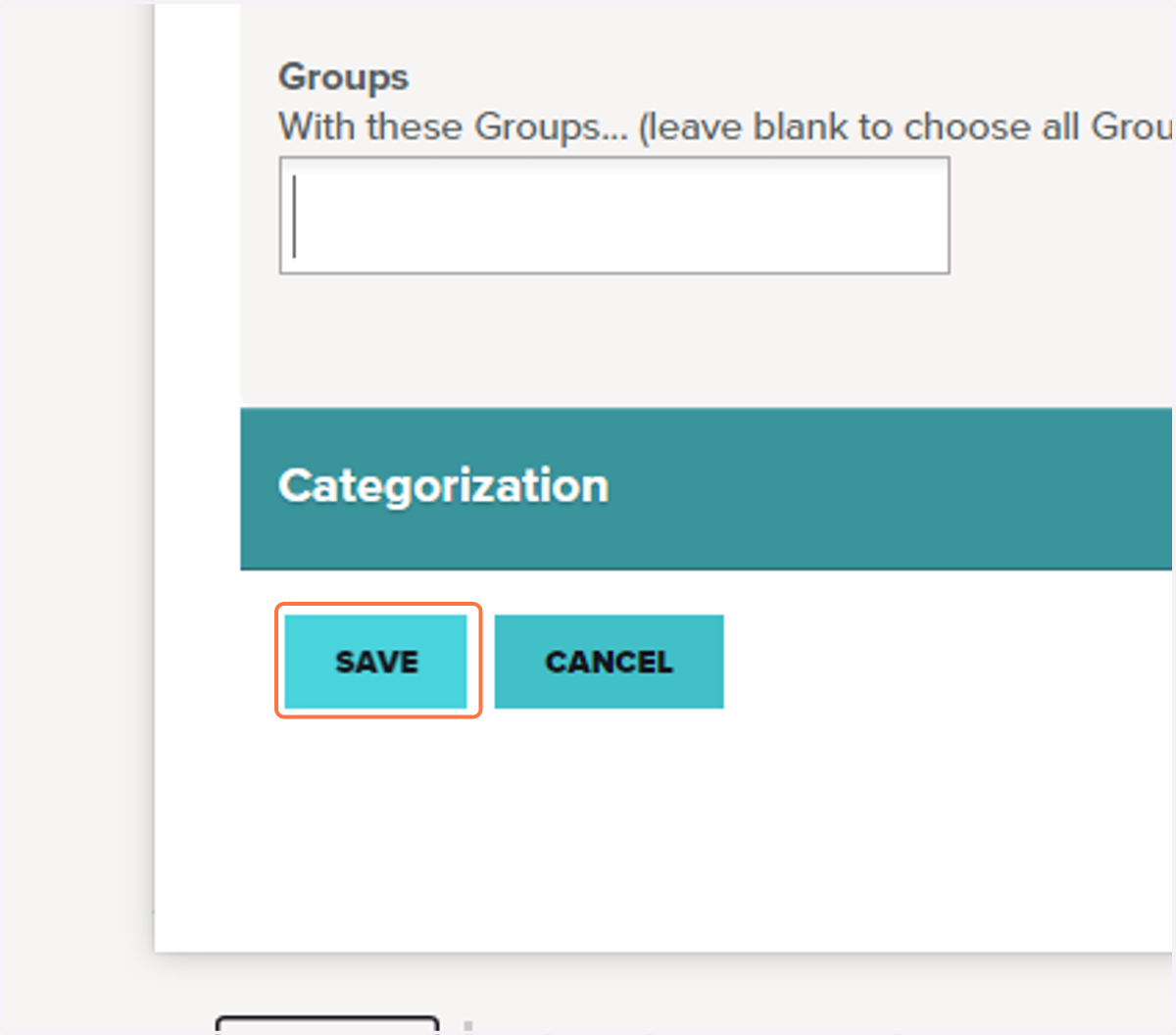
10. Click Save
This saves your preferences and will allow to start receiving notifications right away.
11. Update your preferences
You can updated the frequency and preferences at any time on your profile.