Setting up a Security Group
Chateau
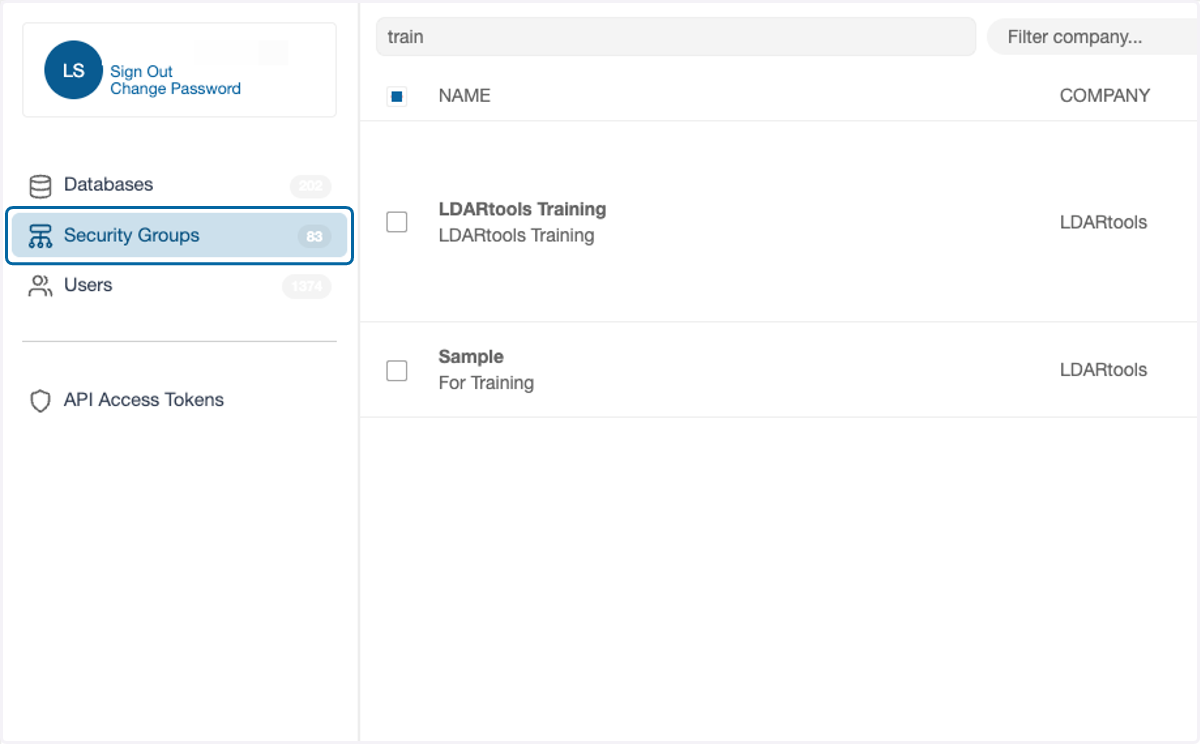
1. Click on Security Groups
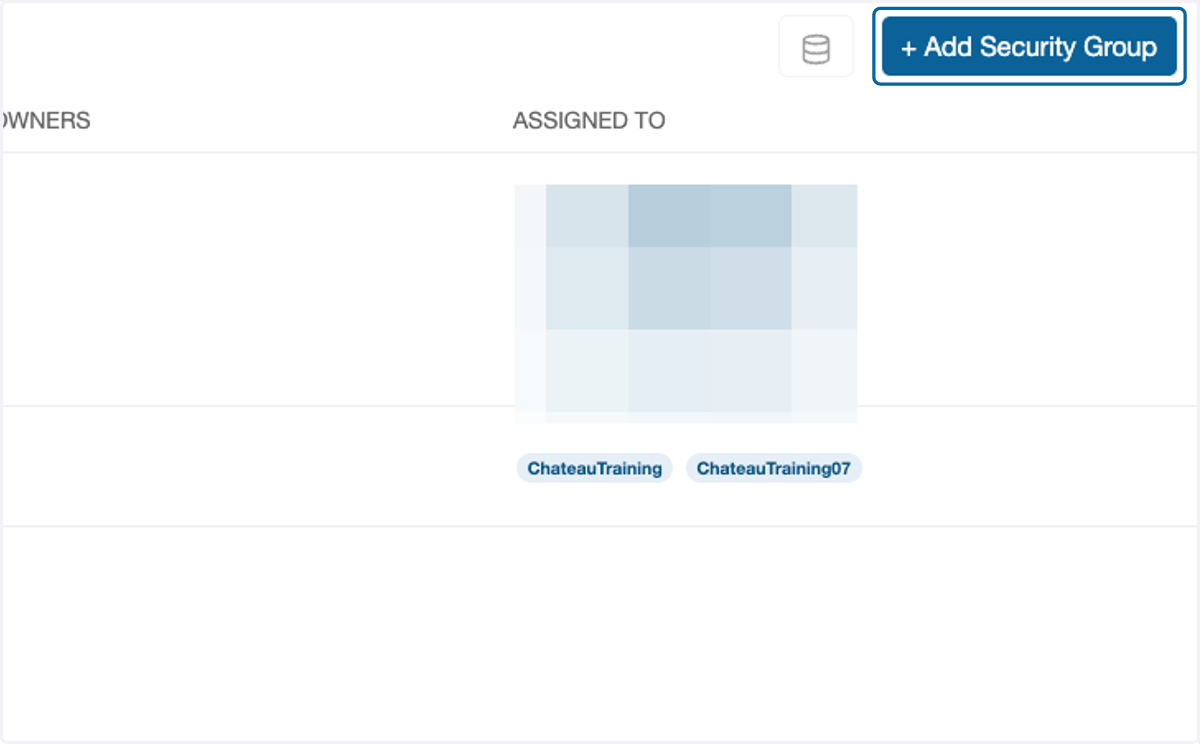
2. Click on + Add Security Group
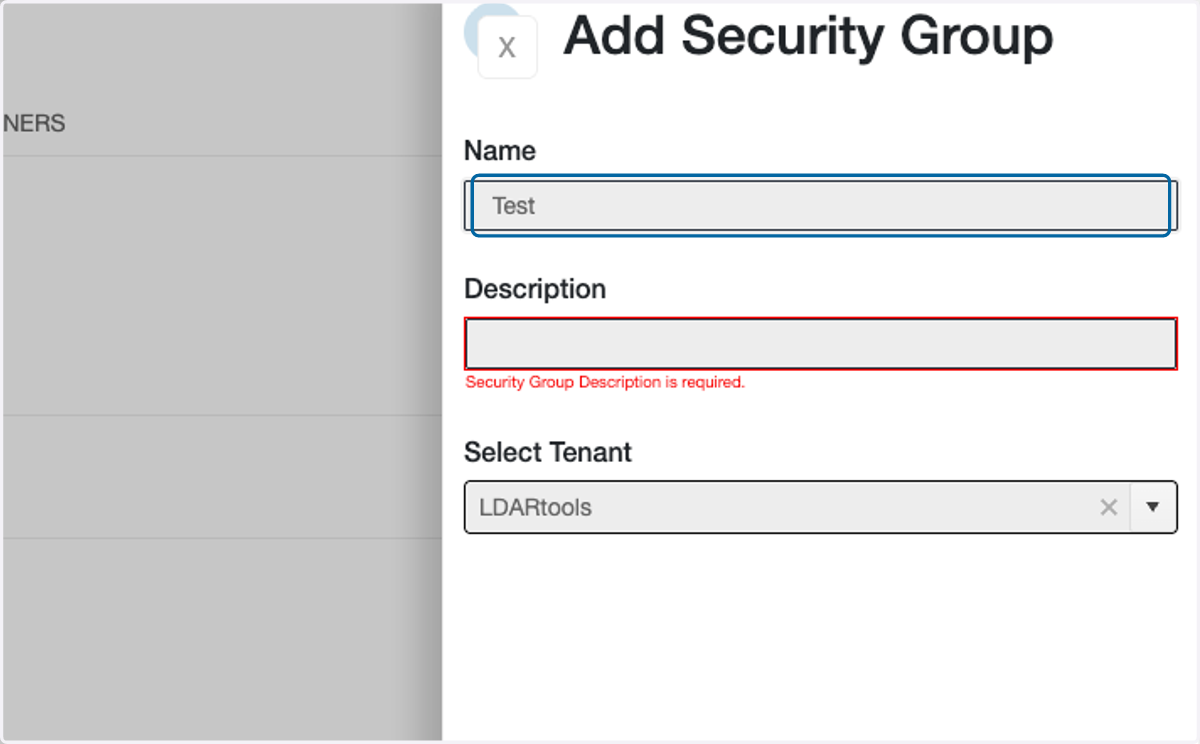
3. Enter the name of the Security Group
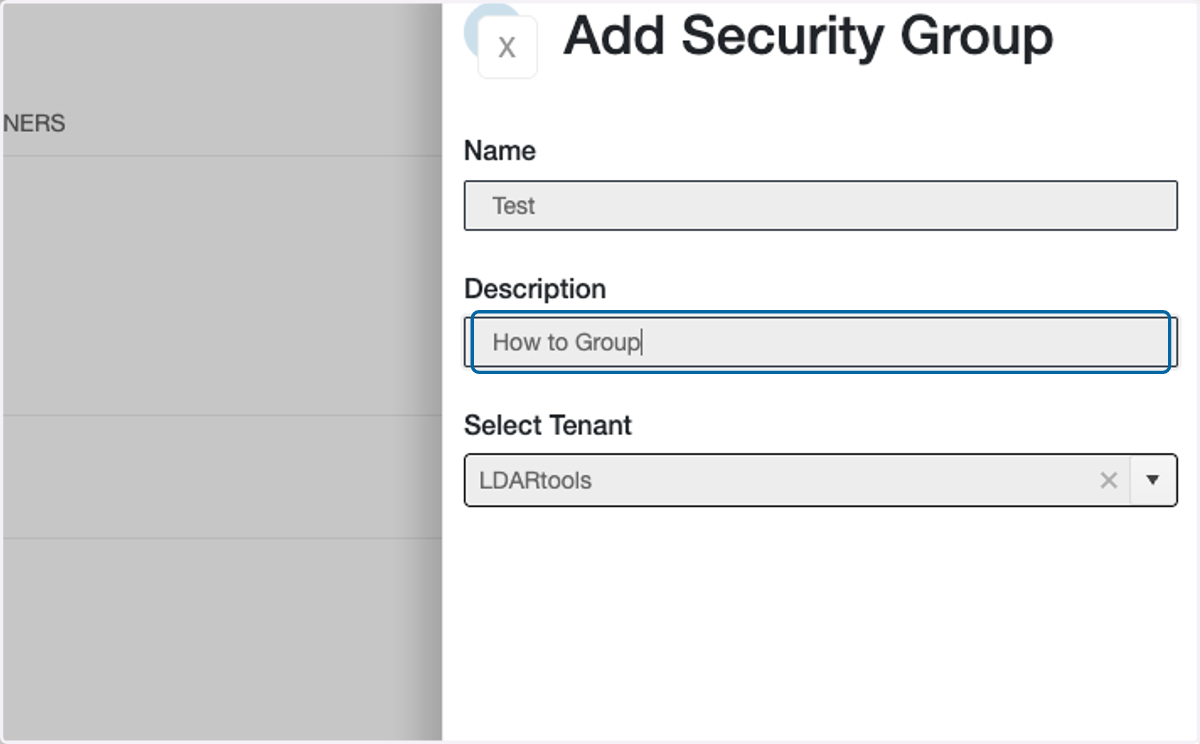
4. Enter a description of the Security Group
5. Click on Add

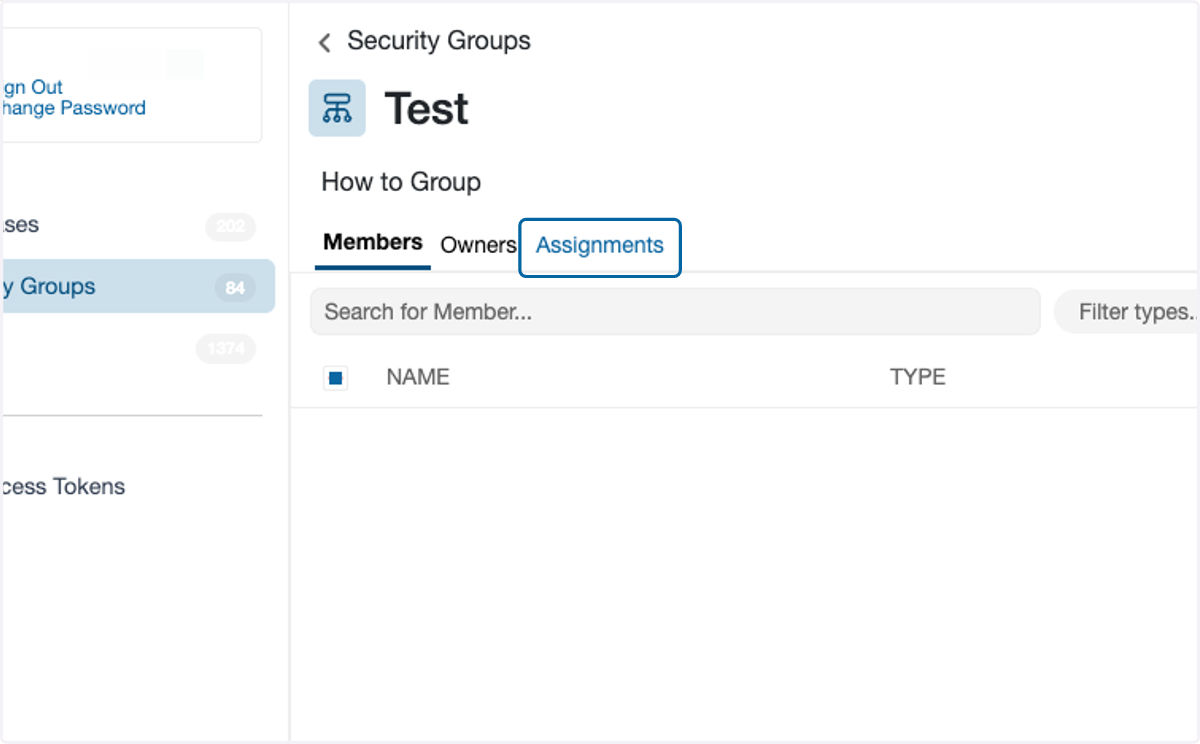
6. Click on Assignments
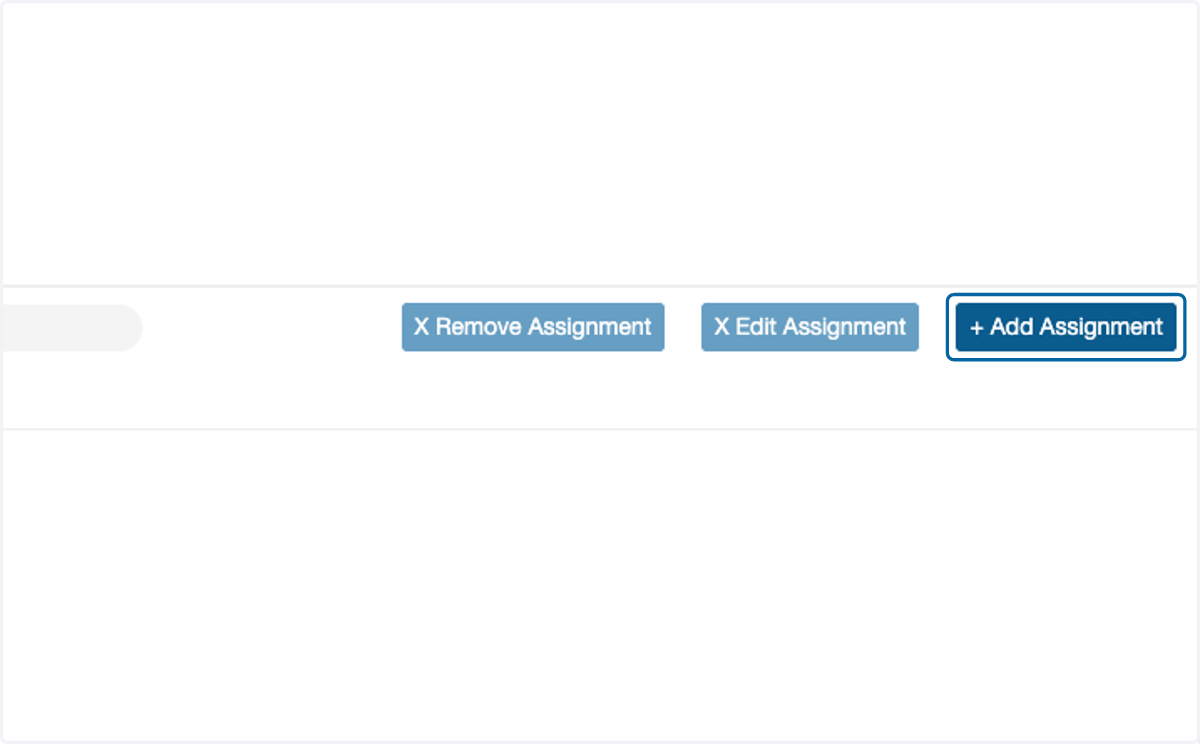
7. Click on + Add Assignment
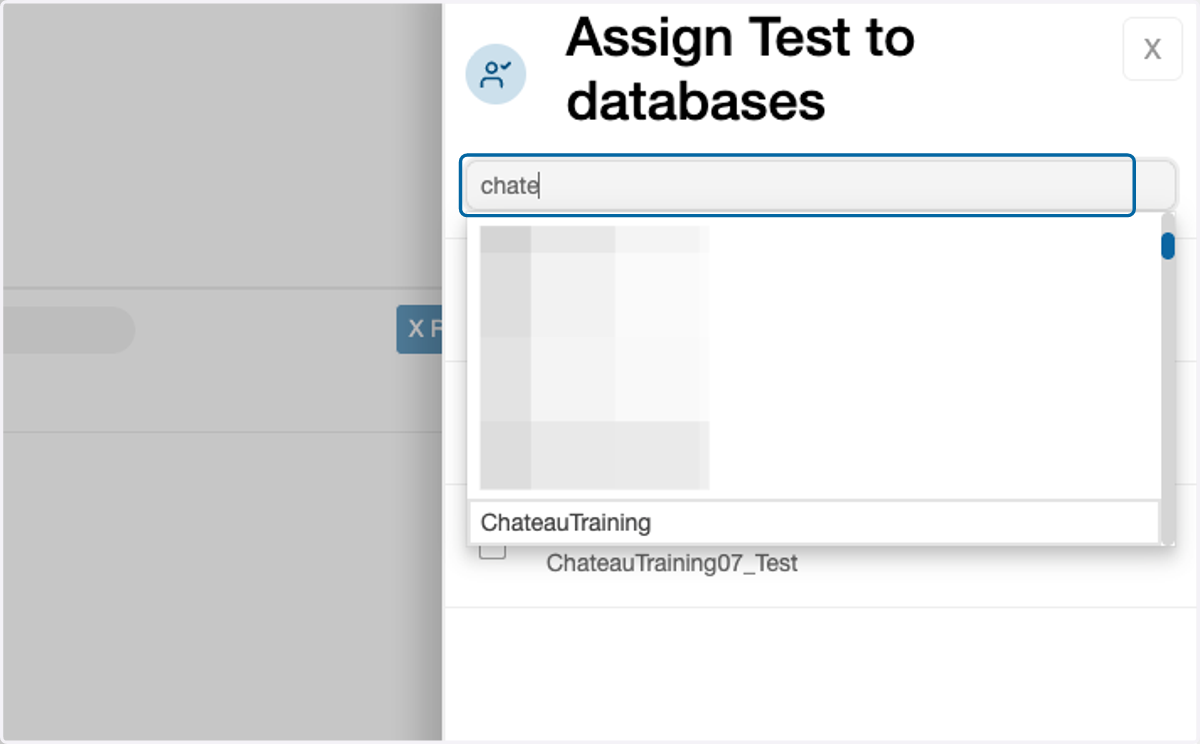
8. Use the search box to find the name of the database(s)
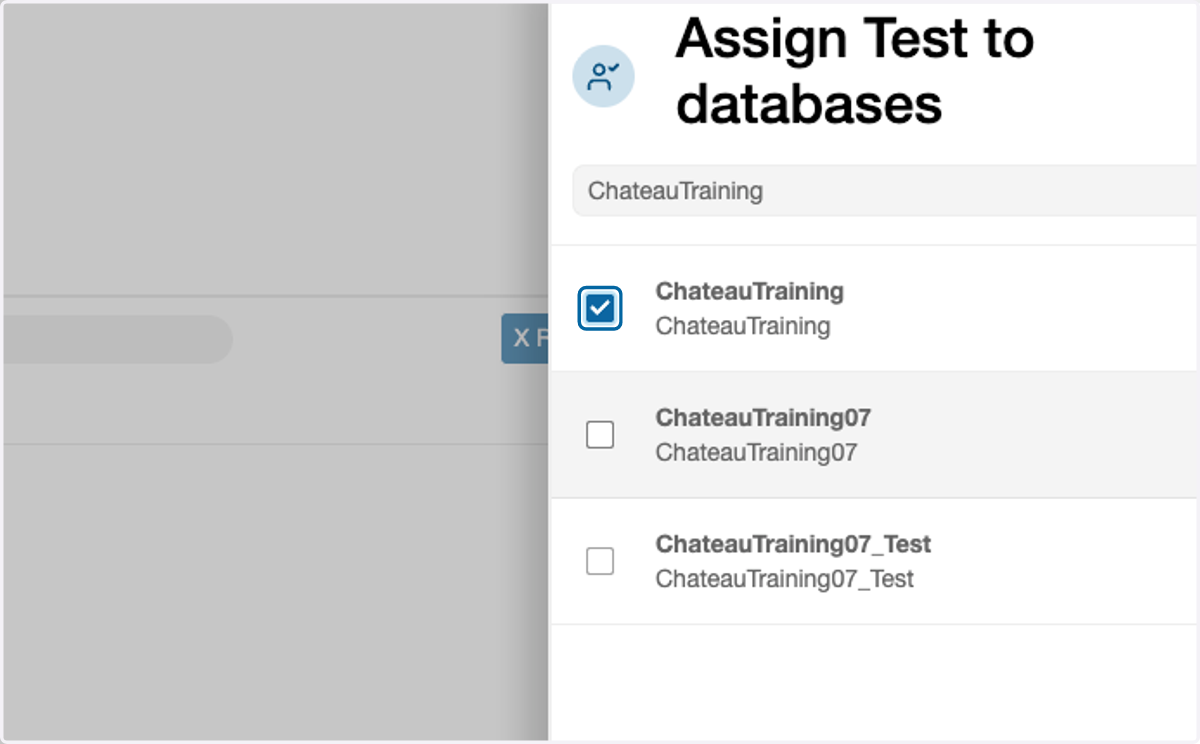
9. Check the box next to the database(s) to be assigned.
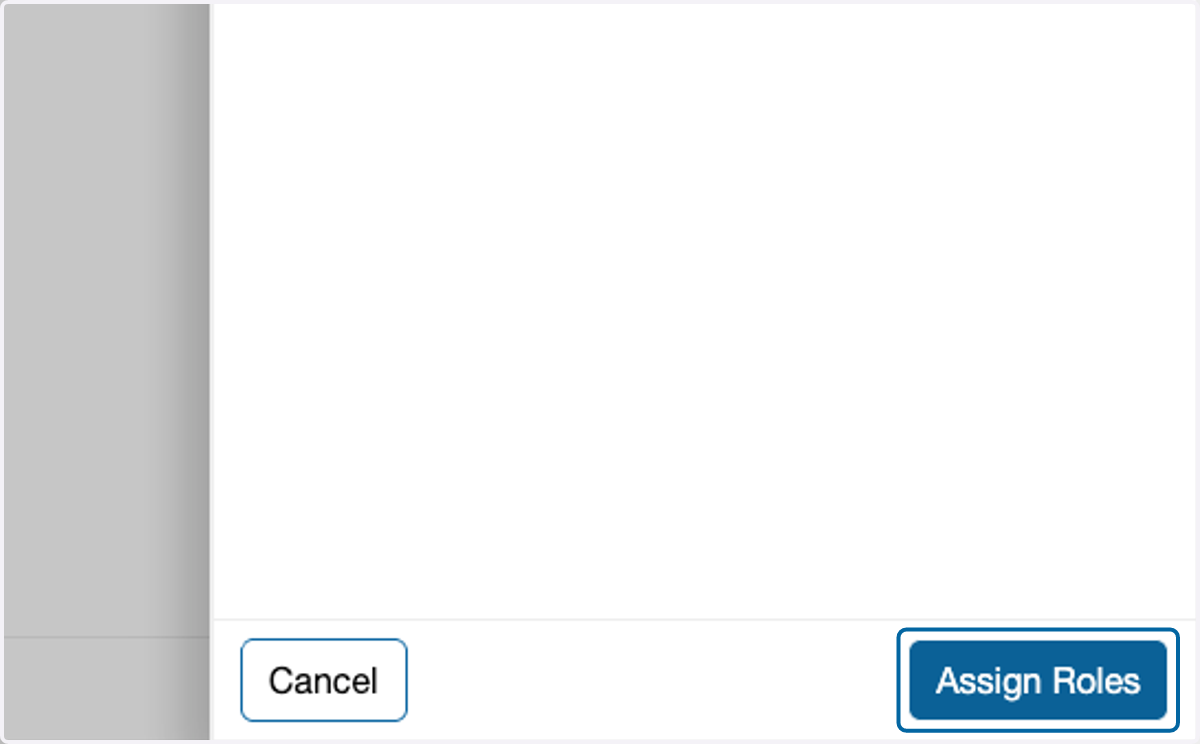
10. Click on Assign Roles
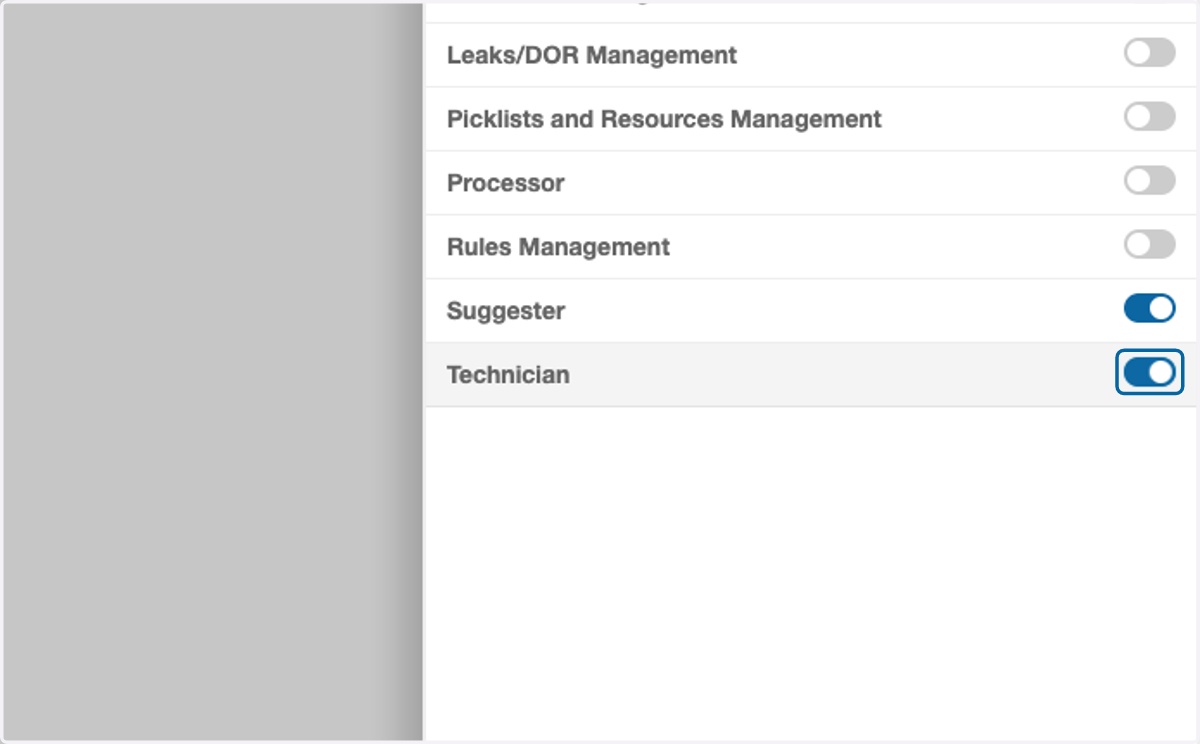
11. Turn on the roles that for the Security Group
These roles will apply to every member of the Security Group.
12. Click on Finish