Admin: Cancel 'Ok to Pay' Invoices in BV Marketplace/Yardi
BV Marketplace
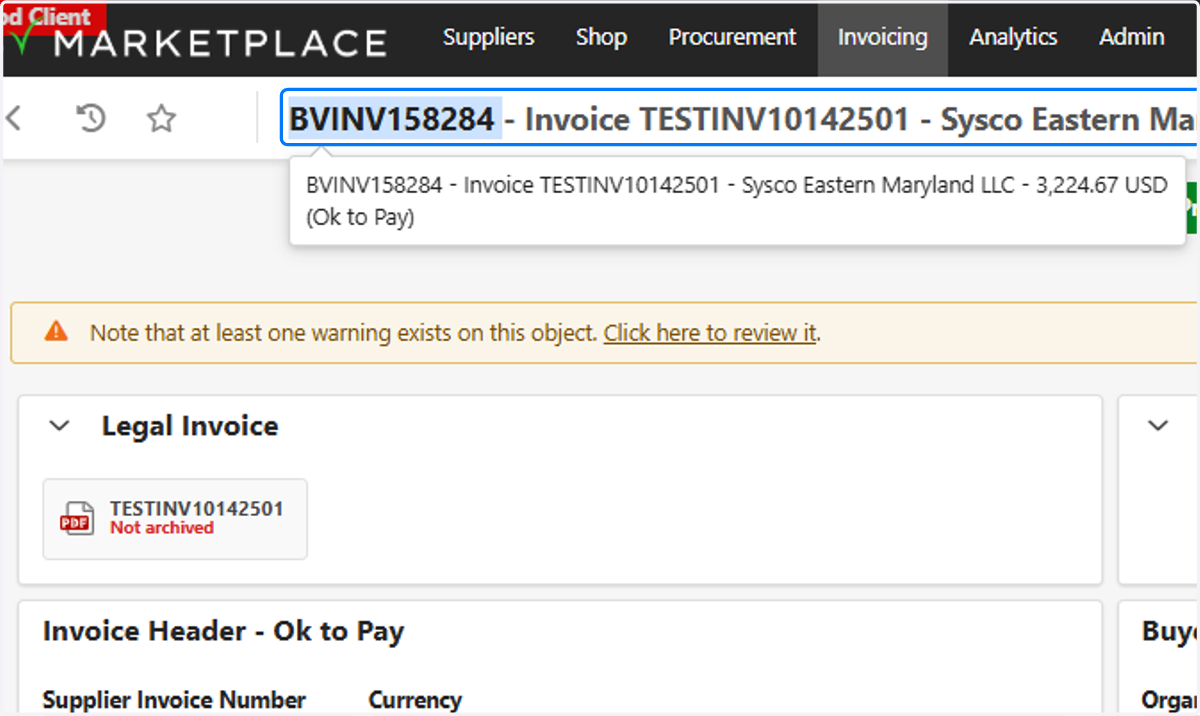
1. Copy Invoice #
Yardi Voyager - Accounts Payable Role
2. Review Payable

3. Search Invoice

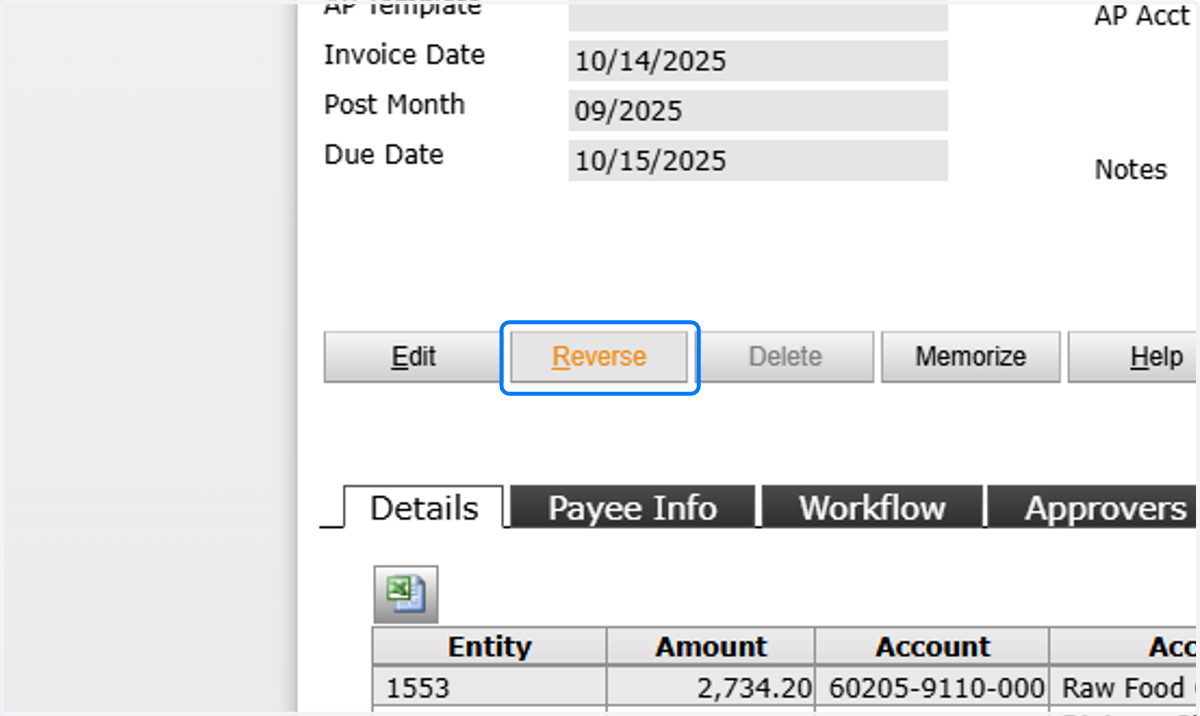
4. Click Reverse
5. Enter Reversal Details

6. Post Reversal

BV Marketplace
7. Open Approval Status

8. Click on Re-visit Step for the appropriate workflow step

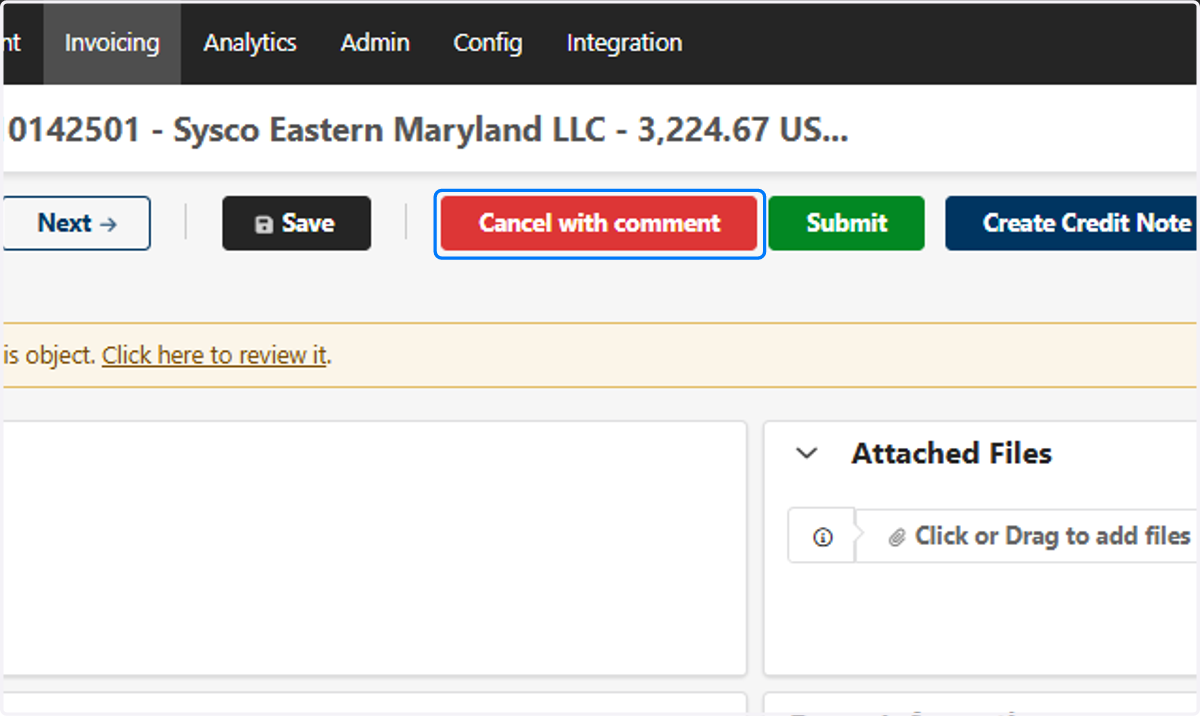
9. To Cancel
Click on Cancel with comment
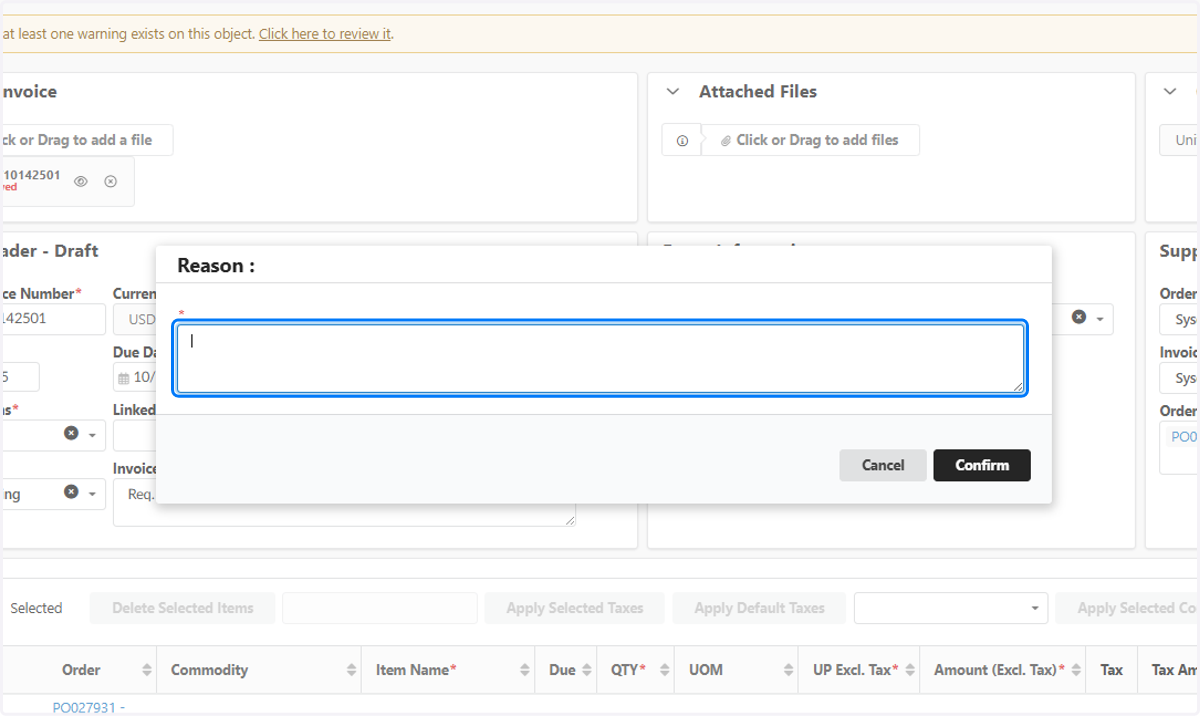
10. Enter Reason