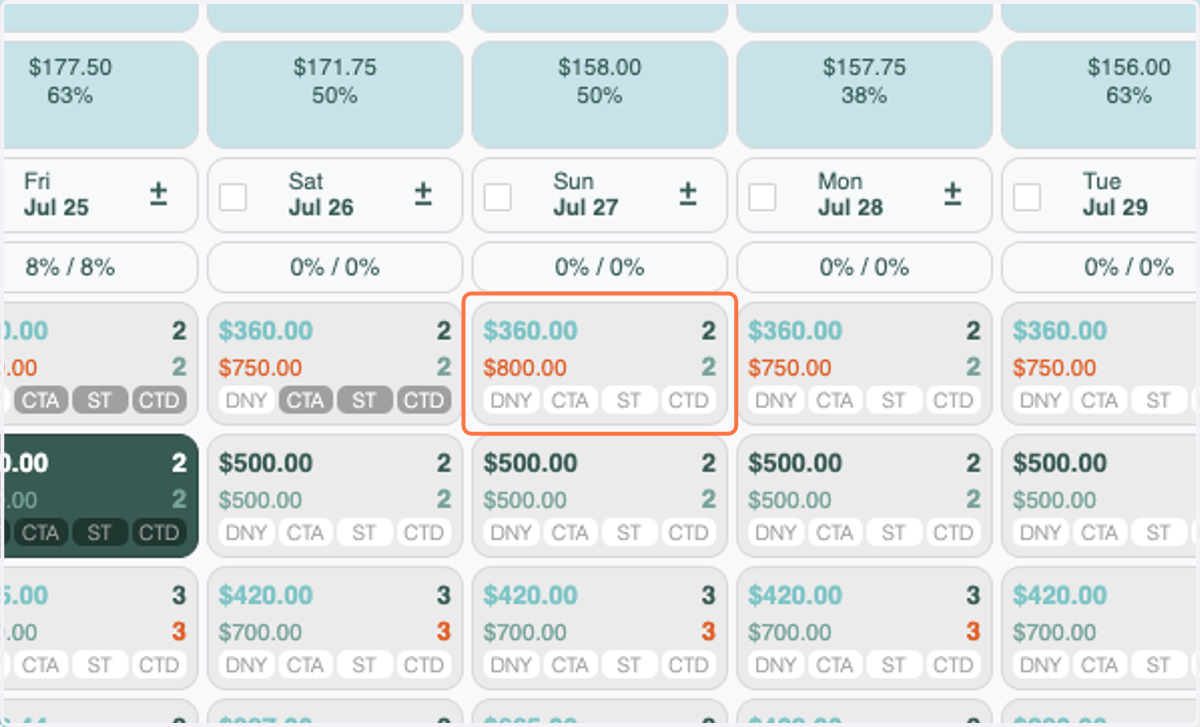
Base Rate Not Updating on the Tape Chart when using RevMaxGO
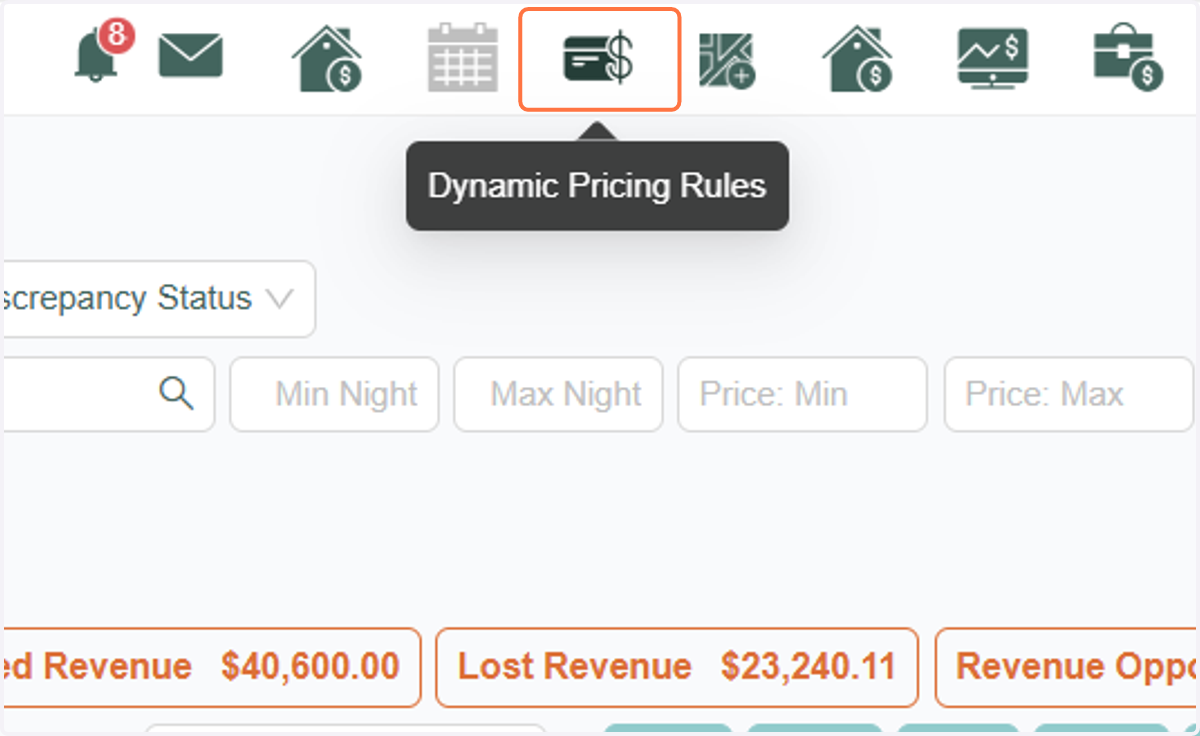
1. Click on Dynamic Pricing Rules
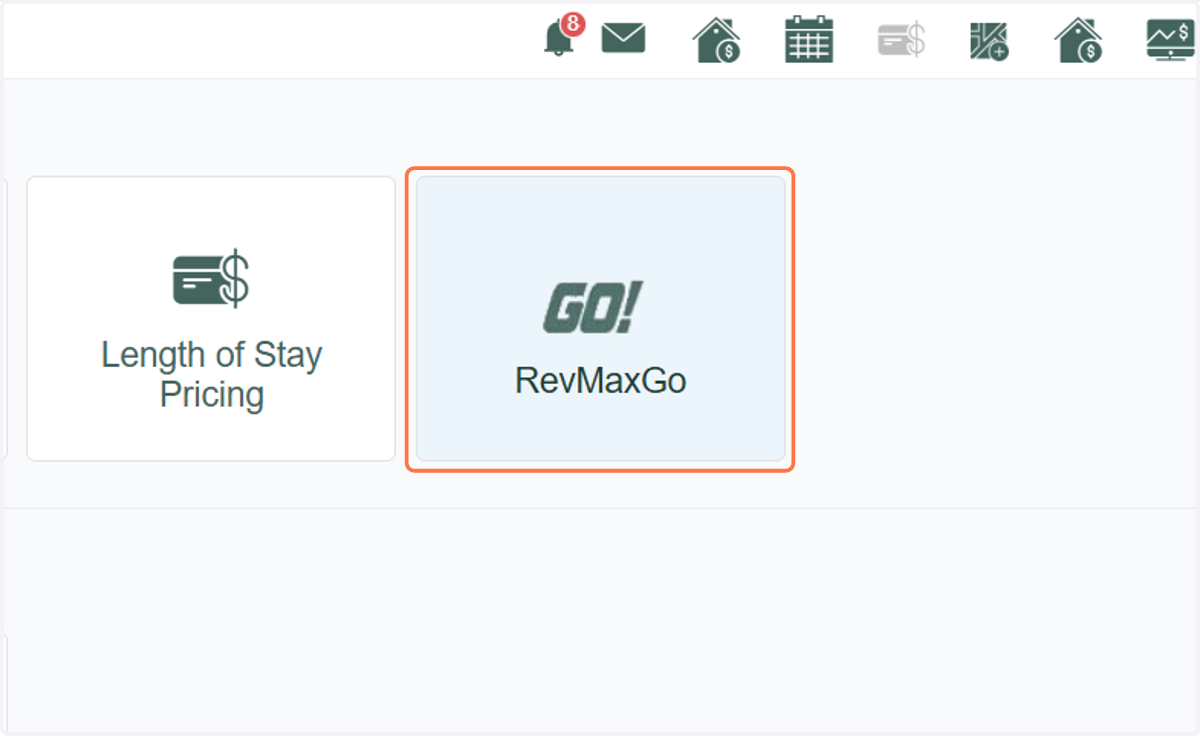
2. Click on RevMaxGo
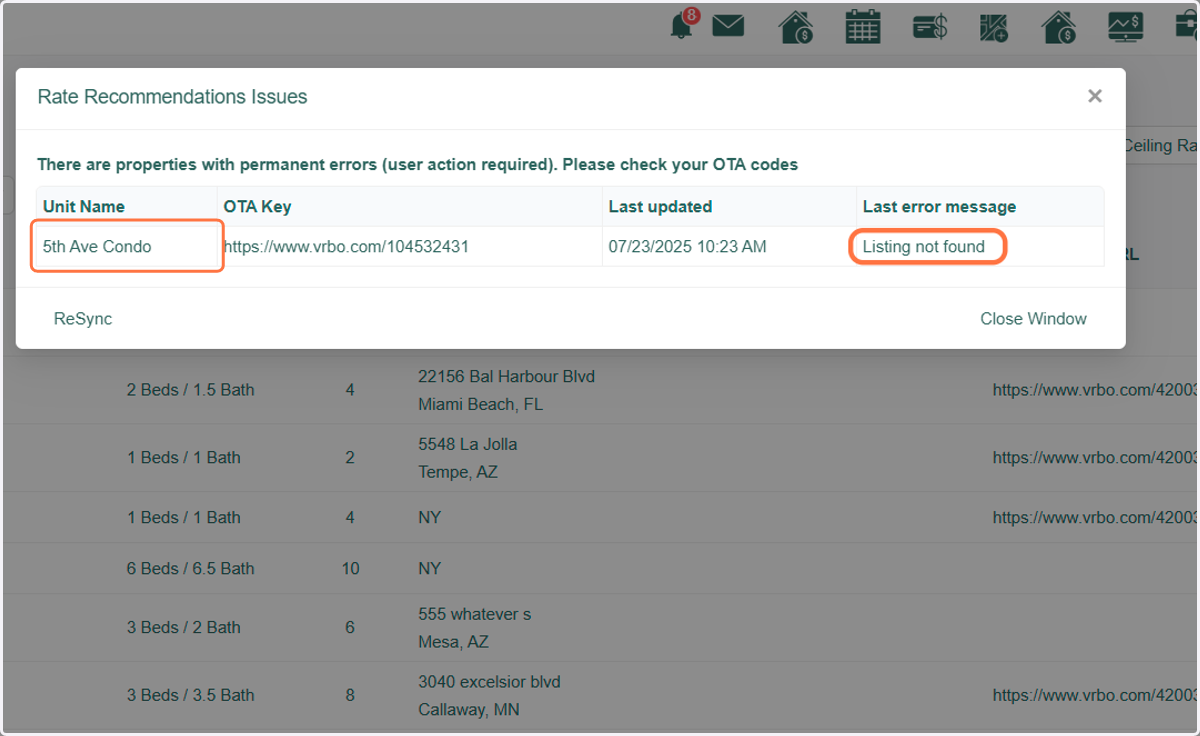
3. The unit is showing an Error for this URL - which is causing this issue.
4. Go back to the Tape Chart
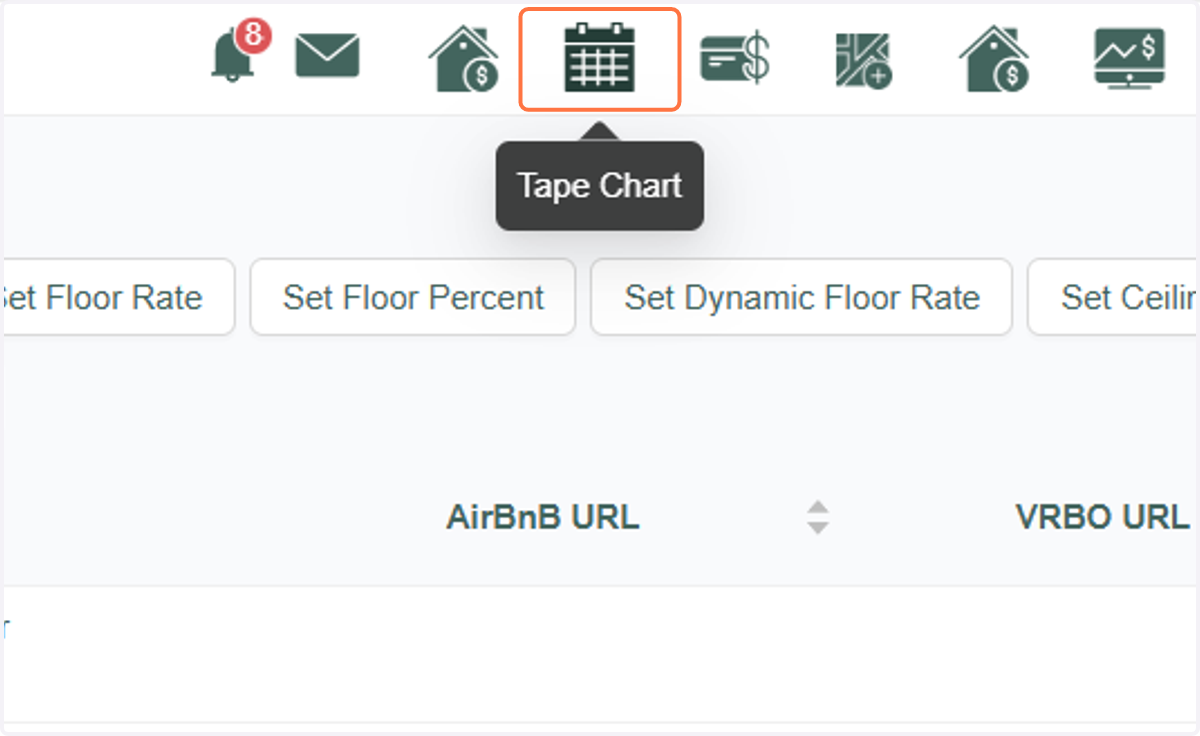
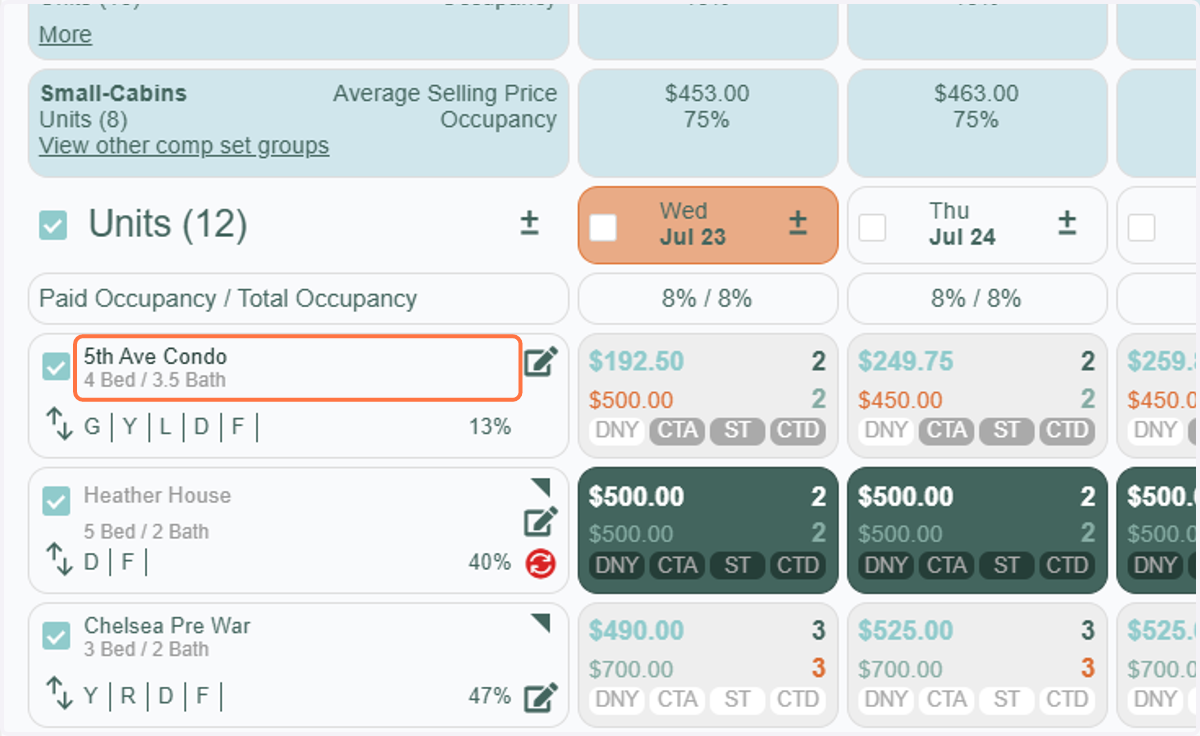
5. Click on the unit name
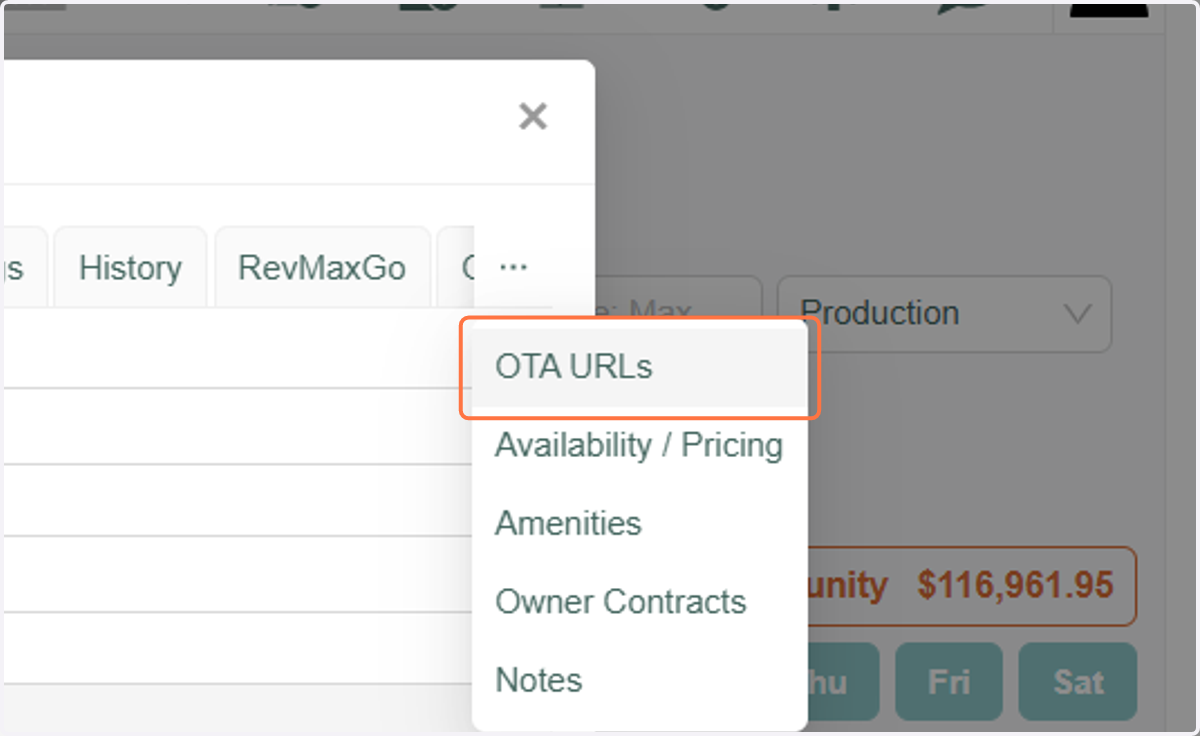
6. Click on OTA URLs tab
7. Remove or correct the URL
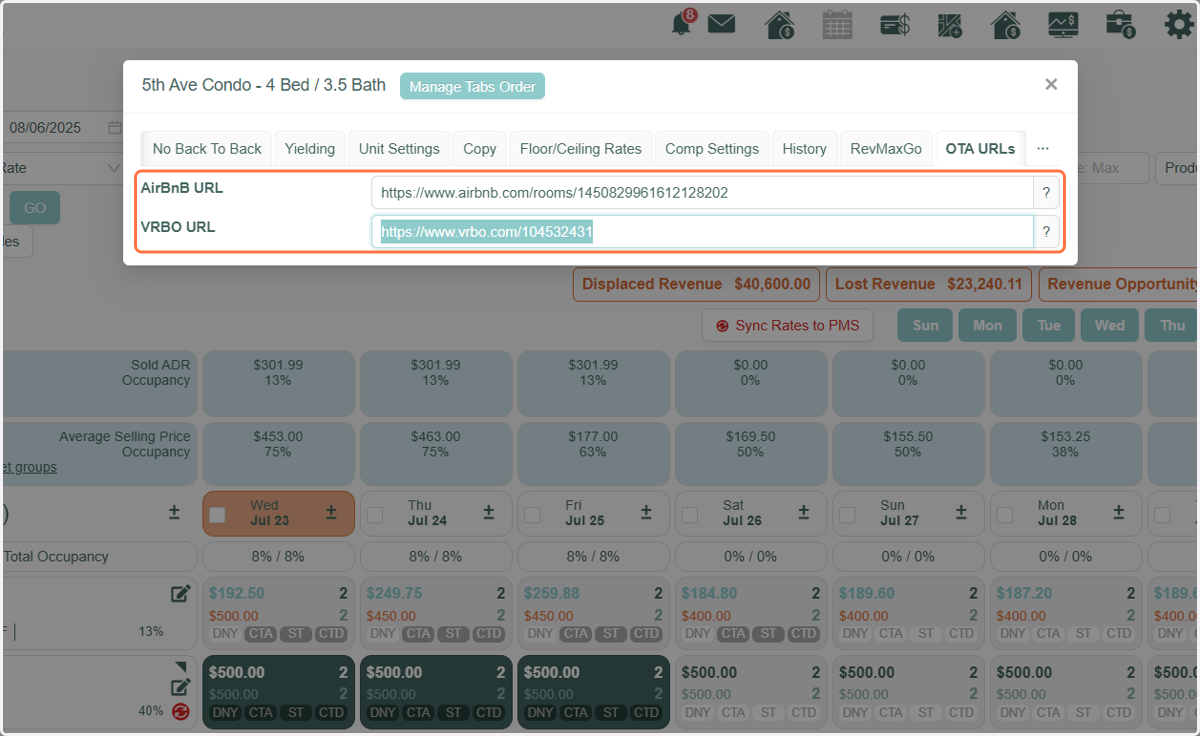
8. A. You will see that when you make changes to the OTA URL's, RevMaxGO has been deactivated and you must Publish Rates again to reapply the strategy
8. B. Click on the unit again
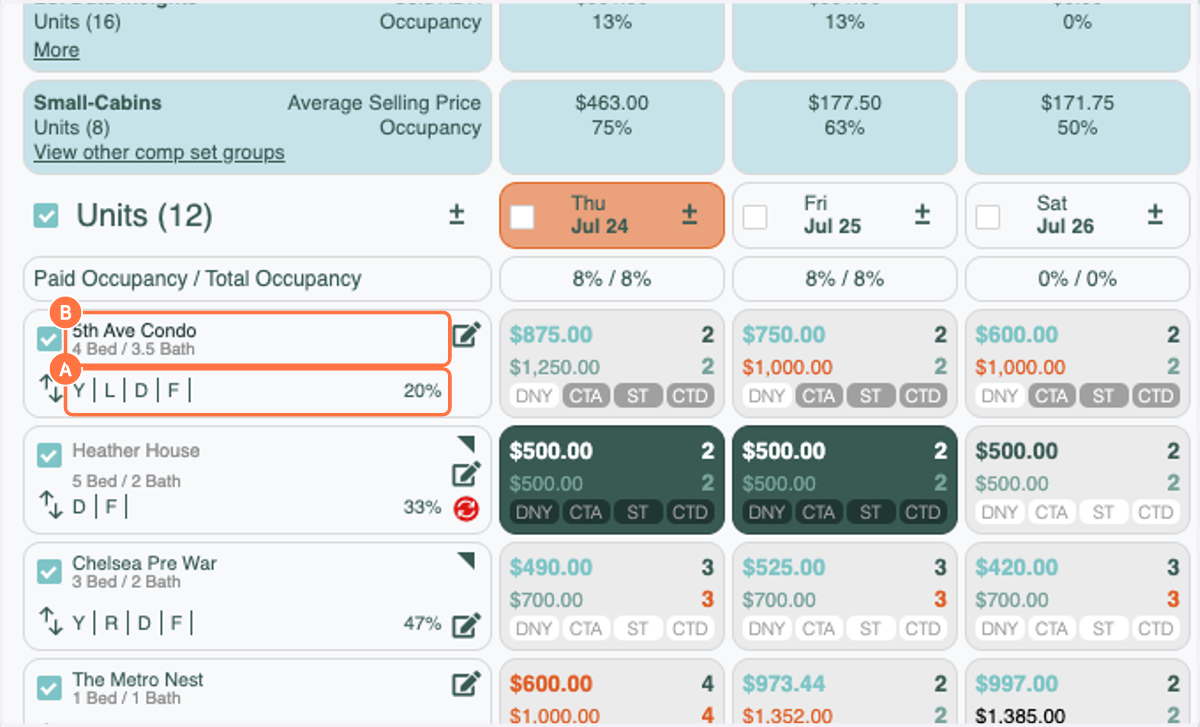
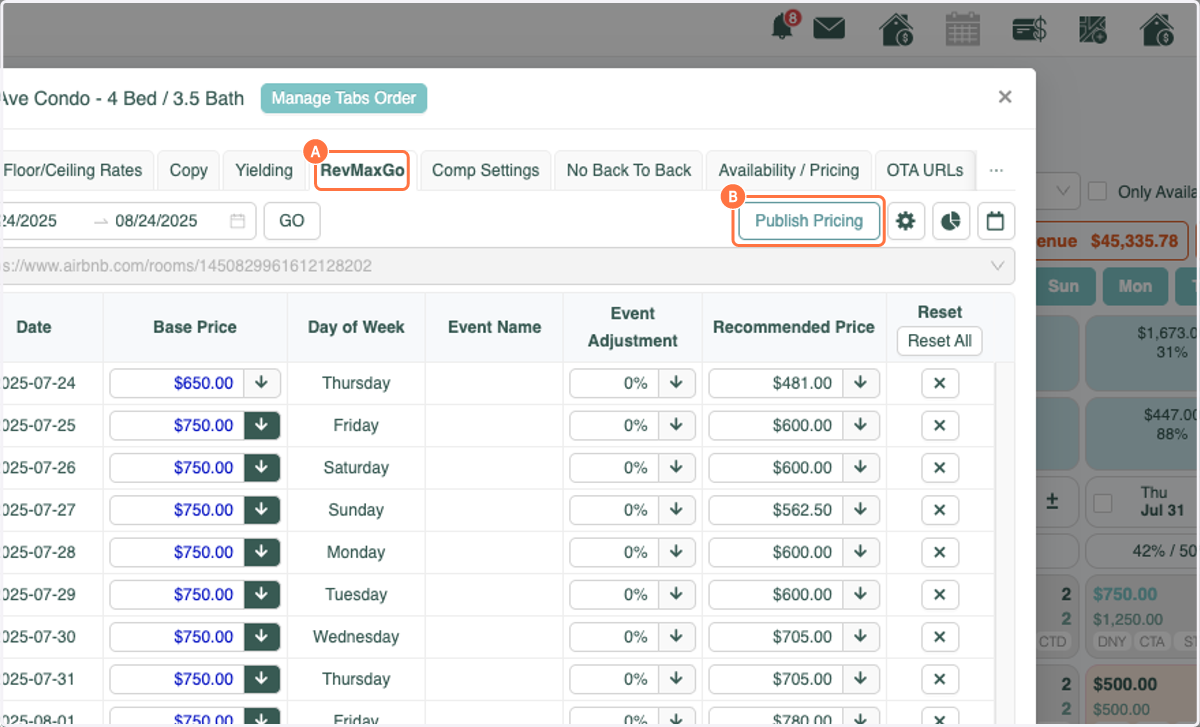
9. A. Click on the RevMaxGo tab
9. B. Make sure you are happy with the Base Rate or make adjustments. Then click Publish Pricing
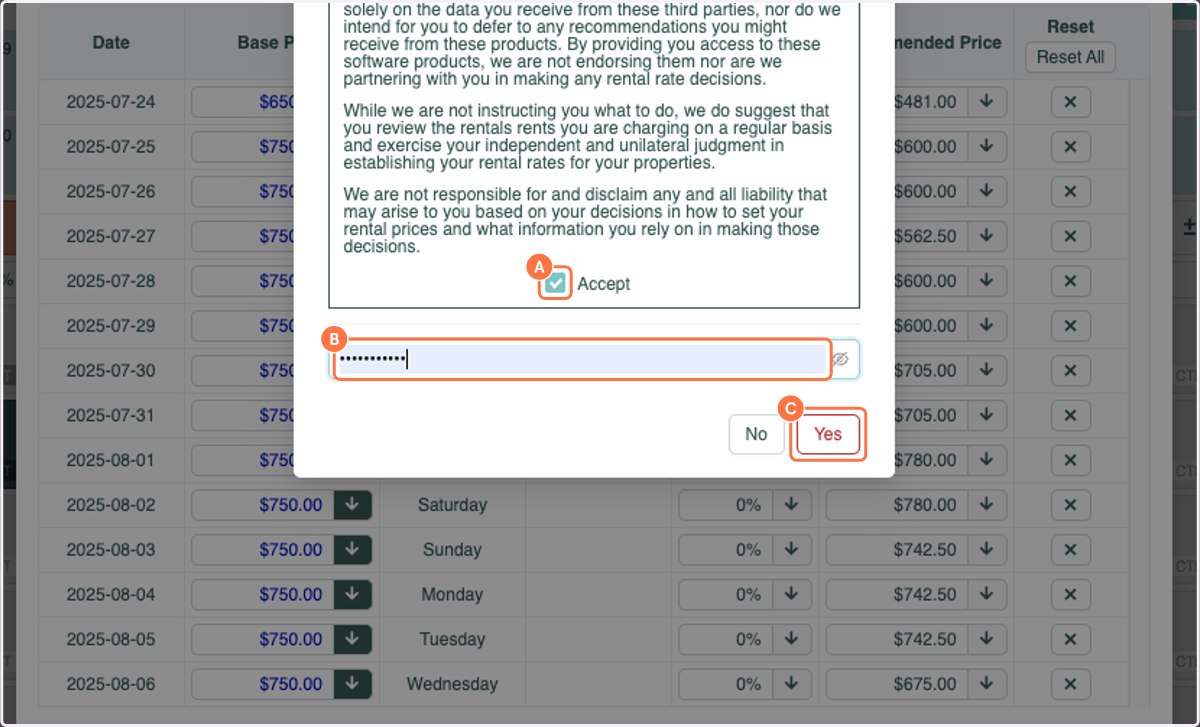
10. A. Select Accept
10. B. Type password
10. C. Click on Yes
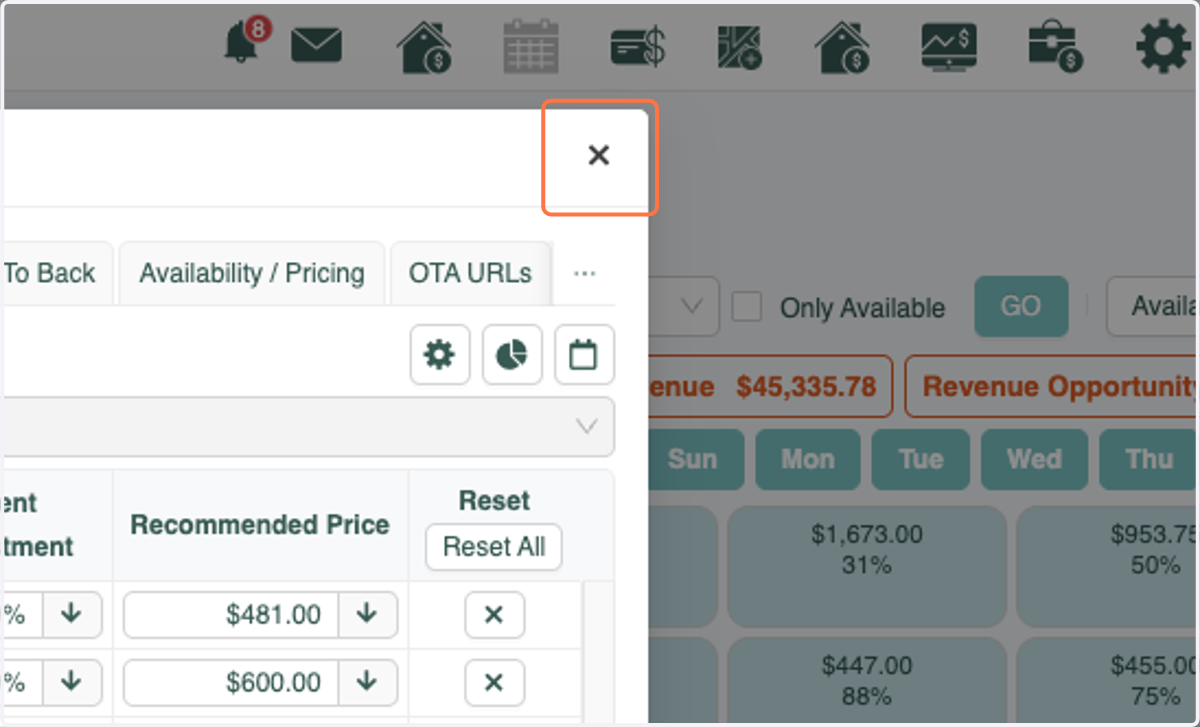
11. Click on Close
12. Click on the Base Rate that you would like to update
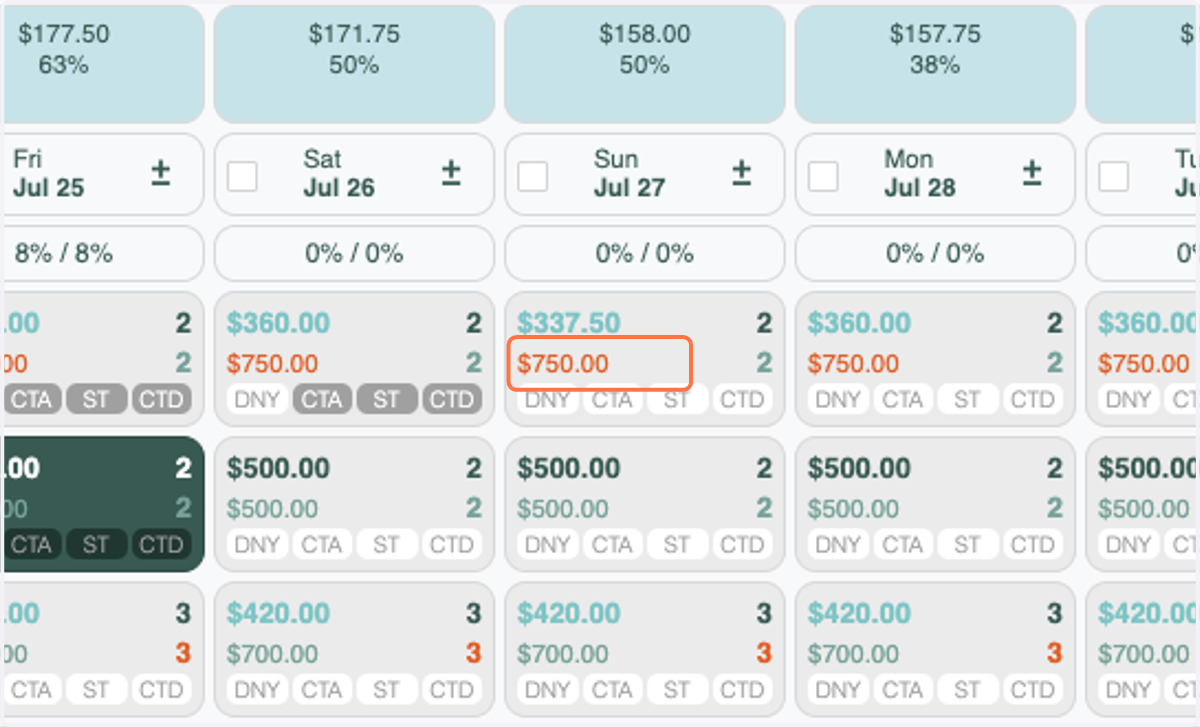
13. Enter the new base rate. It now saves!