How to exclude units in LSI Insights?
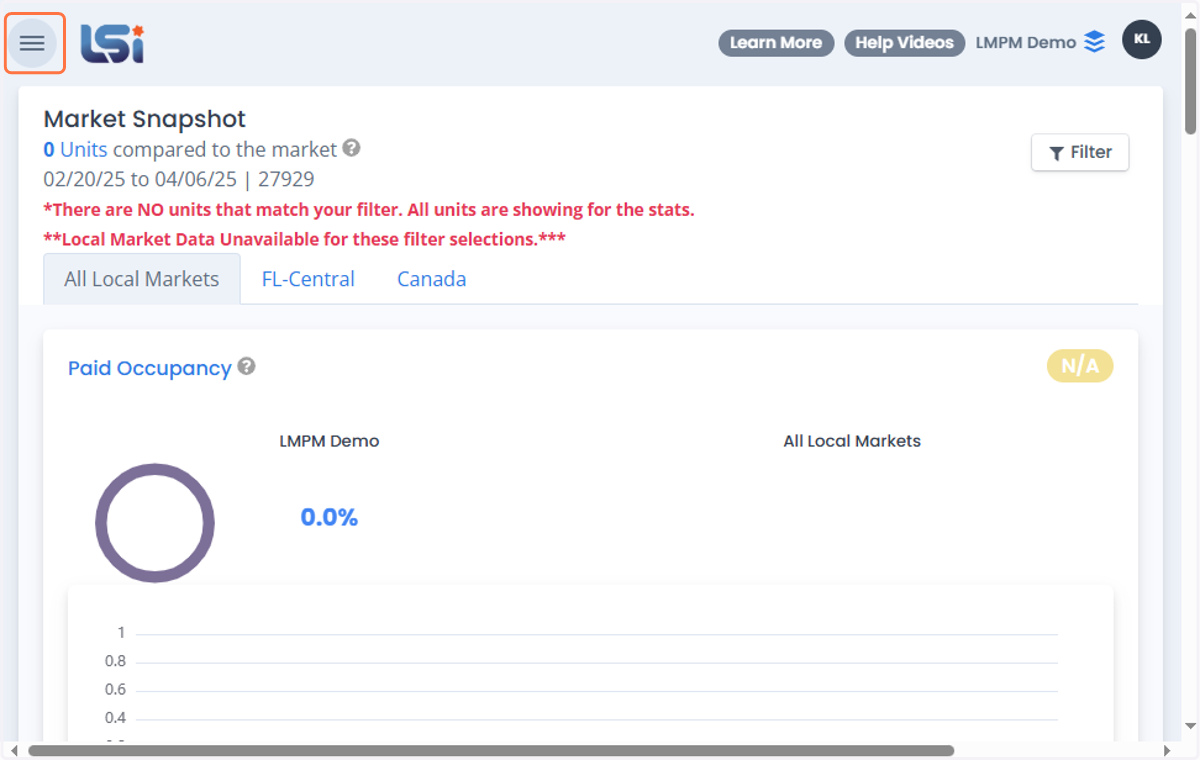
1. Click on Toggle Navigation
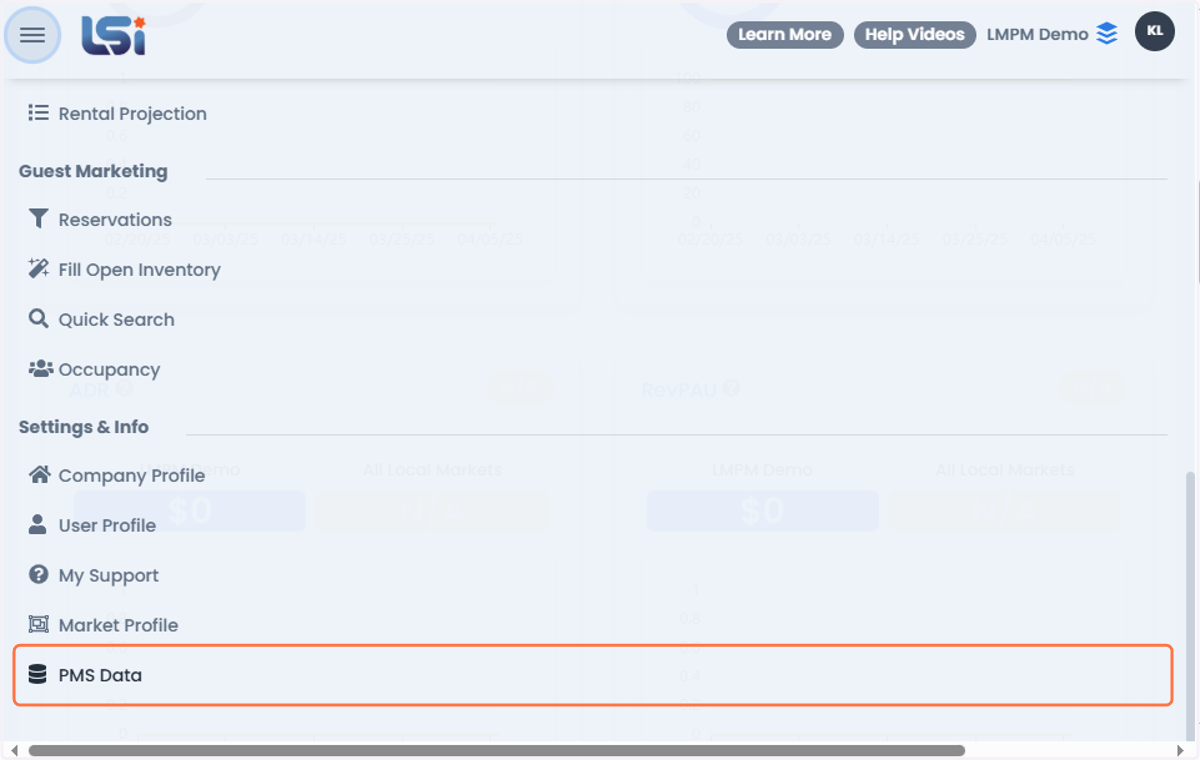
2. Click on PMS Data Tab
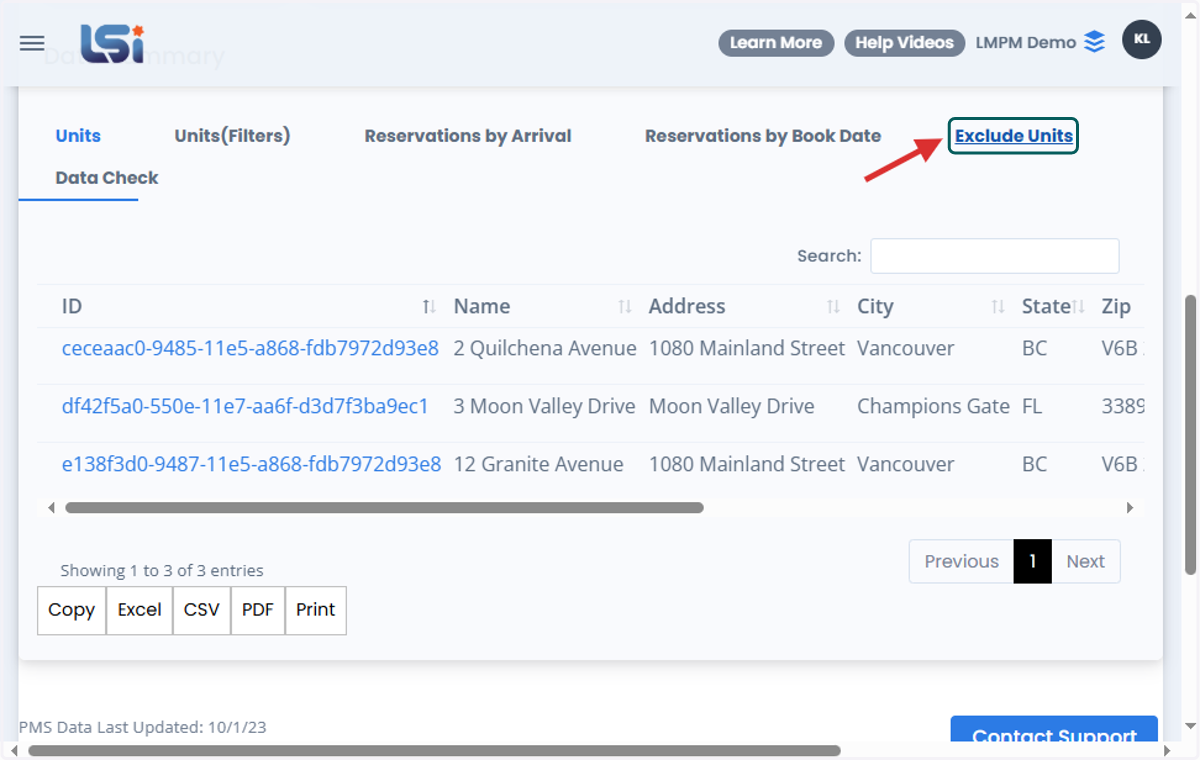
3. Click on Exclude Units Tab
4. You can either search the unit's name on the search bar
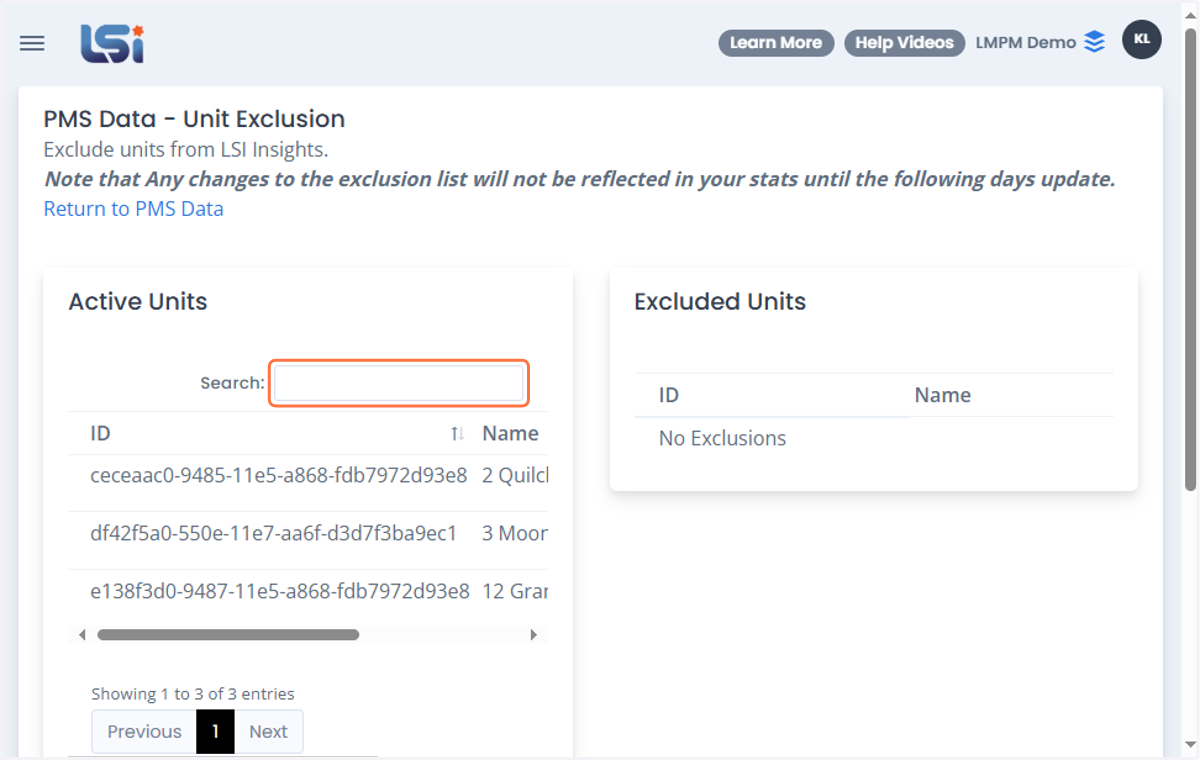
5. Or select on the list of units below the search bar
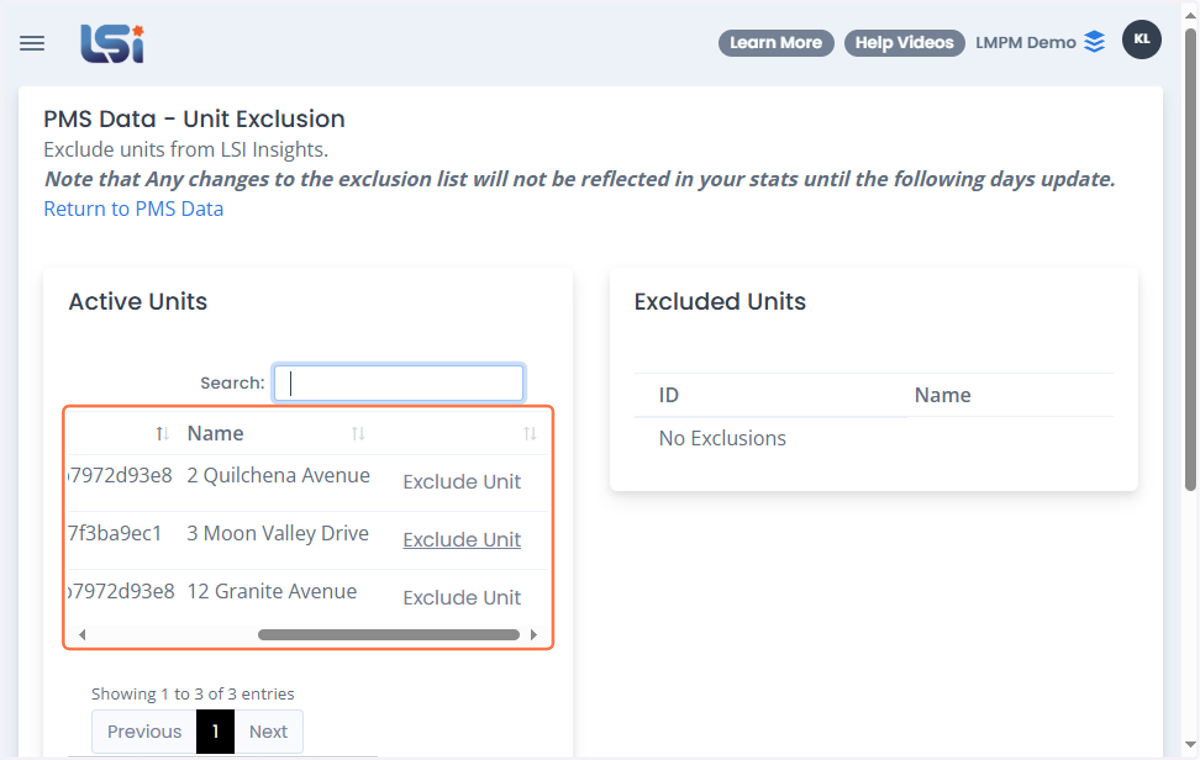
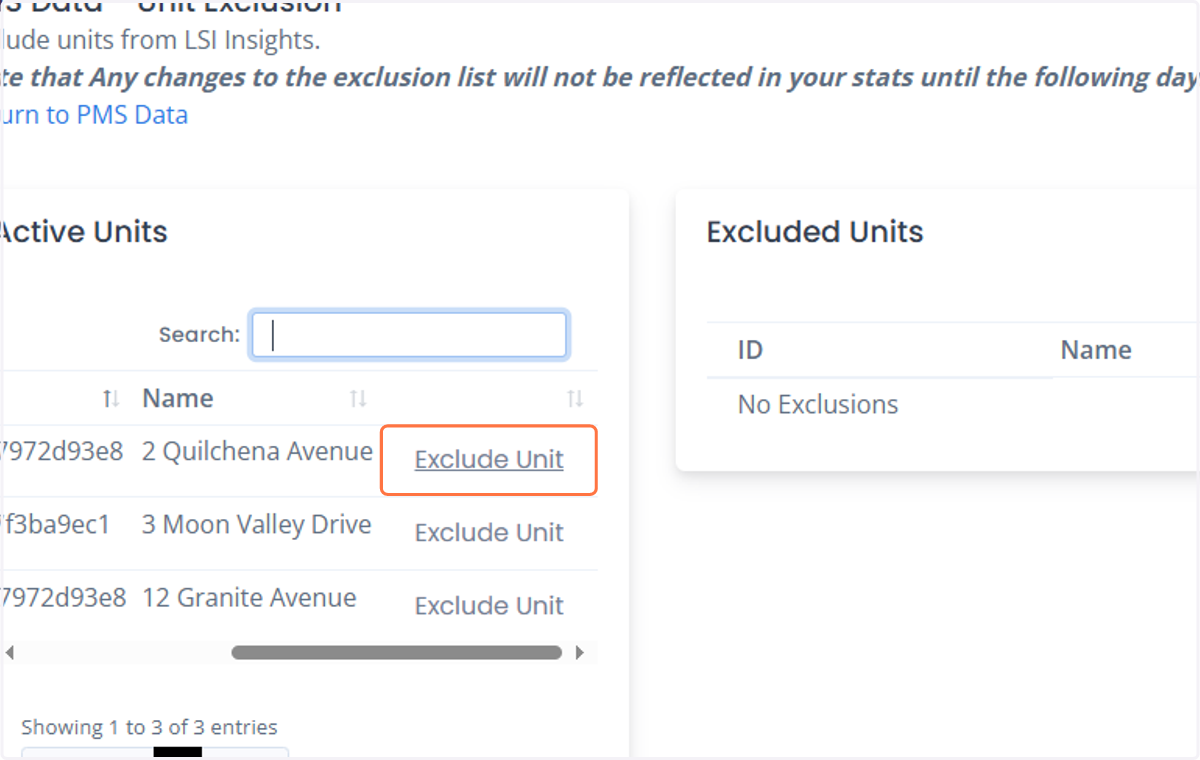
6. Click on Exclude Unit on the right side of the unit's name to exclude the unit from all of your LSI Insights reports
7. Once excluded, you can see that the unit is transferred in the Excluded Unit's list.
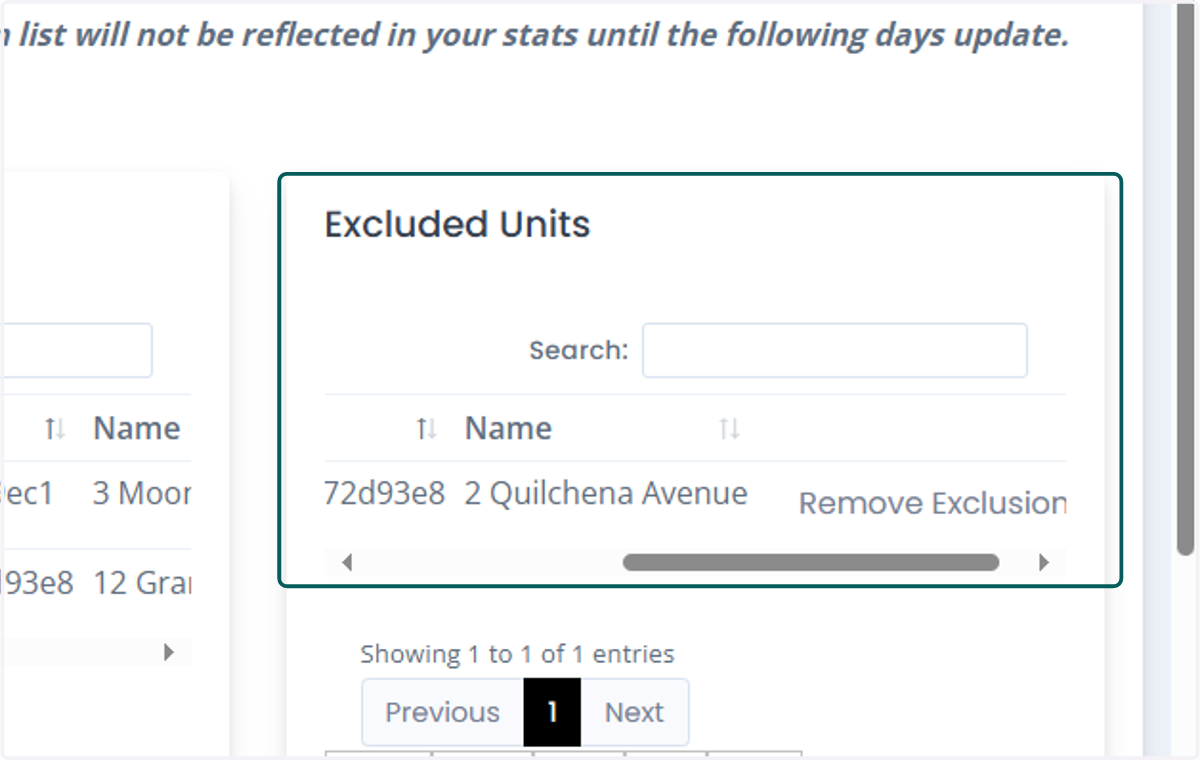
8. If you like to include the unit back to the LSI Insights system, you can click on the "Remove Exclusion" button on the side of each unit's name.
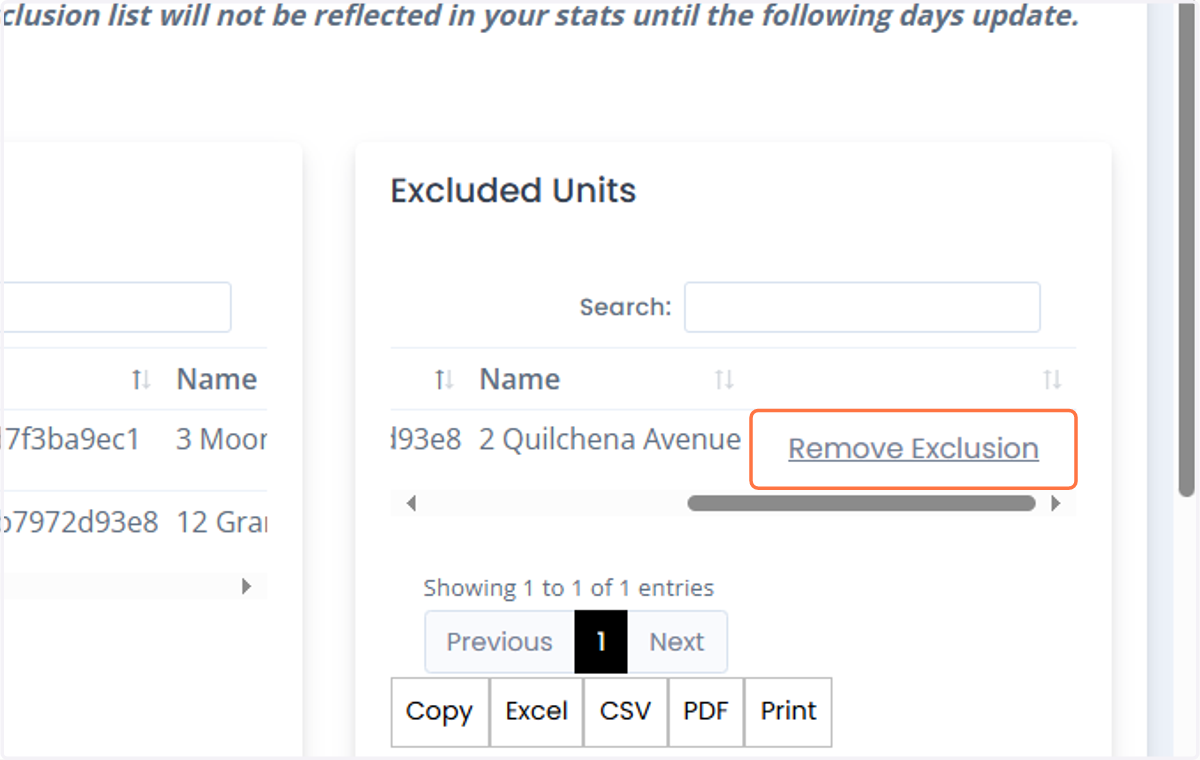
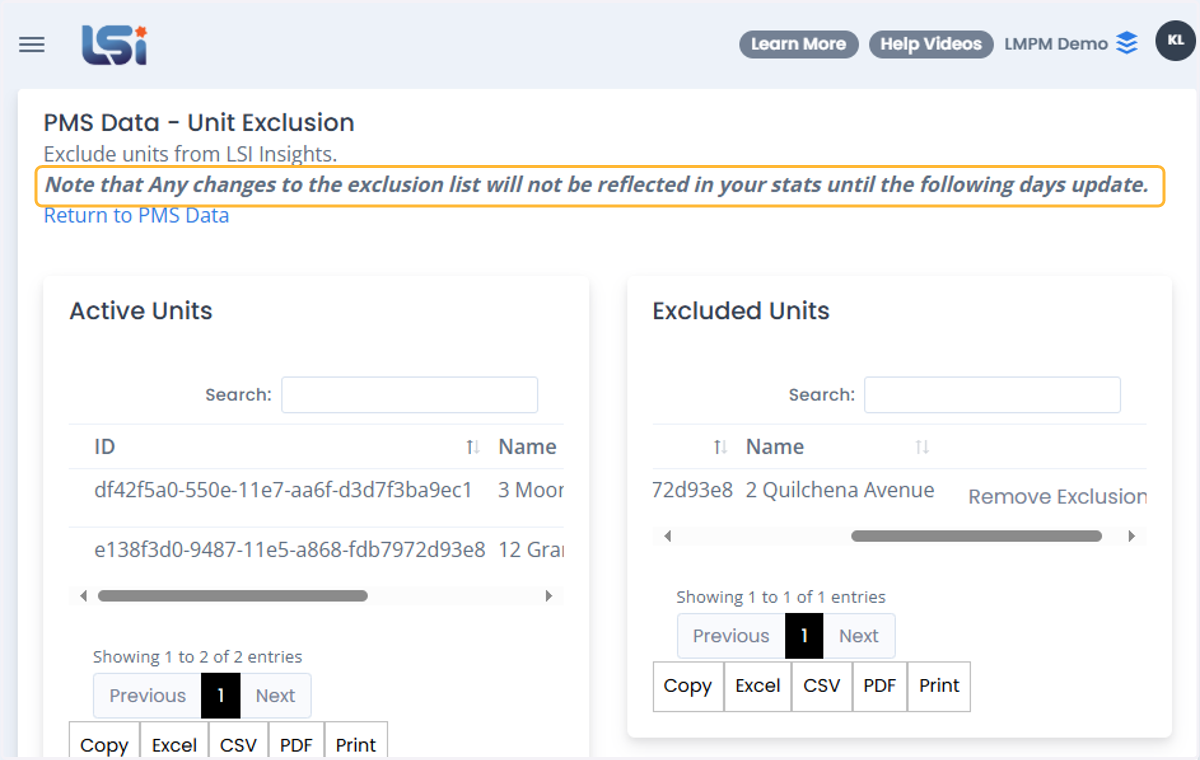
9. Please do note that any changes to the exclusion list will not be reflected in your stats until the following days update.
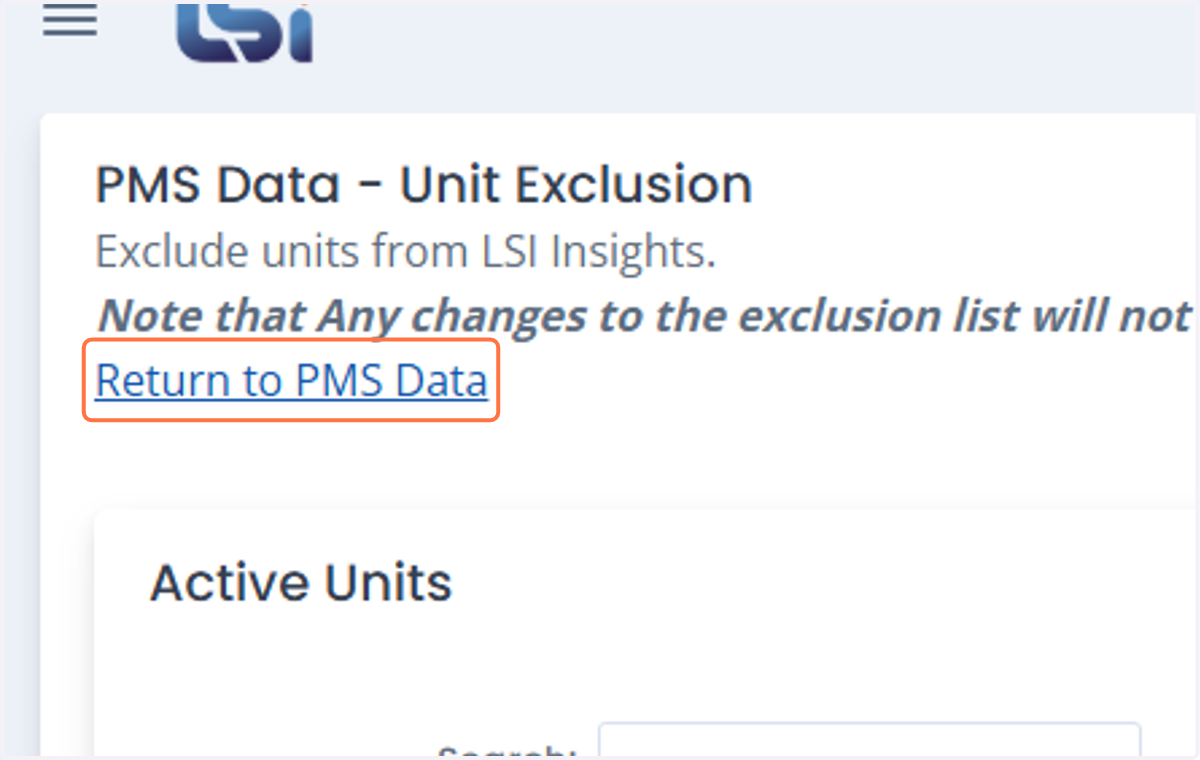
10. Click on Return to PMS Data to go back to the PMS Data Main Page
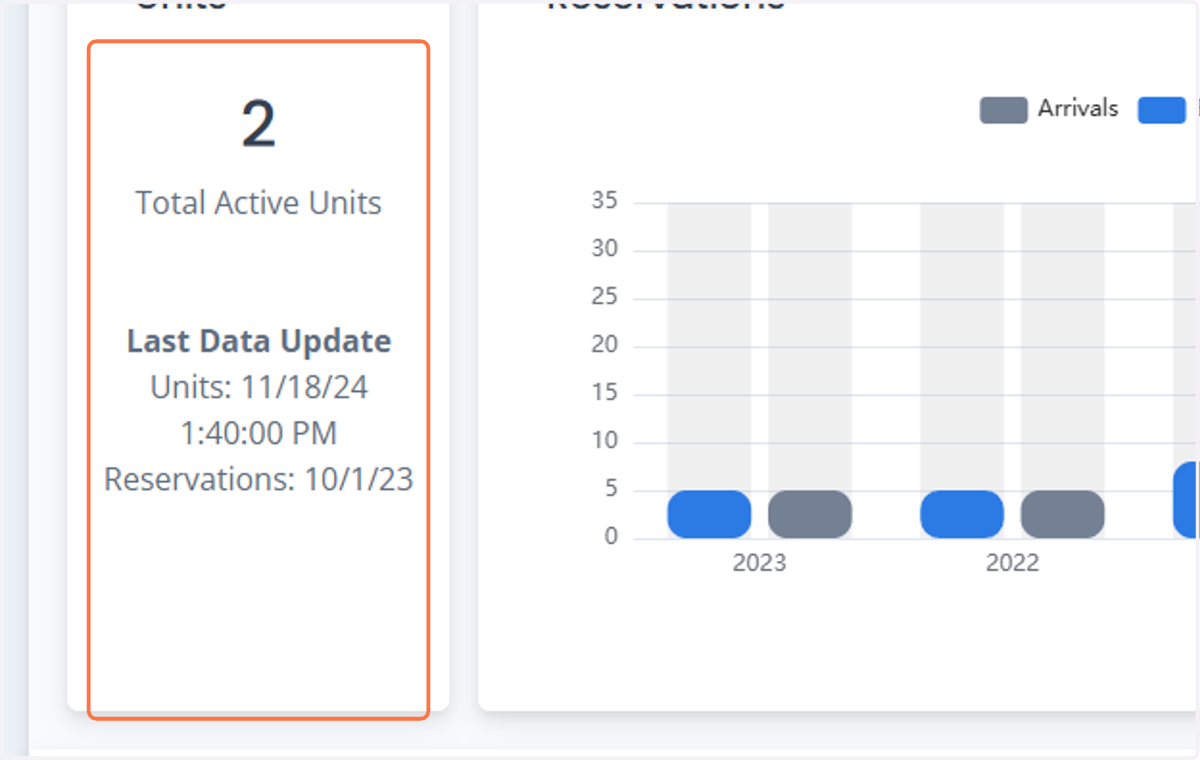
11. You can see that the number of units in the PMS Data page has updated.