Navigating Additional Payments
Enrollify
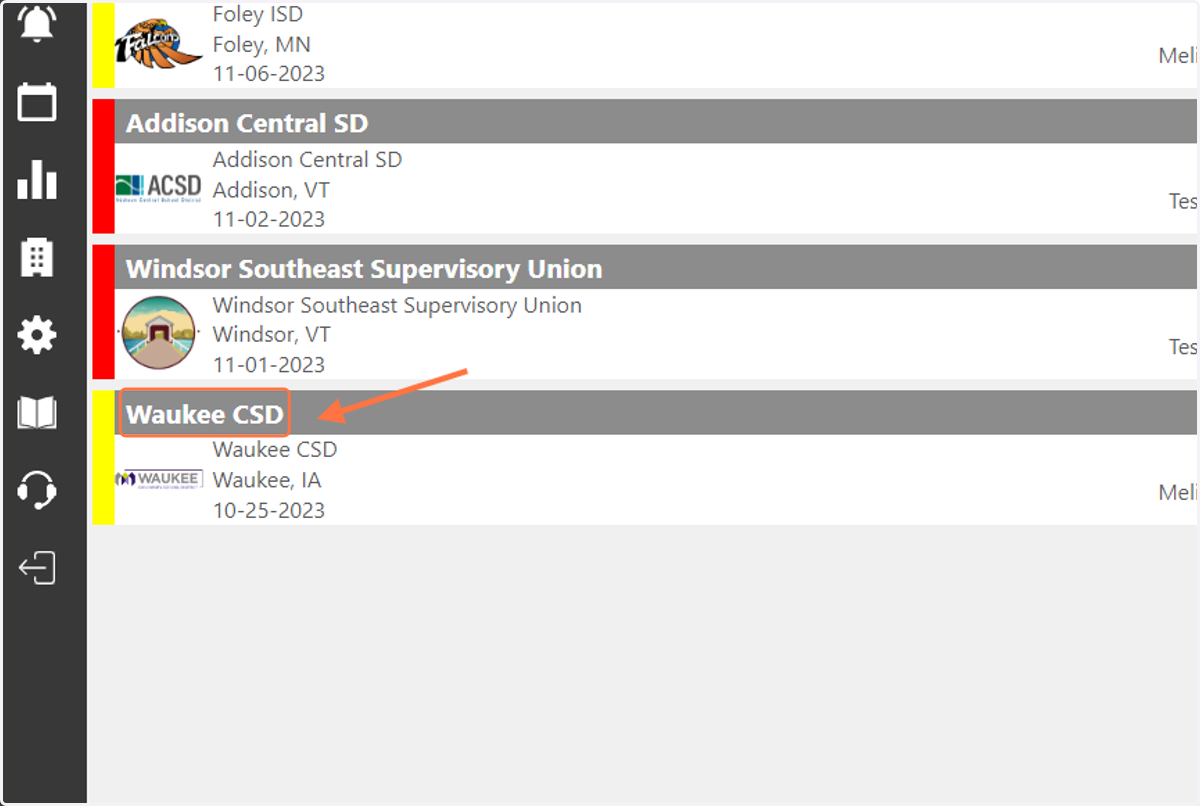
1. Click on the case name.
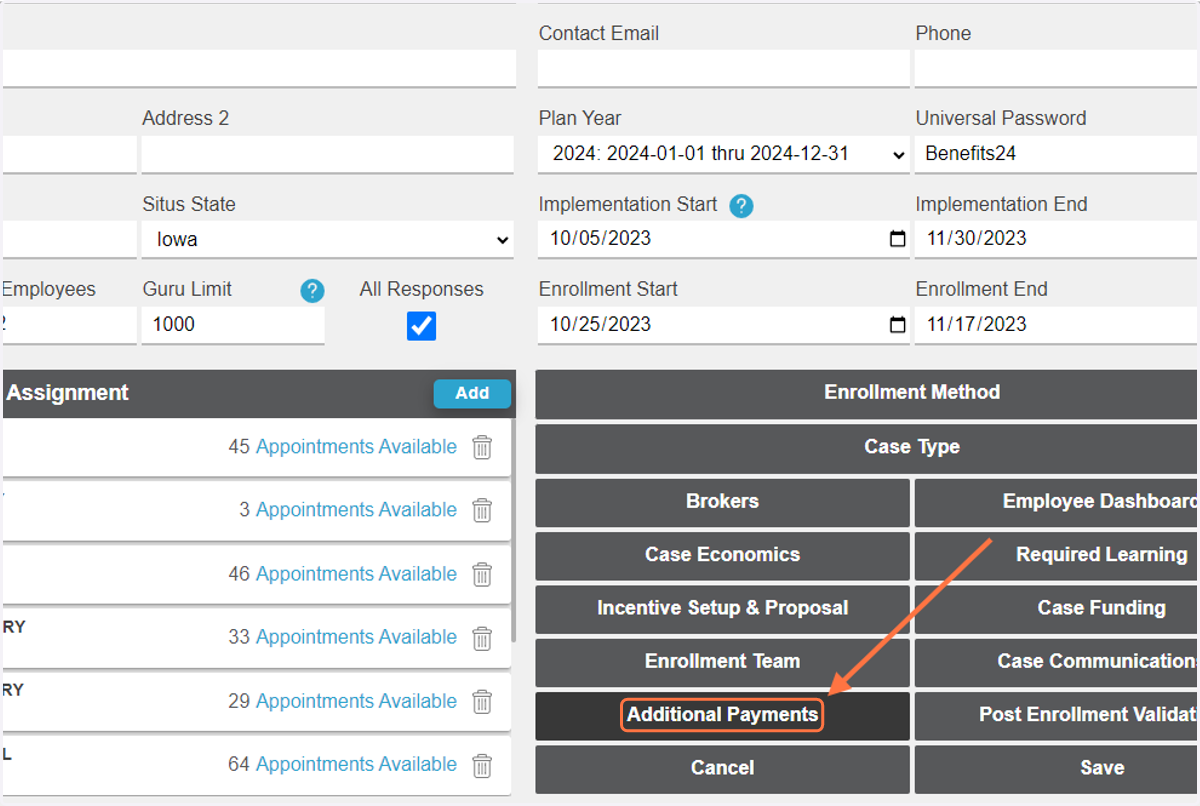
2. Click on 'Additional Payments'
3. Click on 'Secondary $' next to the enroller you would like to compensate.
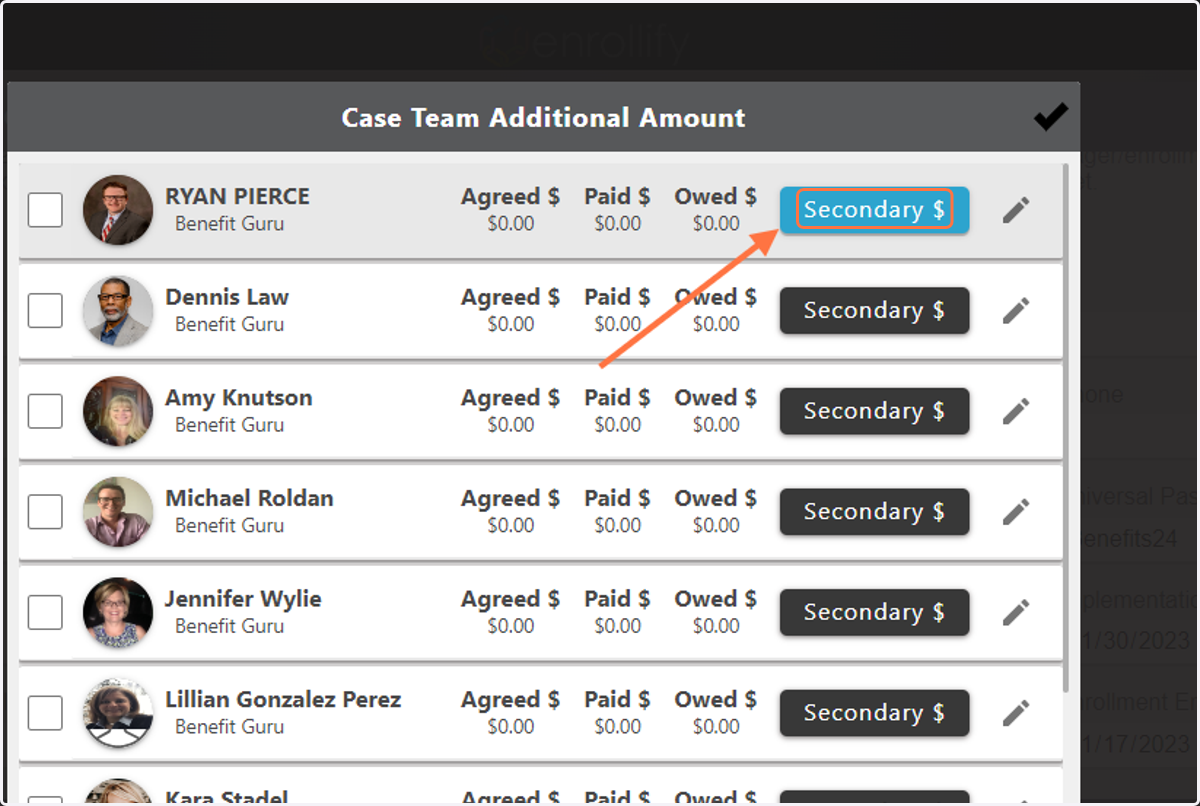
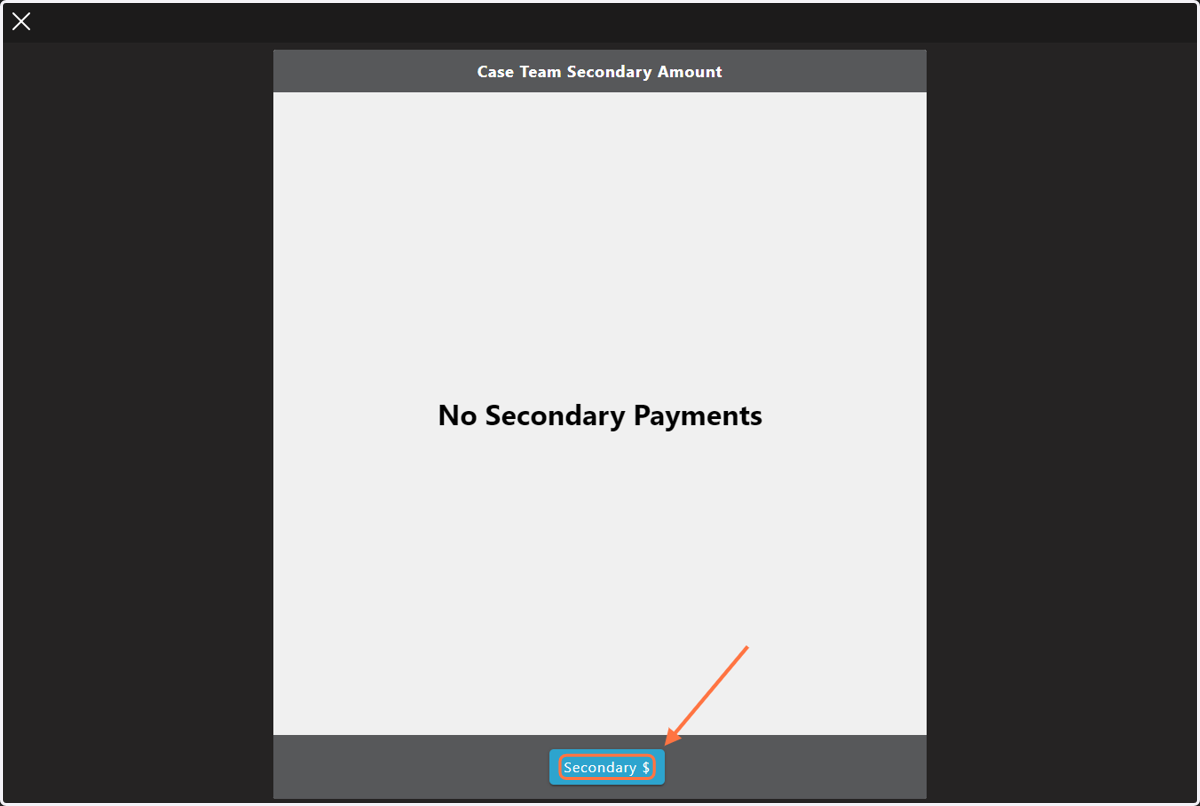
4. Click on 'Secondary $'
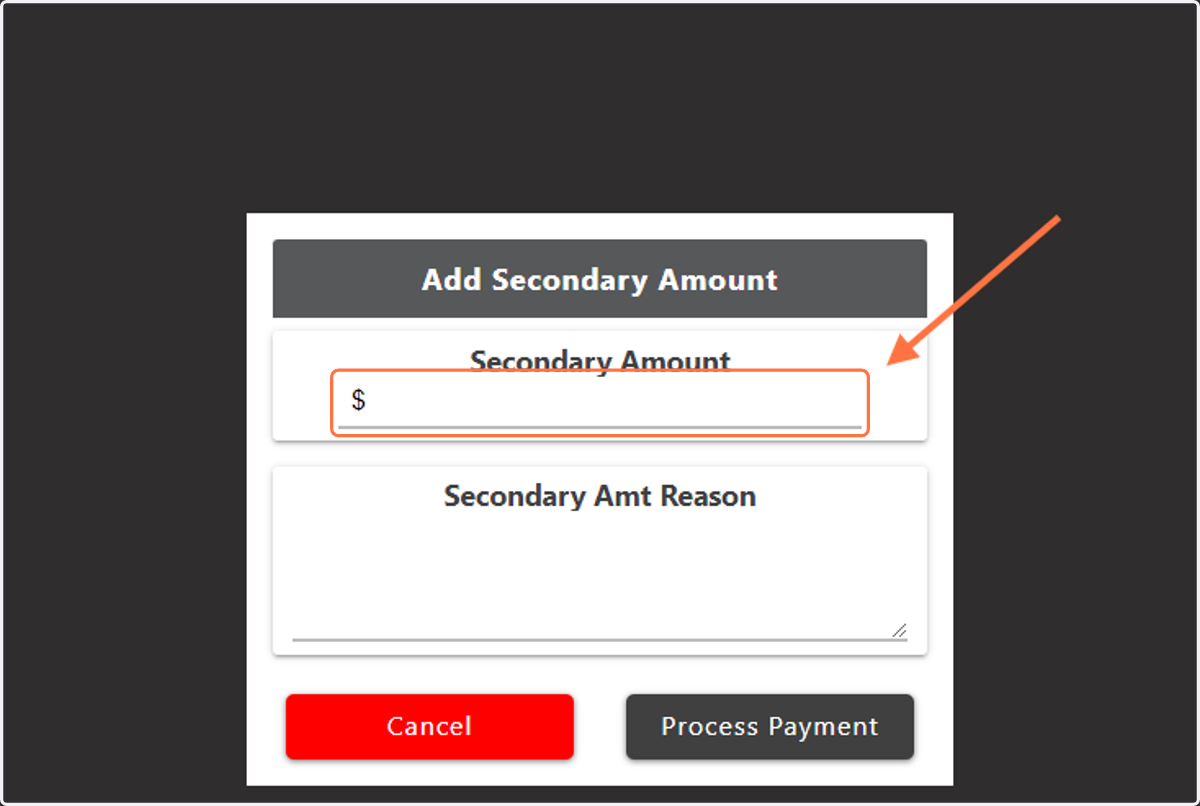
5. Add the dollar amount to be paid.
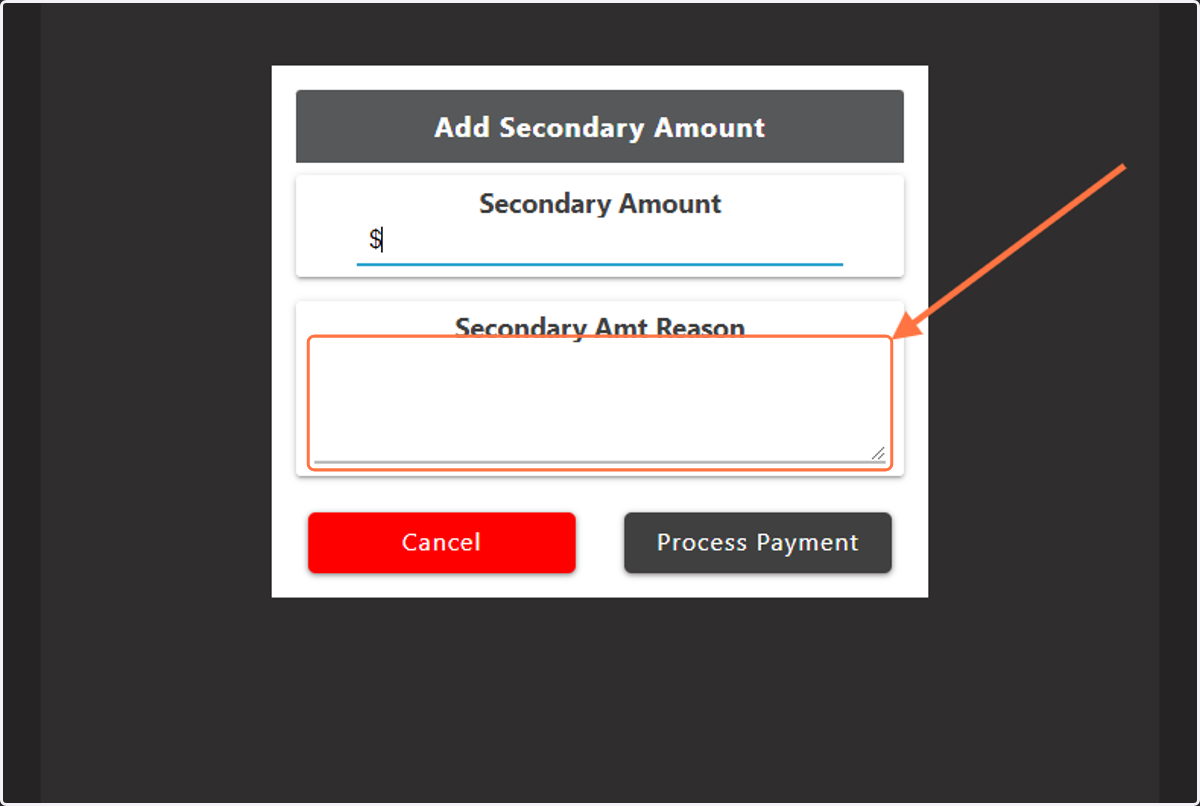
6. Add the reason for the payment.
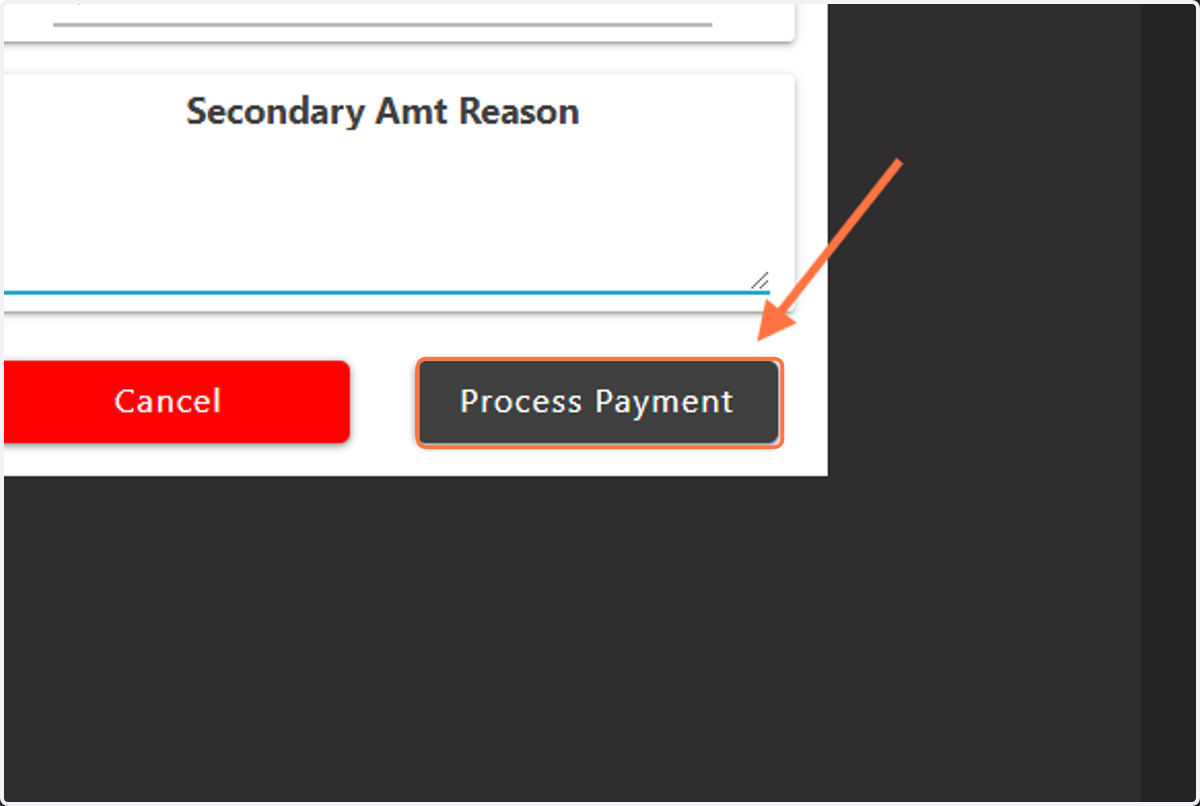
7. Click on 'Process Payment' to send compensation.