Requesting External Evaluations
The steps below will show you how to request external evaluation letters in Interfolio.
If you prefer to request letters by email and upload them yourself to Interfolio, see:
[ADD LINKS TO TANGO]
Handling External Evaluations Outside of Interfolio
Interfolio
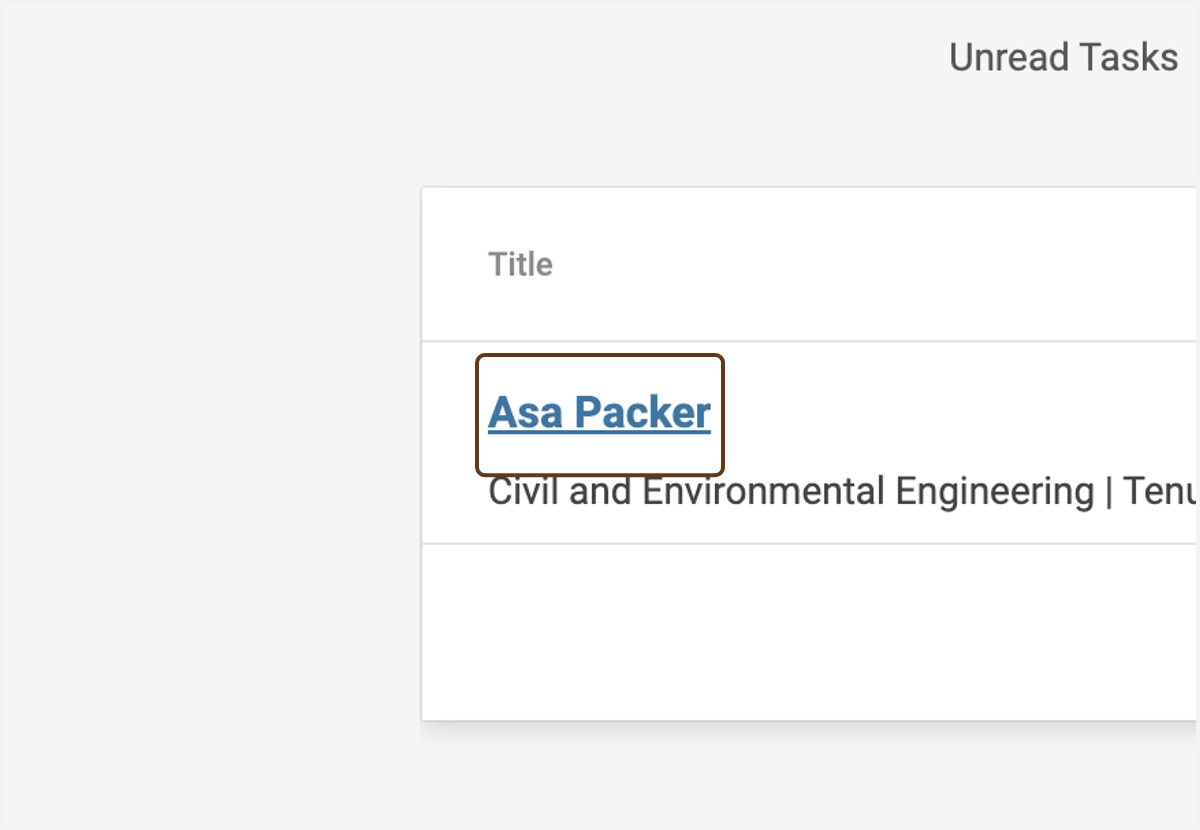
1. Click on the candidate's name
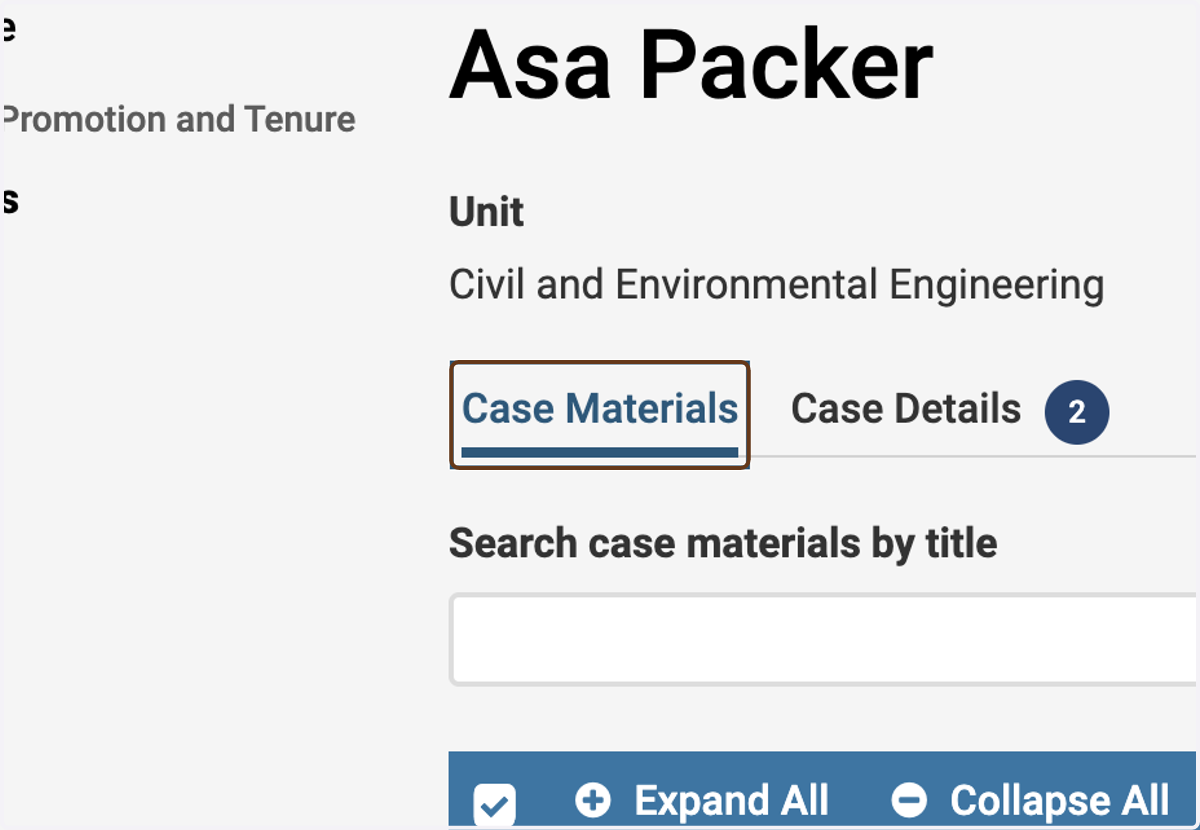
2. Make sure you are on the Case Materials tab
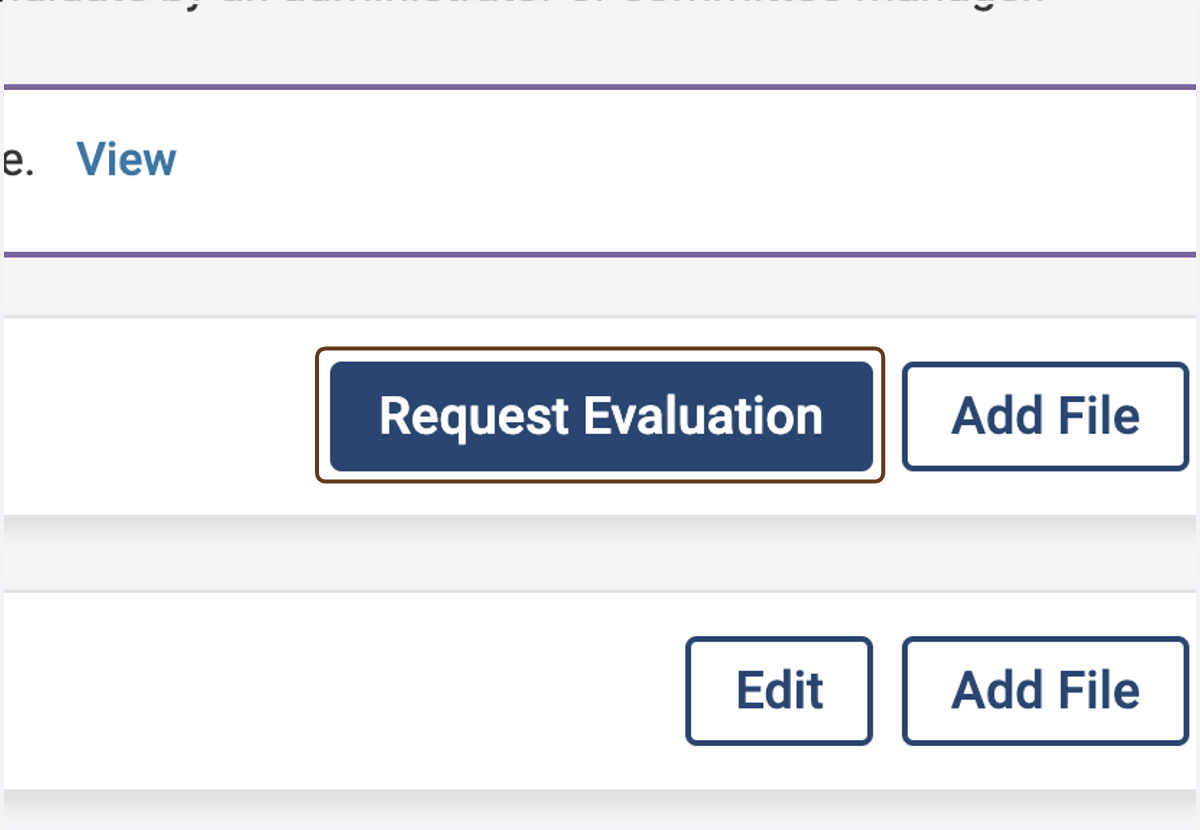
3. Click on Request Evaluation
To find it, scroll down a bit, to the Internal Sections section.
4. Enter the evaluator's name and email address
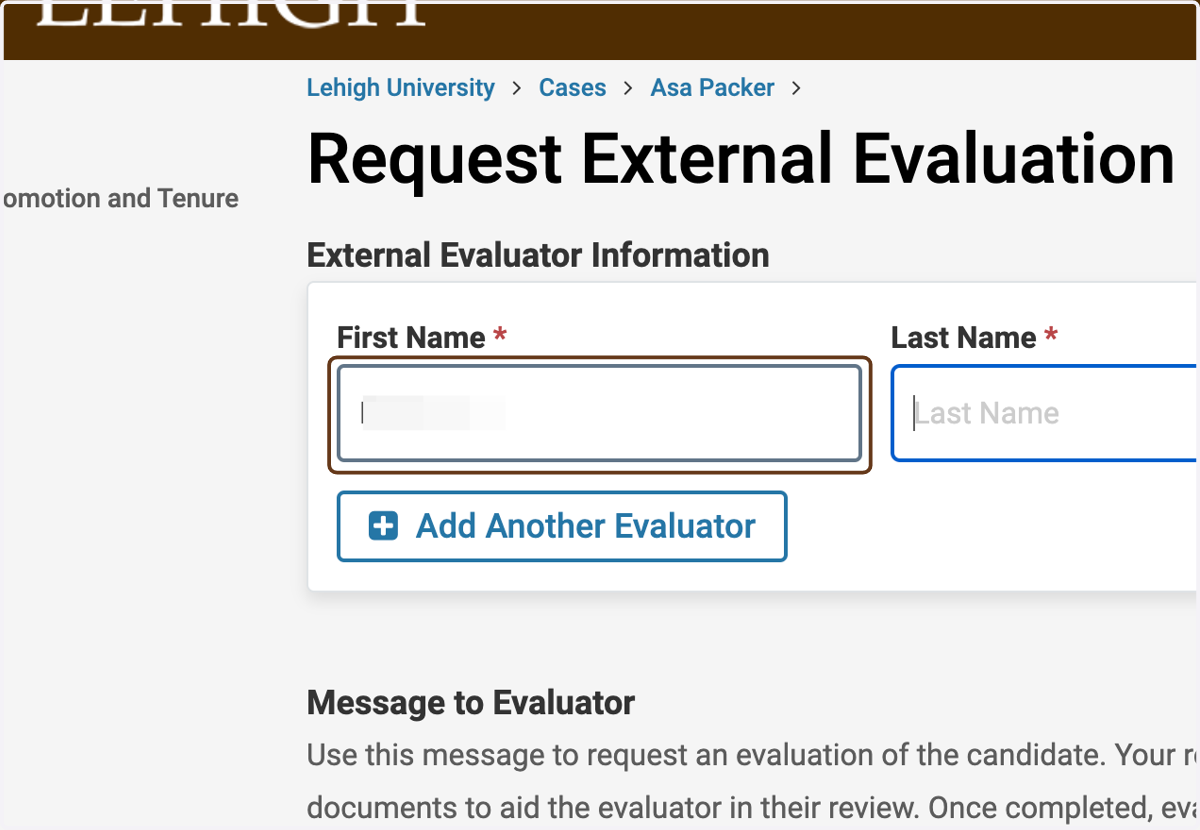
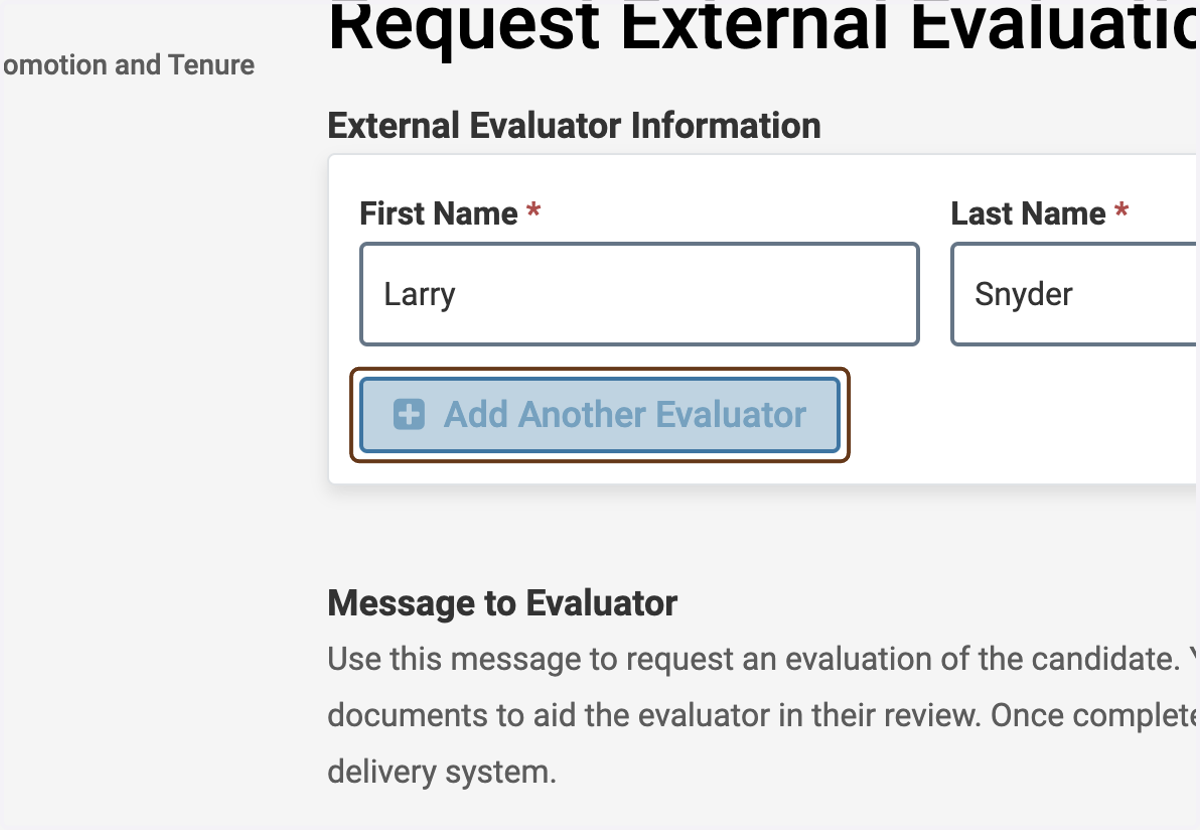
5. Click on Add Another Evaluator
Use this feature if you want to request letters from multiple evaluators at the same time.
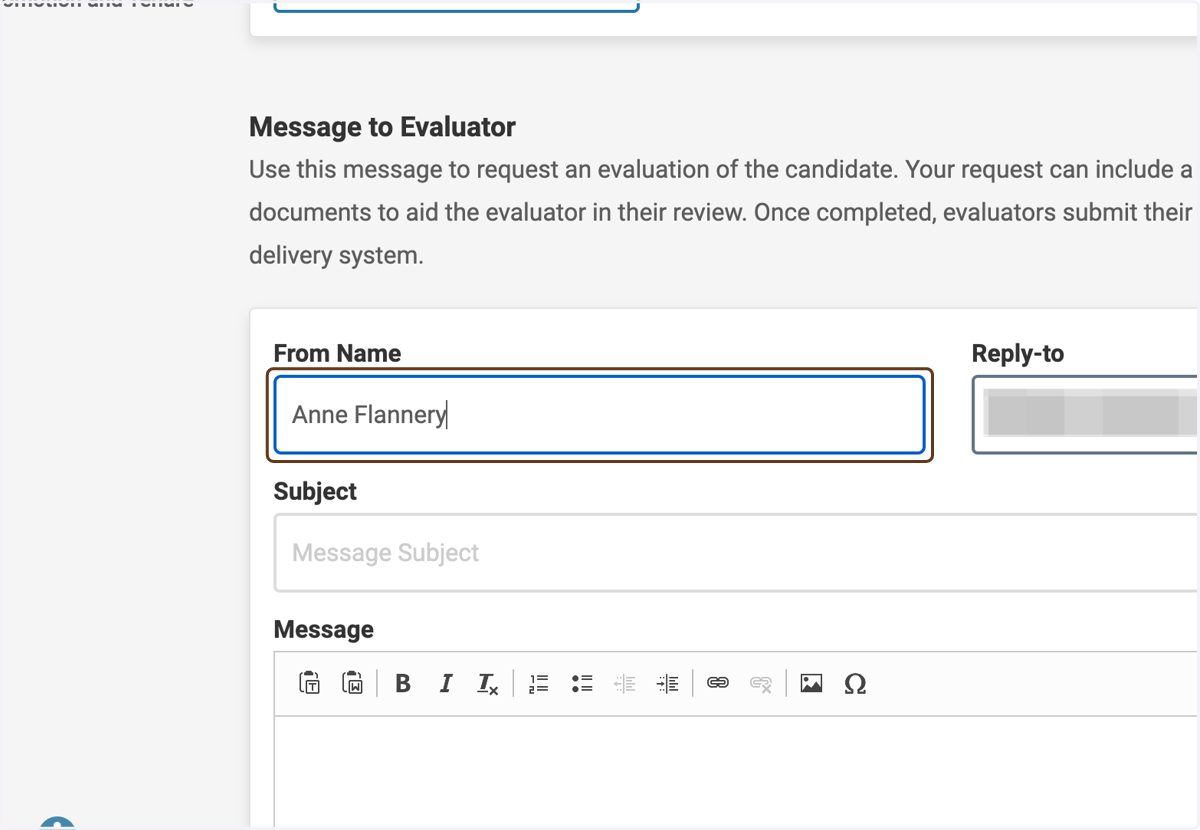
6. Customize the request
Enter your name and email address. Use the Lehigh template for requesting external evaluations as the body of the email message.
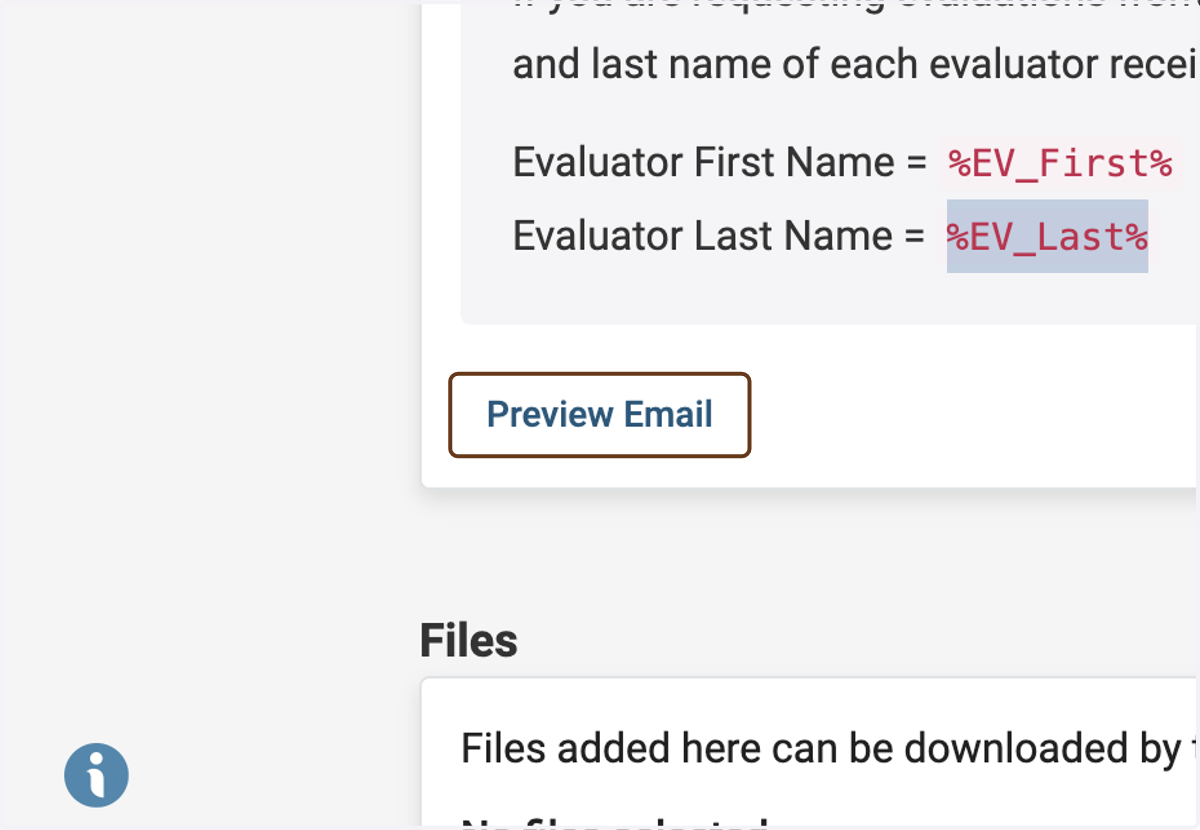
If you are sending the email to multiple people at once, you can instruct Interfolio to fill in the name of the recipient of each email by using the following codes:
Evaluator First Name =
%EV_First%Evaluator Last Name =
%EV_Last%
7. Click on Preview Email
You can preview the email before you send it.
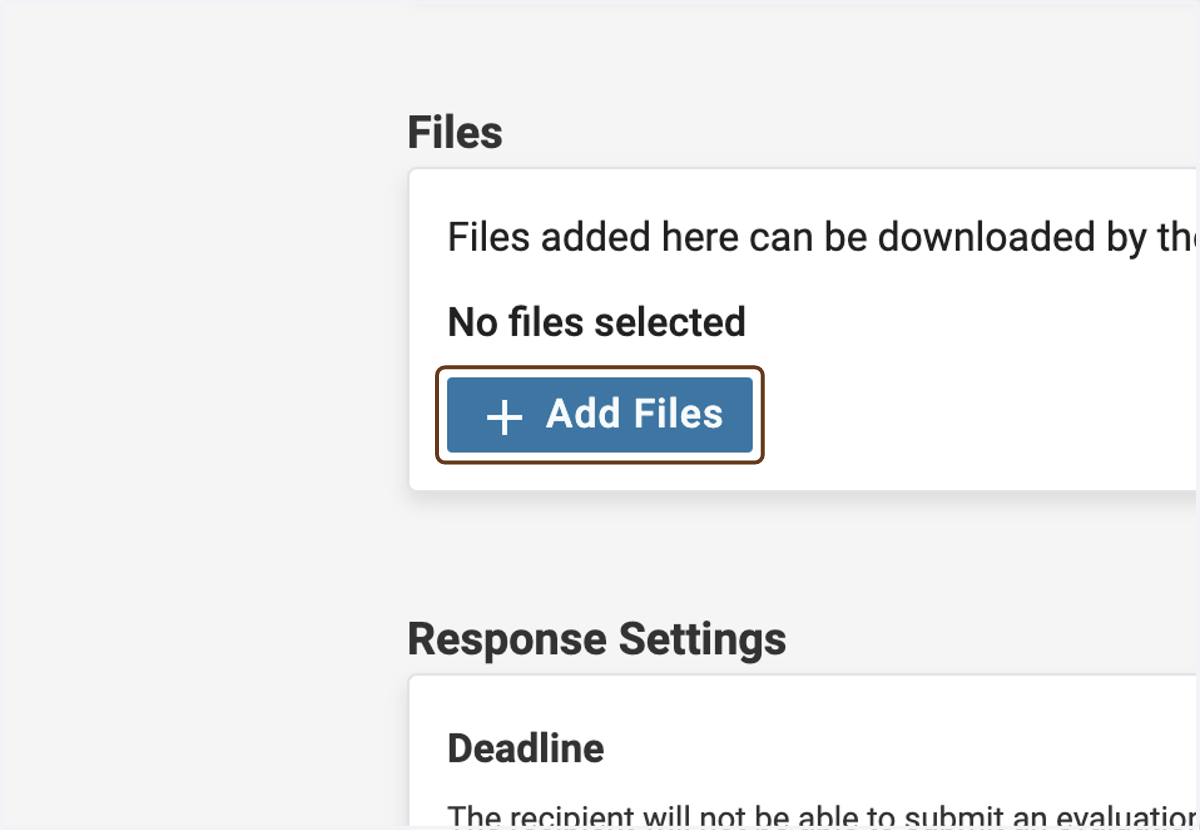
8. Click on add Add Files
Here, you can upload files that will be made available to the evaluator if and when they accept the request to evaluate.
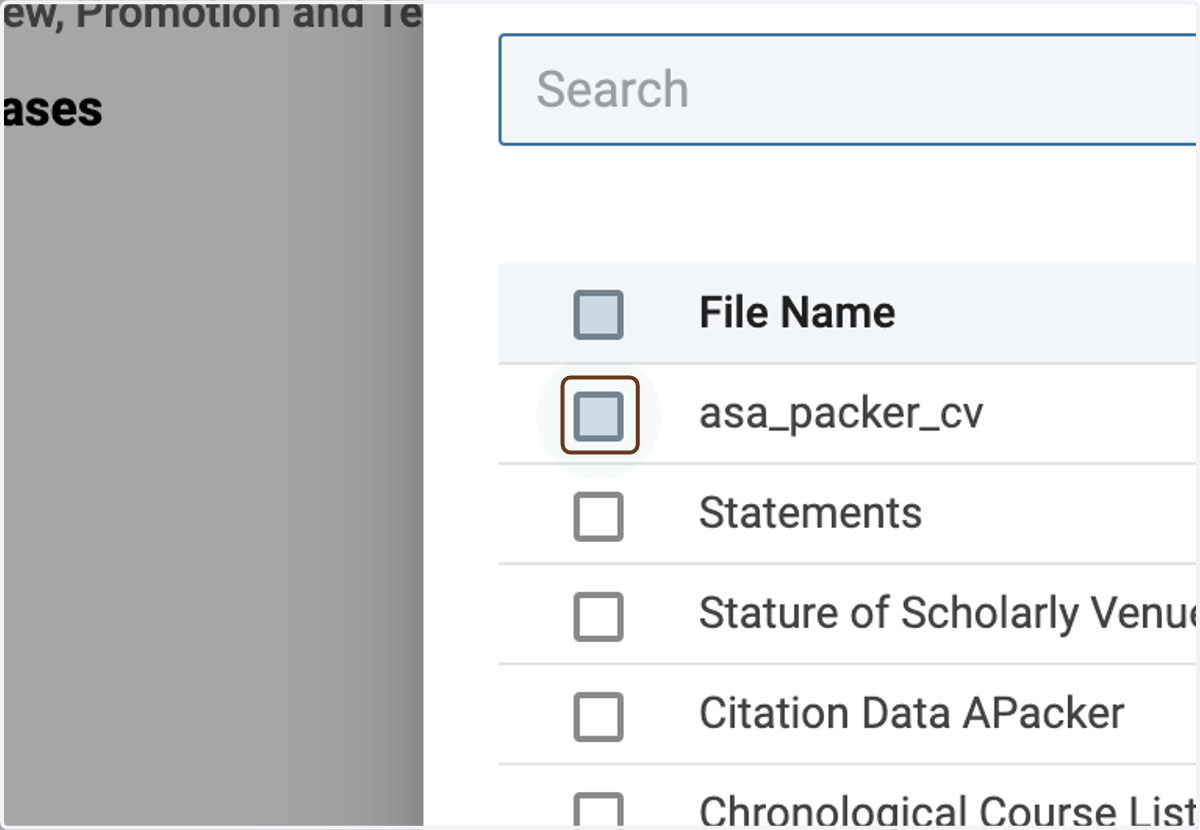
9. Choose which materials to send
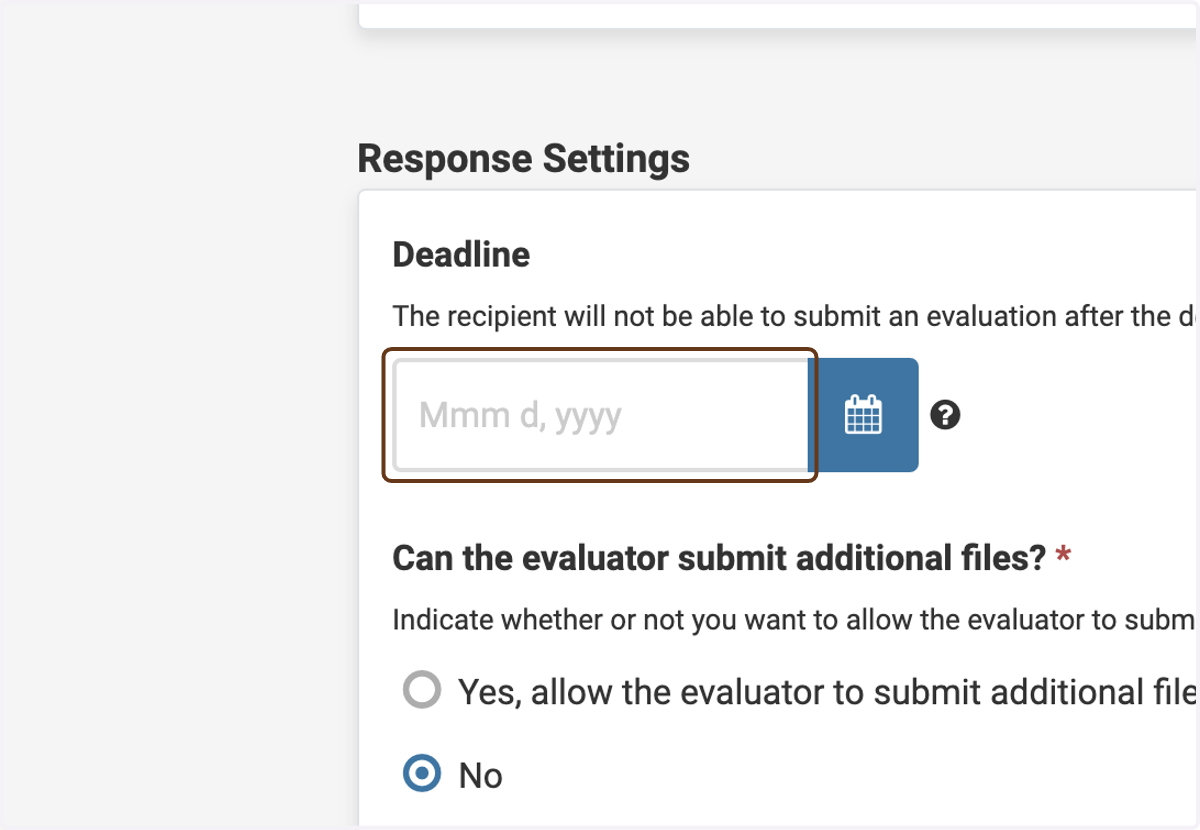
10. Enter a deadline for the review
Or leave this blank if you do not want to enforce a strict deadline.
11. Leave the remaining settings at their default values
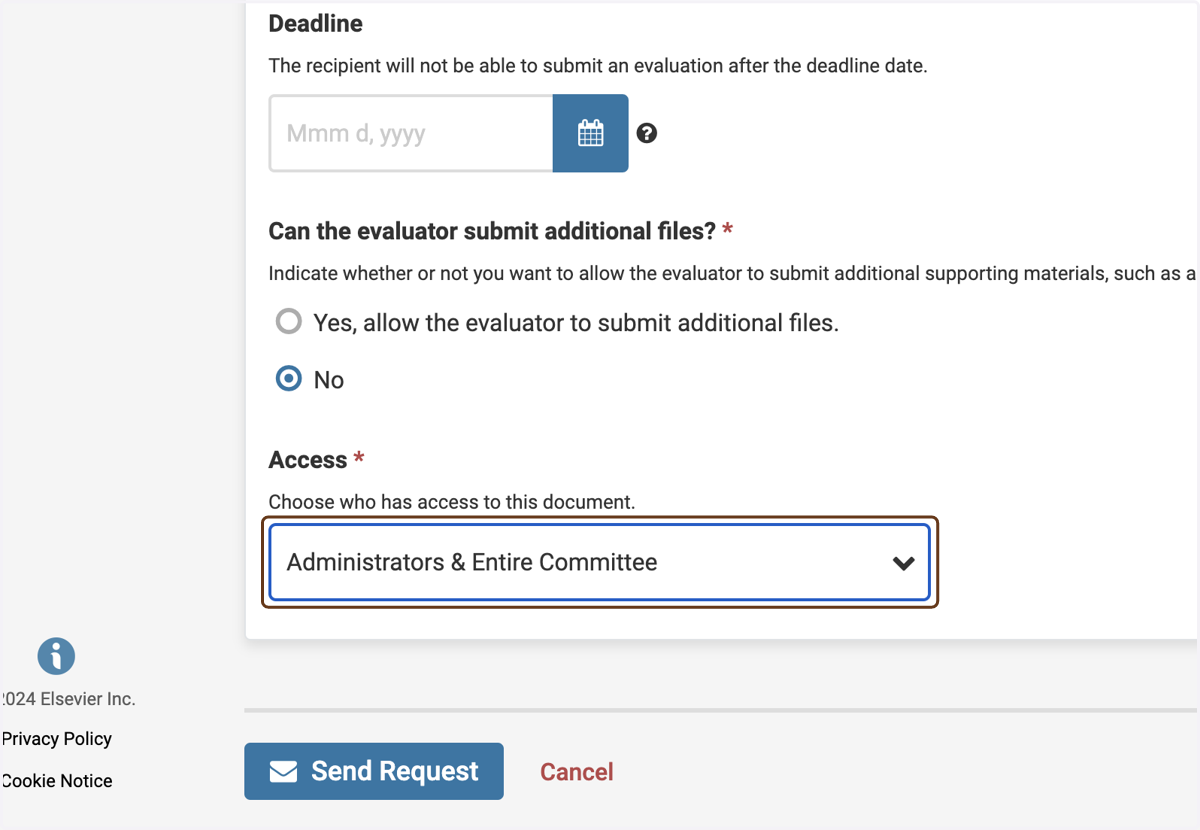
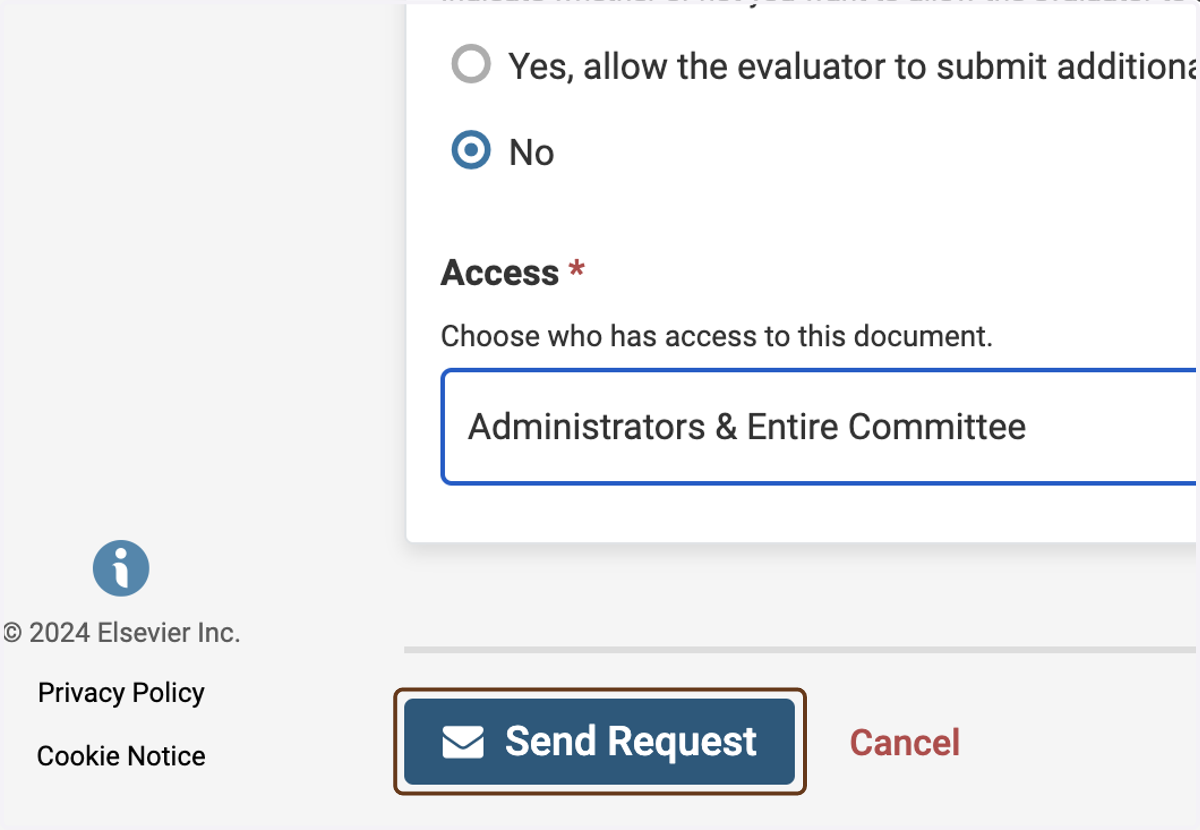
12. Click on Send Request
This will send the request(s) to the external evaluator(s).