Create Terminal - Delete terminal - Disable Terminal

Loadops

  1. 1. Go to Loadops by Optym

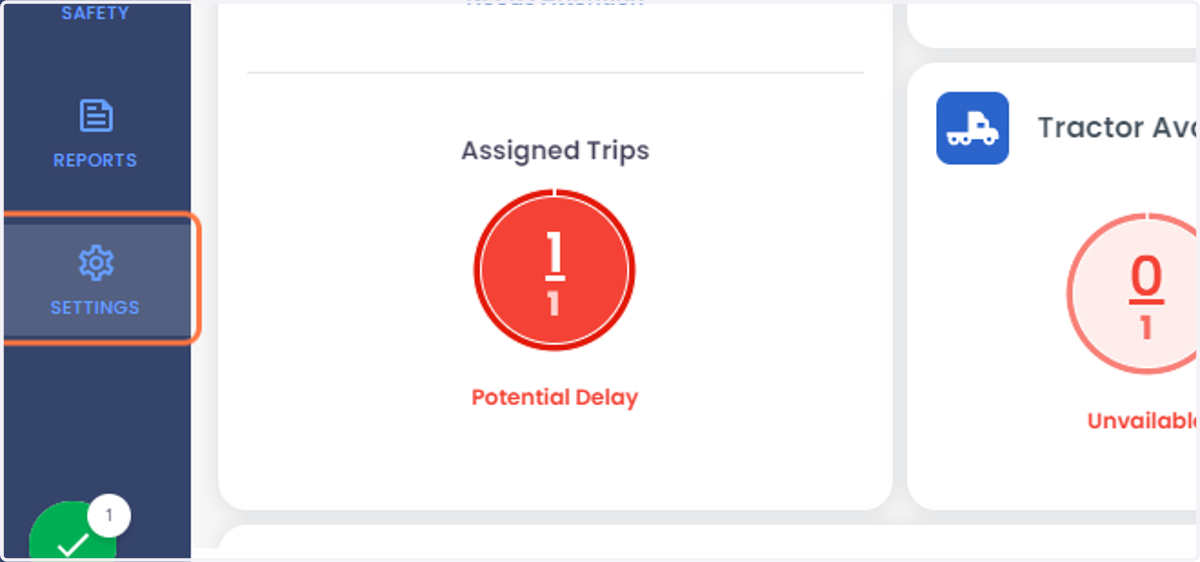
  2. 2. Click on SETTINGS

    Click on SETTINGS
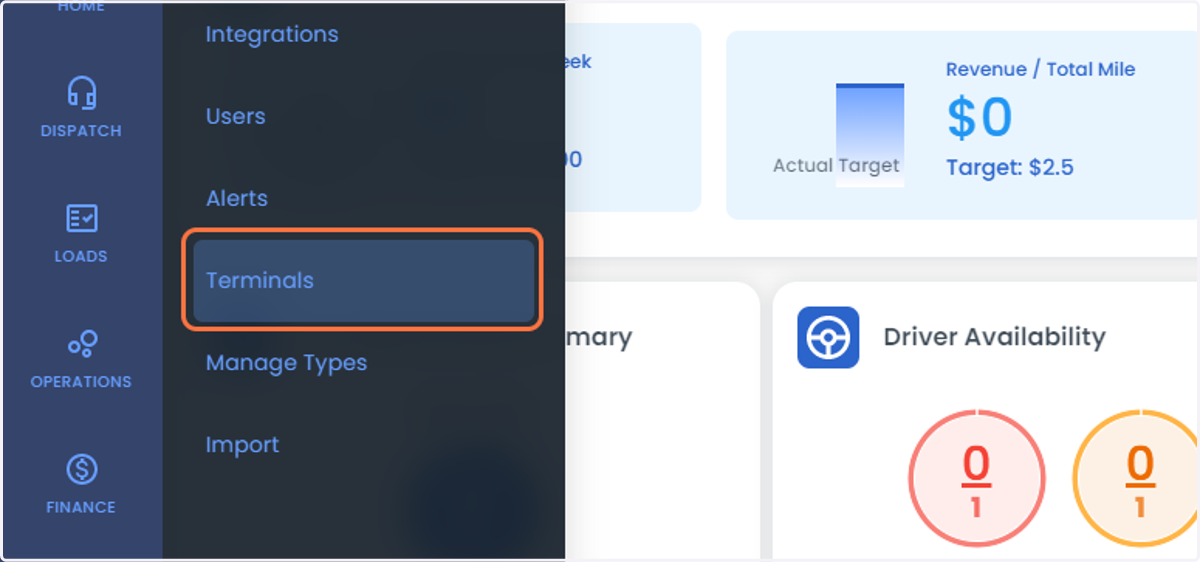
  3. 3. Click on Terminals

    Click on Terminals
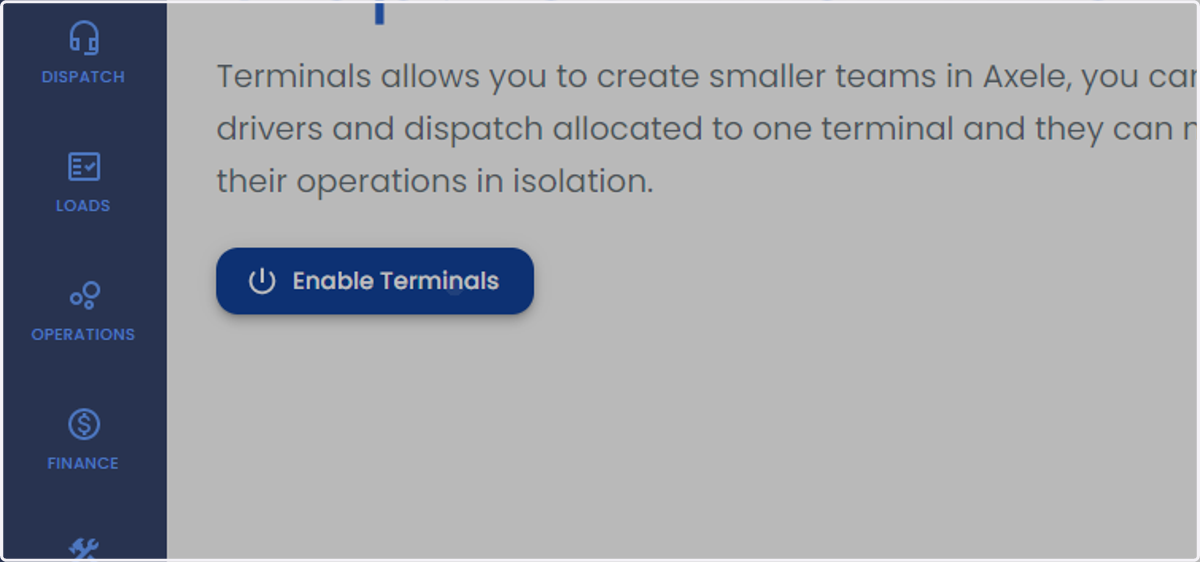
  4. 4. Click on Enable Terminals

    Click on Enable Terminals
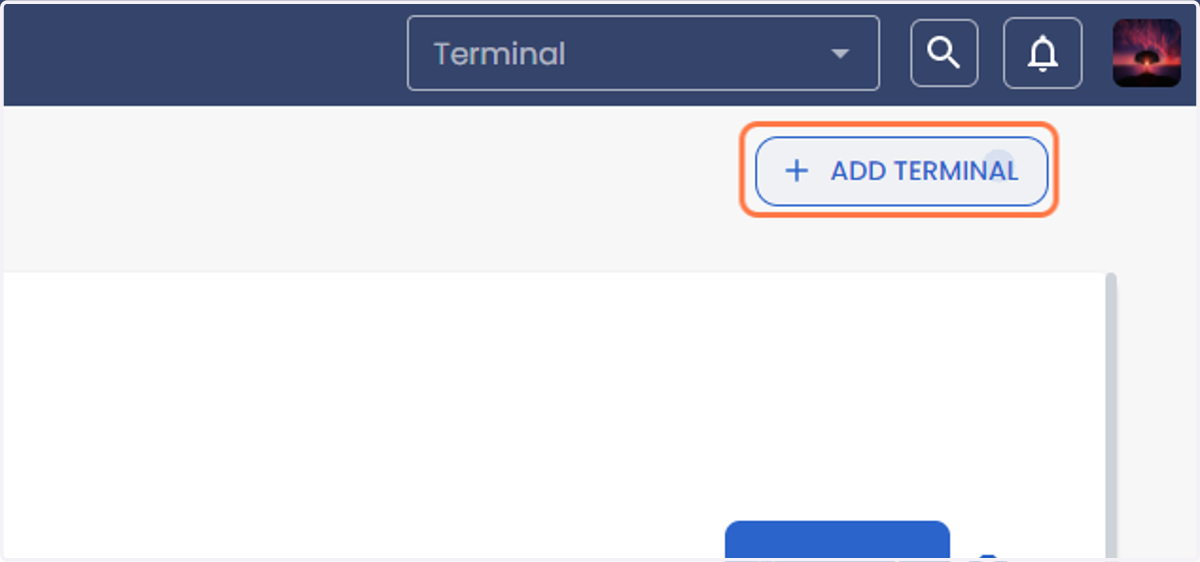
  5. 5. Click on ADD TERMINAL

    Click on ADD TERMINAL
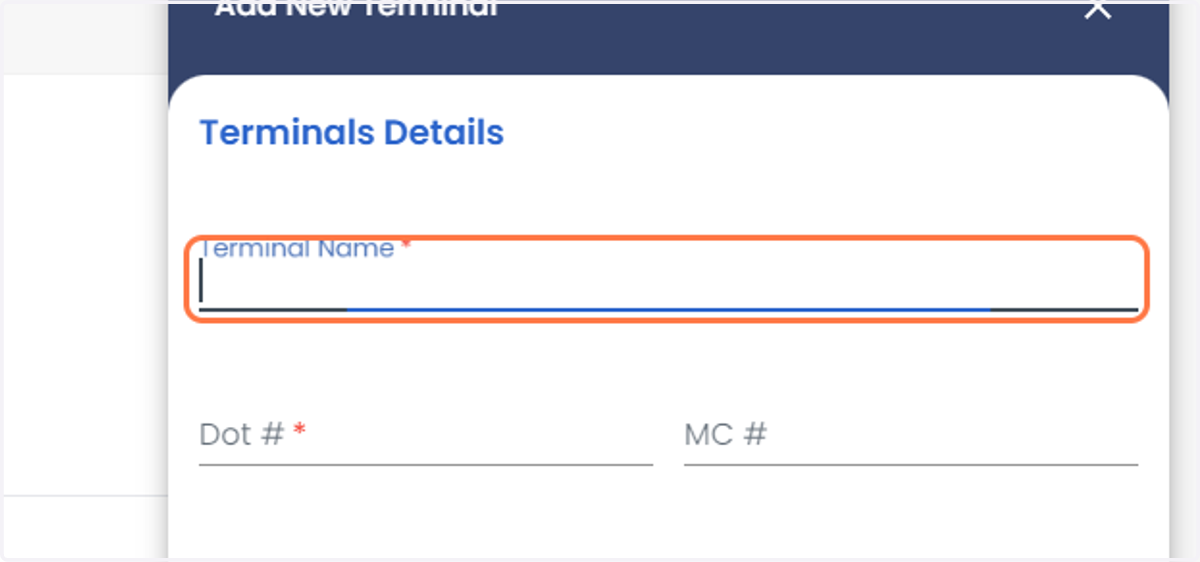
  6. 6. Enter the terminal Name

    Enter the terminal Name
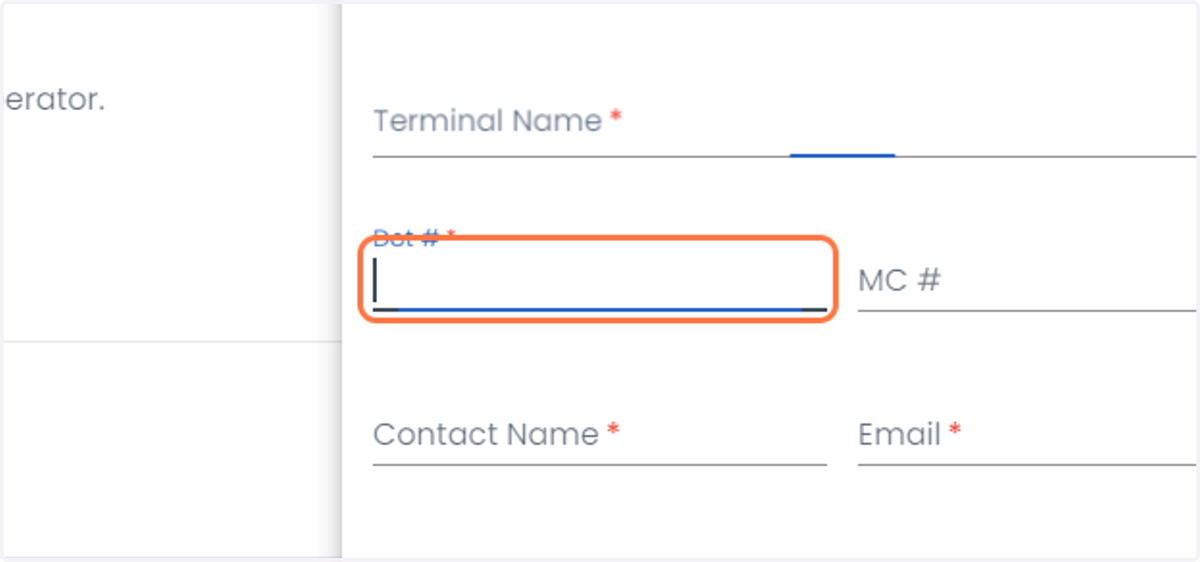
  7. 7. Enter the DOT#

    Enter the DOT#
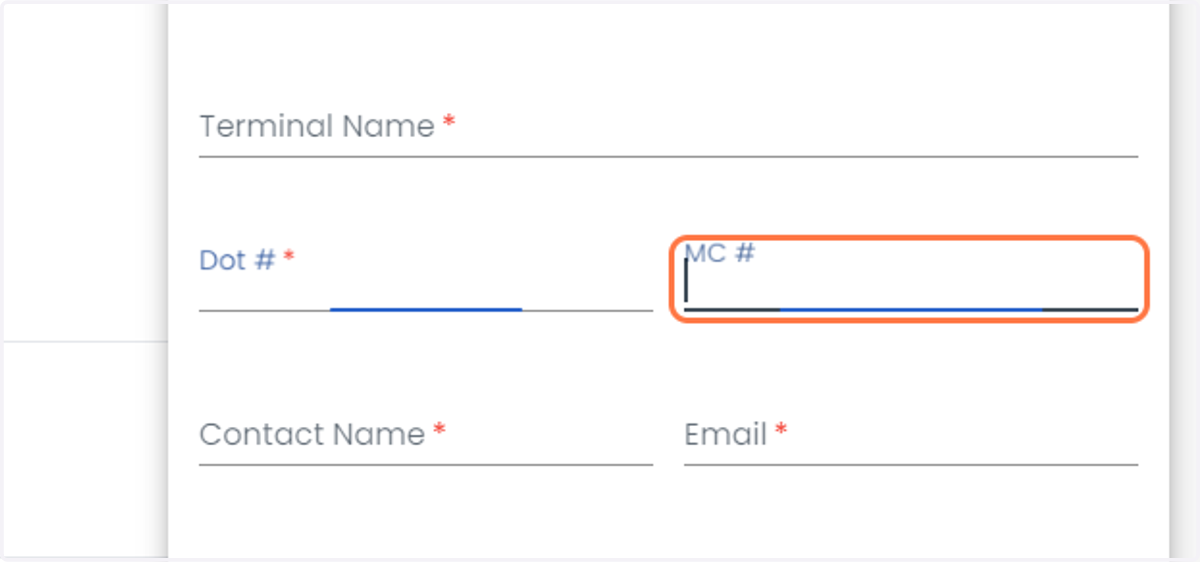
  8. 8. Enter the MC#

    Enter the MC#
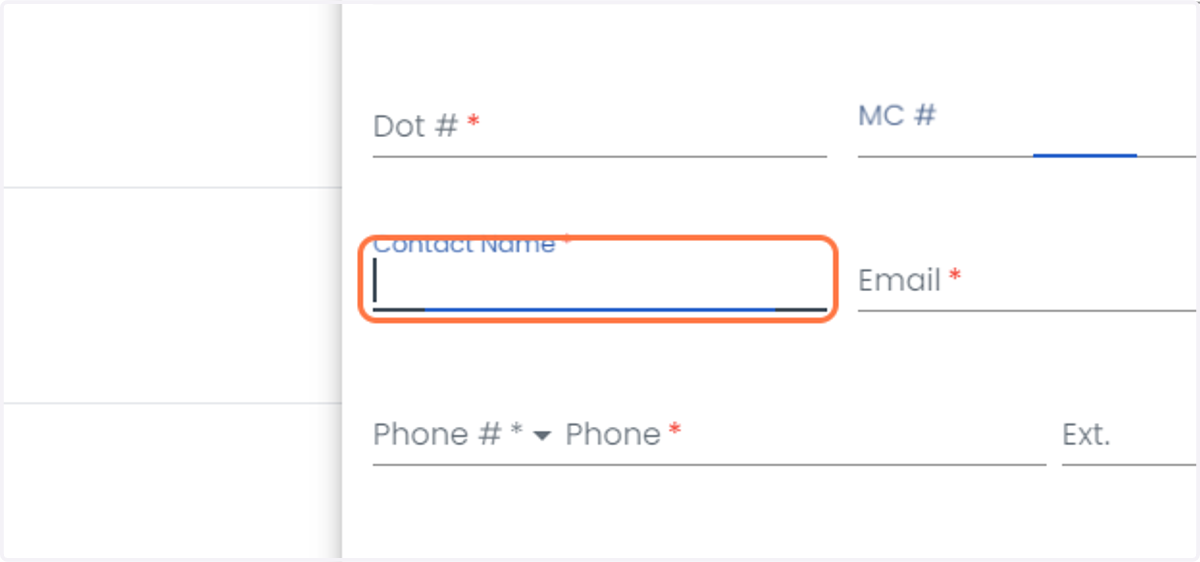
  9. 9. Enter the contact's name

    Enter the contact's name
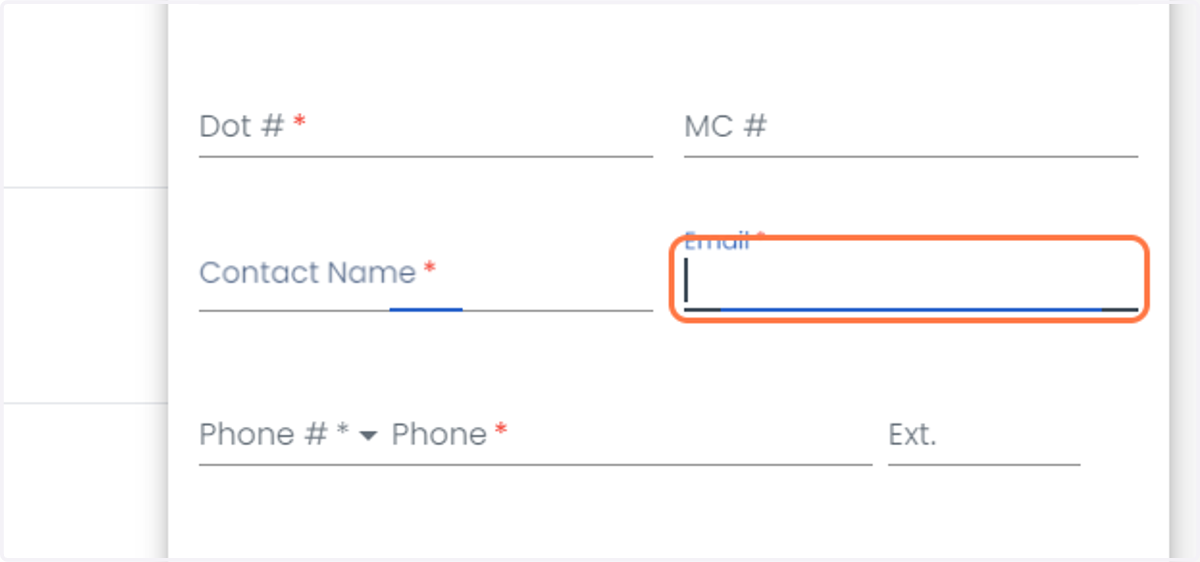
  10. 10. Enter the email address

    Enter the email address
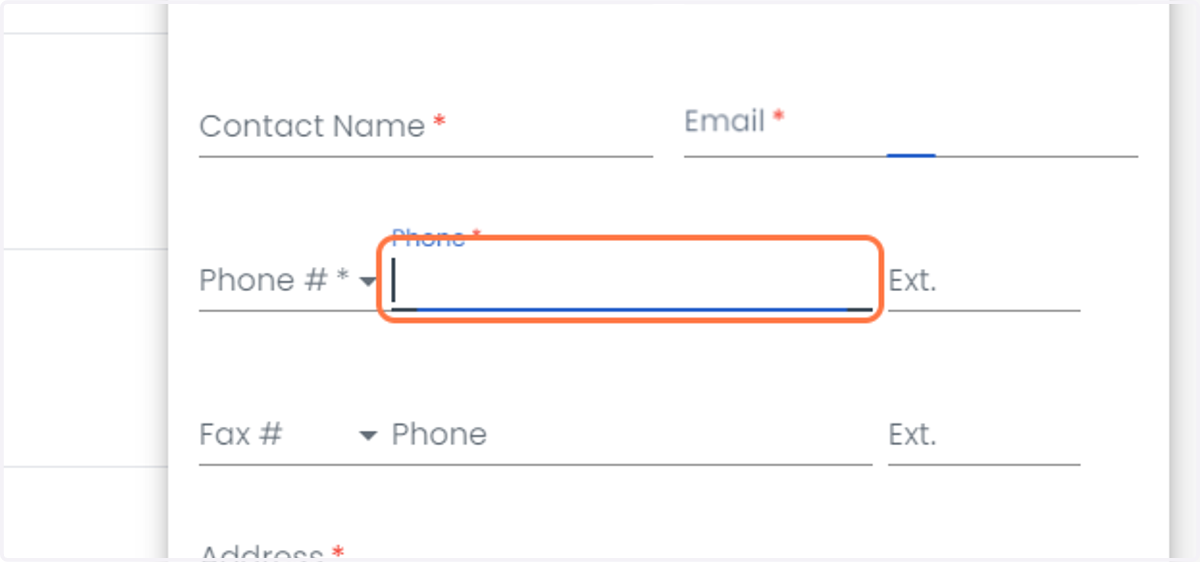
  11. 11. Enter the phone number

    Enter the phone number
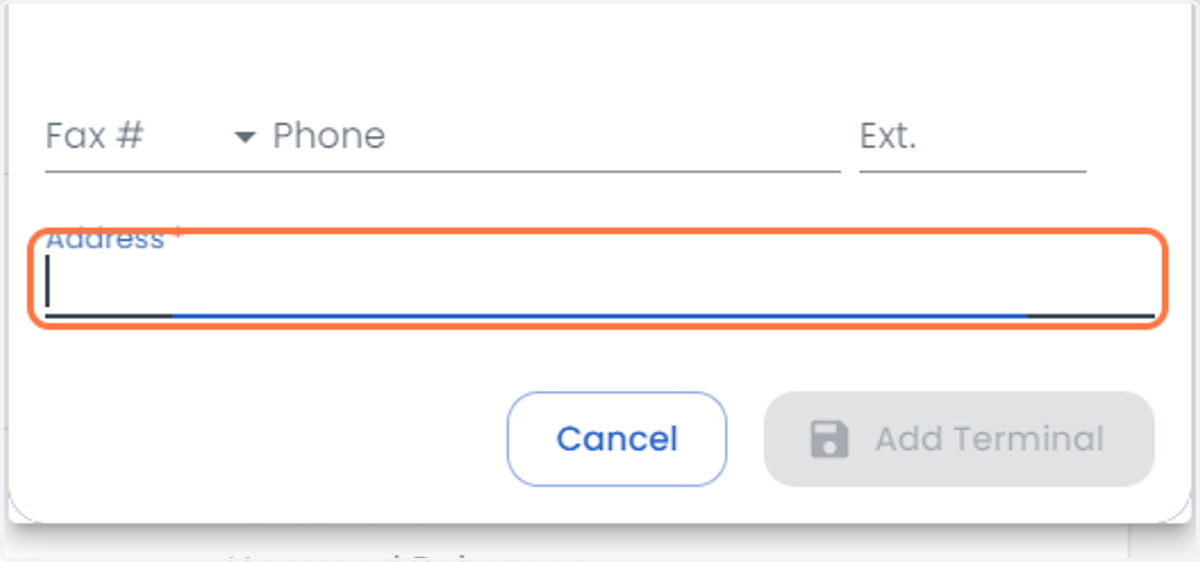
  12. 12. Enter the address

    Enter the address
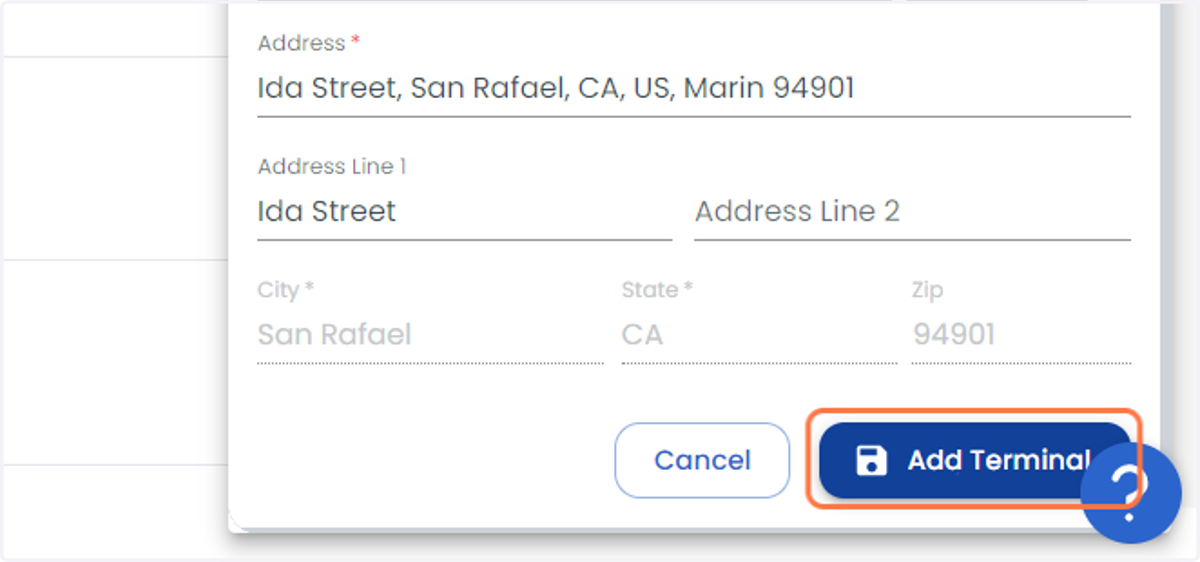
  13. 13. Click on Add Terminal

    Click on Add Terminal
  14. 14. If you have multiple terminals and you want to delete the terminal, you can check the option at the bottom of page
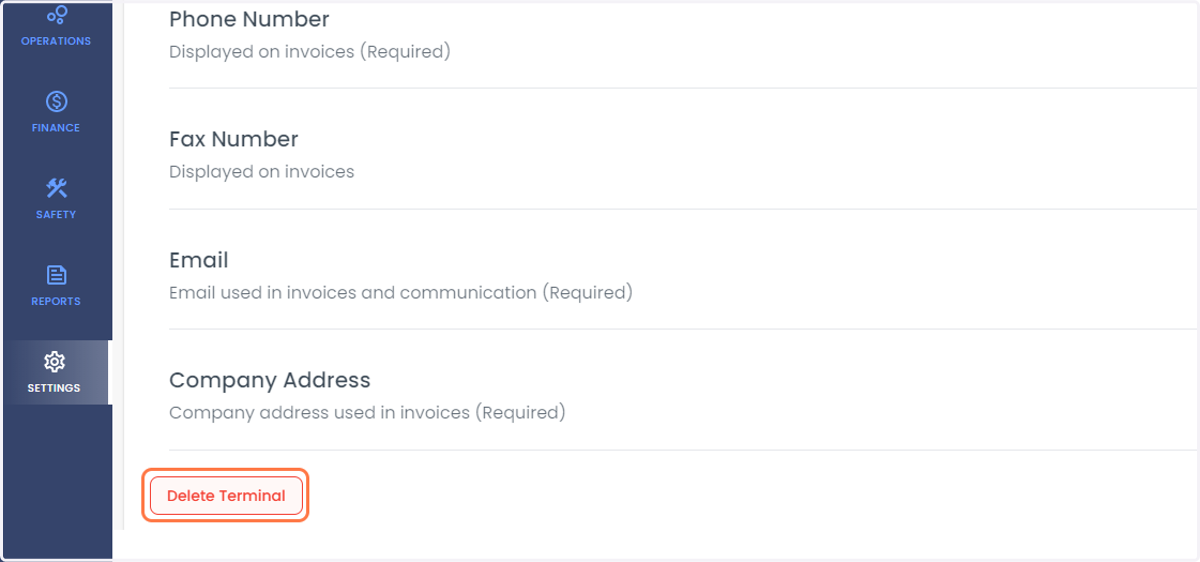
    If you have multiple terminals and you want to delete the terminal, you can check the option at the bottom of page
  15. 15. If single terminal, you can disable the terminal
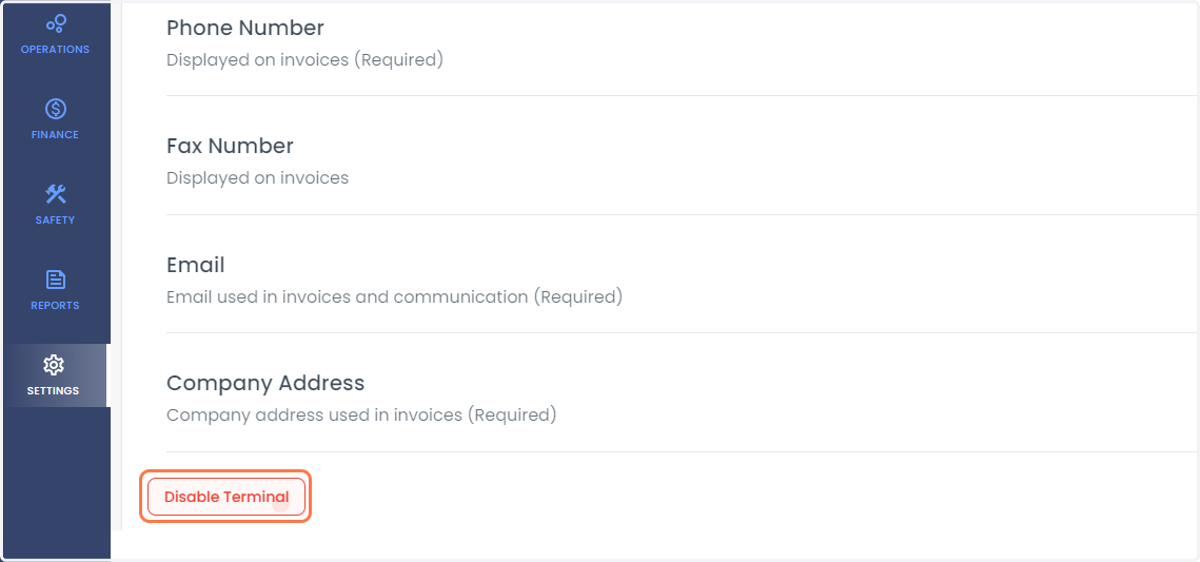
    If single terminal, you can disable the terminal