How to configure opportunity probabilities
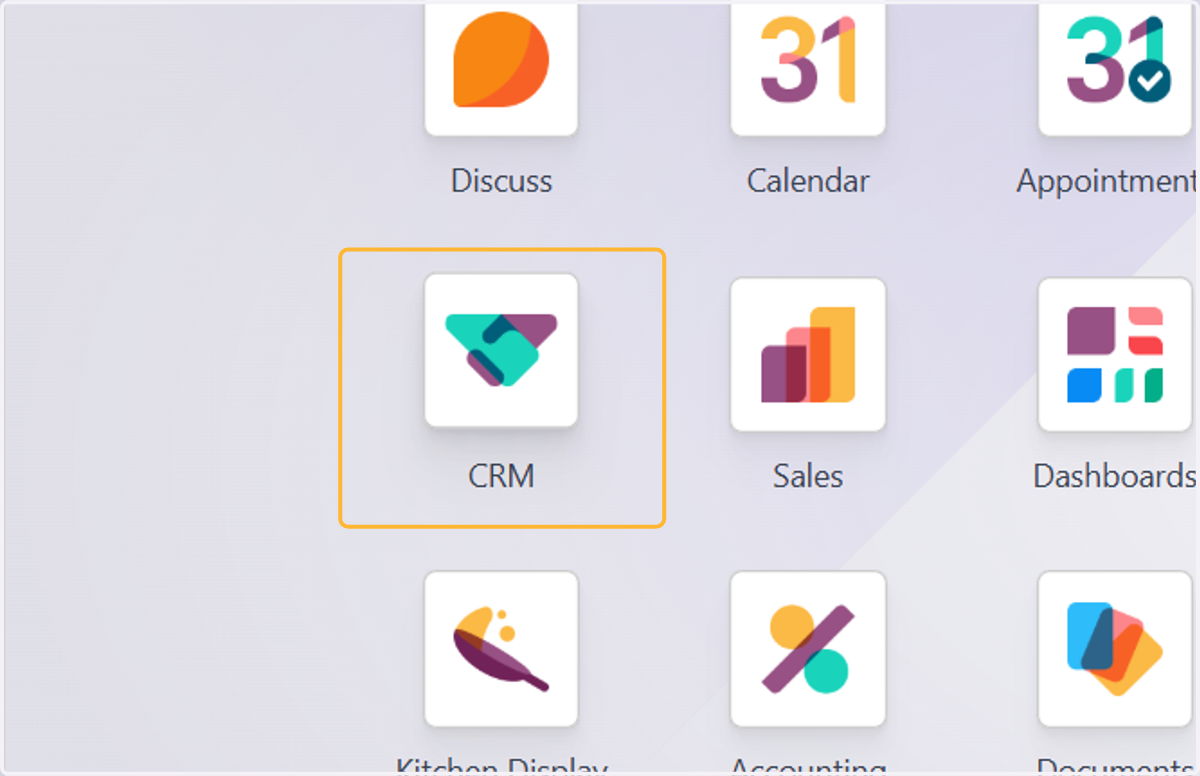
1. Click on CRM
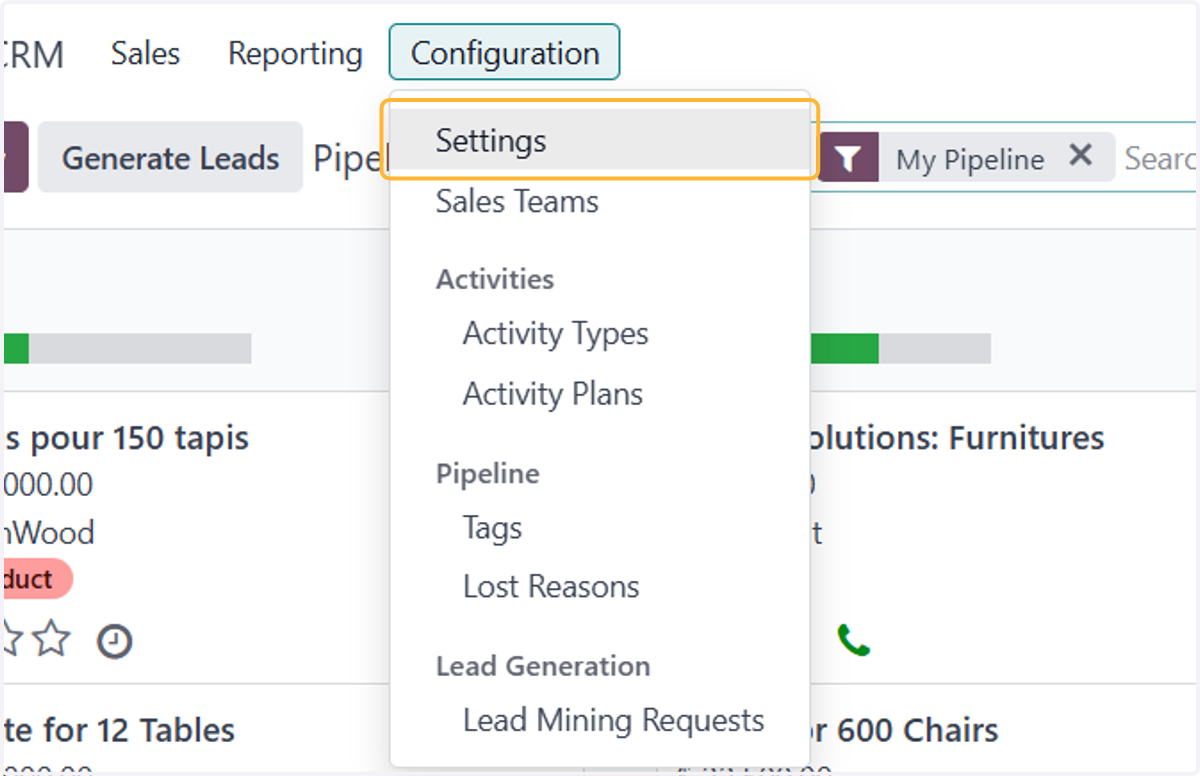
2. Click on Configuration > Settings
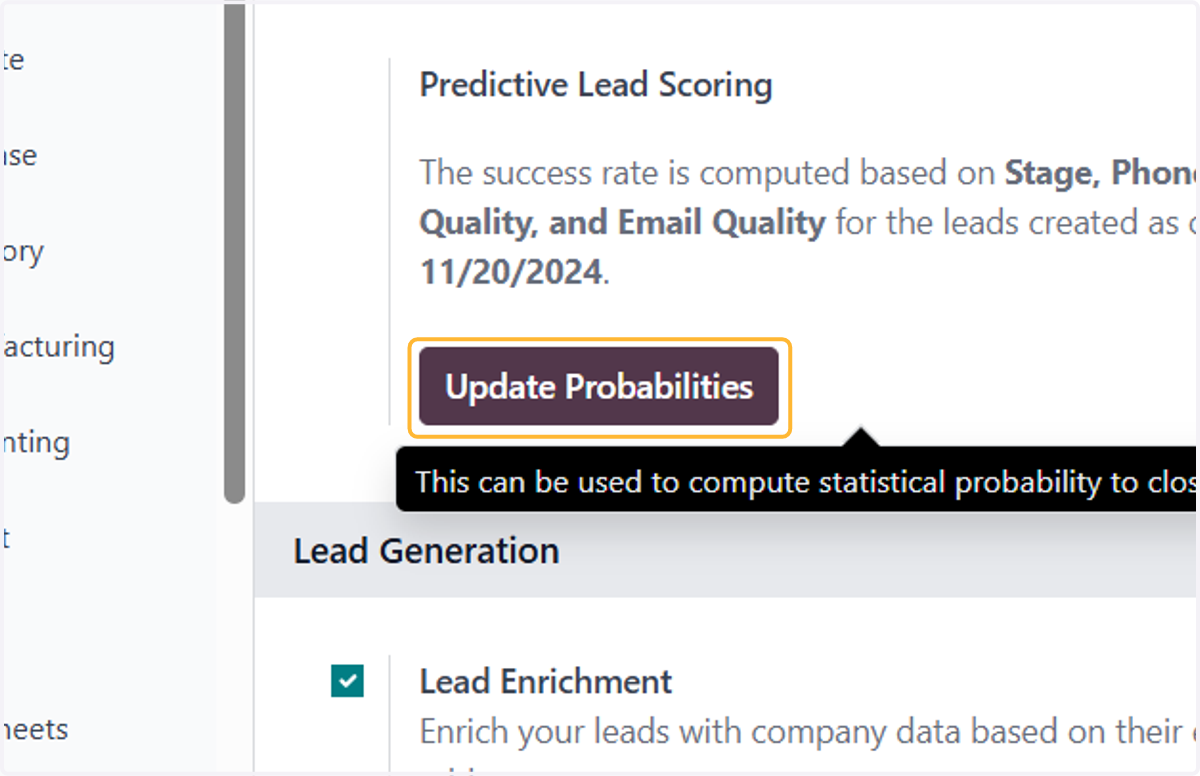
3. Click on Update Probabilities
4. Click on dropdown trigger
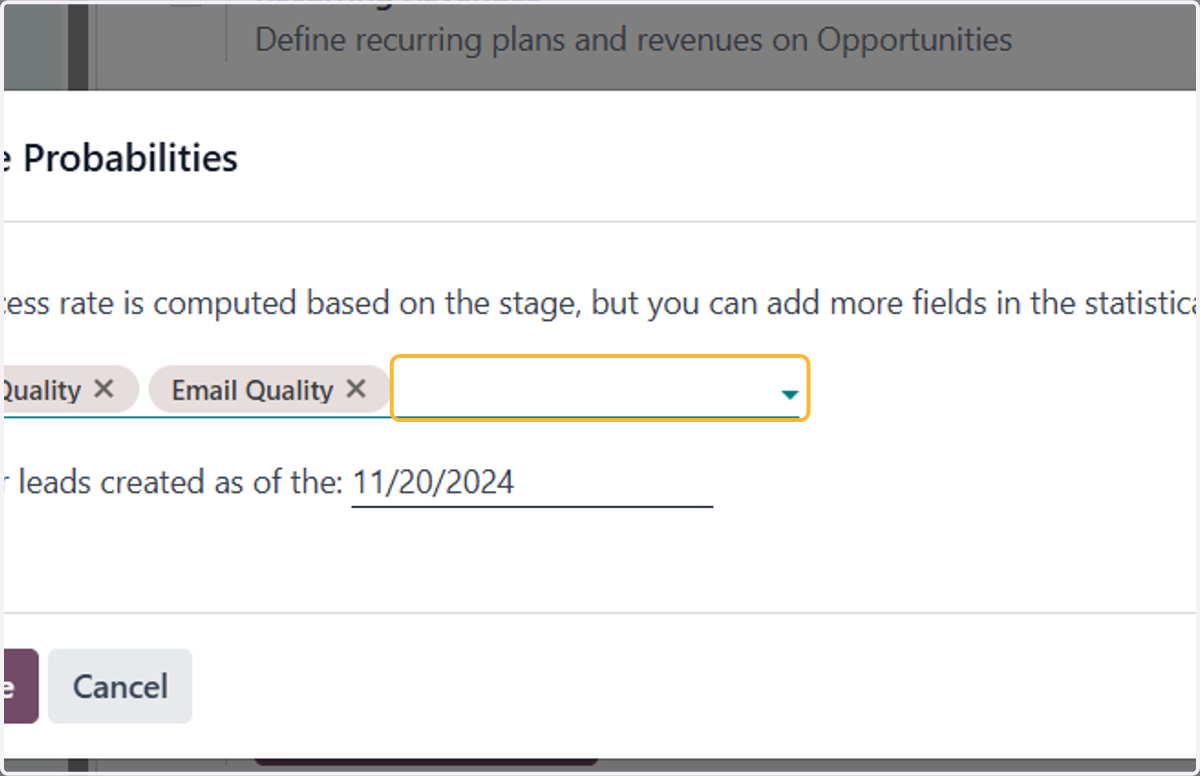
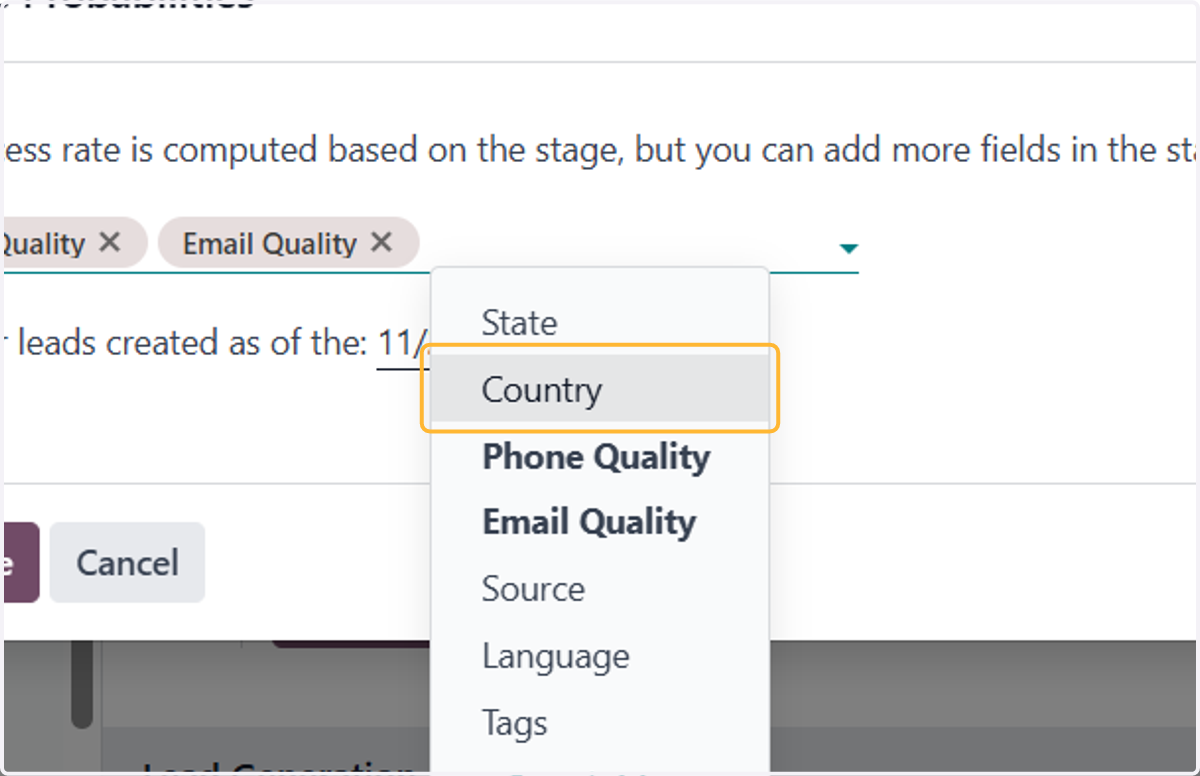
5. You can select any variable to suits your probability setup. To remove any variable, hit the X icon next to it
Any number of the following variables can be activated:
State: the geographical state from which the opportunity originates
Country: the geographical country from which the opportunity originates
Phone Quality: whether or not a phone number is listed for the opportunity
Email Quality: whether or not an email address is listed for the opportunity
Source: the source of an opportunity (e.g. search engine, social media)
Language: the spoken language specified on the opportunity
Tags: the tags placed on the opportunity
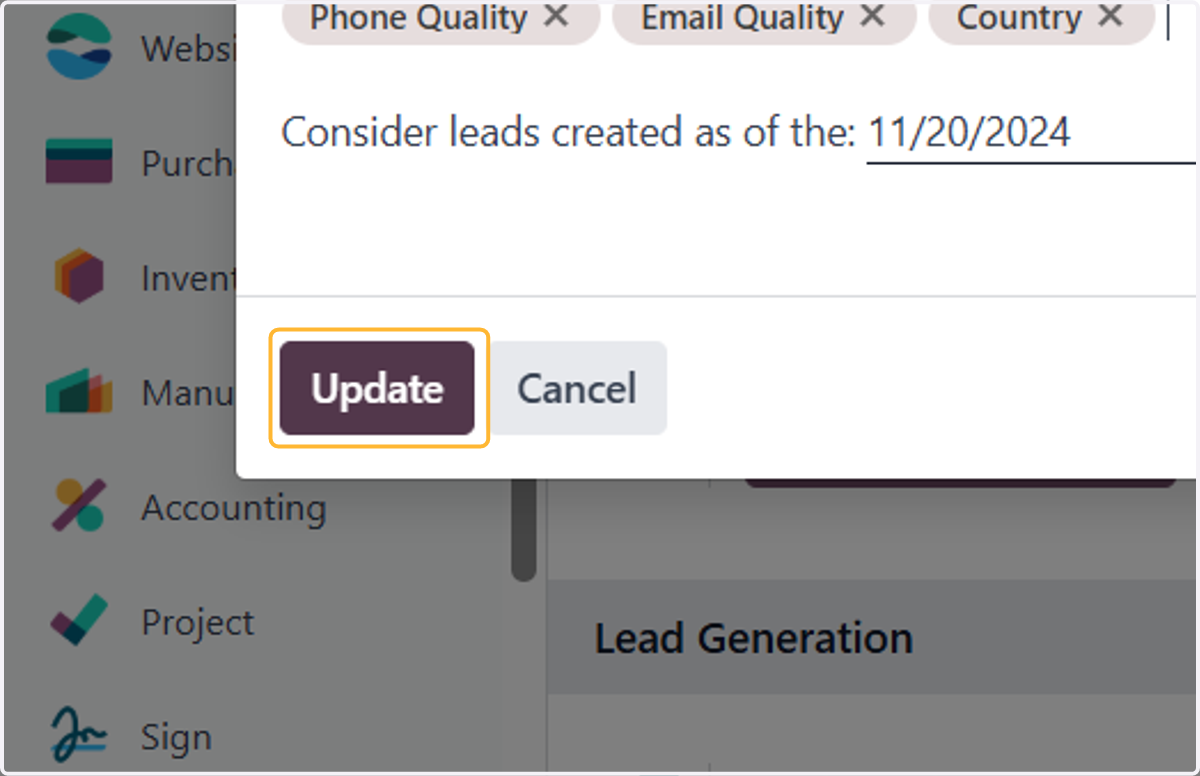
6. Click on Update
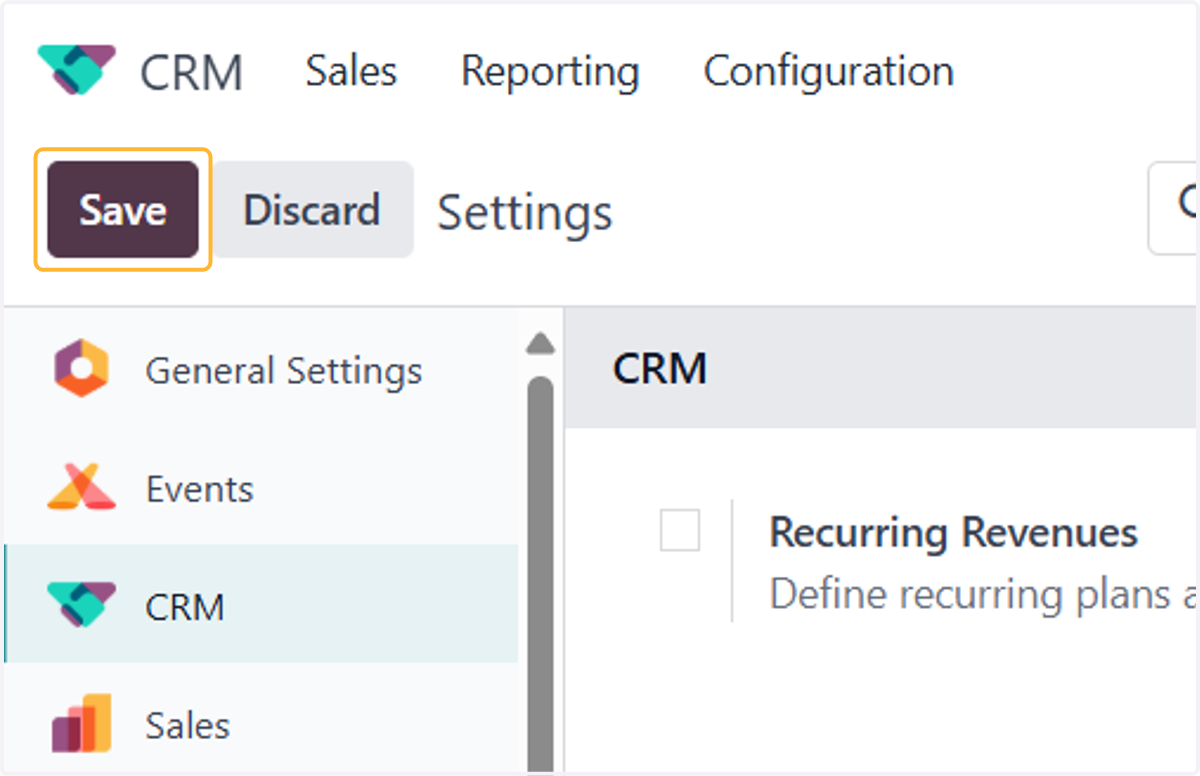
7. Make sure to click on Save
8. Head back to Sales > My Pipeline
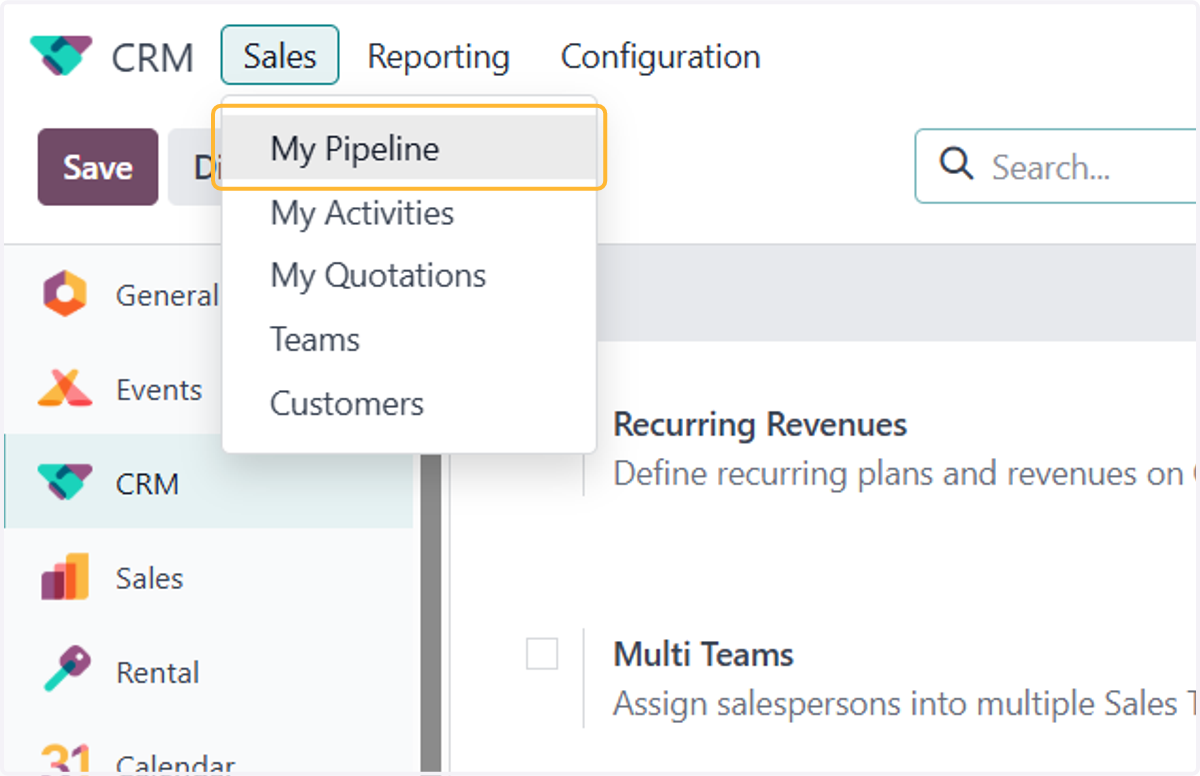
9. Click any opportunity
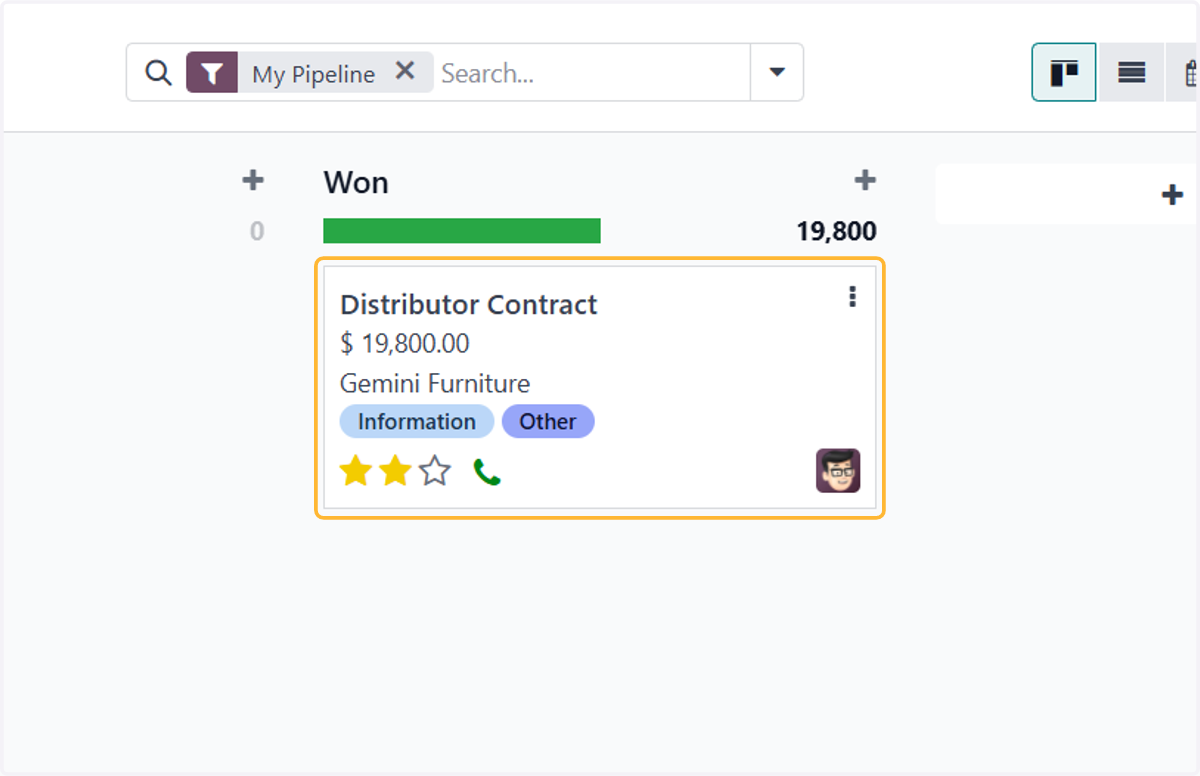
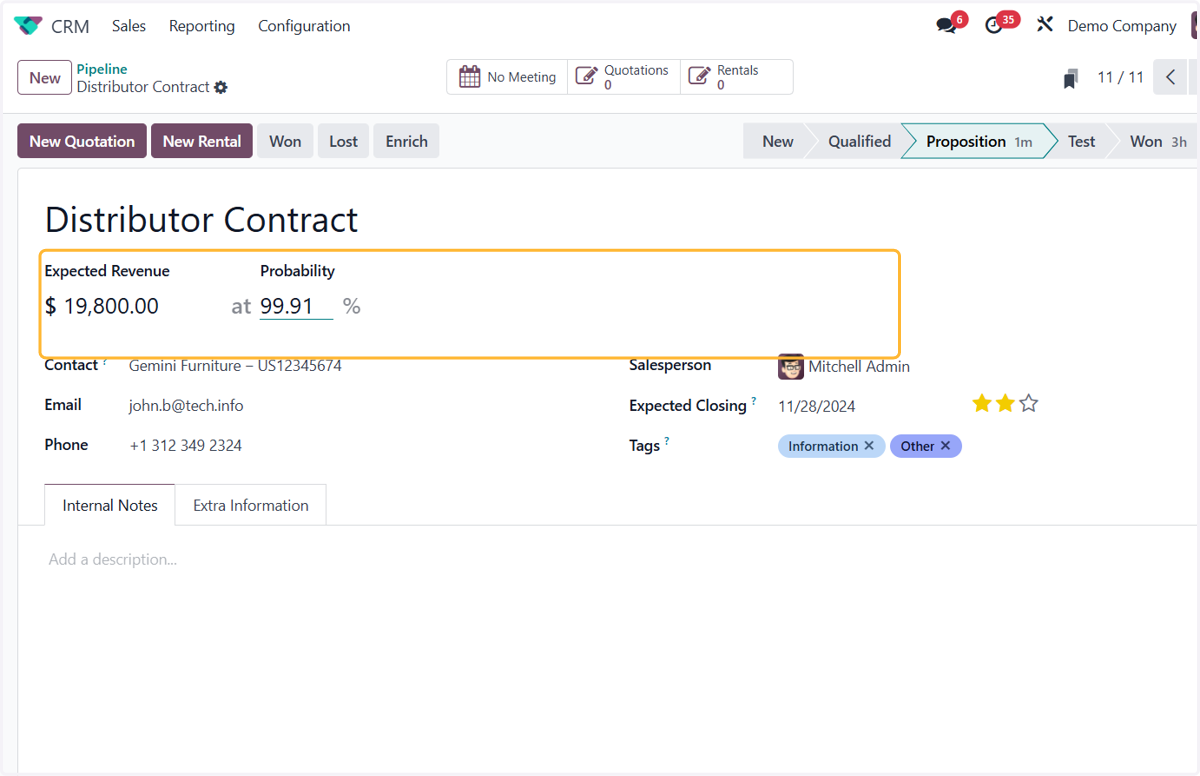
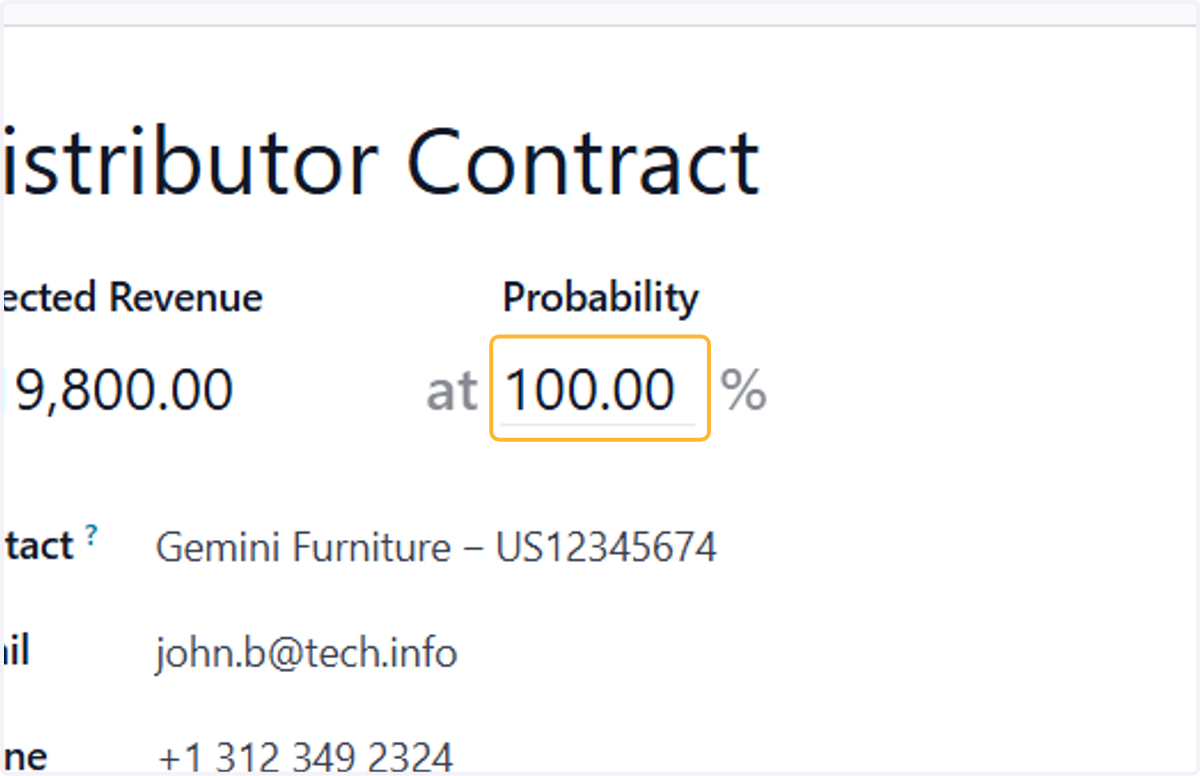
10. The probability will be set to 100% in the won stage
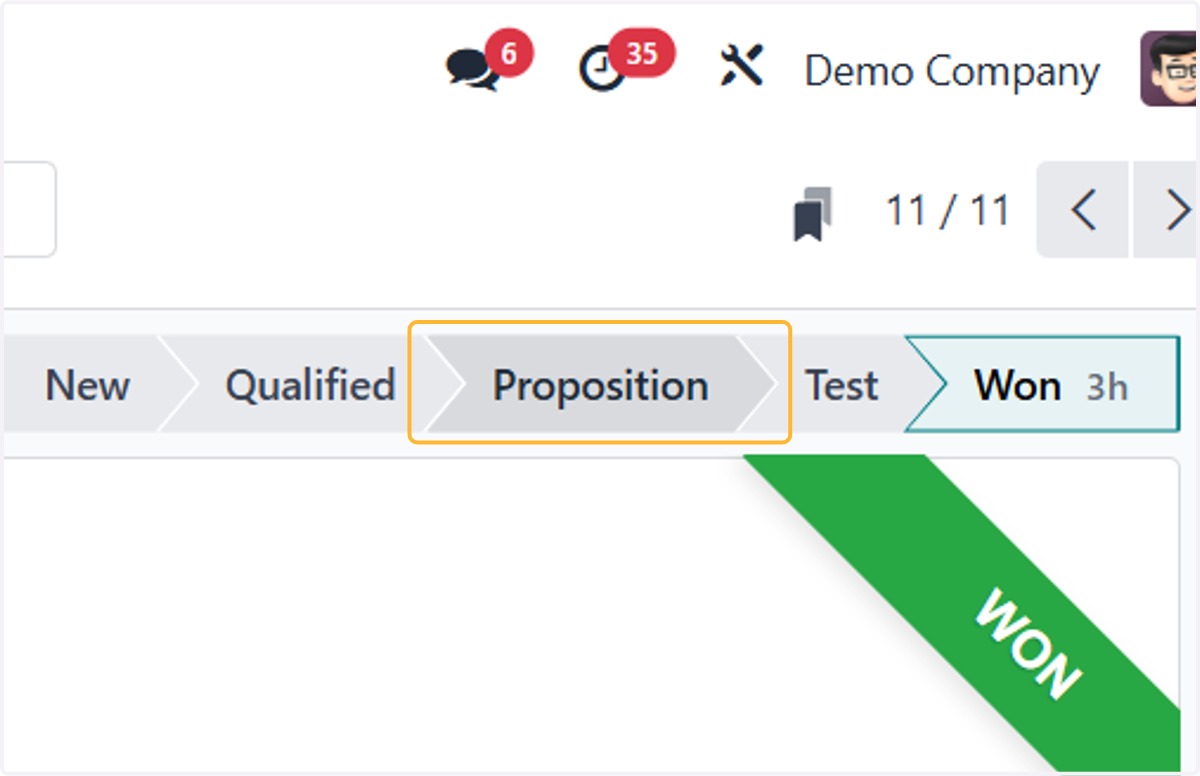
11. To test the probability setting, try click the other stages. The probability will change as per setting
12. You can manually edit the probability
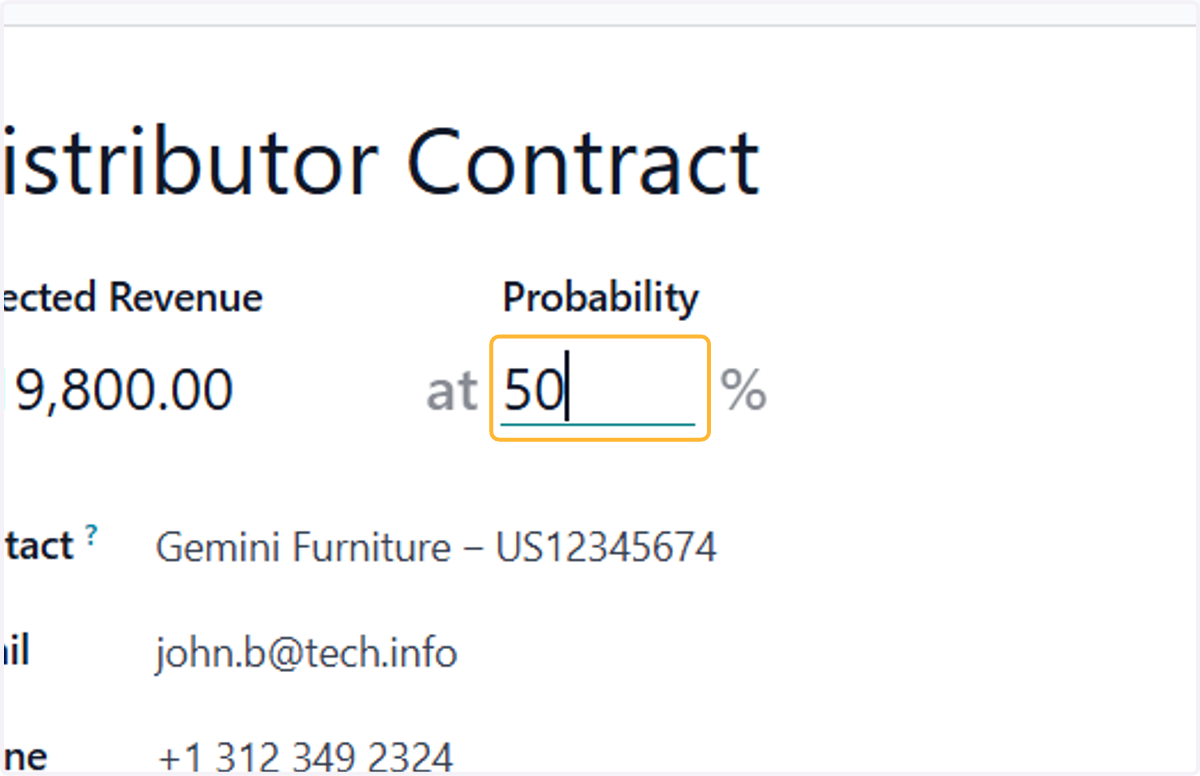
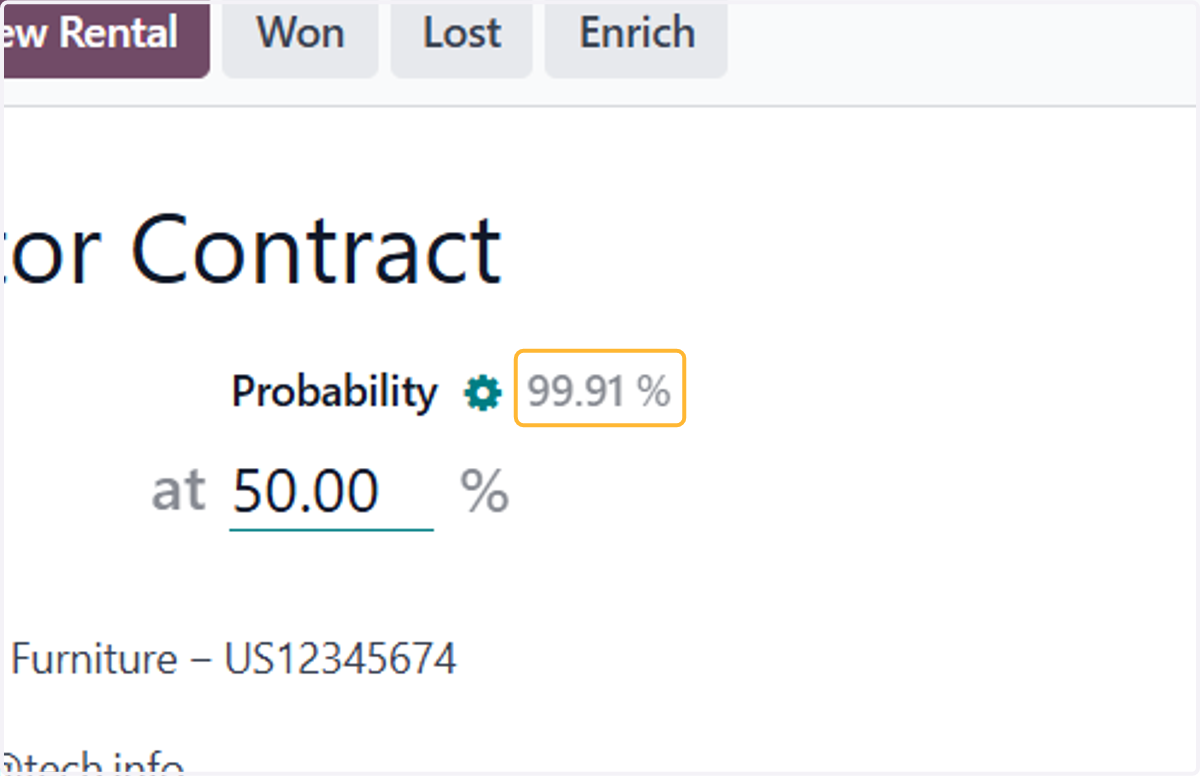
13. The default probability will be shown on top of it
14. If you want to revert back to original settings, click on the gear icon
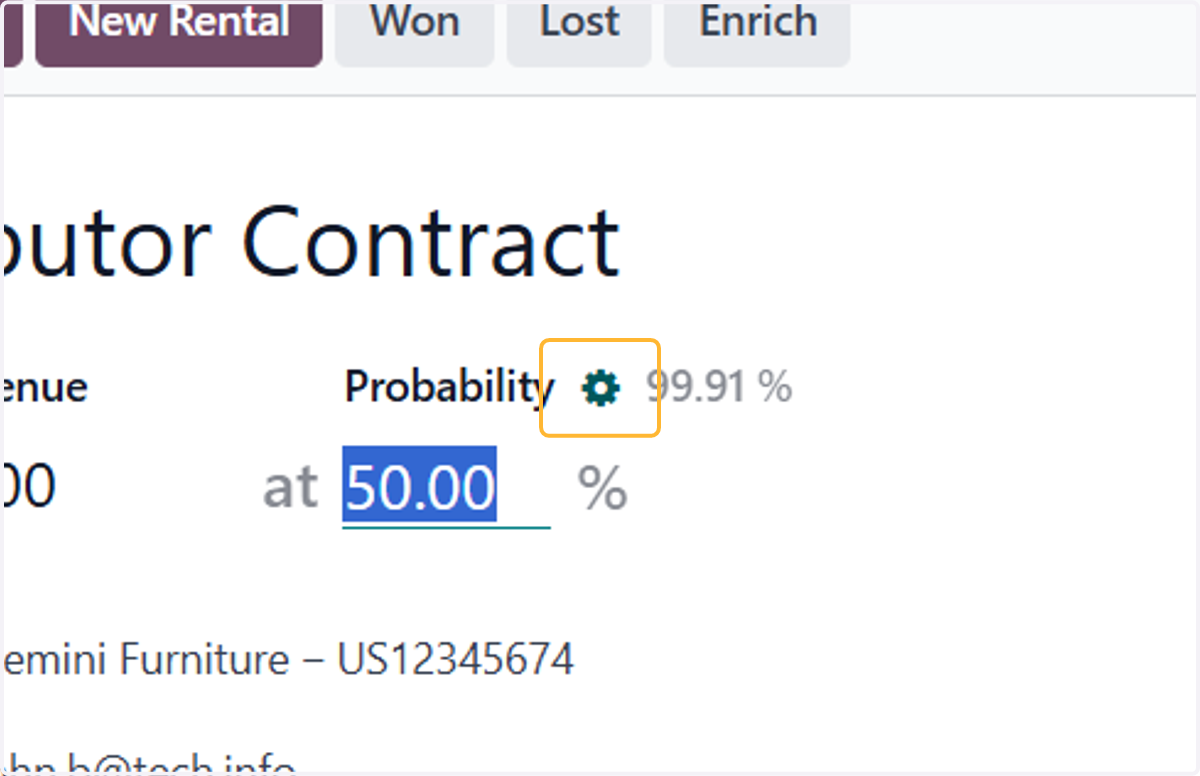
15. The probability will go back to original value, as per your setting